-
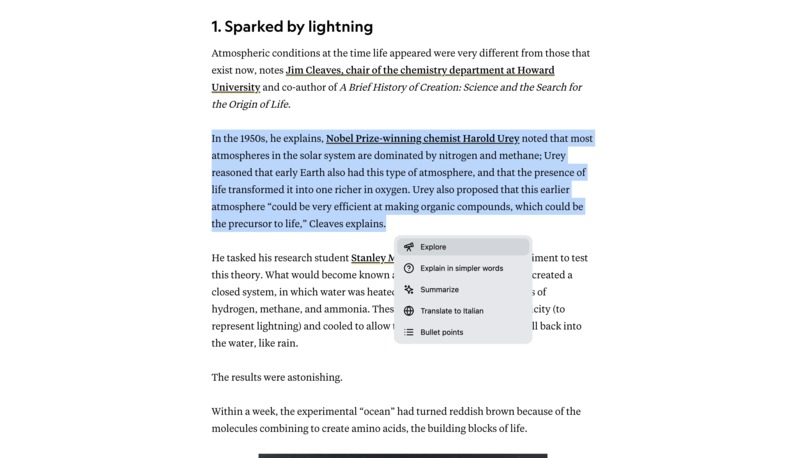
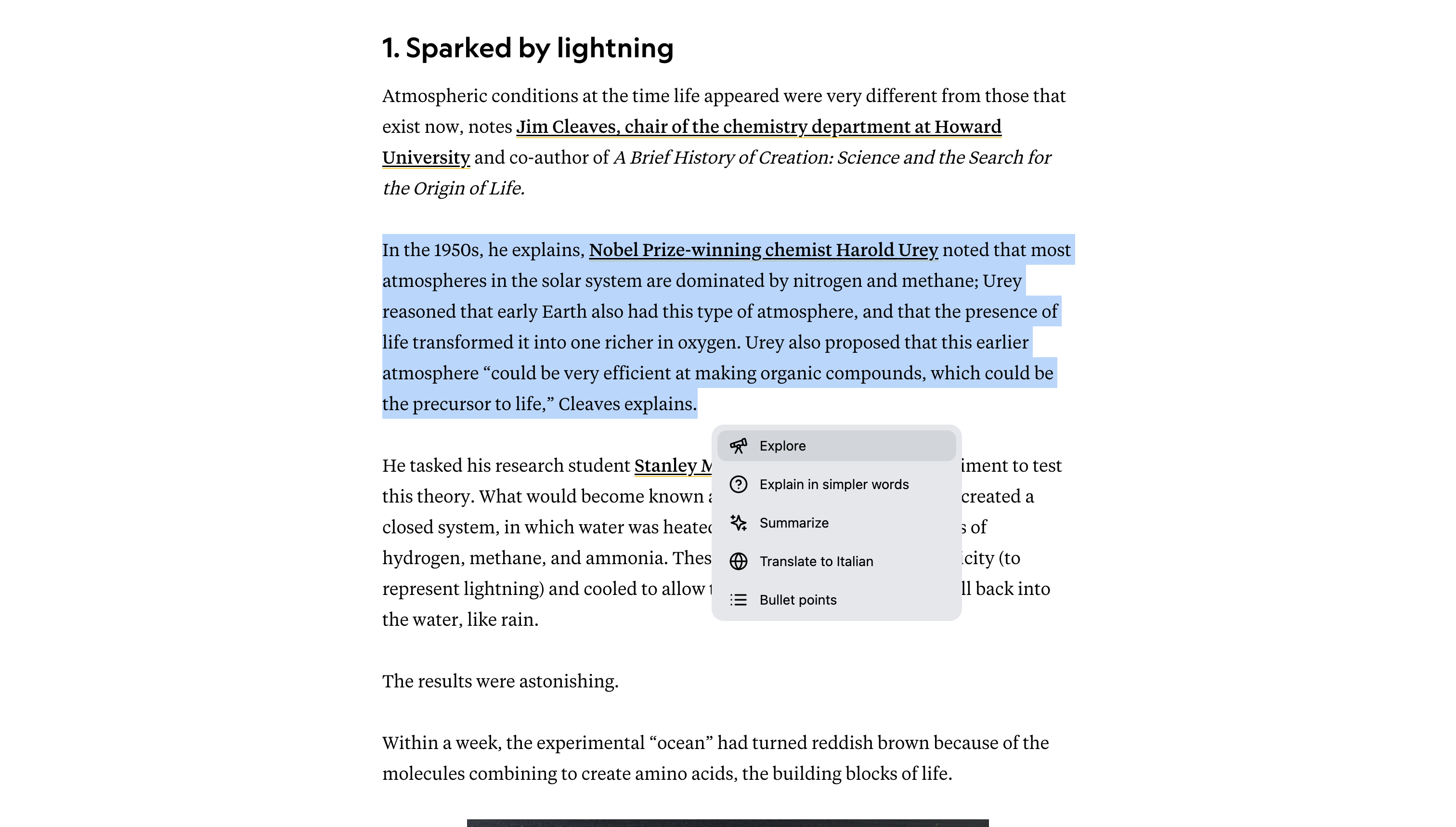
available command when selecting a paragraph
-
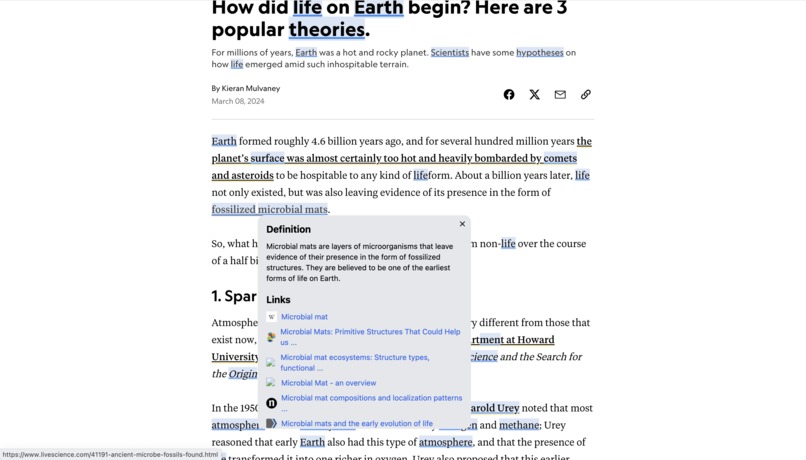
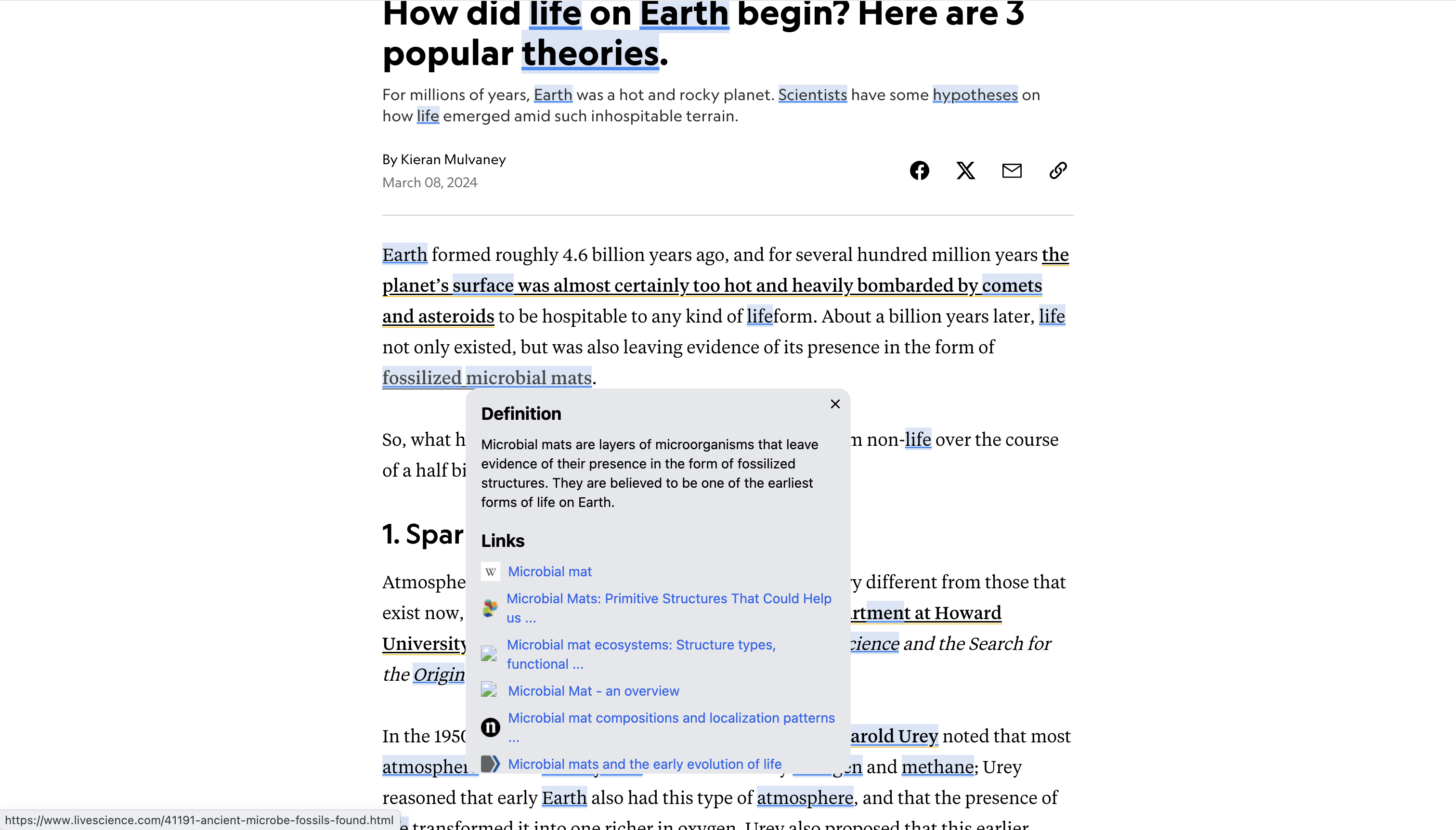
exploring more about a keyword (blue keywords are automatically detected and highlighted by GPT)
-
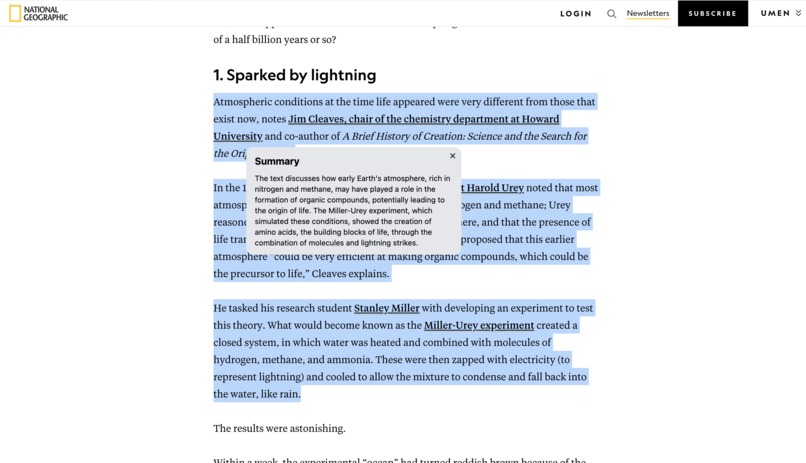
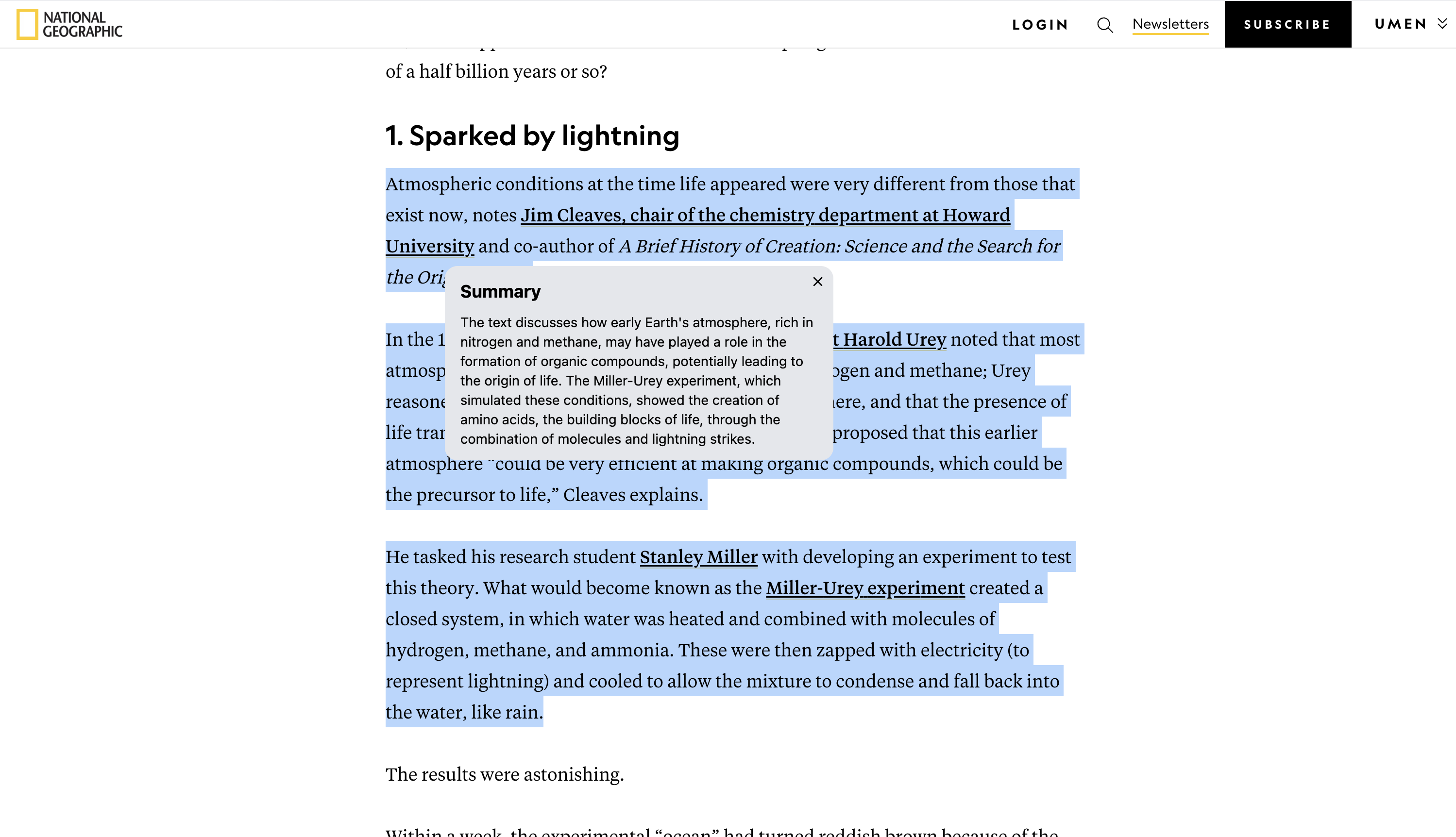
generated summary of a paragraph
-
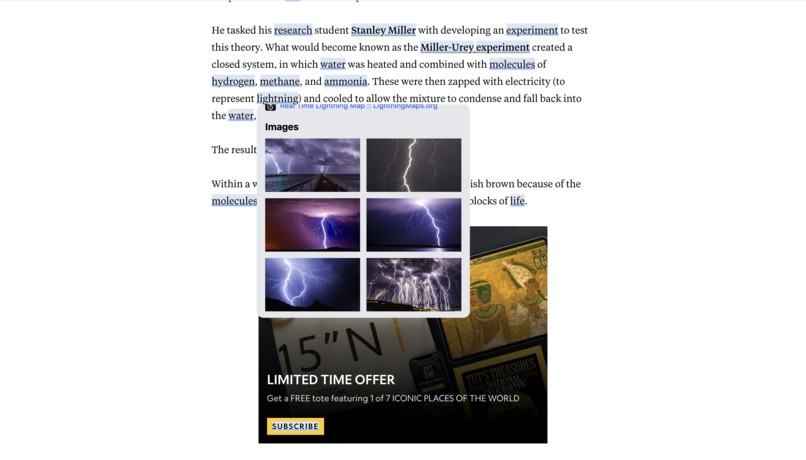
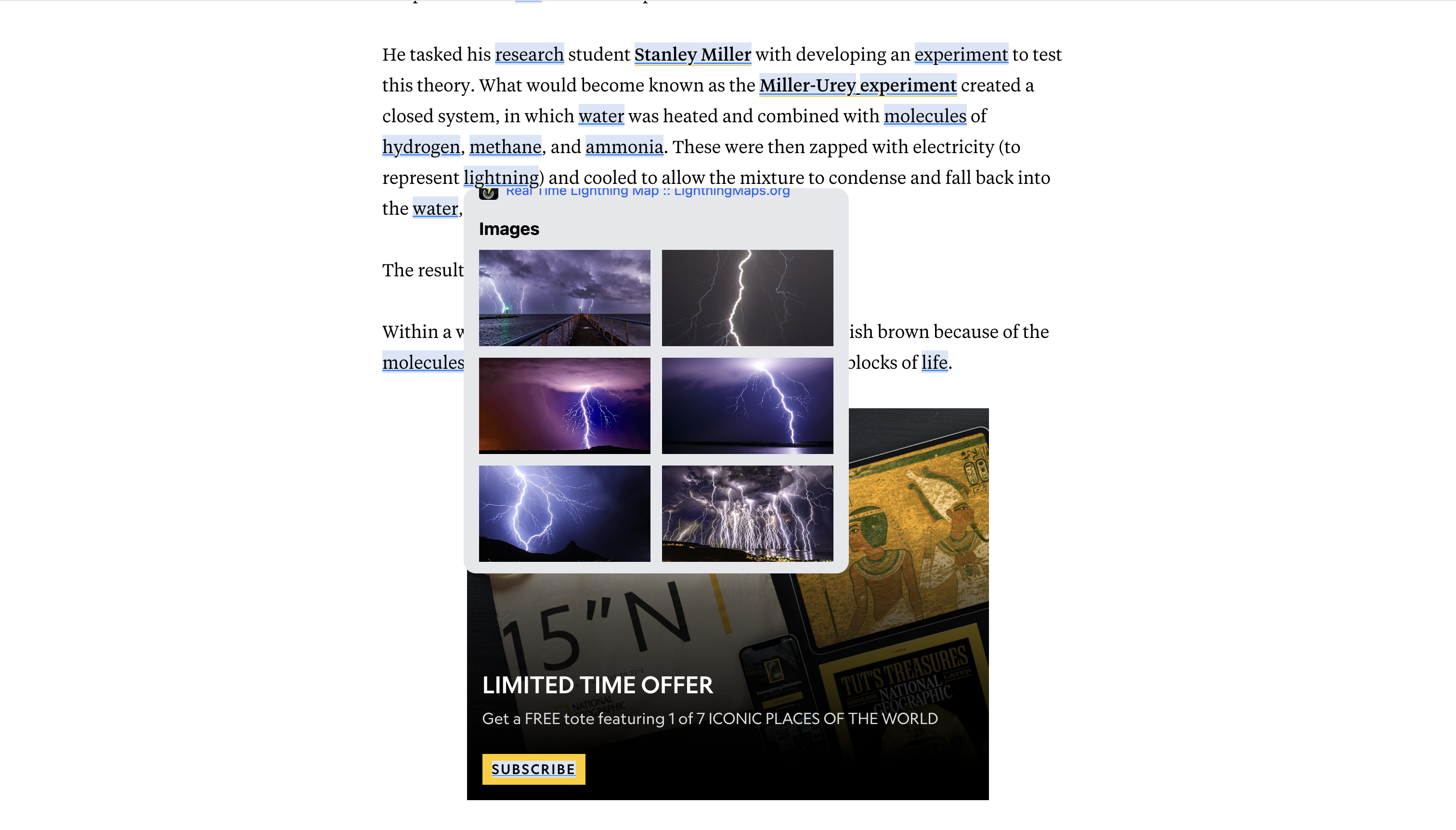
seeing images about a keyword
Inspiration
I love learning stuff and diving into new topics. I spend hours online reading articles and browsing around, so I decided to make a tool that makes this more efficient.
What it does
This extension uses AI to help you to read articles faster, understand them better and explore related topics.
When reading an article you can use different commands (powered by AI):
- hover any word/sentence and get a definition in a popup + links to explore more about the topics + images (you can think of it as turning every website into Wikipedia. Or having a Perplexity-like search only embedded into any website)
- summarize paragraphs
- translate sentences
- explain paragraphs in simpler words
- turn a paragraph into bullet points
How we built it
I used GPT to detect the main keywords on an article and allow the user to hover them for more explanation. GPT also powers summarization, translation, etc.
We used Serp API for google search to provide related links/images to the user when exploring a topics.
Challenges we ran into
The official Google Search API turned out to be quite complex to use (not surprising) and it doesn't provide images. So I had to use Serp (which is a third-party API) which much better only a lot more expensive lol (I had to pay 75$...)
This is the second chrome extension I built in life (the first one was probably like 3 years ago) so I ran into some issues with intersacting with the current web page and injecting elements (thanks ChatGPT).
Accomplishments that we're proud of
The extension can obviously be improved massively, but I think that it's already something that can deliver value and I can start using today.
What we learned
How to make chrome extensions!
What's next for RabbitHole
IPO.
Nah seriously, will probably keep working on it and make it the best extension ever for reading articles more efficiently.
Built With
- gpt
- plasmo
- react
- tailwind

Log in or sign up for Devpost to join the conversation.