-
-
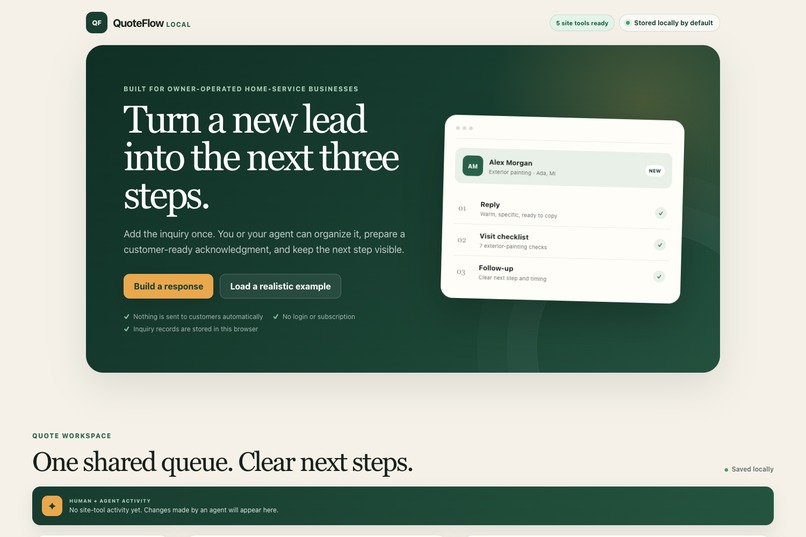
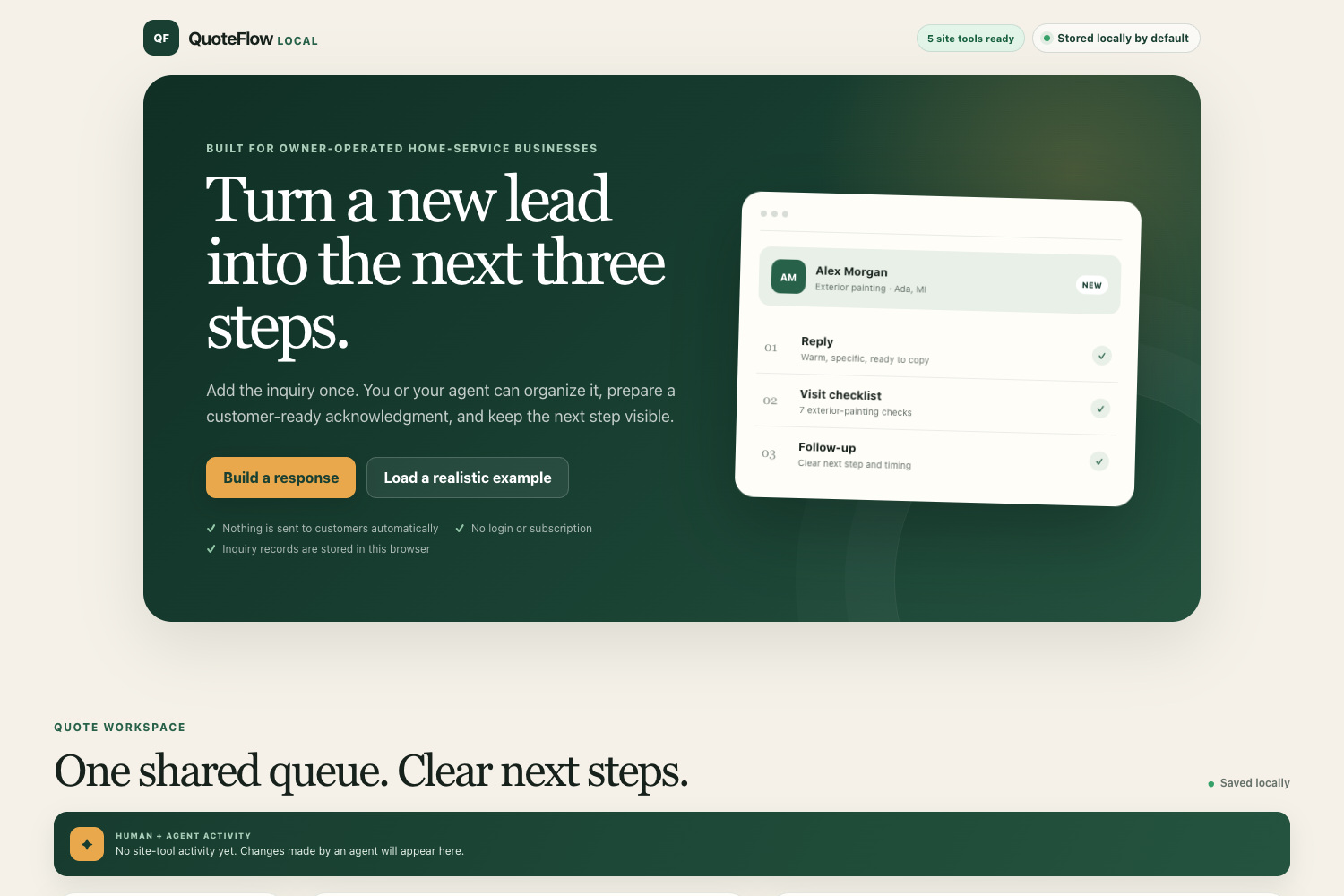
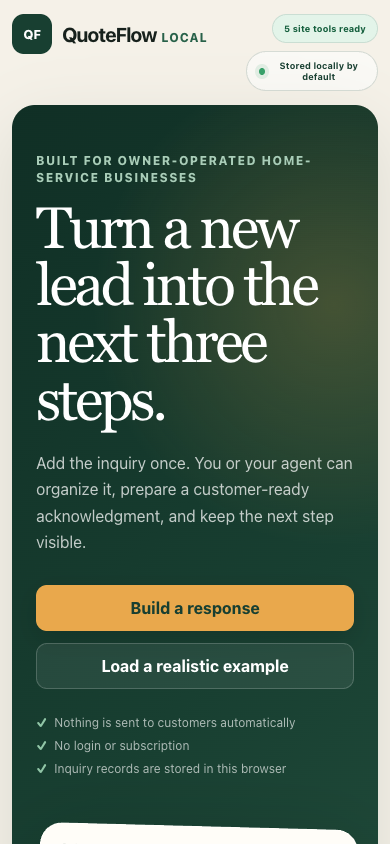
QuoteFlow’s landing screen presents three reviewable next steps, five ready site tools, and clear local-storage and no-contact assurances.
-
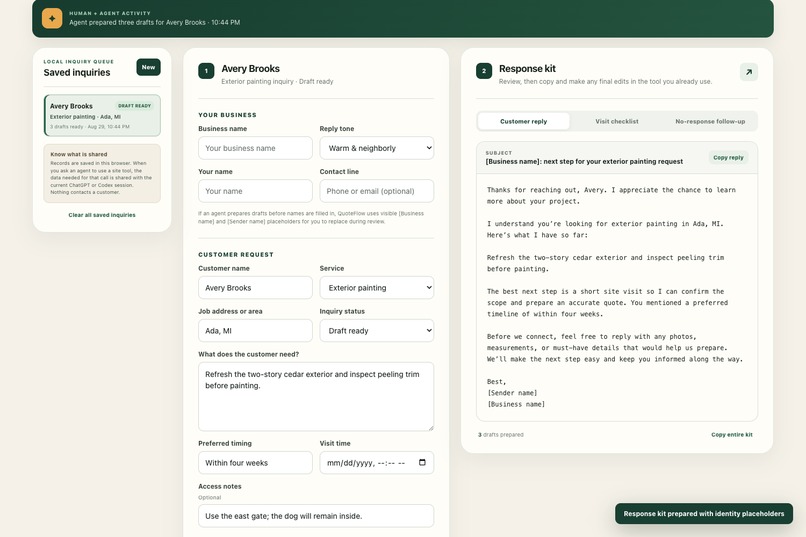
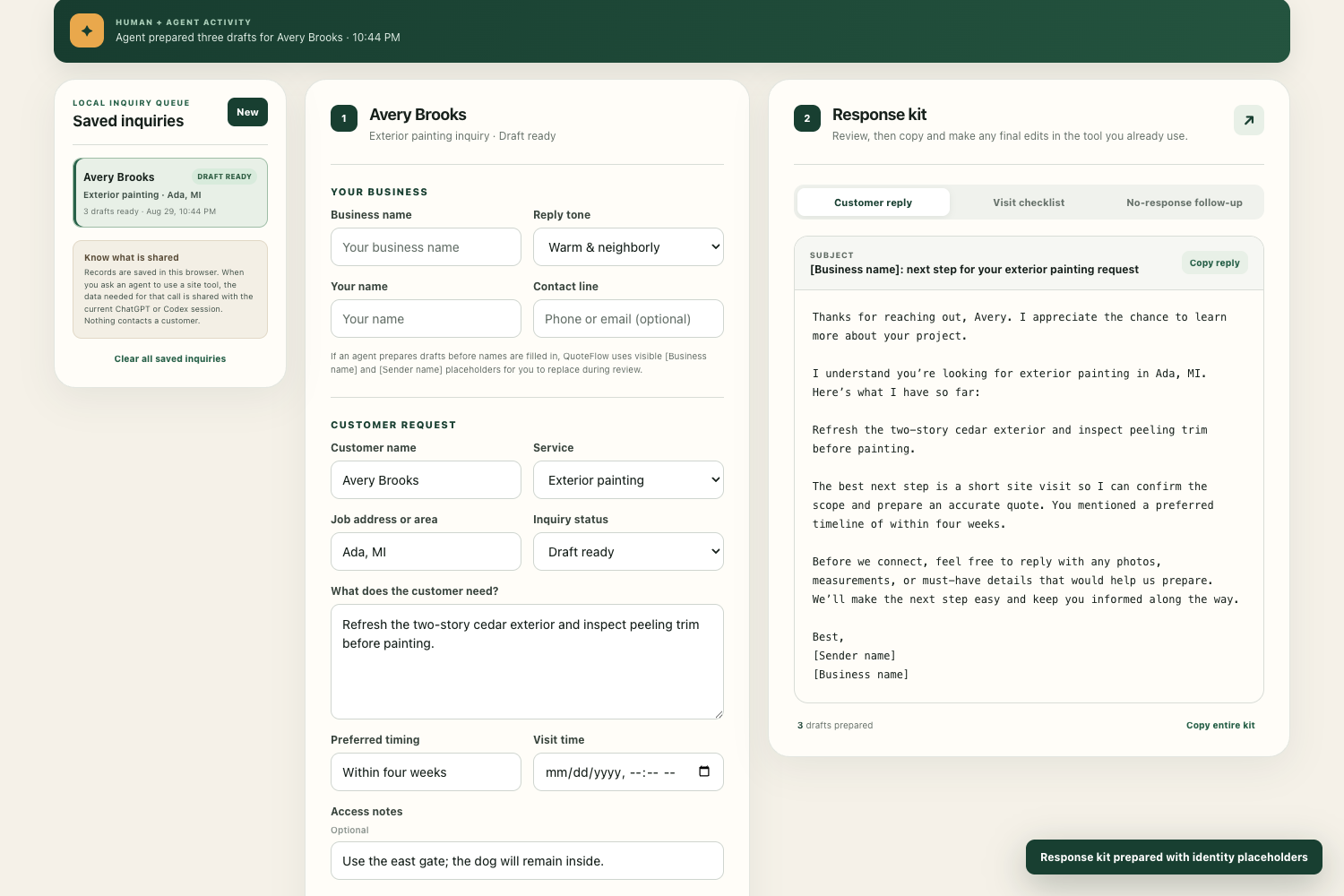
The workspace shows a selected inquiry, human–agent activity, editable source details, and a response kit with the reply ready for review.
-
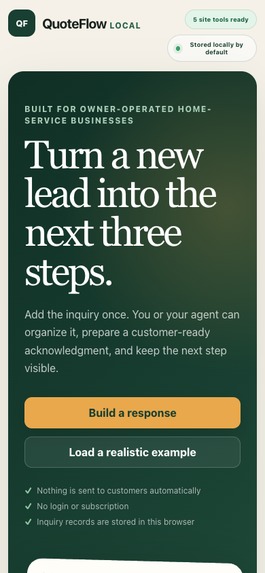
The responsive mobile view keeps tool status, local-storage disclosure, primary actions, and trust assurances usable in a narrow viewport.
Quote inquiries arrive as fragments: a customer, a service, a location, a timing preference, and a few uncertain details. QuoteFlow turns those fragments into one visible, durable inquiry queue and a clear next step. It is designed for owner-operated home-service businesses that want useful agent assistance without handing over consequential decisions.
This is a strong fit for WebMCP because the structured work—capturing scope, preserving uncertainty, and preparing the next step—can be narrowly exposed, while pricing and commitments still need human judgment. A person or an agent can find an inquiry, create one, correct its details, or prepare a response kit through those domain tools. The same record remains visible in the human workspace, so a person can review, interrupt, correct, regenerate, copy, or print without losing context. This is much more dependable than asking an agent to infer a sequence of clicks.
QuoteFlow prepares three reviewable drafts: a customer acknowledgment, a service-specific site-visit checklist, and a no-response follow-up. It never estimates a price, confirms a schedule, sends a message, or contacts a customer. Inquiry data and drafts are stored only in versioned browser localStorage; when a person asks an agent to use a site tool, the requested result is shared with that current agent session and the app says so clearly. Every draft requires human review before use.
Inspiration
I wanted to explore a practical middle ground between a blank form and an autonomous CRM. Home-service inquiries contain enough structure for an agent to help, but they also contain uncertainty that should stay visible to a human. The idea was to make the useful part—organizing scope and preparing the next three steps—fast and agent-friendly while keeping pricing, scheduling, deletion, and customer contact out of the agent’s reach.
What it does
QuoteFlow supports both ordinary browser use and WebMCP collaboration. In a compatible browser, it exposes exactly five site tools:
list_quote_inquiries— read minimal summaries, filtered by status, service, or text.get_quote_inquiry— read one inquiry and bounded prepared-kit metadata, without draft bodies.create_quote_inquiry— validate, save, select, and visibly render a new local inquiry.update_quote_inquiry— apply a narrow field patch and mark existing drafts stale when source details change.prepare_response_kit— generate and display the acknowledgment, site-visit checklist, and follow-up for human review.
The visible workspace and the tools use the same validation, persistence, status, and deterministic-generation paths. Business or sender names that have not been filled in become unmistakable [Business name] and [Sender name] placeholders and are returned as warnings; QuoteFlow never invents an identity. A browser without WebMCP reports Standard browser mode and keeps the complete manual workflow.
How we built it
QuoteFlow is a dependency-free static app built with vanilla JavaScript, HTML, CSS, and browser localStorage. core.js contains pure validation, normalization, fingerprints, service checklists, and deterministic response-kit generation. app.js owns the accessible human workspace, versioned local persistence, rendering, stale-state behavior, activity feedback, and the human-only clear-all control. webmcp.js feature-detects document.modelContext.registerTool and imperatively registers the five tools at the top level of the page.
Every tool input is a closed JSON schema with additionalProperties: false; critical limits and enums are checked again at runtime. The two read tools declare readOnlyHint: true, all five tools disclose untrusted user/customer text, and write-tool descriptions state their local-storage and visible-UI effects. No backend, analytics, or application network request is required.
Initial verification completed on August 29, 2026 and the same reviewed source was reverified on August 30: syntax checks passed, and the combined suite passed 10/10 tests (five dependency-free smoke tests plus the browser integration suite and its four scenarios), including schema and JSON round trips, routing, placeholder warnings, unchanged storage after rejected input, stale-state behavior, persistence, accessibility status regions, unsupported-browser fallback, and the 390 × 844 viewport check.
Challenges we ran into
The hardest part was defining a tool surface that was genuinely useful without becoming an unrestricted CRM API. Closed schemas, stable inquiry IDs, bounded read results, repeated runtime validation, explicit side-effect descriptions, and a human-review flag all had to work together.
We also had to keep human and agent edits coherent. A corrected location, timing preference, business identity, or request detail can invalidate a polished-looking draft, so QuoteFlow fingerprints the source and disables copy/print until the kit is regenerated. Finally, WebMCP support cannot be assumed: feature detection and a full standard-browser path had to be treated as product behavior, not an error page.
Accomplishments we’re proud of
QuoteFlow demonstrates a complete human–agent loop in a small static app: an agent can create an inquiry, the person can see and correct it, and the agent can prepare three useful outputs without leaving hidden state behind. The queue, activity strip, status changes, stale warning, and generated drafts all update in the same visible workspace.
We are especially proud of the safety boundaries. There is no agent tool for pricing, scheduling, deletion, or customer contact; invalid writes are rejected before storage changes; blank identities produce visible placeholders instead of fabricated details; and local storage is explained without pretending that agent calls are invisible. The full automated suite passes 10/10 tests.
What we learned
WebMCP is most valuable when tools represent meaningful domain outcomes rather than clicks. A small, well-bounded interface can make an agent useful while leaving the person in control of ambiguous or consequential work.
We also learned that “local” needs careful language. Browser-only persistence protects the app from needing a backend, but a tool result can still be shared with the current agent session. Clear disclosure, bounded results, runtime validation, visible effects, and stale-state handling are all part of the user experience—not just implementation details.
What’s next
Next we would add user-mediated import/export for moving a local queue between browsers, richer service-specific templates and photo/measurement notes, and a small audit view showing exactly which human or agent action changed a record. Any future messaging or scheduling integration would remain opt-in and explicitly human-confirmed; it would not turn the current review-first workflow into autonomous outreach.
Built With
- webmcp

Log in or sign up for Devpost to join the conversation.