-
-
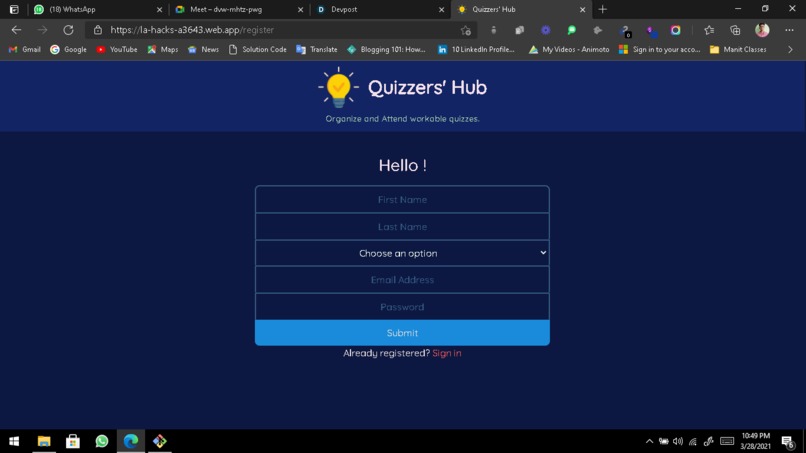
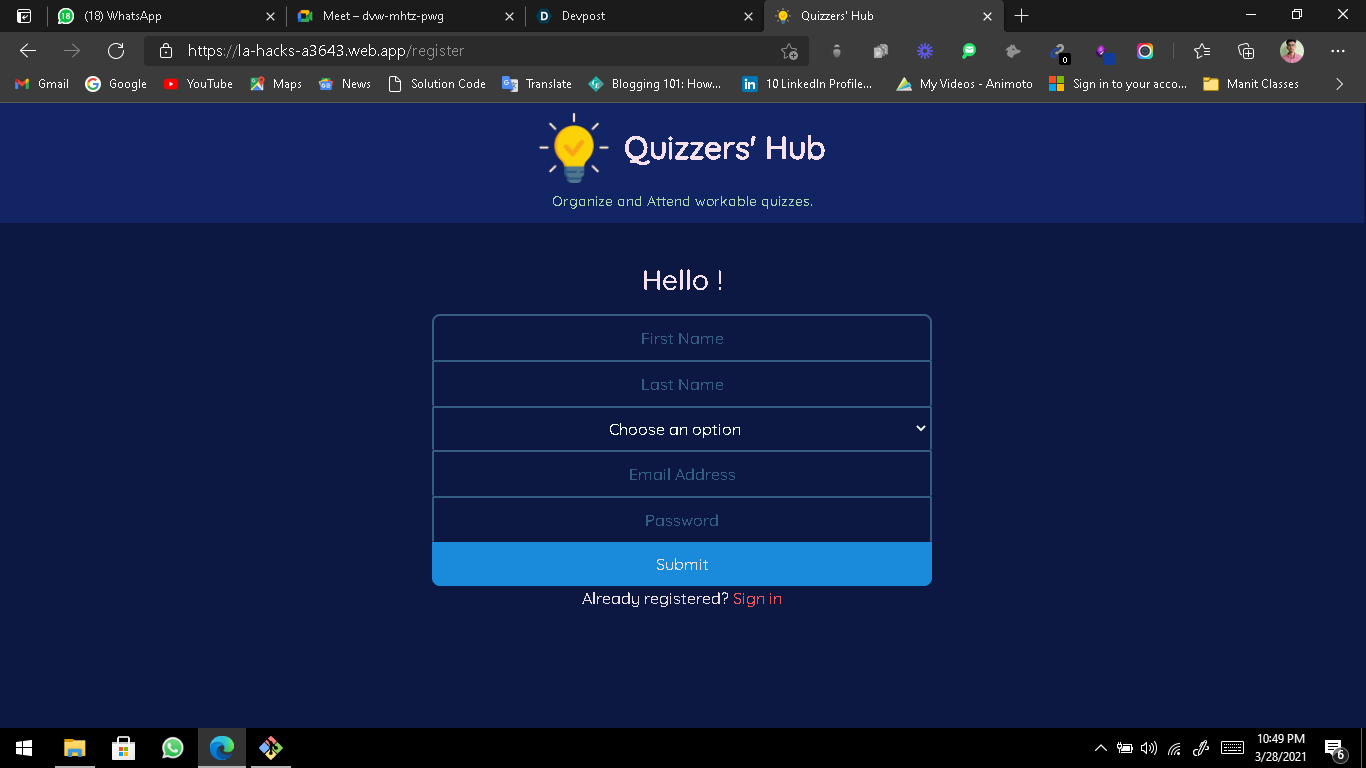
Sign Up Screen
-
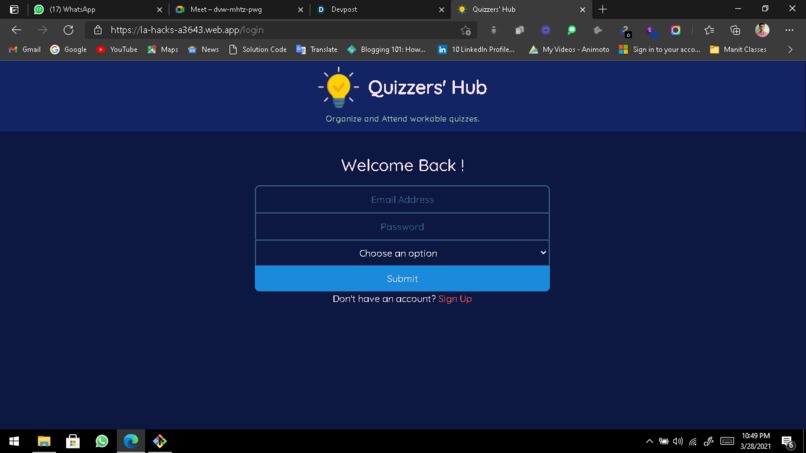
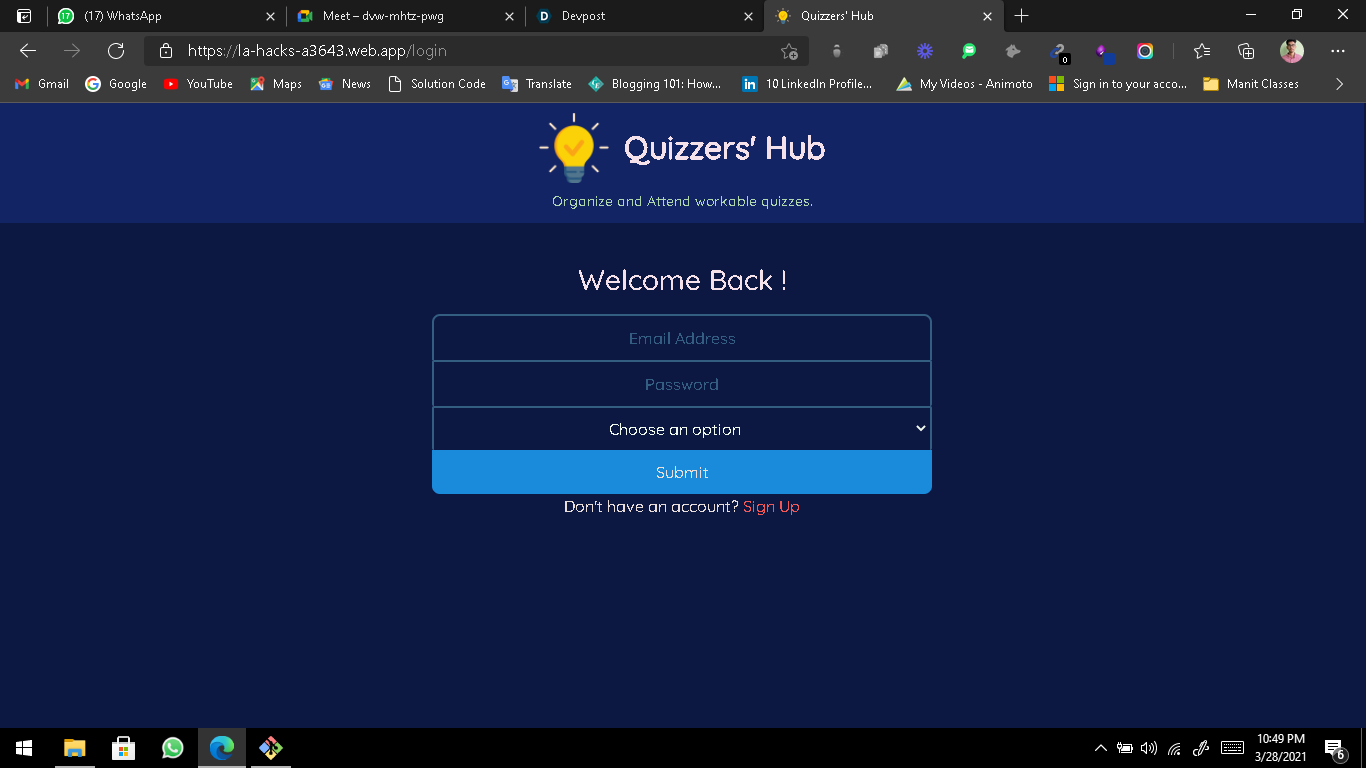
Login Screen
-
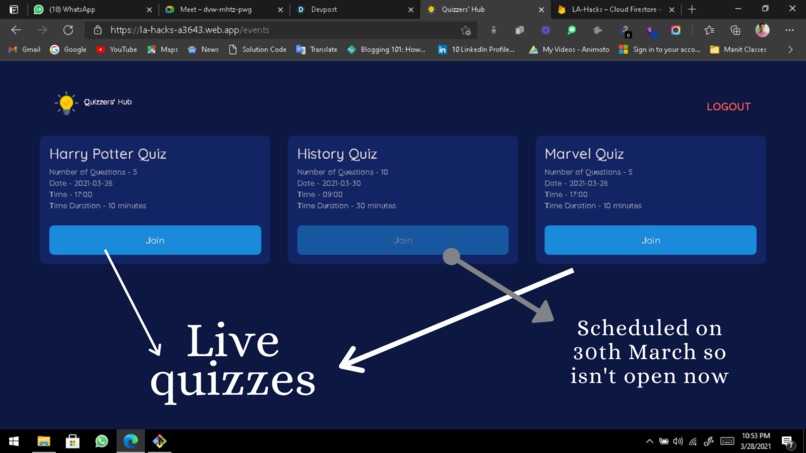
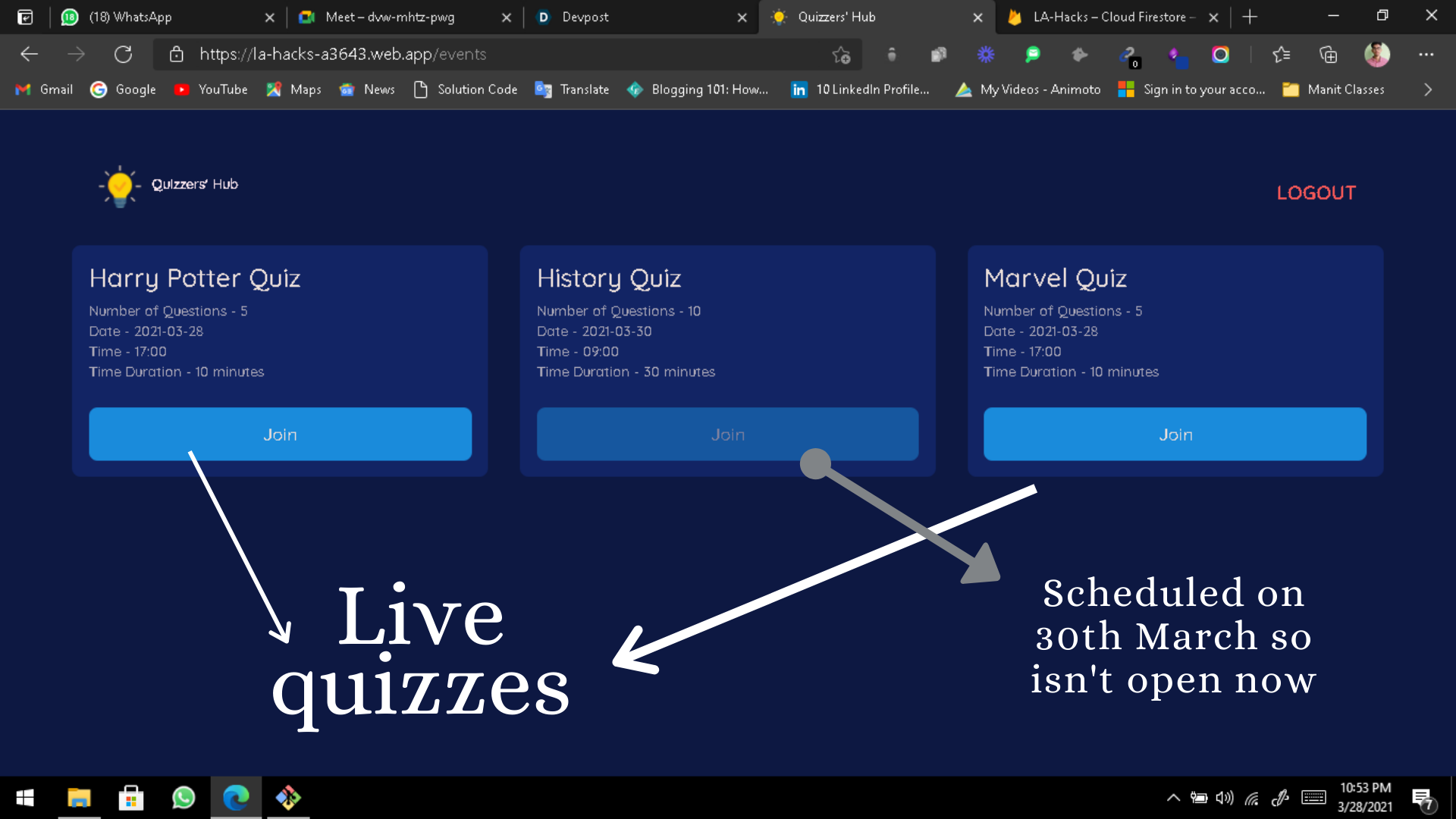
Quizzes Page - One can find all the live as well as the future quizzes here.
-
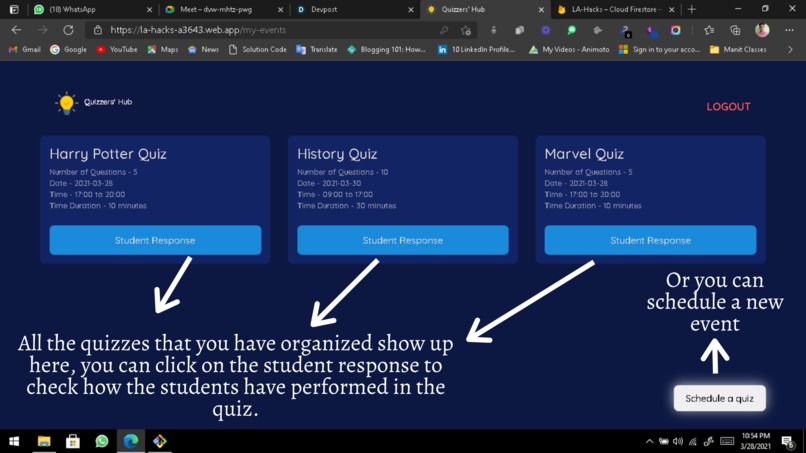
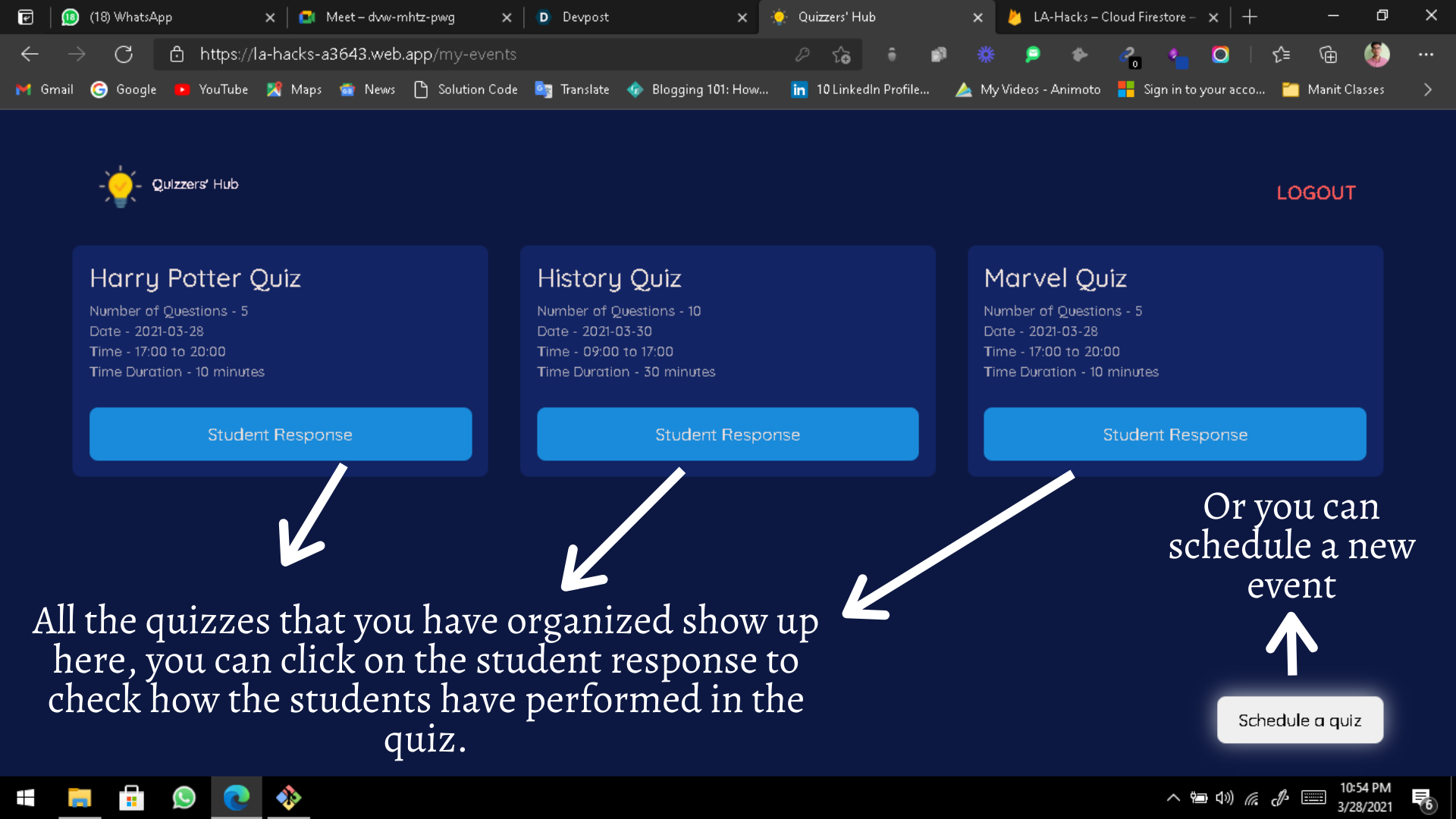
Organizers Page - One can find all the quizzes that he has organized previously and can also schedule a new quiz.
-
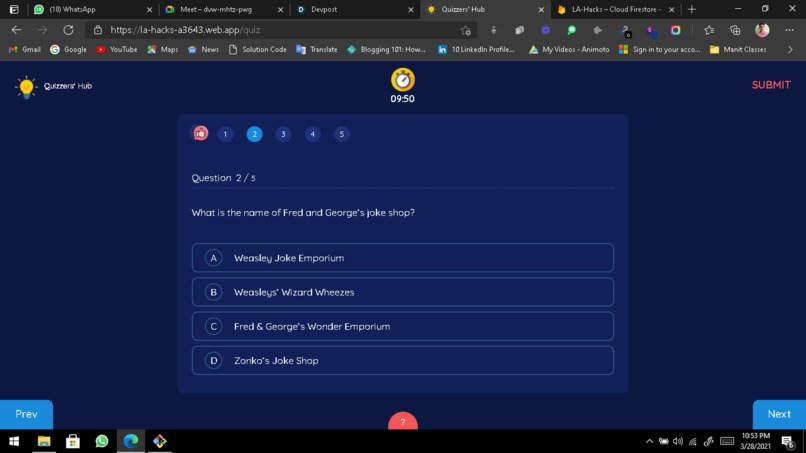
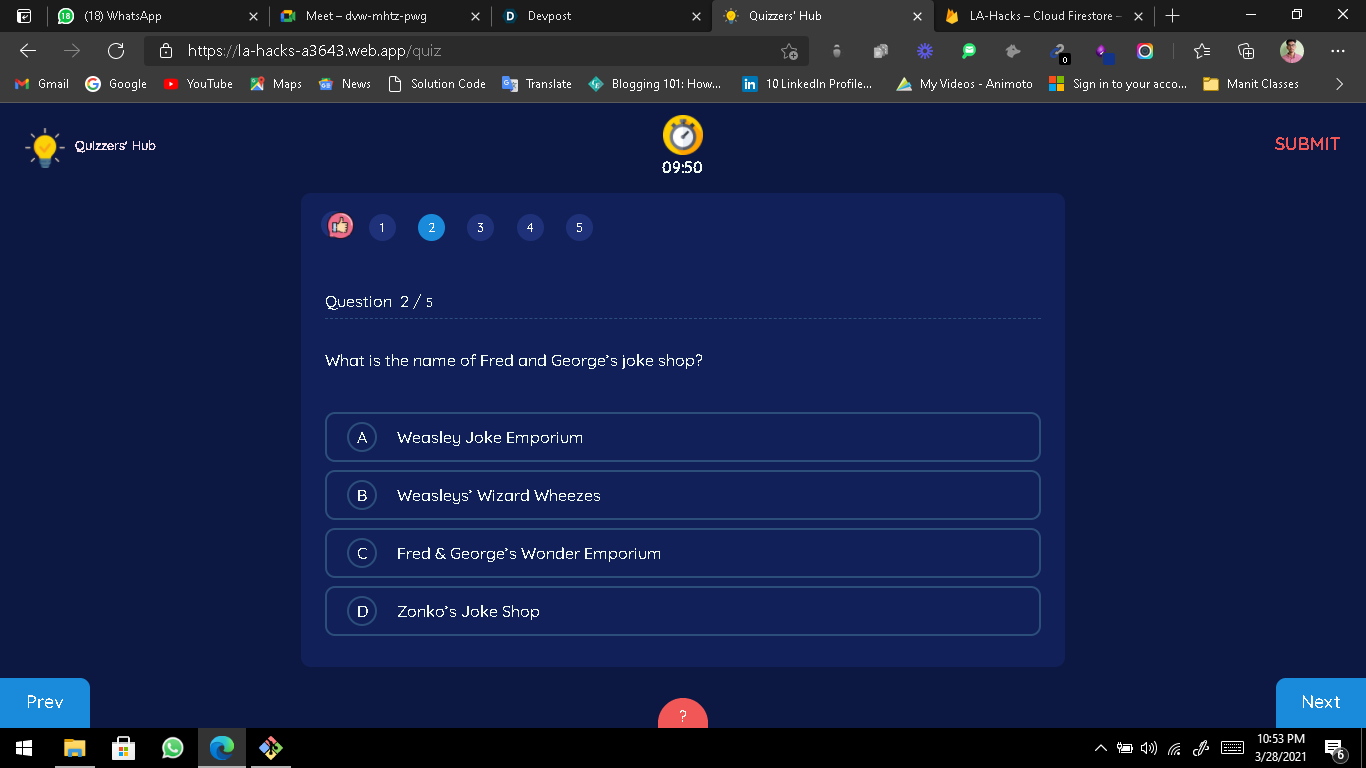
The main quiz window.
Inspiration
Before Covid, we used to participate in a lot of quizzing contests (science, technology, brain-storming puzzles and our favorite Marvel Cinematic Universe) but with the arrival of Covid 19, everything just stopped including all those awesome quizzes that were organized in person. It was not only us who faced this problem but a lot of teachers were not able to assess the students because of the lack of an elegant and simple to understand quiz platform. We thought back to this idea and were inspired to create Quizzers’ Hub. Quizzers’ Hub fills the gap between the teachers and the students (basically the Quiz Organizers and the Quizzing Enthusiasts).
What it does
Our hack, Quizzers’ Hub is a platform designed for the teachers or the Quizzing societies to organize quizzes and for the students and the quizzing enthusiasts to attend those quizzes. All a user has to do is sign up or login with name, email and password. Then he needs to select whether he wants to create a quiz or attend a quiz.
Attending the quiz takes him to the window where all the available quizzes are listed. He can attend any of the live quizzes. Creating the quiz takes him to the window where he needs to fill in all the details and the questions for the quiz.
How we built it
For the frontend, we started prototyping, playing around with html, css, bootstrap, ReactJS and material UI to make our web application look appealing. The purpose of using React JS was to avoid the unnecessary repetition of code. In the process of doing this, we made sure to incorporate many design concepts we learned.
For the backend, we used Firebase authentication to login and signup securely, then we used google firestore to store the information of the users, events and quizzes in different collections and subcollections.
We used google firestore’s fetch functions and fetched the quizzes from the firestore to display them to the student. Once the student (user) selects the quiz he wants to attend, the questions relevant to that specific quiz are fetched and displayed. Algorithm for calculating the score works in the background showing the user’s score when he clicks the submit button. Also, we deployed our application on google’s servers using firebase hosting.
Challenges we ran into
The main challenge we faced while developing Quizzers’ Hub was the firebase integration. But we went through the documentation multiple times and all of the doubts kept clearing on the go. Algorithm implementation for calculating score was a little difficult because there was a concept of asynchronous functions which was being used.
Accomplishments that we're proud of
Connecting our application with firestore and implementing the CRUD operations to read and write to and from the database. Achieving a smooth user experience.
What we learned
How to connect and use firestore in an application. Use of firebase hosting. Many design concepts using Material UI. Use of javascript’s asynchronous functions. We learned a lot on prototyping using React JS, css3 and Material UI.
What's next for Quizzers' Hub
We’re thinking to make the whole web application voice operated to make it more interactive and easy to use. Other than that we’re also thinking to implement cheat detection in our application by implementing face recognition (to know if the user’s face is in the frame) and also if there is any book or mobile phone in the frame, all this using tensorflowjs.


Log in or sign up for Devpost to join the conversation.