-
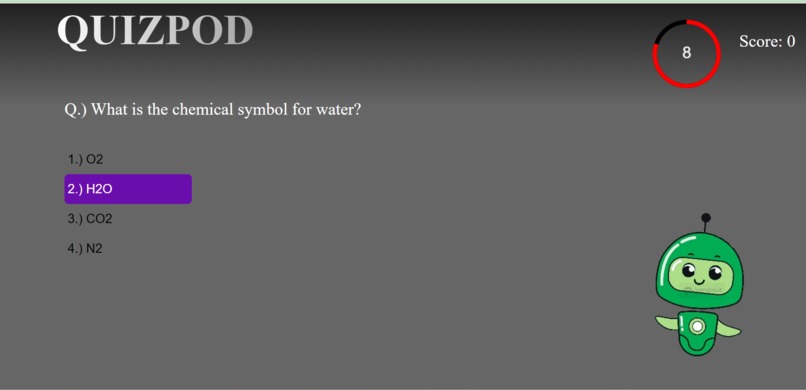
quiz
-
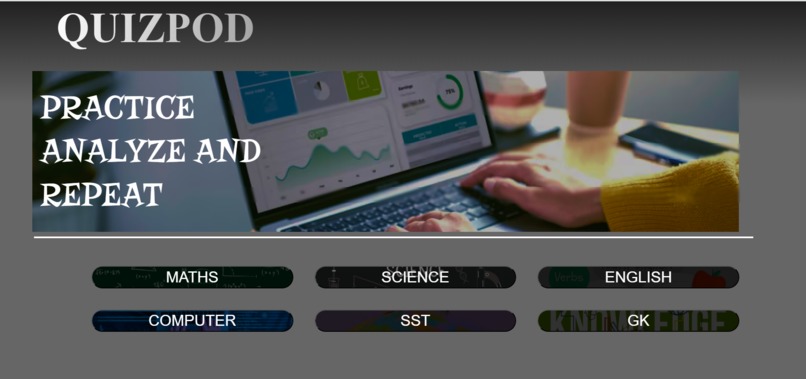
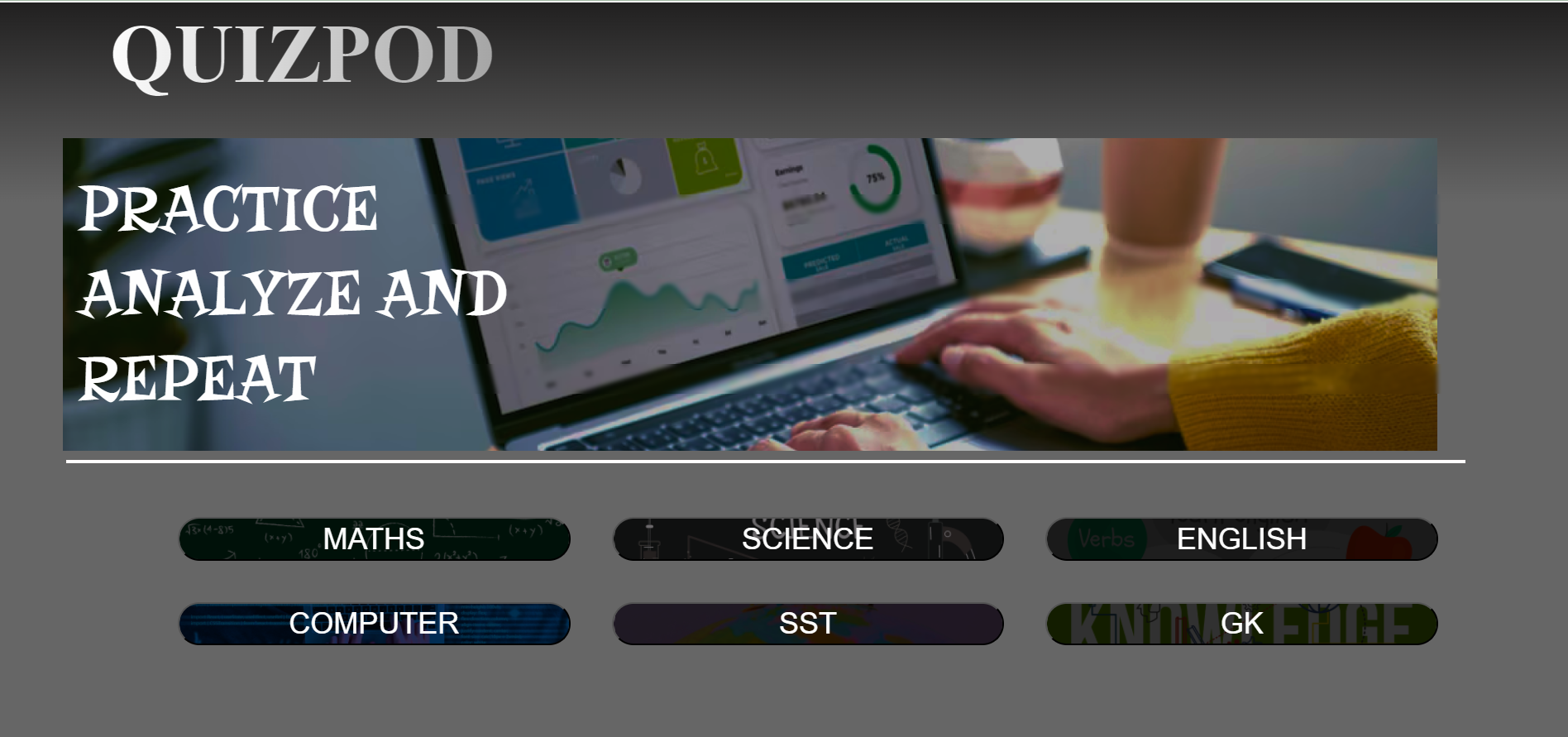
landing page
Inspiration
I want to make an interactive quiz website with option to set my own time and improve under time crunch. Personally I get quite nervous in time crunches so this was one of the ways to help someone with similar problem as mine.
What it does
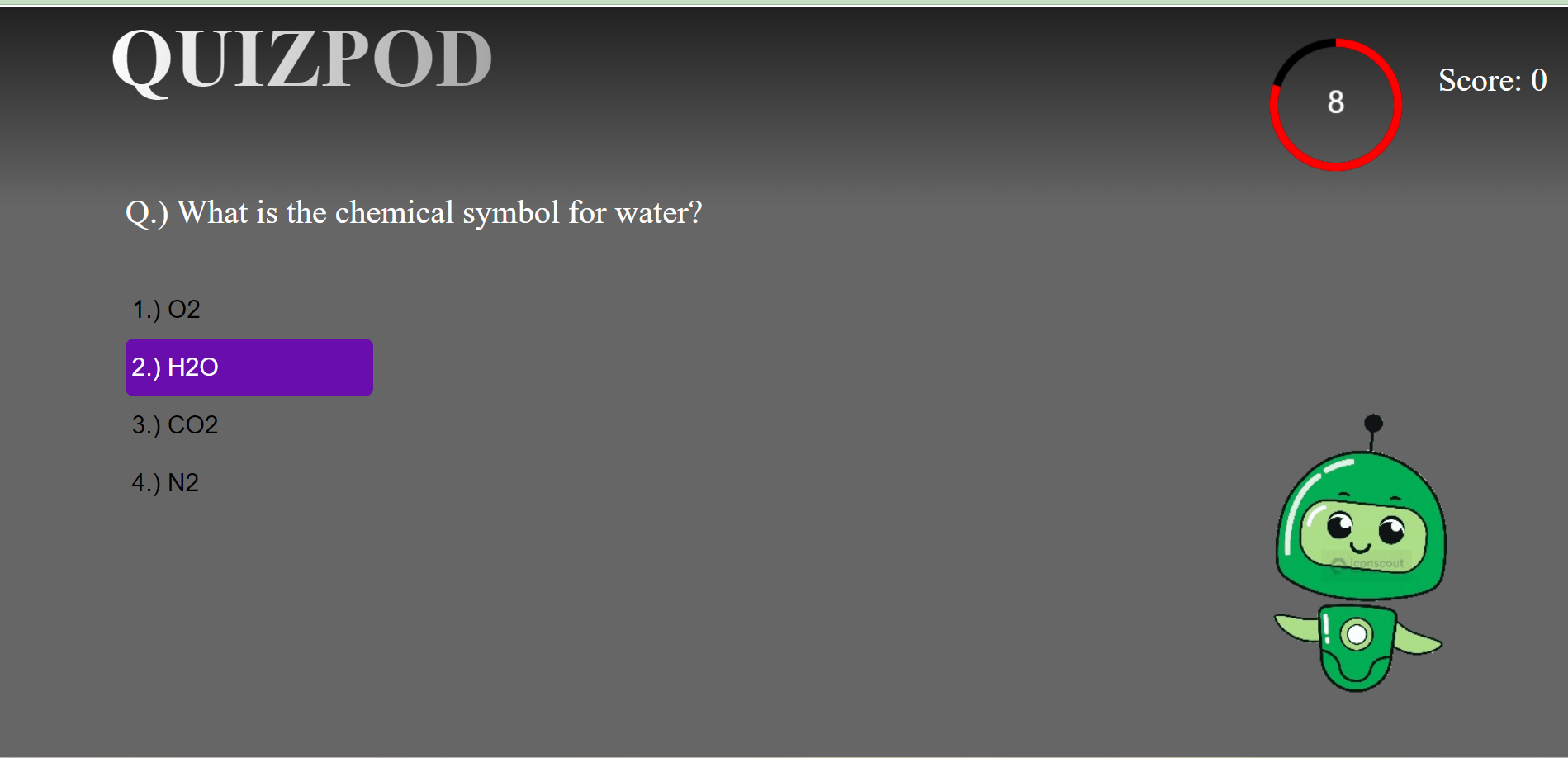
This quiz app offers an interactive and immersive experience for users to test their knowledge on a variety of subjects. It presents timed questions where users can select the correct answers from multiple choices. The app tracks the user's score in real-time, provides instant feedback on correct and incorrect answers, and visualizes progress using a dynamic timer. Additionally, users receive a final score at the end of the quiz, allowing them to assess their performance. They also get a graph stating how much time they spent on each question. The app is designed to be engaging, educational, and fun, with an intuitive interface that ensures a seamless experience.
How we built it
We built the quiz app using React for the frontend, leveraging its component-based architecture for managing the quiz flow and state. We used React hooks like useState and useEffect to handle the timer, track user progress, and manage the quiz logic.
The timer was created using the HTML5 canvas element for visualizing time, with custom drawing functions for dynamic countdown effects. We integrated Chart.js through the react-chartjs-2 library for rendering graphs to display quiz completion statistics.
The styling was done using CSS, incorporating animations and transitions to enhance user interaction. Google Fonts were also used to bring a more polished, modern look to the interface.
Our goal was to combine simplicity with functionality, offering an engaging user experience while maintaining efficient performance and data handling.
Challenges we ran into
Timer Implementation: Designing an accurate and visually appealing timer was challenging. We needed to ensure that the timer was synchronized with the quiz questions while also providing a dynamic visual representation. This required careful use of the HTML5 canvas and managing state updates efficiently.
State Management: Handling the state across multiple components posed challenges, particularly with the quiz logic, score tracking, and timing. We had to ensure that state updates were consistent and that components re-rendered correctly in response to user actions.
Responsive Design: Creating a responsive layout that worked well on various screen sizes and devices proved difficult. We had to adjust styles and ensure that elements displayed correctly without losing functionality or aesthetics.
Accomplishments that we're proud of
Functional Quiz System: Successfully developing a fully functional quiz system that includes question navigation, scoring, and a dynamic timer. The ability to track time spent on each question and provide immediate feedback enhances the user experience.
Interactive Timer: Creating an engaging visual timer using HTML5 canvas that not only tracks the remaining time but also visually represents it with a progress arc. This feature adds a unique element to the quiz and enhances user engagement.
Responsive Design: Implementing a responsive design that adapts seamlessly to different screen sizes and devices. This ensures that users can access the quiz on smartphones, tablets, and desktops without compromising functionality or aesthetics.
What we learned
State Management: We learned how to effectively manage state in React applications, including handling complex states and passing data between components. This knowledge improved our ability to create responsive and interactive user interfaces.
User Experience Design: We gained insights into designing user-friendly interfaces that prioritize usability and accessibility. Understanding the importance of visual hierarchy, color schemes, and responsive layouts helped us create a more engaging experience.
Problem-Solving: Encountering challenges during development taught us the importance of critical thinking and adaptability. We learned to break down complex problems into manageable tasks, fostering collaboration and brainstorming solutions as a team.
What's next for quizpod
We want to grow quizpod by implementing a system such that the system will categorize the questions into easy medium and tough. According to the user scores it will set quiz accordingly. This way user will get more personalized experience. Also we are looking for building an user identification mechanism and authorisation so that user data may remain safe and perosnalized.

