-
-
-
-
-
-
-
-
-
-
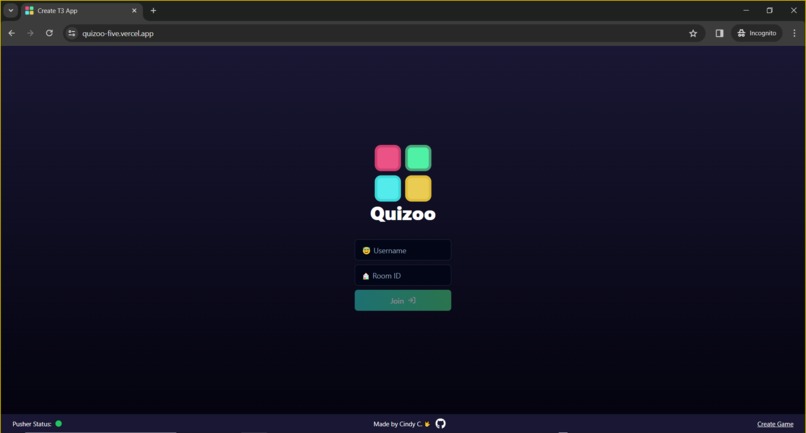
Deployed Demo - Joining Game
-
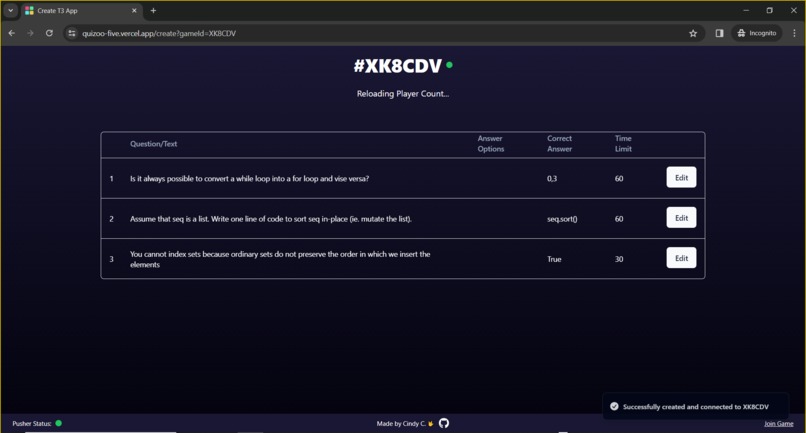
Deployed Demo - Cards View
-
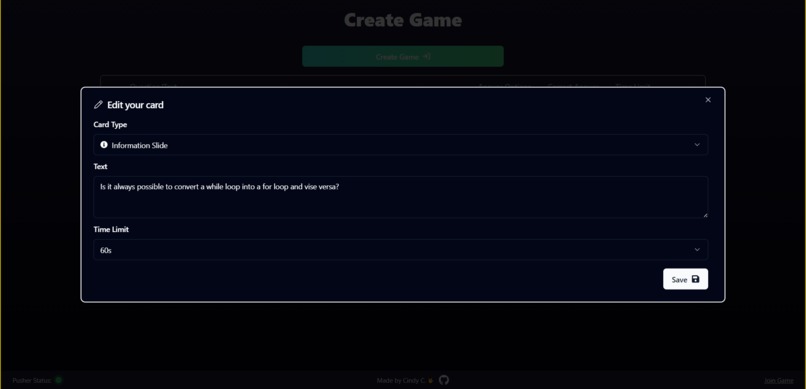
Deployed Demo - Editing Card
-
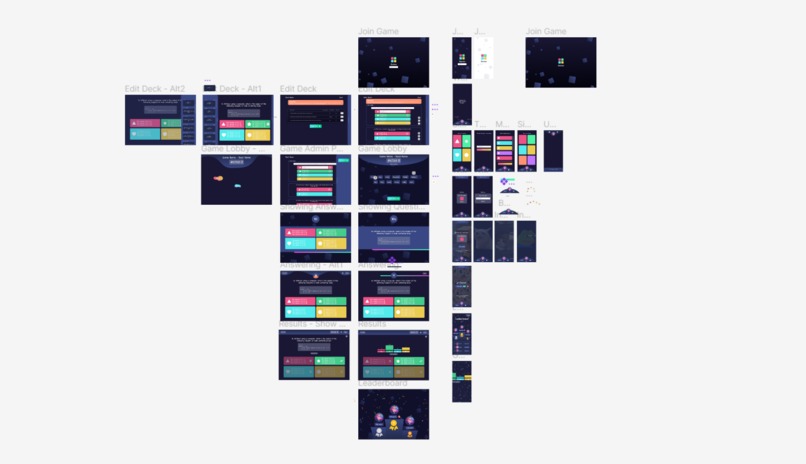
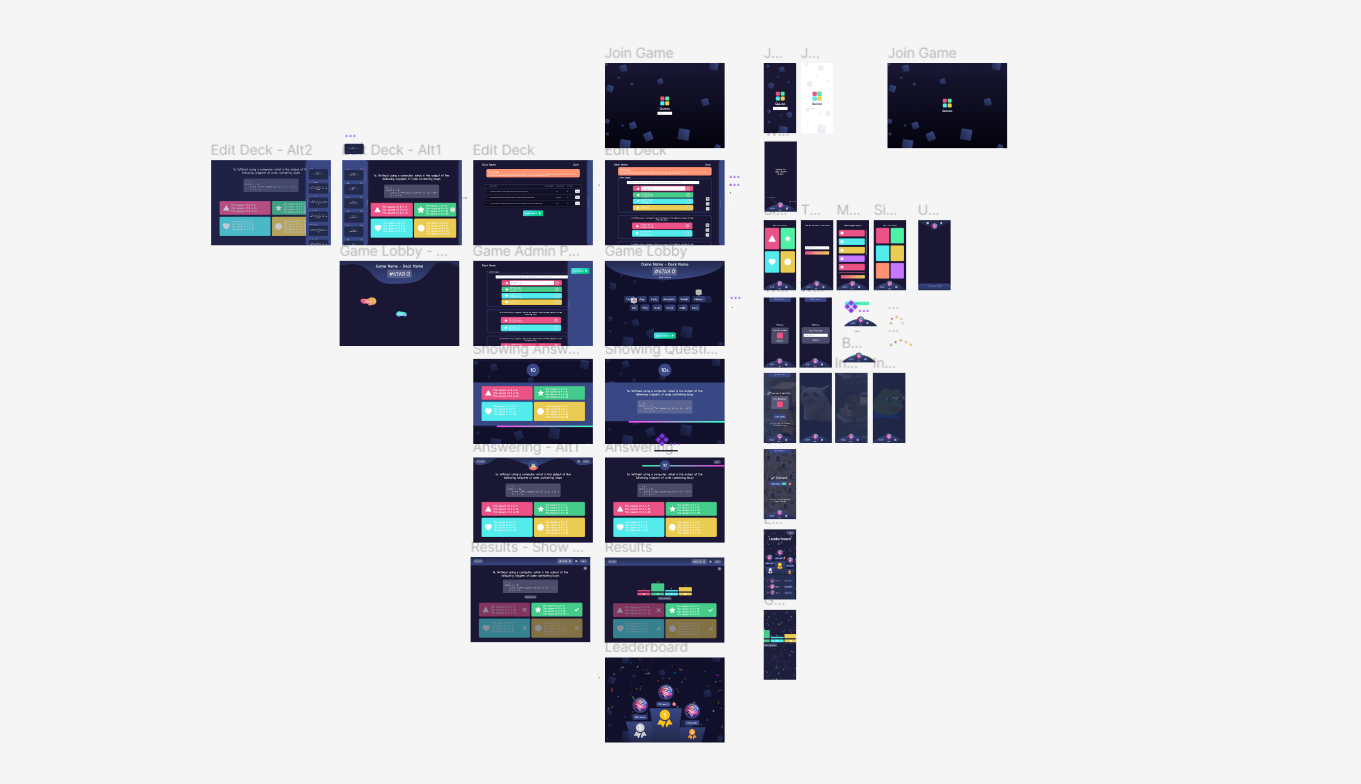
Figma
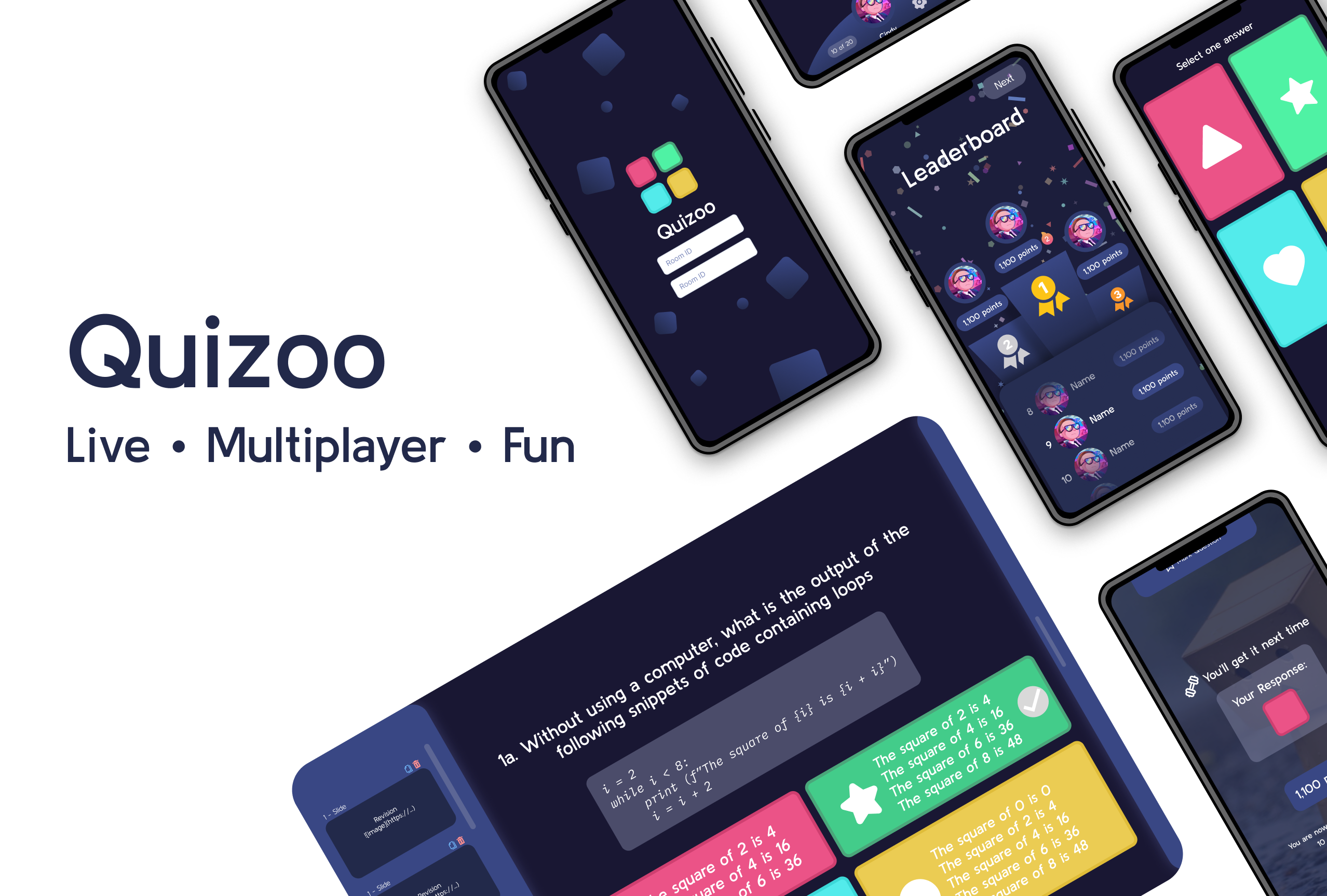
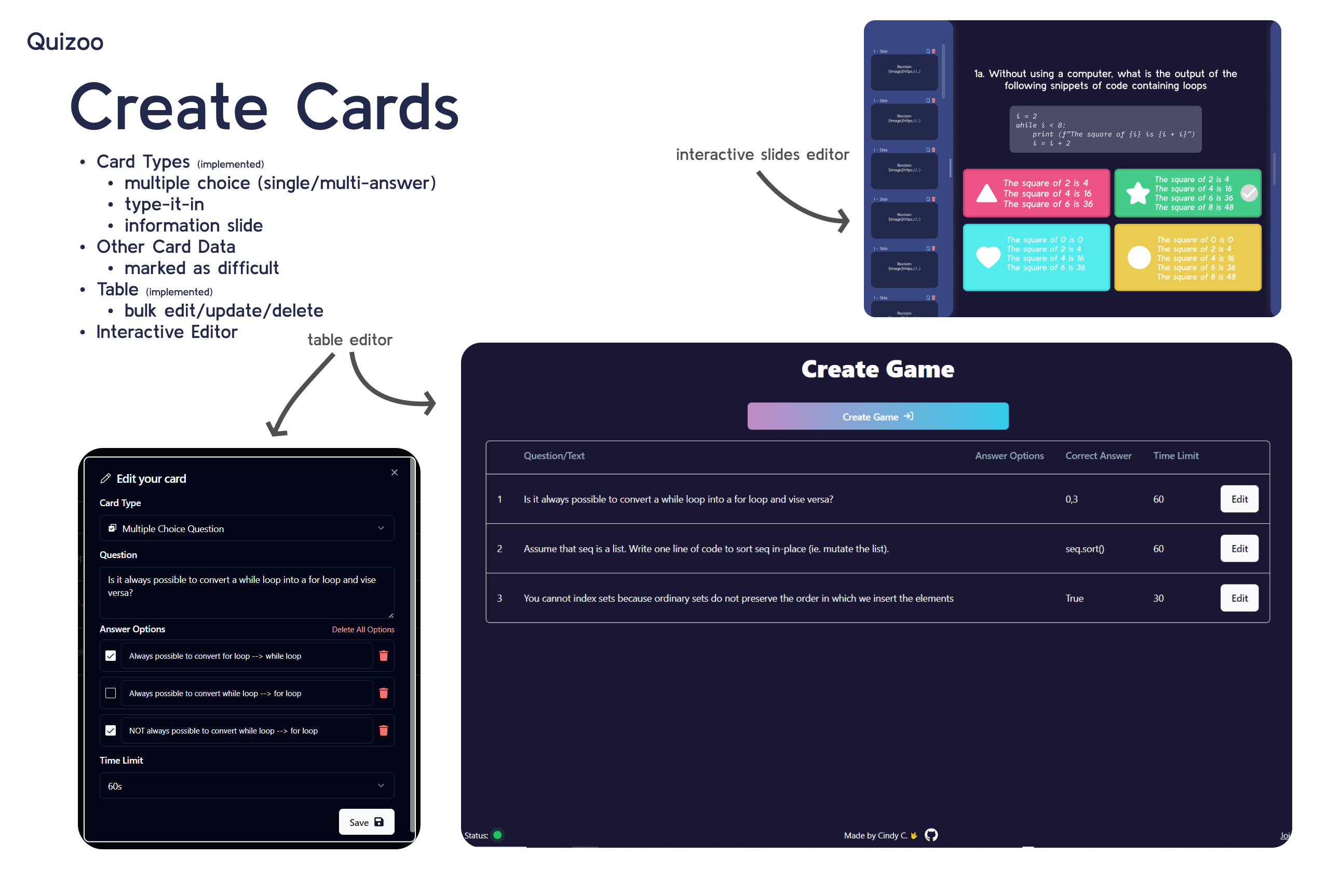
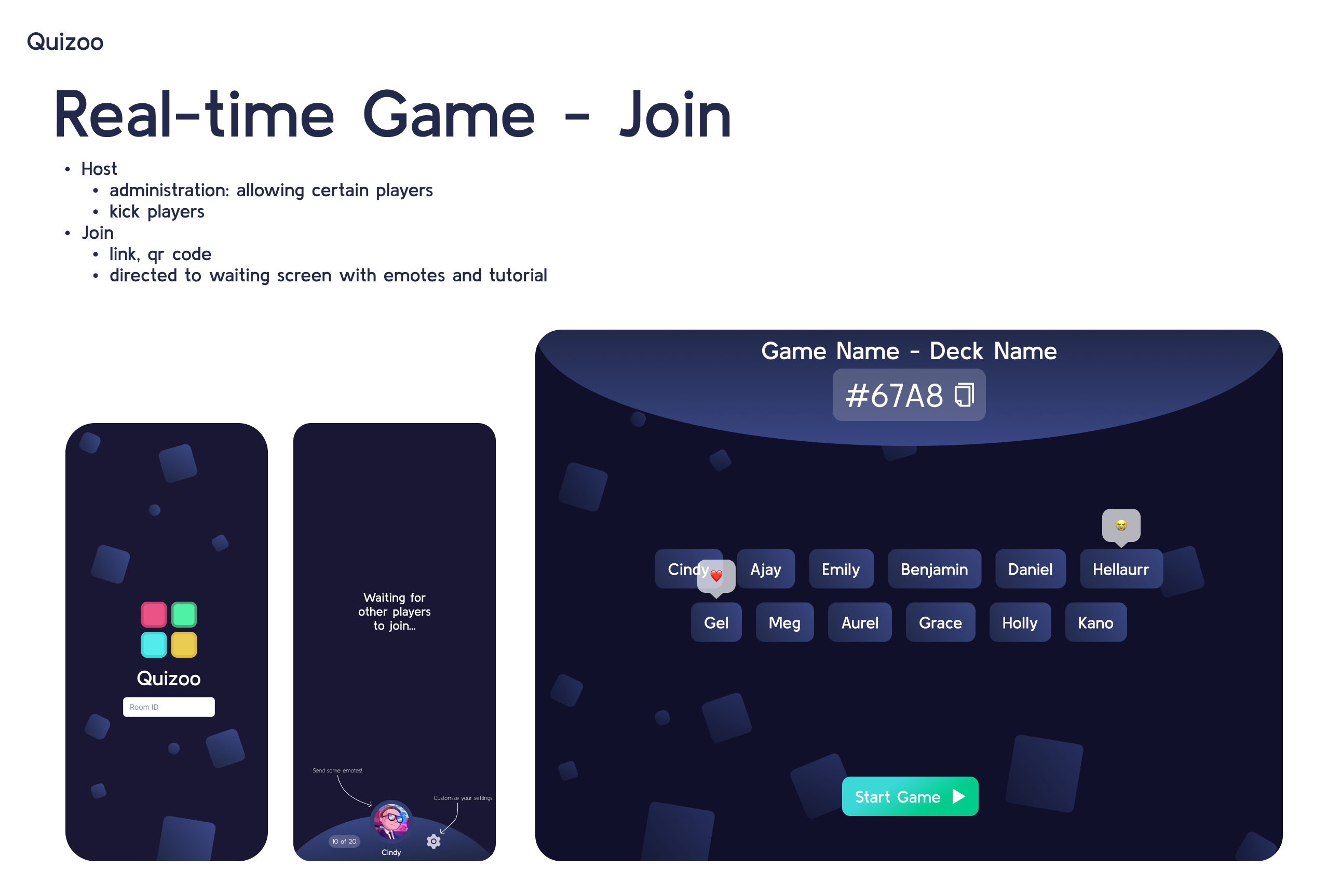
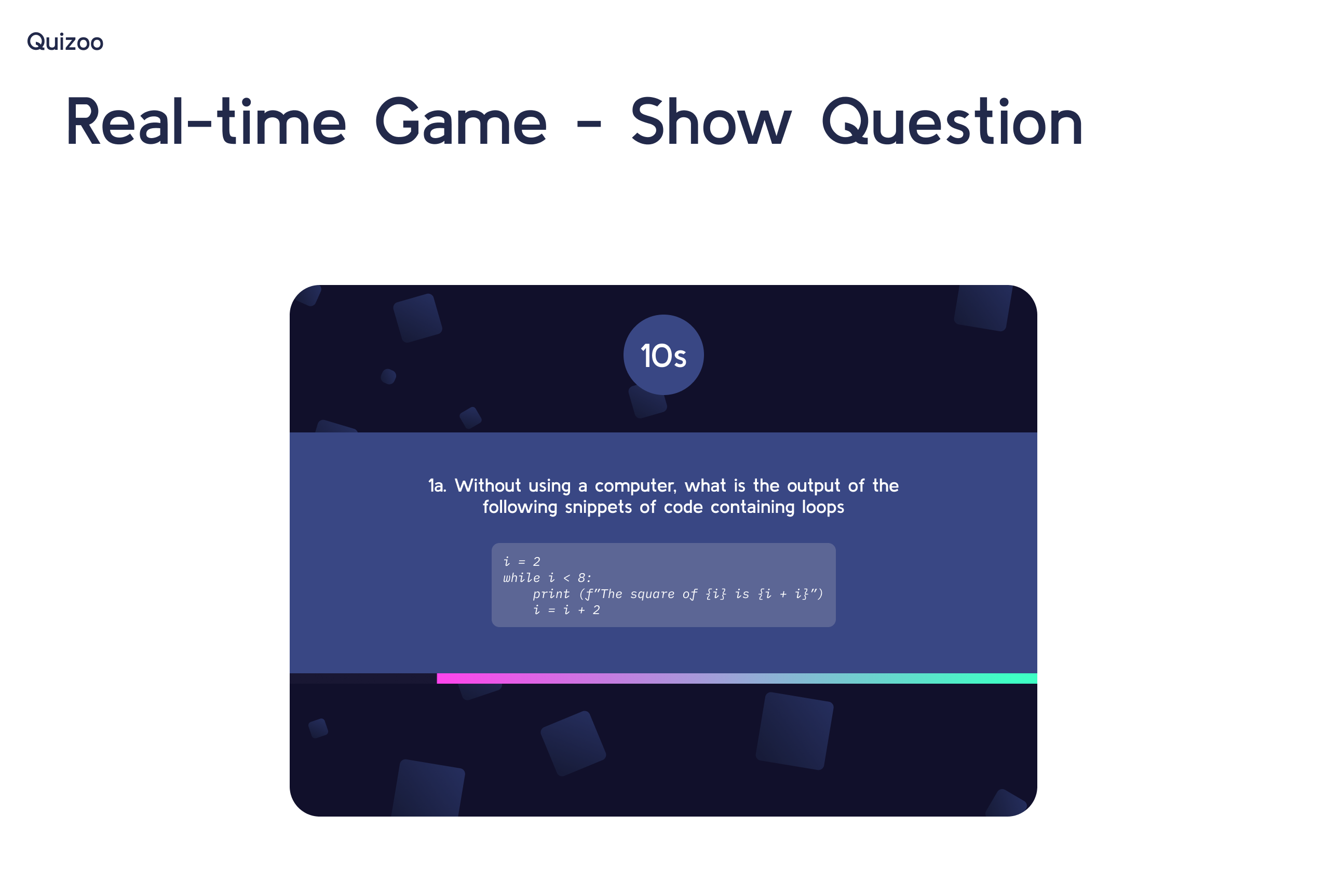
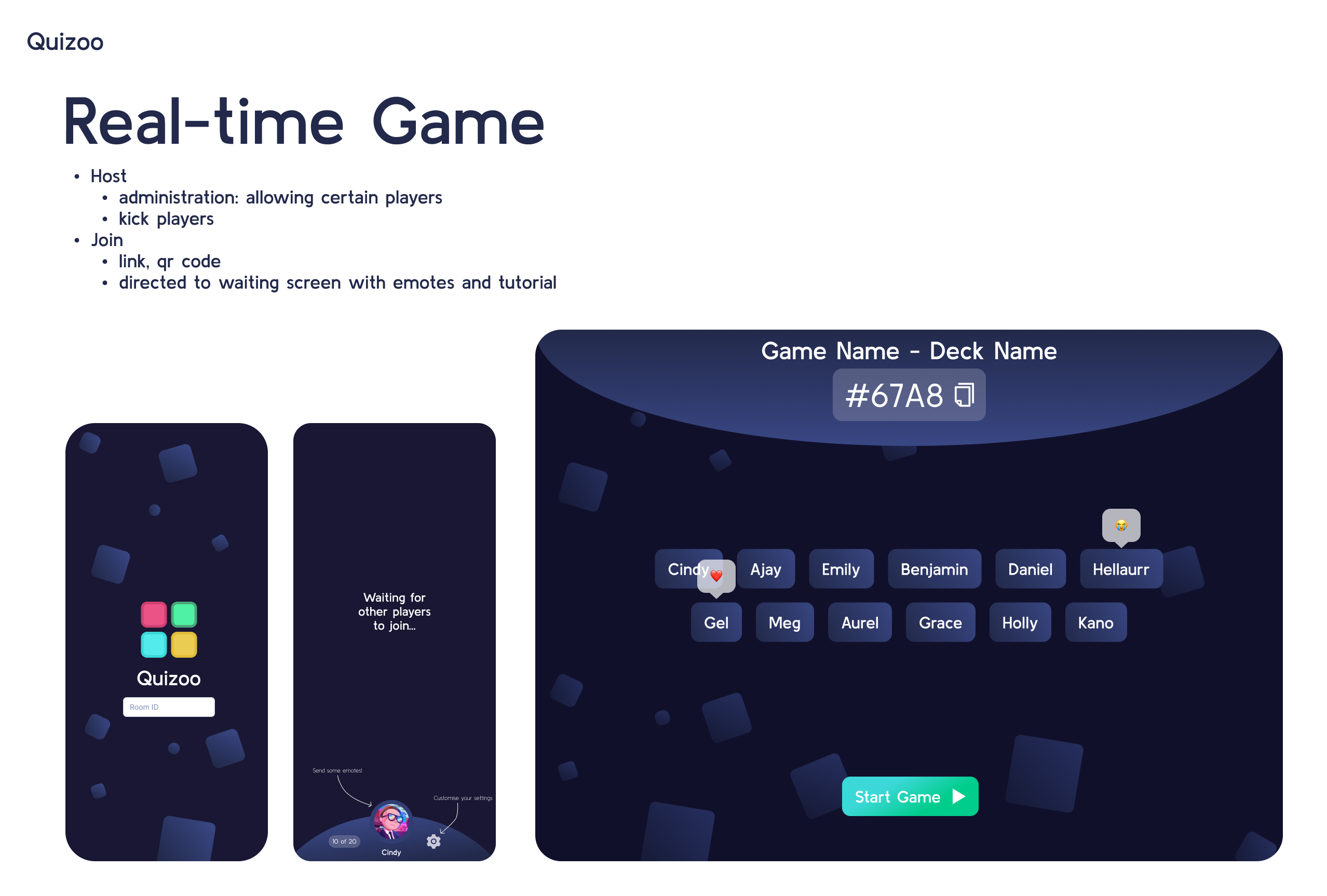
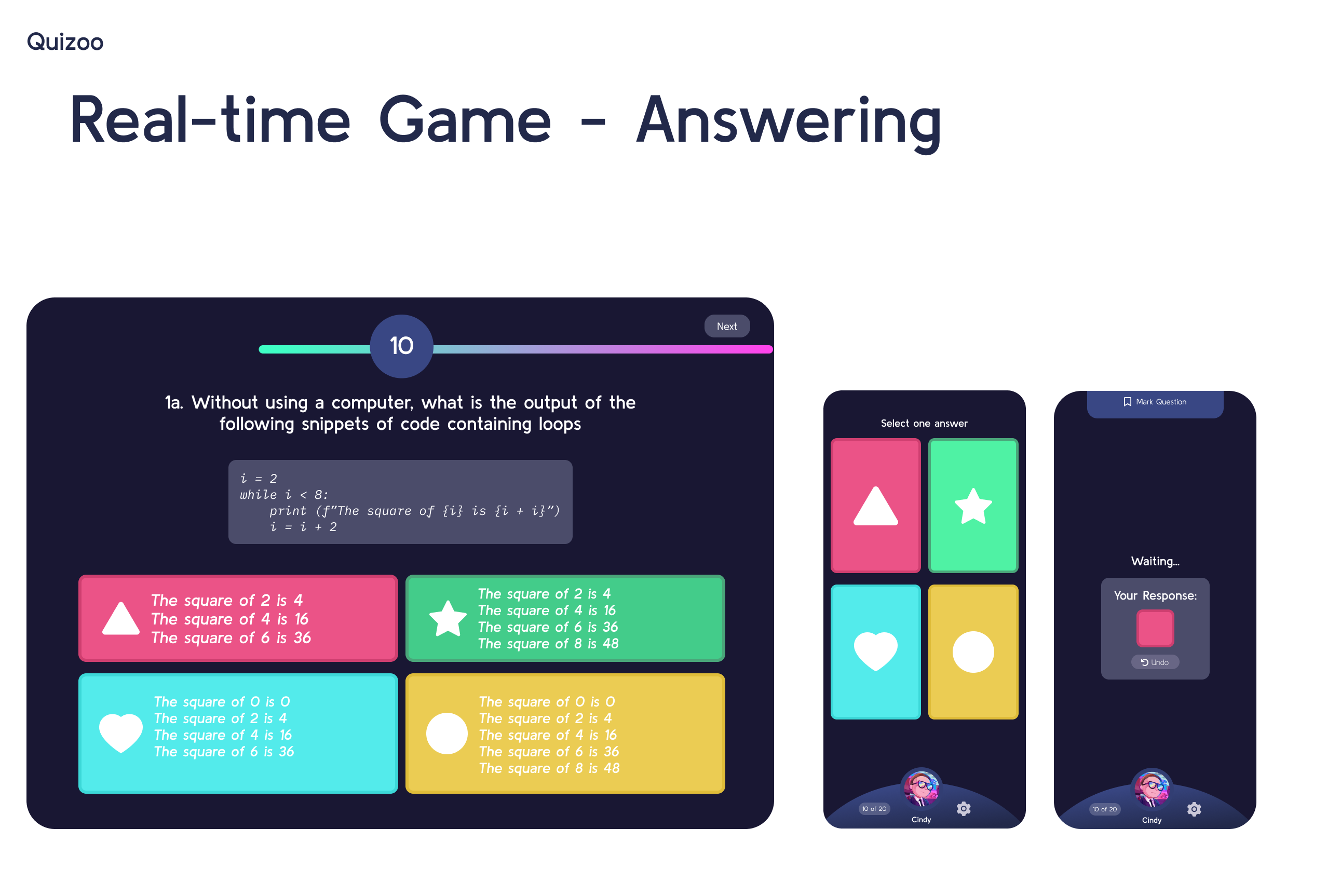
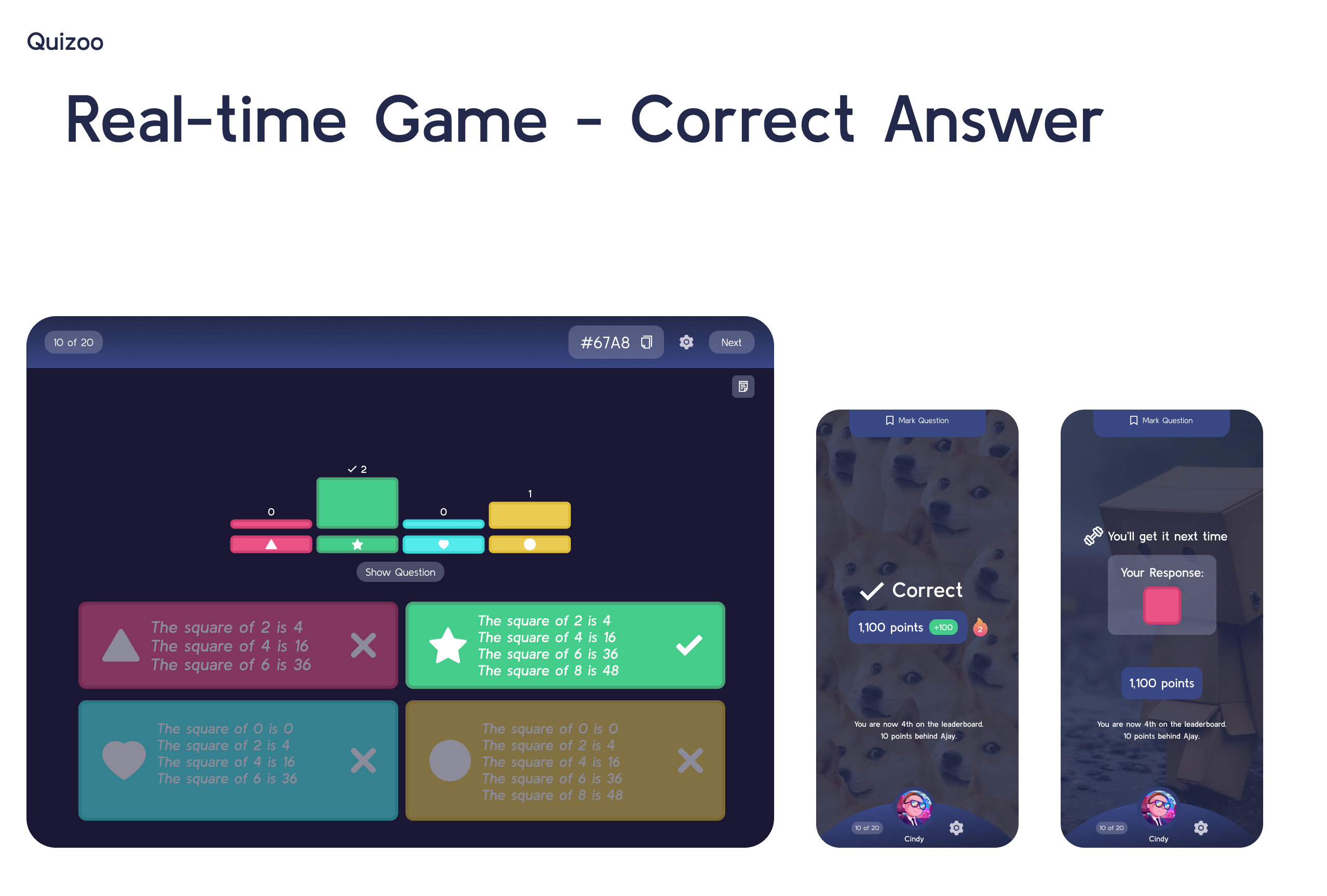
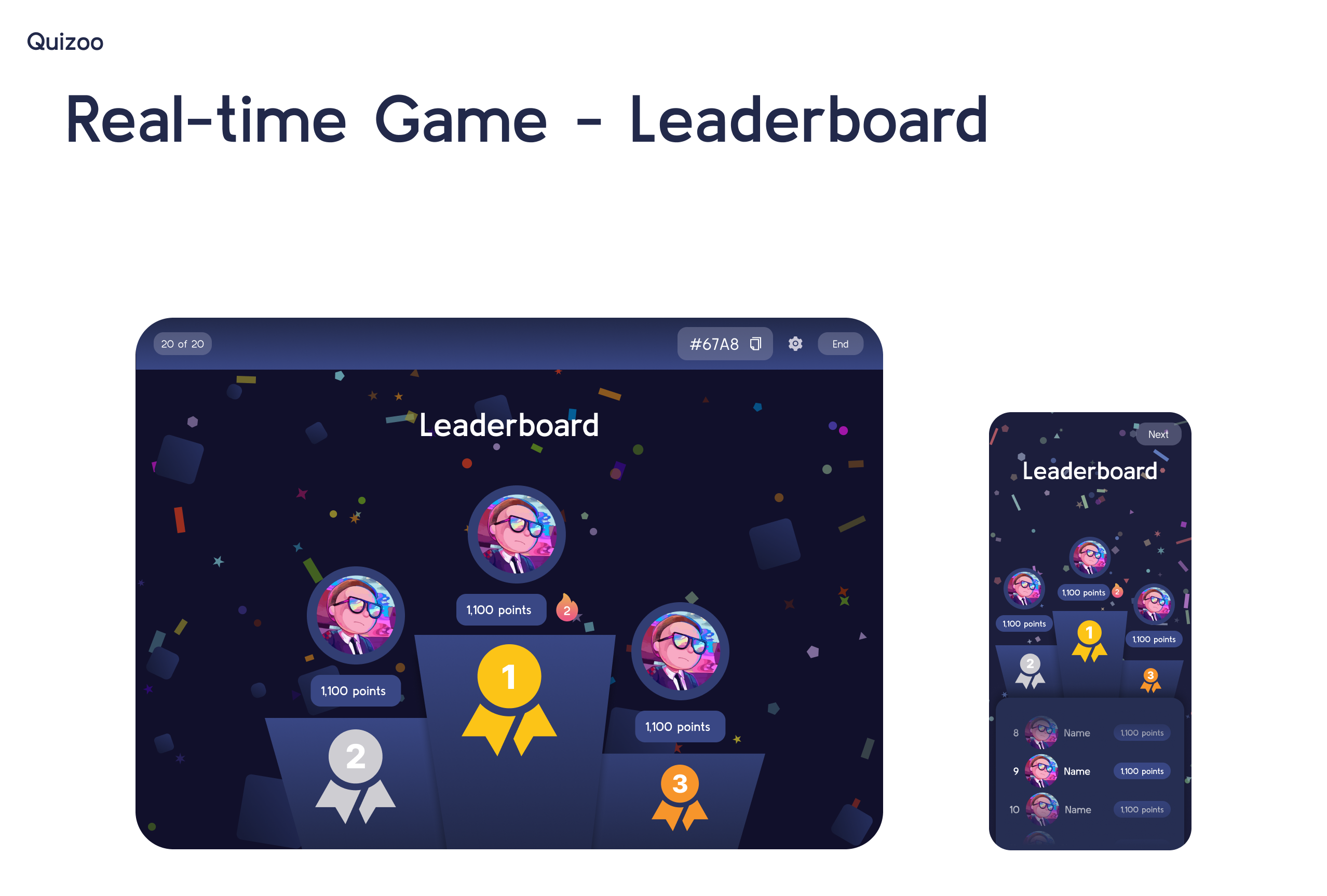
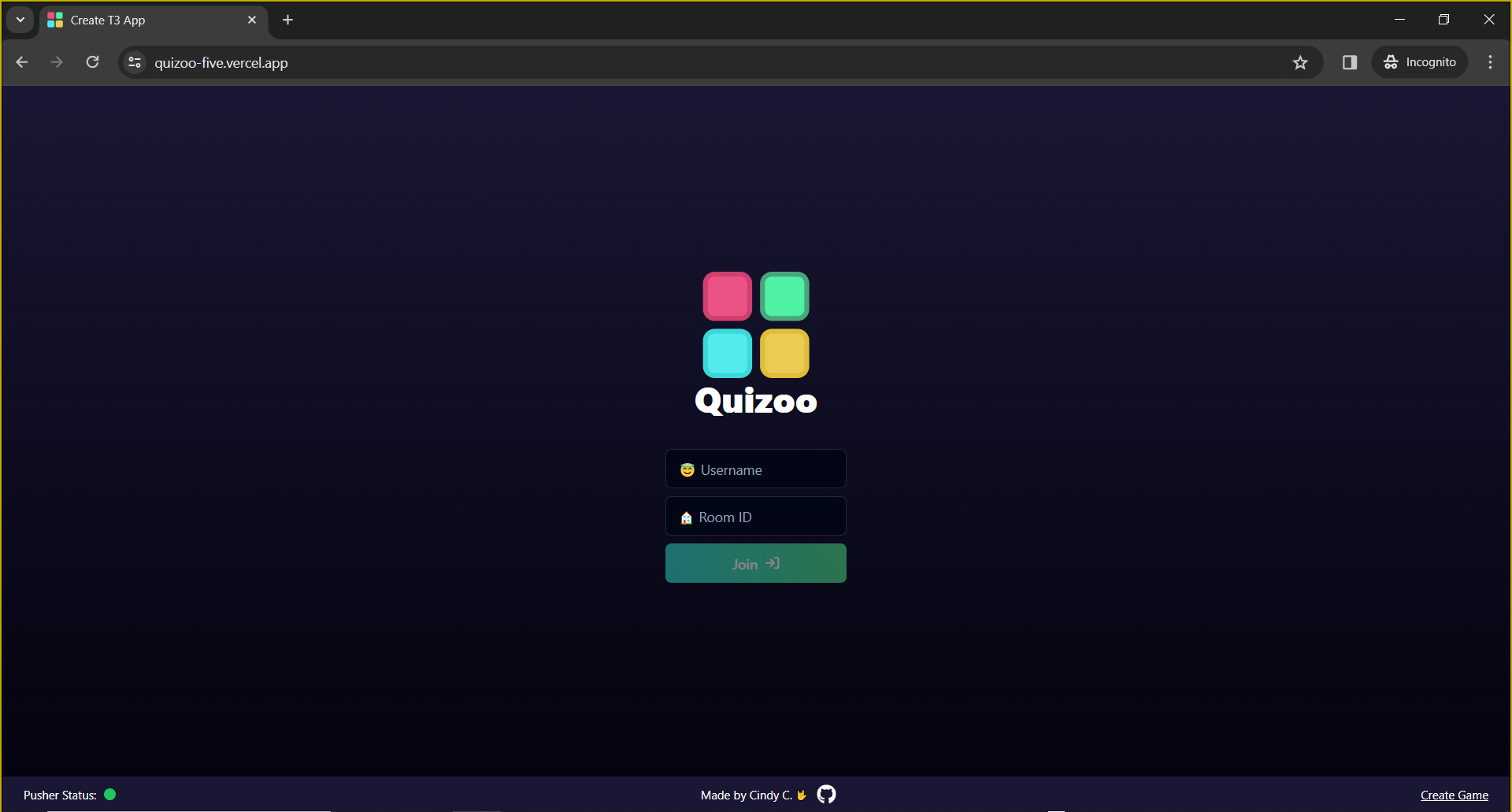
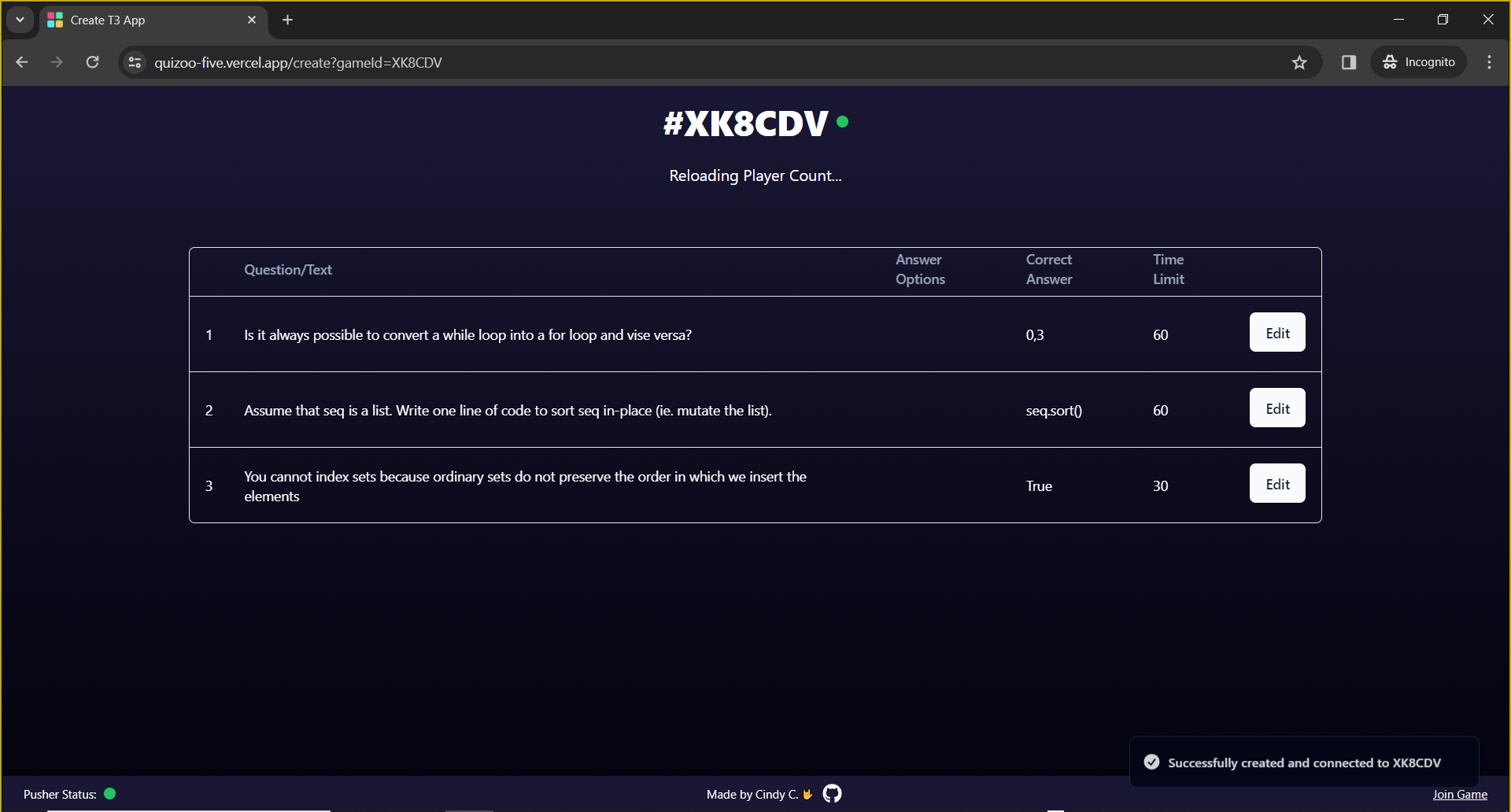
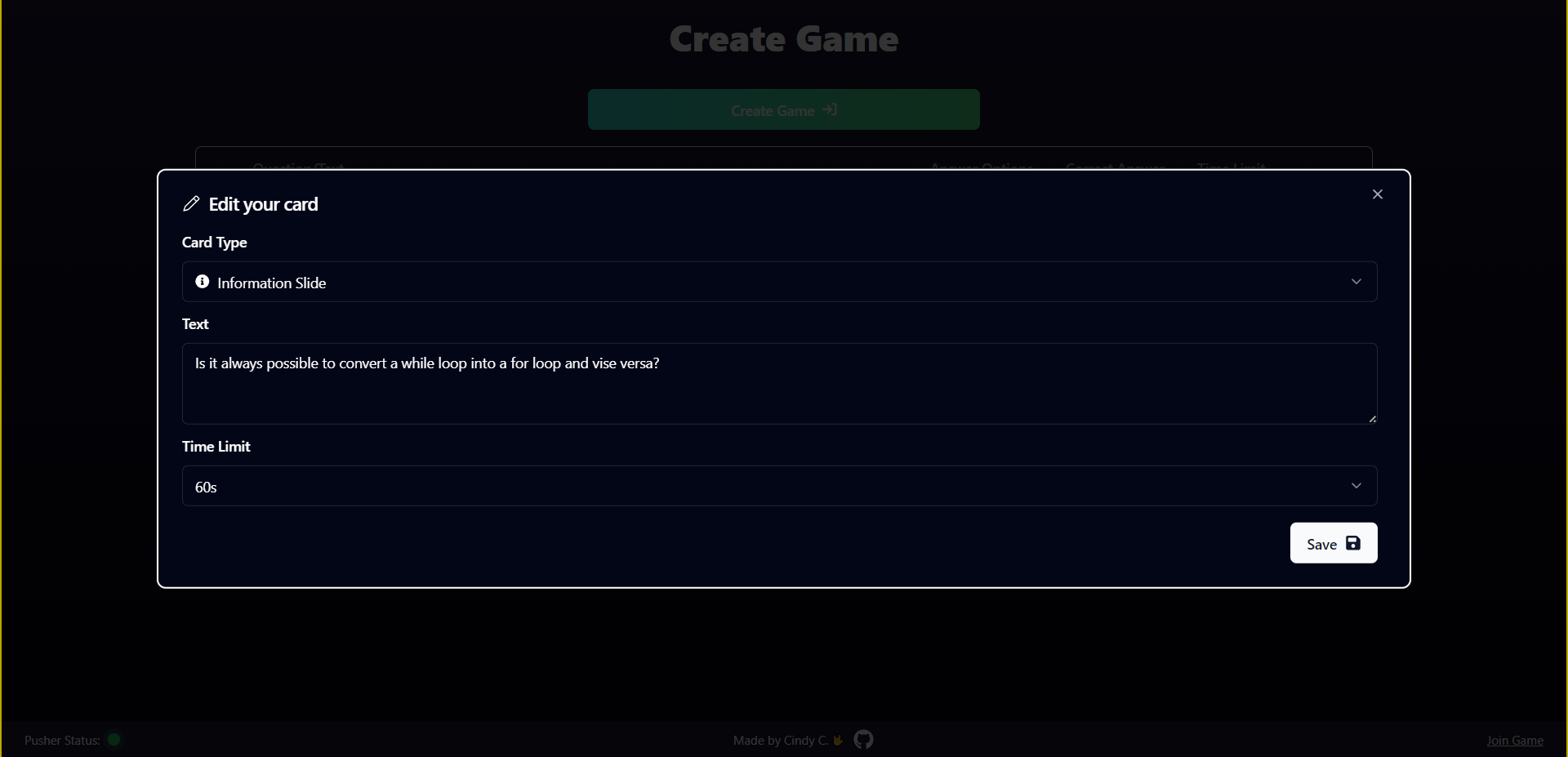
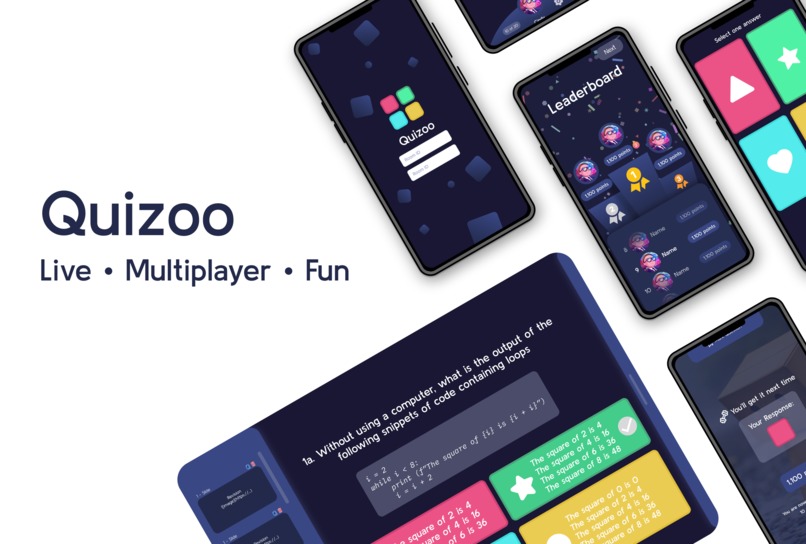
Quizoo is a learning app that allows you to create cards that you can use to test your knowledge individually or among a group of friends in a real-time, multiplayer game!
- Engage students in classes
- Gauge how well students are grasping concepts
- Ensures that previous knowledge can be practiced outside of class too
💡 Inspiration
Inspired by my own experience both as a university tutor and student. As a tutor, I've tried using apps like Kahoot! but are limited by their expensive Freemium model (it says $12 per month but is billed annually so you have to pay a minimum of $140+ ☠️). Therefore, I have decided to use my coding knowledge to not only create a real-time quizzing app that is free and open-source but also add more features of my own.
✨ What it does
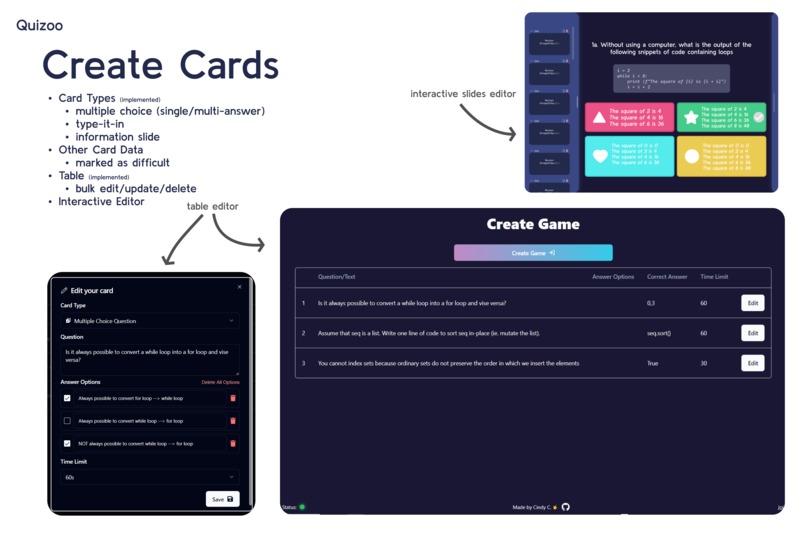
- Deck Creation: Create a deck of different cards
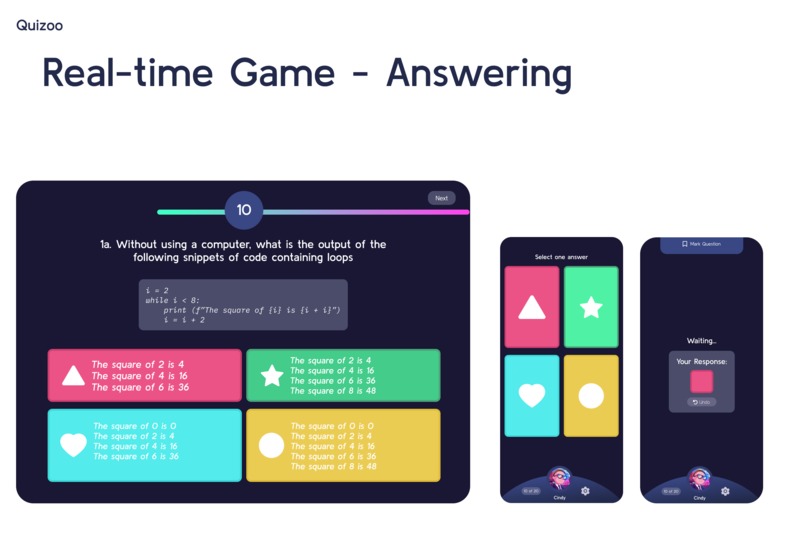
- Card Types: Slides, Multiple Choice (Single/Multi-Answer), Type-it-out
- This can even be done offline as everything is stored client-side on the user's device
- Individual Flashcard Practice: View the flashcards in the deck creation page and mark the ones that you are finding difficult
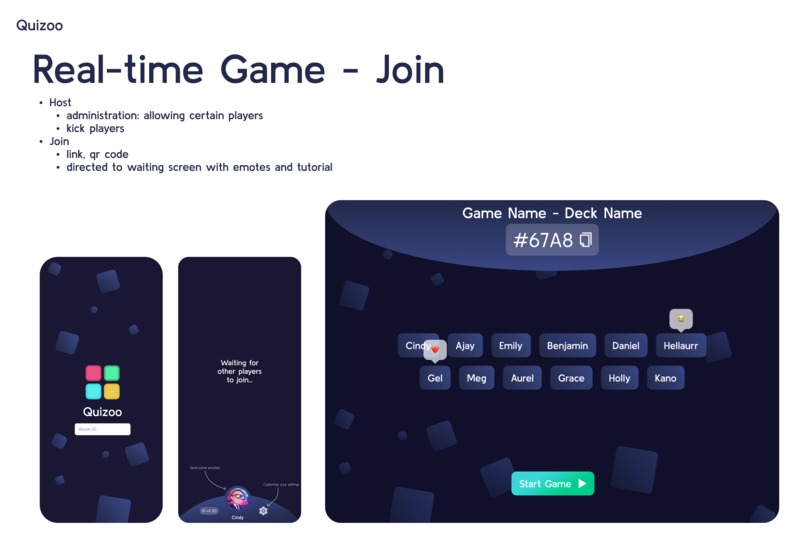
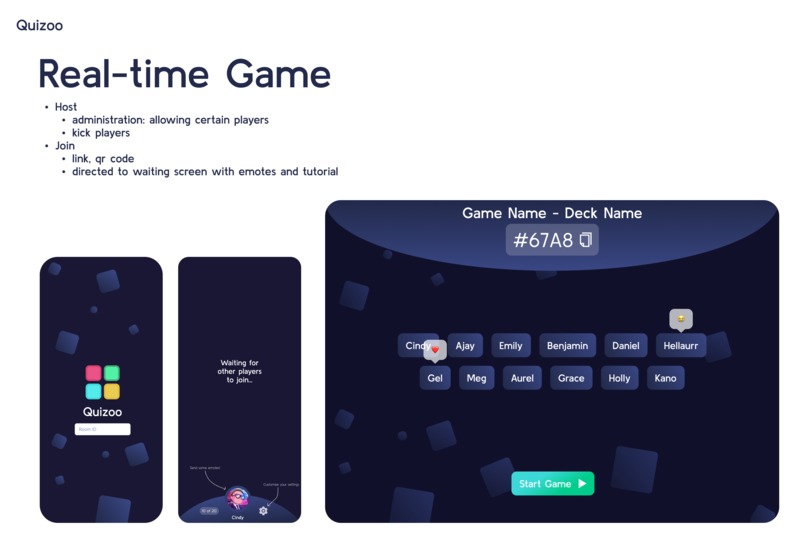
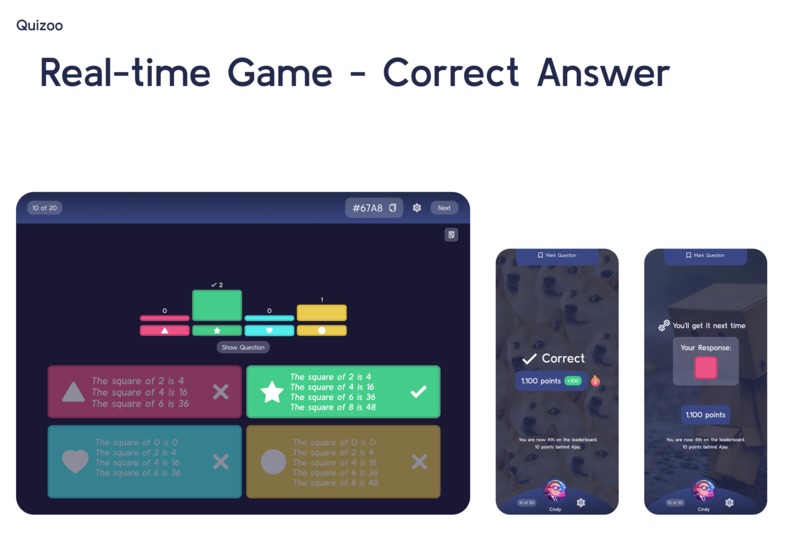
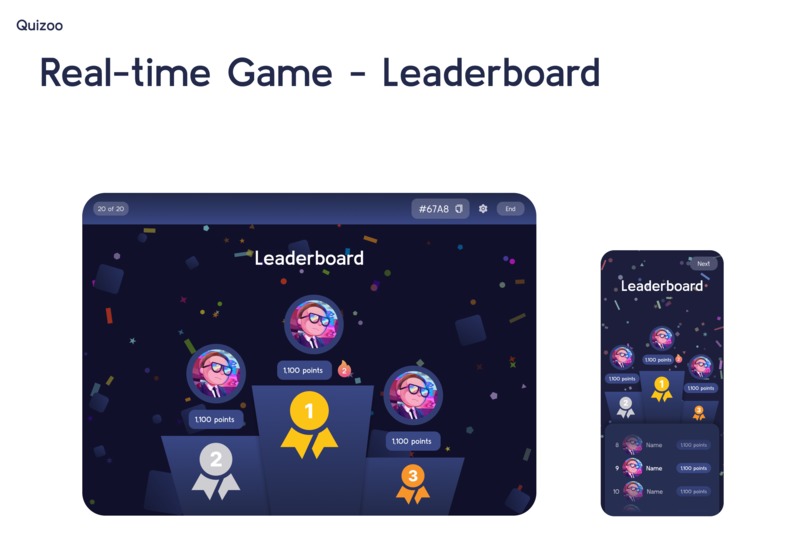
- Multiplayer Quizzing: Create a game where users can compete against each other to get onto the leaderboard
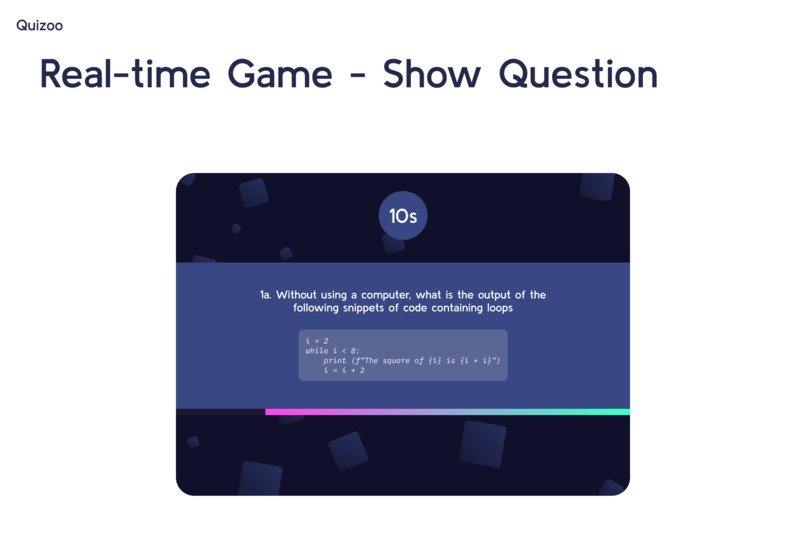
- Slides can be used in a game to present and teach while quizzing
- Cards can have time limits to add more pressure
- Leaderboard is based both on speed and accuracy of responses
💻 How it's built
- Mockup: Figma
- Pinterest, Dribbble and Behance for UI/UX inspiration
- Prototype
- T3 Stack: TypeScript, Tailwind, TRPC, NextJS with the app router
- PusherJS for socket management
- shadcn/ui for headless UI components
- built on top of Radix UI (component library optimized for fast development, easy maintenance, and accessibility), React Hook Form (simplified form management with React hooks), Tanstack Table (flexible, efficient tables in React), Sonner (clean looking toasts), etc.
- React Icons for icons
- Dexie for IndexDB interfacing
- Other Tools: Vercel for deployment and hosting, Excalidraw for diagrams, VSCode for code editing, GitHub for repo hosting, Git for version control, OBS and ScreenToGif for screen recording, Kdenlive for vide editing
📖 Learnings and Challenges
- There was a bit of a learning-curve to using Pusher. I ran into a few issues that were hard-to-debug.
- Knowing that I want to keep this a longer-term project, I wanted to write as little spaghetti code as possible but this meant that more time was taken to build out each feature and less of the prototype was able to be built in the end.
- It was my first time using the App Router in NextJS as well as using server-side rendering and it took some time to learn and caused some issues that I was unfamiliar with and were therefore hard to debug (Hydration errors, TRPC-related errors).
- A lot of thought was put into trying to keep the number of messages sent to and from Pusher to be as minimal as possible (due to message quota) and architecting a solution to this took some time too.
Links
🧭 What's next
- Finishing the Prototype
- Additional Features:
- Spaced Repetition: A learning technique where flashcards or other learning materials are reviewed at increasing intervals over time. This method optimizes retention by strategically spacing out review sessions based on the difficulty of each item, reinforcing memory and promoting long-term retention.
- Advanced Card Types
- Variable Cards: Traditional flashcards often encourage rote memorization of specific answers to questions, rather than fostering deep comprehension of underlying concepts. For example, students may memorize mathematical formulas without understanding the principles behind them, leading to difficulties in applying their knowledge to solve new problems or explain concepts in different contexts. This approach can limit critical thinking skills and hinder long-term retention of information. Variable cards would allow you to
- Diagram Cards: Allow diagrams/drawings as answers
- Deck Import/Export: To share decks among your class/friends
Built With
- dexie
- figma
- nextjs
- pusherjs
- t3
- typescript


Log in or sign up for Devpost to join the conversation.