-
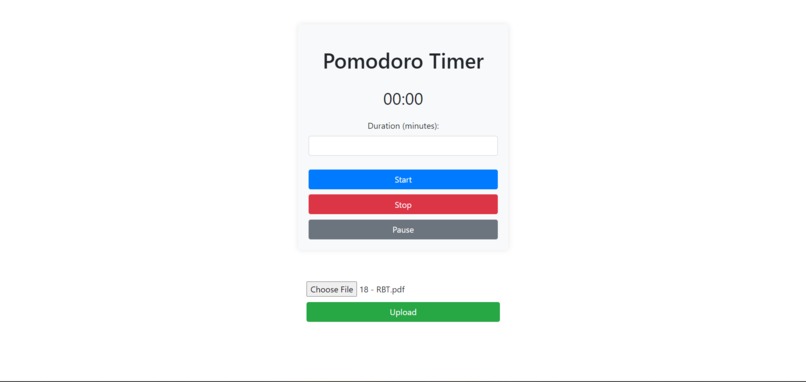
Timer
-
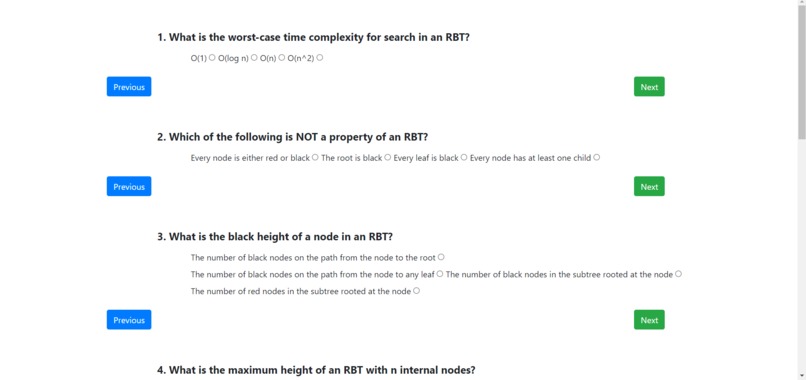
Quiz
Inspiration
The inspiration for Quizodoro came to me during BitCamp, sparked by observing the struggles and desires of college students and friends alike. I noticed how we all craved efficient study methods that also challenged our knowledge retention. That's when it hit me: why not combine the structured focus of the Pomodoro technique with the engaging element of quizzes? I wanted to create something that not only helped people study better but also made the process enjoyable. Drawing from my own experiences and those around me, I realized the potential of blending technology with learning.
What it does
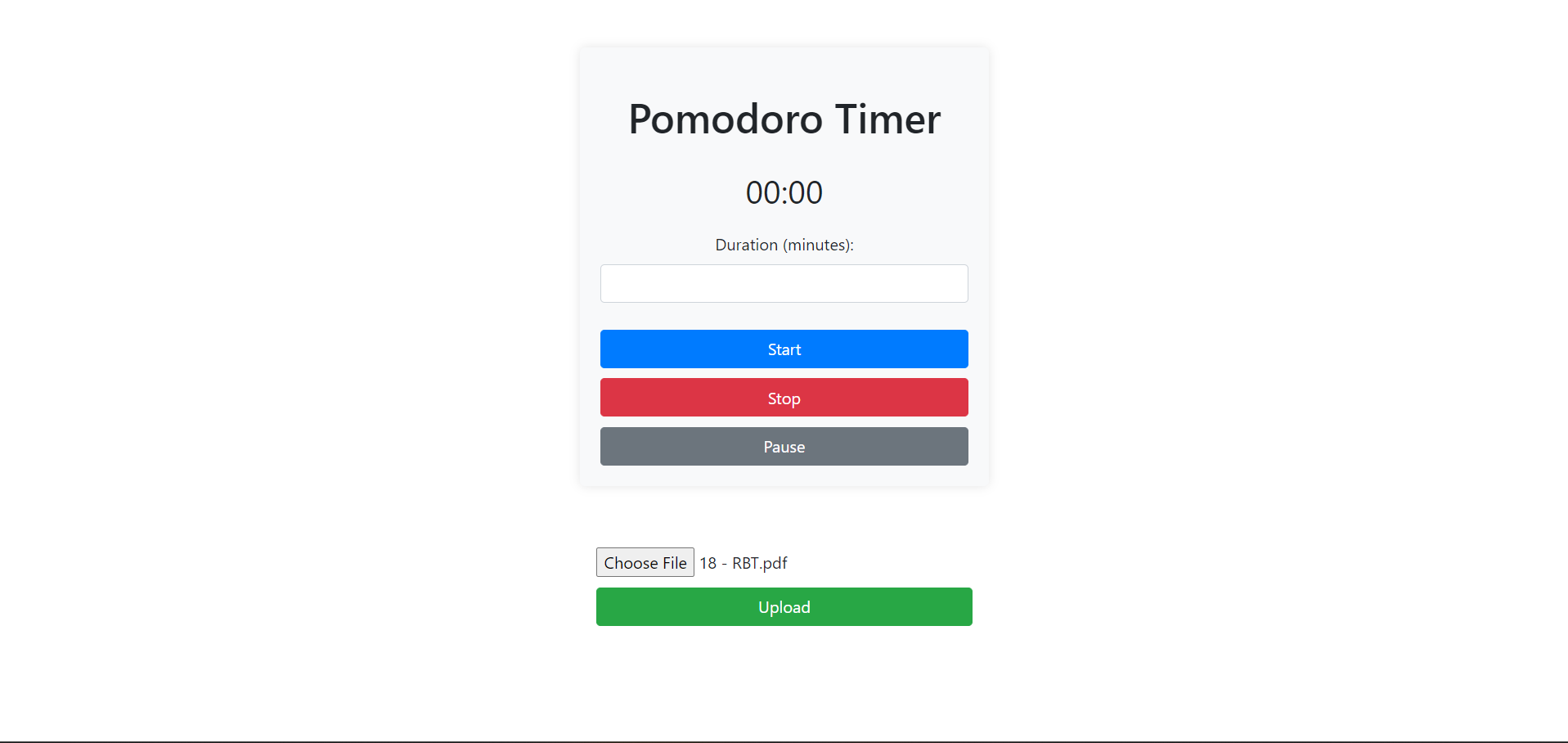
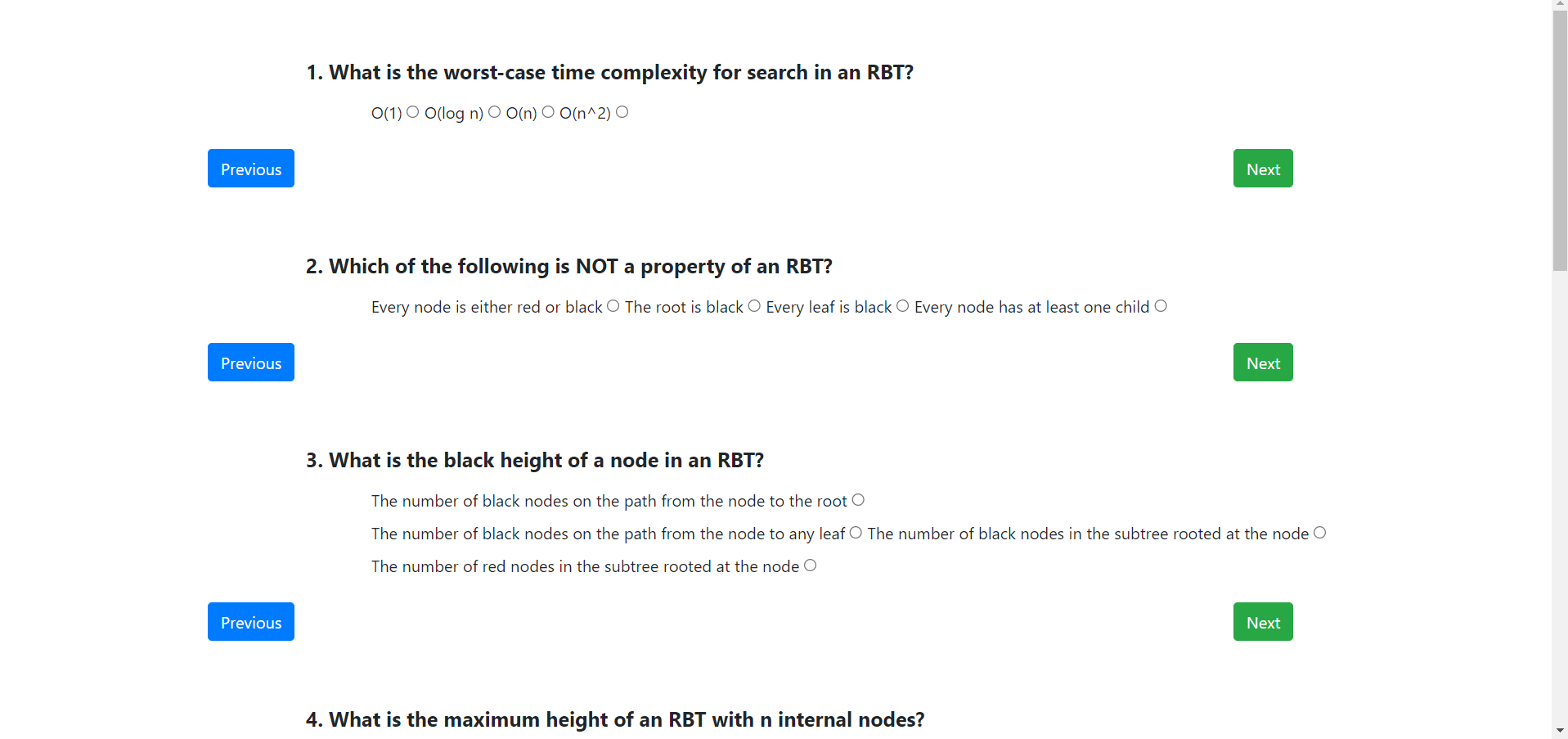
Quizodoro, combines the Pomodoro study technique with dynamic quiz generation based on PDF content. It allows users to set a specific study duration, during which they engage in focused learning. When the time is up, the app presents them with a quiz related to the topic they've been studying. This innovative approach not only helps users manage their time effectively but also reinforces their learning through interactive quizzes.
How we built it
Backend Setup: -Utilized Python with Flask framework to create the backend structure. -Used PyPDF2 library for PDF text extraction in file_processing.py. -Implemented quiz generation logic in quiz_generation.py using LangChain for question generation based on given text. Frontend Structure: -Developed frontend using HTML, CSS, and JavaScript, structured according to Flask's template rendering. -Created a form for users to input study duration in minutes (pomodoro_timer.html). Flask Routes: -Defined Flask routes in app.py to handle user interactions. -/pomodoro: Renders the study duration input form and saves the duration in the session upon form submission. -/upload: Handles file upload, extracts text from PDF files, generates quiz questions based on the extracted text, and renders the quiz page with the generated questions. Quiz Generation: -Implemented generate_questions() function in quiz_generation.py to split the text into chunks and query LangChain for generating multiple-choice questions. -Used ChatGoogleGenerativeAI and geminiApi from LangChain with a predefined prompt template to generate questions based on the given context.
Challenges we ran into
As this was our first hackathon, we ran into many challenges, we learned about langchain and LLMs on the go, and how to use the API keys. But I would say the hardest part was the research and what to use while working on it. Moreover, implementing python and HTML,CSS and JS using flask was also a new thing , but it was quite fun. We first tried to make it on tkinter but the GUI is difficult to deal with and it is difficult to deploy it publicly.
Accomplishments that we're proud of
That we nearly finished this app , just some fine tunings are required, we are also proud that were able to nearly finish the project in given time and use of LLMs was the proudest moment for us and implemeting it.
What we learned
Learned a lot about Gemini API and Flask and Automation.
What's next for Quizodoro
We will try to make it such that it will also give a cheatsheet about the topic that you did not do well in and launch the product.
Built With
- chatgooglegenerativeai
- css
- flask
- html
- javascript
- langchain
- python


Log in or sign up for Devpost to join the conversation.