-
-
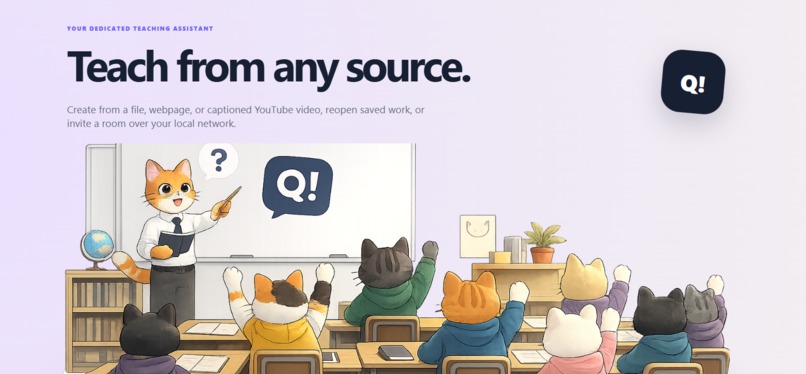
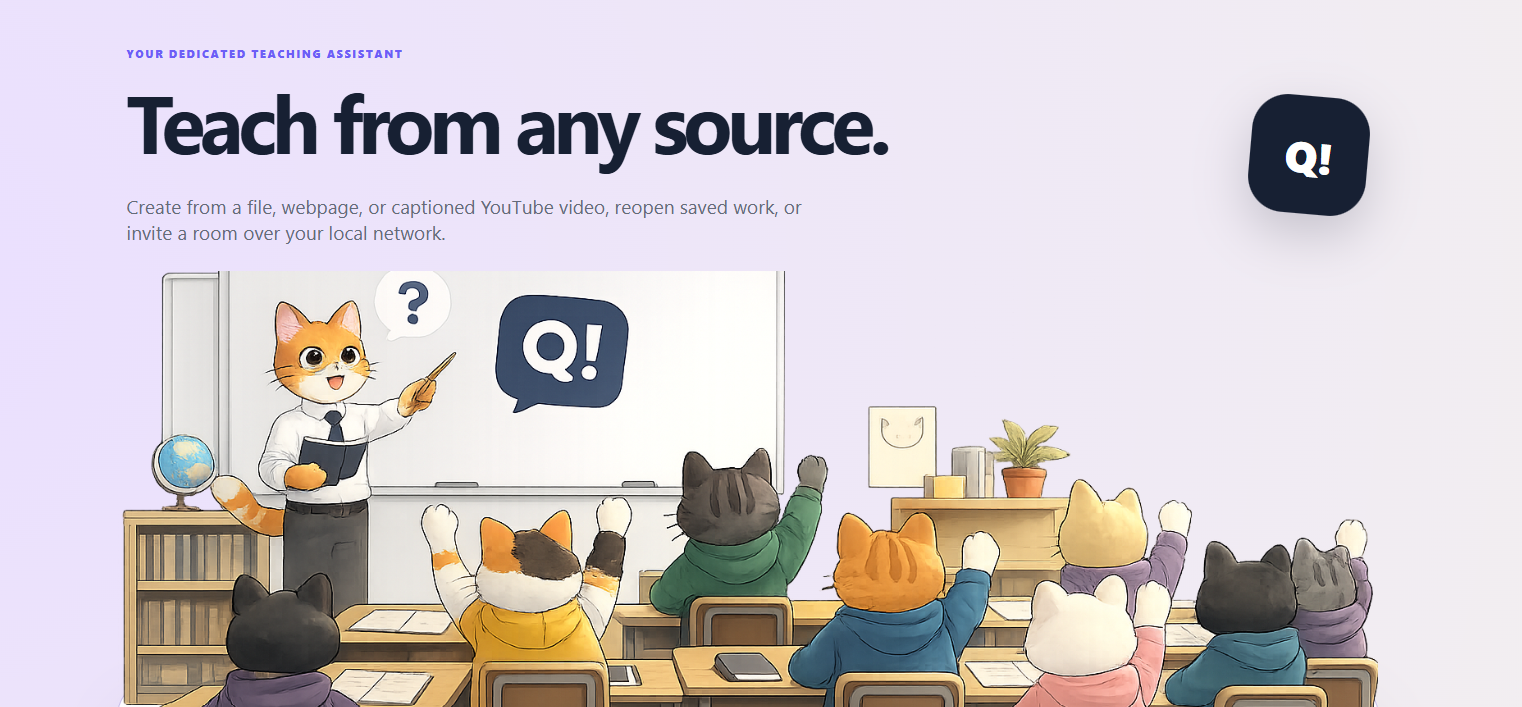
Teach from any source; a website, Youtube video, PDF, Word and many more
-
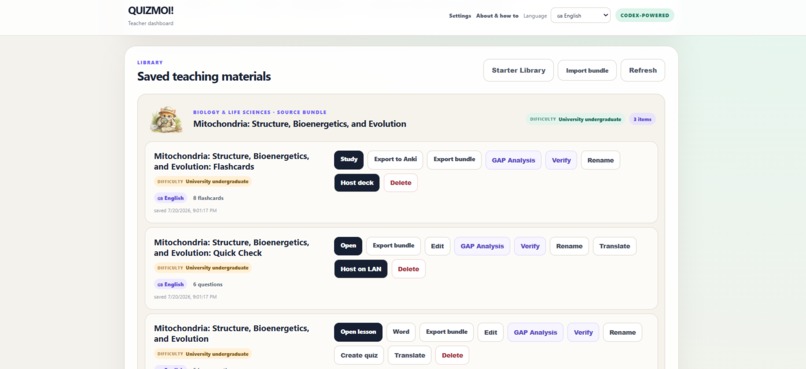
save & share your lessons, review, update and return to material that your students need to revisit
-
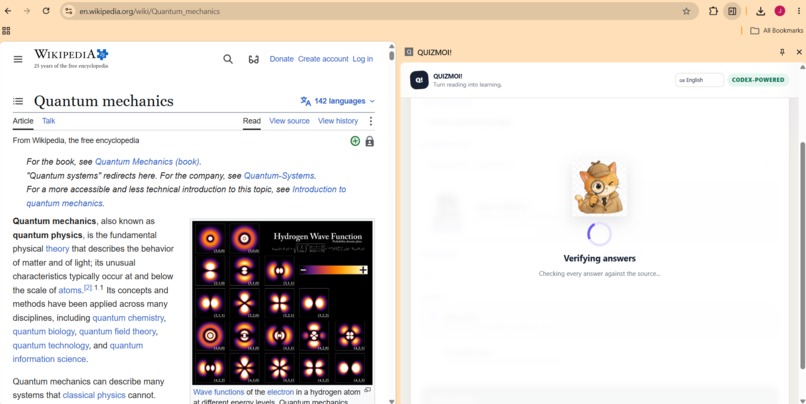
Turn anything into a lesson, quiz or flashcards or plan a complete curriculum for yourself or your students!
-
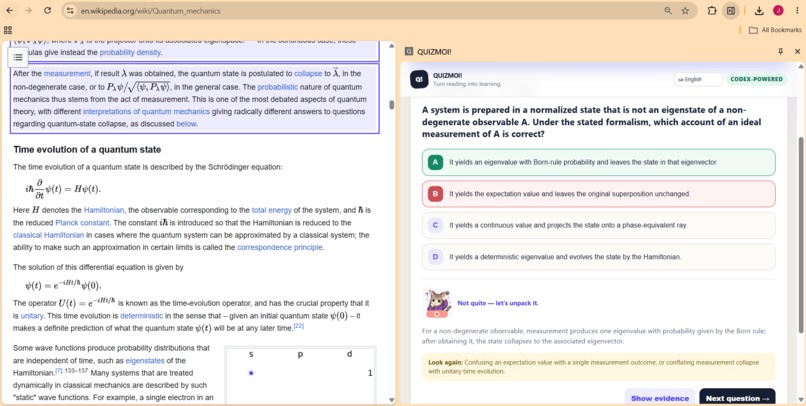
evidence backed claims, ability to review, revise and analyse materials in-situ.
-
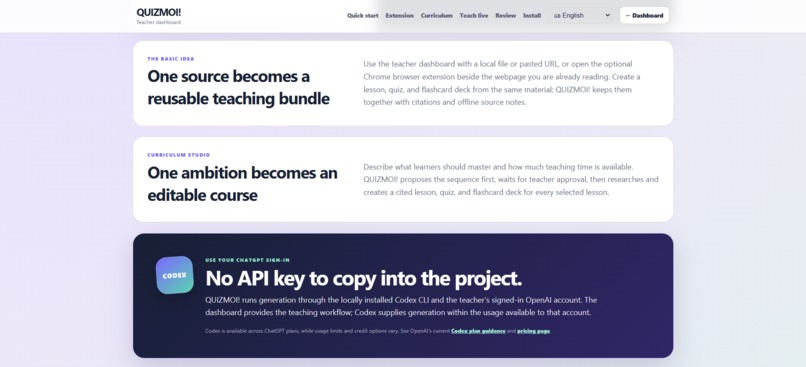
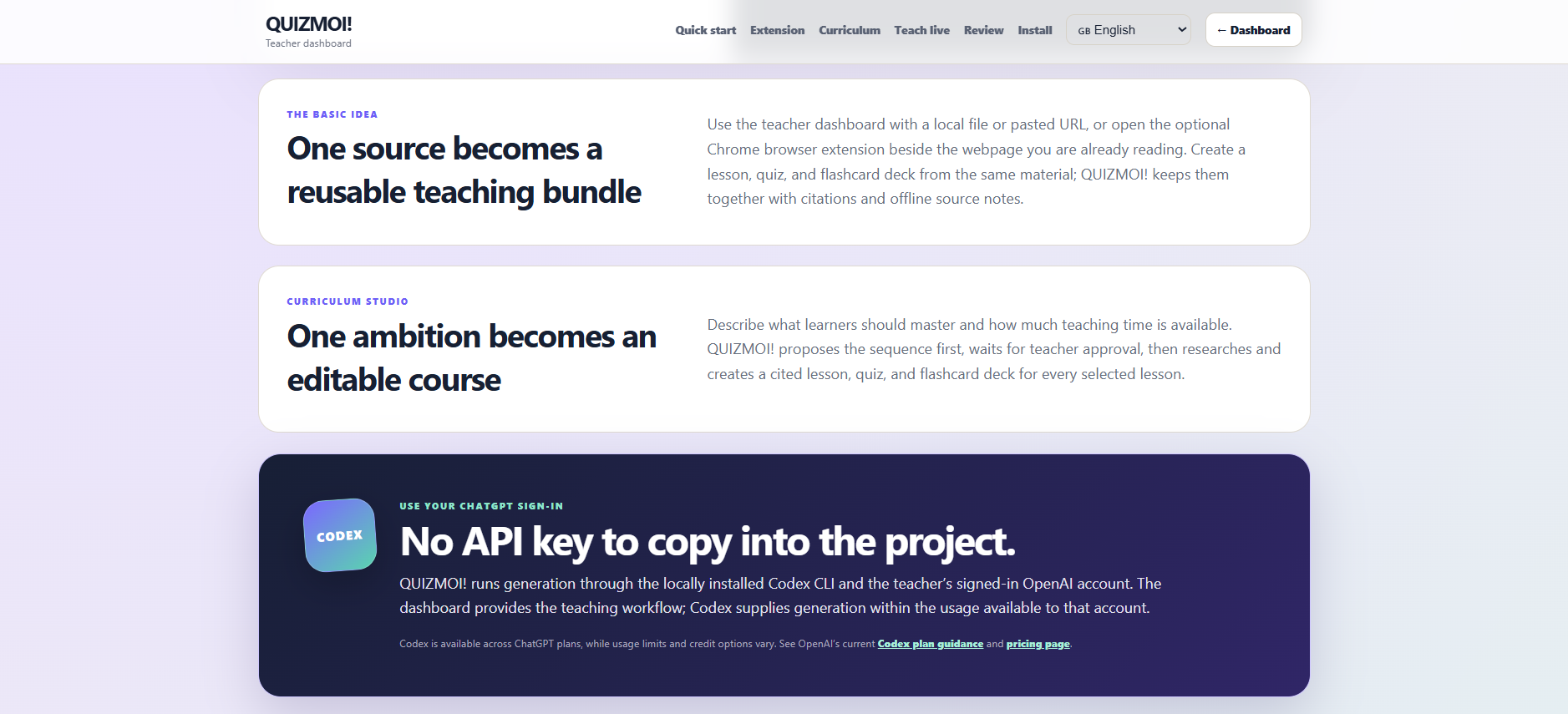
No API key = no extra cost. You existing ChatGPT Plus subscription includes your teaching assistant!
-
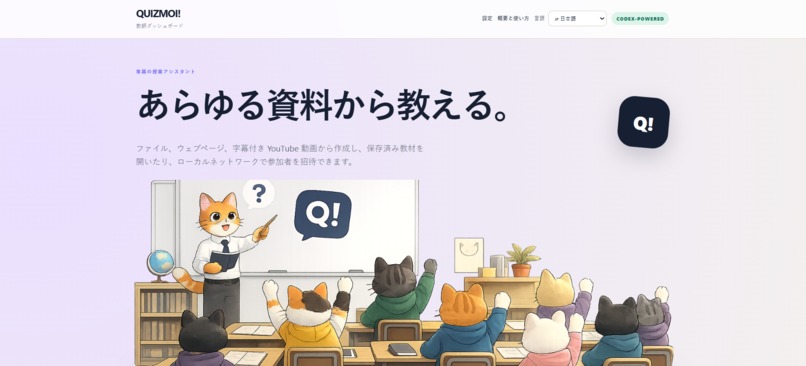
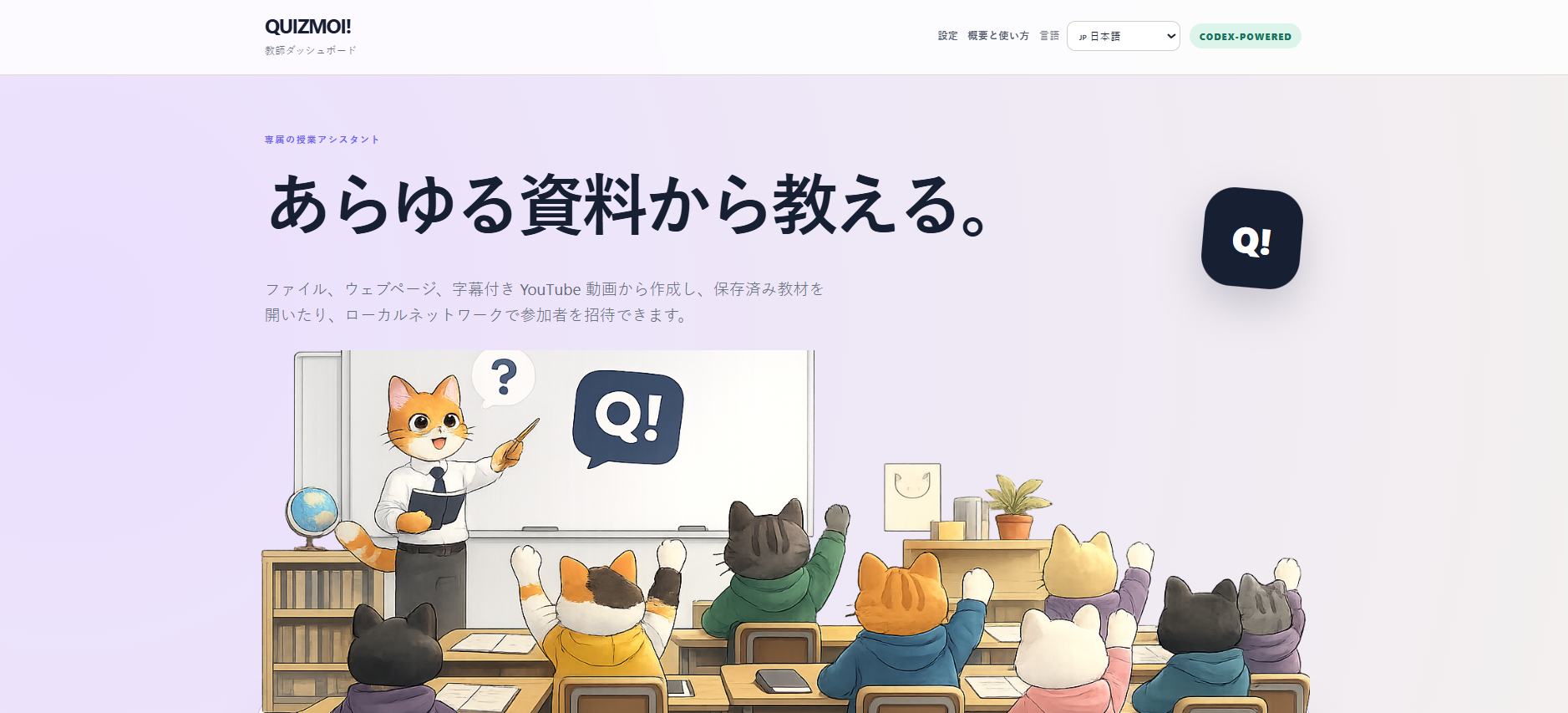
Teach anyone, anything in multiple languages
-
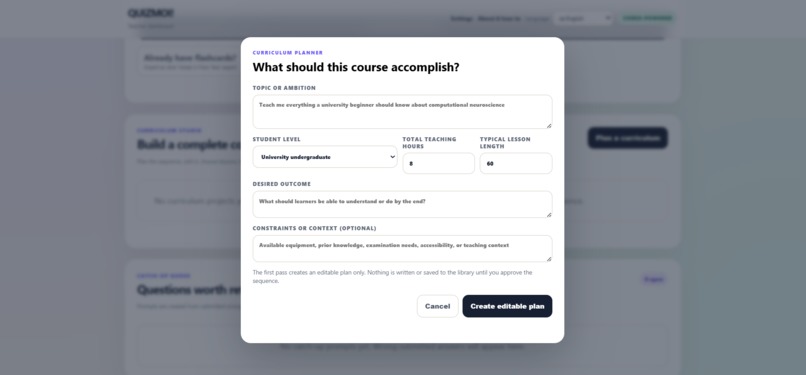
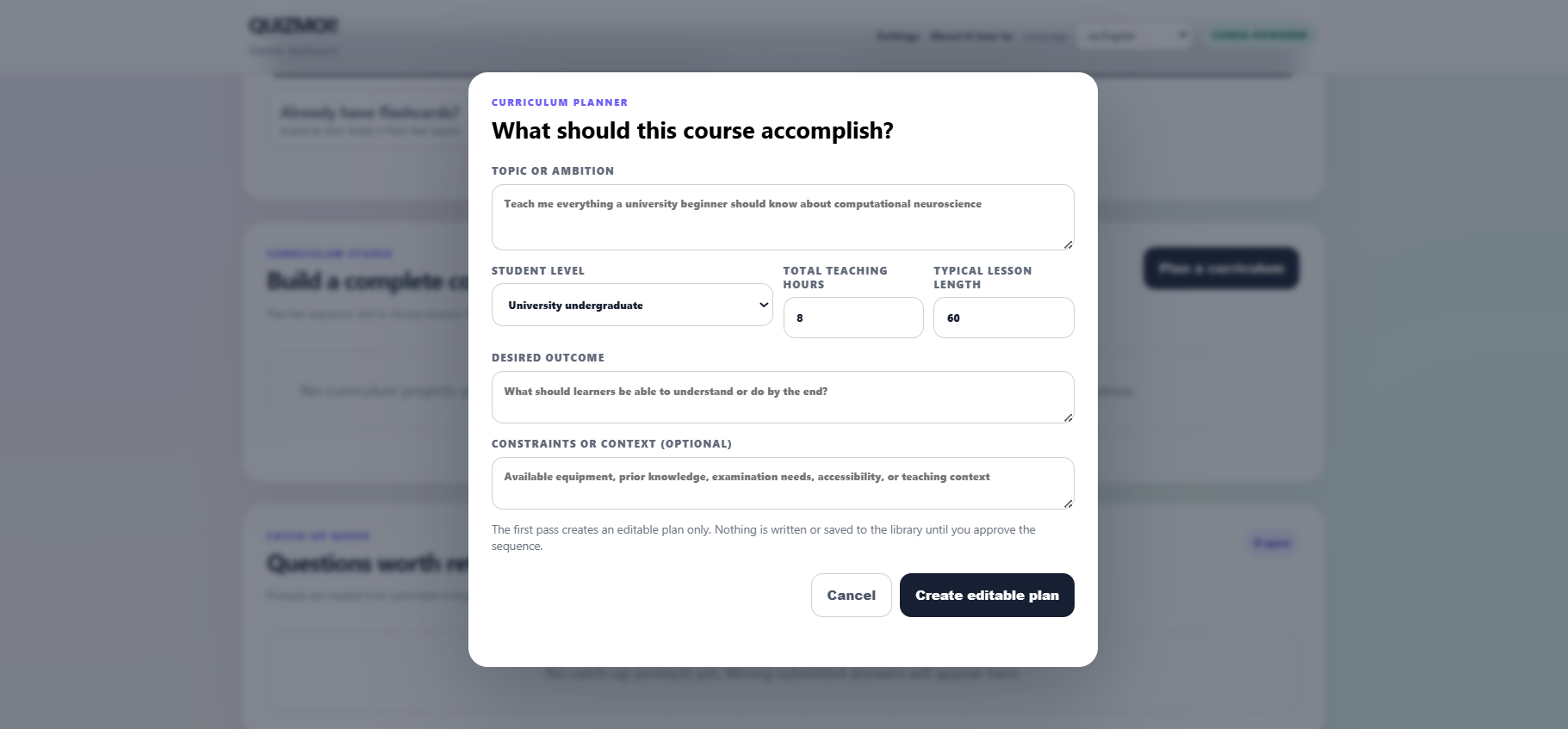
design complete courses for yourself or your students
-
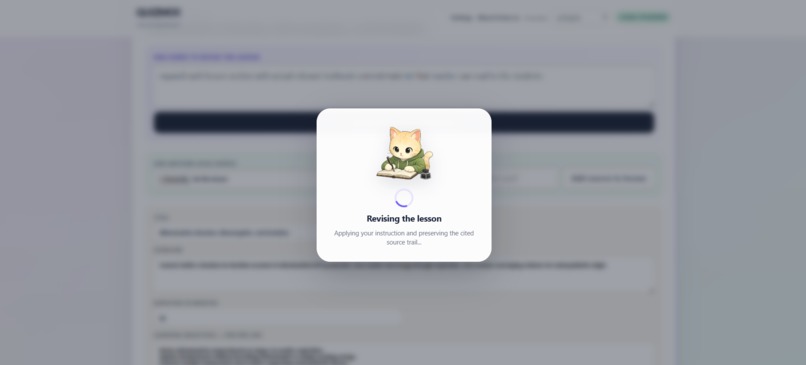
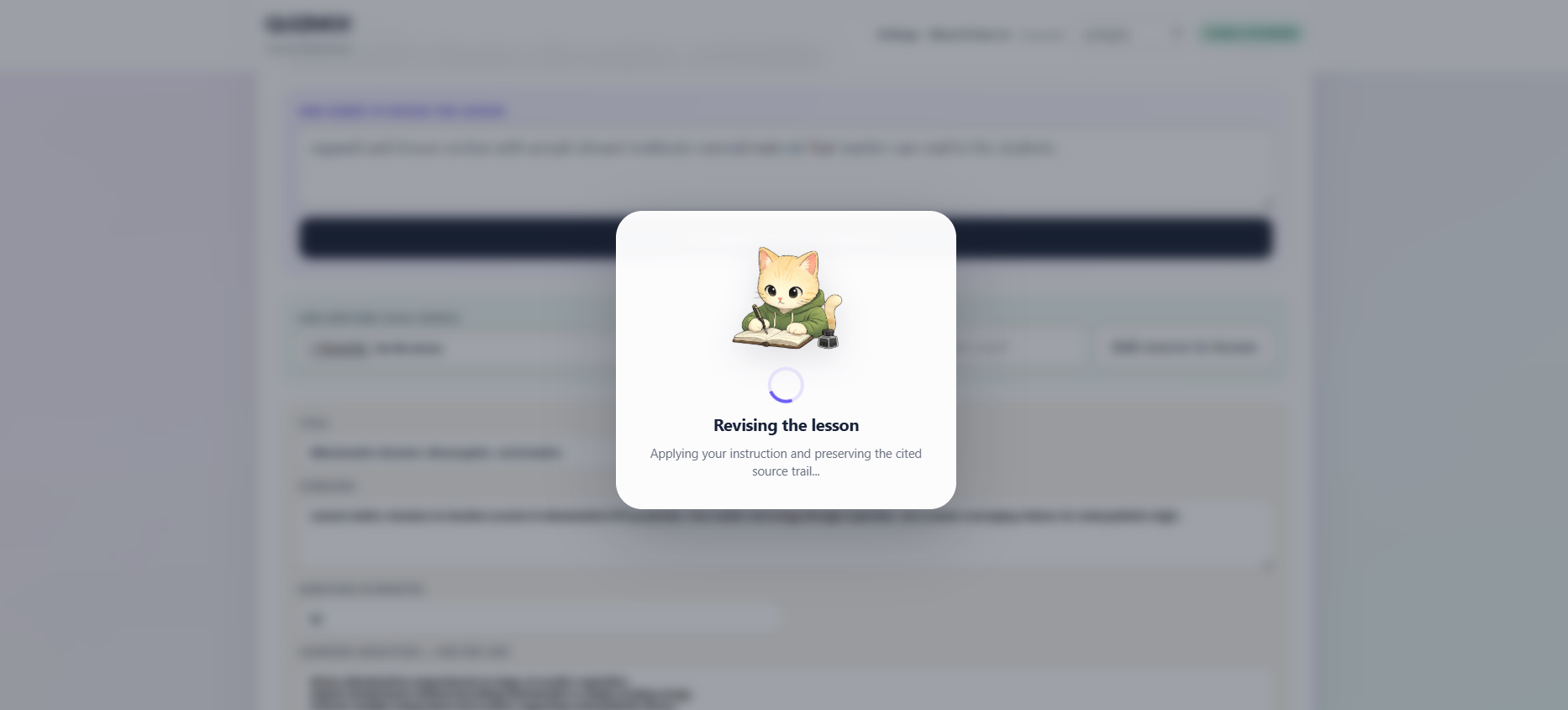
improve created lessons until you're happy with the subject coverage
Inspiration
QUIZ MOI! began with a simple question:
What if a teacher could turn the material already in front of them into a useful learning activity, without needing another subscription, API key, or hosted school platform?
Many educational institutions operate with limited budgets, limited technical support, and unreliable internet access. Teachers often have good source material - a PDF, webpage, presentation, textbook extract, or video, but not enough time to turn it into differentiated lessons, assessments, flashcards, and follow-up activities. They may also often use ChatGPT to support their lessons, unaware that they can do much more with their ChatGPT Plus subscription.
For teaching a class or for self learning - I wanted to build a dedicated teaching assistant that works around the teacher’s existing material and workflow. It should help create resources, but the teacher should remain the editor, reviewer, and final decision-maker.
As a software engineer, I learn a lot on a daily basis. I have also paid substantial amounts for courses. This project began as a browser extension that generated quizzes from the current webpage. It gradually became a broader teaching workspace for creating, verifying, editing, distributing, and presenting educational material.
What it does
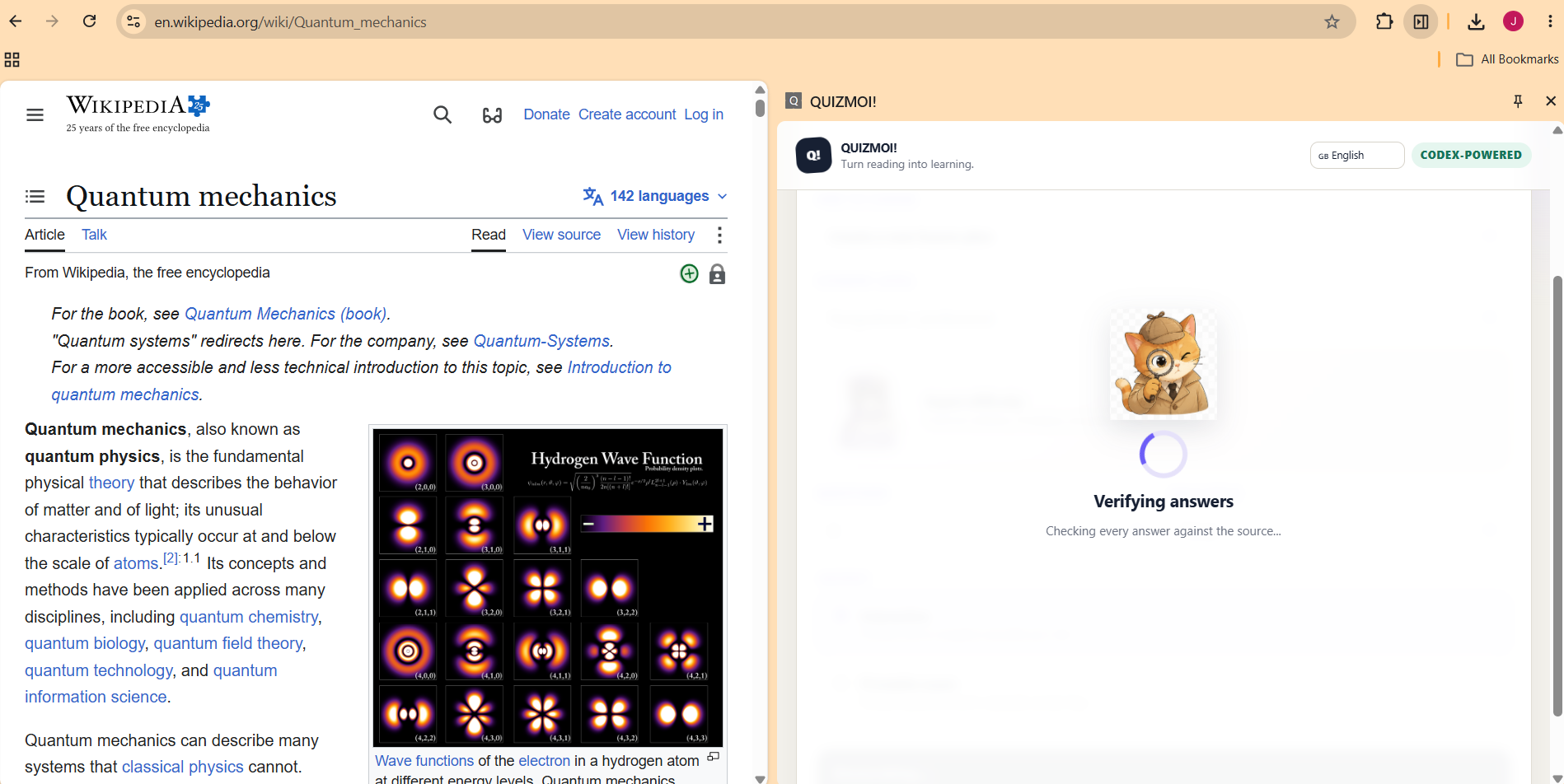
QUIZMOI! is a Codex-powered Chrome extension and local teacher dashboard.
A teacher can start with:
- a webpage;
- a captioned YouTube video;
- a PDF, Word document, presentation, spreadsheet, EPUB, Markdown file, or text file;
- an existing saved lesson; or
- a broad curriculum objective.
From that source, QUIZMOI! can create:
- interactive multiple-choice quizzes;
- printable examinations and separate answer keys;
- cited lesson plans;
- flashcard decks;
- Industry compatible exports; and
- multi-lesson curricula containing a lesson, quiz, and flashcard deck for every topic.
Teachers can edit generated material manually or give Codex revision instructions. Individual quiz questions can be replaced, authored, illustrated, and verified against supporting sources.
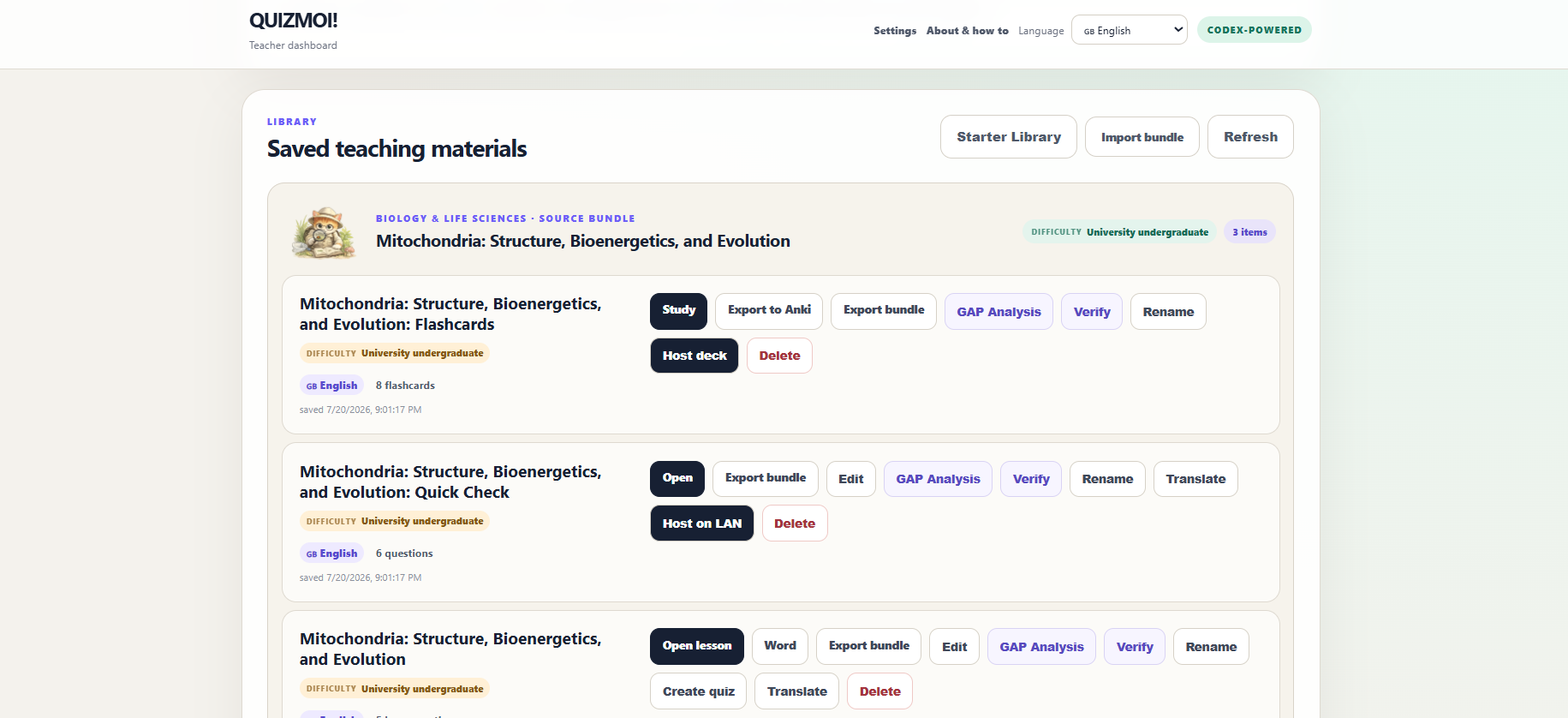
Saved materials can be exported as portable ZIP bundles containing the activity and its source trail. Interactive activities are self-contained SPAs that can be opened or distributed independently.
QUIZMOI! also supports live classroom teaching over the local network. A teacher can host a timed quiz, collect participant names, view submitted scores, retain session history, and receive learner-specific follow-up suggestions based on previous wrong answers.
Flashcards can also be hosted as live study sessions. A shared whiteboard supports drawing, shapes, text, delegated learner control, PNG export, and synchronized teacher-controlled YouTube playback.
How we* built it
(Codex & I)
The project has three main components:
Chrome extension or teacher dashboard
        ↓
Local Node.js companion
        ↓
codex exec --ephemeral
        ↓
Structured, source-grounded teaching material
        ↓
Standalone SPA, Word document, PDF, Anki export, or LAN session
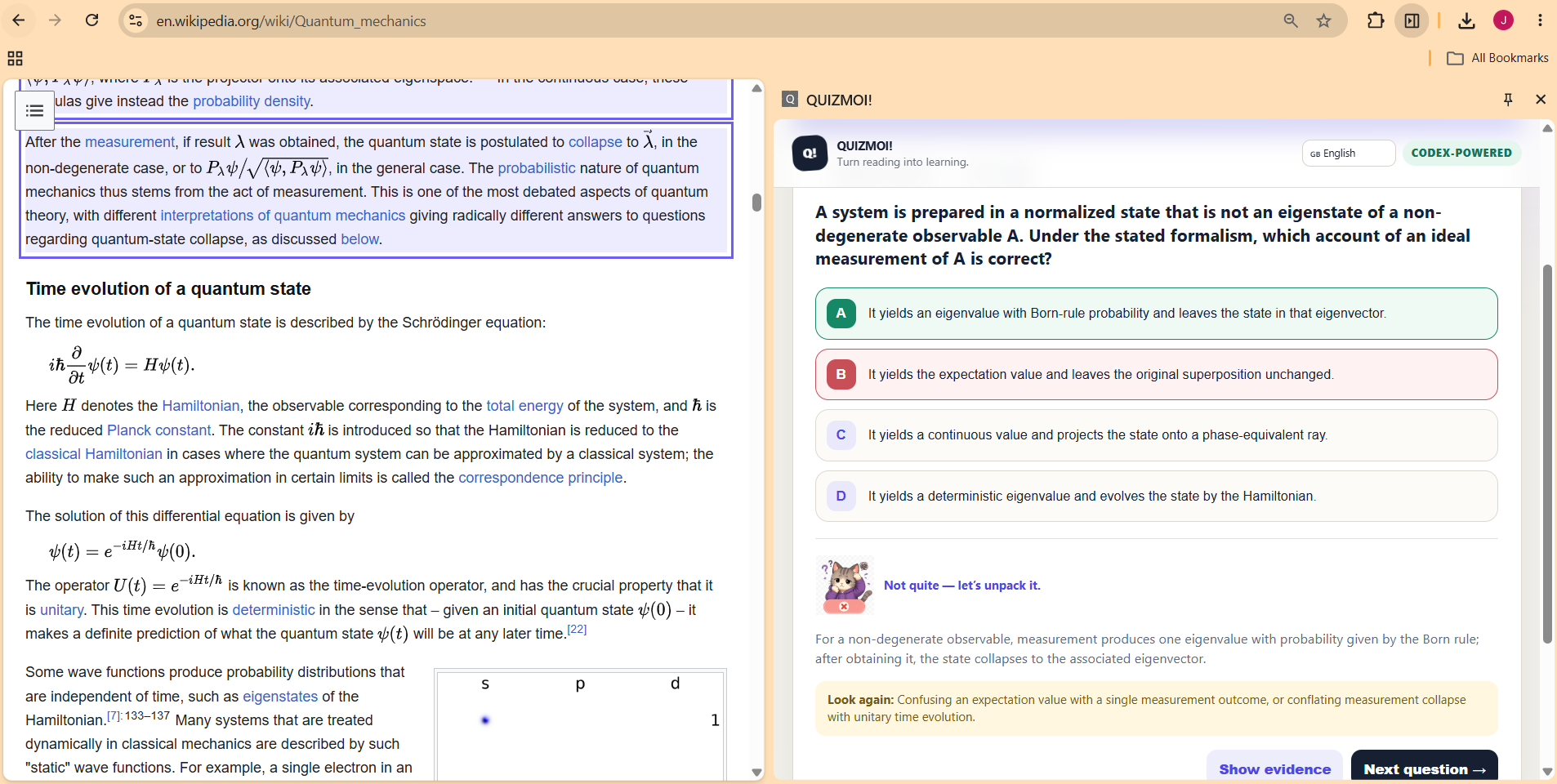
The Chrome extension extracts readable passages from the active page and labels them as source blocks. The local dashboard can additionally extract content from uploaded documents and captioned YouTube videos.
The Node.js companion constructs a constrained prompt that treats extracted material as untrusted source content. Codex is run ephemerally in a read-only sandbox and must return data conforming to a strict JSON schema.
This structure lets us connect every generated answer to supporting source blocks. Teachers can inspect citations and verify claims instead of receiving an opaque quiz with no evidence trail.
The teacher authenticates through the locally installed Codex CLI:
codex login
npm start
There is no API key to paste into QUIZMOI! and no separate QUIZMOI! inference account. Generation uses the Codex access available through the teacher’s signed-in OpenAI account and remains subject to that account’s usage limits.
Saved work, source copies, exports, settings, and classroom history remain on the teacher’s computer. Text required for generation or research is sent to OpenAI through Codex, which the interface explains clearly.
For curriculum creation, we introduced a multi-stage workflow:
- A planner proposes the required lessons, dependencies, outcomes, and teaching time.
- The teacher reviews and edits that sequence.
- A writer researches and produces a cited lesson, quiz, and flashcard deck for each selected lesson.
- A reviewer checks claims, evidence, coverage, and possible misconceptions.
- Questionable material pauses for teacher approval instead of being published silently.
Challenges we faced
Making incorrect answers believable
Our first quizzes had an embarrassingly obvious pattern: the longest answer was frequently correct, while the distractors were short and repetitive. Someone could perform well without understanding the subject.
We added explicit distractor-quality rules, answer-position randomization, length balancing, schema validation, and automated quality checks. This became an important lesson: syntactically valid AI output is not necessarily a valid assessment.
Keeping generation grounded
A quiz generator can sound confident while drifting beyond its source. We therefore built the application around labelled evidence blocks, answer citations, teacher-visible verification, source availability checks, and GAP Analysis.
The goal is not to claim that AI output is automatically correct. The goal is to make checking and correcting it practical.
Supporting many source formats
Webpages, office documents, PDFs, spreadsheets, source code, and video captions all have different extraction problems. YouTube captions were particularly inconsistent, so we added a local yt-dlp helper and saved extracted transcripts with the resulting materials.
Browser-extension state
The active webpage can change while a Chrome side panel remains open. Early versions could display the previous page title and generate from stale content. We added active-tab tracking, explicit re-scanning, stale-source warnings, and visible generation states.
Producing portable outputs
Saving JSON was not enough. Teachers need something they can distribute, print, archive, or move to another computer. We built complete standalone quiz and flashcard applications, PDF examinations, Word lesson plans, Anki exports, and ZIP bundles that include their sources.
Live classroom networking
Hosting locally introduced another set of problems: network addresses, participant identity, answer secrecy, timers, reconnection, score history, and learner privacy. Correct answers are never included in the participant quiz payload and are evaluated only by the host after submission.
Accessibility and localization
Dark mode initially exposed components with hard-coded light backgrounds, while newer features contained untranslated interface text. We introduced shared theme rules, high-contrast support, persistent language selection, RTL support for Arabic, and localized Settings and help experiences across eleven languages.
What we learned
The biggest lesson was that useful educational AI is not simply a prompt followed by a download button.
A teacher needs to be able to:
- inspect the evidence;
- reject or replace weak questions;
- adapt difficulty to a particular group;
- understand what information leaves the computer;
- preserve and share the source trail;
- revisit learner misconceptions; and
- continue working after generation is complete.
We also learned that local-first does not mean “nothing is ever sent elsewhere.” QUIZMOI! stores its workspace locally, but Codex still sends generation and research prompts to OpenAI. Communicating that distinction clearly is part of building a trustworthy tool.
Most importantly, Codex was most effective as an iterative engineering collaborator. It helped us move from a quiz prototype to a connected teacher workflow, while testing each assumption against real behavior: predictable answers, stale browser state, missing captions, broken asset paths, incomplete translations, and classroom-network edge cases.
Accomplishments we are proud of
- Turning a webpage or local document into cited teaching materials without requiring an API key.
- Creating complete standalone activities instead of saving raw JSON.
- Connecting every quiz answer to a supporting source.
- Supporting direct editing, prompted revisions, verification, and GAP Analysis.
- Building live local-network quizzes, flashcard sessions, score history, and targeted catch-up prompts.
- Creating an editable planner–writer–reviewer curriculum workflow.
- Supporting portable bundles with activities, transcripts, citations, and offline source notes.
- Building a workflow that remains controlled by the teacher rather than publishing AI output automatically.
What’s next
We would like to improve curriculum standards mapping, collaborative teacher libraries, translation review, accessibility testing, richer question formats, and longitudinal learner progress tracking. The long-term vision is not to replace teachers. It is to give them a capable assistant that turns limited time and existing resources into something teachable, inspectable, and reusable.
Built with Codex
Codex was the primary development collaborator for product design, architecture, implementation, debugging, testing, and documentation.
Assistant that adapts to your needs
Every educator is different. QUIZMOI! provides the groundwork, then invites teachers to pick up where I left off and make it their own. Through the experimental Customization Studio, an educator can describe how they want the application to work—from accessibility improvements and alternative assessment styles to school branding and entirely new teaching workflows. Codex prepares the changes in a protected copy, tests them, and presents a reviewable preview before anything is applied, with automatic restore points if they change their mind. The result is not simply an AI tool that generates educational content, but a teacher-owned platform that can evolve around the people using it: make QUIZMOI! yours, and teach the way you want to.
Built With
- canvas-api
- chrome
- css3
- docx
- html5
- javascript
- node.js
- officeparser
- openai-codex
- rest-api
- sharp
- socket.io
- websockets
- youtube
- yt-dlp

Log in or sign up for Devpost to join the conversation.