Inspiration
As a part-time teacher, I constantly struggled with creating effective quiz questions for my students. I often found myself overwhelmed by the teaching materials and unsure whether to use multiple choice, fill-in-the-blank, or essay-type questions. I realized that many educators face the same challenge—creating high-quality assessments takes time, effort, and clarity.
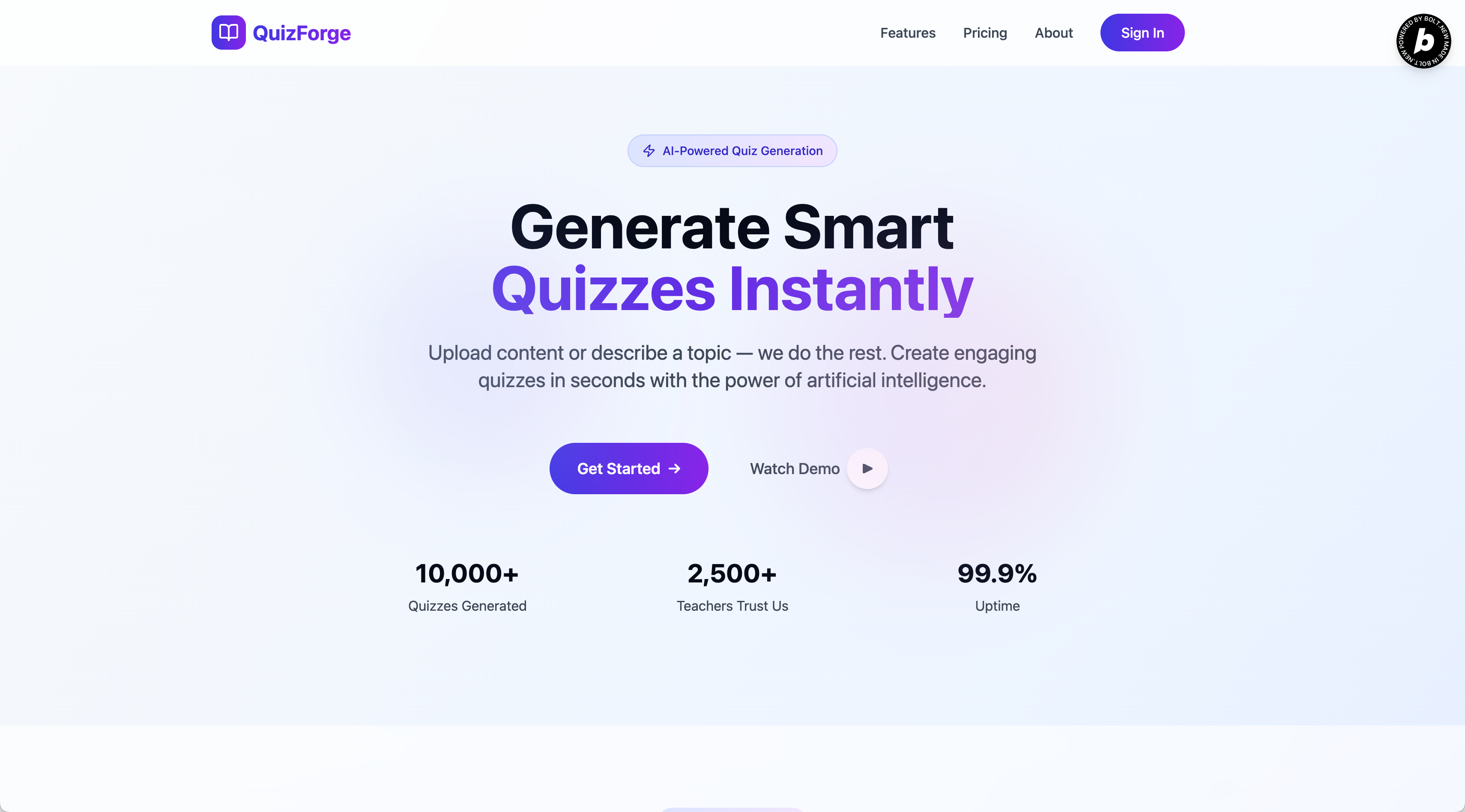
That’s what inspired this project: a smart quiz-generation platform that uses AI to help teachers create, distribute, and analyze quizzes with ease. Whether you upload learning materials or simply describe a topic, the tool understands and generates questions tailored to student levels.
What It Does
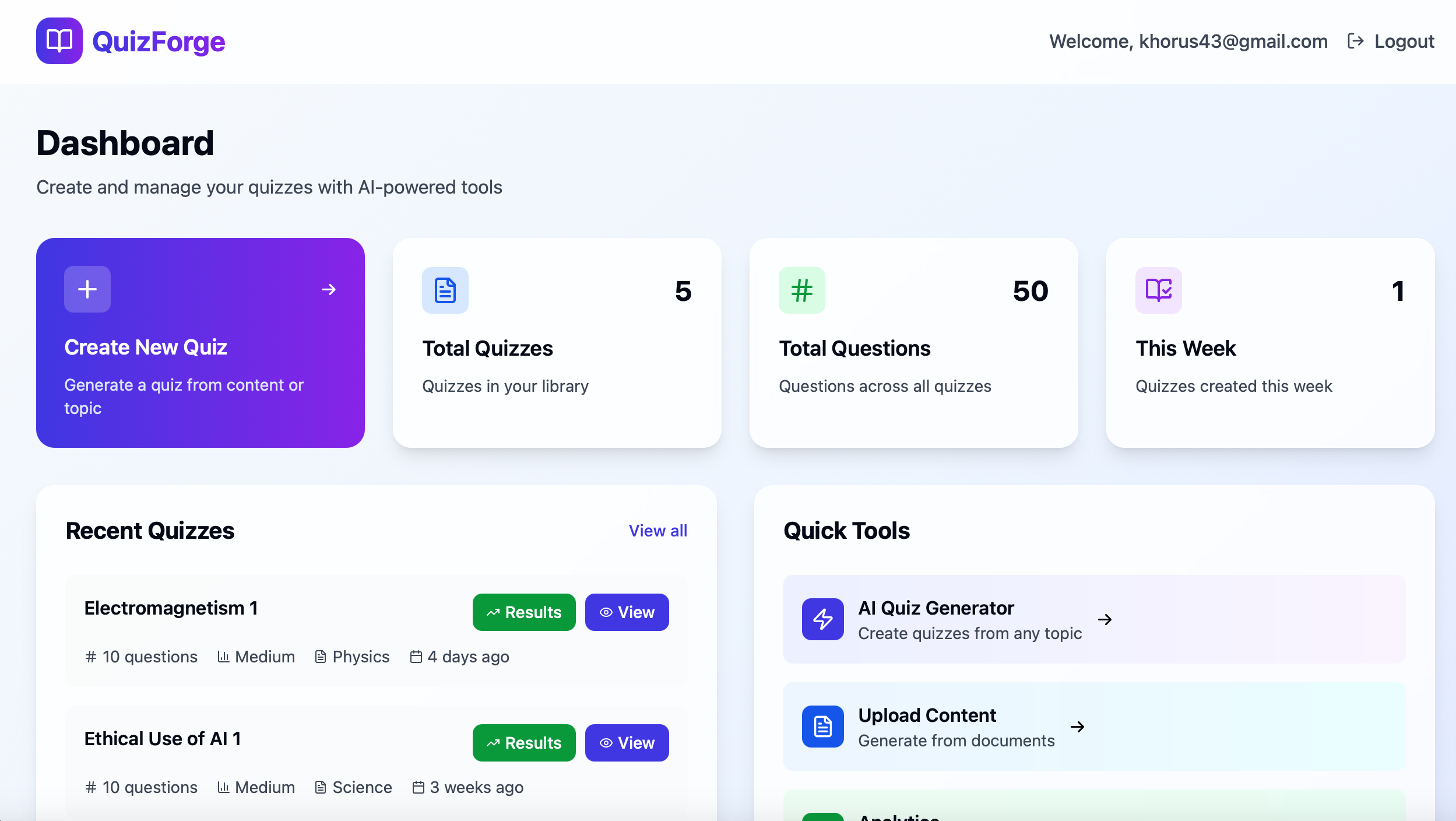
This AI-powered quiz platform helps teachers quickly generate, manage, and evaluate quizzes with minimal effort. Here’s what it enables:
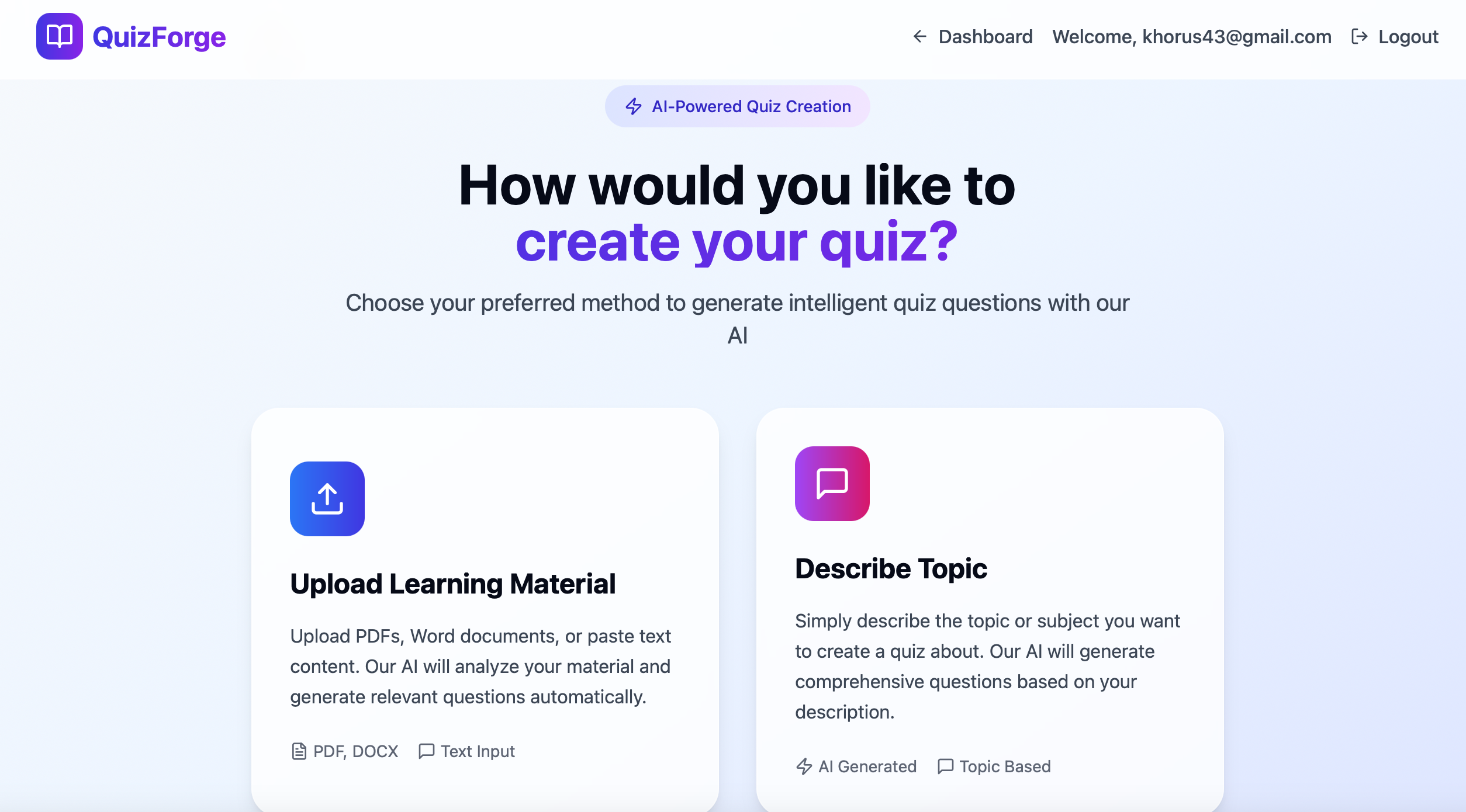
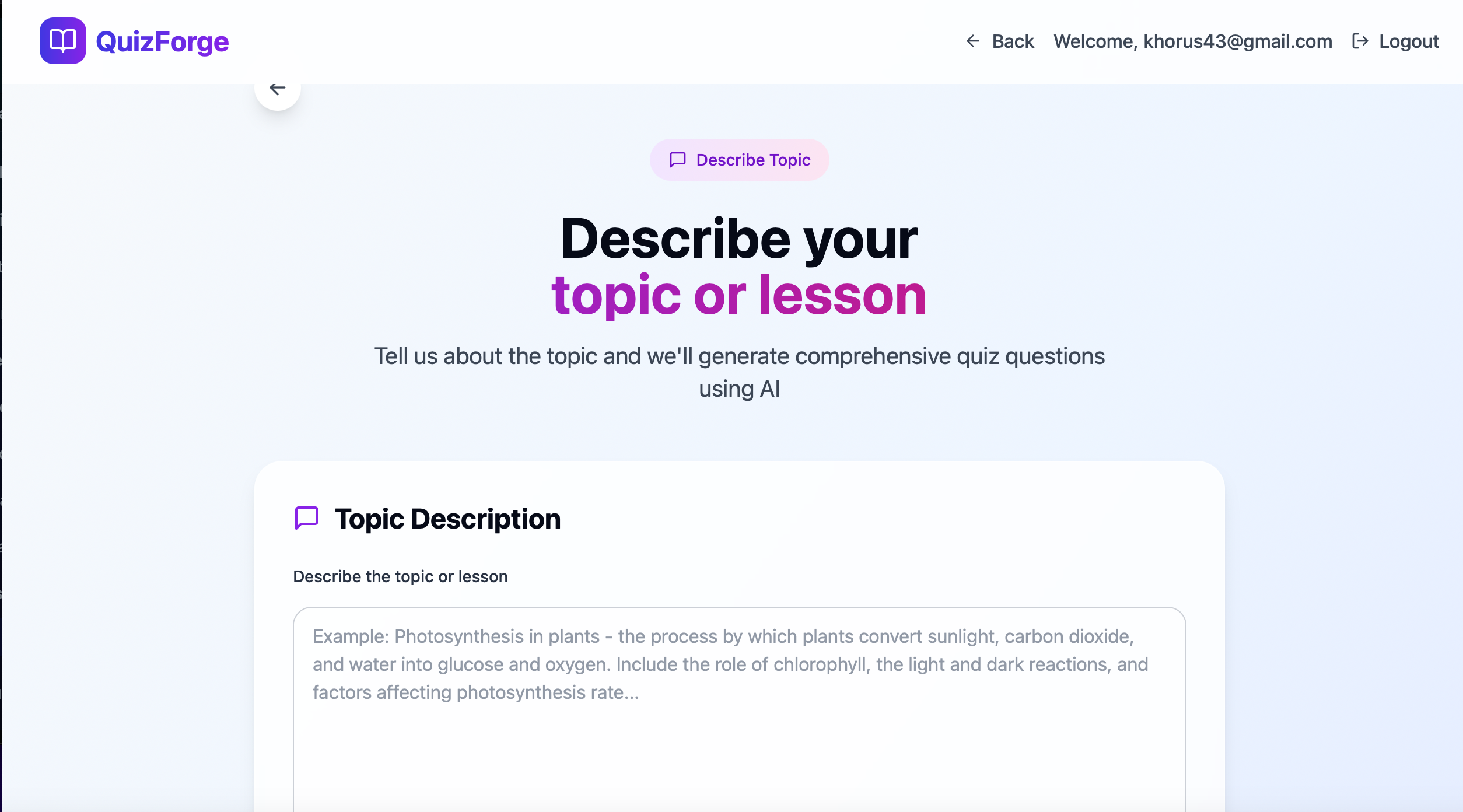
- Upload Material or Describe a Topic: Teachers can upload teaching documents or just describe the subject, and the AI will generate relevant questions.
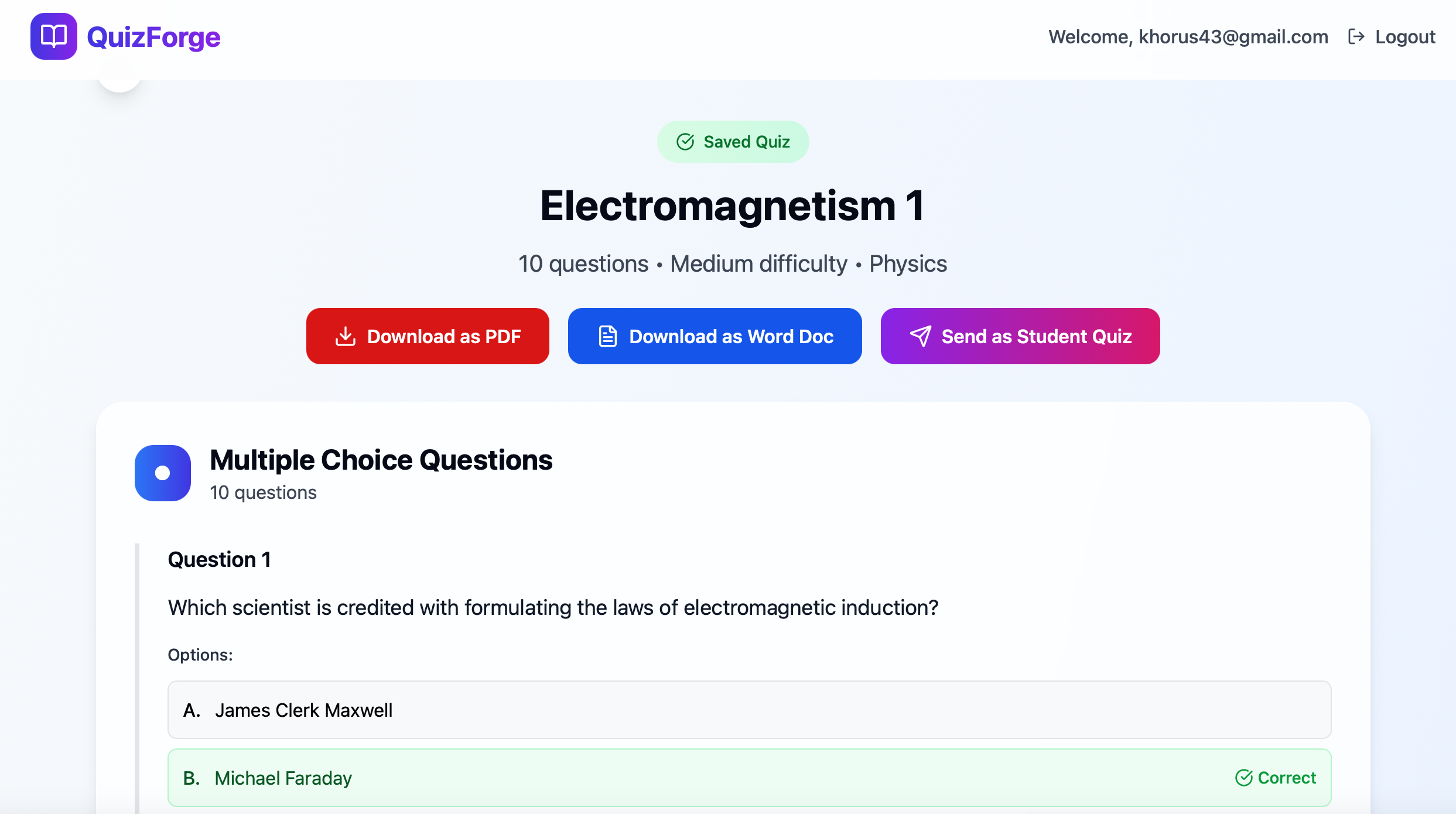
- Choose Question Types & Levels: Select the number of questions, difficulty level, and format—multiple choice, fill-in-the-blank, or essay.
- Export Quizzes: Download quizzes in PDF or Word format for offline use or printing.
- Share Quizzes Online: Generate a quiz link students can access and complete from any device.
- Track Student Performance: Teachers receive submission notifications and get detailed analytics on student results, weak areas, and class trends.
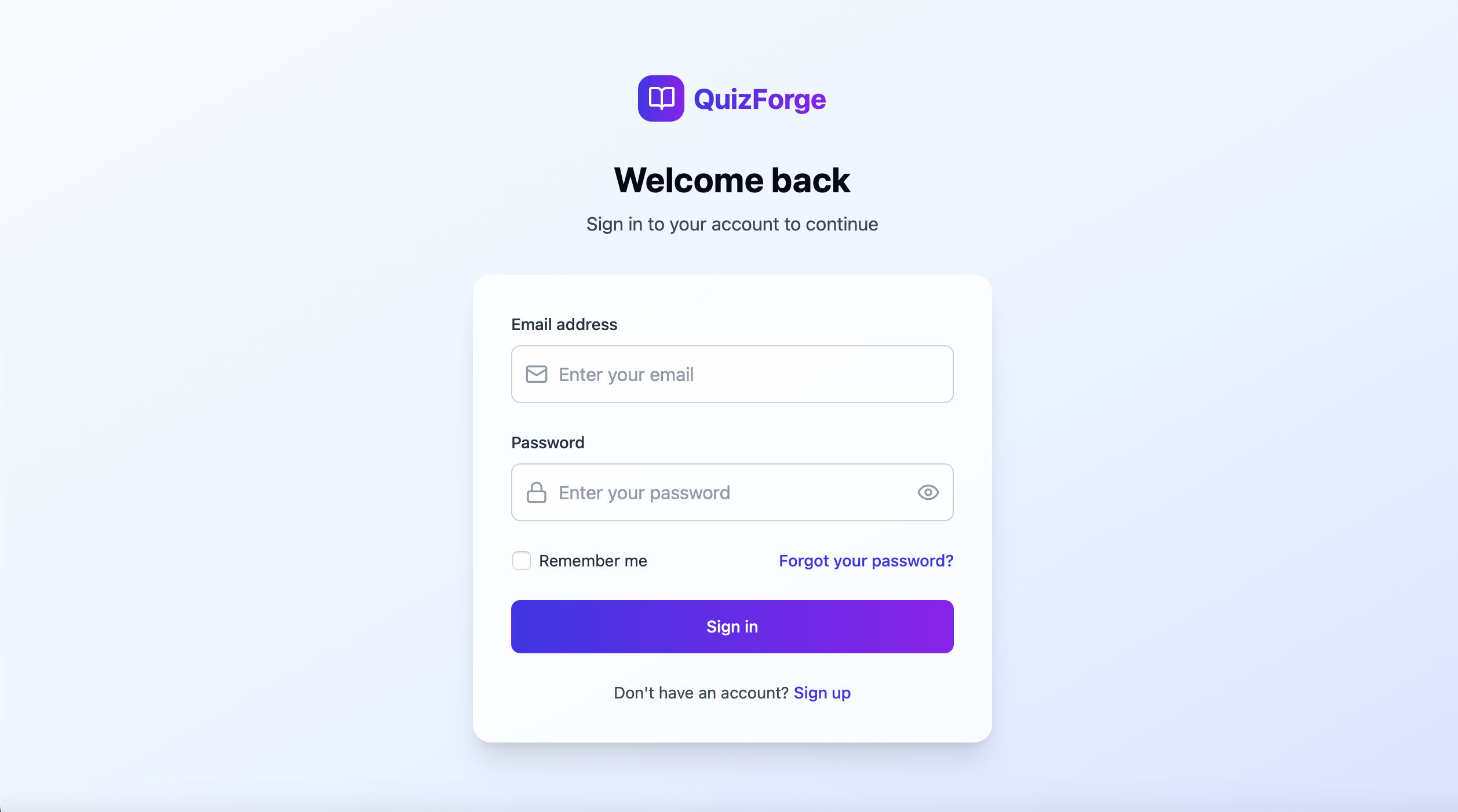
- User Auth & Profiles: Each teacher’s quizzes and student responses are tied to their account using Supabase authentication.
How I Built It
- Frontend: Built using Bolt.new for rapid UI development.
- Backend & Auth: Powered by Supabase for database, authentication, and row-level security.
- AI: Integrated with Google Gemini API for generating quiz content from documents or topic descriptions.
- Payments: Managed through RevenueCat, enabling subscription tiers with gated features.
- PDF/Word Export: Quizzes can be downloaded in various formats for offline sharing.
- Email Notifications: Teachers get notified when a student completes a quiz.
- Analytics Dashboard: Real-time insights on student performance, weak areas, and quiz statistics.
Challenges I Ran Into
- Implementing accurate content parsing from uploaded documents
- Handling Supabase’s row-level security errors during student quiz submissions
- Setting up real-time email notifications for quiz submissions
- Ensuring the AI-generated content was appropriate for different age groups
- Balancing usability with flexibility in question types and formats
Accomplishments That I'm Proud Of
- Seamless Document-to-Quiz Conversion: Uploading a PDF or DOCX and watching it transform into a ready-to-use quiz felt like magic.
- Integrating Supabase RLS with Real-Time Data: Overcame row-level security hurdles to safely store and retrieve student responses.
- Automated Teacher Notifications: Teachers get real-time emails when students complete quizzes.
- Smart, Level-Based Question Generation: The AI adapts question difficulty based on the age group and topic.
- Built a Fully Functional MVP with Bolt: Created a multi-page app (landing, upload, dashboard, quiz generation, student access) using Bolt in just a few days.
What I Learned
- How to integrate multiple third-party APIs (Supabase, Gemini, RevenueCat) into a cohesive app
- Structuring AI prompts to reliably generate different types of quiz questions
- Managing user permissions and row-level security in Supabase
- Using Bolt to rapidly build production-ready UIs
- Handling document uploads, parsing content intelligently, and aligning it with quiz generation
What's Next for QuizForge
- Add a live quiz mode for classroom use
- Support audio/video-based questions
- Offer a marketplace for pre-built quizzes
- Add collaborative quiz building for teaching teams
Built With
- bolt.new
- gemini
- netlify
- supabase


Log in or sign up for Devpost to join the conversation.