Inspiration
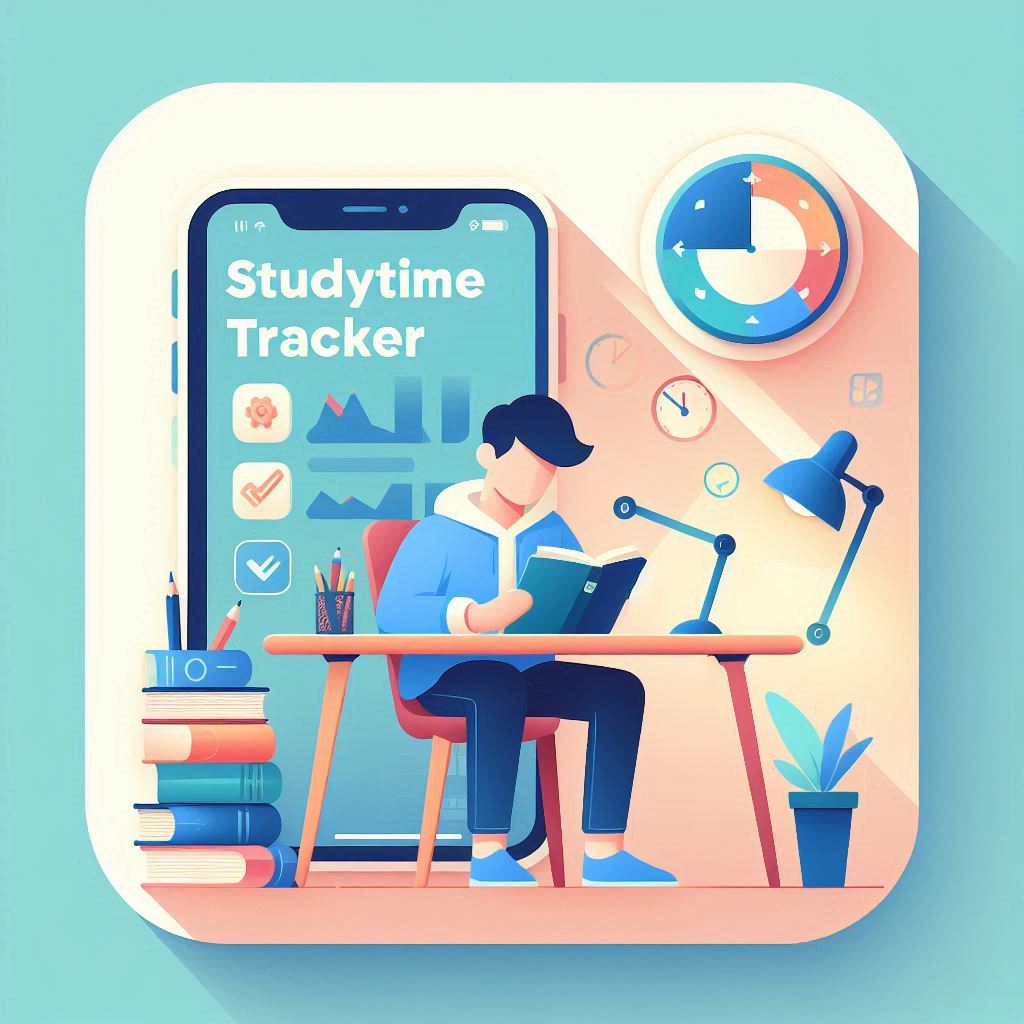
As students ourselves, we often struggle to stay consistent with studies across subjects. There are too many distractions and no simple tool that helps us visually track our learning efforts in real time. This inspired us to create StudyTime Tracker — a lightweight productivity app focused on helping students track, reflect, and improve their study patterns using GenAI and data visuals.
We wanted a project that not only solved our own problem but also helped others like us — and one that we could truly build by learning through GenAI.
What it does
StudyTime Tracker helps students: ⏱️ Log time spent on subjects like Math, CS, Physics, etc. 📊 Visualize their effort via pie charts and weekly progress lines 📅 Set weekly goals and track whether they’re being met 📥 Download study logs in CSV format for later analysis or sharing 🧠 Focus more, without distractions — just track and go! It’s fully built in Python and works inside a web browser using Streamlit — no installation needed!
How we built it
We used: Python as the core programming language Streamlit for building the front-end UI Pandas for managing study time data and calculations Matplotlib for rendering pie charts and progress lines ChatGPT to guide us through every step — from concept to deployment The full project was developed in VS Code, version controlled using Git + GitHub, and deployed using Streamlit Cloud for easy access.
Challenges we ran into
❌ Managing the flow of real-time timers inside Streamlit ❌ Understanding how to store and reset session states ⚠️ Facing OpenAI API quota limits (which we overcame by skipping GenAI generation feature in final version) 🧪 Making the UI responsive and readable for students across devices 🧠 Staying consistent and patient while debugging, since we were new to this kind of app!
Accomplishments that we're proud of
🎯 Finished our first complete GenAI-guided project — no tutorials, just learning by doing ✅ Fully working MVP with all the core features 📤 Successfully deployed the app and linked it with GitHub 💡 Realized we’re capable of building useful tools with just Python and guidance from GenAI
What we learned
How to use Streamlit to turn Python into a real web app How to manage app state (like timers and subject logs) How to structure code modularly for easier updates (utils/, app.py, etc.) How to debug with ChatGPT and learn in real-time How to write a clean README, use GitHub, and present the project professionally And most importantly — we learned to believe in our own skills when guided step-by-step
What's next for StudyTime Tracker
Here’s what we plan to add soon: 🌗 Dark mode toggle for better user experience 📱 Mobile-friendly layout for on-the-go study tracking 🧾 PDF report generation for teachers/parents to view progress 🎯 AI-generated motivational quotes or productivity tips (reintroducing GenAI) 💬 Multi-language support so students across regions can use it We also plan to publish this as an open-source project and keep improving it with student feedback.

Log in or sign up for Devpost to join the conversation.