-
-

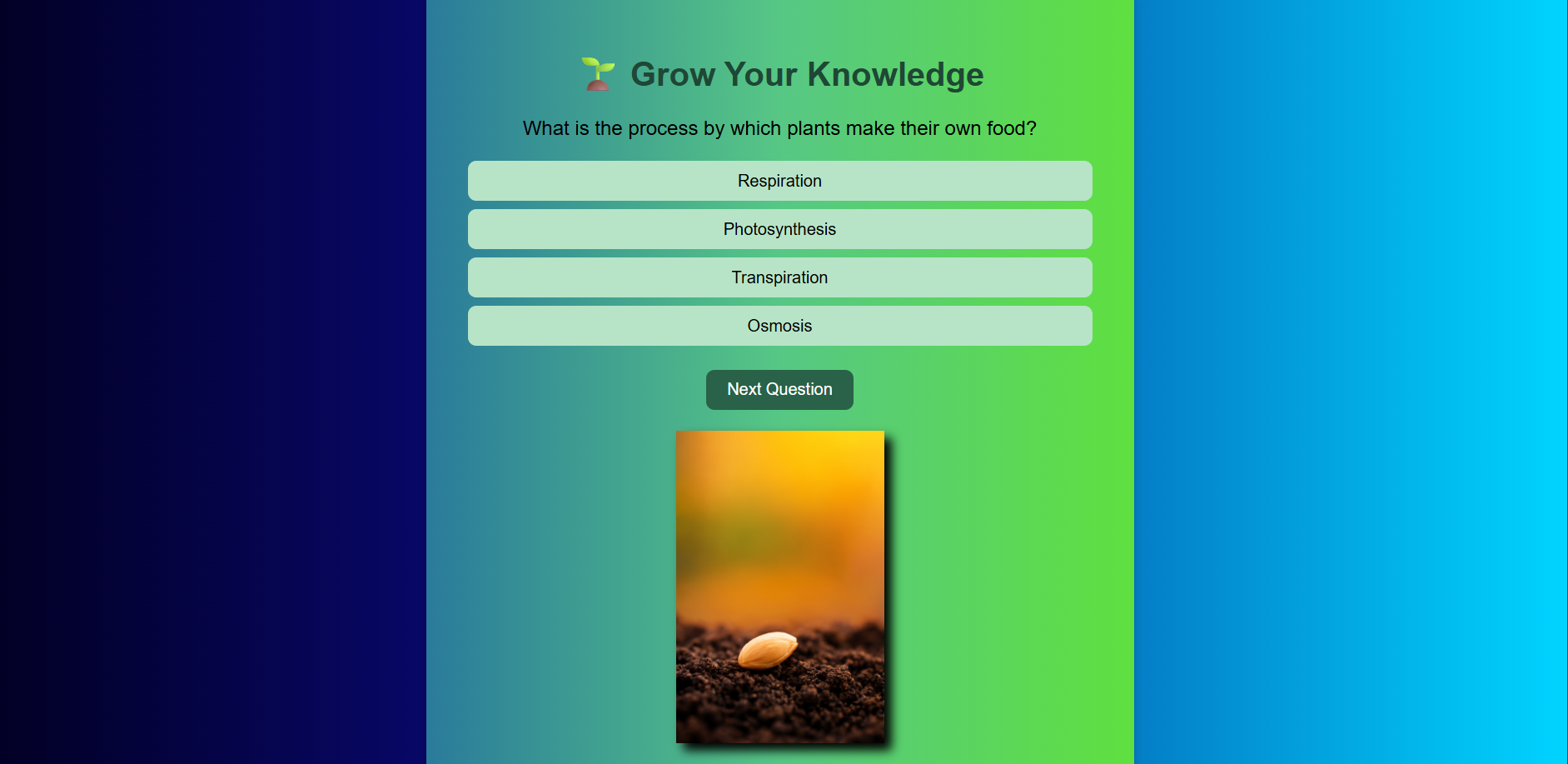
Seed , the first stage
-

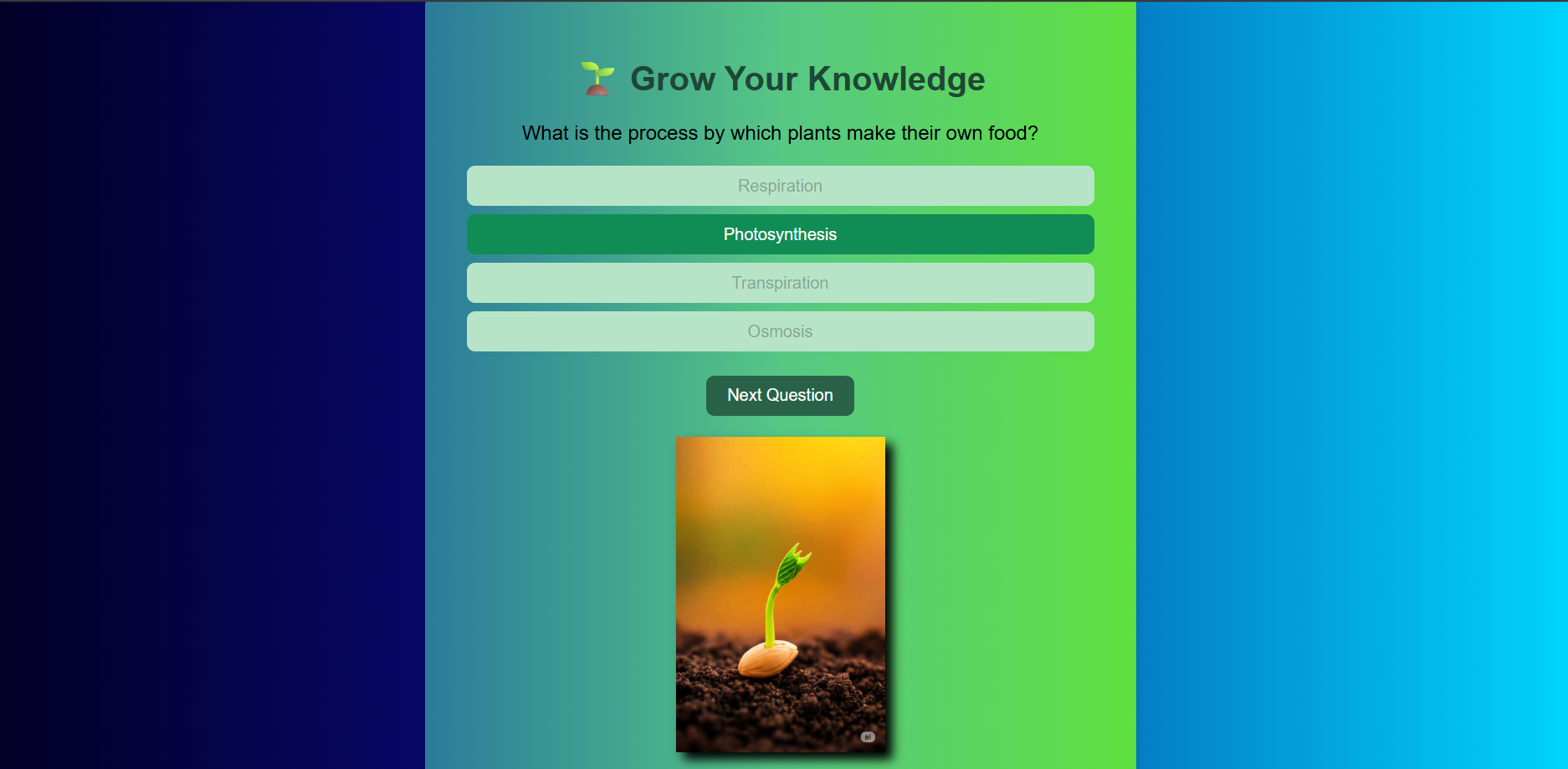
Sprout , second stage
-

Seedling , third stage
-

Sapling , fourth stage
-

flowering plant , final stage
-

[Cover Page](screenshots/coverpage.png)
-
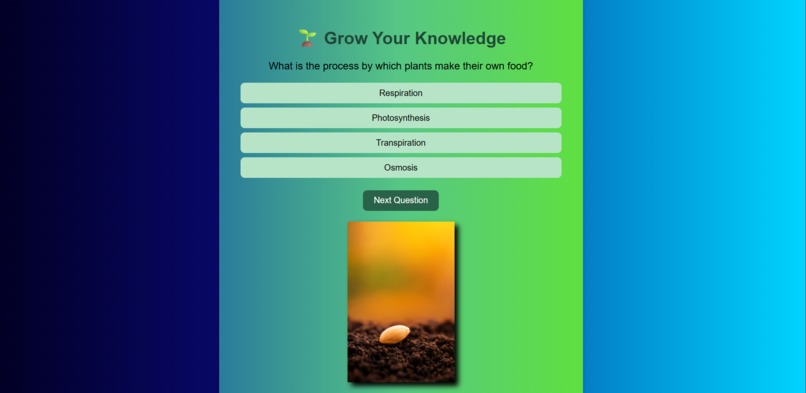
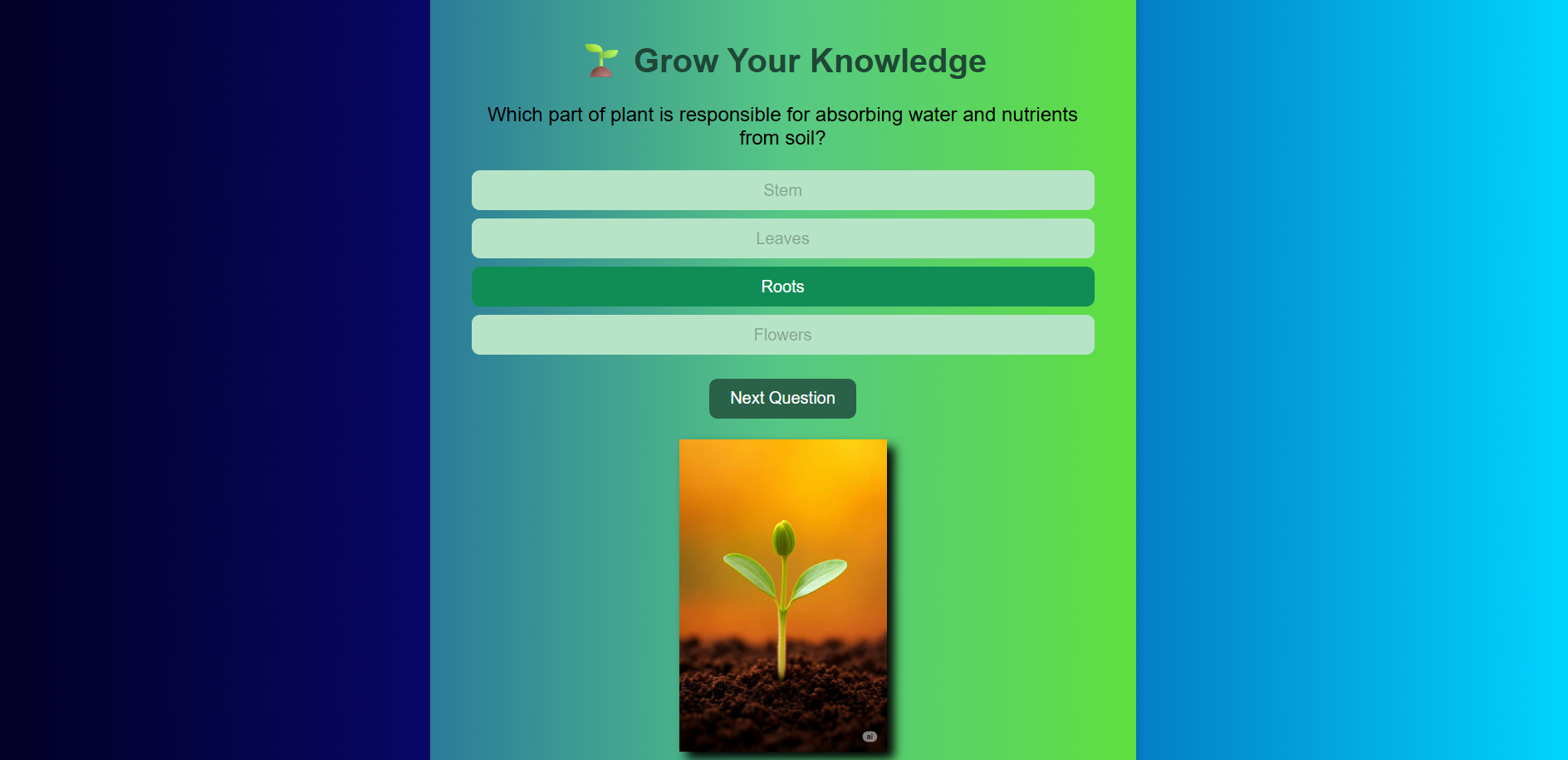
[Question 1](screenshots/que_1.png)
-
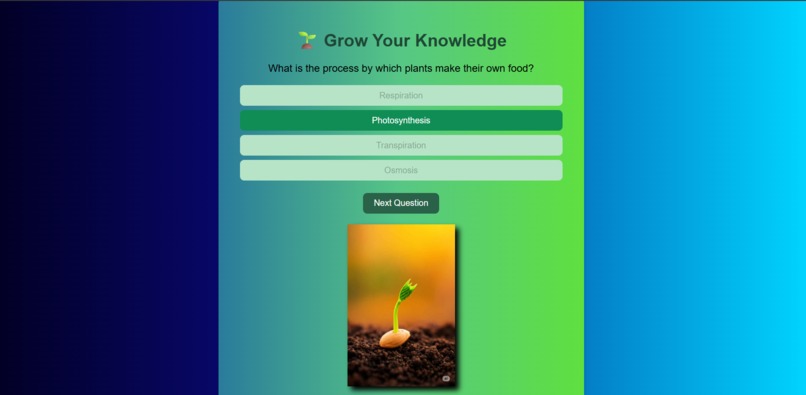
[Question 1 alternate ](screenshots/que1.png)
-
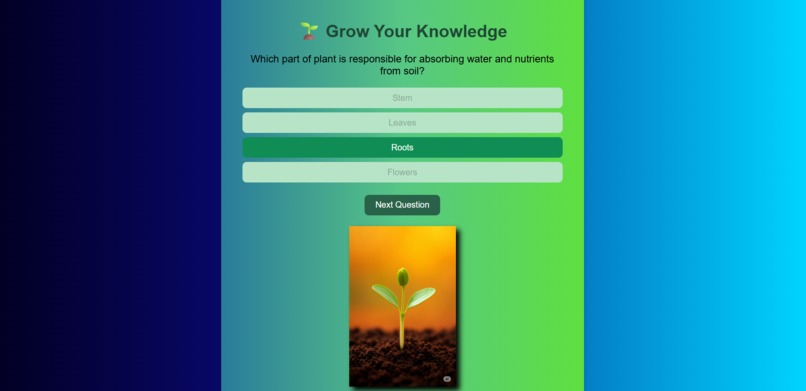
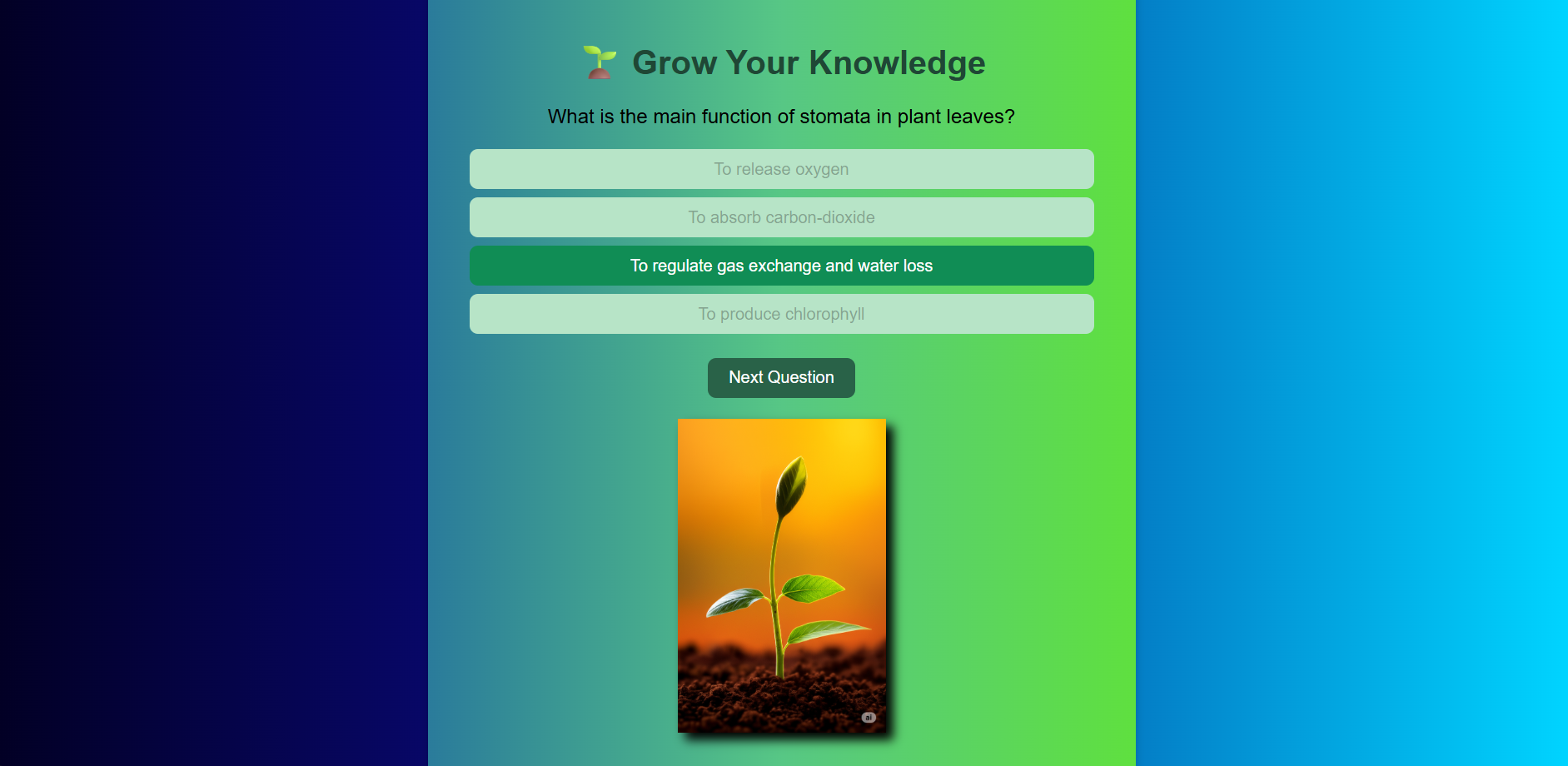
[Question 2](screenshots/que2.png)
-
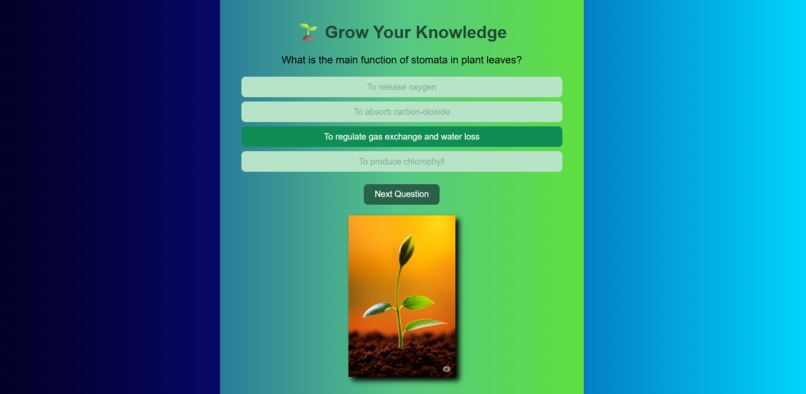
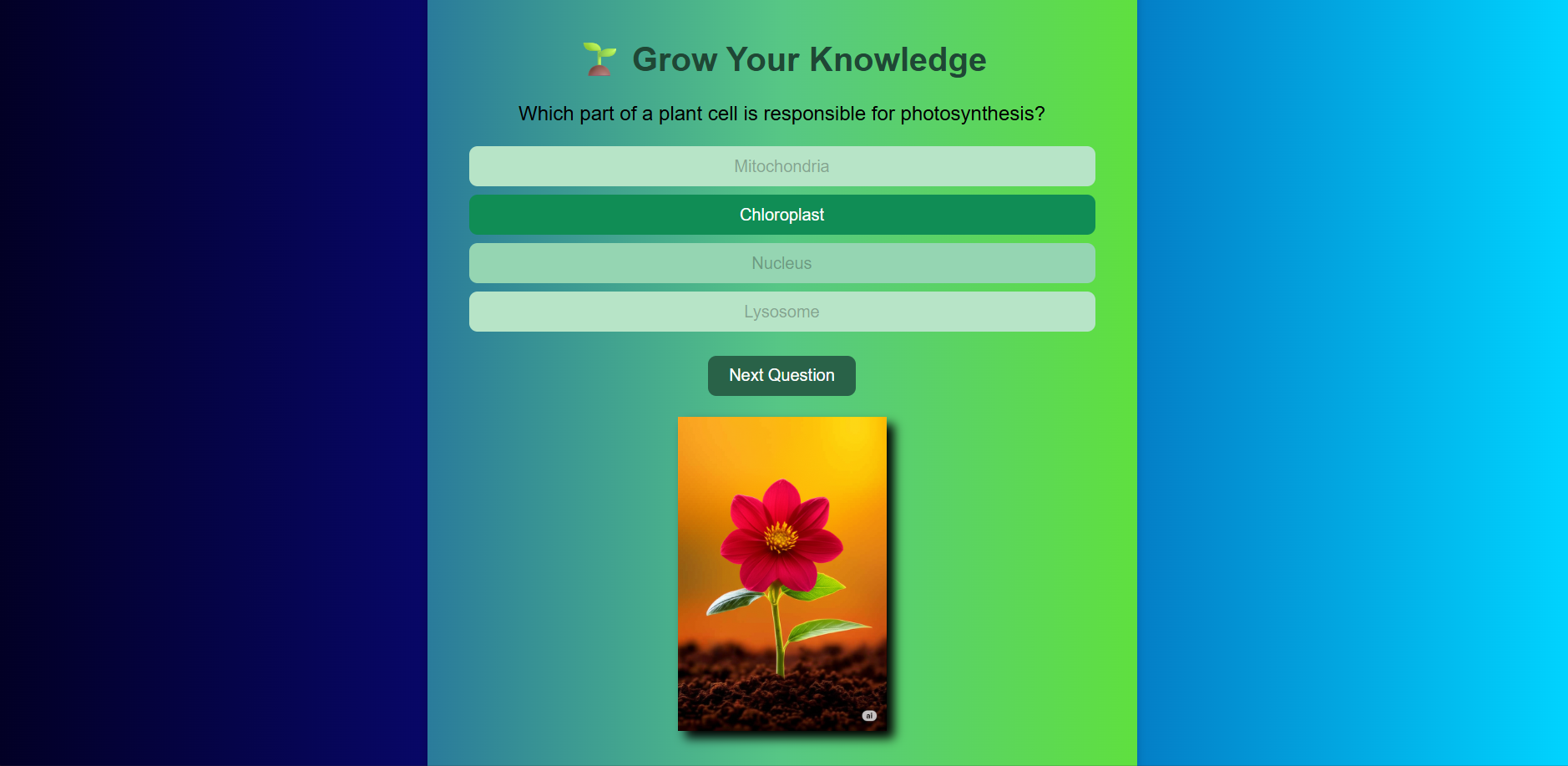
[Question 3](screenshots/que3.png)
-
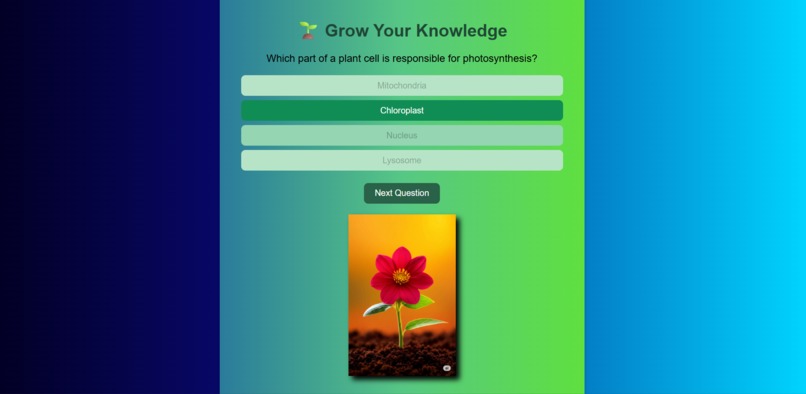
[Question 4](screenshots/que4.png)
-
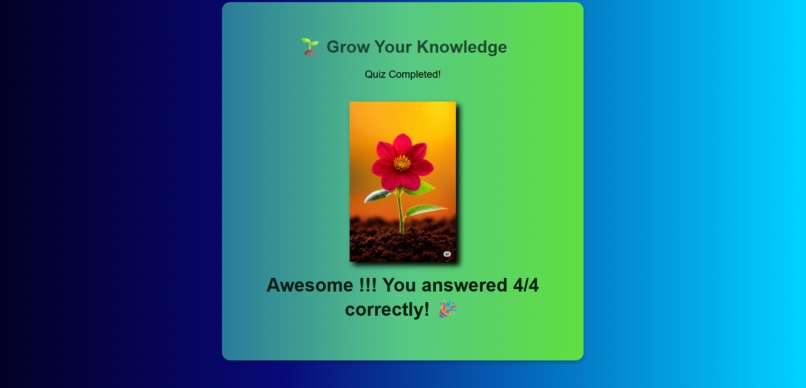
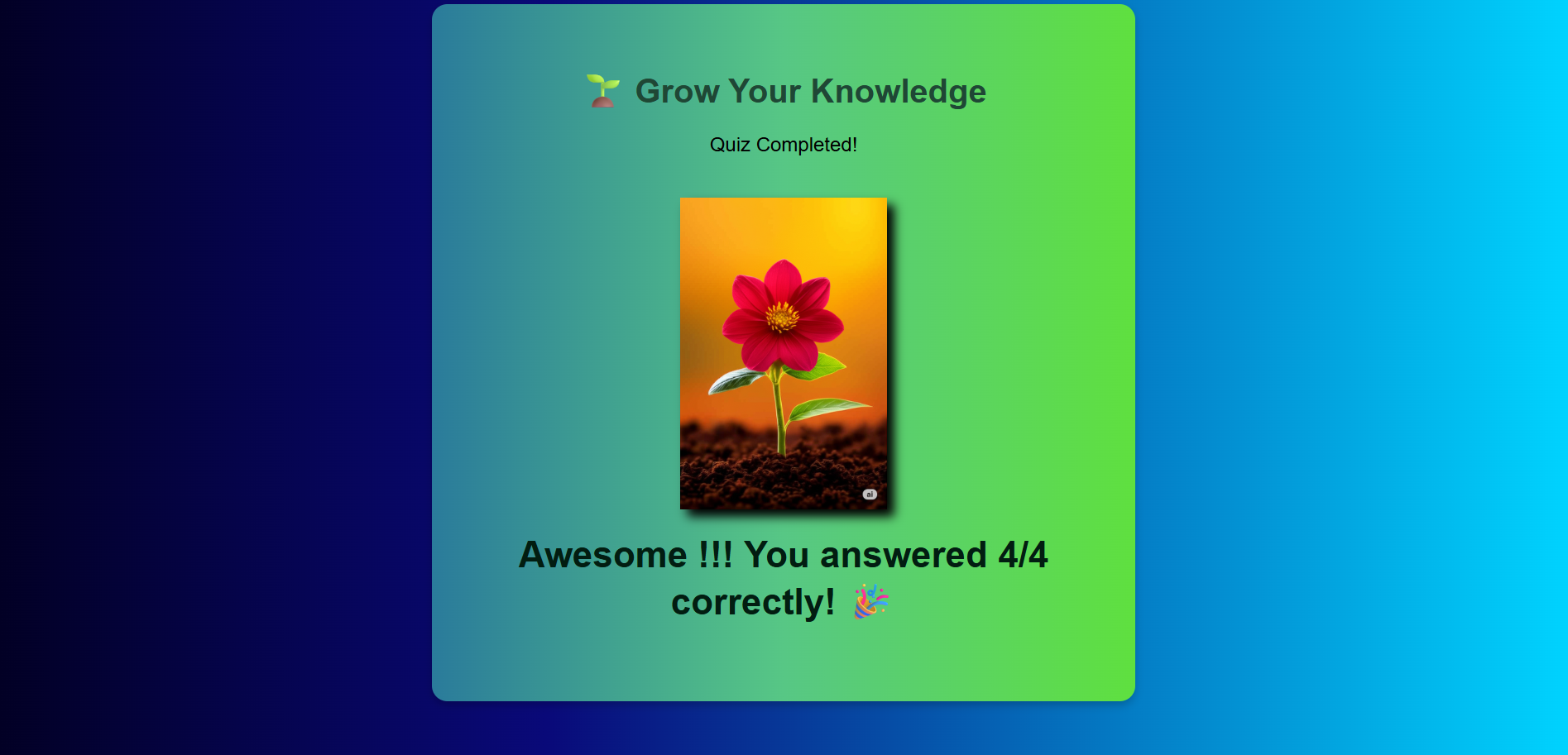
[Final Result](screenshots/result.png)






Inspiration
Inspired by the name of Hackathon CodeSprout . I wanted to create a fun and interactive way to make learning enjoyable. Combining quizzes with the visual growth of a plant helps motivate users to answer questions and track their progress.
What it does
Quiz Up, Grow Up is an interactive web quiz where each correct answer helps a plant grow. Wrong answers keep the plant at its current stage. Users can see their final score along with the fully grown plant at the end.
How I built it
- Languages & Tools: HTML, CSS, JavaScript
- Platform: Web browser
- Media: Custom images showing plant growth stages
- Hosting: GitHub Pages for live demo
Challenges I ran into
- Making the plant growth smoothly correspond to correct answers.
- Managing image updates dynamically with JavaScript.
- Ensuring the quiz is responsive and works well on different screen sizes.
Accomplishments that I'm proud of
- Created a visually engaging quiz with progressive visual feedback.
- Successfully linked the gameplay with animated plant growth stages.
- Hosted a live demo accessible to anyone via GitHub Pages.
What I learned
- Practical use of DOM manipulation in JavaScript.
-Handling dynamic content updates based on user interactions. - Structuring a project for clarity and easy deployment.
What's next for Quiz Up, Grow Up
- Add more question categories and difficulty levels.
- Include animations and sound effects for a more immersive experience.
- Make the quiz fully responsive for mobile and tablet users.


Log in or sign up for Devpost to join the conversation.