-
-

The Logo print
-
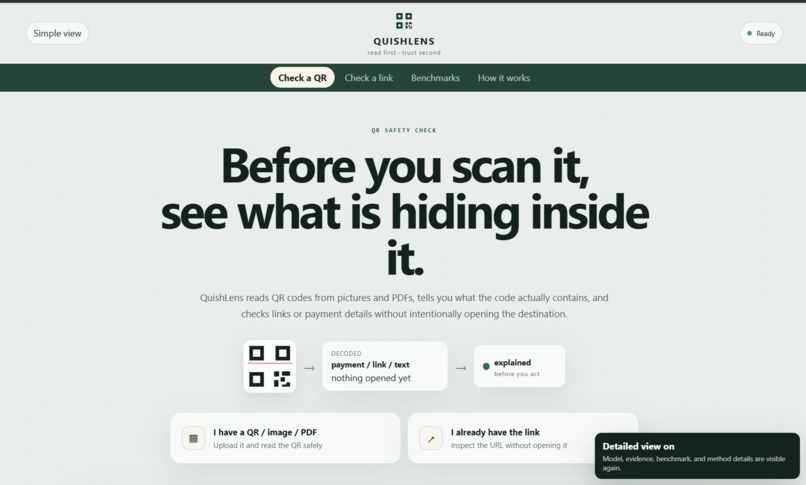
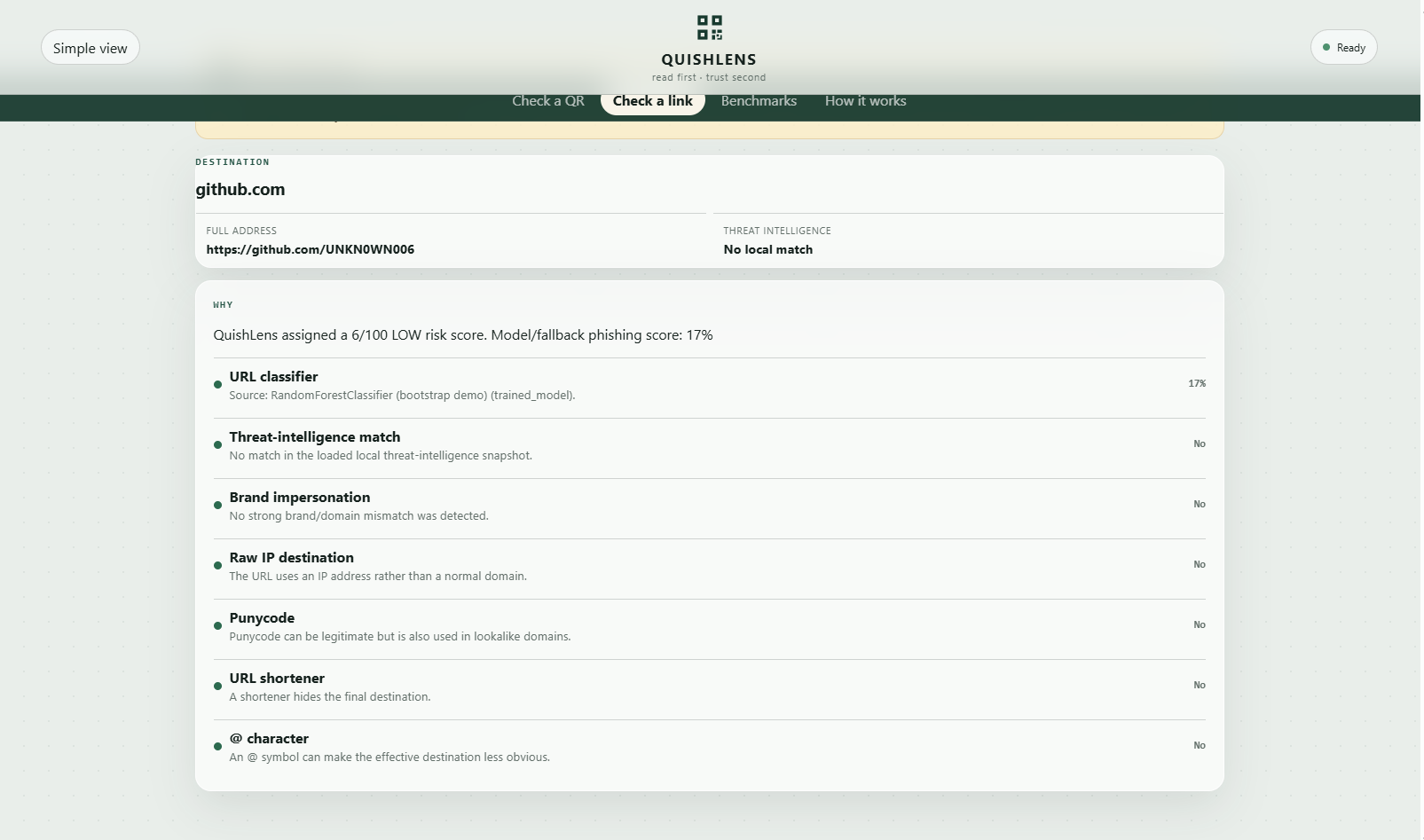
Dashbaord-<down>
-
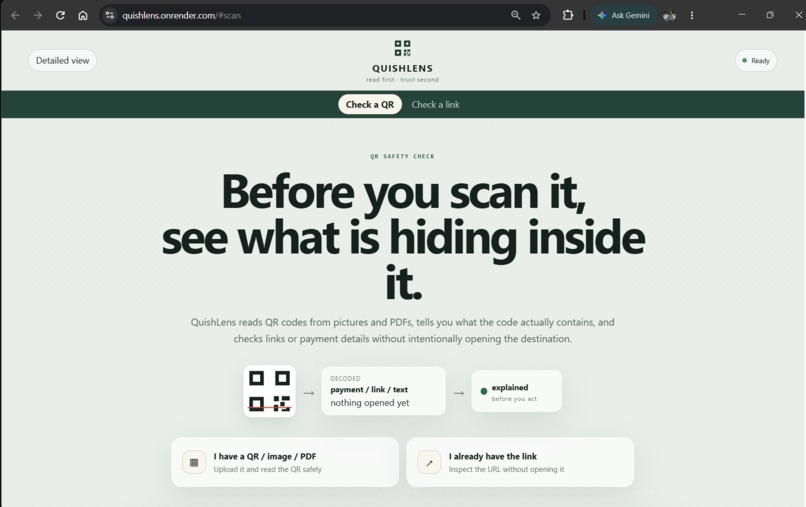
Dashboard-<up>
-
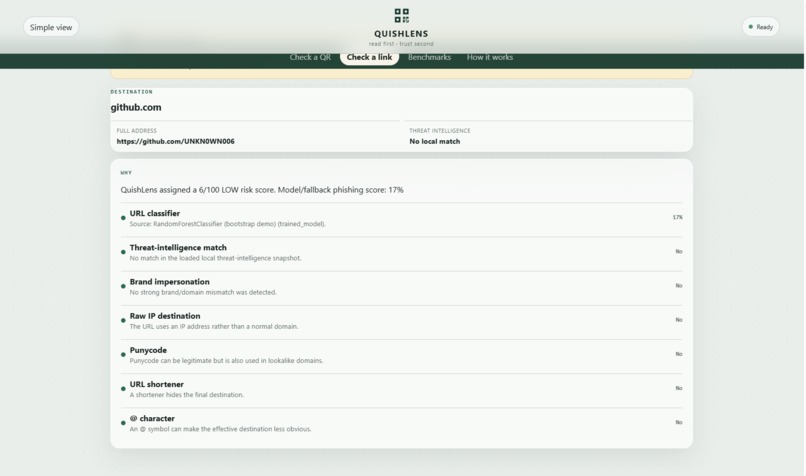
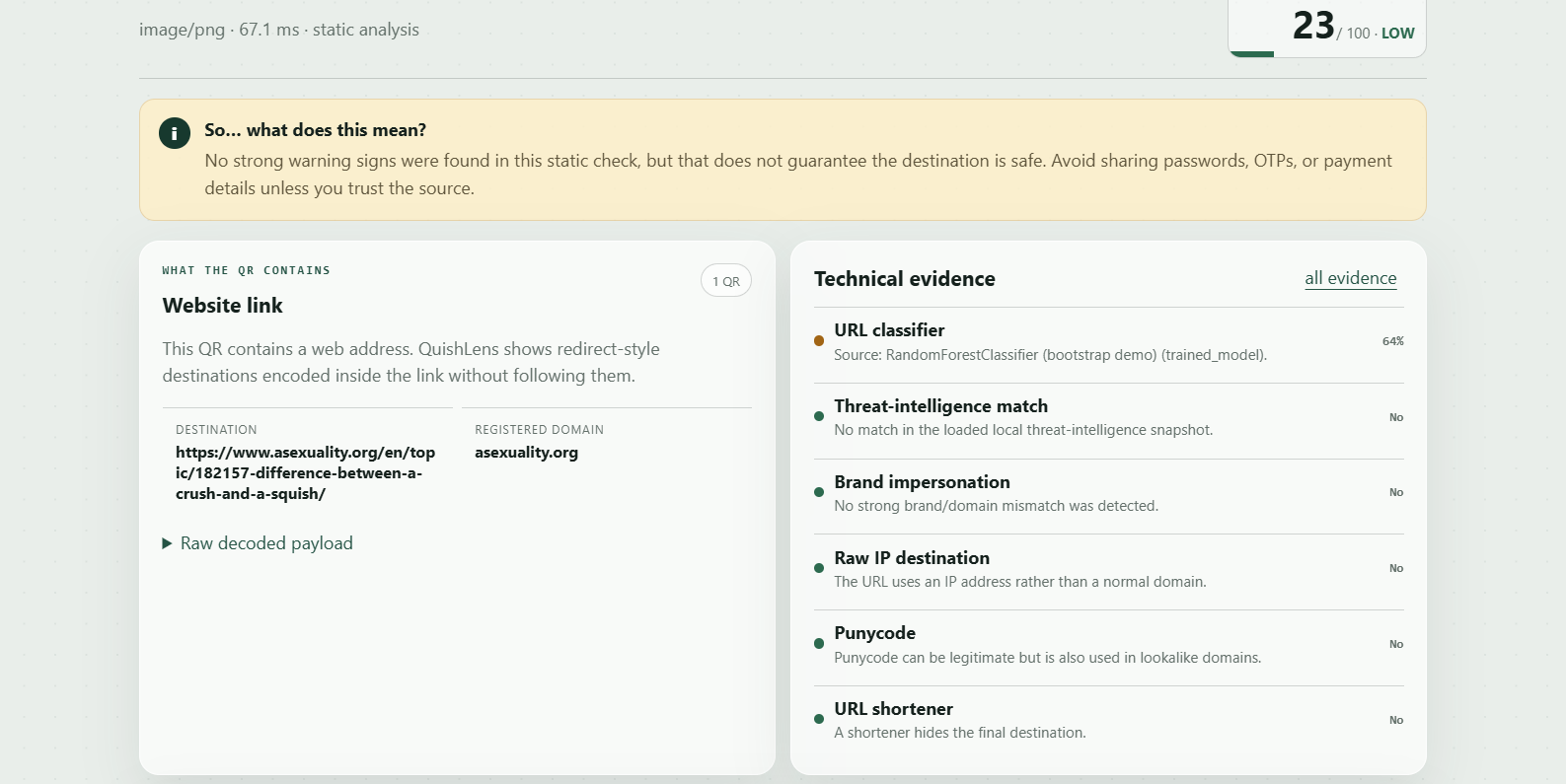
What did it decode
-
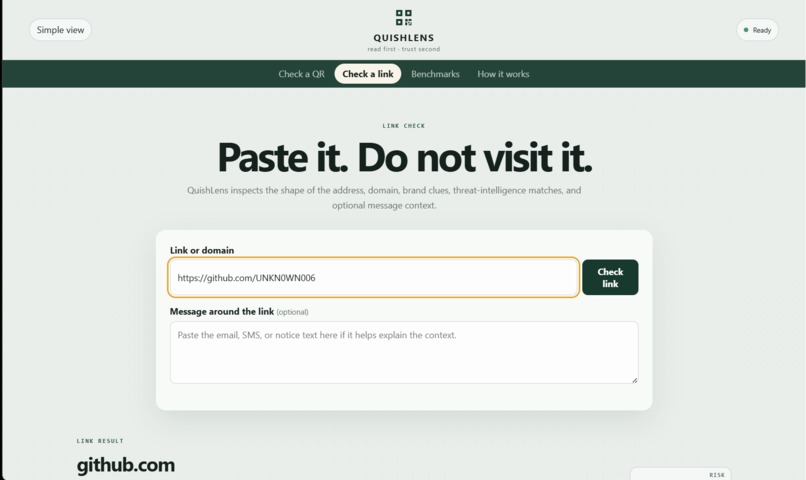
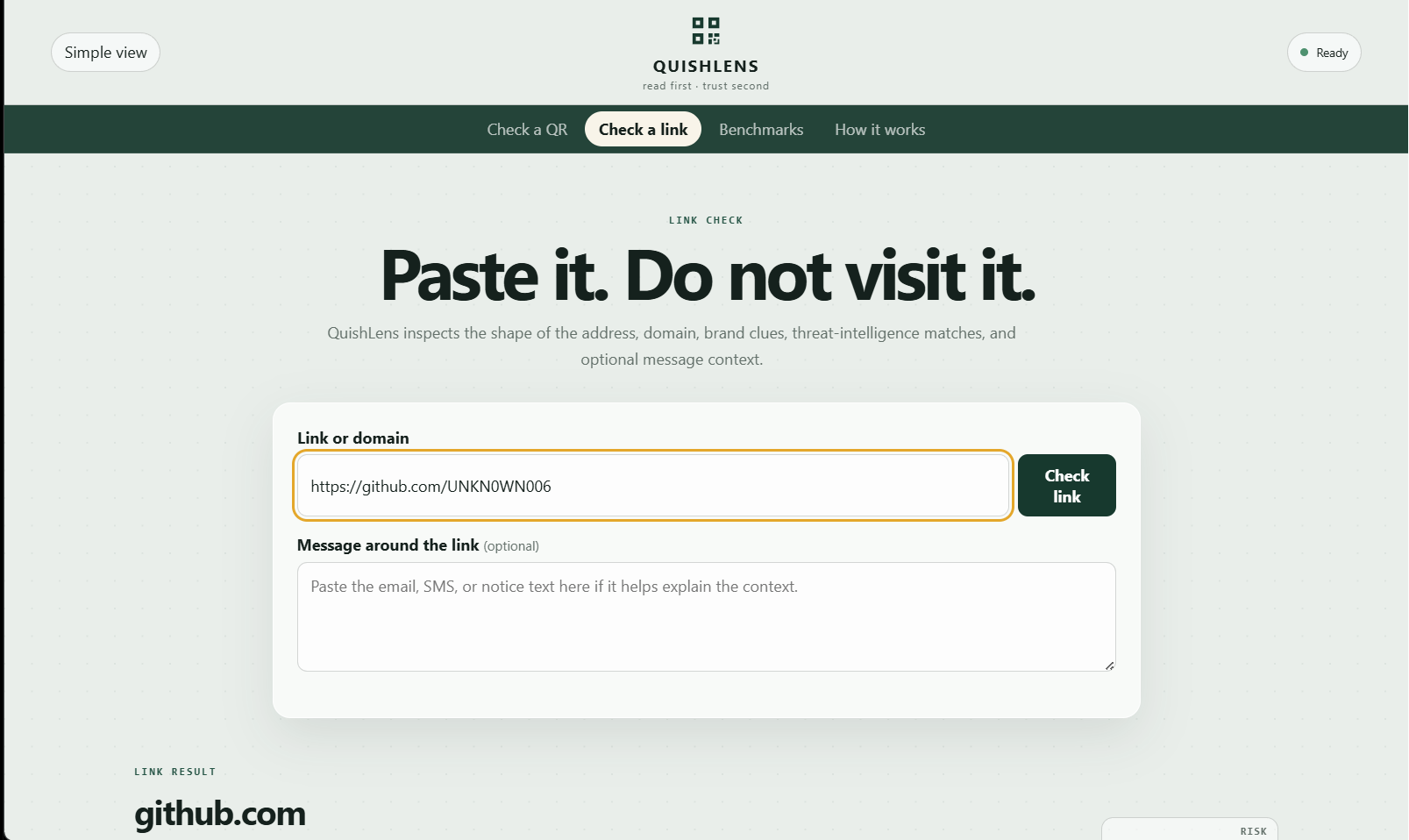
Link input option
-
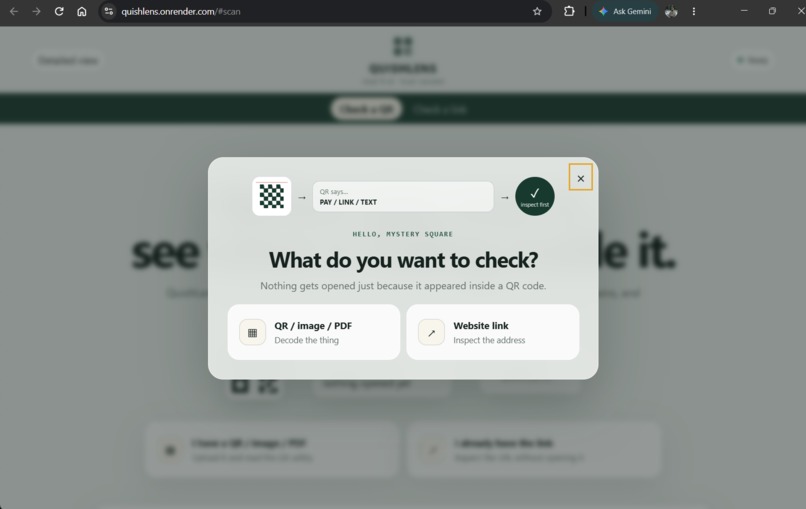
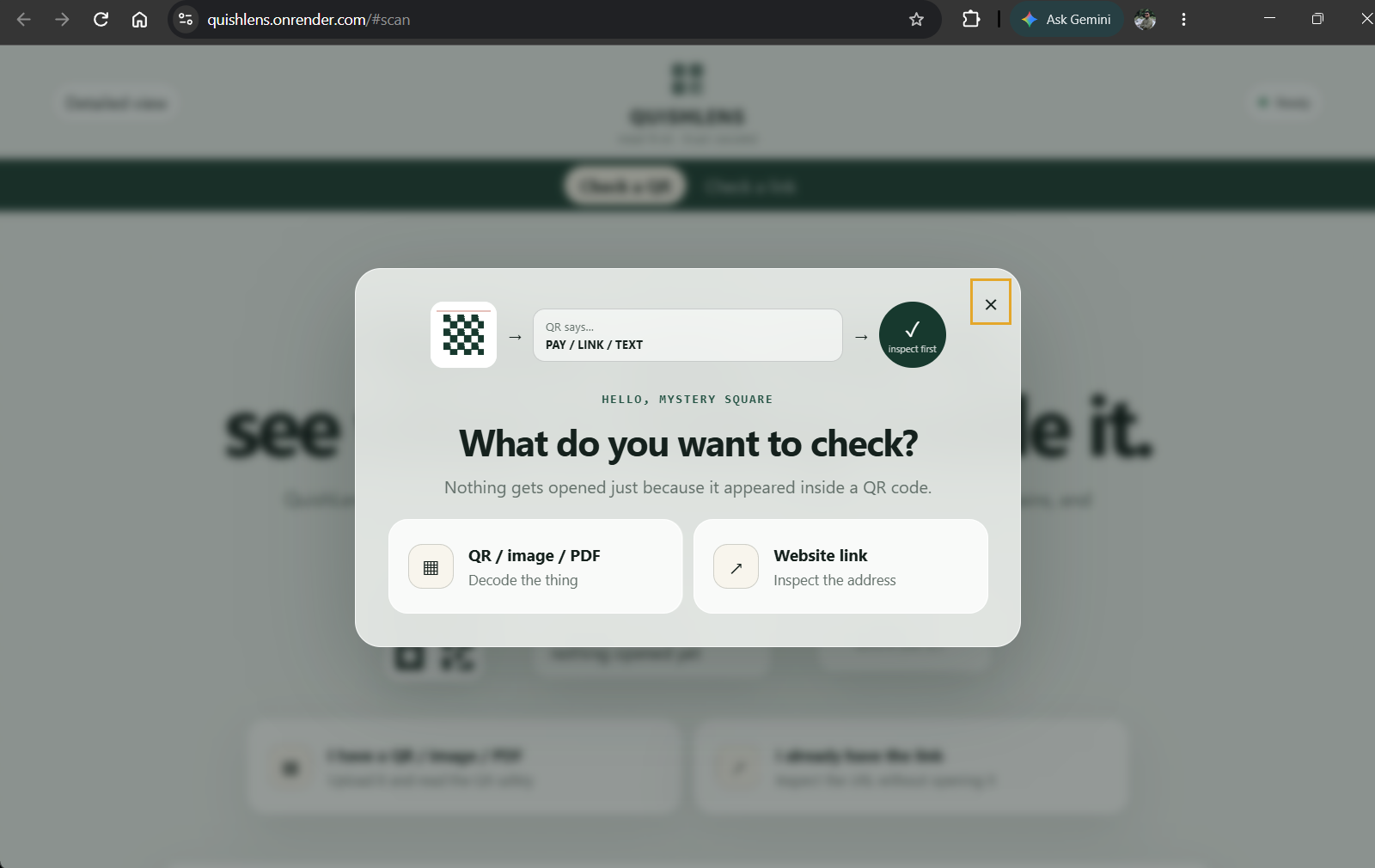
Startup popup
-
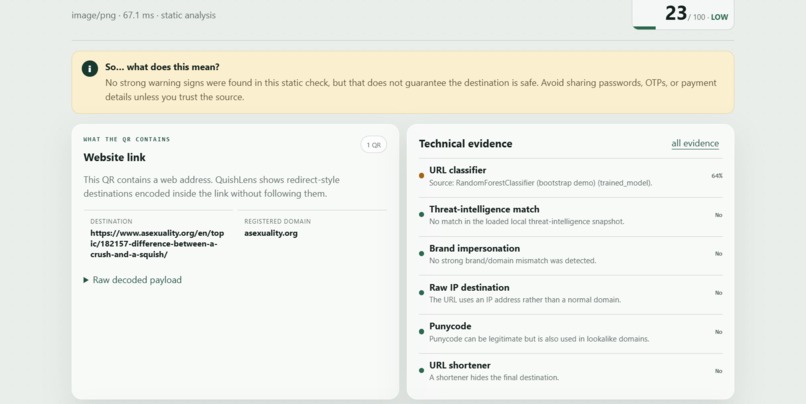
Checking a QR

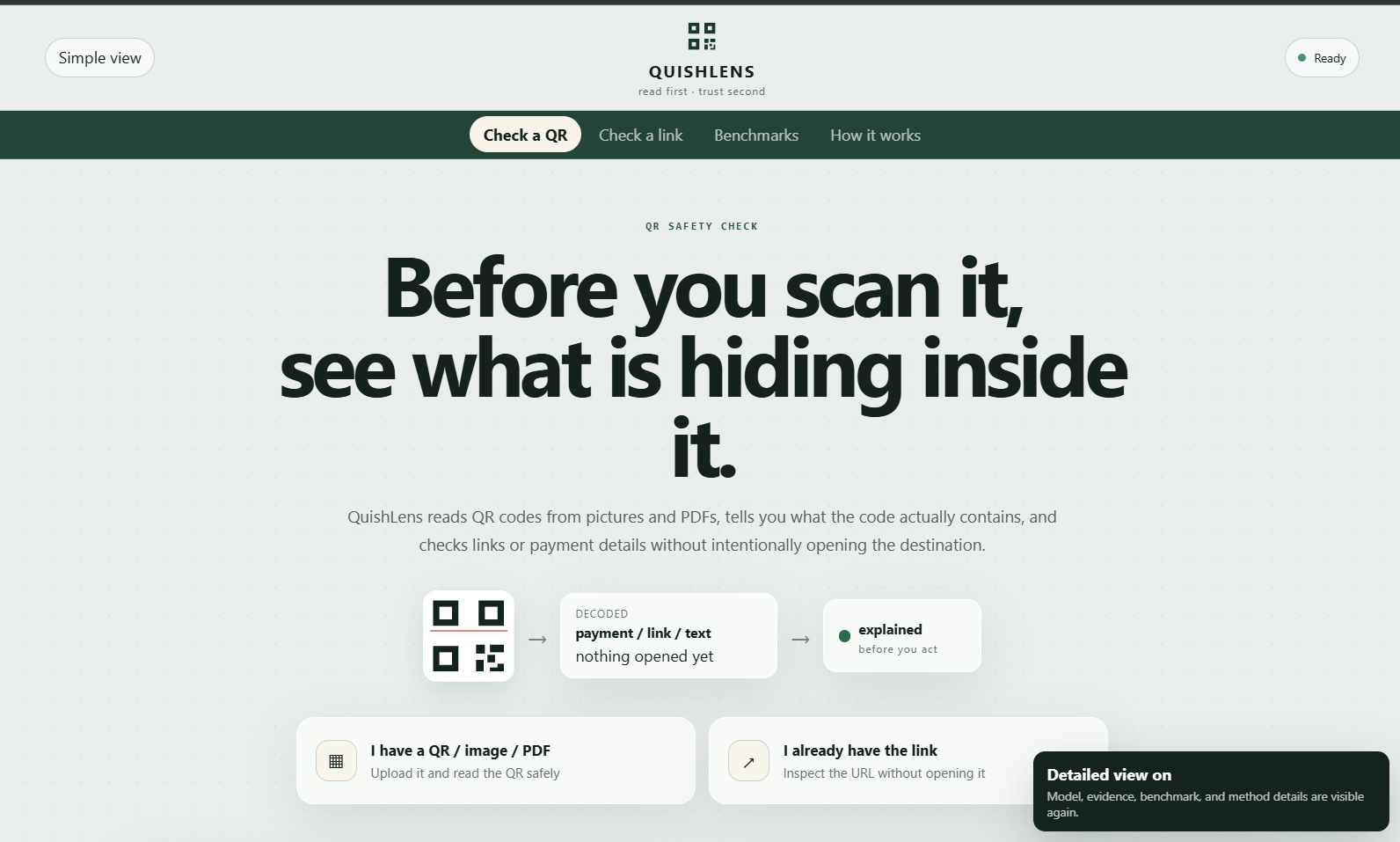
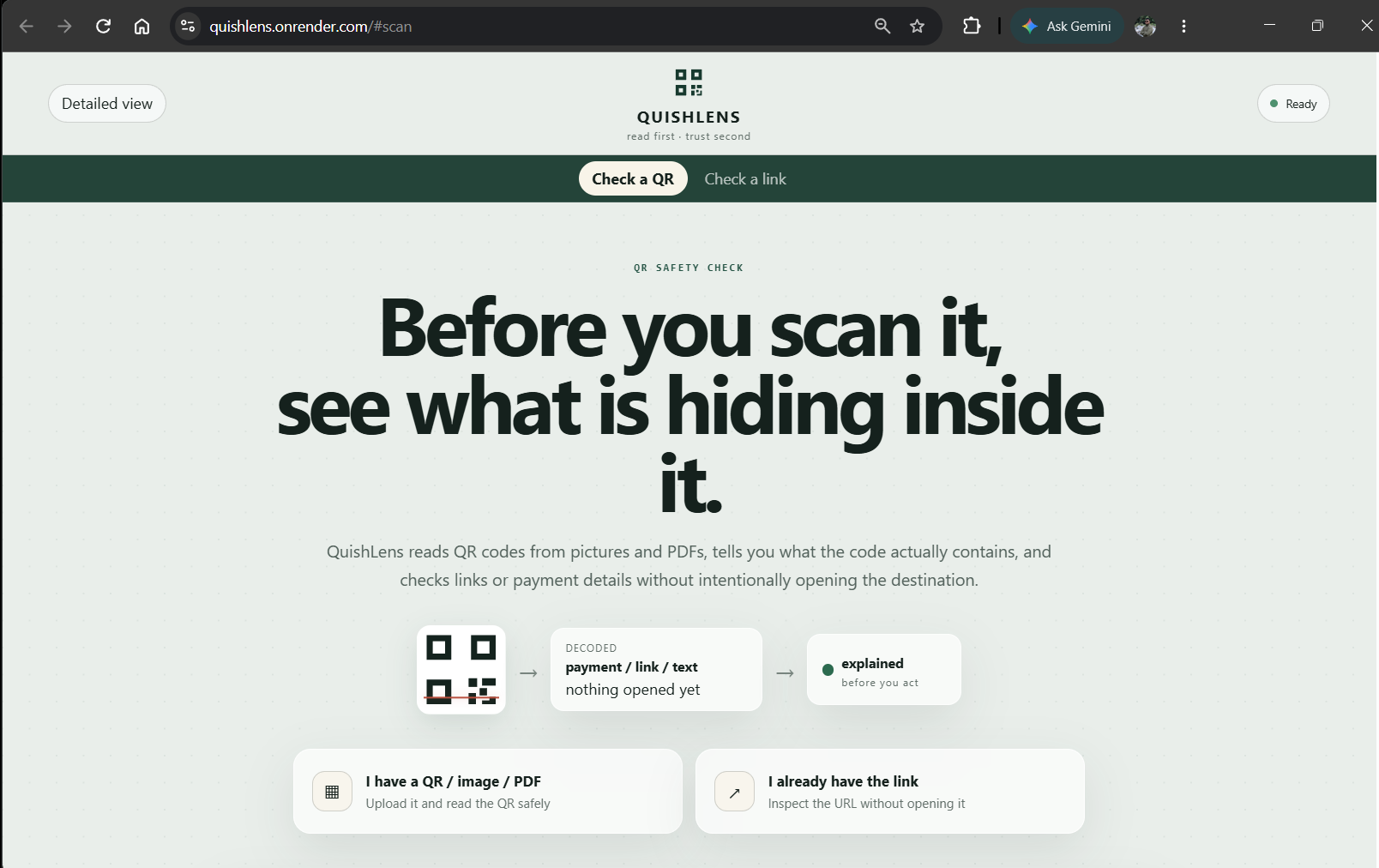
Inspiration
QR codes are basically tiny mystery boxes.
We scan them for menus, payments, logins, Wi-Fi, forms, tickets, and random things stuck on walls like, “sure tiny square, I trust you 😭”.
But the weird part is that most of us usually scan first and understand later. That felt backwards. So I wanted to build something that asks a very simple question:
“What is actually inside this QR code, and should I trust it?” That became QuishLens.
The idea was to make something useful not only for technical people, but also for normal users, parents, students, children, and basically anyone who has ever pointed a phone camera at a suspicious square and hoped for the best.
What it does
QuishLens is a pre-click QR and phishing inspection tool.
You can give it:
- a QR-code image
- a screenshot
- a PDF containing a QR code
- a direct website link
- a payment QR
and QuishLens tries to figure out what is hiding inside before you open, click, connect, or pay.
It can recognize different types of QR payloads such as:
- website links
- payment QR codes
- UPI-style payments
- Wi-Fi configurations
- SMS links
- email addresses
- phone numbers
- contact information
- location data
- authenticator secrets
- normal text
Because not every QR is a URL, and treating every square like one would be a little silly.
For website links, QuishLens checks things such as:
- suspicious URL structure
- strange subdomains
- IP-address URLs
- punycode
- suspicious keywords
- brand impersonation
- lookalike domains
- local threat-intelligence matches
- embedded redirect targets
- phishing model evidence
For PDFs, it also looks at the surrounding text for things such as:
- urgency
- password requests
- account suspension messages
- payment pressure
- authentication language
- impersonated brands
Then all of that evidence goes into an explainable risk score.
The important part is that QuishLens does not intentionally visit suspicious destinations just to decide whether they look suspicious.
Tiny square first.
Adventure later.
How we built it
QuishLens uses a hybrid security pipeline instead of asking one AI model:
“hey does this look scary?”
The QR scanning side uses multiple decoding approaches:
- ZXing-C++
- ZBar
- OpenCV
- image preprocessing fallbacks such as:
- resizing
- grayscale conversion
- thresholding
- contrast recovery
- quiet-zone padding
- rotation
- inversion
This helped with ordinary QR codes, screenshots, low-quality codes, and even stylized QR codes that made one decoder go:
“nope 👍”
but another decoder could still understand.
The backend is built with Python and FastAPI.
For URL analysis, I extracted structural and lexical features such as:
- URL length
- domain length
- number of subdomains
- digit count
- hyphen count
- suspicious words
- HTTPS usage
- IP-address usage
- punycode
- query parameters
- shorteners
- encoding patterns
A Random Forest classifier can use these features as one source of phishing evidence.
There is also a separate payment-QR analysis path so merchant and payment codes are not forced through the normal URL pipeline.
For document text, I added lightweight NLP-style context analysis to identify suspicious language such as:
“verify immediately”
“your account will be suspended”
“scan now”
“enter OTP”
“payment required”
The frontend is plain HTML, CSS, and JavaScript served by FastAPI.
I intentionally avoided making it look like another neon-purple AI dashboard from Planet Gradient™.
Instead, I used a softer security-tool style with simple and detailed views.
Simple View is meant for normal users.
It says things like:
“This QR appears risky. Do not open the link. Visit the official website yourself.”
Detailed View is for people who enjoy things like URL entropy for some reason.
It shows:
- decoded payload
- technical evidence
- threat-intelligence results
- model evidence
- document context
- risk contributions
- benchmark information
I also built scripts for training and evaluating QuishLens against external datasets rather than only testing a few hand-picked examples.
Challenges we ran into
The first big surprise was:
QR decoding is much more annoying than it looks.
A perfectly readable QR for a phone camera can fail in OpenCV. Then a stylized QR with dots, logos, or unusual shapes can make things even more entertaining. At one point QuishLens could clearly see that there was a QR-like square in an image but could not actually recover the payload. So I ended up building a decoder chain rather than relying on one library.
Another challenge was realizing that:
not every QR code contains a website.
Some contain payment information. Some contain Wi-Fi passwords. Some contain authentication secrets.
Some are just text. My earlier approach was too URL-focused, so I had to redesign the payload system to first ask:
“What kind of thing is this?”
before asking:
“Is it dangerous?”
Payment QR redirection was another tricky area. A QR can be completely valid, correctly formatted, and correctly checksummed while still pointing to the wrong receiver.
That taught me an important lesson:
valid does not automatically mean trustworthy.
Benchmarking was also more difficult than simply reporting accuracy. I had to think about:
- precision
- recall
- false positives
- false negatives
- QR decoding rate
- dataset leakage
- held-out samples
- synthetic-data limitations
because getting
99% accuracymeans absolutely nothing if your experiment is secretly cheating with the dataset wearing a fake moustache.
Accomplishments that we're proud of
One thing I am really happy about is that QuishLens became more than just:
“QR → URL → phishing yes/no”
It now actually tries to understand the content inside the QR. It can distinguish between things like:
- normal website
- suspicious website
- payment request
- Wi-Fi configuration
- authentication secret
plain text and handle each one differently. I am also proud that the app works with:
images
screenshots
PDFs
stylized QR codes
payment QR codes
direct URLs
The app also has two levels of explanation. Someone with zero cybersecurity knowledge can get a simple answer.
Someone technical can inspect the evidence. Another thing I am proud of is the evaluation tooling.
I tested the payment-QR pipeline on held-out synthetic BanglaQR samples instead of only using demo examples. In one development evaluation of 400 held-out samples, QuishLens achieved approximately:
- 89.8% accuracy
- 98.2% precision
- 81% recall
- 88.8% F1
I treat these as development results on synthetic data, not magical universal cybersecurity numbers. Because pretending a model is perfect is probably not the best opening move for a security project 😭.
What we learned
The biggest thing I learned is that cybersecurity tools need to explain themselves.
A system saying:
Risk: 87 isn't very useful by itself.
A system saying:
Risk: 87 because the document claims to be Microsoft, the destination is not a Microsoft domain, the URL contains credential-related terms, and the QR appears inside an urgent account-verification message is much more useful.
I also learned that combining simple engineering techniques can often be more practical than using one huge model.
QuishLens uses:
- rules
- ML
- QR decoding
- document analysis
- NLP-style context detection
- threat intelligence
- deterministic scoring together.
No single part has to pretend it knows everything. And perhaps the most important lesson:
A QR code should never be trusted just because it successfully decoded.
Decoding tells us what the square says. Security analysis asks whether we should believe it. Those are very different questions.
What's next for QuishLens
There are still plenty of tiny squares left to annoy.
Next, I would like to add:
- OCR for text inside screenshots and image-only documents
- stronger Unicode and homograph-domain detection
- larger PhishTank/OpenPhish threat feeds
- more cross-dataset testing
- broader payment-QR standards
- trusted-payee comparison for detecting payment redirection
- stronger visual phishing detection
- browser-extension support
- mobile scanning
- better forensic export/reporting
- multilingual phishing-language detection One feature I especially want to explore is a QR comparison mode.
For example:
“This was the original merchant QR.”
“This is the QR currently stuck on the shop counter.”
“Did the payment destination change?”
That could make QuishLens useful not only for phishing detection, but also for payment-QR tampering and forensic analysis.
For now, though, the main idea stays very simple:
Read the square before you trust the square.
Because tiny black boxes should not get unlimited authority over our phones just because they look cute.
https://notebook.google.com/notebook/f6fc0fe4-d252-4ede-8c31-7c2886683945
Built With
- code
- css3
- cybersecurity
- detection
- docker
- fastapi
- html5
- javascript
- ml
- natural-language-processing
- opencv
- phishing
- pymupdf
- python
- qr
- scikit-learn
- url
- zbar
- zxing


Log in or sign up for Devpost to join the conversation.