-
quilt-logo.
-
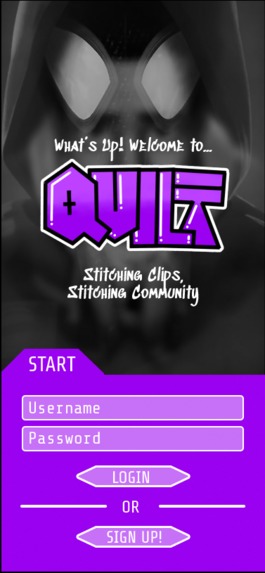
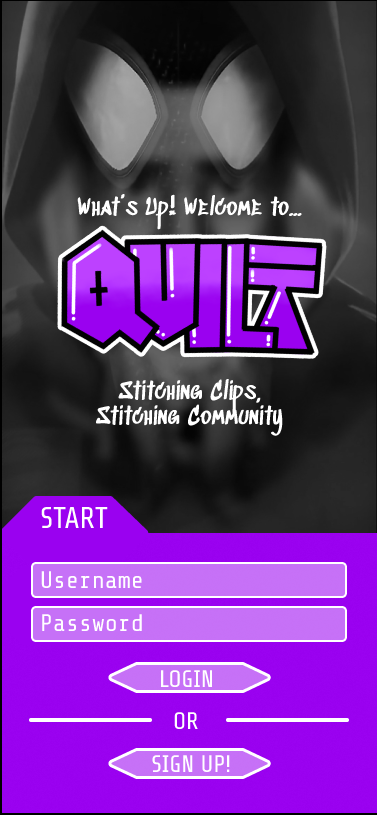
login page.
-
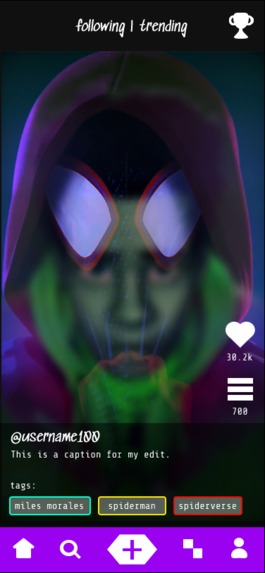
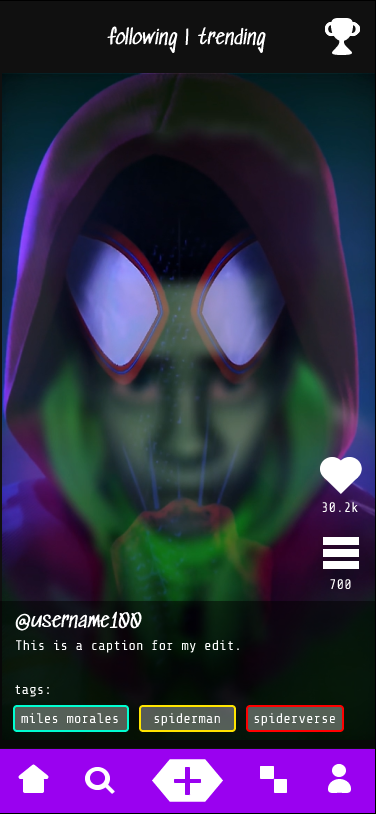
home page that shows edits of your following or edits that are trending.
-
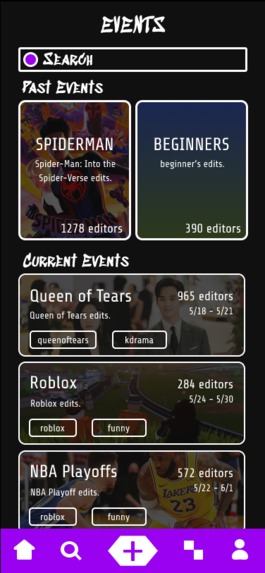
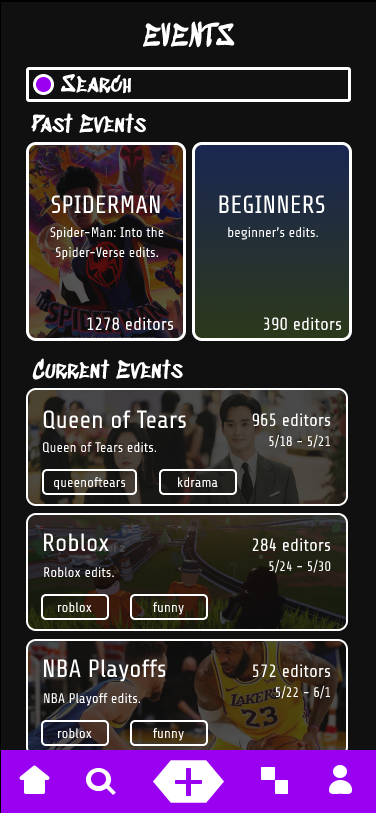
event page that shows events for quilters to participate in.
-
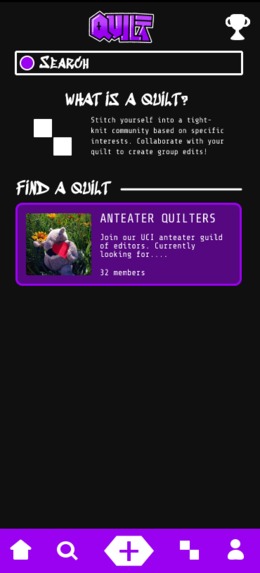
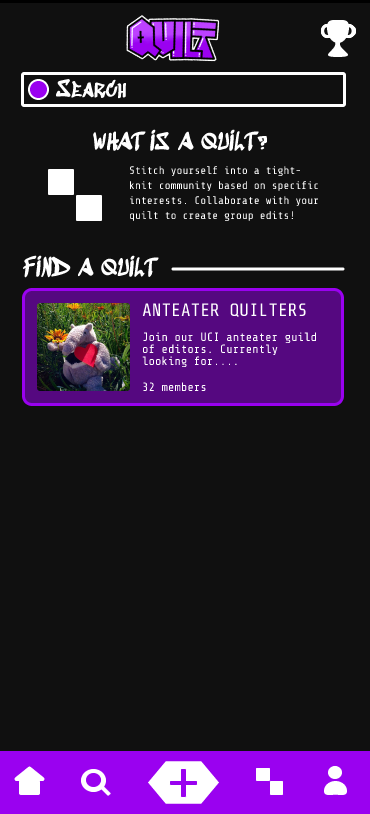
quilt page that shows the quilts that quilters can join.
-
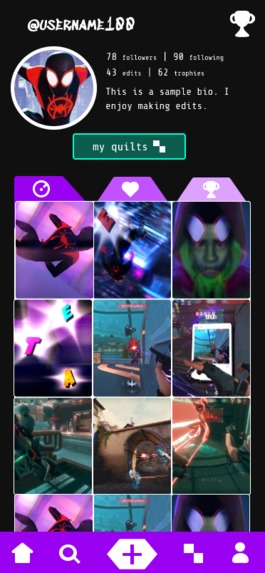
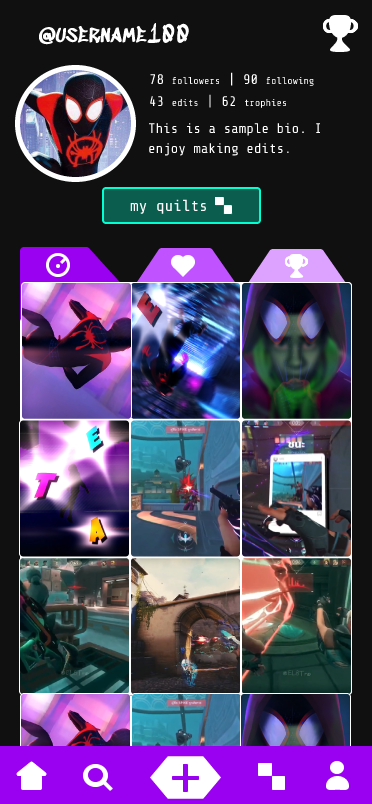
profile page that shows the editing portfolio of a quilter.
Briefly describe your project in relation to the challenge prompt (max 200 words)
Quilt is an app that showcases creative expression in the form of video edits. Our users, quilters, can upload their own video edits, discover new edits, and collaborate with other editors on the platform. As quilters stitch together their clips, they also stitch together in a community as they connect over shared passions based on their favorite shows, movies, or books. Users are given the opportunity to join an interest specific group, called a Quilt, to chat and team up with fellow editors on group projects. To challenge creators, the app features events that editors may participate in. Our app caters to video editors, media enjoyers, and collaborative individuals through its video sharing and quilt chatting features.
Describe your main design decisions and how they contribute to your product (max 300 words)
Our main design decisions reflect our research done through our survey about edits in social media. One of the main design aspects of Quilt was the design color choice. 88.9% of video edit viewers most often watch edits at night, so we chose to create a dark interface with cool toned accents of many colors. The dark interface proves more compatible and user friendly as edits are watched most commonly at night in the dark. The choice of bright, cool-toned accents resemble bright lights in the dark. Another incorporated design feature was an accessible option bar. Each icon on the bar navigates to a separate page, which includes the following: Home, Search, Add Video, Quilts, and Profile Page. The home page utilizes a scrolling design to feature uploaded video edits. The search page allows users to explore different tags and suggested video edits. The Quilts page allows the user to join communities based on interests and editing style. The Profile Page serves as the user’s video editing portfolio and collection of interests as their creations, followers, events won, and edits are visible on their own customized page. The option bar is located on the bottom of the screen for easy accessibility as mobile phone users usually navigate through apps using their thumb.
Built With
- figma

Log in or sign up for Devpost to join the conversation.