-
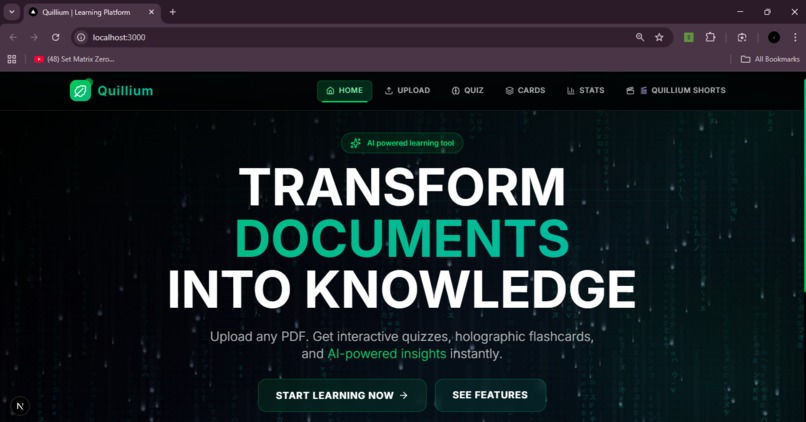
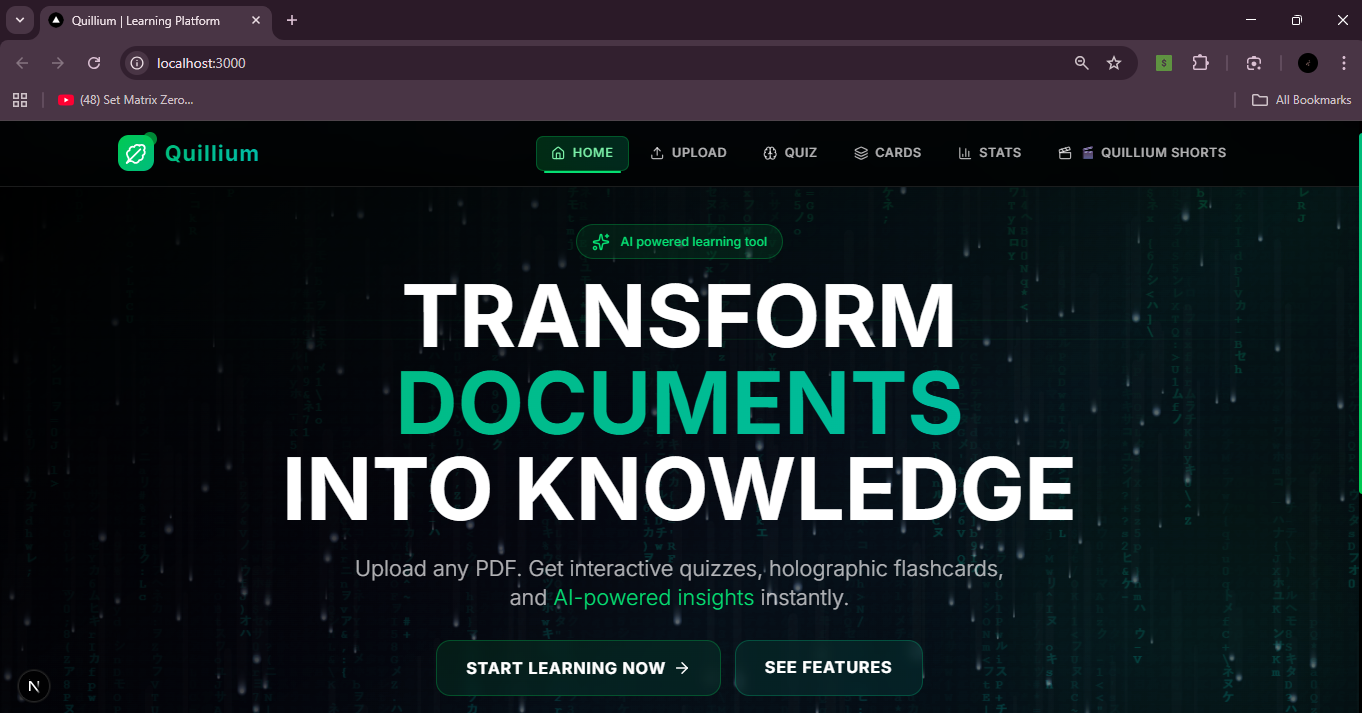
Landing Page
-
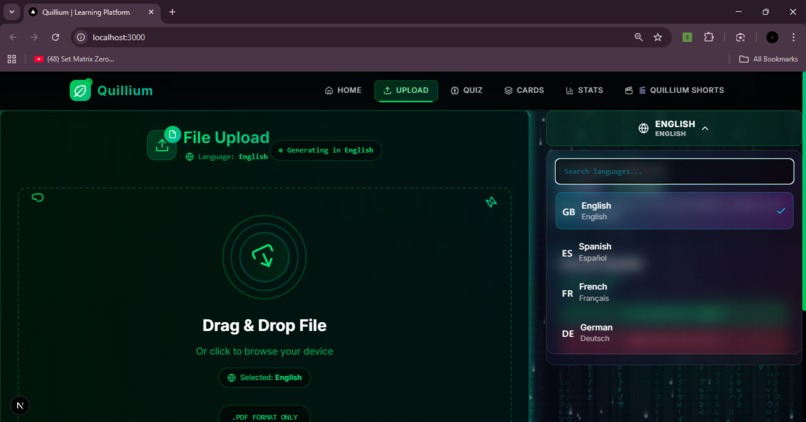
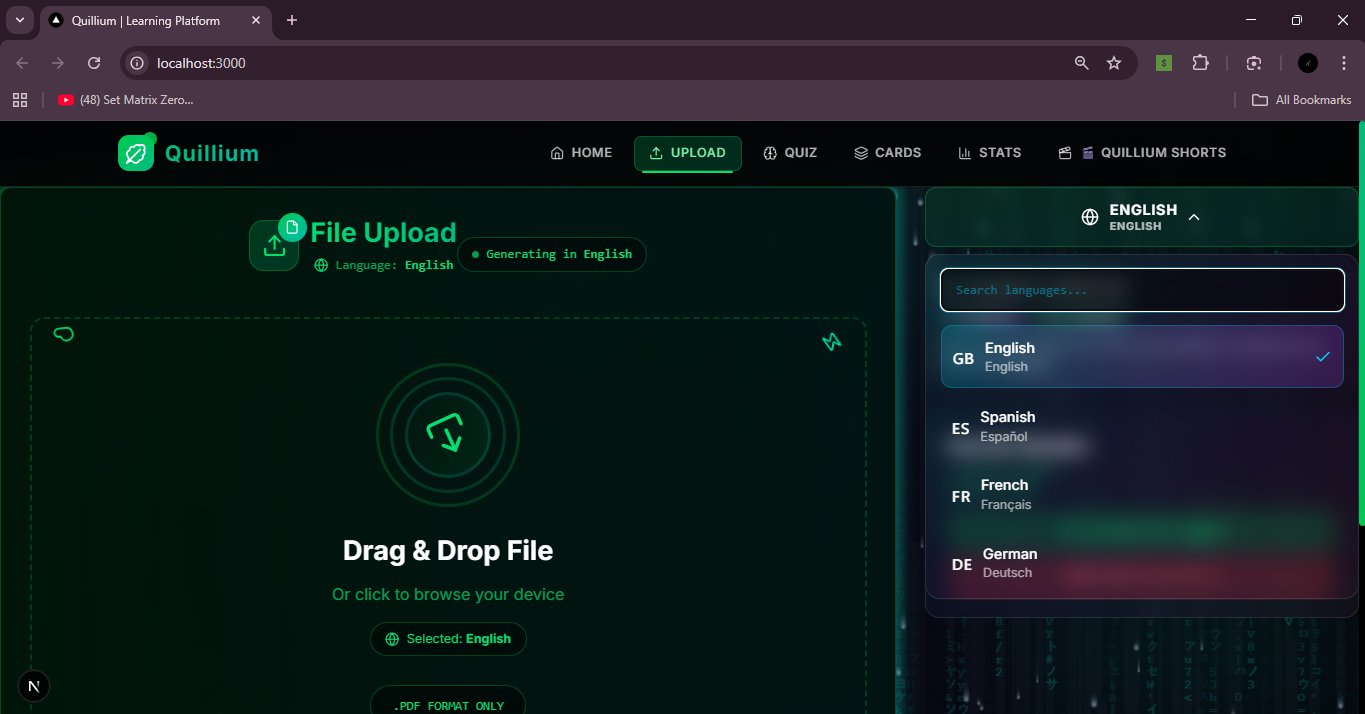
Upload a Pdf and Choose a language
-
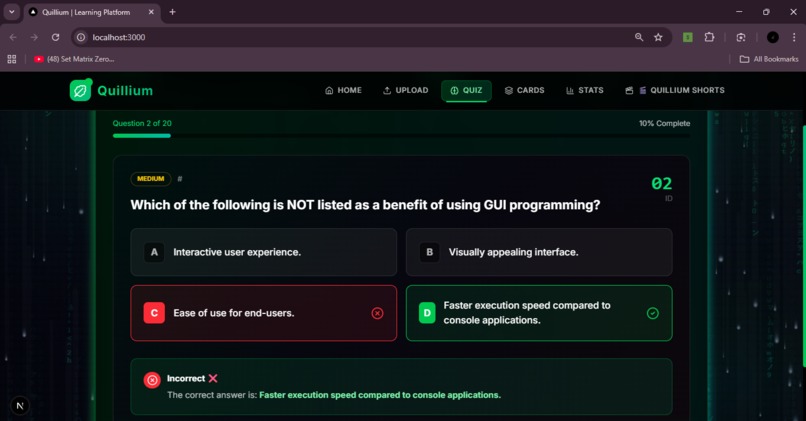
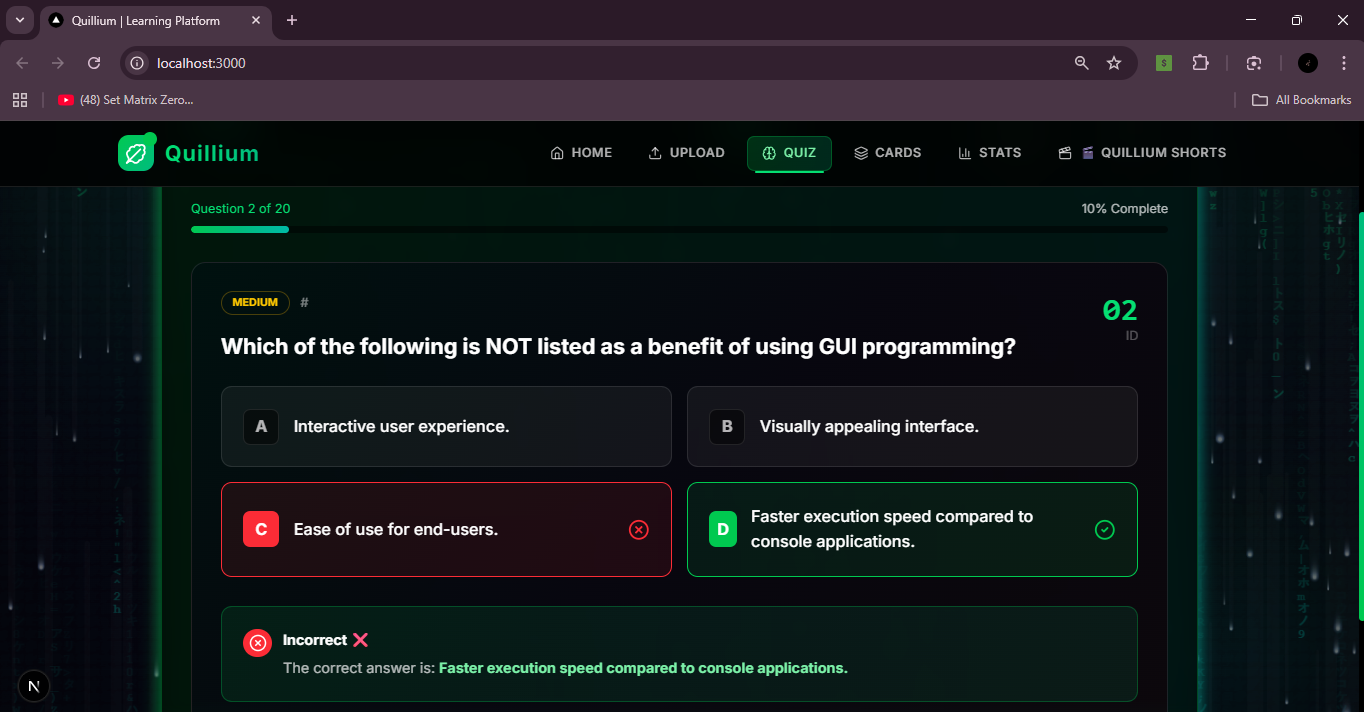
Personalized Quizzes
-
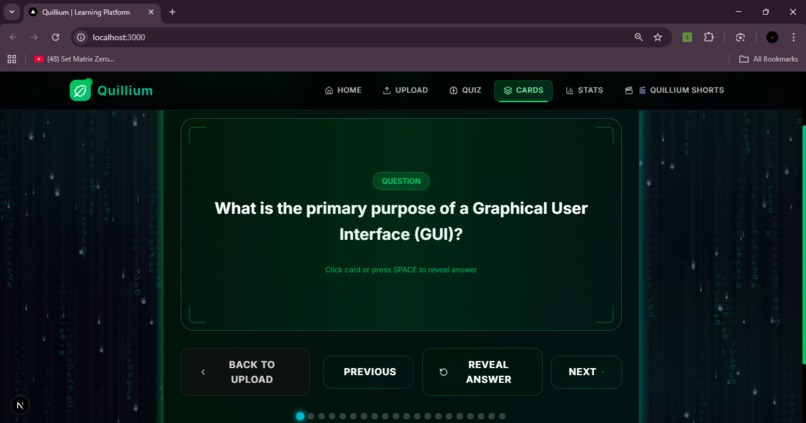
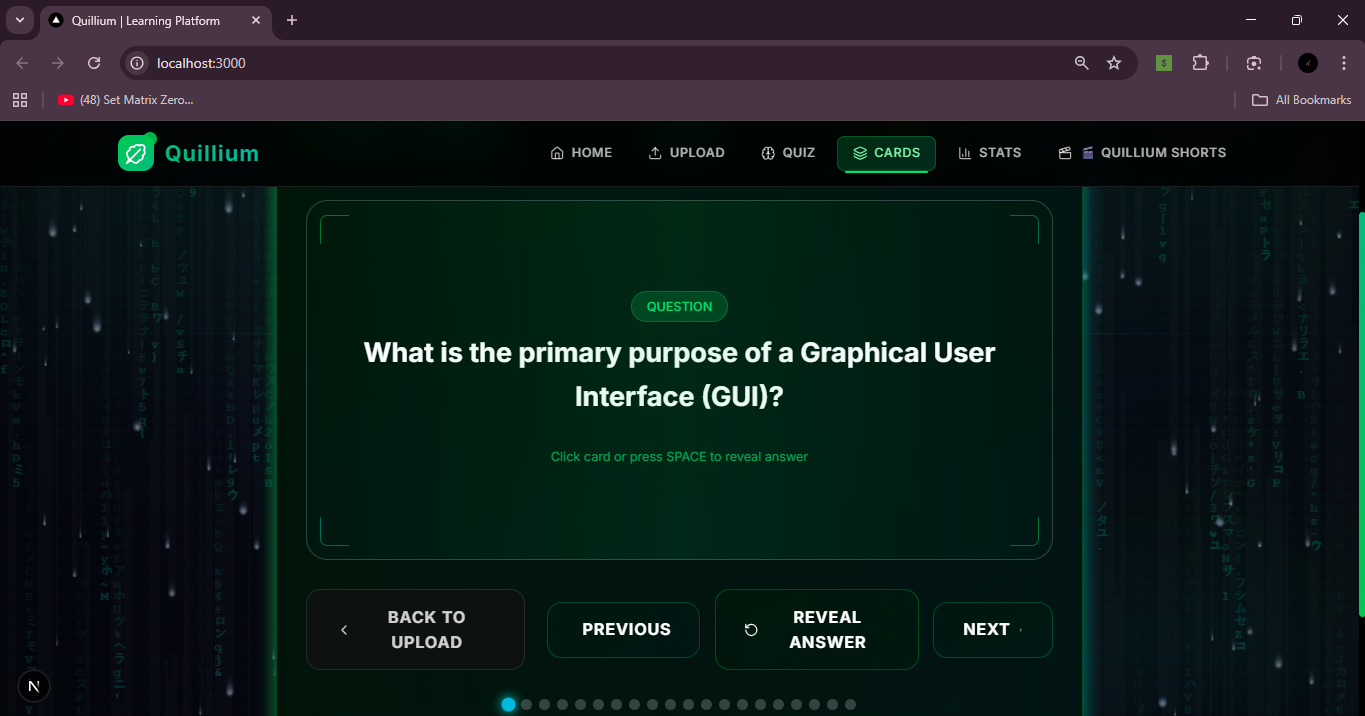
Flashcards section
-
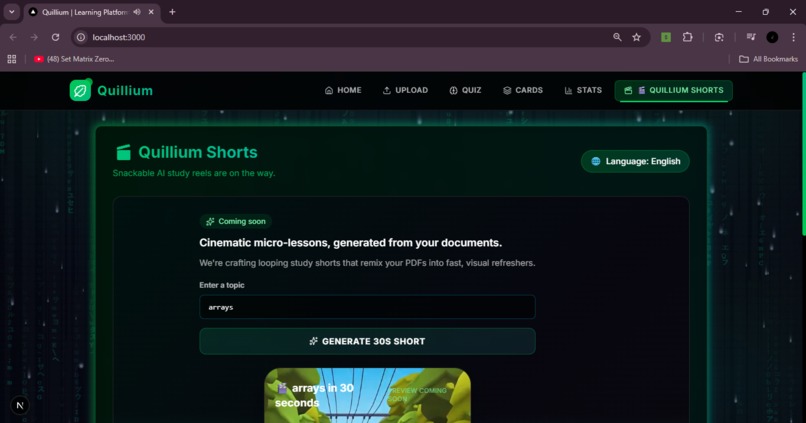
-
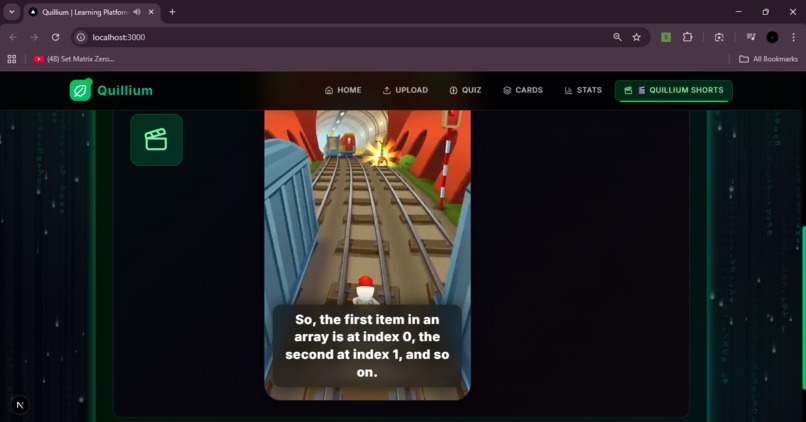
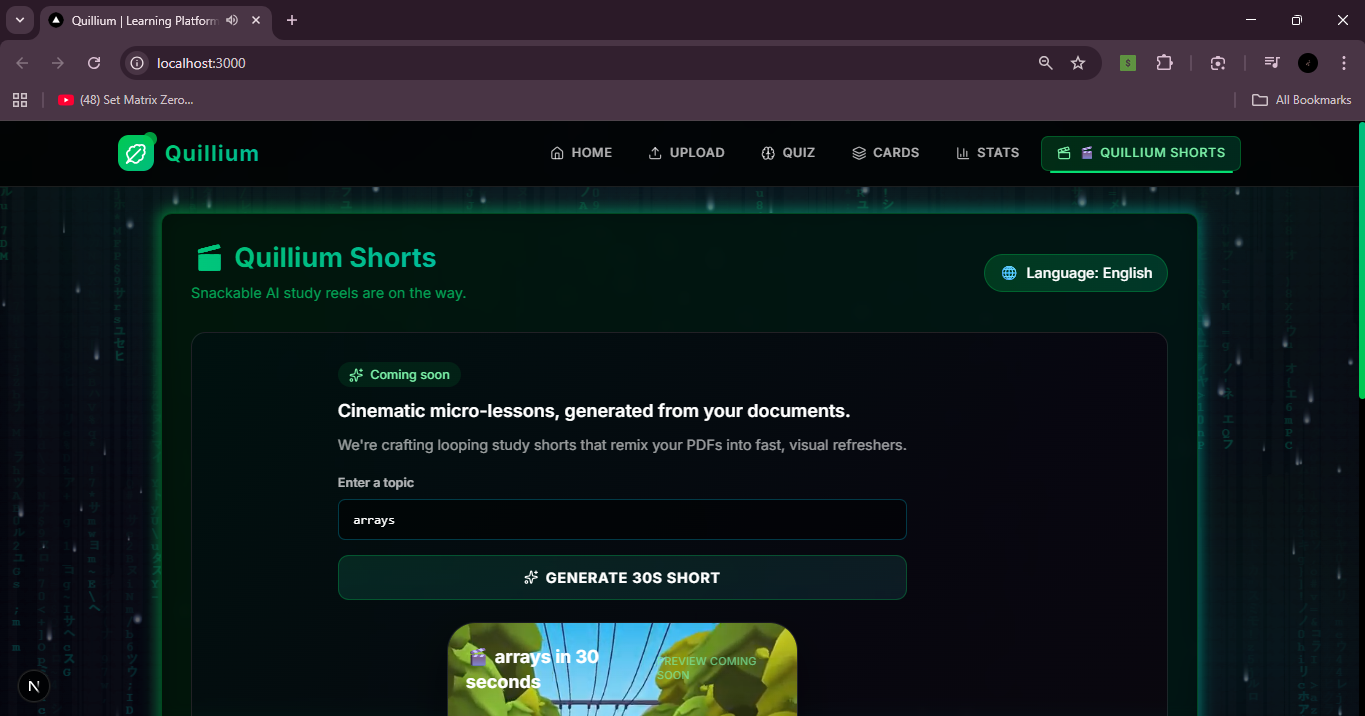
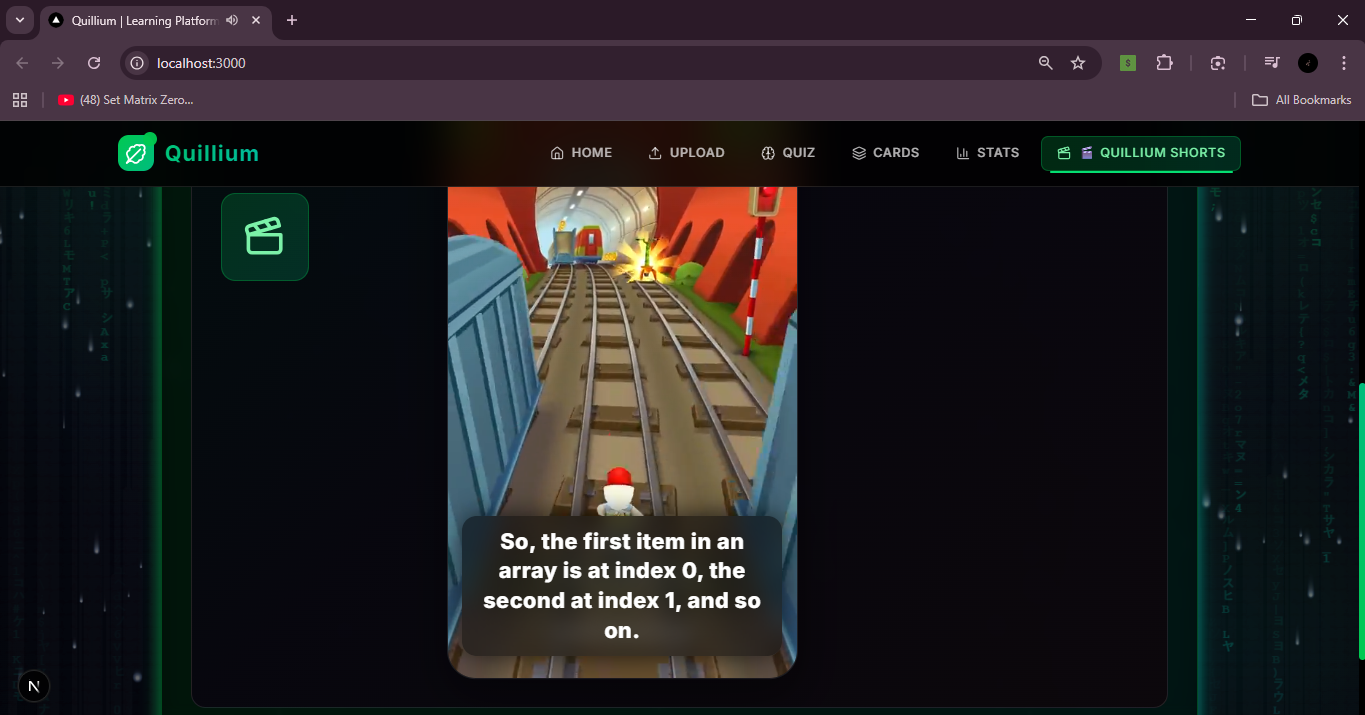
Cinematic shorts, generated from your documents.
-
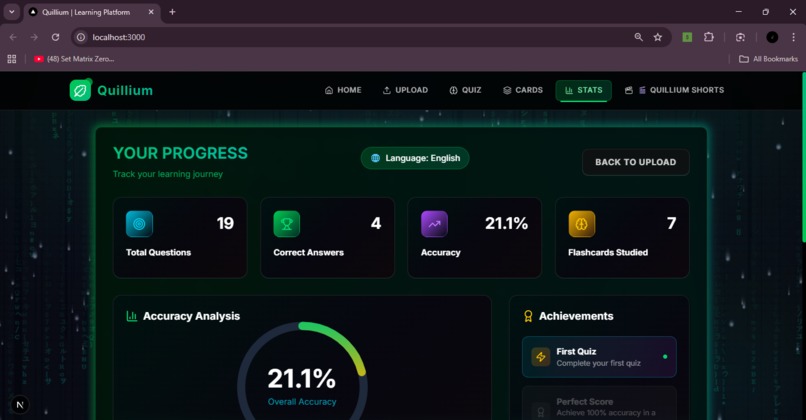
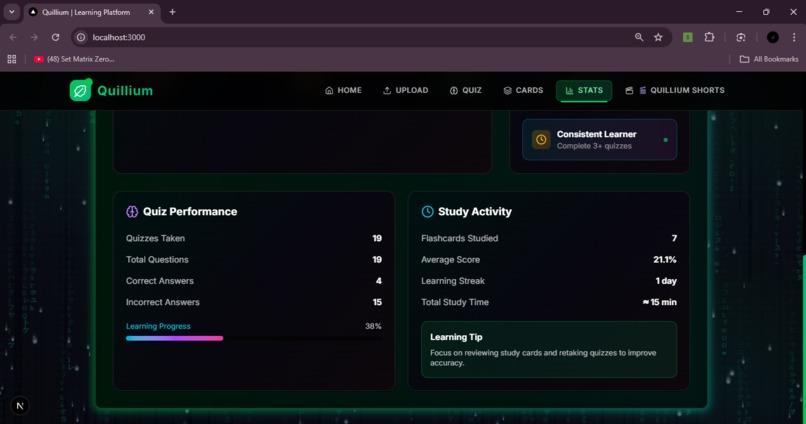
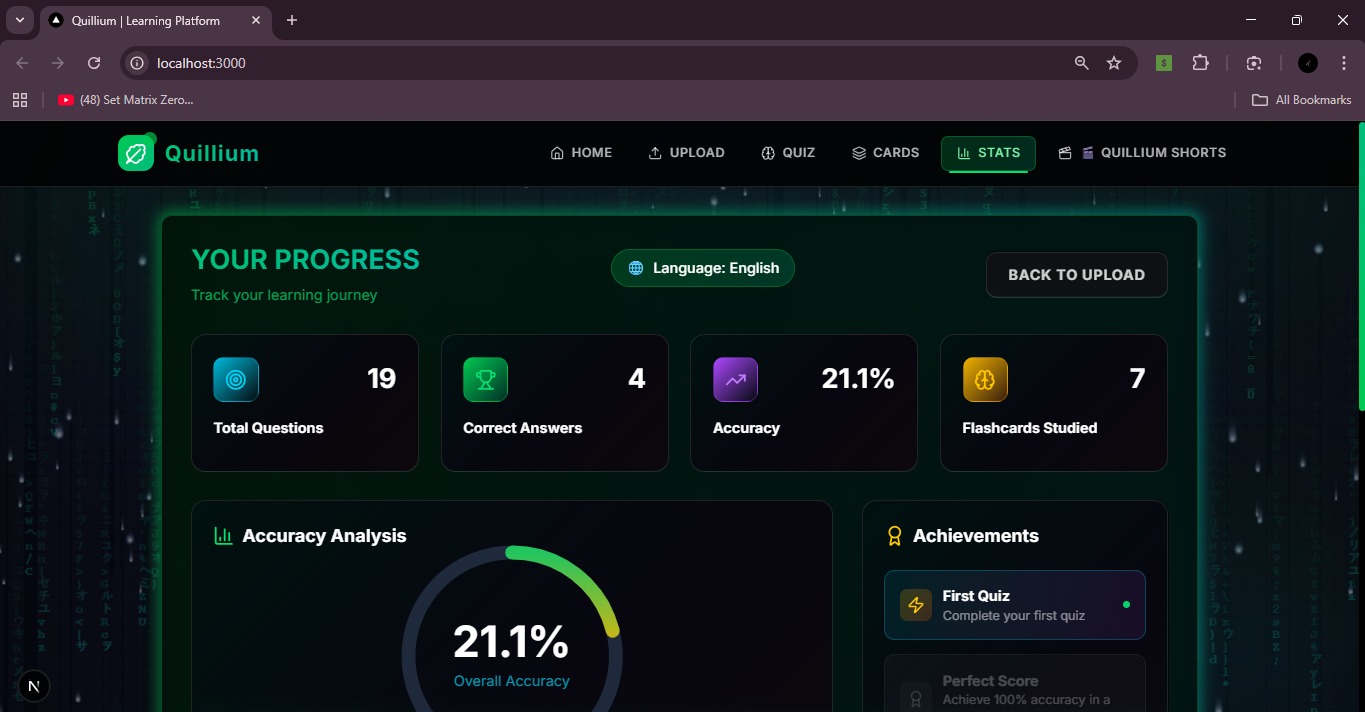
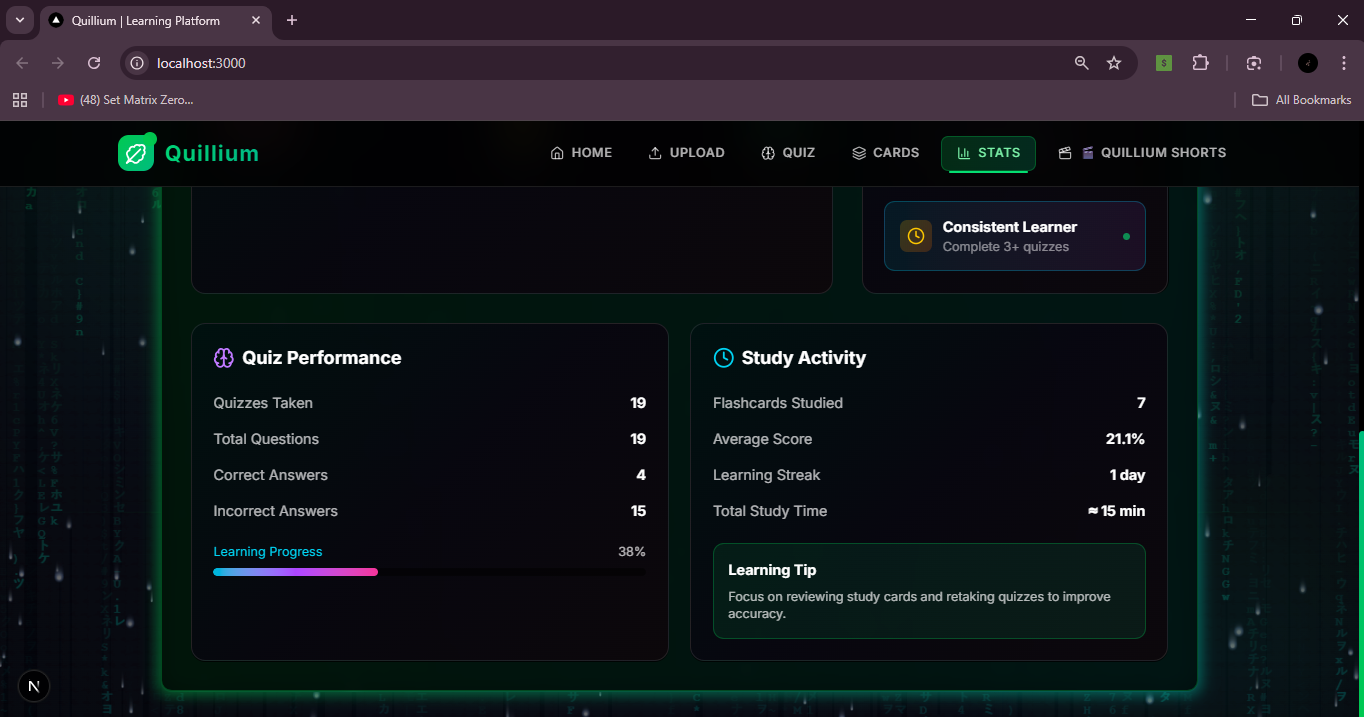
Track your Progress
-
Inspiration
Studying today often means staring at long PDFs, dense notes, and unfamiliar terminology. This can be especially overwhelming for students from underrepresented backgrounds, multilingual learners, and beginners who may not have access to personalized learning tools.
We wanted to build something that makes learning feel less intimidating and more supportive — a tool that adapts to how students actually learn today: interactive, visual, short-form, and accessible.
Quillium was inspired by the idea that education should meet learners where they are, not force everyone into the same rigid study methods.
What it does
Quillium is an AI-powered inclusive learning assistant that transforms static PDFs into interactive learning experiences.
With Quillium, students can:
Upload a PDF (notes, textbooks, slides)
Automatically generate quizzes and flashcards
Translate content into multiple languages
Track learning progress
Create short, AI-generated study videos (“Study Shorts”) for quick revision
Instead of passively reading, learners actively engage with the material in formats that suit their learning style.
How we built it
Quillium is built with a modern full-stack architecture:
Backend: FastAPI (Python)
Extracts text from PDFs using PyMuPDF
Uses AI to generate meaningful multiple-choice questions
Converts questions into flashcards
Supports multilingual translation
Generates short-form explanation scripts and AI voiceovers
Frontend: Next.js + React + Tailwind CSS
Clean, intuitive UI with sections for quizzes, flashcards, progress, and study shorts
Smooth transitions and interactive components
Local state persistence so users don’t lose progress
AI & Media
AI-generated quizzes, summaries, and short-form scripts
Text-to-speech for audio-based learning
Short video previews for quick revision
The entire flow is designed to be simple: upload → learn → revise → track progress.
Challenges we ran into
Extracting clean, structured text from different types of PDFs
Ensuring AI-generated questions were meaningful and not repetitive
Handling multilingual translation reliably
Balancing advanced features with a beginner-friendly UI
Explaining complex content in short, engaging formats for Study Shorts
We addressed these by refining prompts, adding validation layers, and testing with different document types and languages.
Accomplishments that we're proud of
Built an end-to-end learning platform within hackathon constraints
Successfully converted PDFs into quizzes, flashcards, and short videos
Implemented multilingual learning support
Designed an intuitive, visually engaging UI
Added a unique Study Shorts feature that differentiates Quillium from traditional study tools
Most importantly, we created something that feels useful, not just impressive.
What we learned
Simplicity matters more than feature count
AI is most powerful when it supports users, not overwhelms them
Designing for inclusivity improves usability for everyone
Clear UX and storytelling are just as important as technical depth
Short-form learning can significantly improve engagement and retention
What's next for Quillium
Adaptive quizzes based on user performance
Captions and subtitles for Study Shorts
Audio-only learning mode for accessibility
Collaborative study rooms
Deployment at scale for students and educators
Our goal is to continue evolving Quillium into a supportive, inclusive learning companion for students everywhere.
Built With
- fastapi
- next.js
- pymupdf
- python
- react
- tailwindcss
- typescript

Log in or sign up for Devpost to join the conversation.