Inspiration
With the rise of digital interactions, sharing information quickly and contactlessly has become more important than ever. We wanted to build a tool that allows anyone to create QR codes instantly — whether it's to share a link, contact details, or just a simple message — all without needing any technical knowledge.
What it does
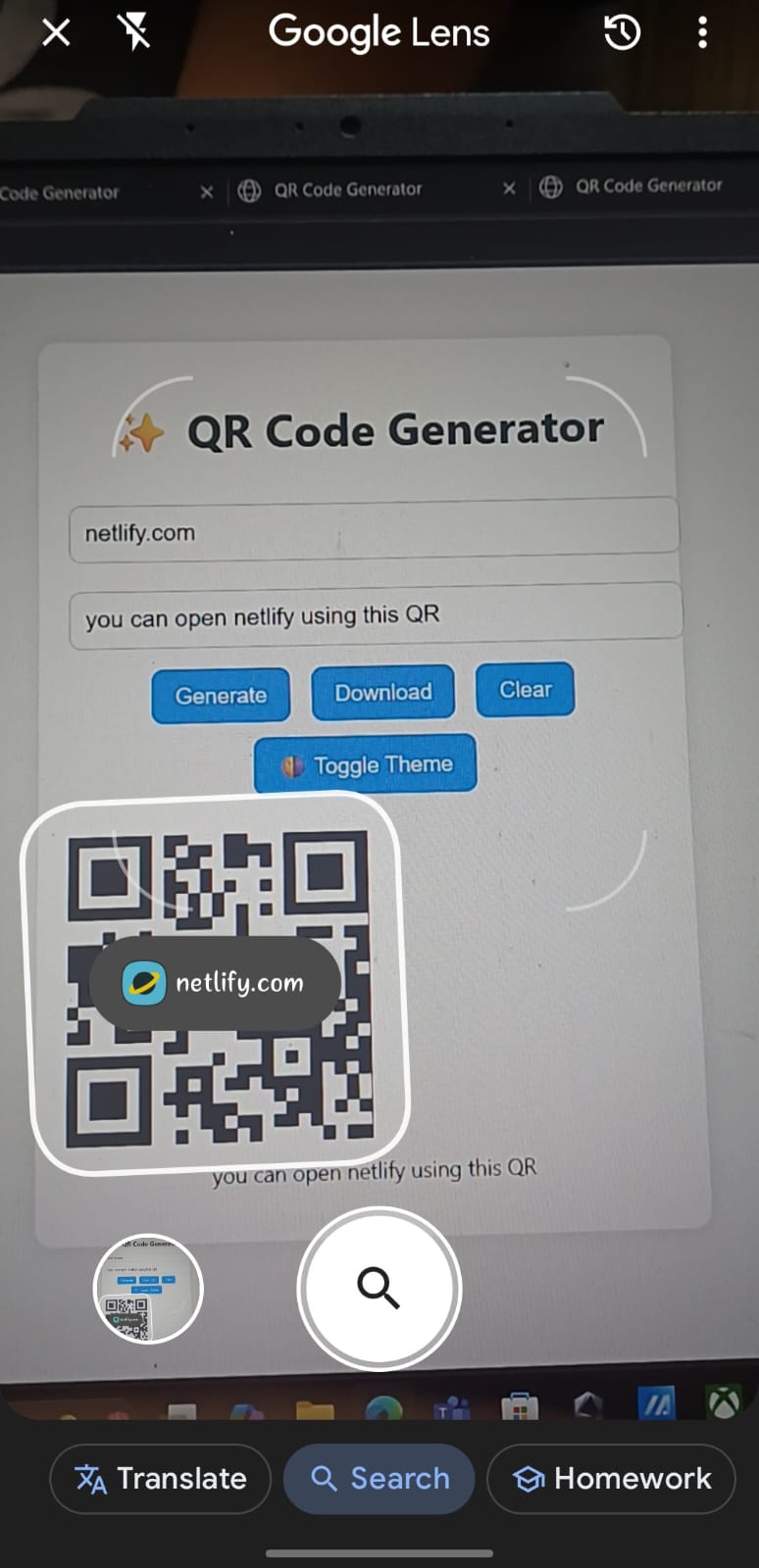
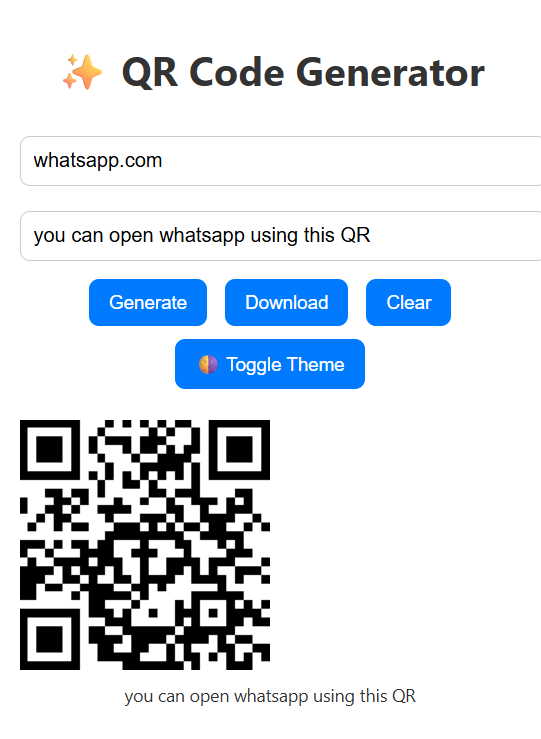
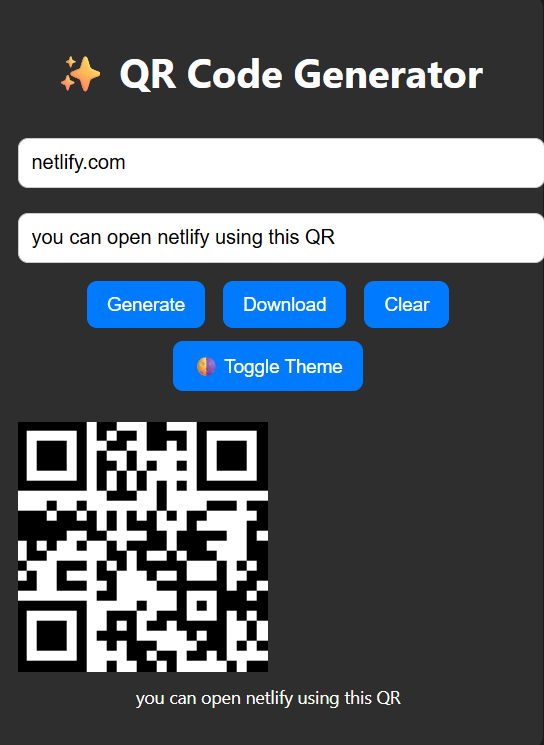
QuickQR allows users to: Enter any text, URL, or info Instantly generate a QR code in real time Download the QR code as an image Use a clean, mobile-friendly UI
How we built it
Frontend: HTML, CSS, and Vanilla JavaScript QR Code Library: qrcode.min.js for generating QR codes Hosting: Deployed using Netlify Version Control: Git + GitHub
Challenges we ran into
Making the design look clean and responsive on all devices Handling invalid or empty input edge cases Ensuring the QR code download feature worked consistently across browsers Understanding deployment for the first time on Netlify
Accomplishments that we're proud of
Built a fully functional tool from scratch Designed an intuitive, user-friendly interface Successfully deployed and shared a live working product Learned how to use external libraries and host static sites
What we learned
How to work with third-party JavaScript libraries like qrcode.min.js Basics of frontend deployment using Netlify How to write clean, modular JavaScript Importance of responsive design and user experience
What's next for QuickQR – Instant QR Code Generator
Allow users to customize QR colors and styles Add options for Wi-Fi, Email, SMS, and vCard QR generation Include scan history or saved QR list (using local storage or backend) Upload logo in center of QR (branding)
Built With
- css
- git
- github
- html5
- javascript
- netlify
- qrcode.min.js


Log in or sign up for Devpost to join the conversation.