Inspiration
Honestly, QuickNano started because I was tired. Every day I’d open some monster-sized article or research paper, and halfway through paragraph four I’d already forgotten why I even clicked it. Then you’ve got those big brain words that make you feel like you need a translator just to survive. So one day, I thought — “Why can’t I just highlight a paragraph, right-click, and get the simple version instantly?” Boom. That’s where the idea hit. Chrome just dropped built-in AI (Gemini Nano), so I figured — time to make my life easier.
What it does
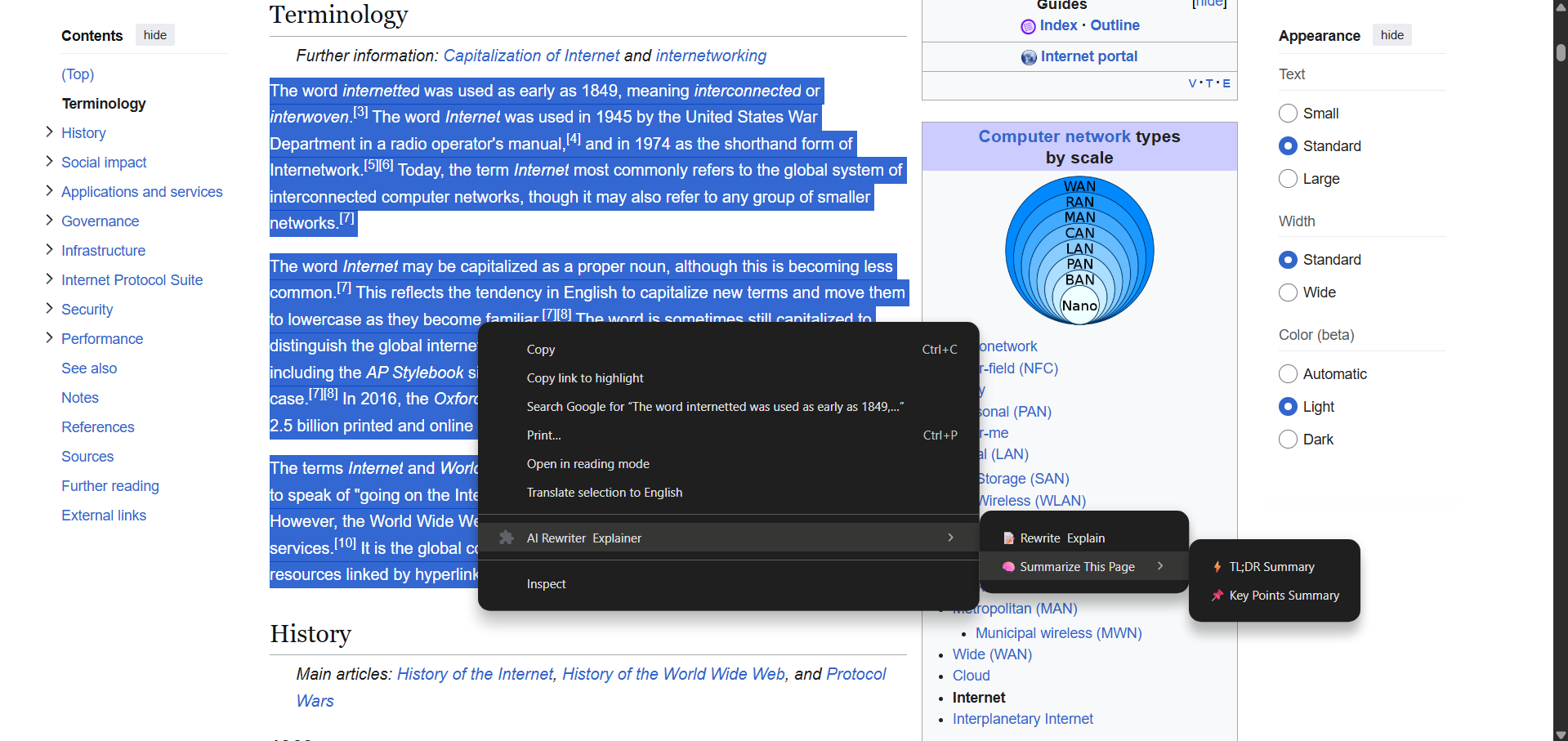
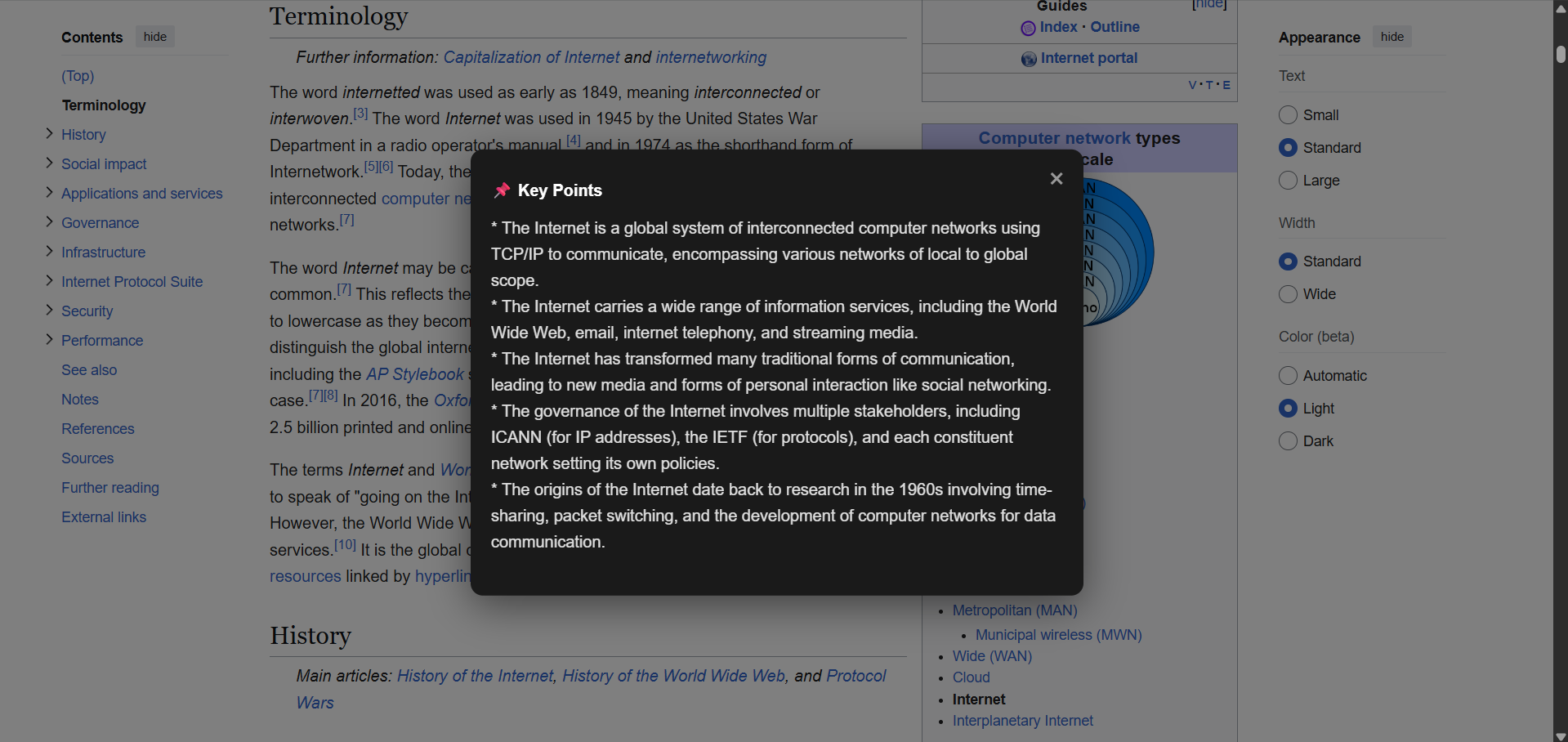
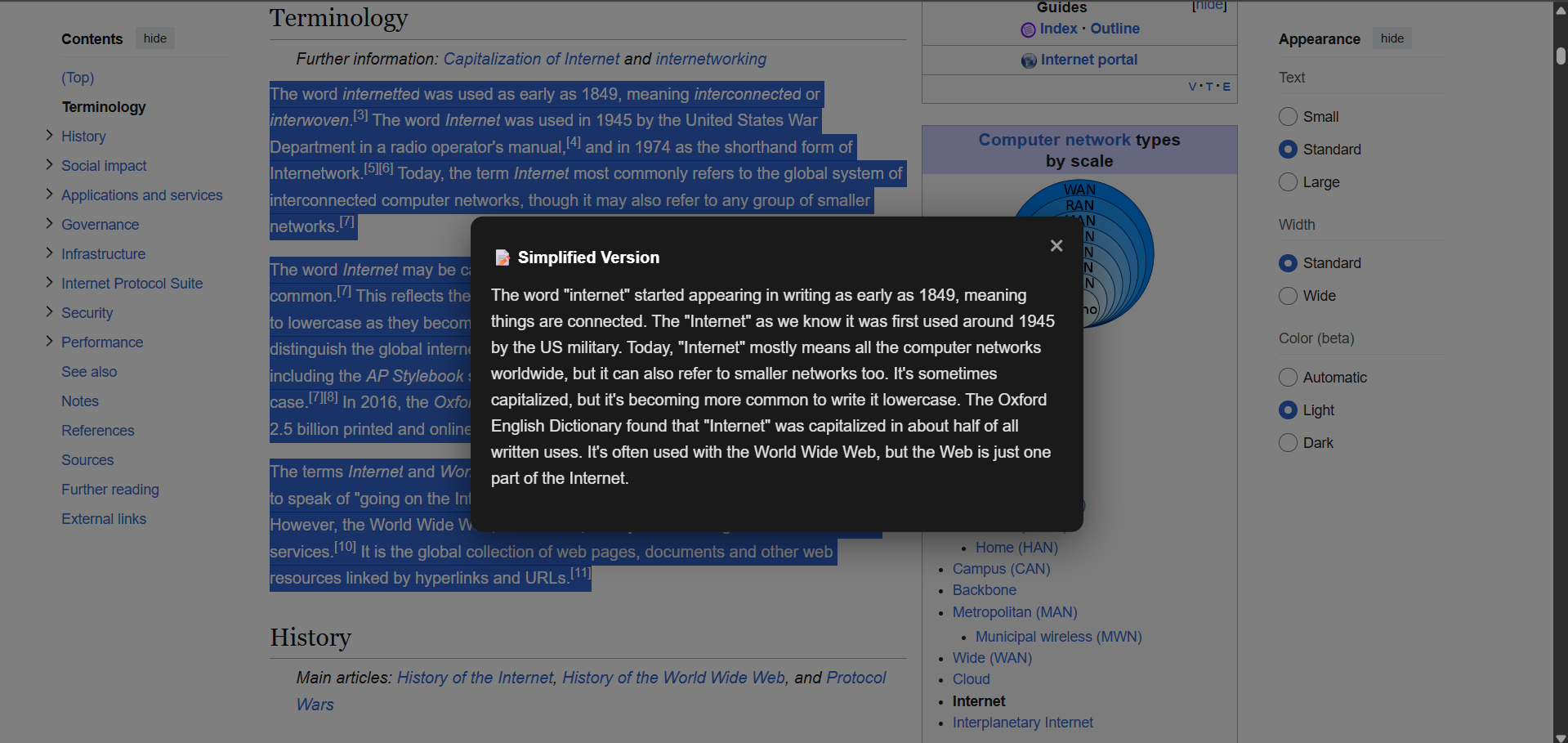
QuickNano is basically your no-nonsense reading buddy. --Highlight something confusing? → Right-click → “Simplify This” → Get plain English, no headache. --Drowning in a long article? → “TL;DR This Page” → Get a short summary faster than you can scroll. --Just want the highlights? → Hit “Key Points” and move on with your life.
How we built it
I built QuickNano from scratch — no fancy starter templates, just me, Chrome docs, and too many open tabs. Started with Manifest V3, service workers, and context menus (aka the unholy trinity of Chrome extensions). Then I jumped into the new built-in AI APIs — the Rewriter and Summarizer. At first, I was just copy-pasting sample code like a pro, but once things started breaking, I had to actually understand how it all worked. And somehow, it did.
Challenges we ran into
Figuring out how context menus work with and without selected text? Took me like 2 days of debugging. At first, the AI wasn’t triggering properly on some sites — turns out I needed "activeTab" and proper scripting permissions. Learning how the built-in AI (Gemini Nano) works was confusing at first. Like, where do I even call chrome.ai.rewriter or summarizer? The API is still super new, so examples were limited. Also, making sure it works 100% offline and local — no accidental network calls. I double-checked everything with Chrome’s dev tools. But every time I hit a wall, I just went back to the official Google documentation, searched Stack Overflow, or checked the Chrome Extensions samples repo. Slowly, things started clicking.
Accomplishments that we're proud of
I went from “What’s a service worker?” to building an actual AI-powered Chrome extension that runs fully local. That’s a huge win. Seeing QuickNano actually do stuff instead of just error logs — chef’s kiss.
What we learned
This project taught me so much like How Chrome extensions actually work & Debugging with Chrome’s extension tools
What's next for QuickNano
Next up: A mini floating panel that follows you as you read (because context menus are cool, but scrolling back up isn’t).
Built With
- react
- typescript
- vite

Log in or sign up for Devpost to join the conversation.