-
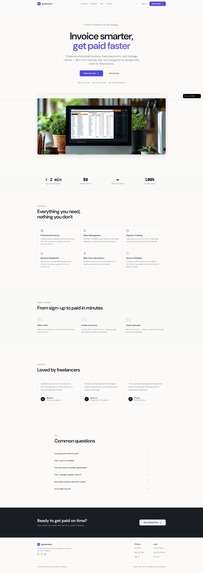
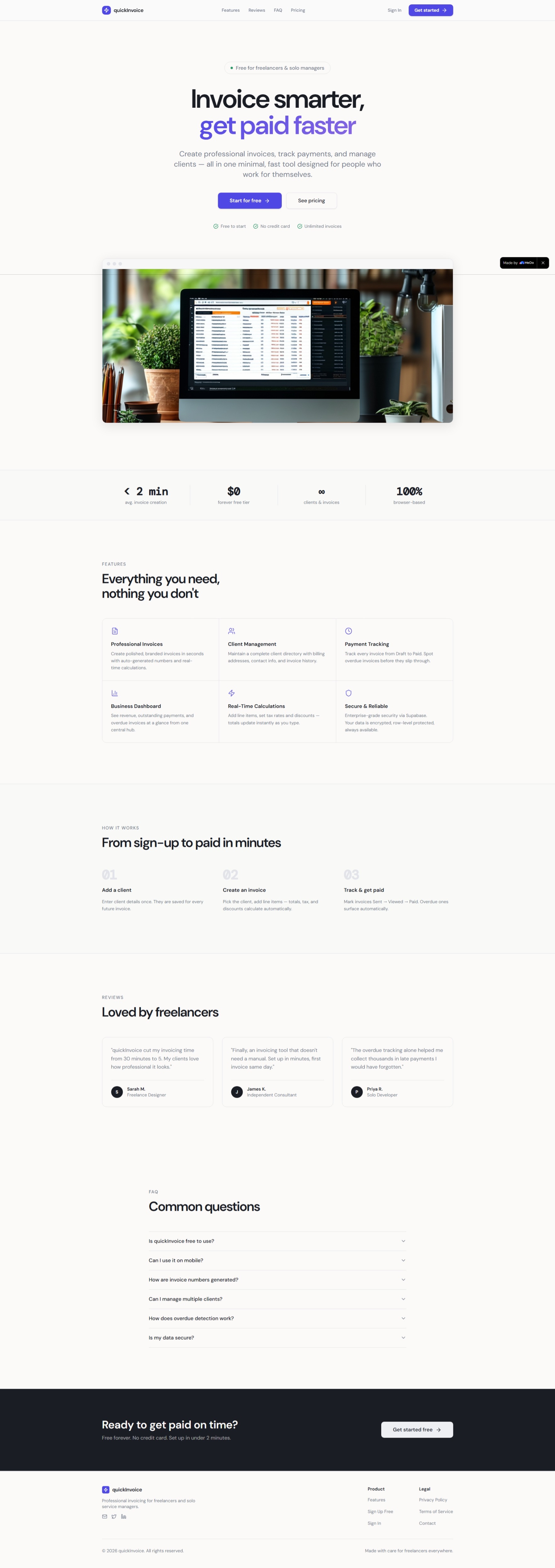
landing page
-
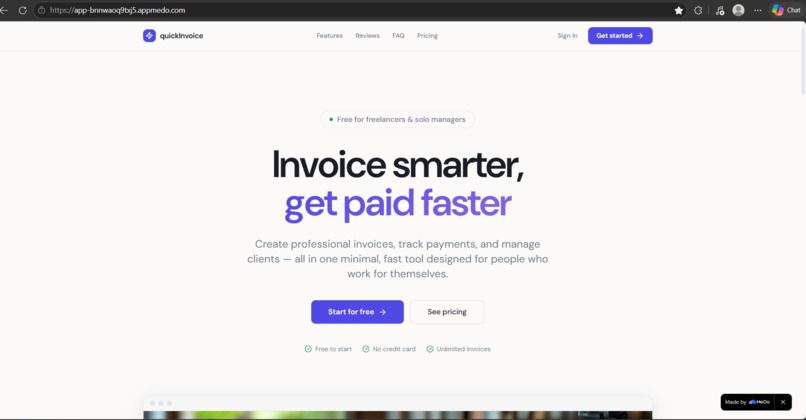
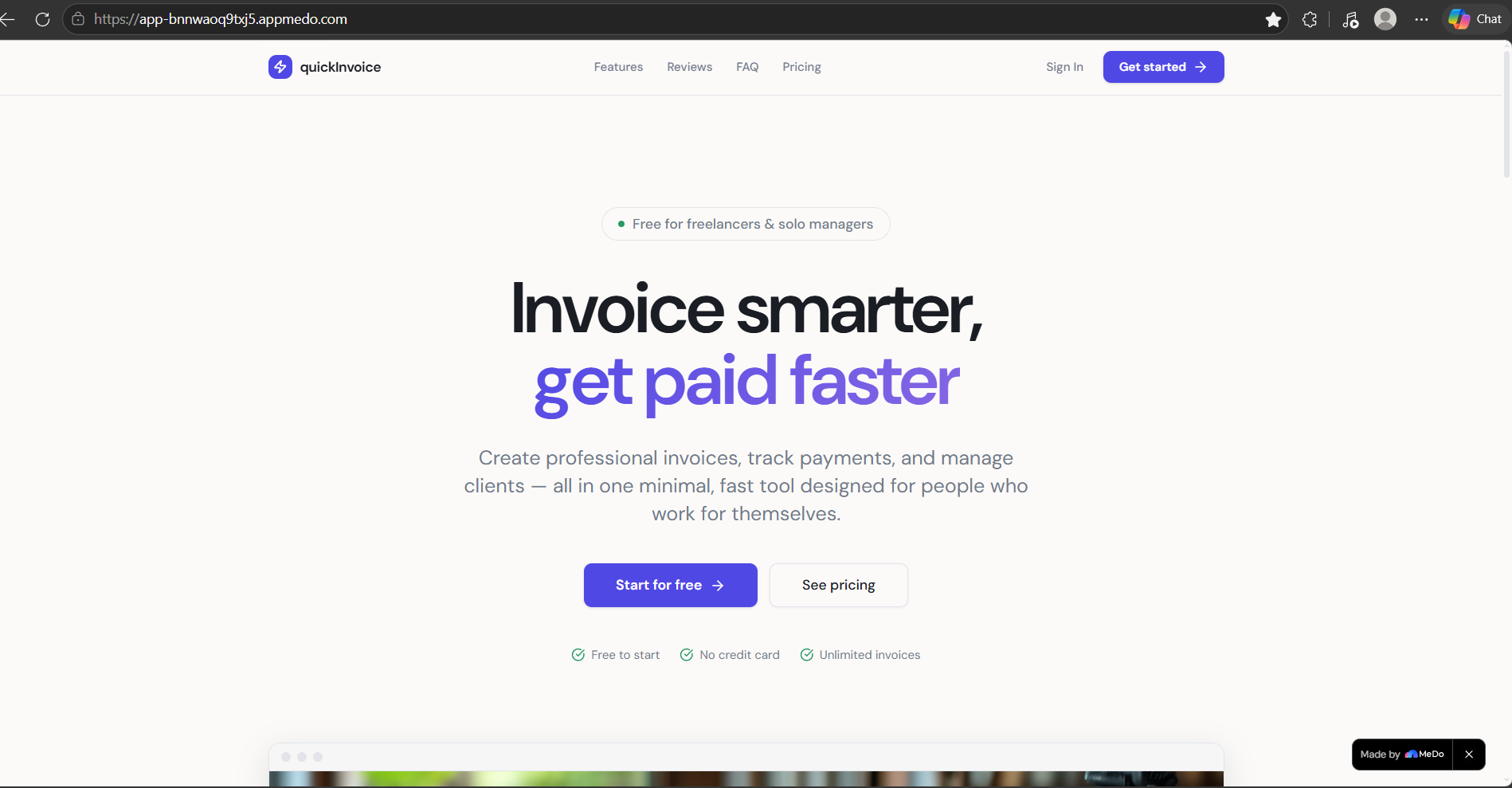
hero section of app
-
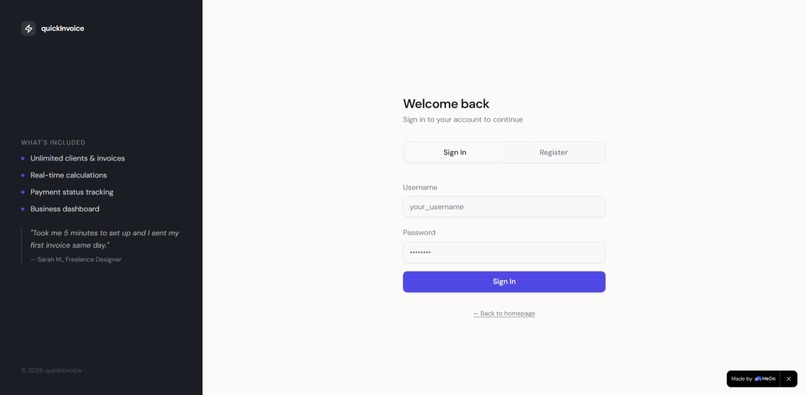
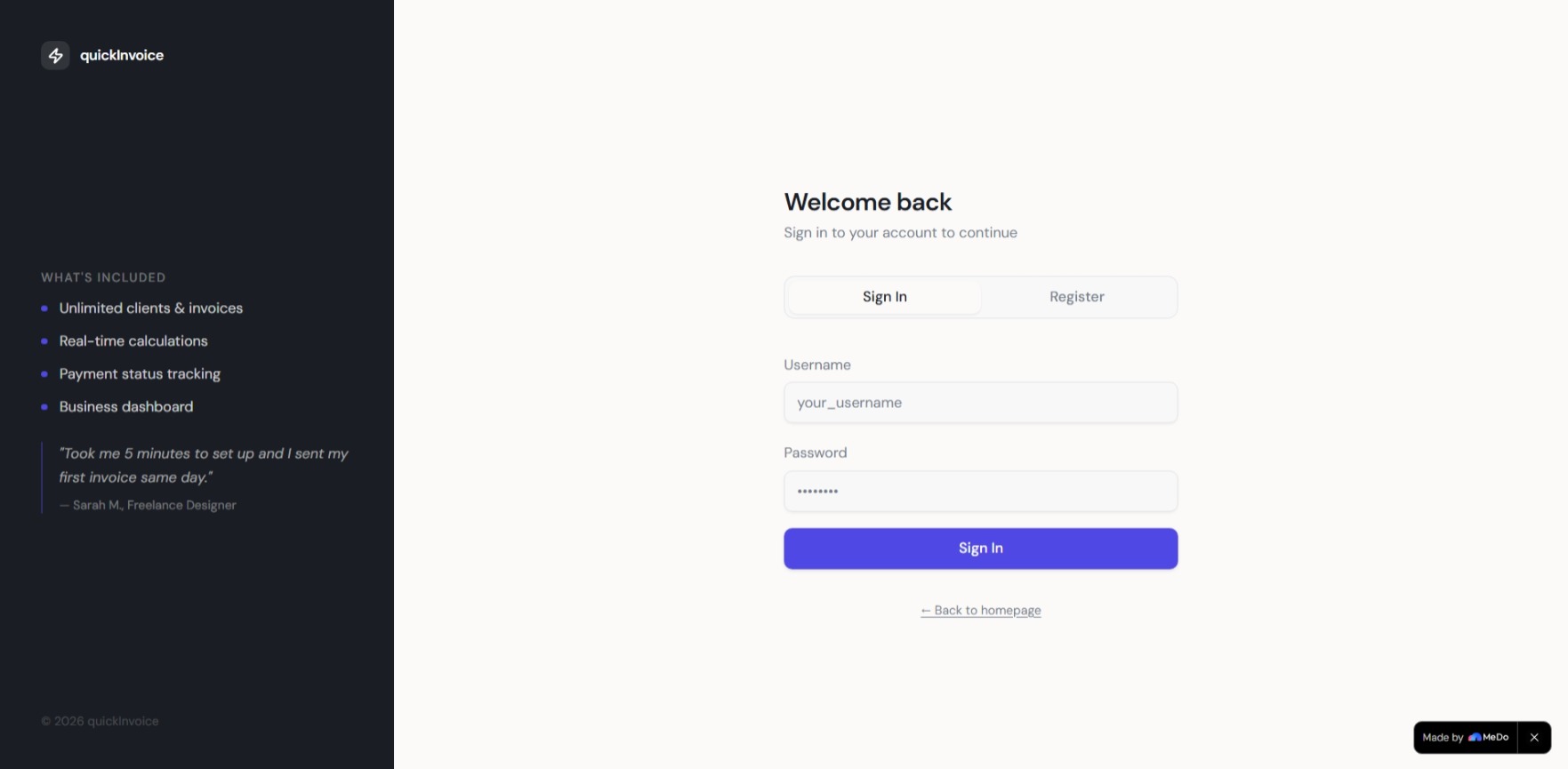
login page
-
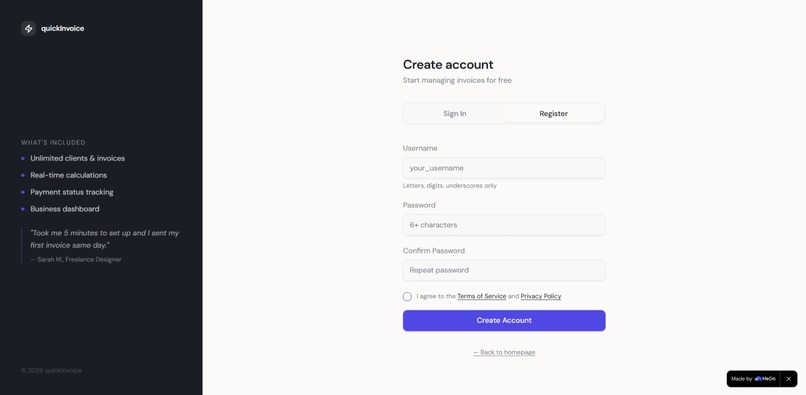
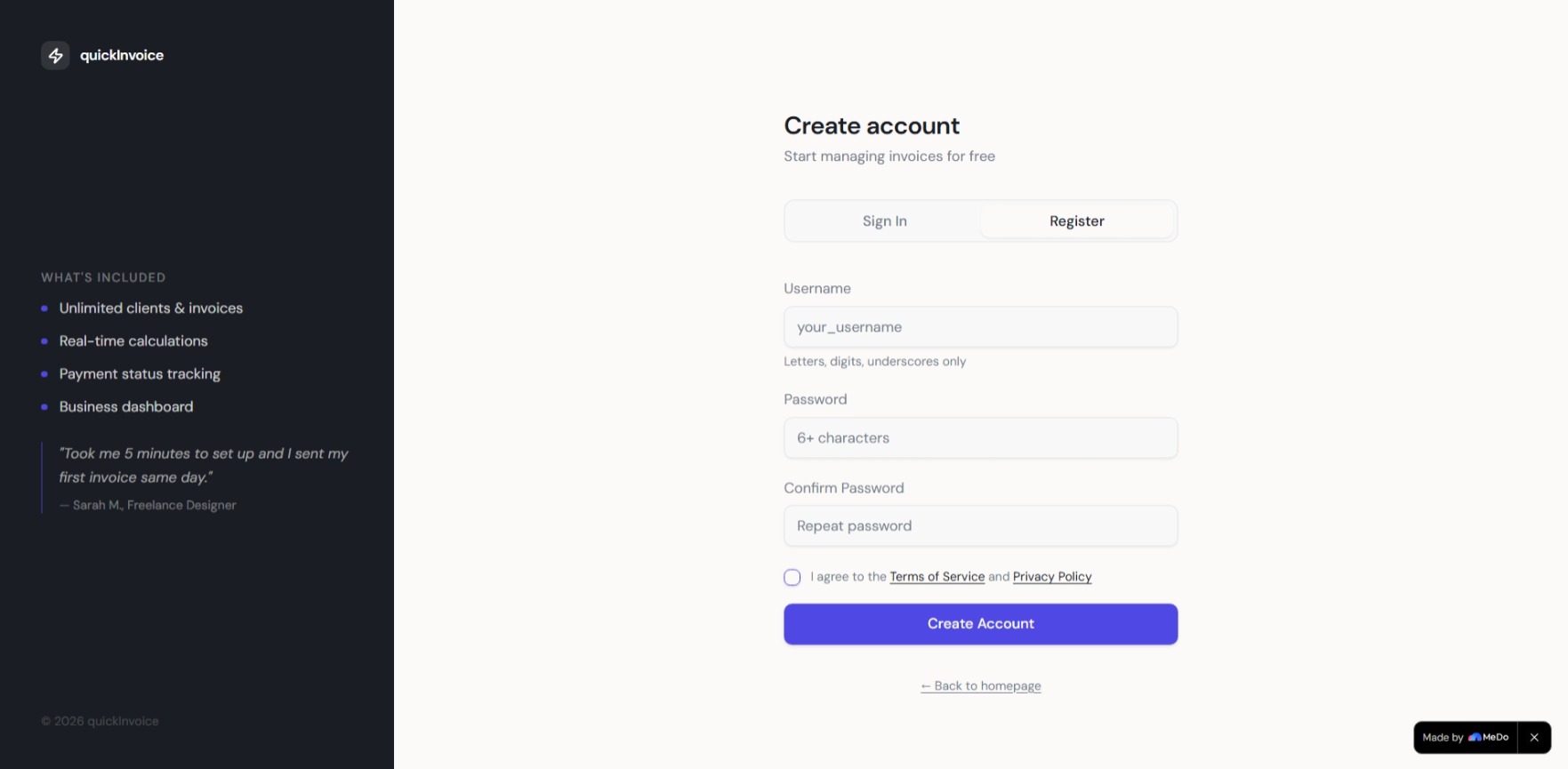
regiter new user
-
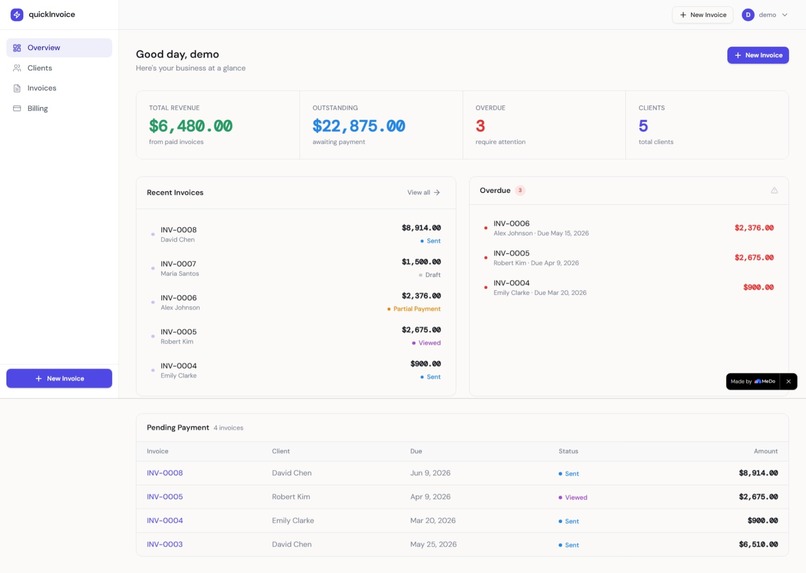
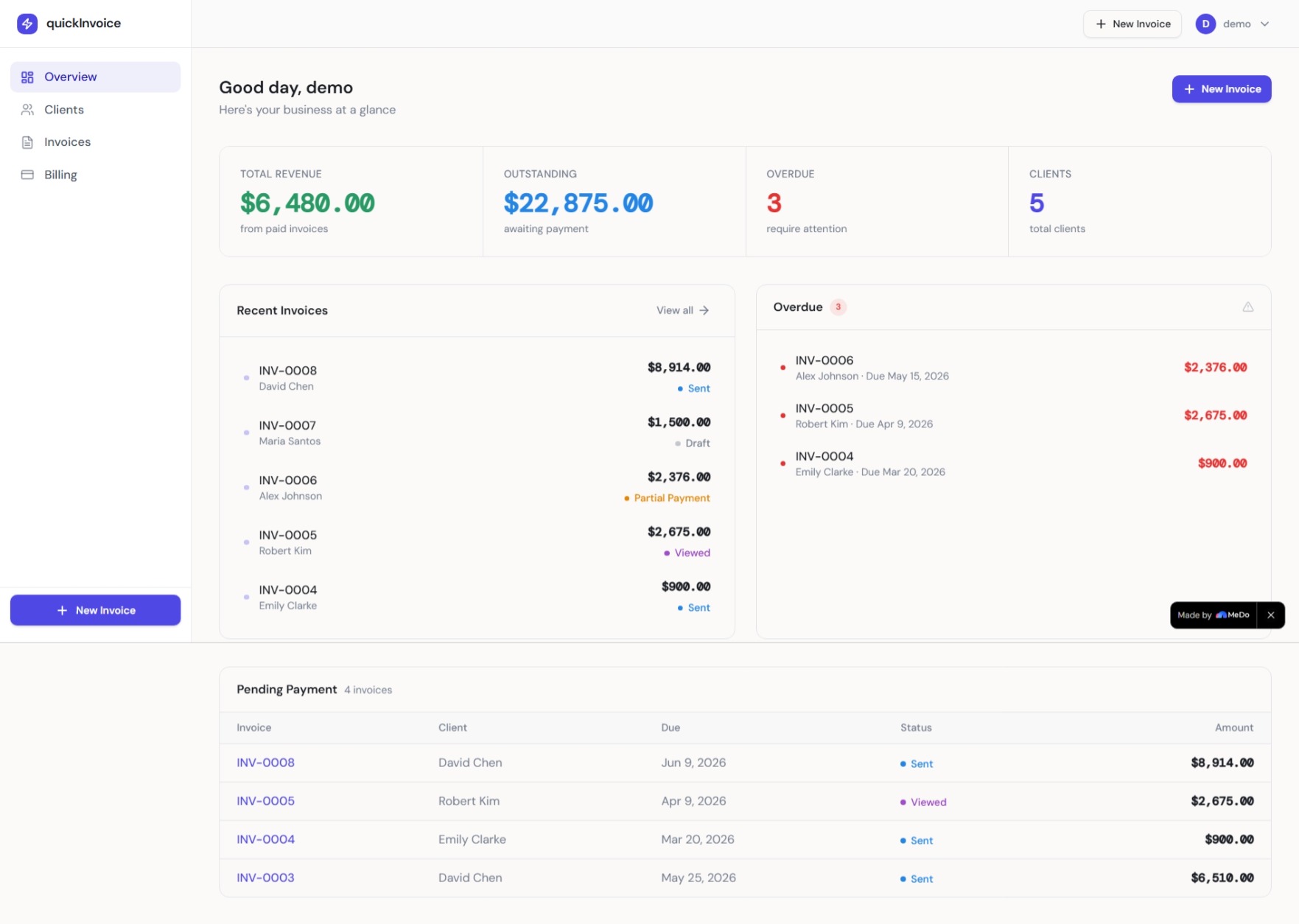
dashboard of app
-
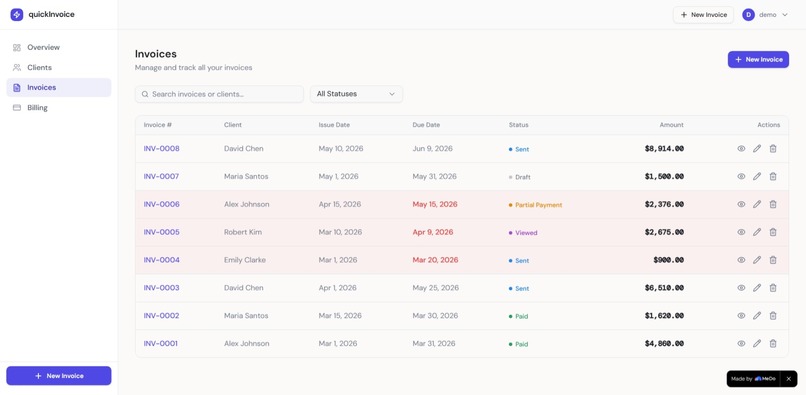
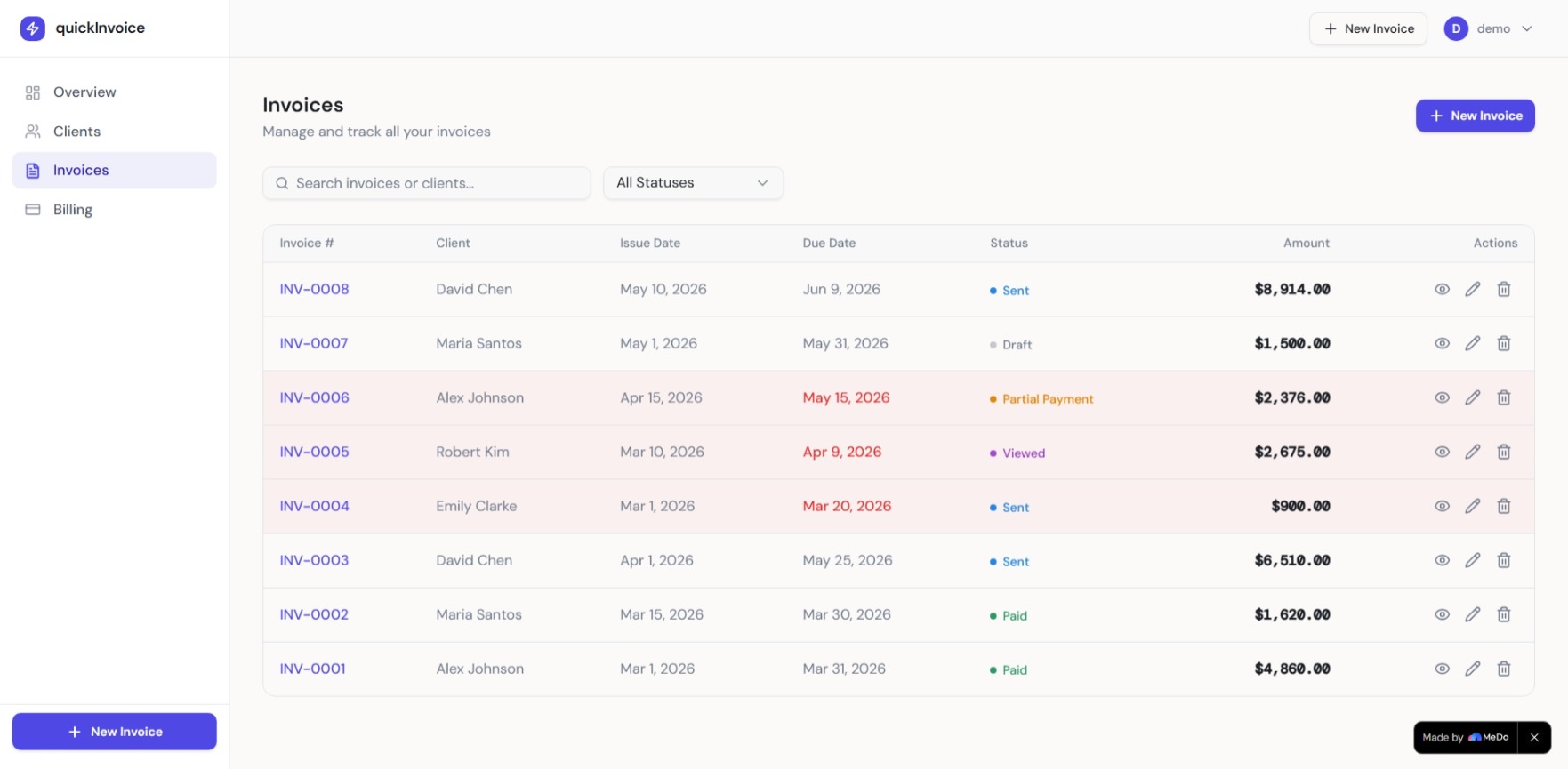
all invoices and status
-
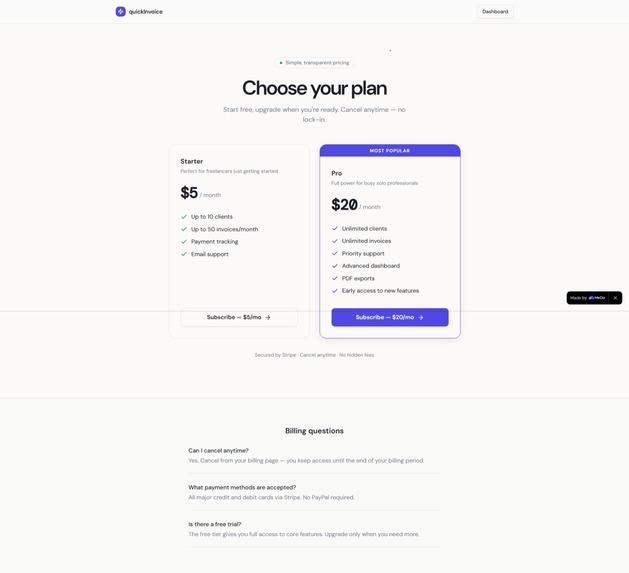
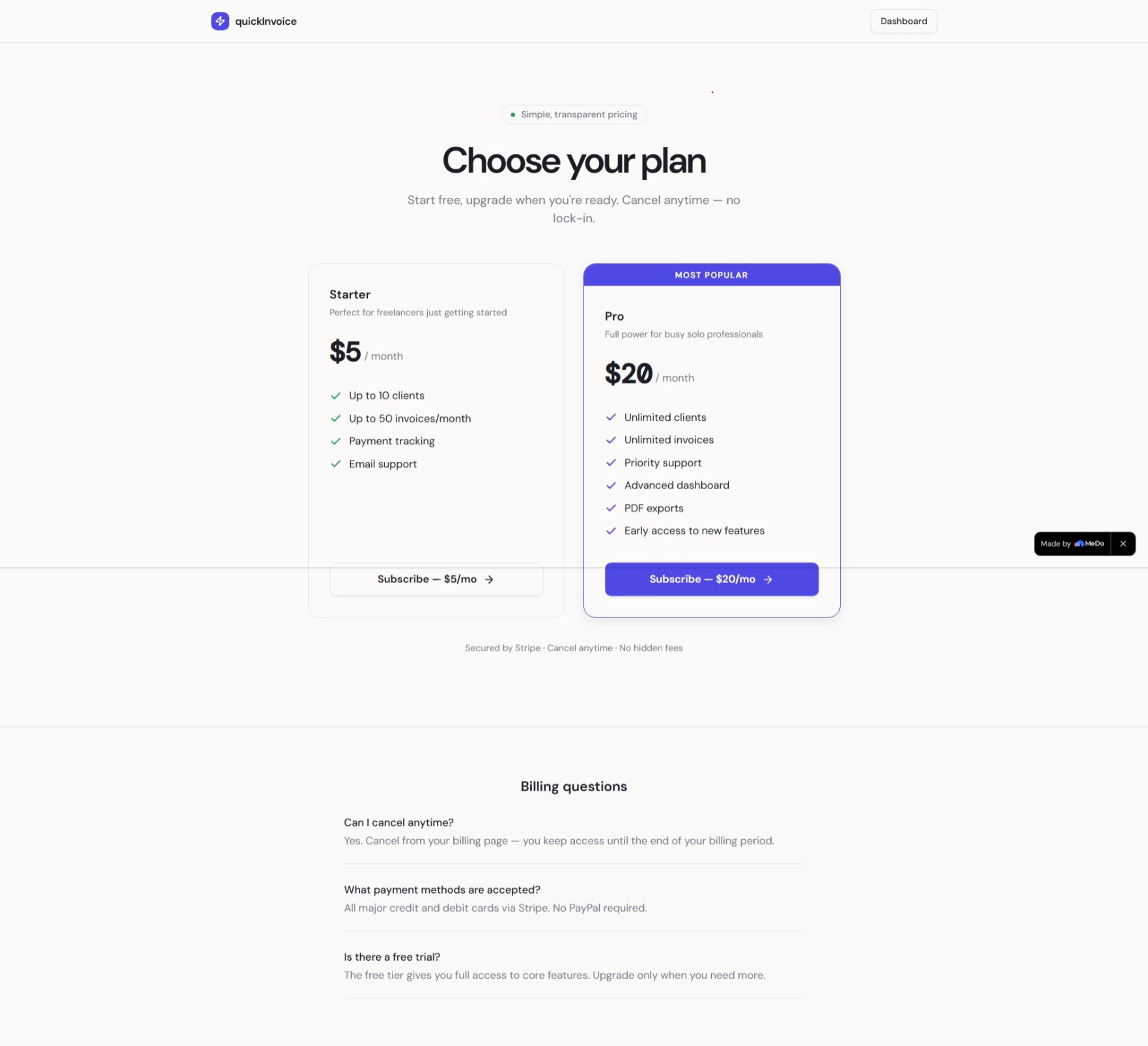
pricing page with stripe
-
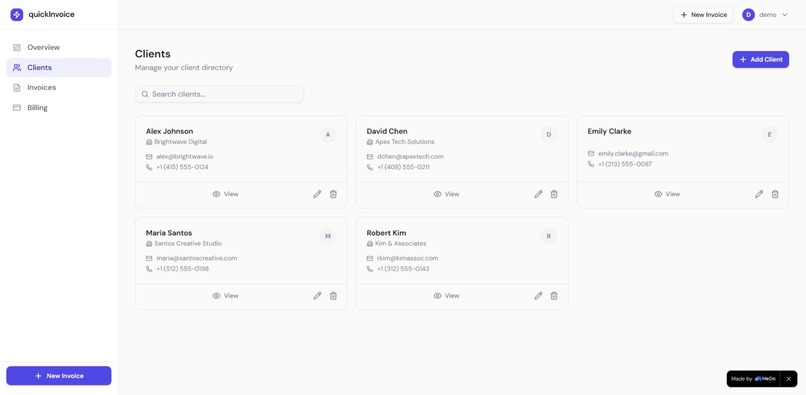
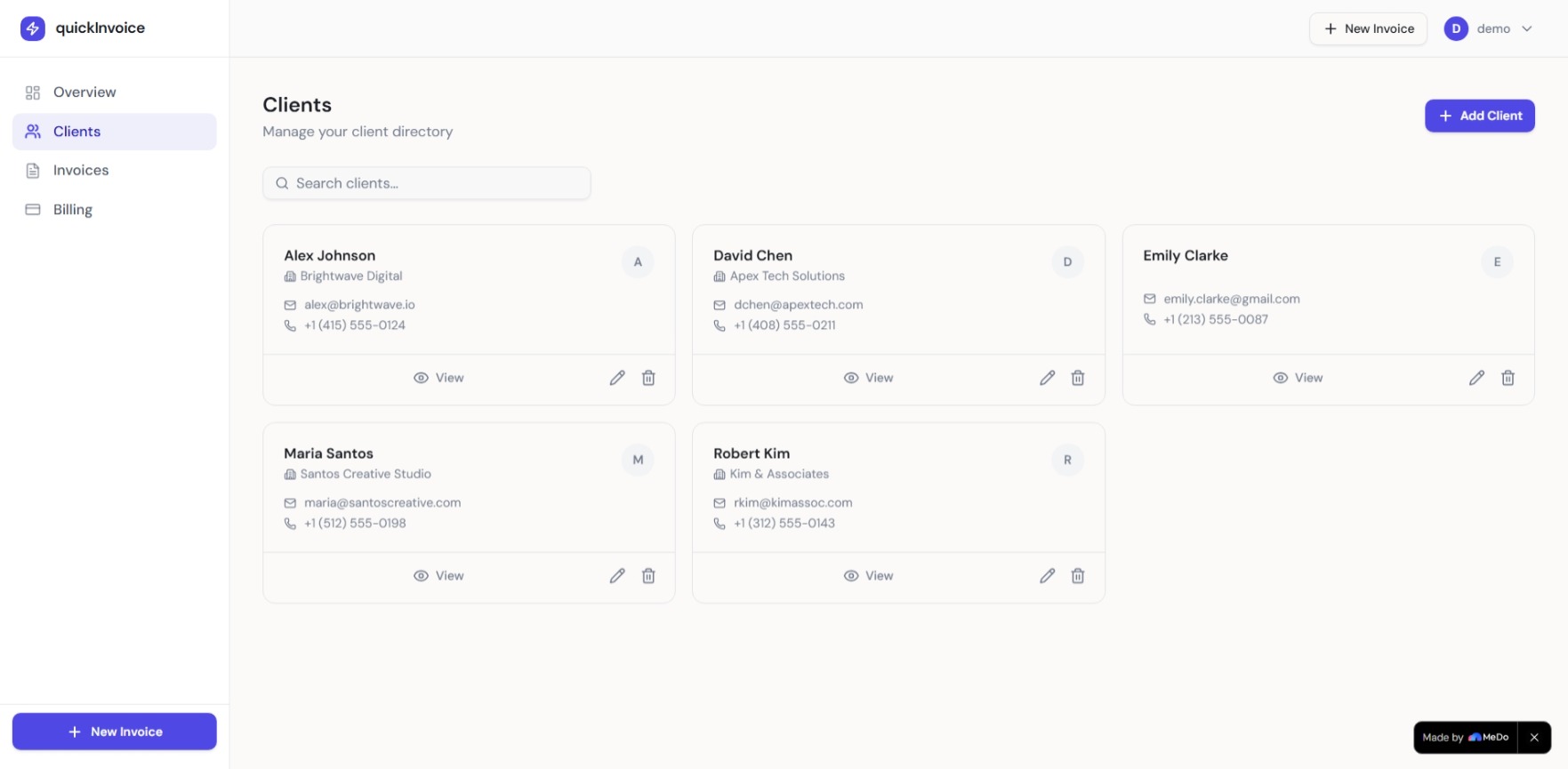
mange all clients
-
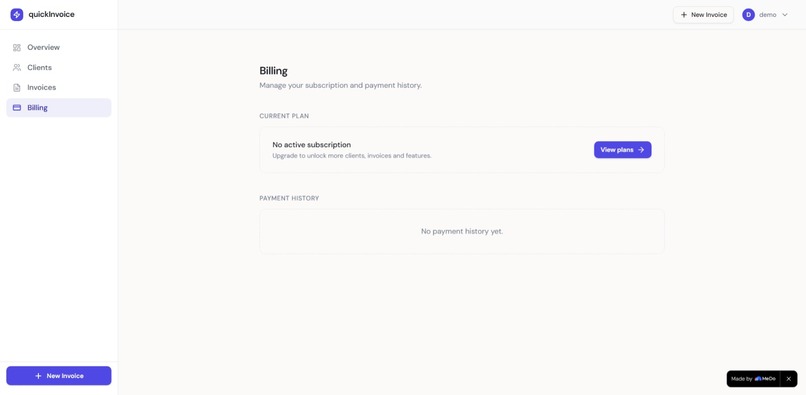
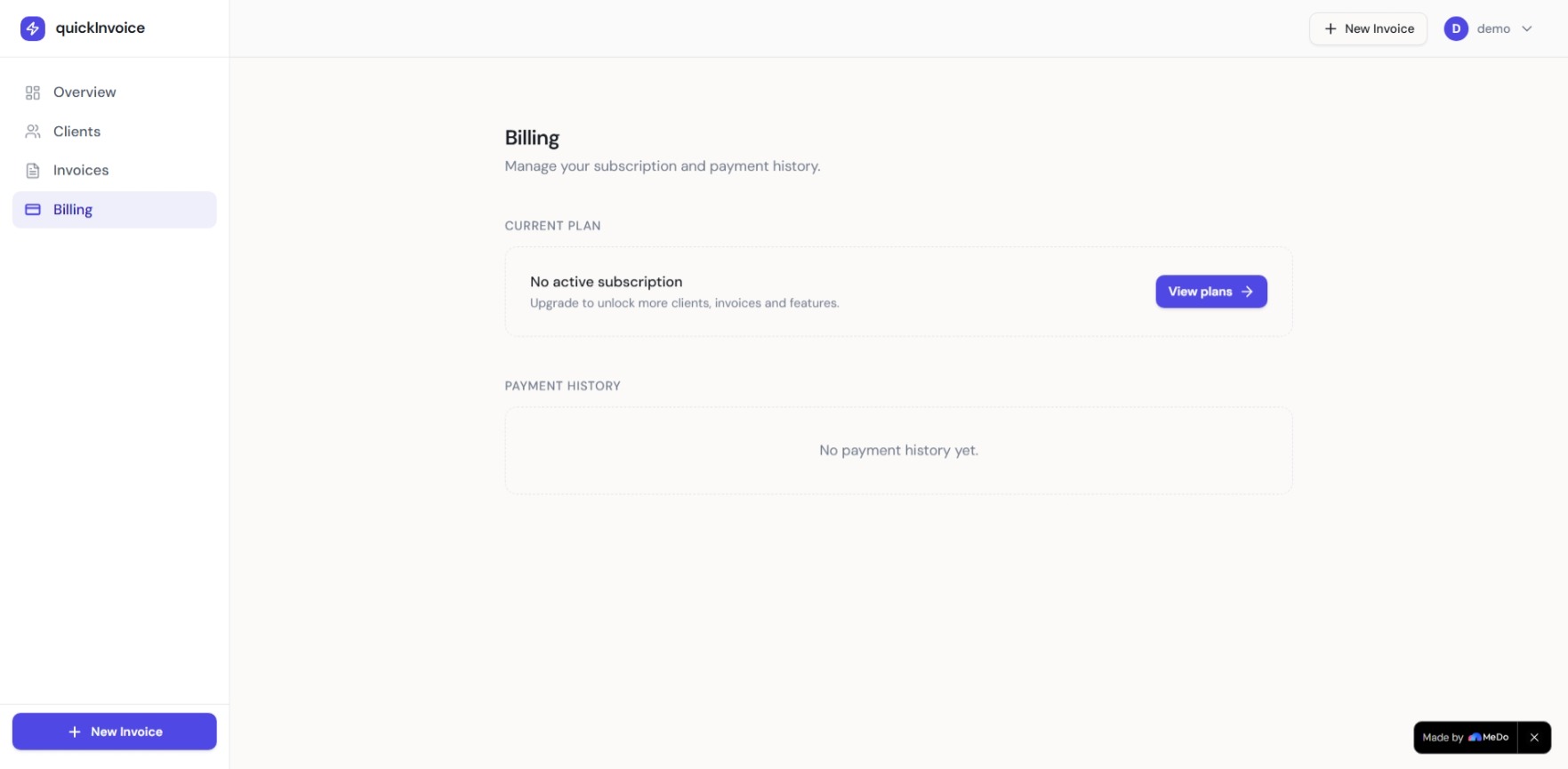
billing page
-
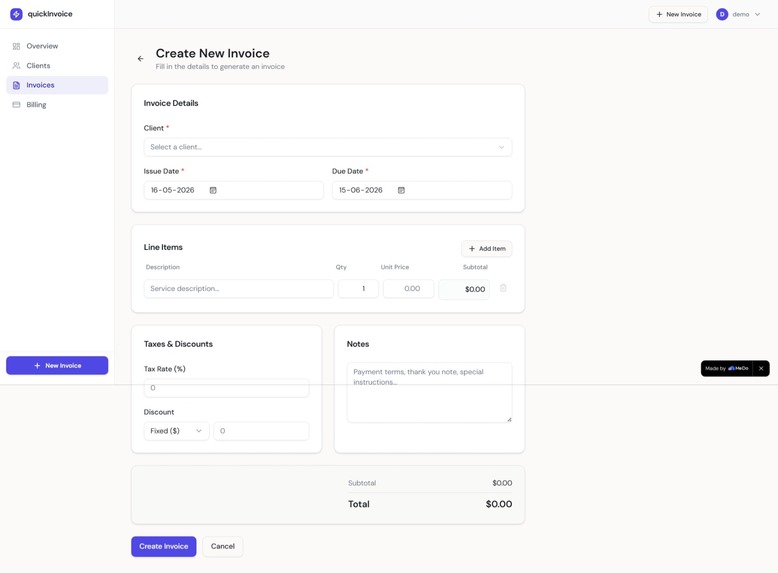
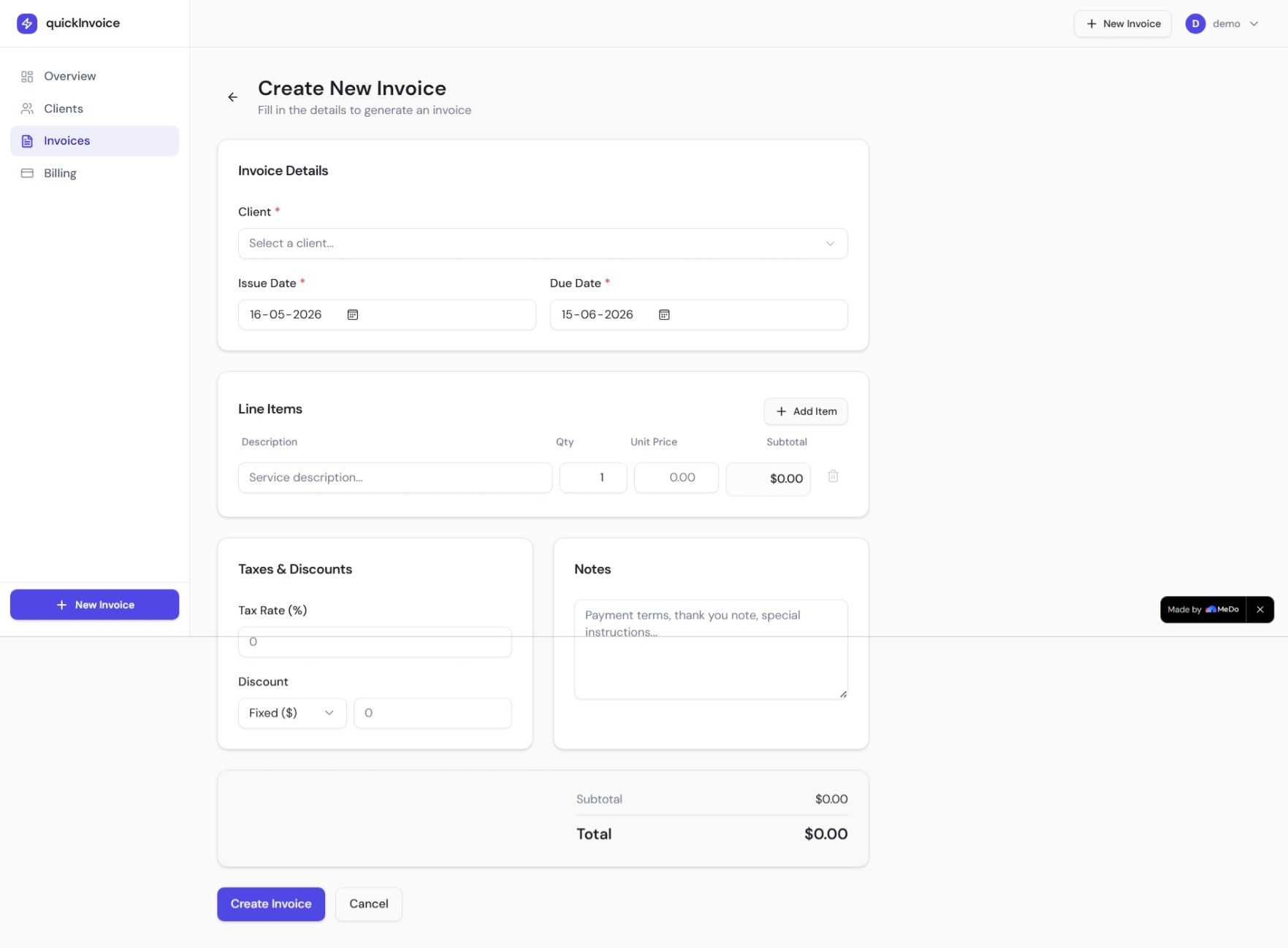
create new invoice
Inspiration
What it does
How we built it
Challenges we ran into
Accomplishments that we're proud of
What we learned
What's next for QuickInvoice — Smart Invoice Manager for Freelancers
The Problem
Freelancers lose thousands every year to late payments and forgotten invoices. Most use WhatsApp to confirm work, Excel to track payments, and Google Docs to create invoices. It's a mess of tabs, and money slips through the cracks.
I've felt this myself as a solo developer. Chasing payments is exhausting. There had to be a better way.
What QuickInvoice Does
QuickInvoice is a clean, fast invoice manager built specifically for freelancers and solo service providers. In under 2 minutes you can:
- Create a professional invoice with line items and auto-calculated totals
- Track payment status from Draft → Sent → Viewed → Partial → Paid
- Get instant visibility on overdue invoices before they slip through
- Manage your entire client directory in one place
- See your business health at a glance — revenue, outstanding, overdue count
No bloat. No complexity. Just the tools you actually need to get paid.
How I Built It — Powered by MeDo
Built entirely using MeDo — no code written manually. Here's exactly how I used MeDo's features to ship a production-ready app:
Prompt Optimization
Instead of jumping straight into building, I described my idea in plain English. MeDo's prompt optimization took my rough concept and automatically generated a structured full-stack requirements document — covering database schema, API design, UI component breakdown, auth flow, and edge cases.
What would have taken me hours of architecture planning happened in minutes.
The requirements.md MeDo generated became the blueprint for the entire app.
Skills — Modern UI Upgrade
The first generation was functional but looked basic. I used MeDo's Skills feature to upgrade the entire UI to a modern SaaS design.
The result:
- Split-panel login with dark sidebar and social proof
- Monospace animated revenue numbers on the dashboard
- Color-coded status badges (Draft, Sent, Viewed, Partial Payment, Paid)
- Clean invoice list with overdue dates highlighted in red
- Responsive layout that works on any screen
No manual CSS. No design iterations. Skills handled it in one pass.
Stripe Integration
Integrated Stripe for subscription billing directly through MeDo. The billing page, payment flow, and webhook handling were all generated and connected without writing a single line of payment code.
Freelancers can subscribe to a Pro plan for advanced features — all powered by Stripe under the hood, set up through a simple MeDo prompt.
Early Testing
Used MeDo's built-in testing features to catch bugs before publishing.
The most critical tests were around invoice calculations — tax rates applied on top of discounts, partial payment tracking, and overdue date detection. MeDo's test runner confirmed all edge cases were handled correctly.
Without this I would have shipped a calculator that silently gave wrong totals. Early testing caught it before any real user saw it.
What the App Looks Like
- Landing page — clear value prop, features, reviews, FAQ, pricing
- Auth — modern split-screen login with feature highlights
- Dashboard — total revenue, outstanding, overdue count, recent invoices
- Clients — searchable client cards with full contact details
- Invoices — filterable list with status badges and overdue highlighting
- New Invoice — client selector, line items, tax, discount, auto-total
- Billing — Stripe-powered subscription management
What I Learned
MeDo works dramatically better when you describe the problem from the user's perspective, not the technical one.
"Freelancers lose track of who owes them money" produced a much better app than "build a CRUD app with PostgreSQL." The prompt optimization feature reinforced this — it translated my user-focused description into precise technical requirements automatically.
The Skills feature taught me that design polish isn't about tweaking CSS line by line. Describing the aesthetic you want — "modern SaaS, dark sidebar, monospace numbers" — and letting MeDo's Skills execute it is faster and better than doing it manually.
Challenges
Overdue detection — Getting invoices to flag correctly required a follow-up prompt. The initial version only checked due date, not payment status combined with due date. A partial payment past due date should still show as overdue. MeDo fixed the database query logic cleanly on the second pass.
Calculation edge cases — Tax applied after discount vs before discount produced different totals. The early testing feature surfaced this immediately. One prompt fix resolved it for all invoice types.
What's Next
- PDF invoice export with branded letterhead
- Automatic payment reminders via email
- INR and multi-currency support for Indian freelancers
- Client portal — let clients view and pay invoices online
- Mobile app version
- Revenue analytics and monthly reports
Built With
- medo
- postgresql
- react
- stripe
- supabase
- tailwind-css
- typescript
- vite

Log in or sign up for Devpost to join the conversation.