Inspiration
We wanted to create a simple tool that helps students get quick, reliable explanations for homework terms without the complexity of signing up for accounts or installing apps. We saw how often students struggle to find clear definitions fast, so we built a straightforward search that taps into Wikipedia summaries instantly.
What it does
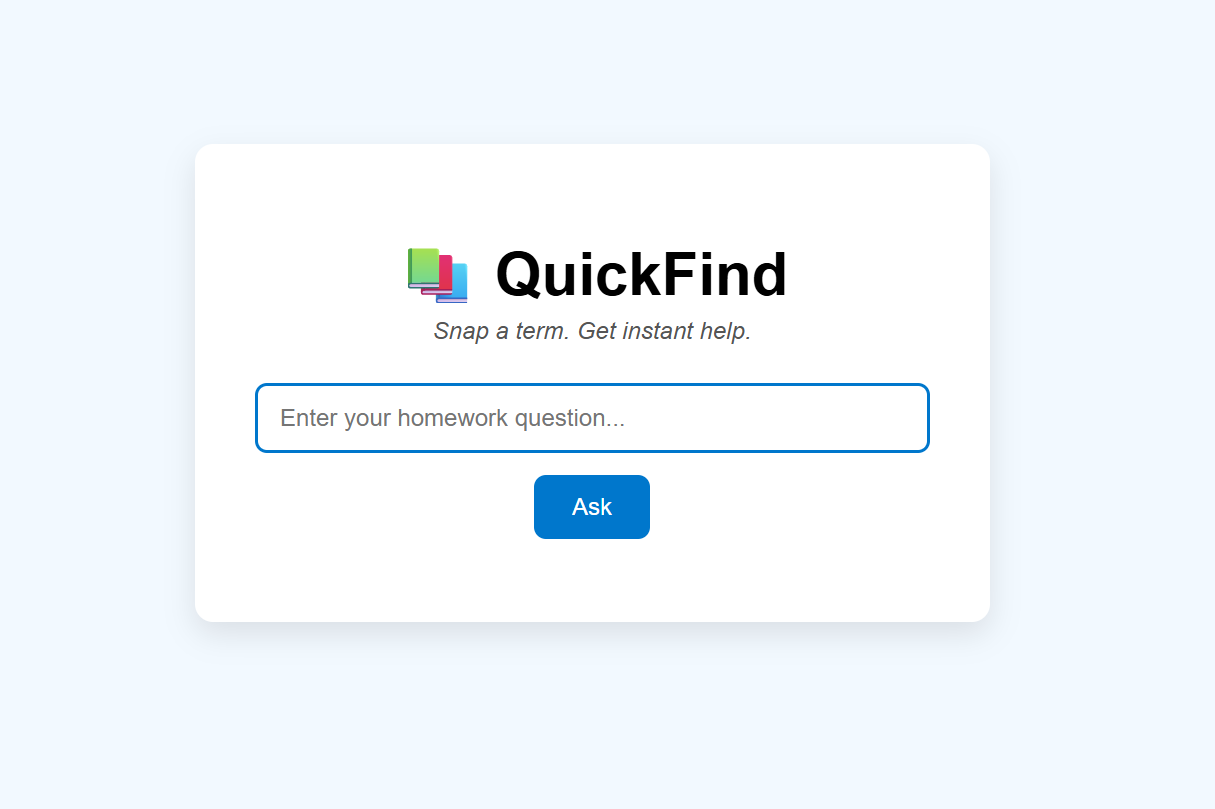
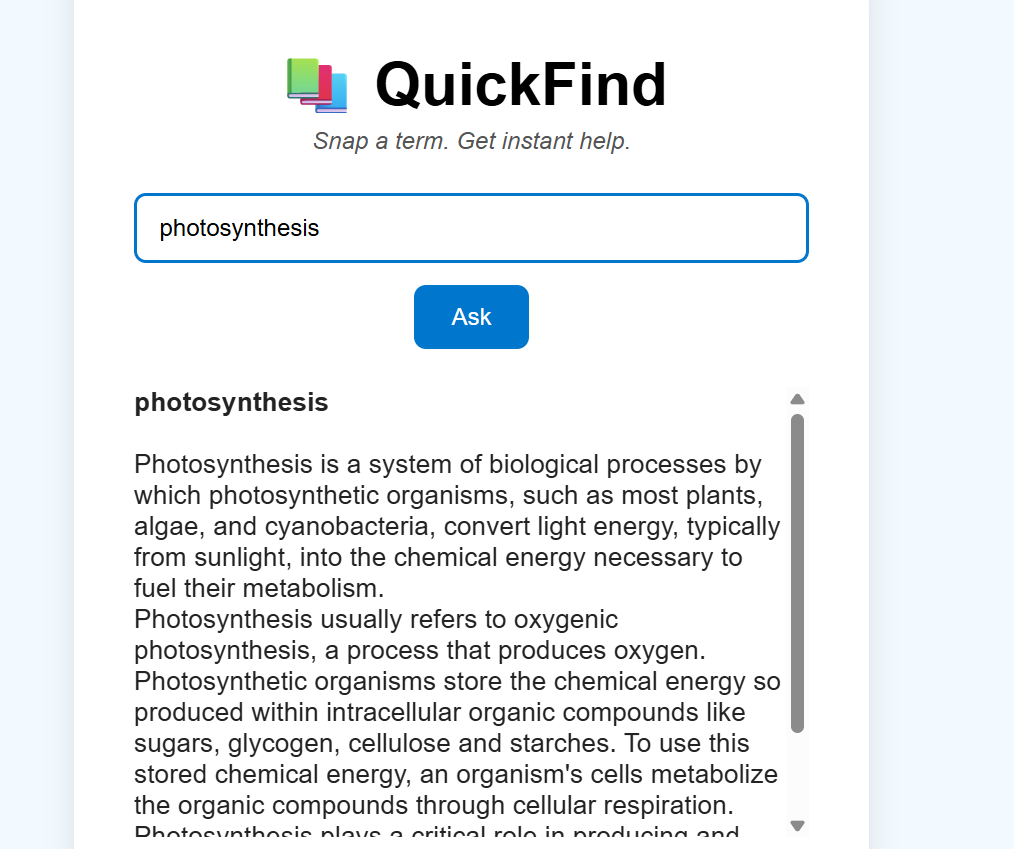
QuickFind lets users type in a homework term or question and fetches a concise summary from Wikipedia, displaying it immediately on the screen. It provides a spinner to show progress and handles errors gracefully if no info is found or the request fails.
How we built it
We built QuickFind using plain HTML, CSS, and JavaScript for simplicity and ease of use. The app uses the Wikipedia REST API to get summaries based on user input. The frontend handles input validation, shows a loading spinner during fetch requests, and dynamically updates the page with results.
Challenges we ran into
Figuring out how to work with the Wikipedia API and handle different types of responses. Managing asynchronous API calls and making sure the user interface updates smoothly without freezing or errors. Designing a clean UI that works well on both desktop and mobile without using heavy frameworks.
Accomplishments that we're proud of
Creating a fully functional homework helper app with zero dependencies and no need for backend infrastructure. Making the interface simple, clean, and intuitive for users of all ages. Implementing smooth user experience with a loading spinner and proper error messages.
What we learned
How to consume and handle RESTful APIs with JavaScript fetch calls. The importance of input validation and user feedback in interactive web apps. Basic UI/UX design principles to make an app both functional and visually appealing.
What's next for QuickHelp: Homework Aid
Adding the ability to save users’ search history locally for quick reference. And integrating other educational APIs or language models for deeper or more specific answers.

Log in or sign up for Devpost to join the conversation.