Inspiration As a student, I've watched my teachers spend countless hours grading papers after school, often staying until 7-8 PM. One teacher told me she spends 10-15 hours weekly on grading alone - time she could use to prepare better lessons or rest. In developing countries, the problem is worse. Many schools have unreliable internet, making cloud grading tools useless. I wanted to create something that works anywhere, anytime, without needing an internet connection.
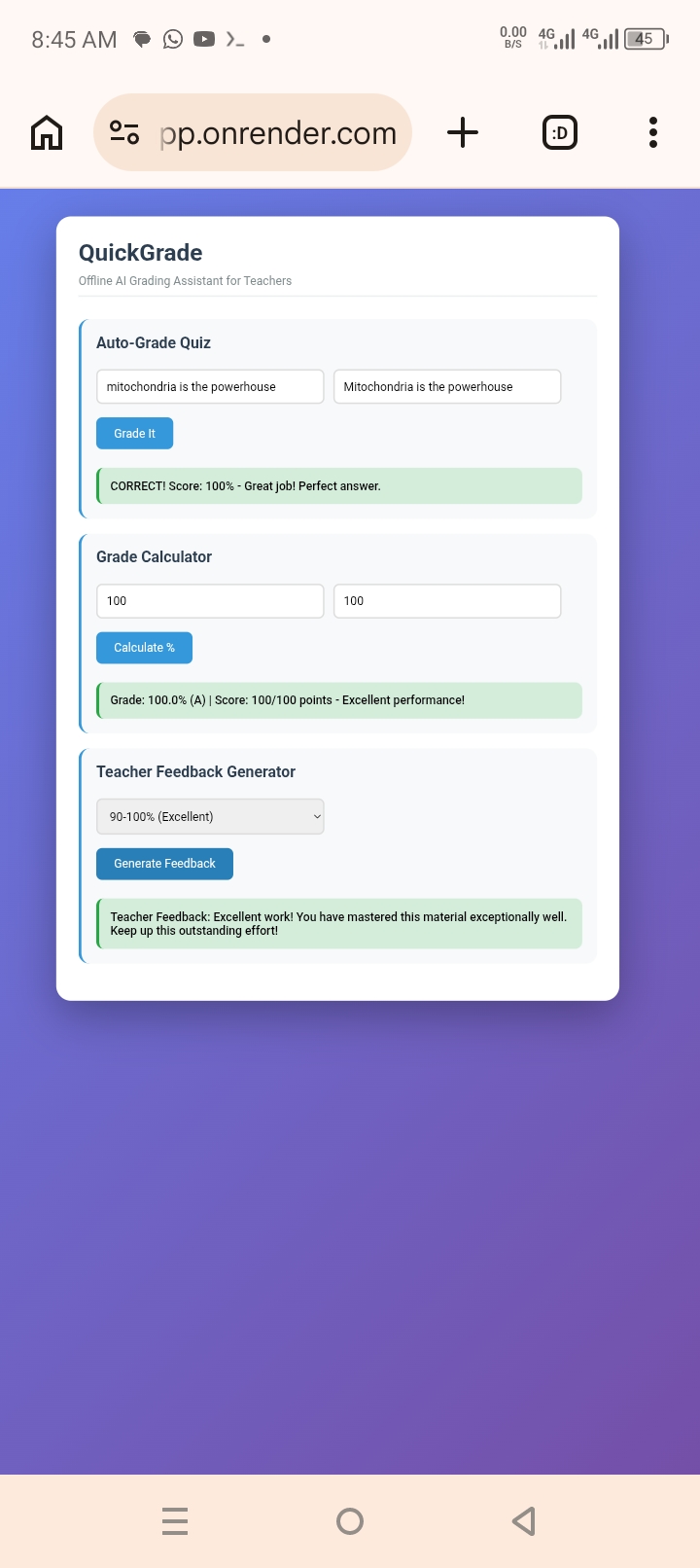
What it does QuickGrade is an offline AI grading assistant that helps teachers grade faster. It has three main features: Auto-Grade Quiz: Teachers enter a student's answer and the correct answer. QuickGrade instantly checks if it's correct (100%), partially correct (70%), or wrong (0%). It handles spelling variations and partial matches intelligently. Grade Calculator: Teachers input points earned and total points. QuickGrade calculates the percentage, converts it to letter grades (A-F), and provides automatic feedback like "Excellent performance!" or Needs improvement. Teacher Feedback Generator: Teachers select a grade range (Excellent to Failing), and QuickGrade generates personalized, encouraging feedback instantly. This saves teachers from writing the same comments repeatedly. All features work 100% offline after the page loads - no internet required.
How we built it I built QuickGrade entirely on my Android phone using:
- Termux: A Linux environment on Android for coding
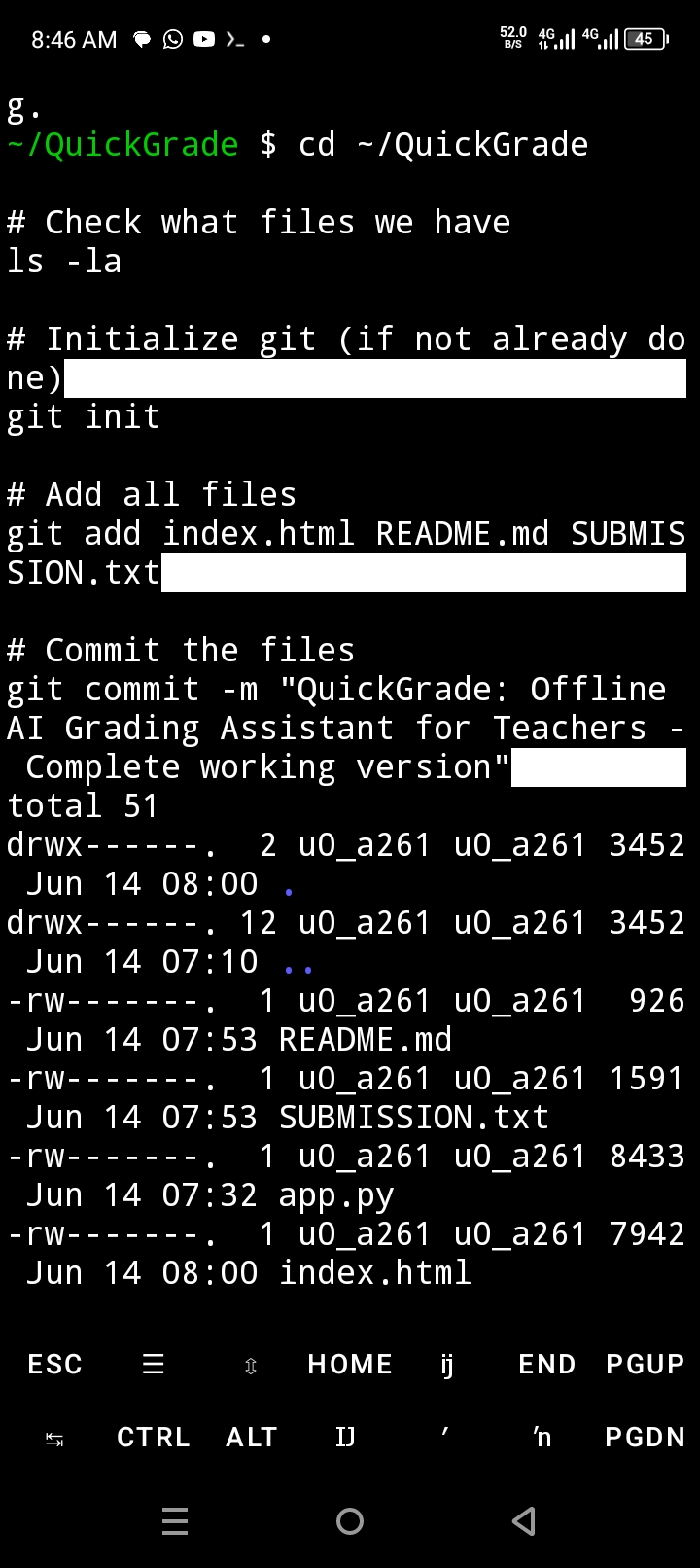
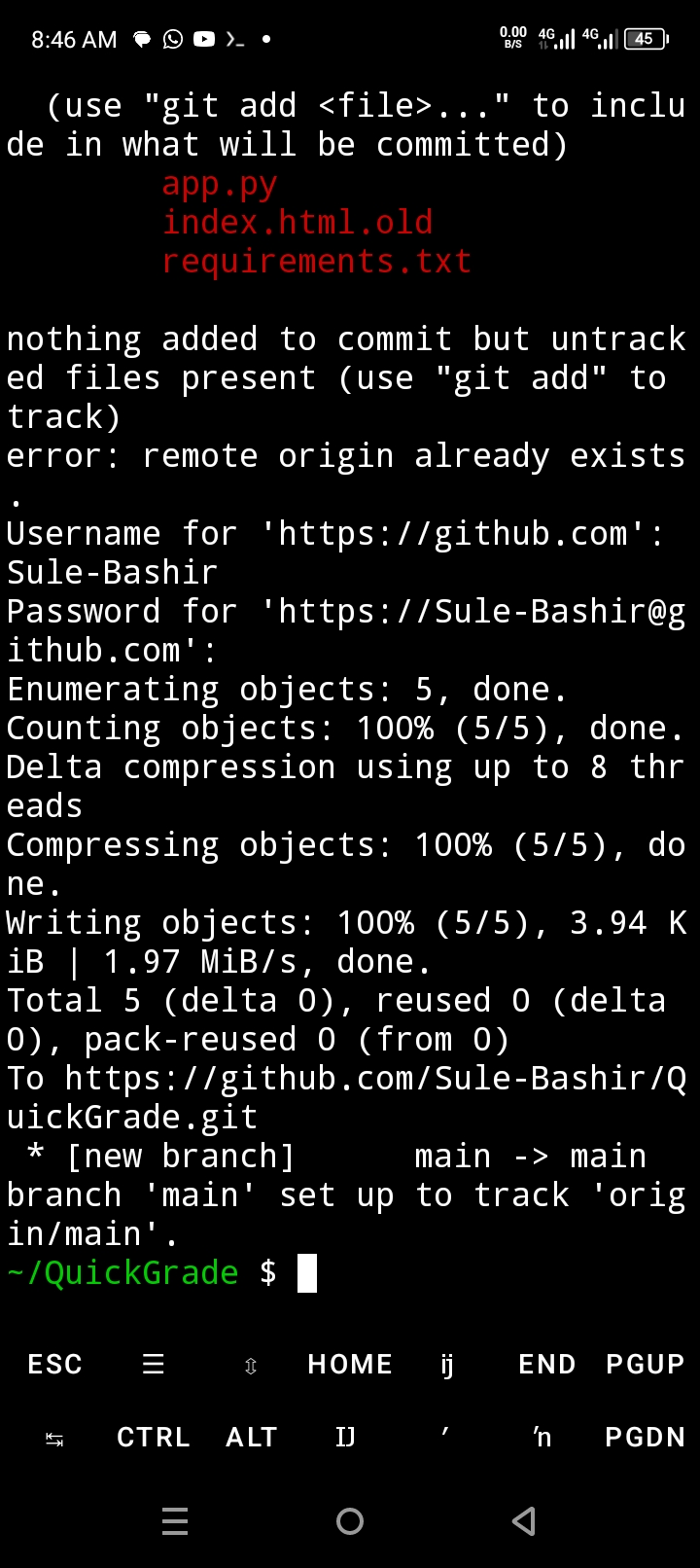
- Git & GitHub: For version control and hosting the code
- HTML/CSS/JavaScript: Pure frontend code with no backend dependencies
- Render: Free hosting platform to make the app live
- Flask(initial testing): Local server to test before deployment The entire app is a single HTML file with embedded CSS for styling and JavaScript for logic. I chose this approach because it makes the app completely portable - it works on any device with a browser, no installation needed.
Challenges we ran into
Termux setup: Installing Termux from the correct source (F-Droid) was critical. The Play Store version is outdated and causes errors.
Flask button issues: The buttons weren't responding initially. After debugging, I realized the JavaScript functions weren't being called correctly. I simplified to a static HTML file served with Python's built-in HTTP server, which solved the problem instantly.
Deployment on Render: Getting the publish directory path correct (using . instead of ./build) took a few tries.The Render logs helped me identify the issue.
Mobile development limitations: Coding on a phone without a keyboard was challenging. I used Termux's on-screen keyboard with special Ctrl keys, and organized my workflow carefully.
Emoji display issues: Some browsers displayed emojis incorrectly, so I removed them entirely for a clean, professional interface.
Accomplishments that we're proud of
- Working product: QuickGrade is fully functional and live at https://quickgrade-app.onrender.com
- 100% offline capability: Unlike cloud alternatives, QuickGrade works without internet
- Mobile-first development: Built entirely on an Android phone using only free tools
- Clean, intuitive UI: Teachers can use it without training
- Complete business model: Clear revenue streams and market analysis
- Real problem solving: Addresses genuine teacher burnout affecting millions
What we learned
- Git on mobile: Using git commands in Termux for version control
- Static site deployment: How to host HTML/CSS/JS apps on Render for free
- JavaScript DOM manipulation: Dynamically showing/hiding results
- Input validation: Handling edge cases like empty fields or division by zero
- Responsive design: Making the app work on phones, tablets, and desktops
- Problem-solving mindset: Debugging without traditional IDE tools
What's next for QuickGrade Phase 1 - Beta Launch (Month 1):
- Release free version to 100 beta teachers
- Collect feedback on features and usability
- Add dark mode for comfortable night grading Phase 2 - Enhanced Features (Month 2-3):
- Convert to Progressive Web App (PWA) for installation on phones
- Add bulk grading (grade 10 assignments at once)
- Export grades to CSV/Excel
- Save frequently used question banks Phase 3 - Monetization (Month 3-6)**:
- Launch premium tier ($5/month) with analytics and reports
- School licenses ($99/year) with admin dashboard
- Partner with education NGOs in developing countries Phase 4 - AI Enhancement (Month 6-12):
- Handwriting recognition for scanned assignments
- Natural language feedback generation
- Student progress tracking over time The goal is to help 10,000 teachers save 500+ hours each yearly - that's 5 million hours returned to education!

Log in or sign up for Devpost to join the conversation.