-
-
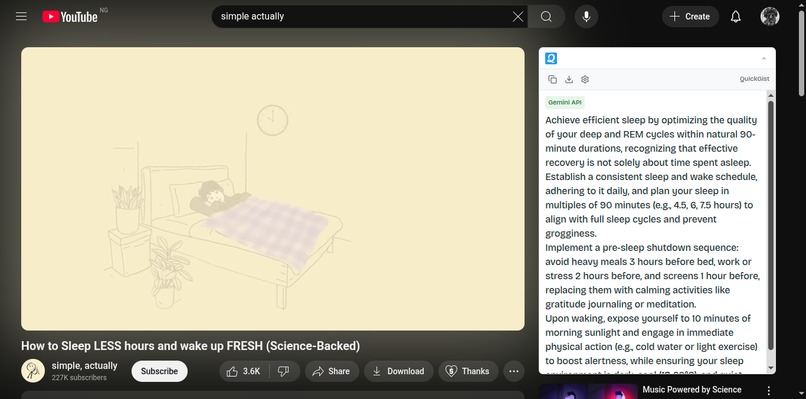
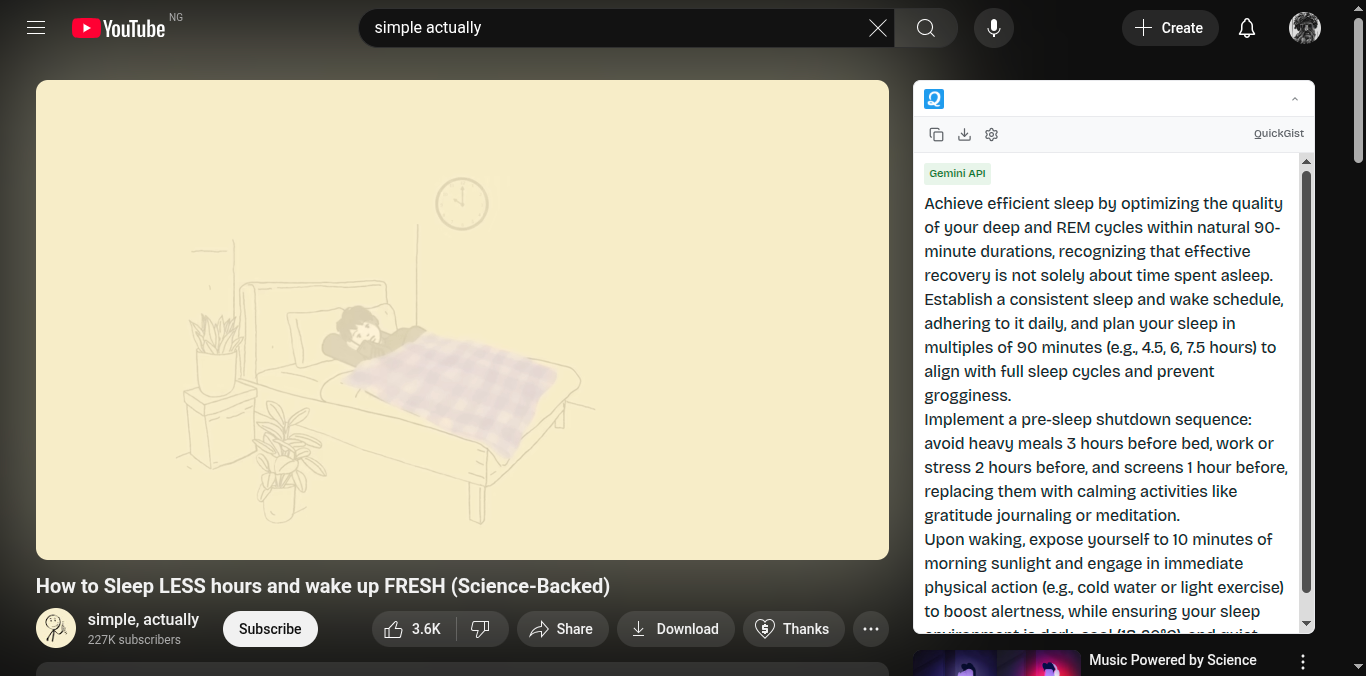
QuickGist Active
-
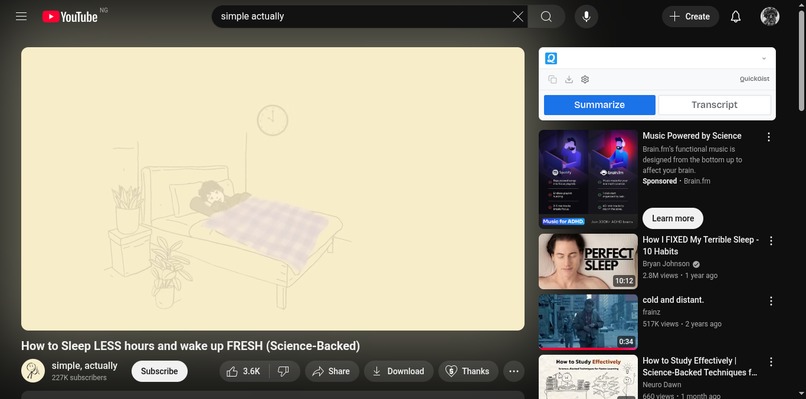
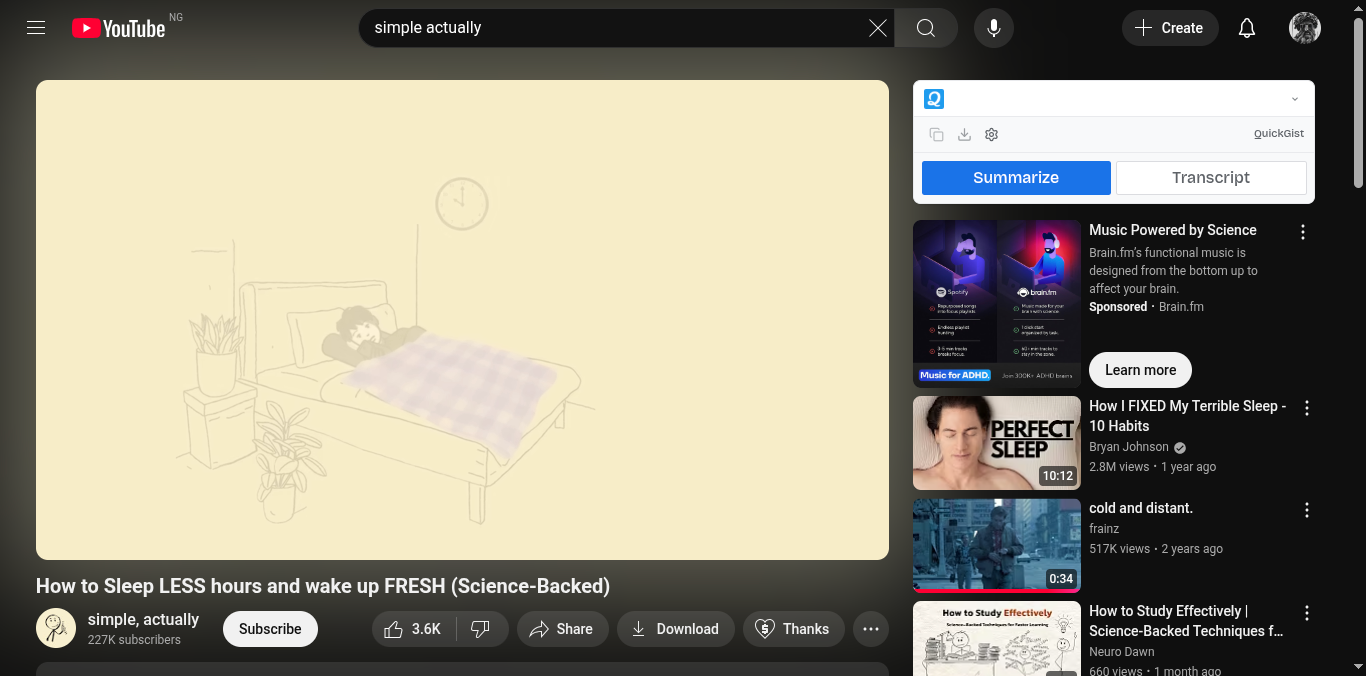
QuickGist Inactive
Inspiration
What Inspired Me
I built this extension to solve a problem I personally faced — spending too much time watching long YouTube videos just to extract a few key insights. I wanted a way to learn faster and smarter, not longer. The idea was to bring AI-powered summarization directly into YouTube, so anyone could instantly understand the essence of a video without watching the entire thing.
What I Learned
Through this project, I learned how browser extensions interact with web pages through content scripts, background scripts, and message passing. I also deepened my understanding of DOM manipulation, async handling, and cross-origin communication. On the backend side, I refined how to structure APIs for AI summarization and how to optimize token usage for efficient cost control.
How I Built It
I used WXT (Web Extension Toolkit) to streamline the build process across Chromium browsers.
- Frontend/UI: Built with React and TailwindCSS, mounted as an iframe overlay inside YouTube.
- Core logic: The content script detects the YouTube layout, fetches transcripts, and sends them to a summarization API.
- Backend: A small web app handles the AI summarization request and returns concise summaries.
- Integration: The extension communicates with the backend via background scripts and secure message passing.
Challenges I Faced
- Transcript retrieval: Some videos lack captions, requiring fallback APIs for auto-generated transcripts.
- DOM variability: YouTube’s layout changes frequently, so the extension needed resilient selectors and retry logic.
- Authentication flow: Managing login and token passing between extension and web app required careful design.
- Performance: Keeping the UI responsive without overloading the page demanded efficient async handling.
Built With
- wxt

Log in or sign up for Devpost to join the conversation.