-
-
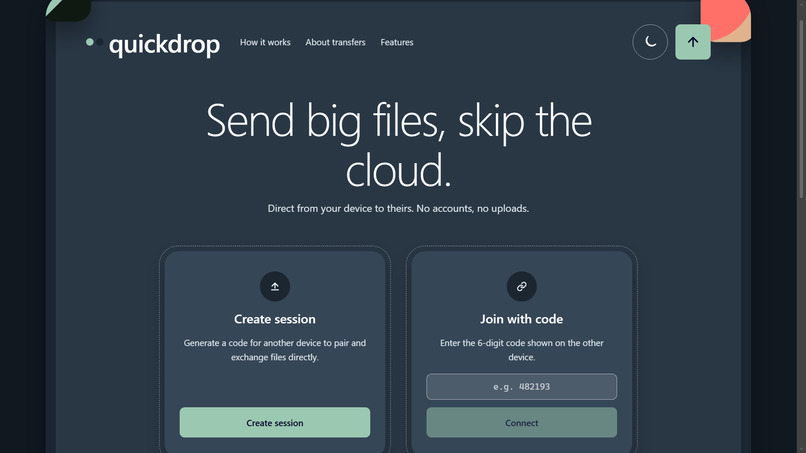
QuickDrop: send big files device to device, skipping the cloud
-
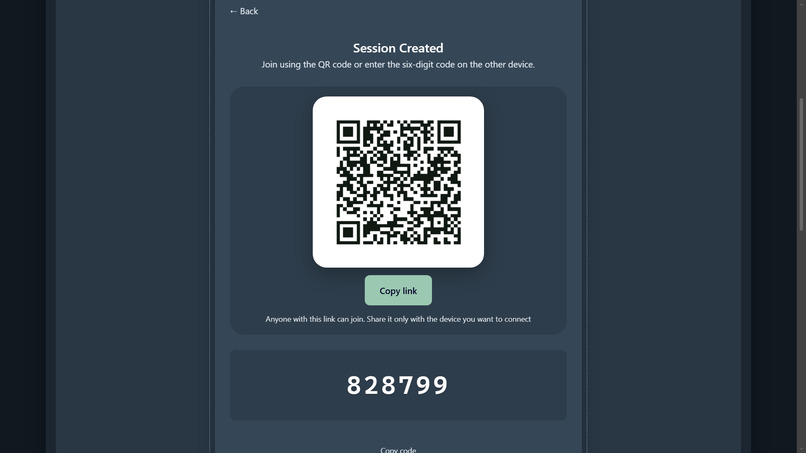
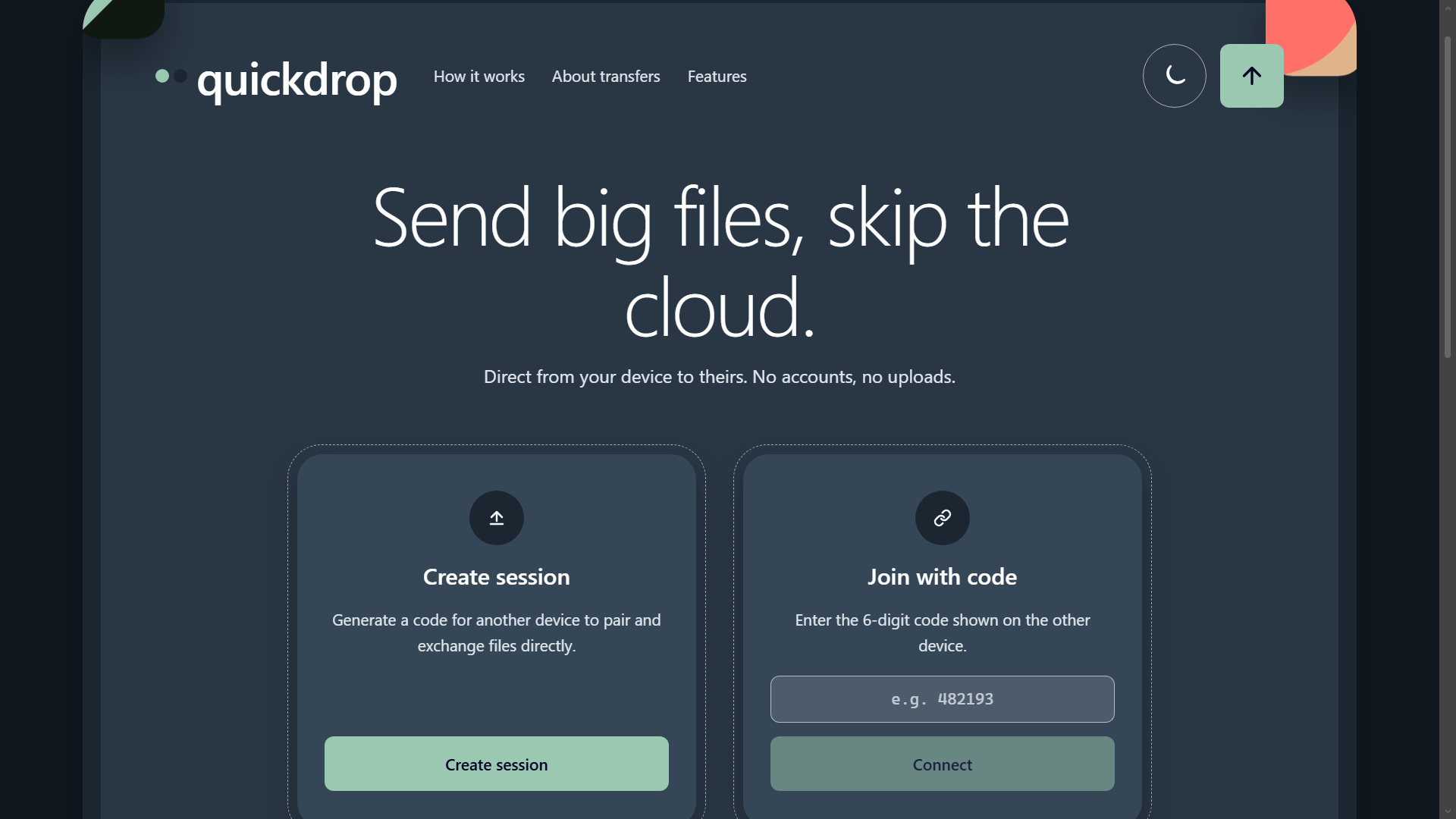
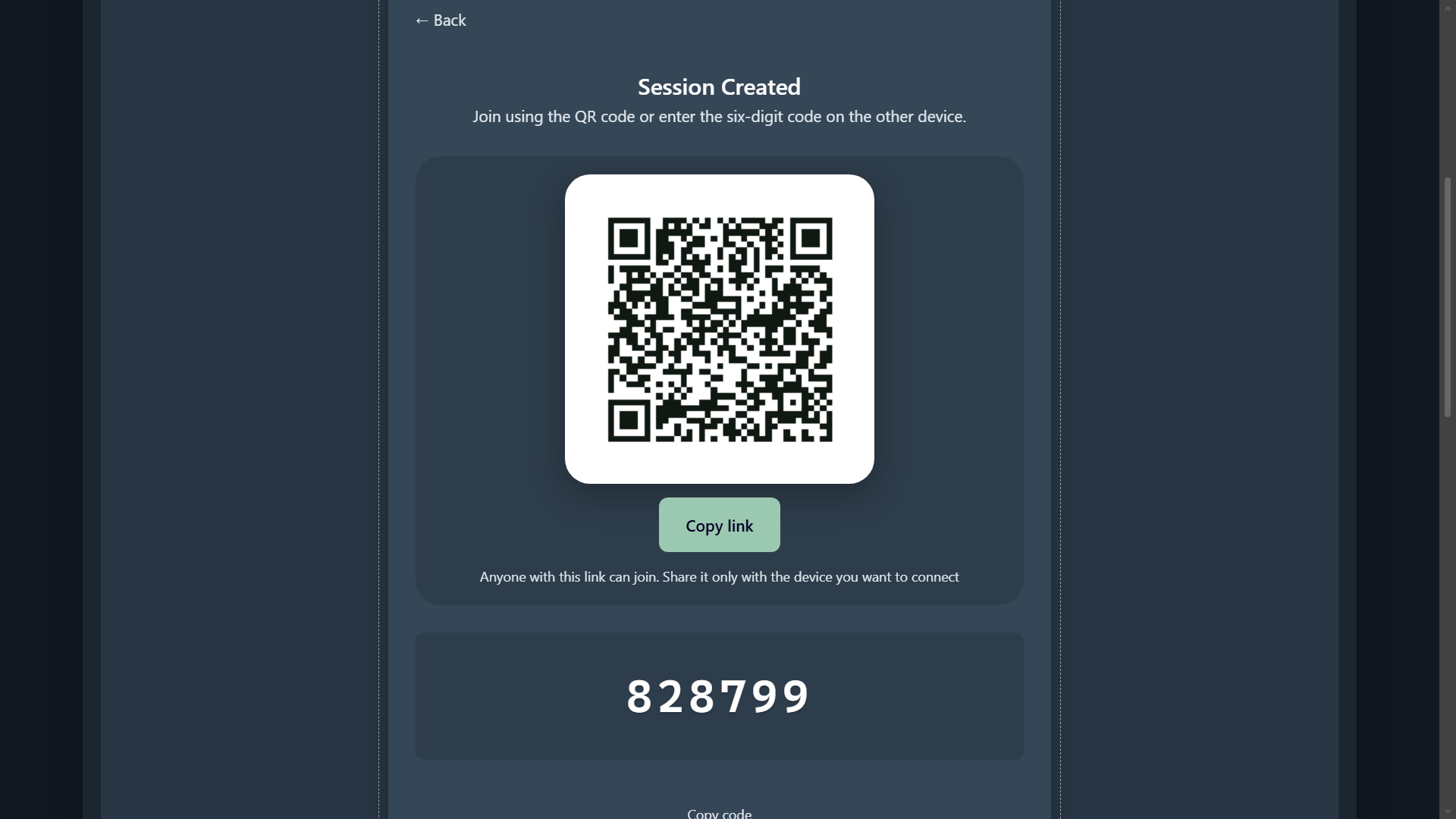
Create a session and pair with a QR code or a link or a 6-digit code
-
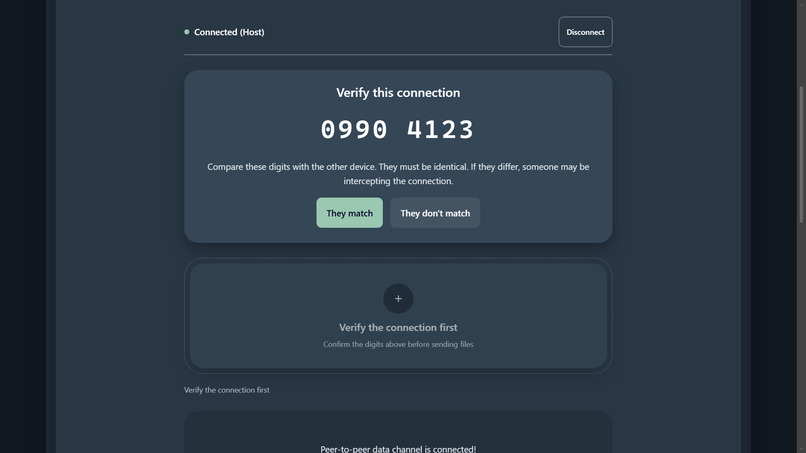
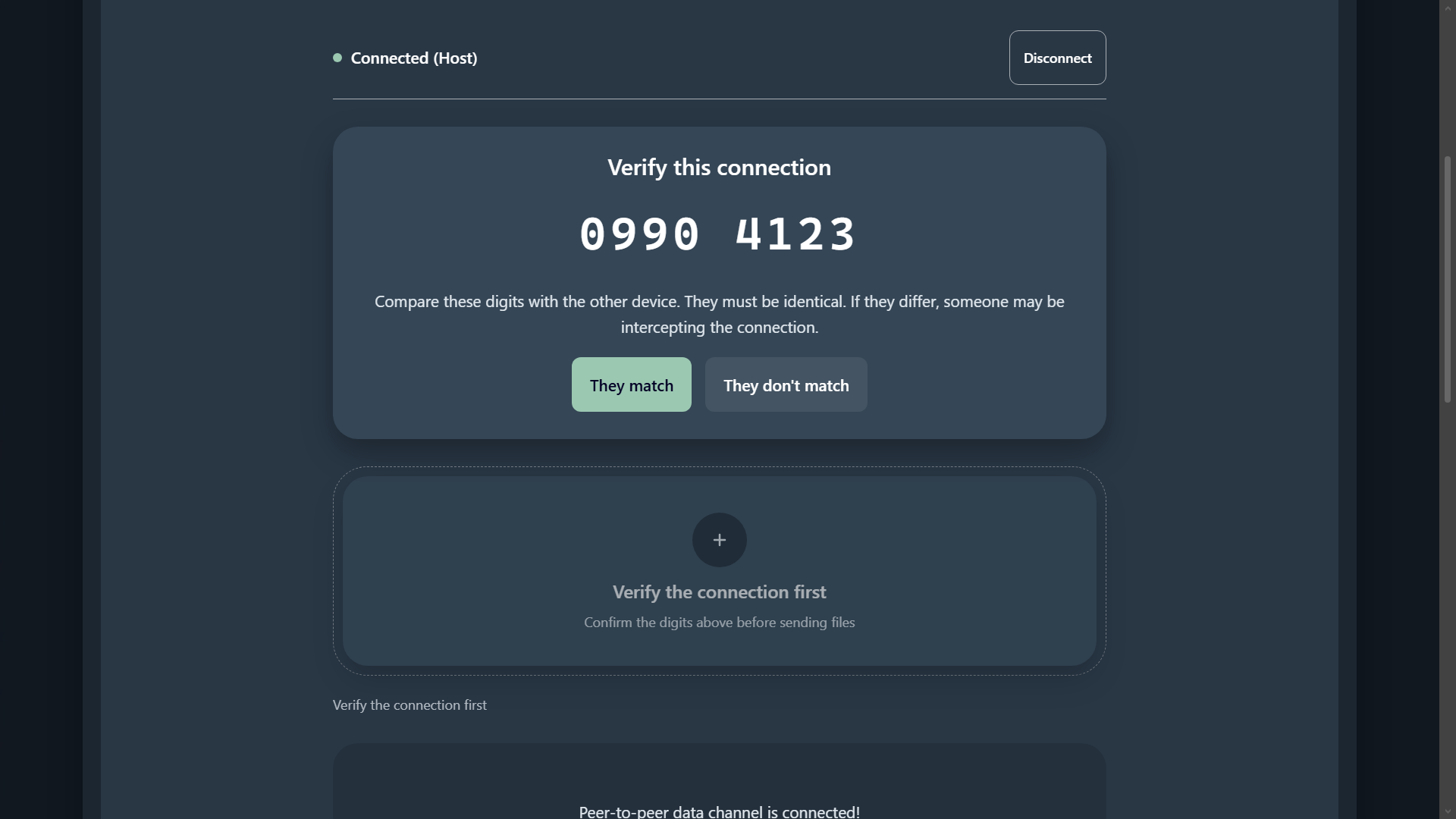
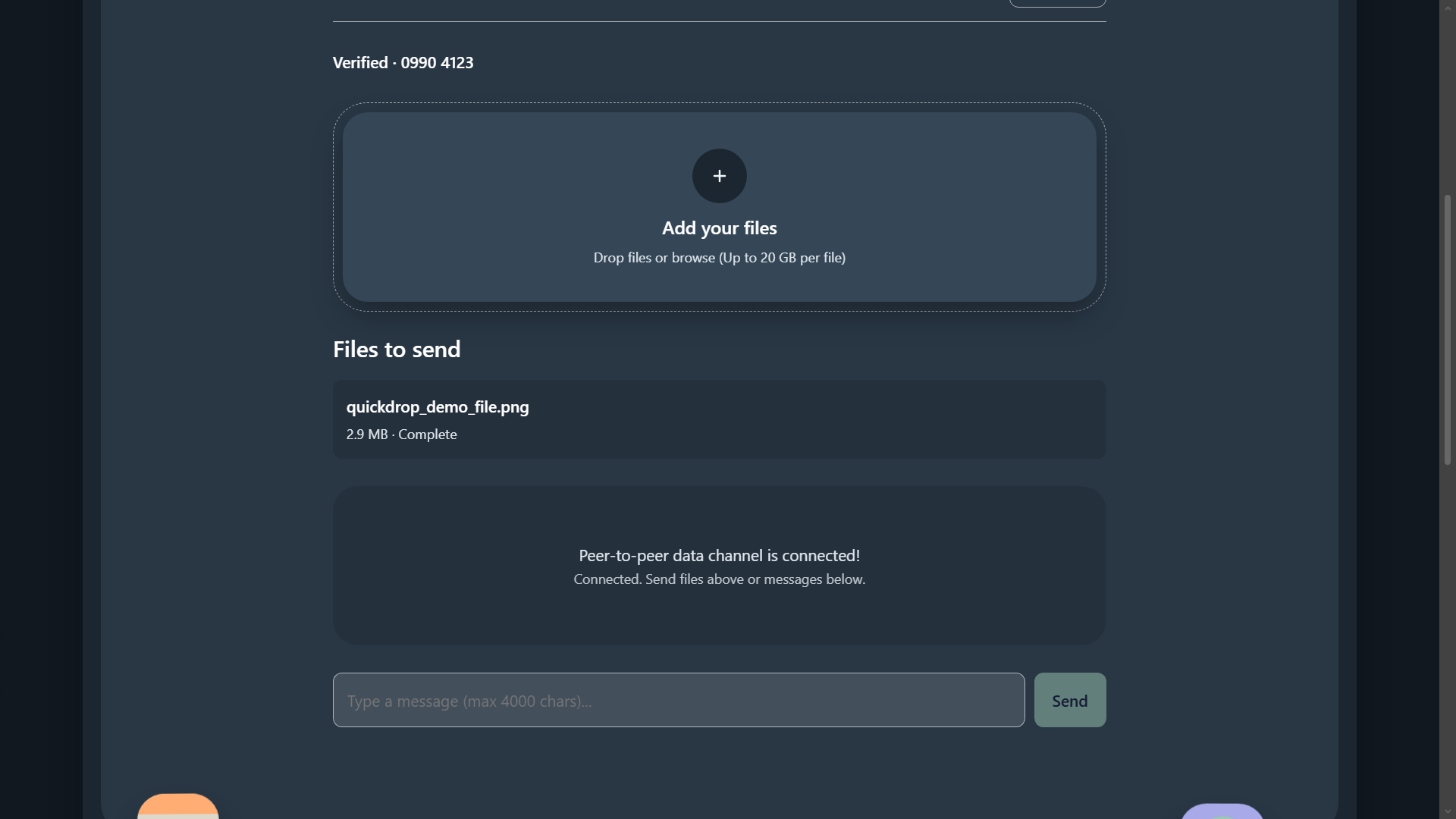
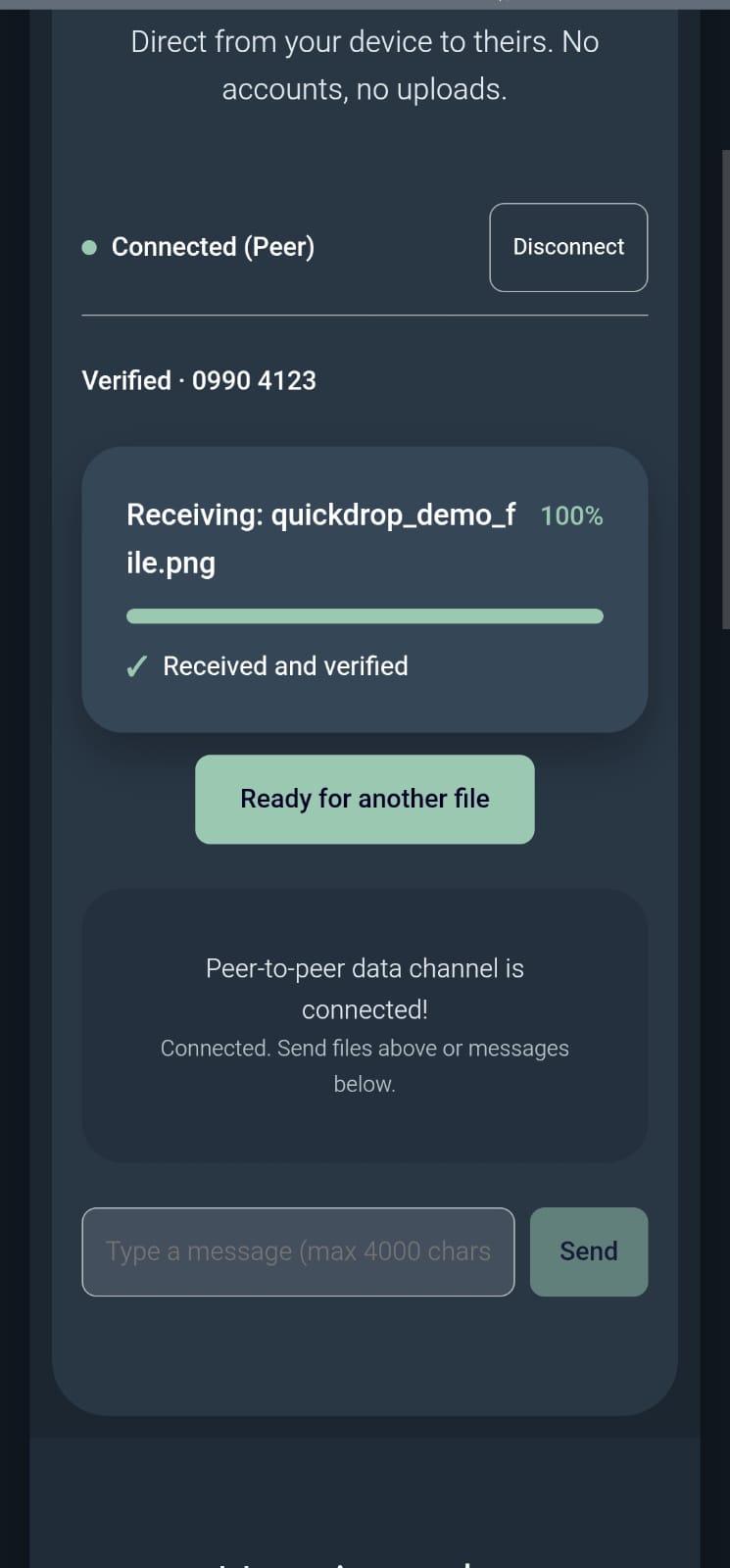
Both devices show a verification code to confirm no one is intercepting
-
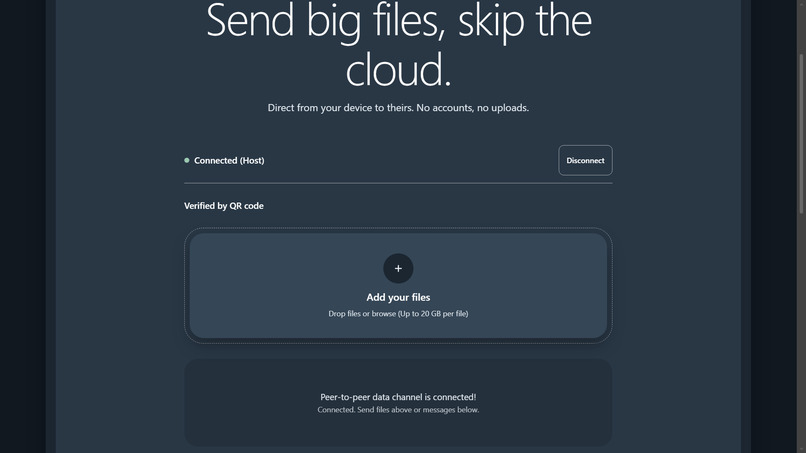
The other device joins by entering the code or scanning the QR
-
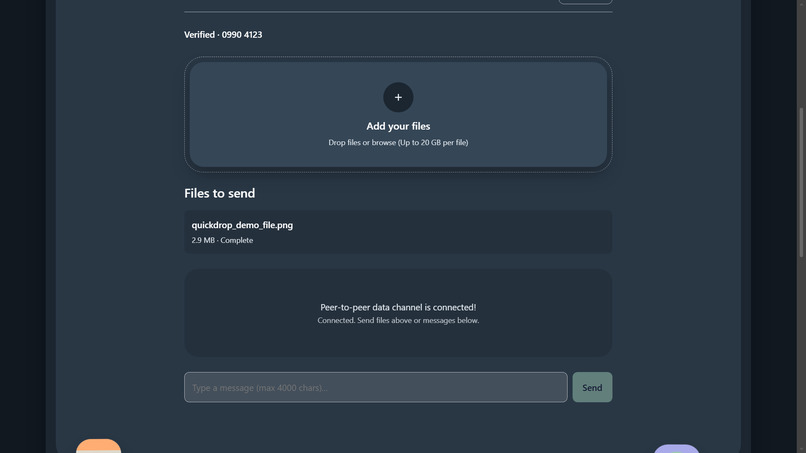
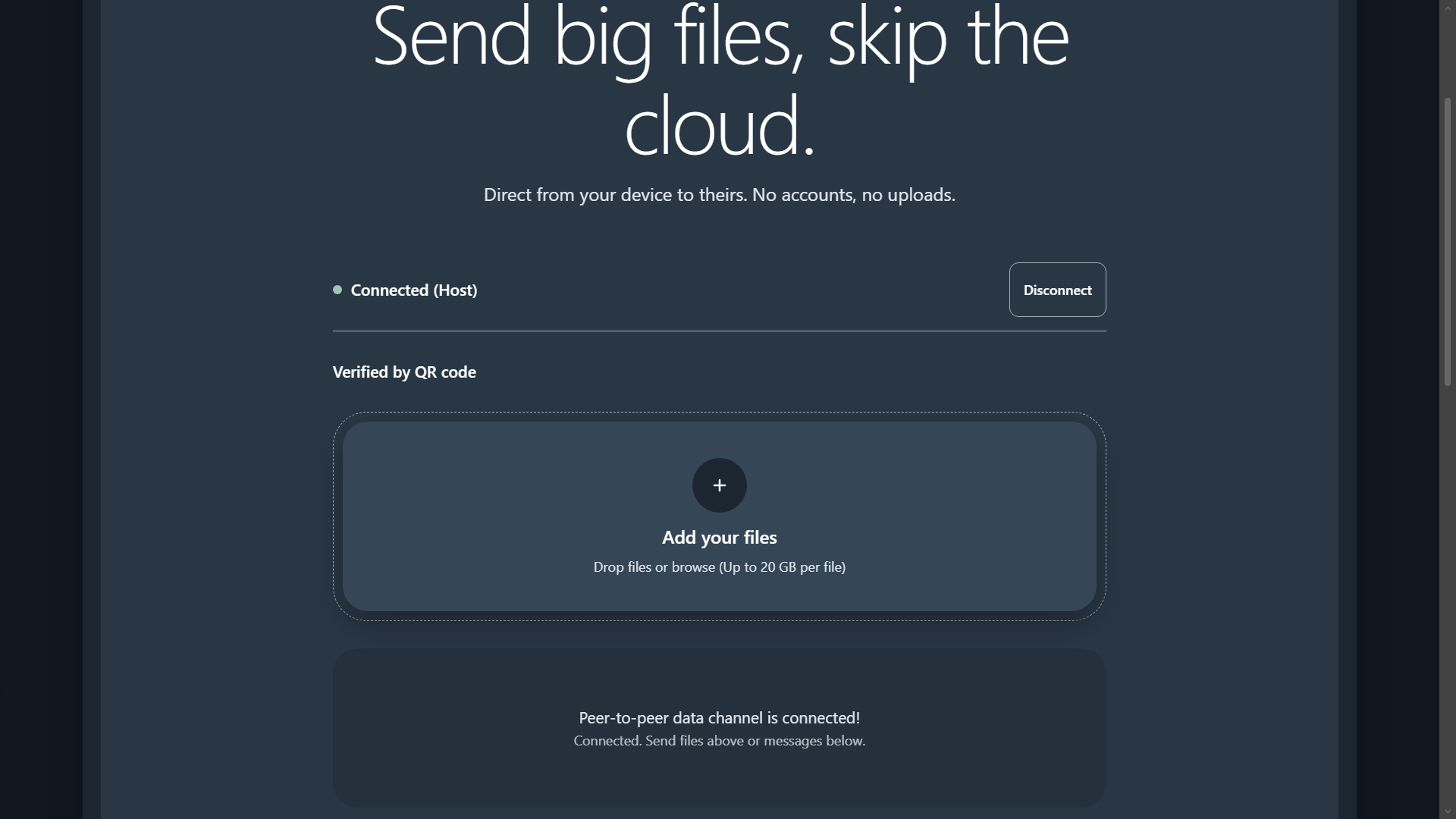
Files travel directly between devices over an encrypted WebRTC channel
-
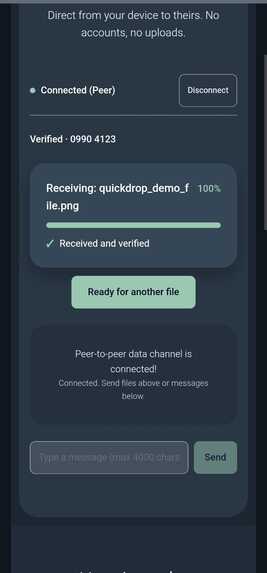
Send files up to 20 GB, with no upload to a server(from receiver end
-
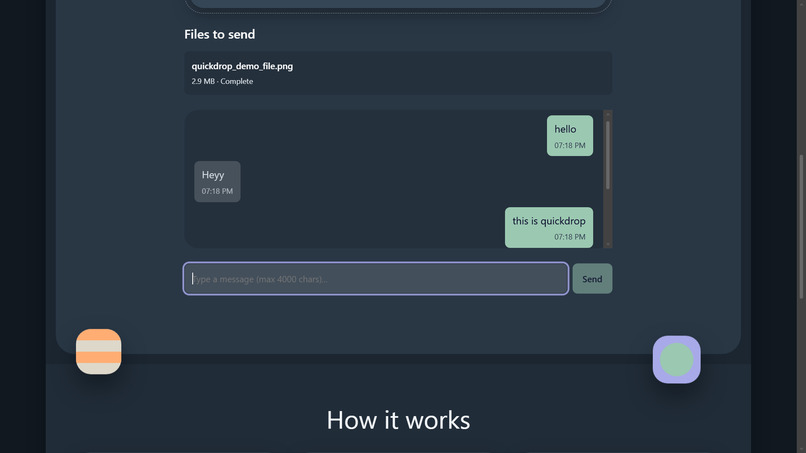
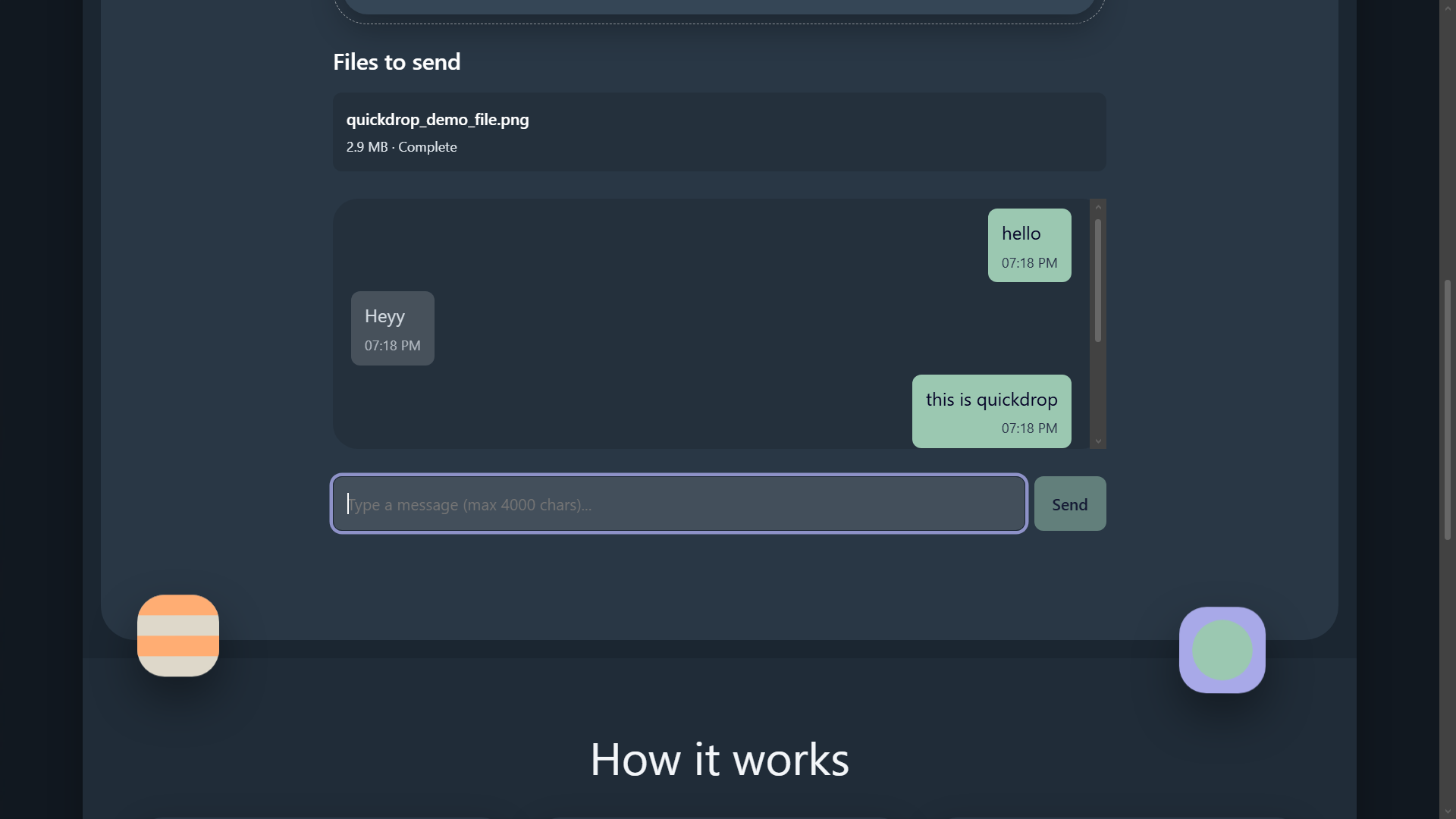
In-app text chat over the same encrypted connection
-
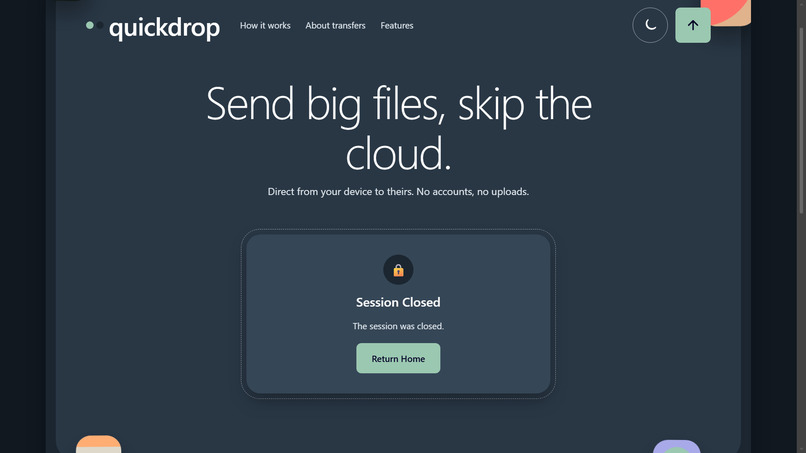
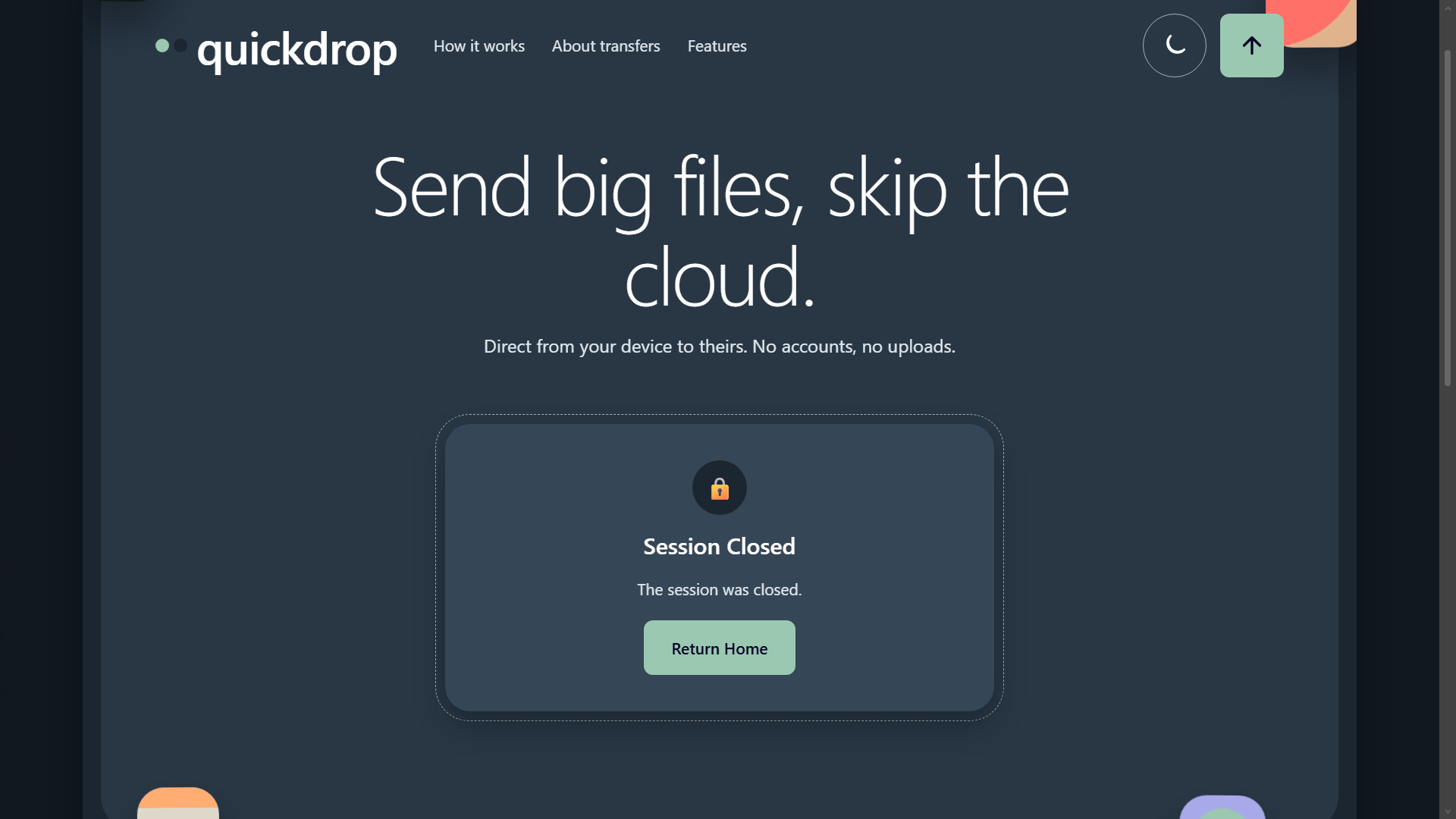
The session closes cleanly when the transfer is done
Inspiration
Sharing a large file between two devices usually means uploading it to someone's cloud first. We wanted a way to send files directly from one device to another, with no middleman able to read them.
What it does
QuickDrop transfers files and text directly between two devices over an encrypted WebRTC connection. One person creates a session and shows a QR code or a 6-digit code, and the other joins with it. Both devices show an 8-digit verification code to compare, so they know nobody is intercepting the connection. Files up to 20 GB can be sent, and there is an in-app text chat.
How we built it
A TypeScript monorepo (pnpm) with a React and Vite client and a small Node.js signalling server using WebSockets, only used to introduce the two devices. File data travels peer to peer over a WebRTC data channel. Encryption uses the Web Crypto API: an ECDH P-256 key exchange, HKDF to derive keys, and AES-256-GCM for the data.
Challenges we ran into
Connecting devices across different networks: Establishing a peer-to-peer connection required coordinating WebRTC signaling and handling the connection states clearly. Transferring large files reliably: Sending files in chunks, managing backpressure, tracking progress, and checking file integrity required careful coordination between both browsers. Making privacy part of the design: The signaling server helps devices connect, while file and text data travel through the encrypted data channel rather than being stored by the server. Designing a simple pairing flow: Supporting both QR scanning and short-code entry meant making the experience understandable across phones and computers.
Accomplishments that we're proud of
Built a browser-based app for transferring files and text directly between devices. Added QR-code and short-code pairing, with a verification step to help users confirm they connected to the intended device. Implemented chunked file transfers with progress feedback, cancellation, and integrity checking. Created a responsive, installable web app without requiring user accounts or file uploads to cloud storage. Documented the project’s architecture, technology choices, and privacy goals.
What we learned
WebRTC can support direct browser-to-browser transfers, but connection setup and network conditions need careful handling. Chunking and backpressure help make file transfers more manageable and avoid overwhelming the data channel or browser memory. Security depends on the whole connection flow—including pairing, key handling, and signaling—not just encryption alone. Clear connection states and transfer feedback are essential when a process depends on two devices communicating. Building for both desktop and mobile browsers means accounting for differences in camera access, file saving, and available browser APIs.
What's next for QuickDrop
A TURN relay for restrictive networks, multi-file queues, and a stronger pairing method (PAKE).
Built With
- node.js
- react
- typescript
- vite
- web-crypto-api
- webrtc
- websockets

Log in or sign up for Devpost to join the conversation.