Inspiration
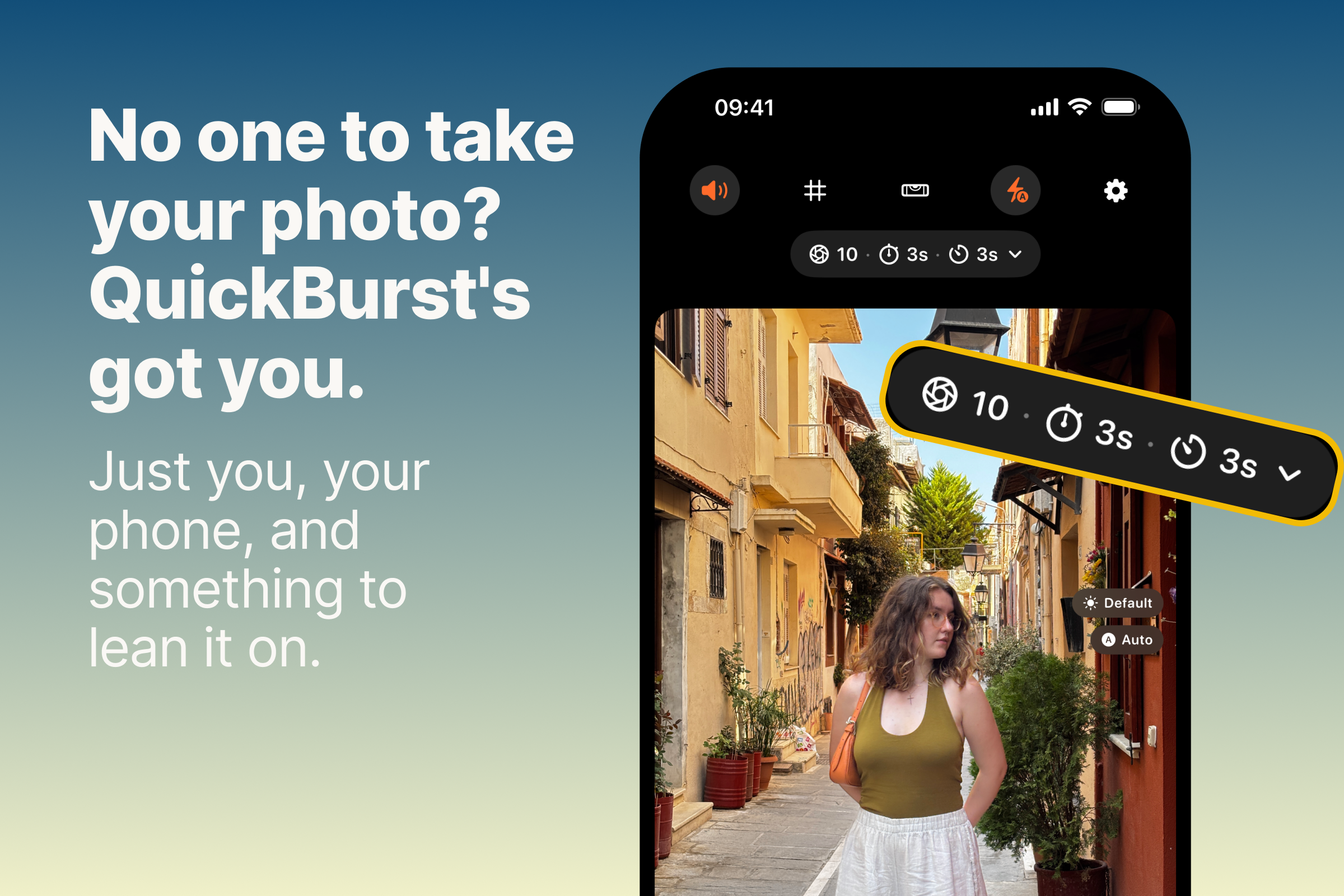
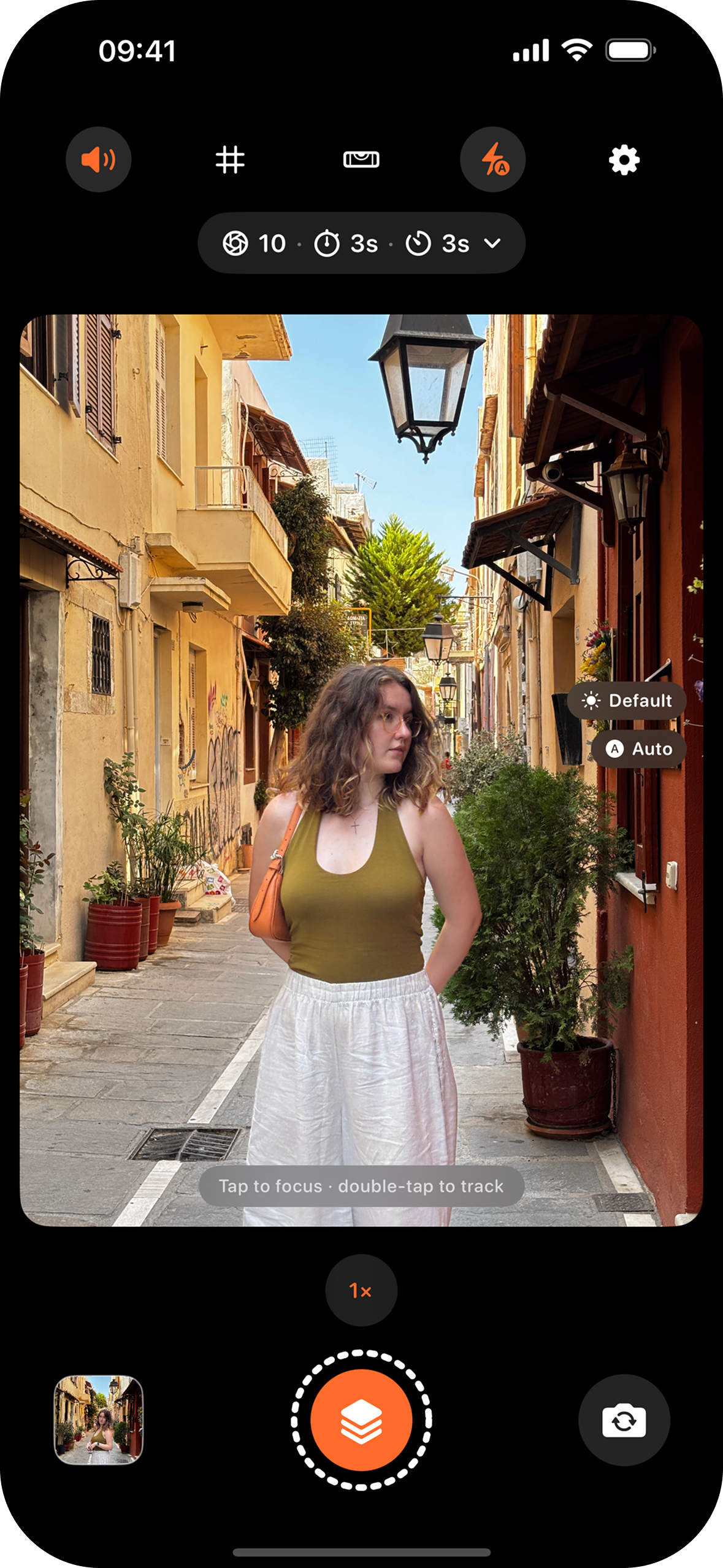
I take a lot of photos of myself, and most of the time there's no one around to take them for me. The usual routine is set a 3-second timer, run into place, get one shot, walk back, check it, and do it all over again. That's about 5 seconds per photo, so around 12 photos in a minute, and every single one breaks your pose. With QuickBurst you can take up to 120 photos in that same minute, without walking back to the phone and without breaking your flow. I wanted a camera that lets me set up once, step away, and just keep shooting. Then I can sit down later and pick the ones I actually like.
What it does
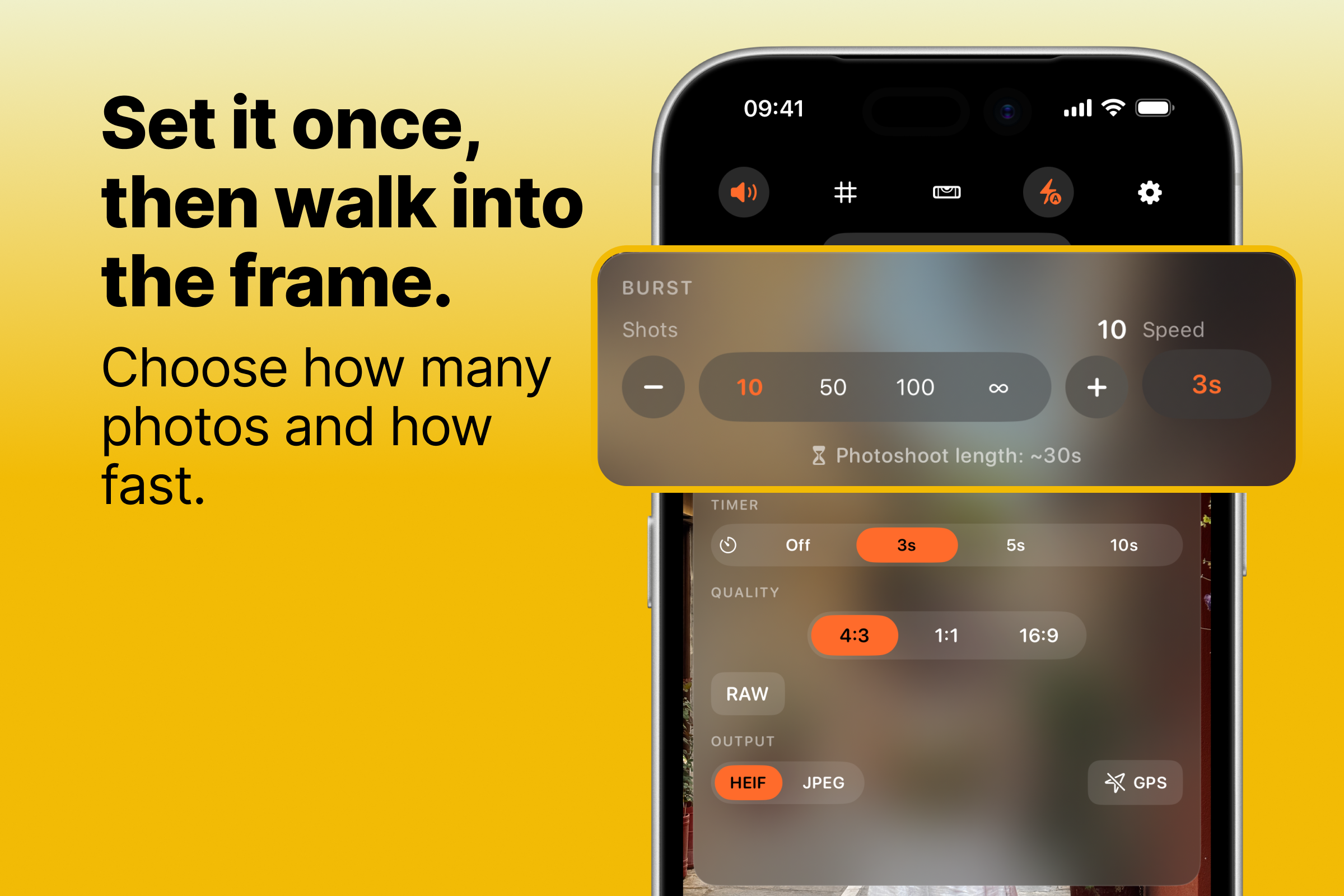
QuickBurst is an iPhone camera made for shooting on your own. It mixes burst mode with hands-free timed capture, so you can get a whole series of shots without going back to the phone every few seconds.
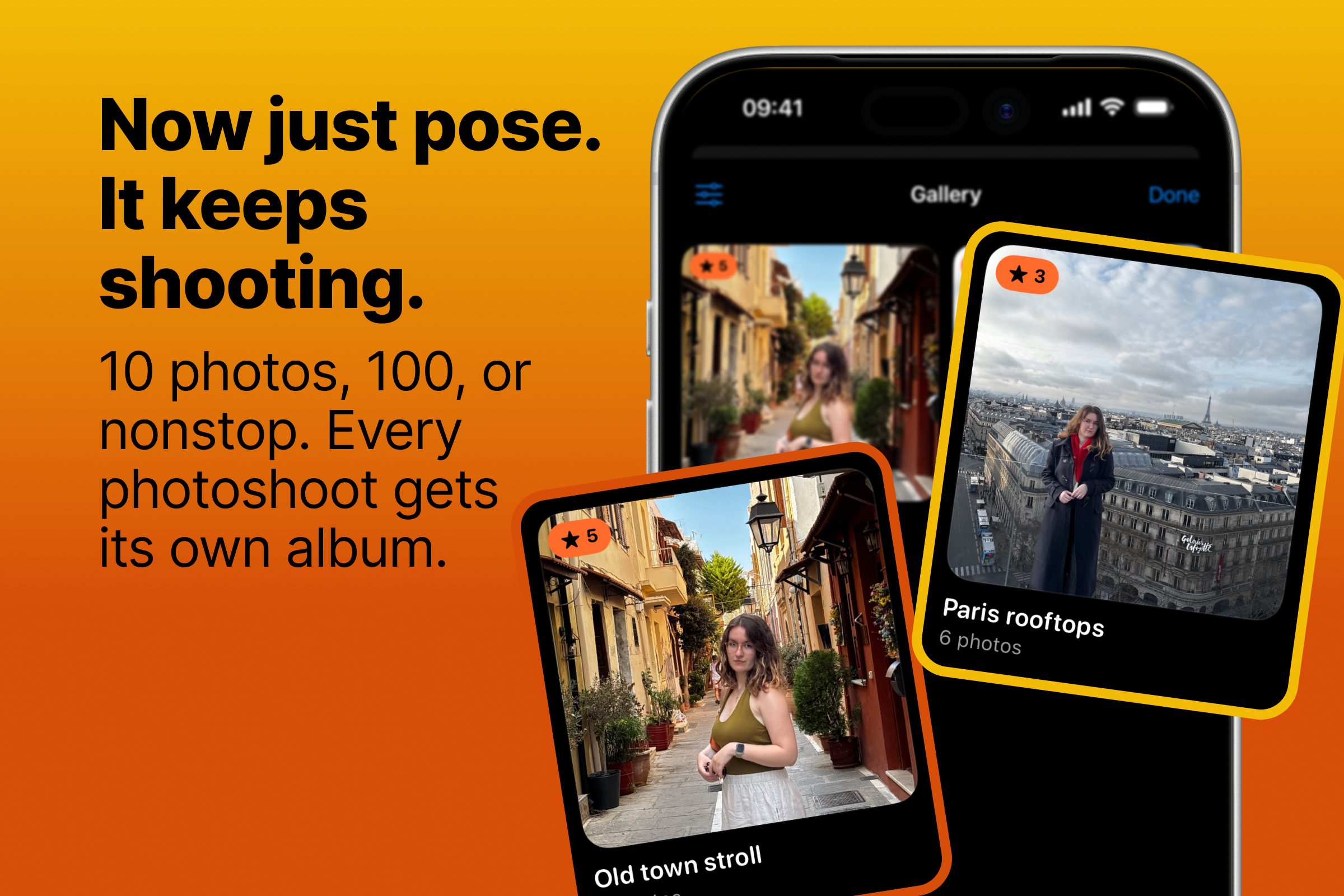
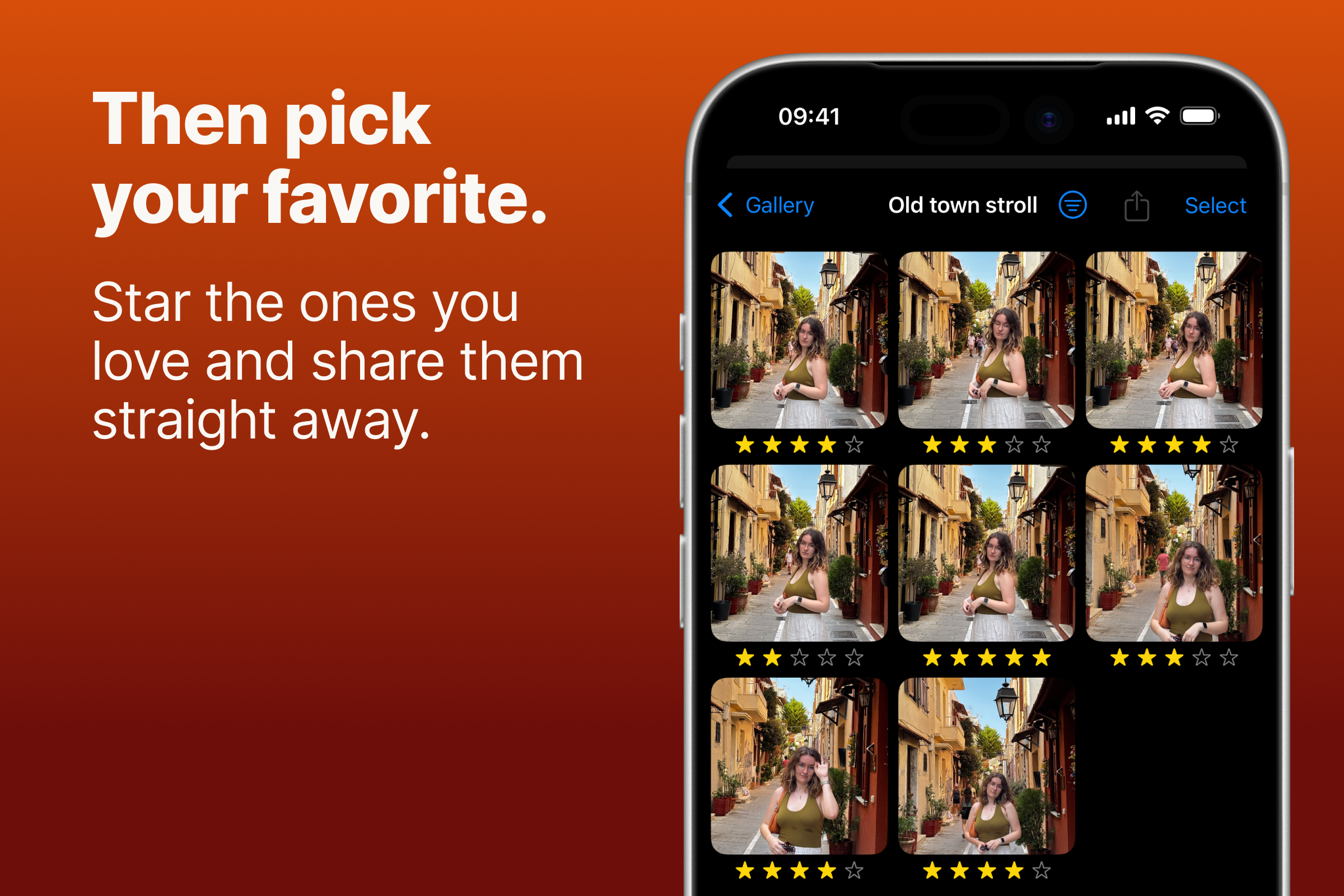
Your photos are grouped by the burst you took them in, so every shoot stays together and is easy to go through. You give them stars, sort them into albums, and let go of the rest. Everything is saved at full resolution to your photo library. No account to create, nothing uploaded anywhere.
How I built it
It's a native app written in Swift and SwiftUI. RevenueCat handles the PRO upgrade, which you can get as a subscription or as a one-time lifetime purchase, while the app itself is free to download. I use Fastlane for builds and App Store releases, and I built the website at quickburst.app with Astro.
Challenges
The main goal was getting as close as I could to the quality of Apple's own Camera app, and that raised the bar for everything.
- Speed. The app has to open and be ready to shoot quickly, because a lot of good moments are gone in a second.
- No waiting between shoots. You can start a new shoot right away, while the photos from the previous one are still being saved to your gallery.
- Frequency vs. quality. I spent a lot of time finding the highest shooting frequency I could reach without the quality dropping.
What I learned
When I started, I honestly thought "how hard can it be?" The project proved me wrong again and again. I learned a lot about how the camera works under the hood: focus, face tracking, and how to run long bursts without the app crashing or the phone heating up too much.
What's next
First, polishing the experience based on how people actually use the app. After that, Apple Watch and Mac support, so you can see the preview and start a burst from your wrist or your laptop while your phone is set up across the room.

Log in or sign up for Devpost to join the conversation.