Project name
QuickBridge
Elevator pitch
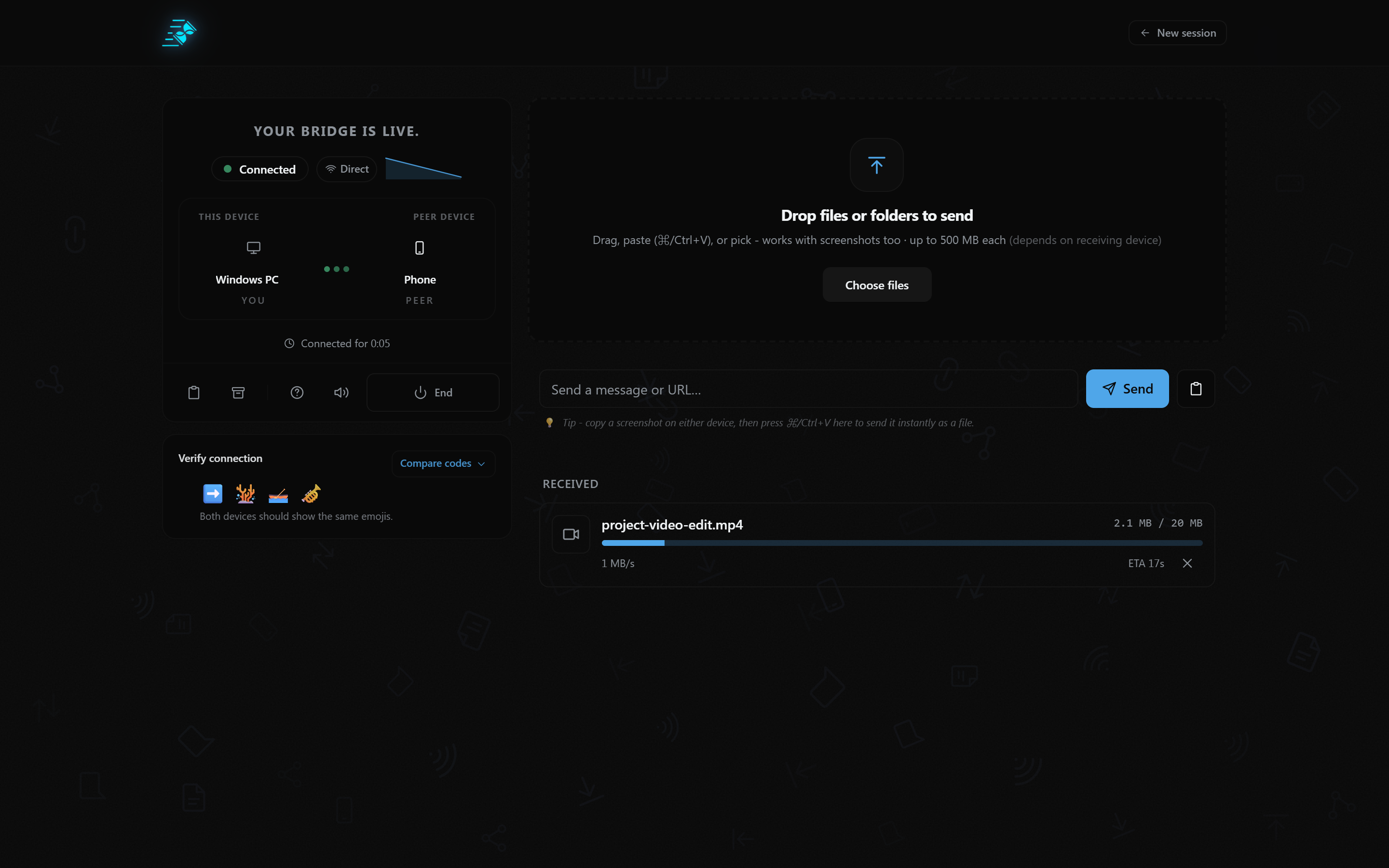
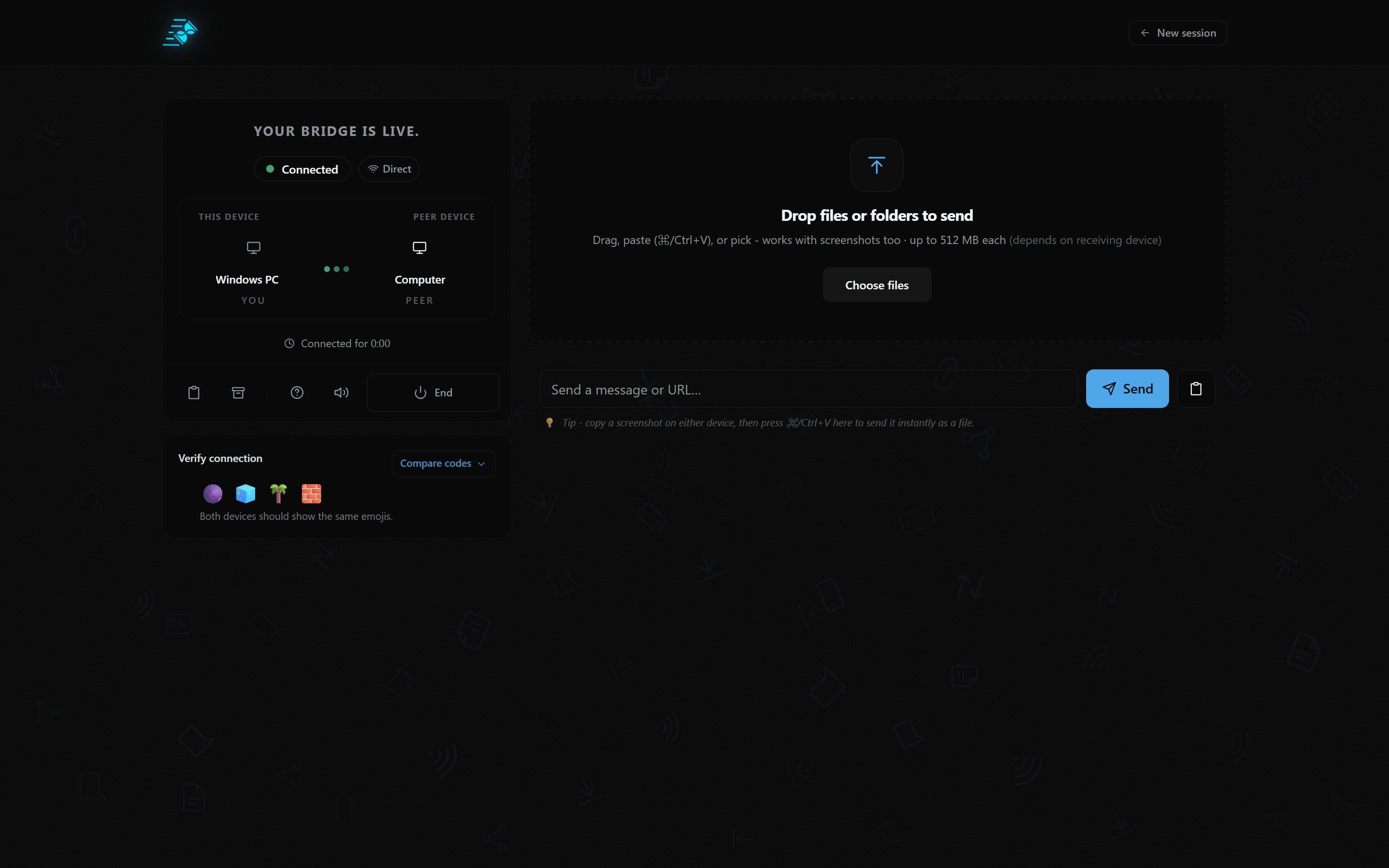
Move files and text between your devices in the browser. No app, account, or cloud file storage. WebRTC transfers go peer-to-peer when possible, with encrypted relay fallback.
Built with
React, TypeScript, WebRTC, Supabase, Vite, Tailwind CSS, JavaScript, Bun, Progressive Web App (PWA)
About the project
Inspiration
Moving a file between a phone and a computer should be simple. But it often means emailing it to yourself, uploading it to cloud storage, connecting a cable, using a messaging app, or installing another application.
I wanted to make that experience faster and simpler. The idea behind QuickBridge was to create a browser-based way for devices to communicate and transfer files directly, without requiring users to create an account or depend on cloud file storage.
What it does
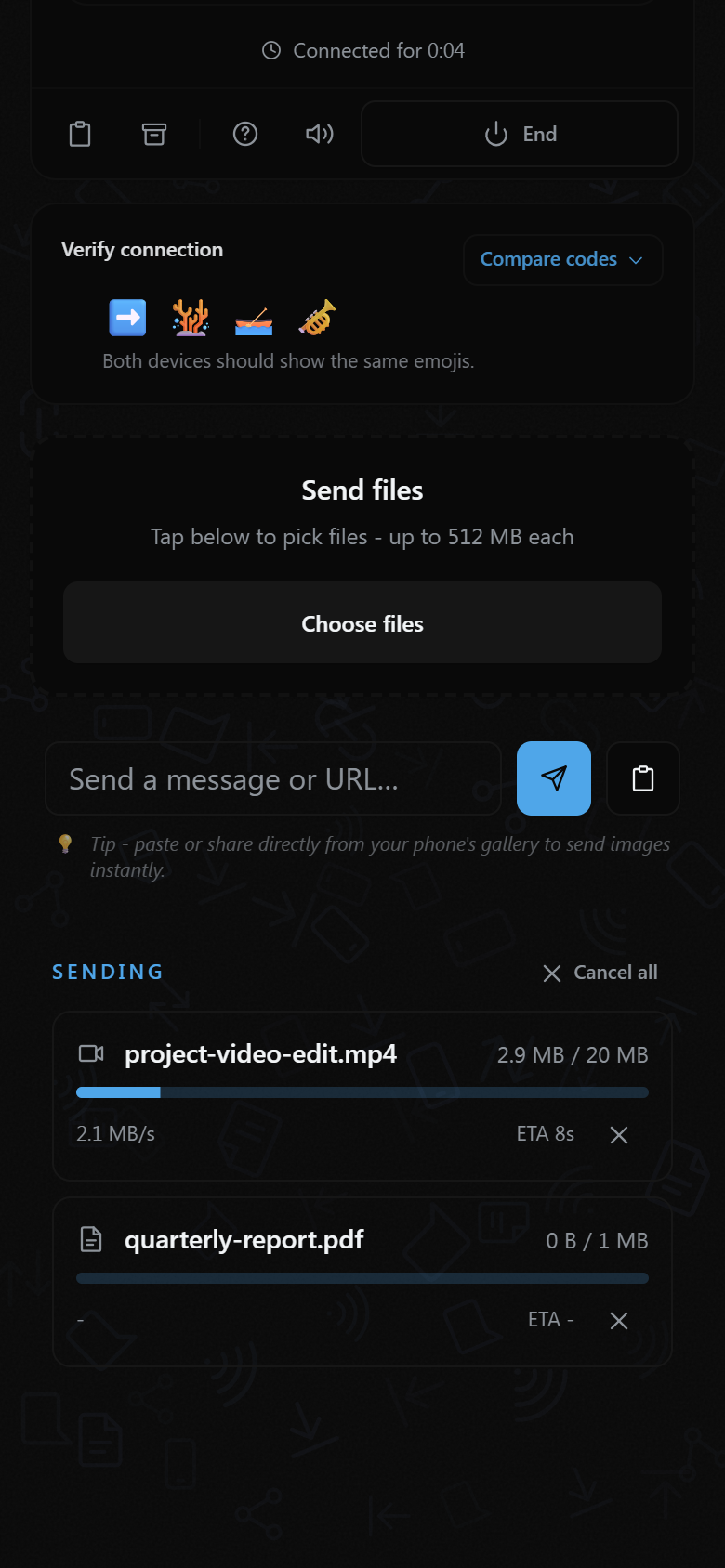
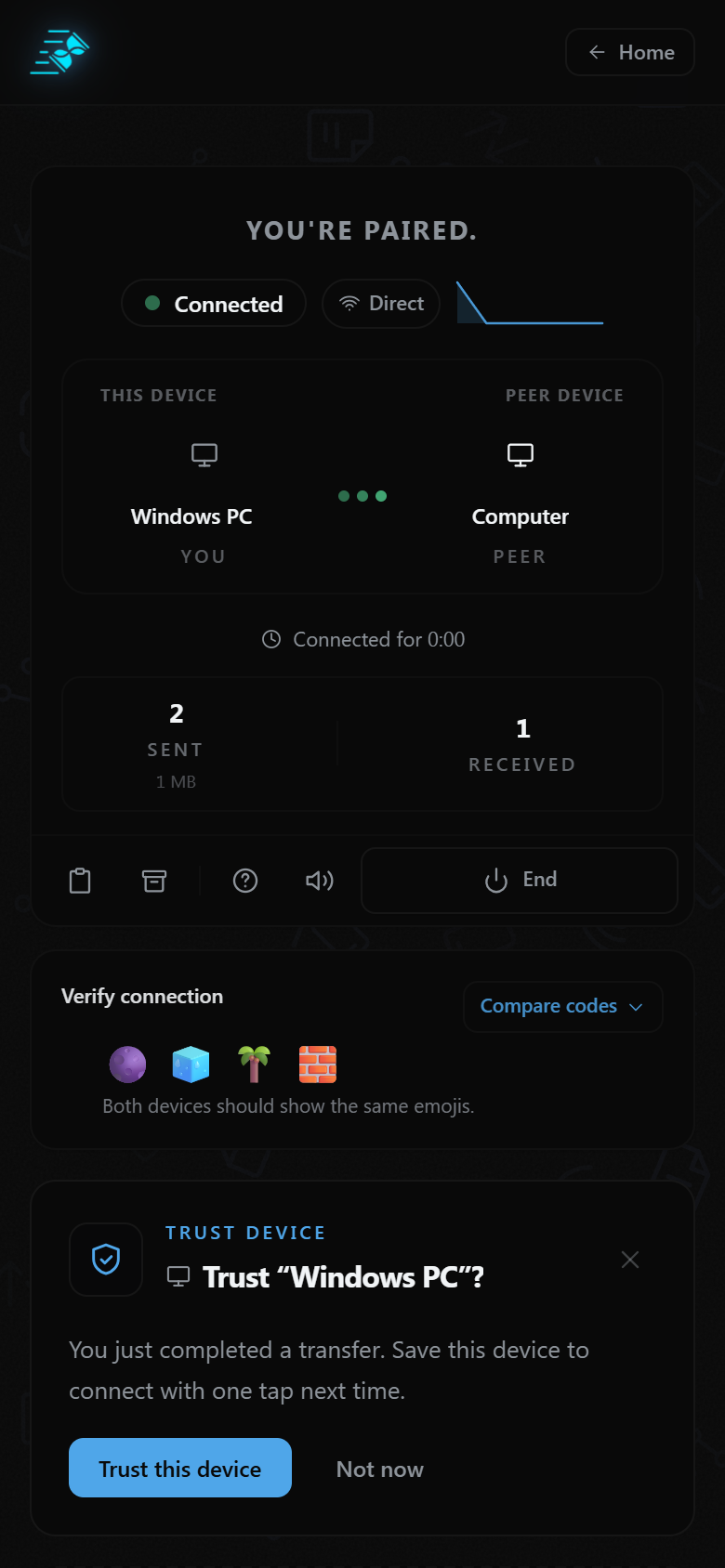
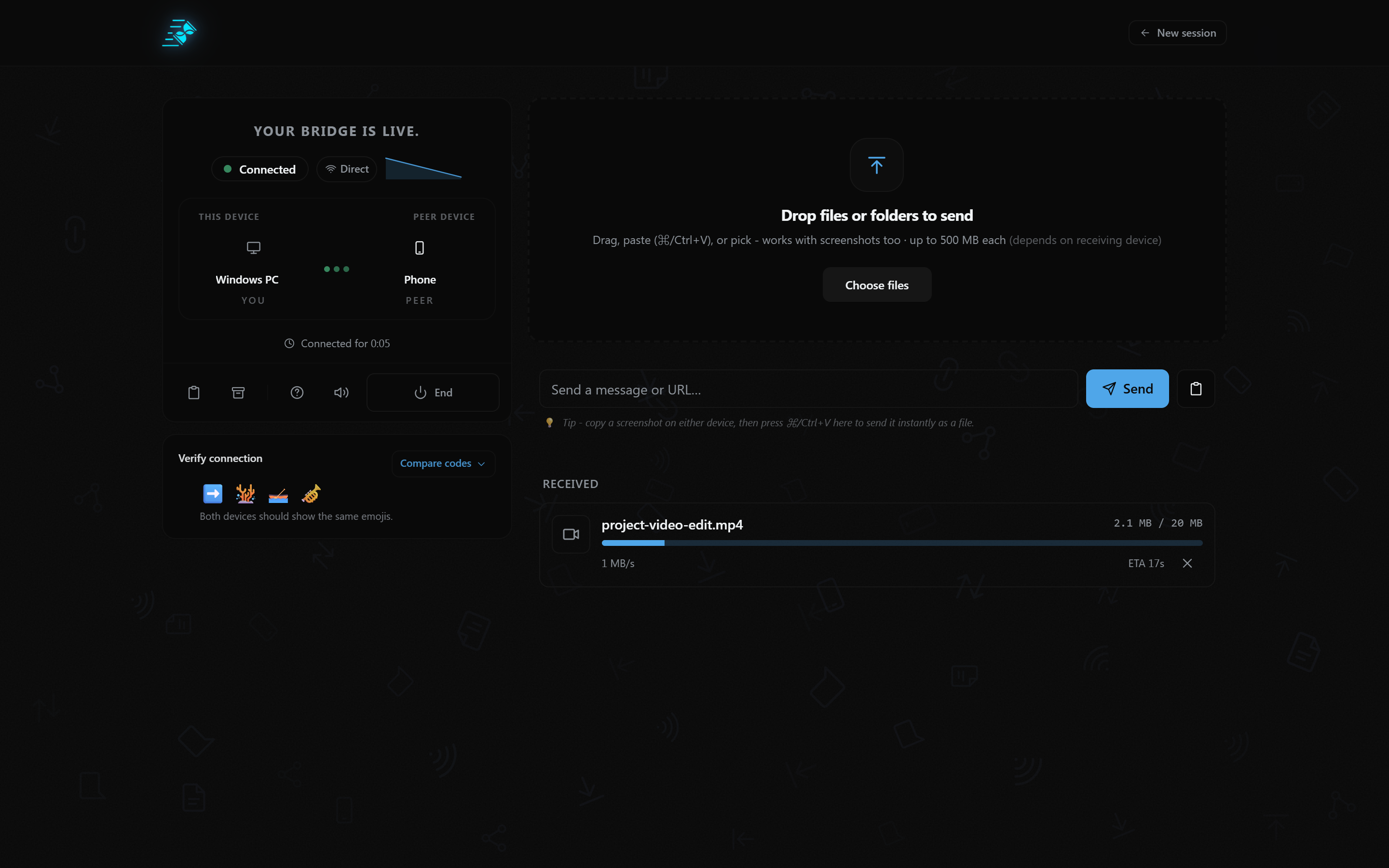
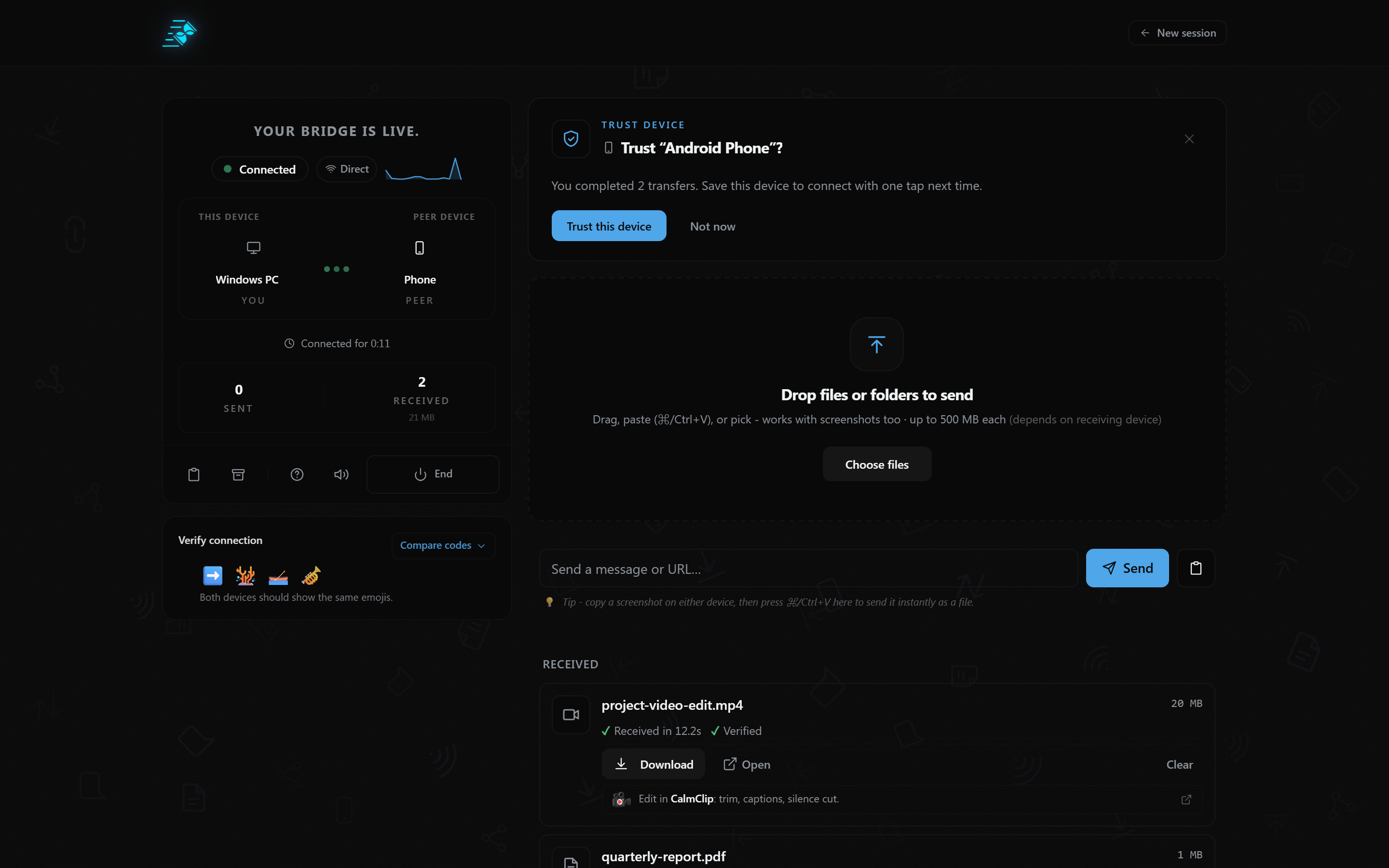
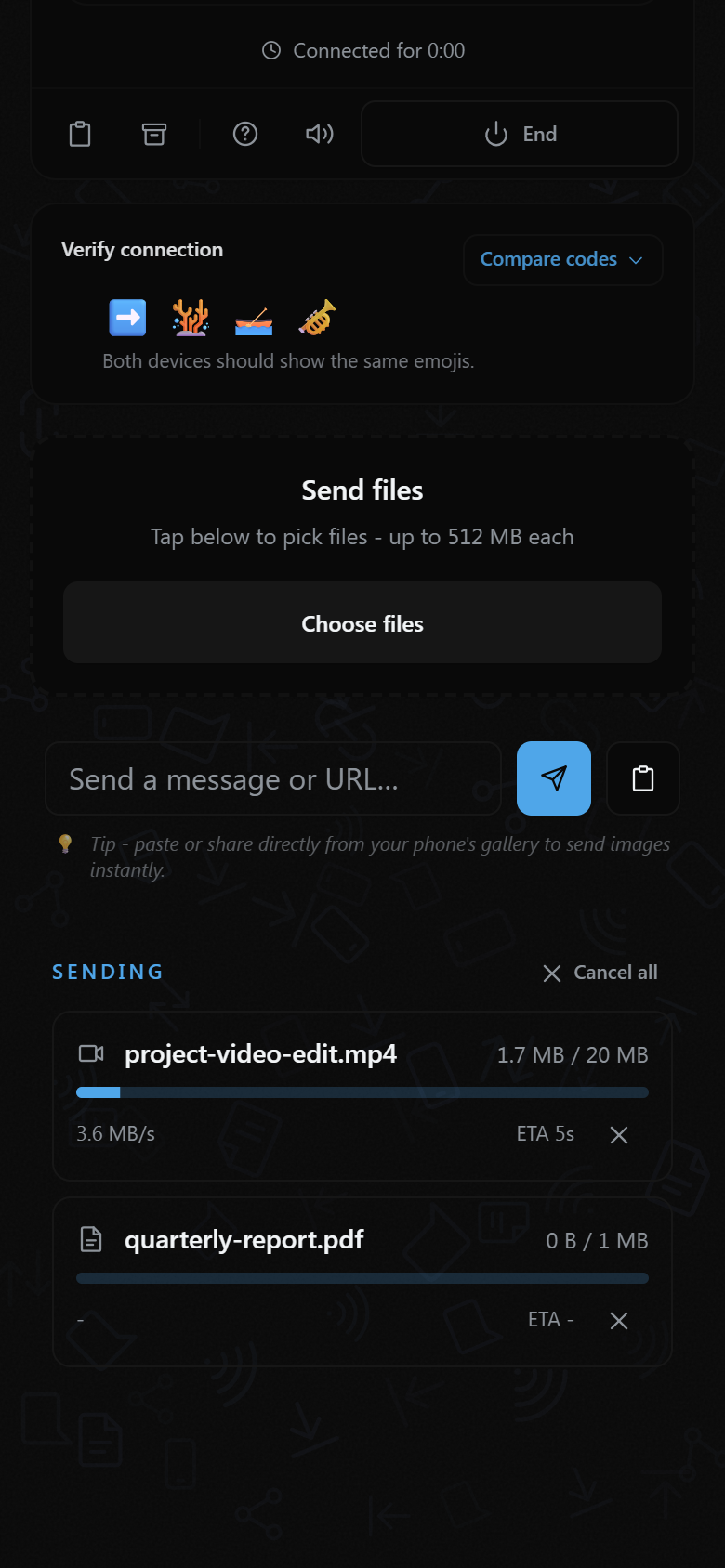
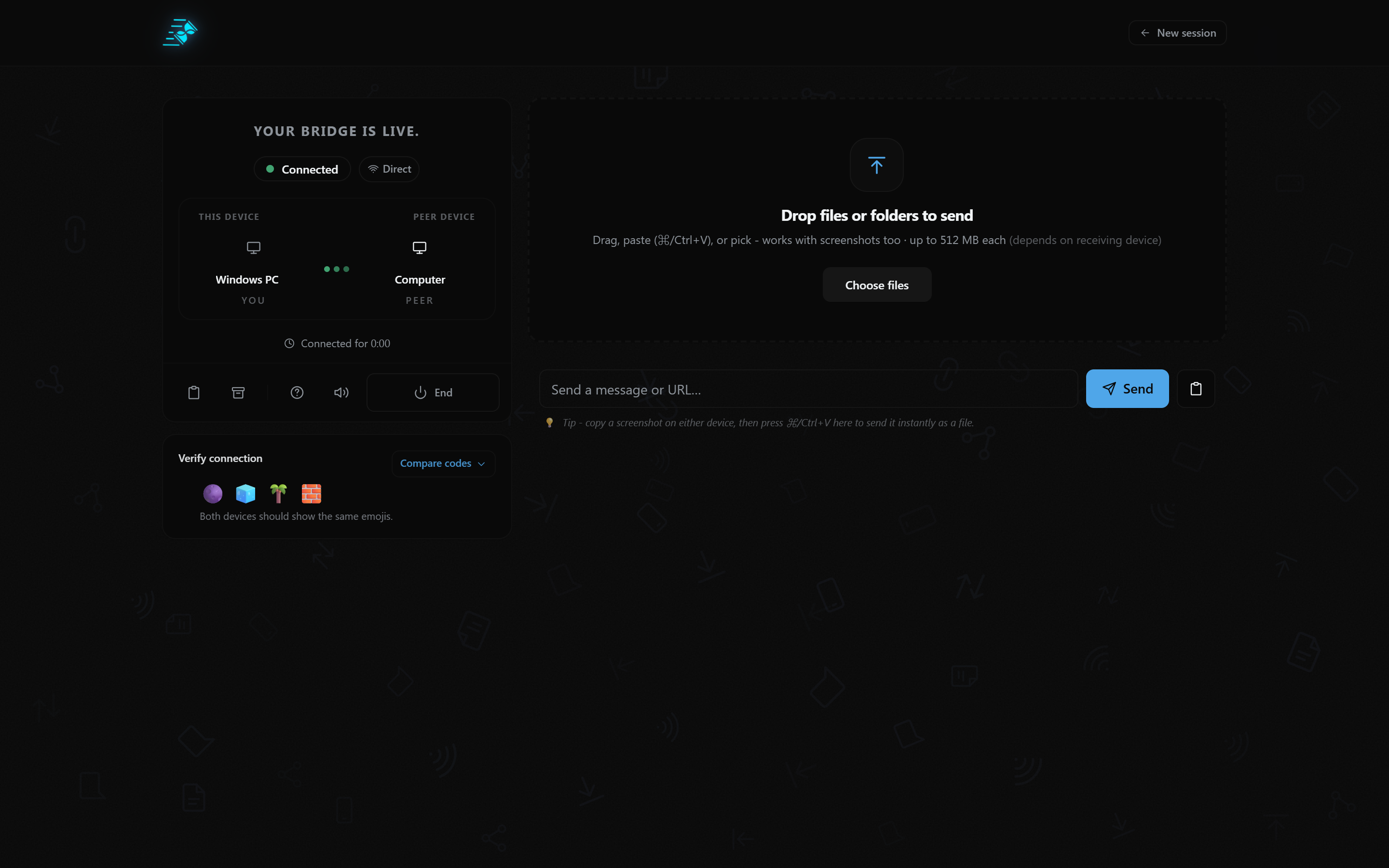
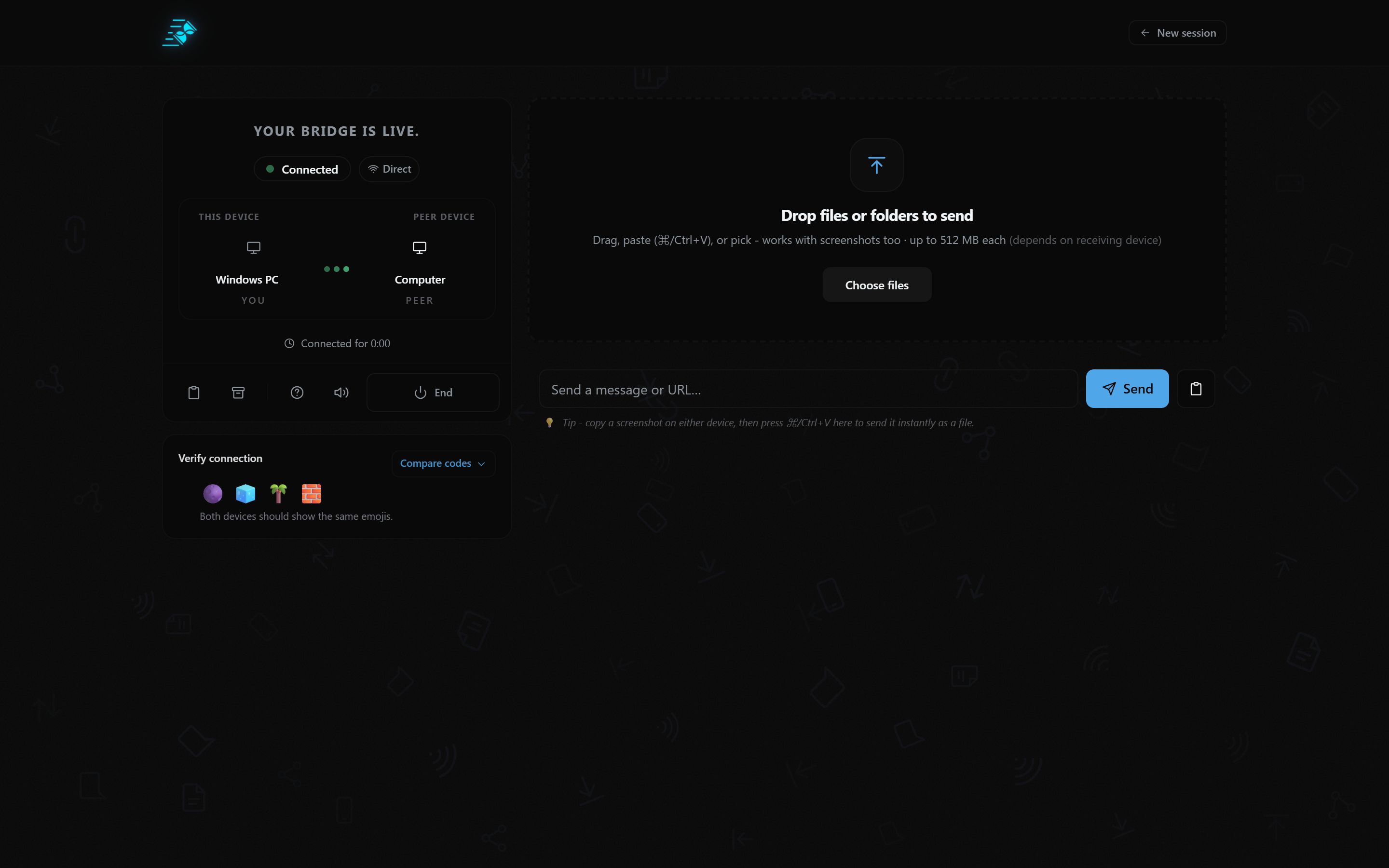
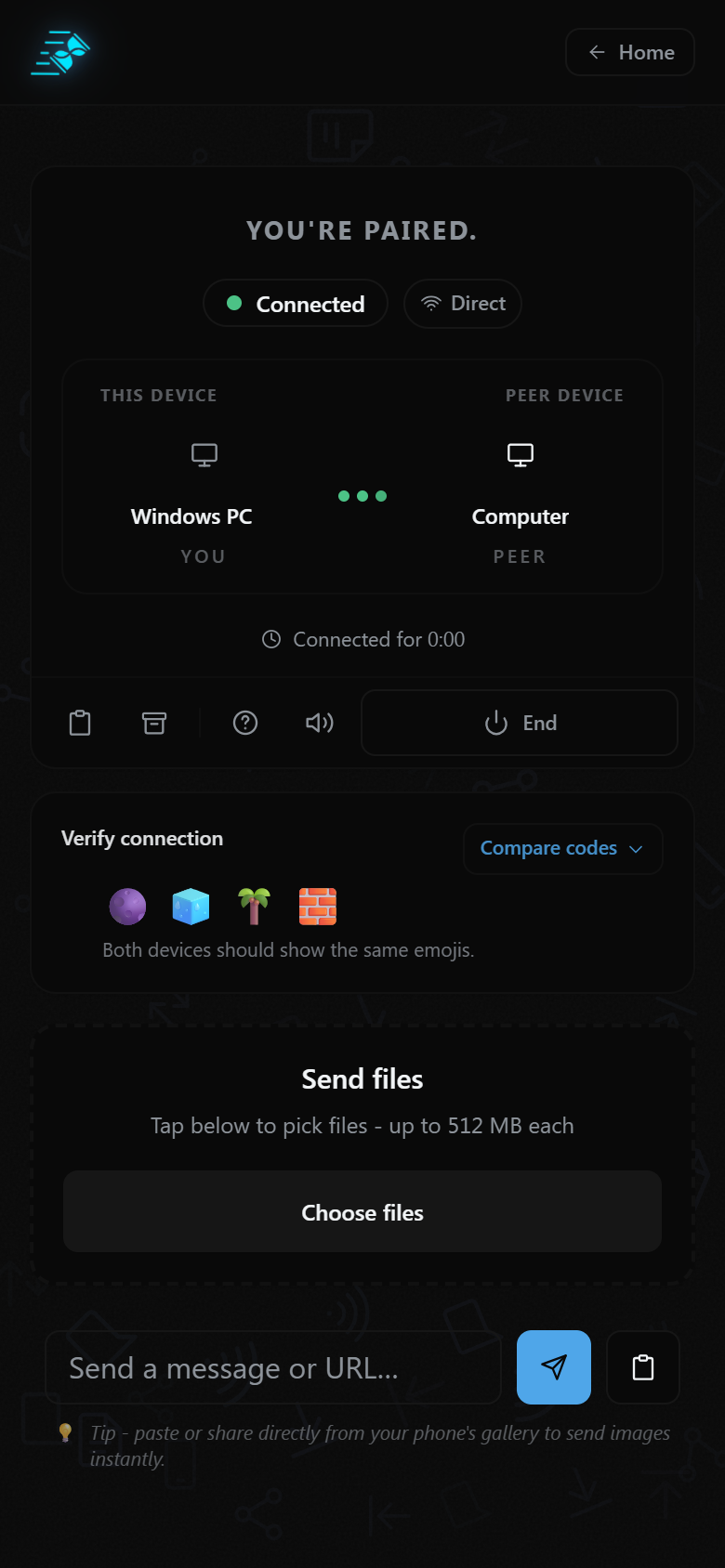
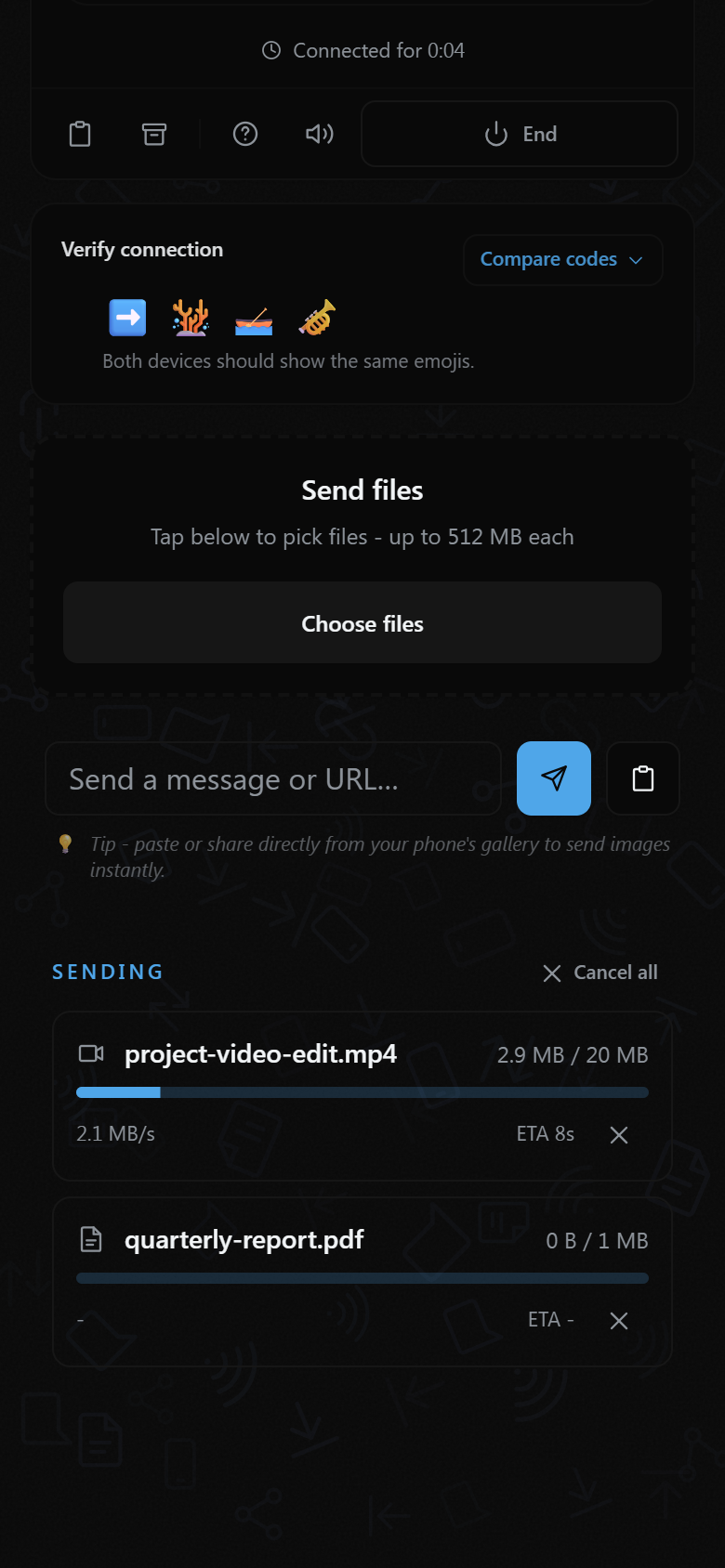
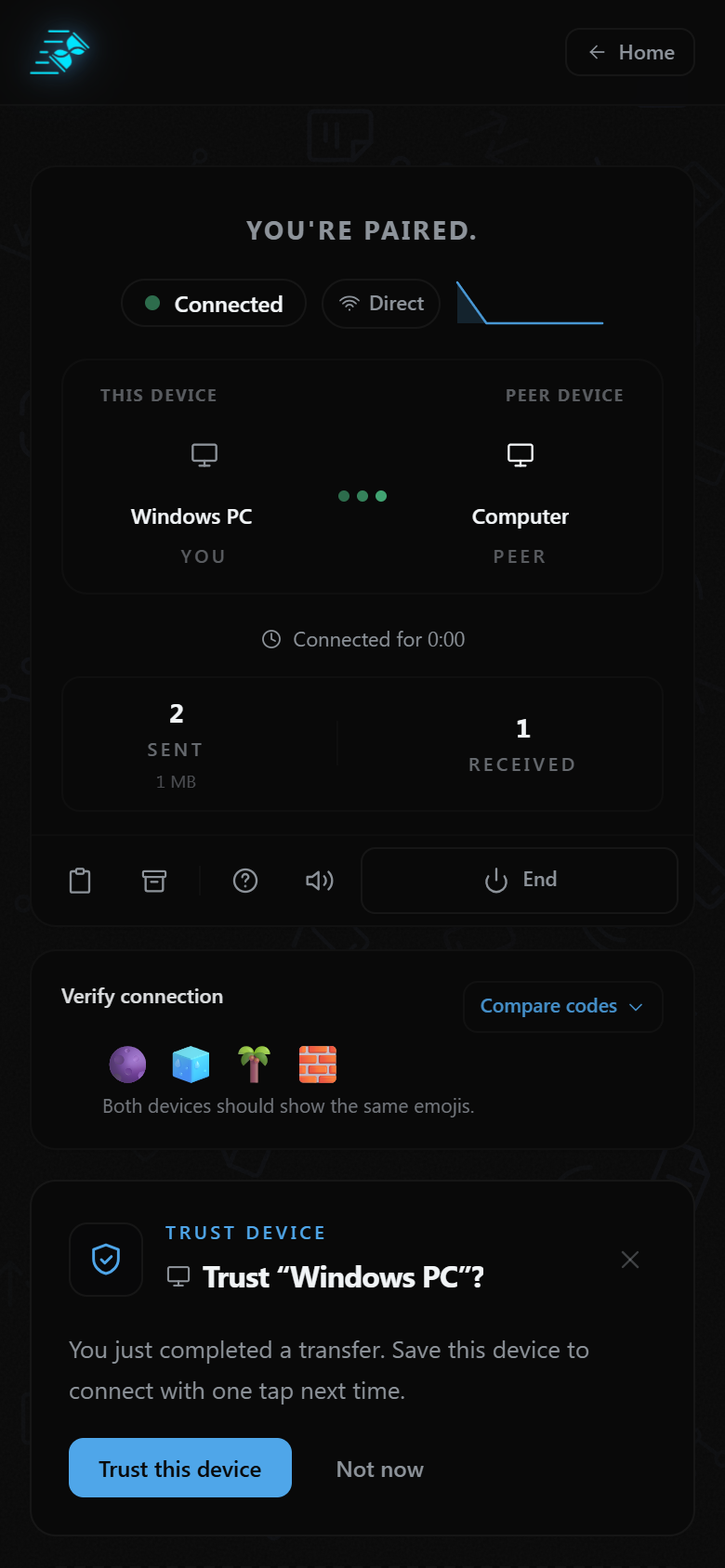
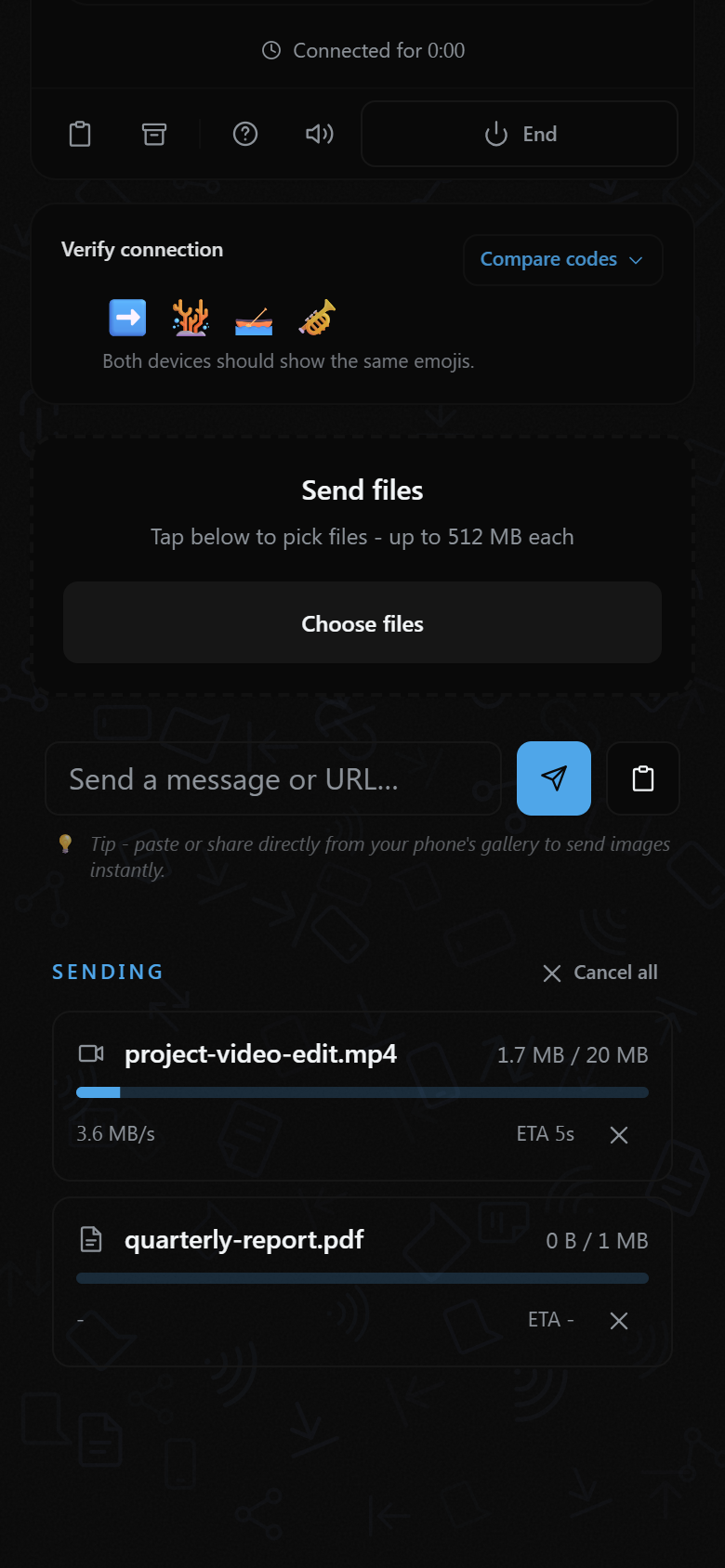
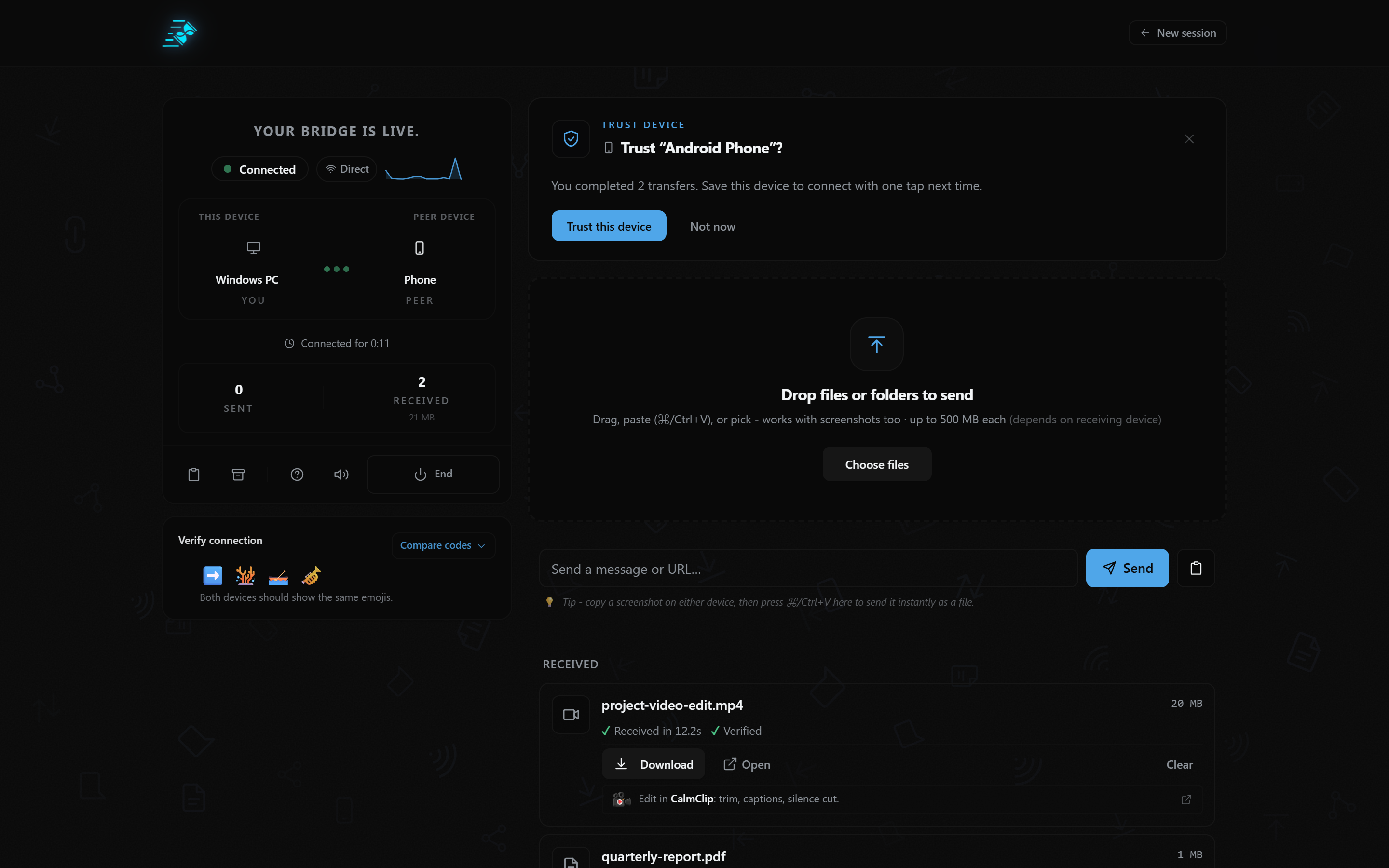
QuickBridge connects two devices through a browser session. Users can pair devices using a QR code, PIN, or shareable connection link, then transfer files and text between them.
Key features include:
- File sharing between phones, tablets, laptops, and desktop computers.
- Transfer of photos, videos, documents, and other files.
- Text sharing between connected devices.
- Browser-based pairing without requiring an account for personal use.
- Direct peer-to-peer connections when network conditions allow.
- Encrypted relay fallback when a direct connection cannot be established.
QuickBridge does not store transferred files in cloud storage. Its connection infrastructure handles signaling and may process network metadata, while transferred data travels through encrypted WebRTC connections.
How I built it
QuickBridge is built with React, TypeScript, Vite, and Tailwind CSS.
The transfer architecture uses WebRTC data channels to move data between connected browsers. WebRTC provides DTLS encryption for the data channel.
Supabase Realtime is used for connection signaling, rather than as a file-storage system. When a direct peer-to-peer connection cannot be established, an encrypted TURN relay can forward the data.
I focused on keeping the application browser-native, minimizing unnecessary infrastructure, and making the transfer experience work across different operating systems and browsers.
Challenges
One of the biggest challenges was making peer-to-peer transfers reliable across different networks, browsers, and devices.
A direct connection is not always possible because of network restrictions, firewalls, and NAT configurations. Supporting an encrypted relay fallback was therefore important.
Another challenge was transfer lifecycle management. Interrupted transfers, retries, receiver-side save problems, browser permission prompts, and reconnection states all need to be handled carefully. A transfer is not complete simply because data was sent; both devices need to agree on its outcome.
I also had to account for differences in browser file-system permissions and how devices handle saving received files.
What I learned
Building QuickBridge taught me how much complexity exists beneath something that appears as simple as sending a file.
WebRTC makes browser-to-browser communication possible, but building a dependable product around it requires careful handling of signaling, connection states, retries, permissions, file handling, and network fallbacks.
I also learned that privacy is not just a marketing statement. It needs to be reflected in the architecture, what infrastructure handles, what gets stored, and how clearly those details are communicated to users.
What's next
I'm continuing to improve transfer reliability and make connected devices work together more naturally.
The longer-term vision is to make QuickBridge feel less like a file-transfer utility and more like a simple bridge between the devices people already use every day.
Try QuickBridge:
Built With
- app
- bun
- javascript
- progressive
- react
- supabase
- tailwind-css
- typescript
- vite
- web
- webrtc
