-
-
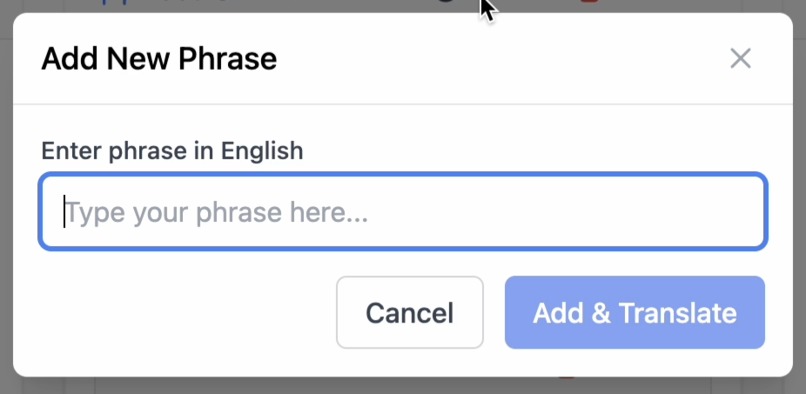
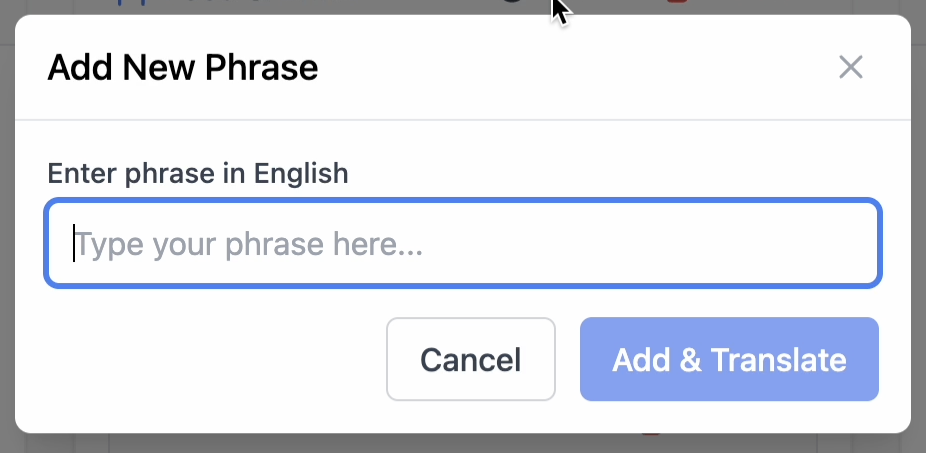
Adding a New Phrase
-
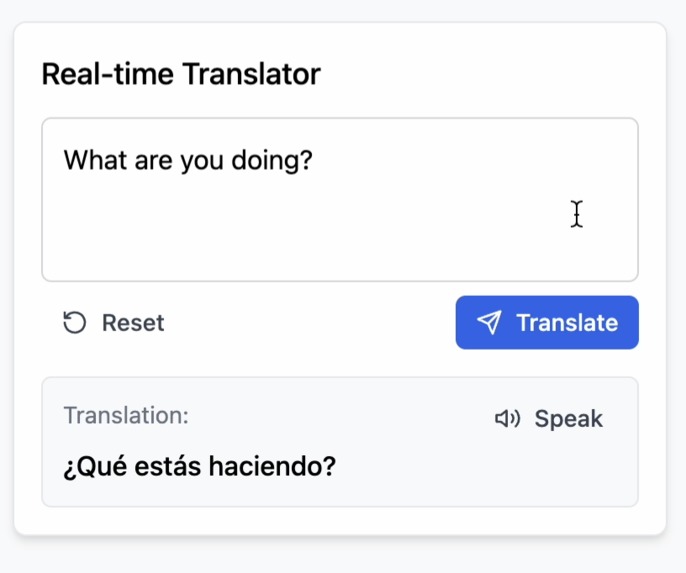
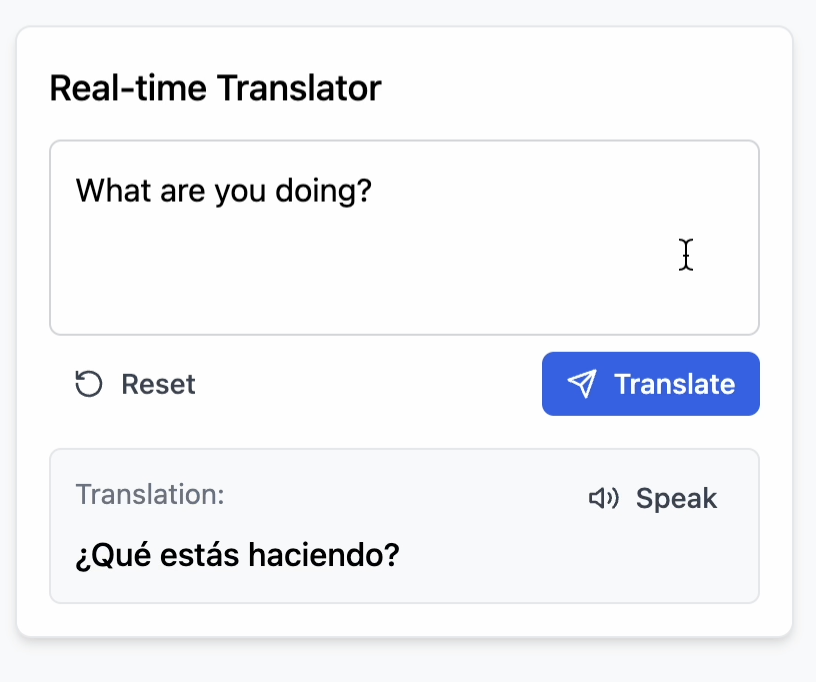
Translation Box
-
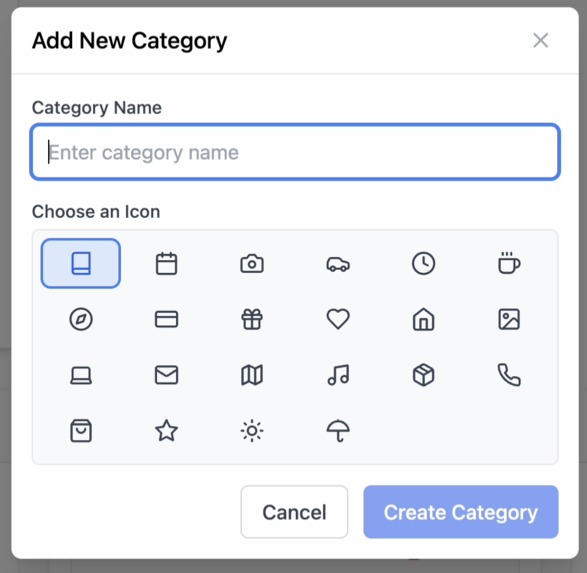
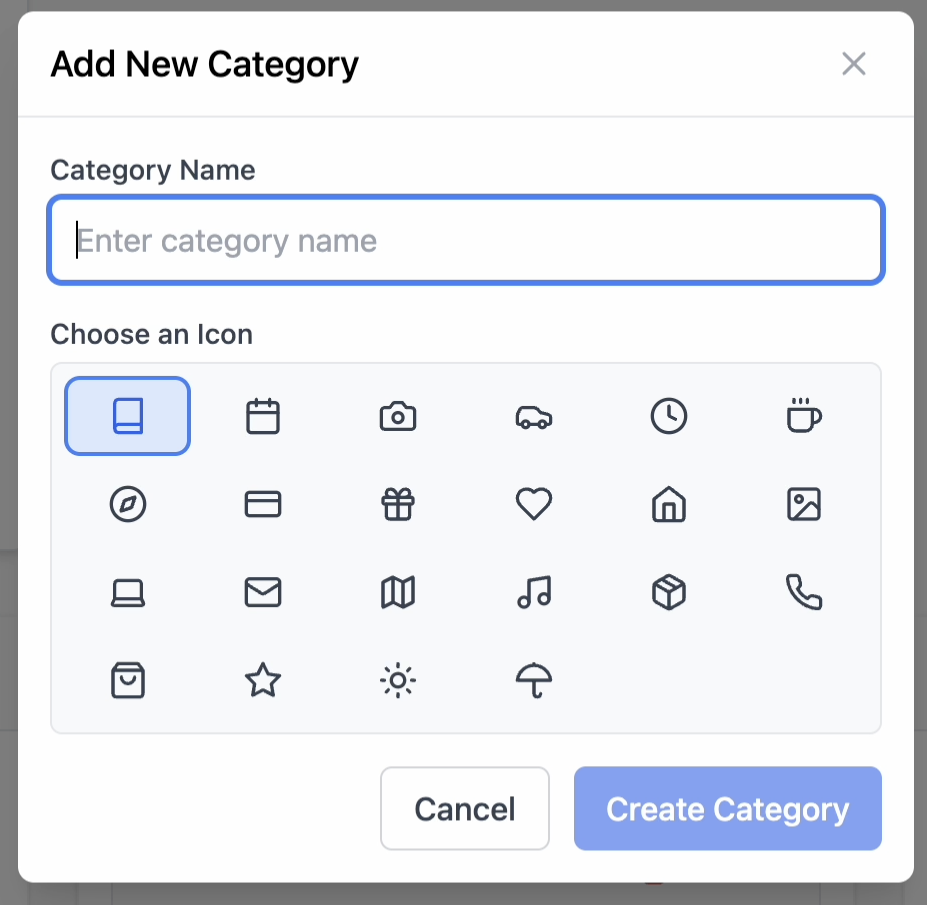
Adding A New Category
-
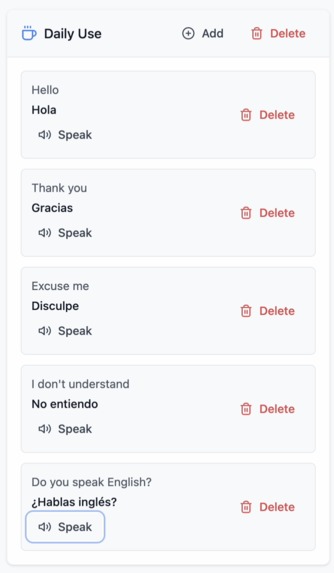
Category Box
-
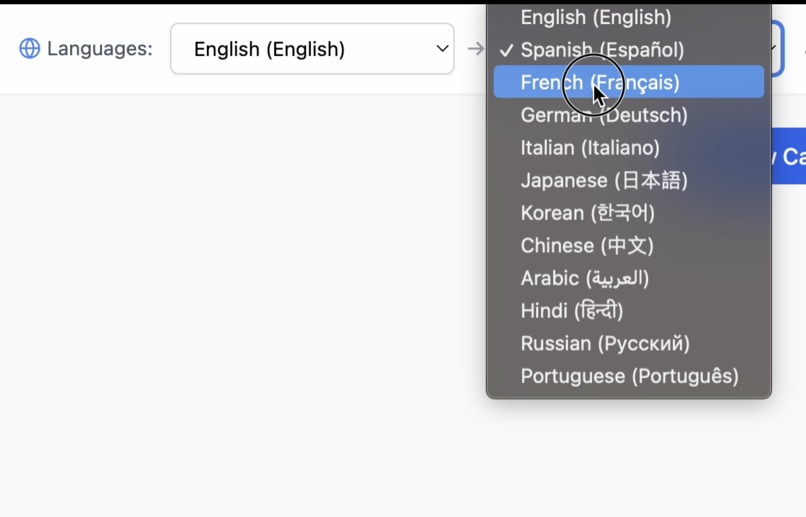
Language Selection
Inspired by a real moment of compassion with an elderly Albanian woman struggling to express herself, Quick Translate is built on the belief that communication isn’t just convenient—it’s human.
Inspiration
Quick Translate was originally conceived as a travel companion—something to help users navigate different countries with ease by offering quick, commonly used phrases in multiple languages. But its true purpose became clear during a recent personal experience that left a lasting impact on me.
While traveling on a flight, I was seated next to an elderly Albanian woman. She barely spoke English, though she knew how to use a phone. She was clearly struggling to communicate with the flight staff and officials. I tried to help, using the few broken English words she managed to express, but there was only so much I could do. Despite the language barrier, she smiled warmly and blessed me with a “Mashallah” for my small attempts to help.
Wanting to connect more, she showed me photos of her family—her children and grandchildren. One had sadly passed away. She also told me, in bits and gestures, that she had recently undergone knee surgery. Sitting beside her, I realized how much life this woman had lived, how much pain and resilience she carried. I wanted to comfort her. I wanted to say, "I’m so sorry for your loss." I wanted to say, "Please take care of yourself." But I couldn’t. I didn’t know Albanian.
And that’s when it hit me—how powerful a simple translated sentence could be. Not just for travel, but for empathy. For kindness. For being human. That’s when Quick Translate became more than a project. It became a mission—to help people help each other, no matter the language. Because communication shouldn’t be a luxury. It should be a bridge.
What it does
- Categorized Quick Chats Predefined, common-use phrases grouped into categories:
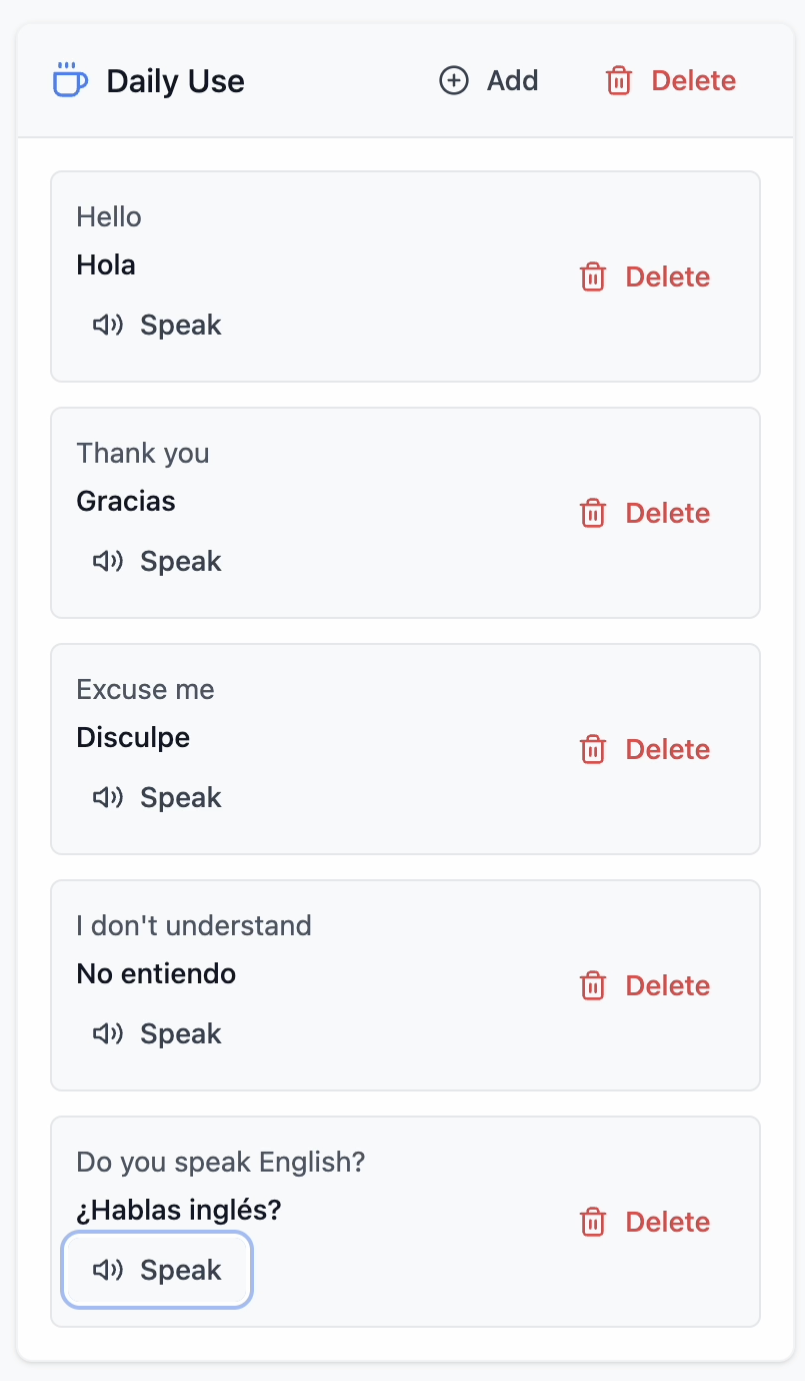
- Daily Use – Greetings, common expressions, polite responses
- Food and Drink – Ordering food, allergies, dietary restrictions
- Emergency – Medical issues, calling for help, reporting danger
- Accommodation – Booking, amenities, check-in/check-out requests
- Directions – Asking for/understanding how to get somewhere
- Transportation – Buses, taxis, trains, tickets, delays
- Shopping – Prices, product info, negotiations
- Ask for Help – Personal assistance, finding someone, expressing concern
- Each category offers concise, actionable language snippets.
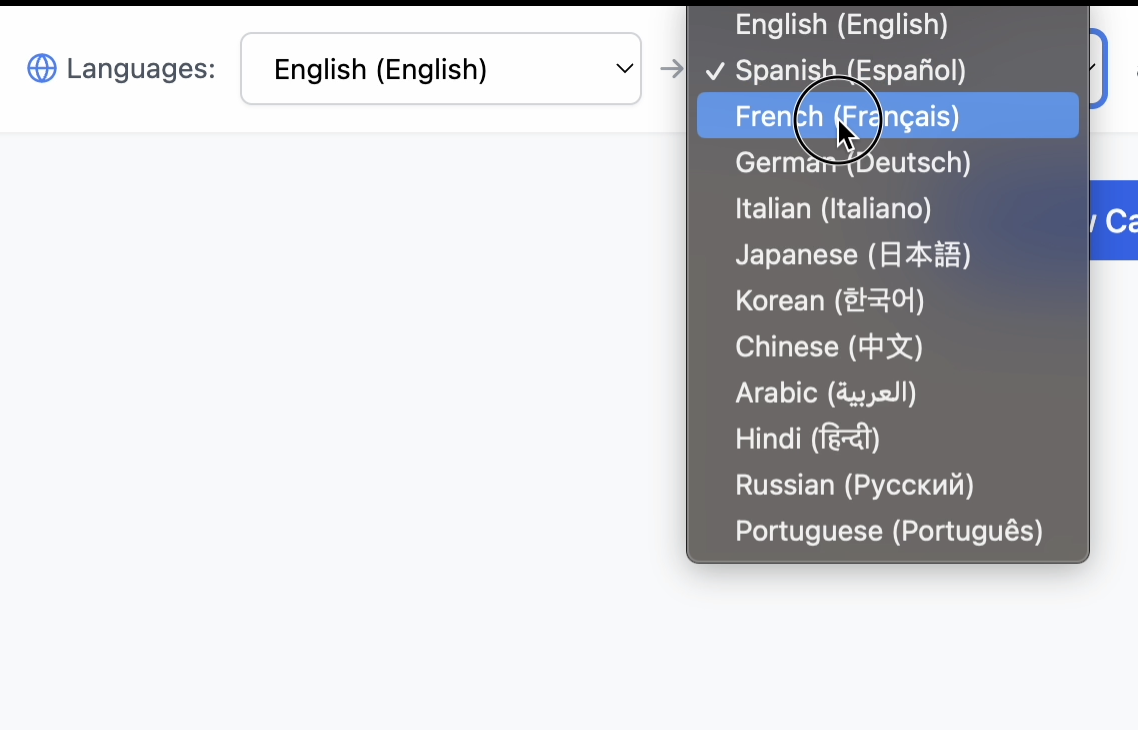
Dynamic Language Switching One-tap toggle to change the active language. All quick chat phrases instantly update to the selected language.
Real-Time Text Translation Users can input any custom message for immediate translation. Supports bidirectional translation between user’s language and target.
Text-to-Speech Spoken playback of translated messages for improved clarity. Especially useful for people who can’t read the target language.
Offline Caching Phrases once translated are stored locally for offline use. Ensures functionality during flights, remote travel, or emergencies.
User Authentication Secure login using Supabase Auth (email/password or social providers). Users can store preferences, phrase history, and favorites.
Custom Phrase Suggestion & Categories Users can: Suggest new phrases Create custom categories
How we built it
We built Quick Translate using:
- TypeScript for frontend logic
- Supabase for authentication and user data handling
- Google Translate API for translations
- Offline caching to store translated quick chats
- Groq's Text-to-speech for accessibility and spoken communication
Challenges we ran into
The major challenges were:
- Finding a free Translation API All the language translation API costs money, even for the sake of prototyping
- Speed of Translation After finding the free Google Libre Translate, I found that the API was too slow. It took a long time to manage translation, so I worked around it by using Caching for the prototype. However, using a paid Translation API is a better solution.
- Offline Use Using Caching enabled us to work with offline use, but not sure if it is easily accessible with a paid Translation API
What's next for Quick Translate
OCR Translation: Translate signs/menus using camera input. Context-aware Suggestions: Recommend phrases based on GPS or activity. Live Conversation Mode: Real-time chat flow with voice translation. Emergency Mode: Instant SOS phrases & location share. Accessibility Mode: UI tuning for vision-impaired users.

Log in or sign up for Devpost to join the conversation.