-
-
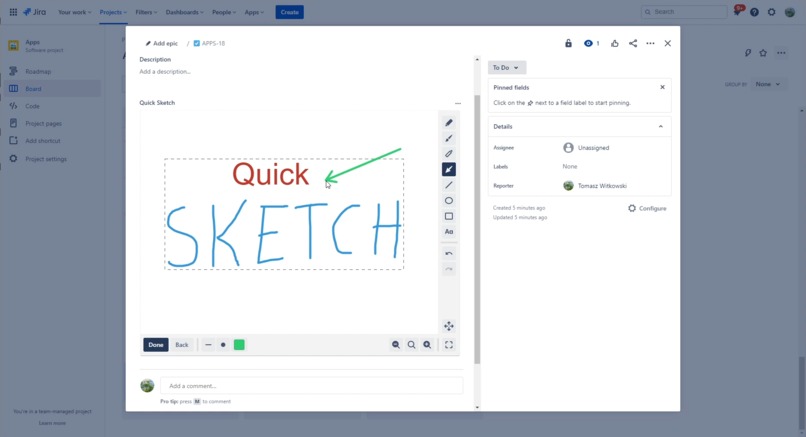
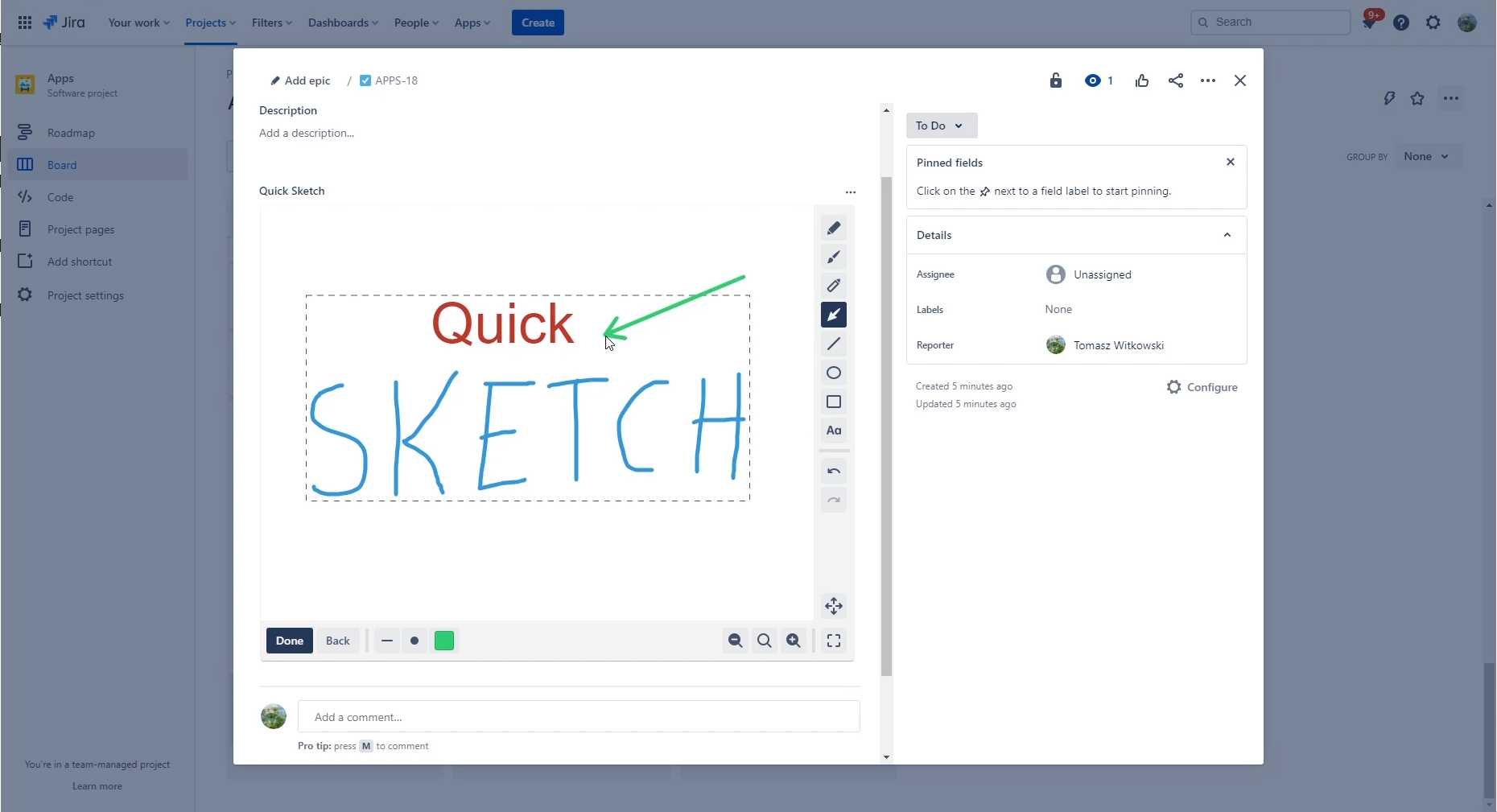
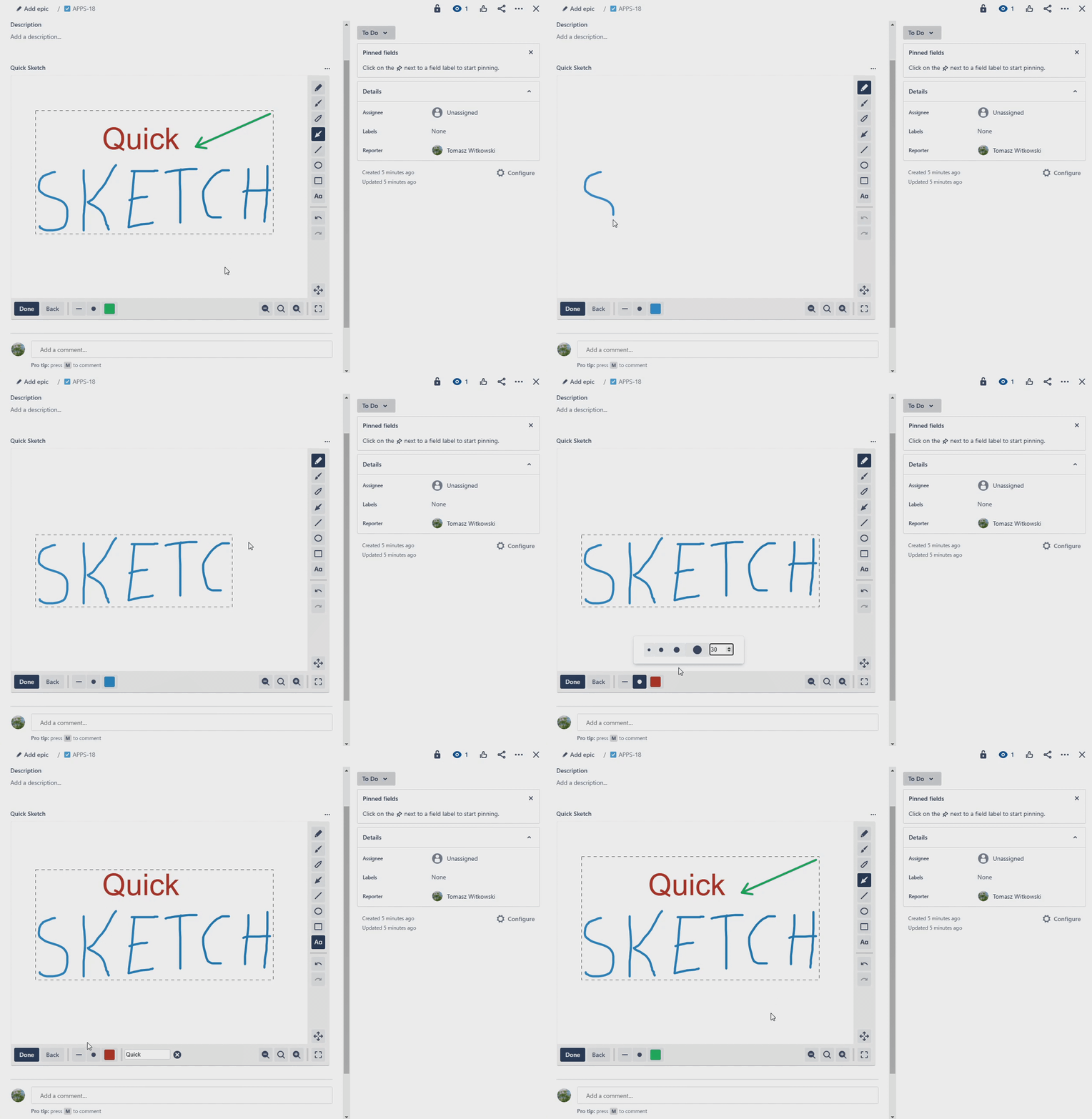
Draw directly on Jira issues
-
 GIF
GIF
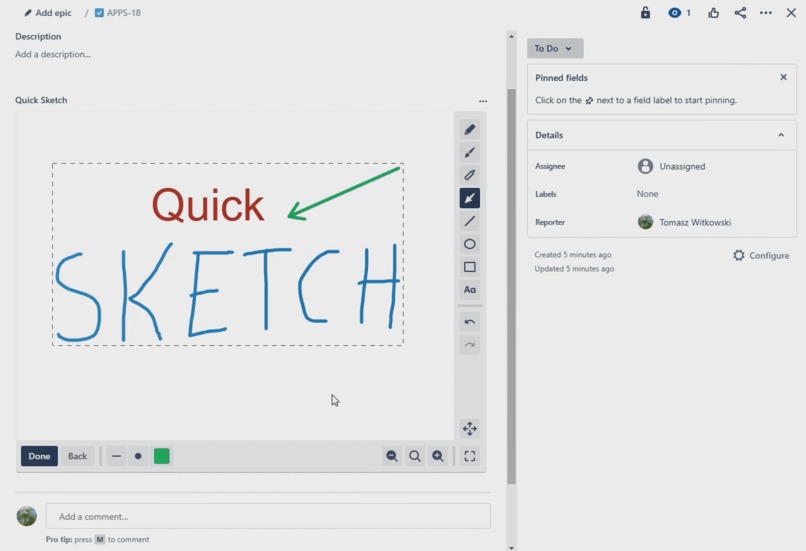
Draw directly on Jira issues (this time it's animated :) )
-
 GIF
GIF
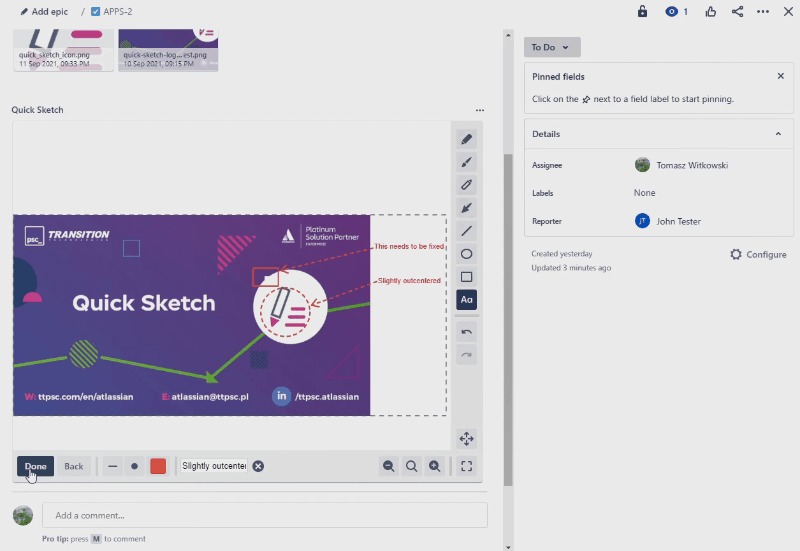
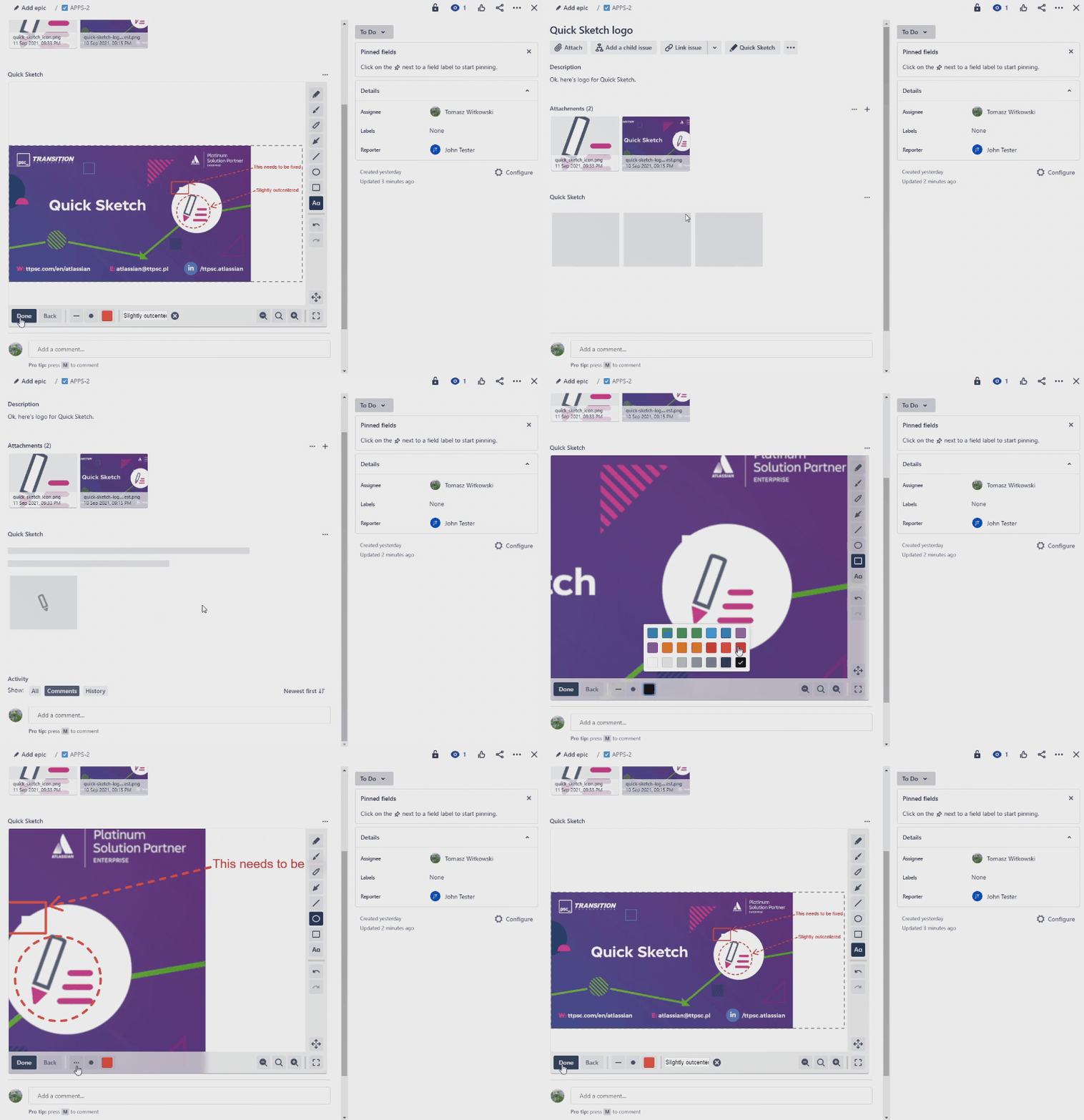
Or sketch on issue attachments!
-
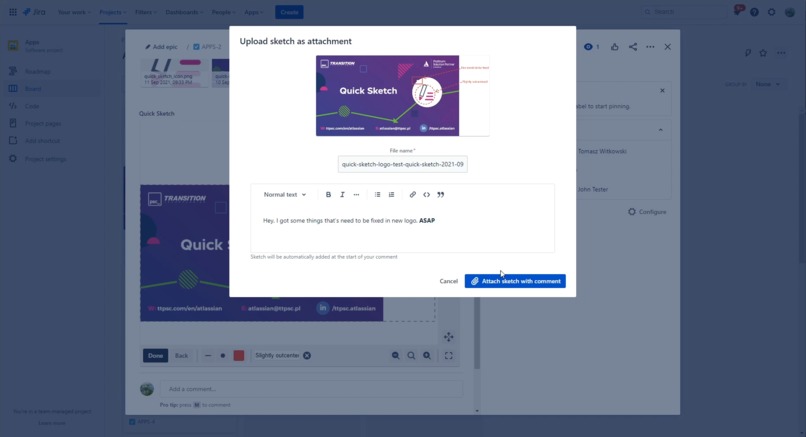
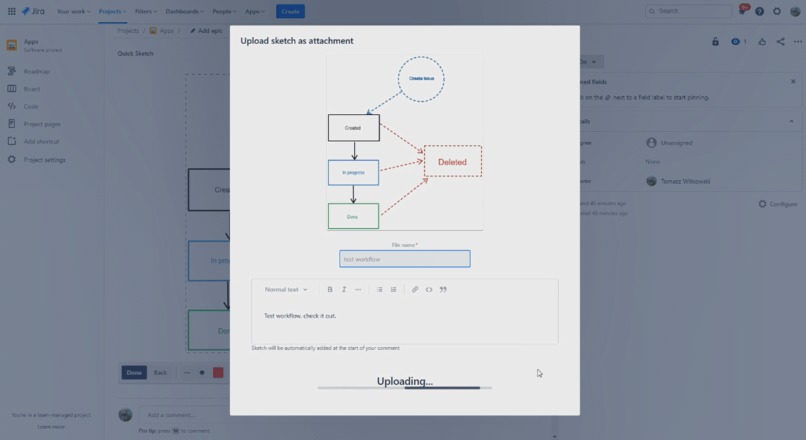
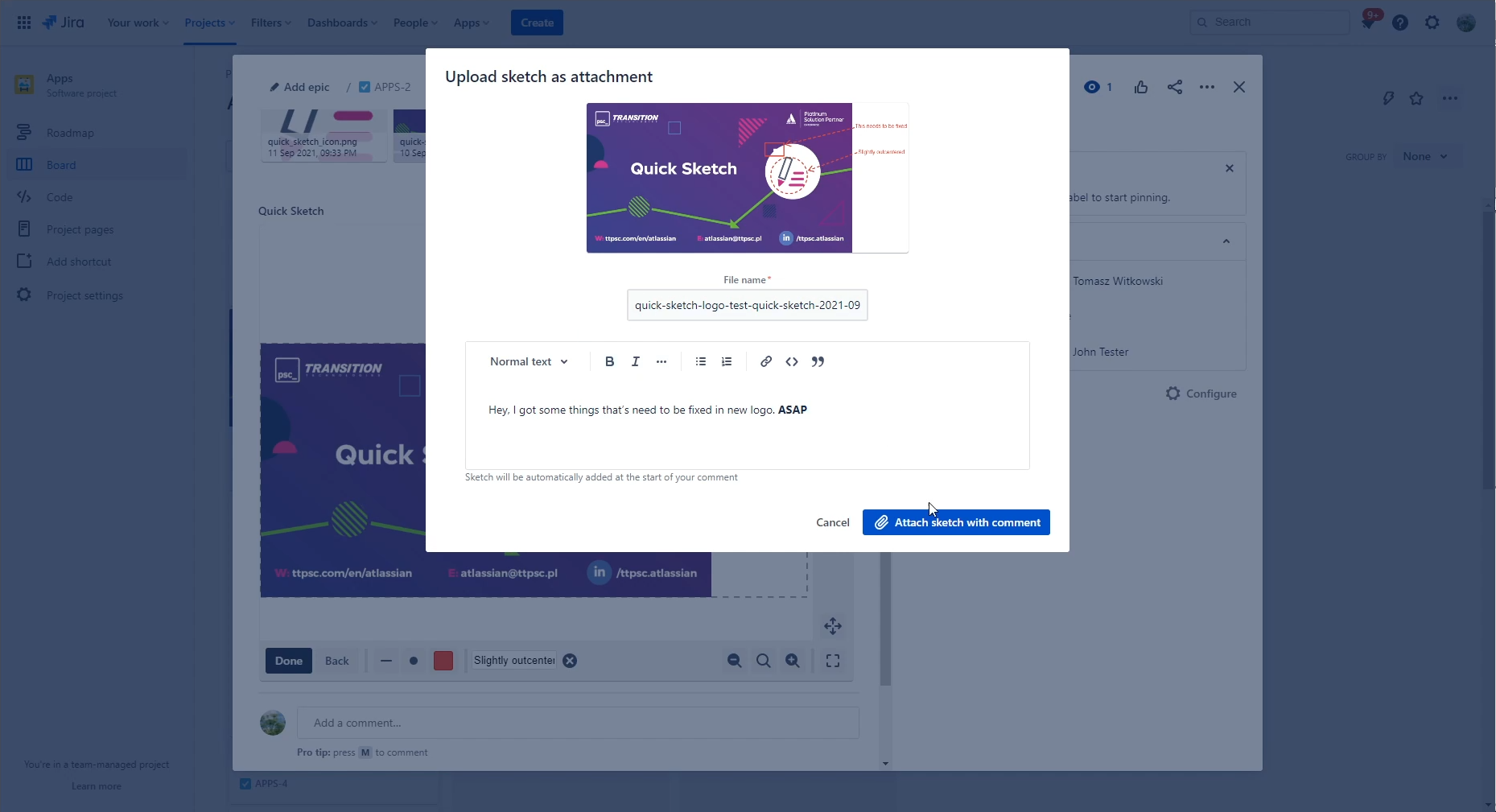
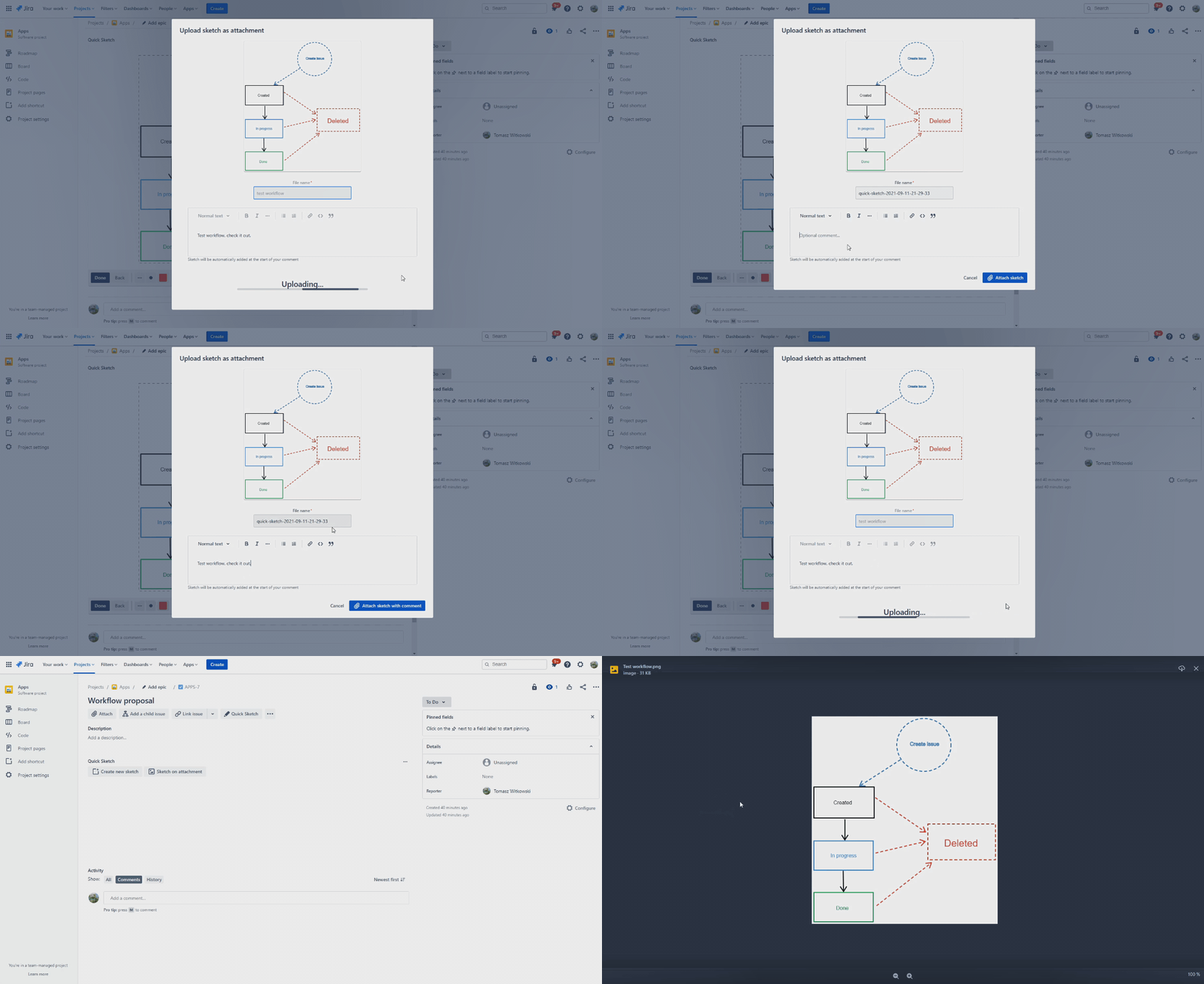
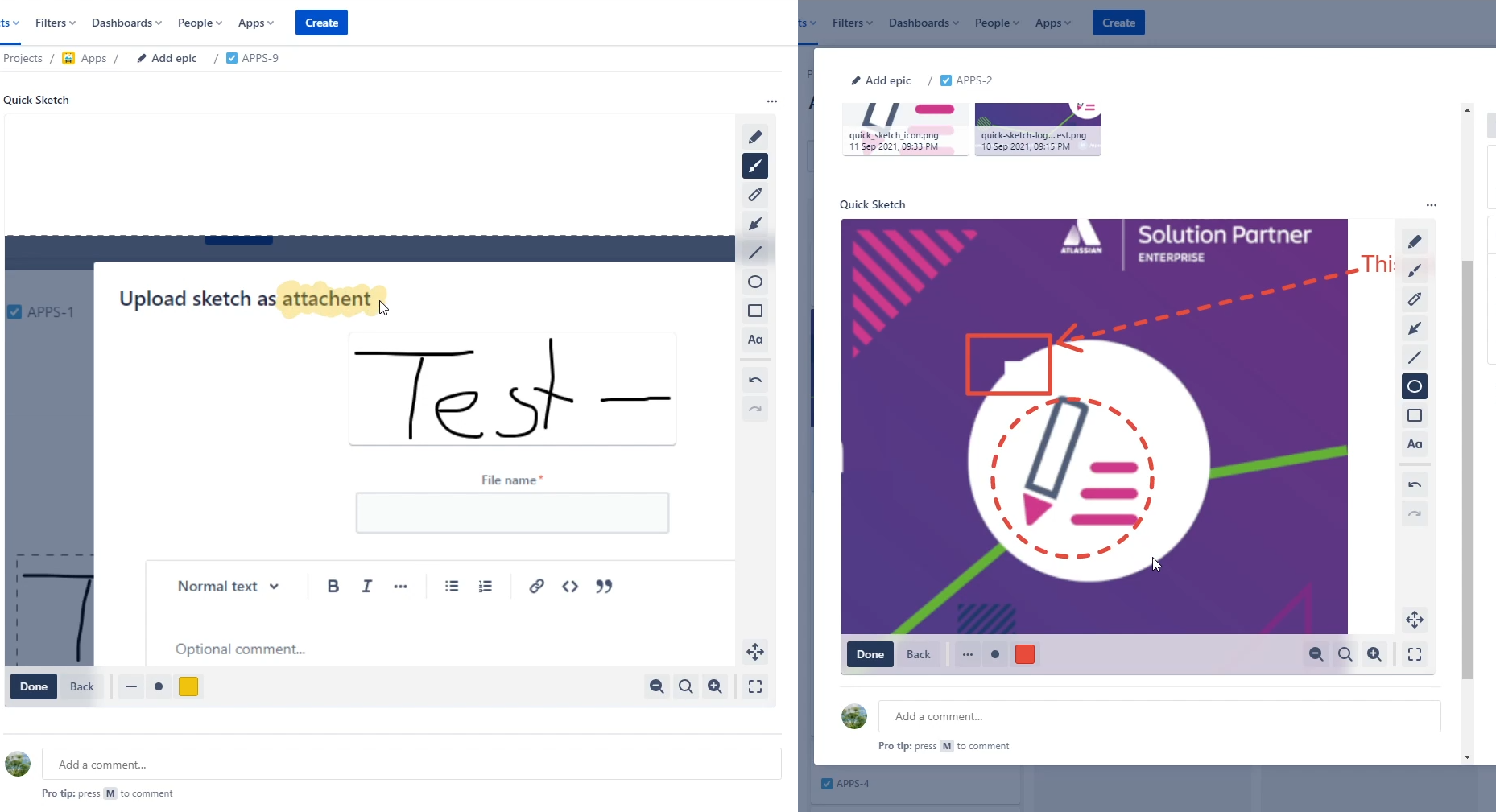
Save your sketches as attachments in issue with optional comment
-
 GIF
GIF
Save your sketches as attachments in issue with optional comment (animated)
-
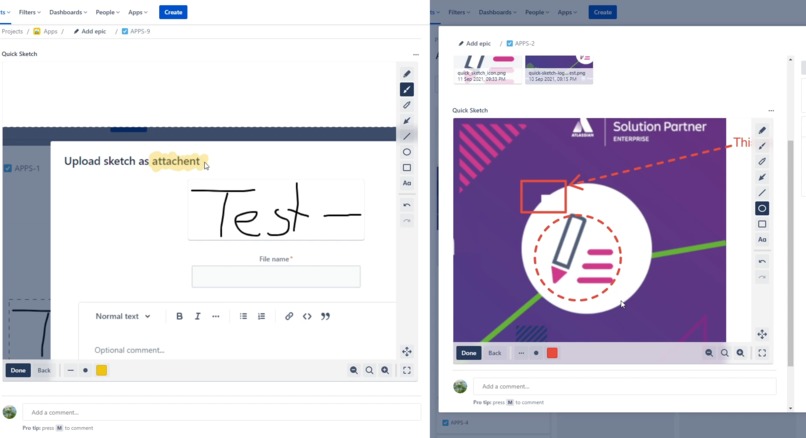
You can highligh or select important regions on screenshots
-
 GIF
GIF
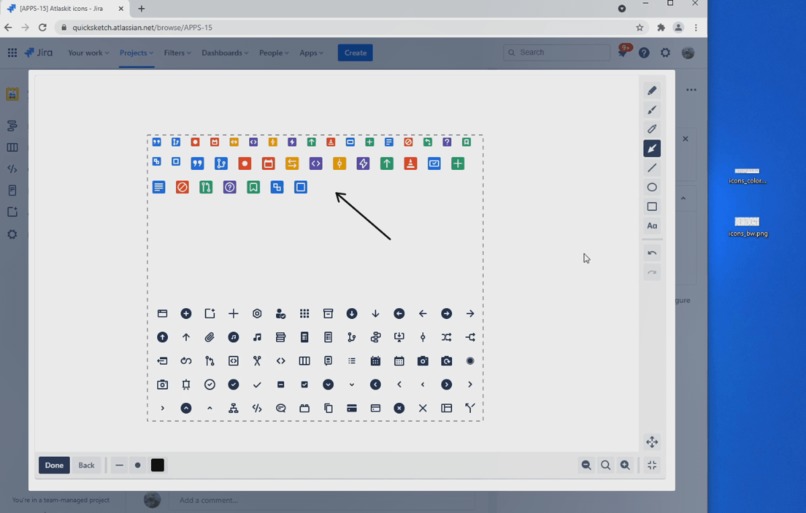
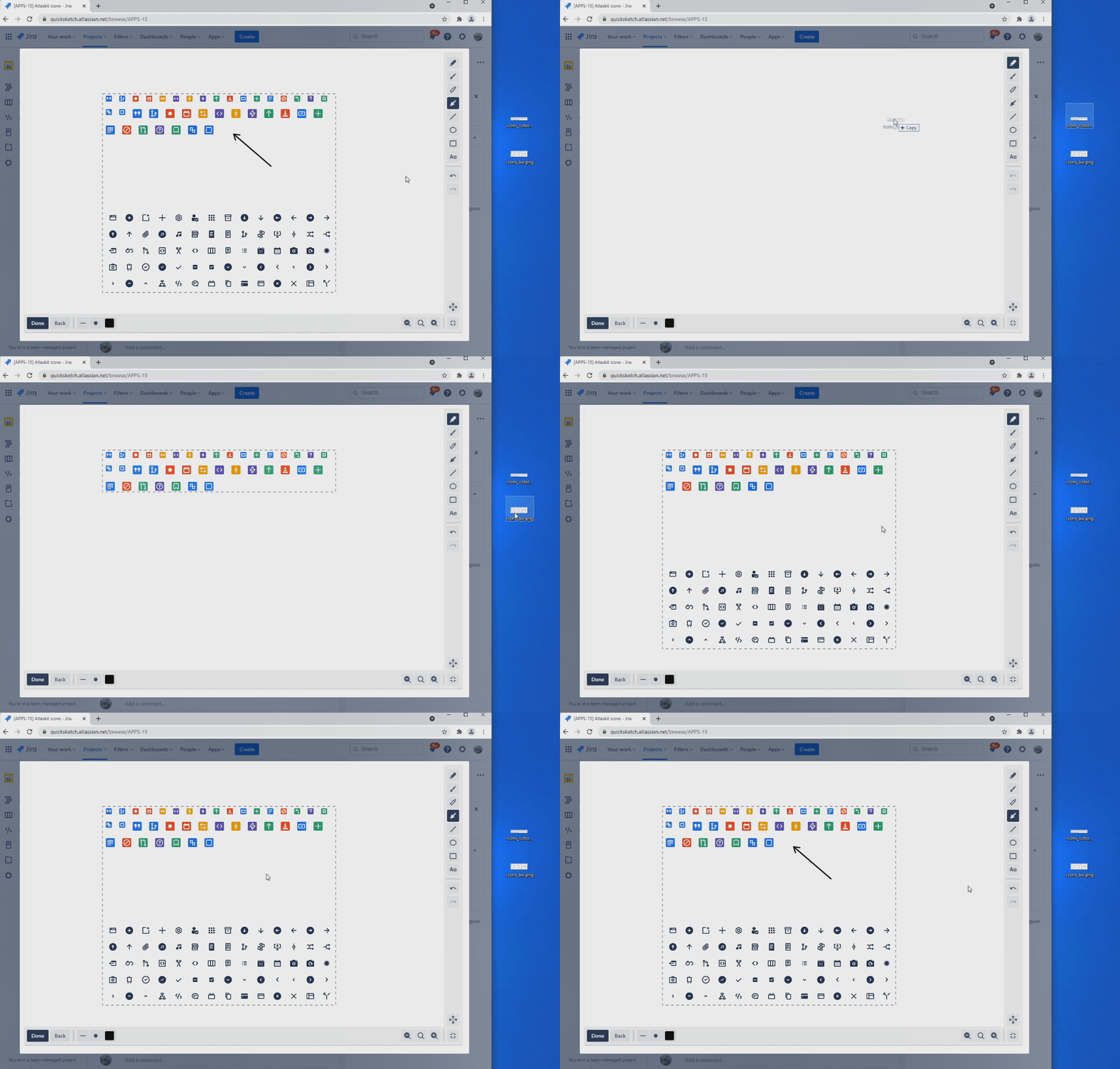
Drag and drop image files or paste images from clipboard
-
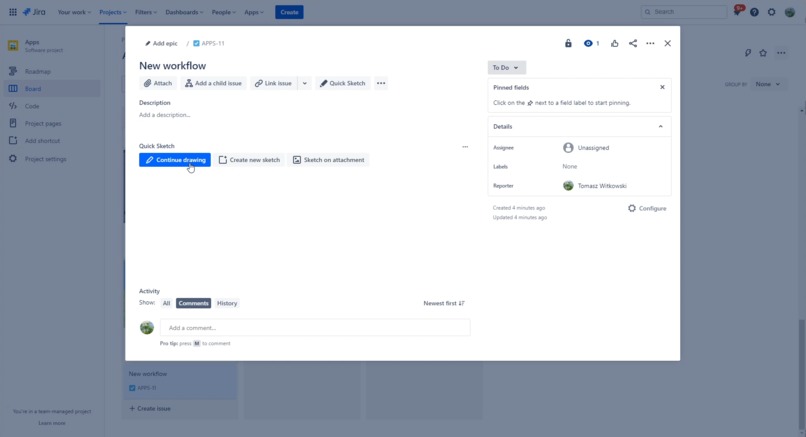
All your work is automatically saved so you can continue it later
-
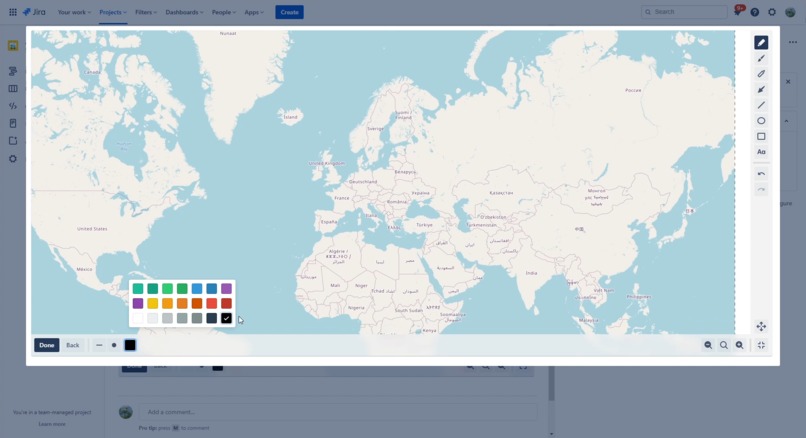
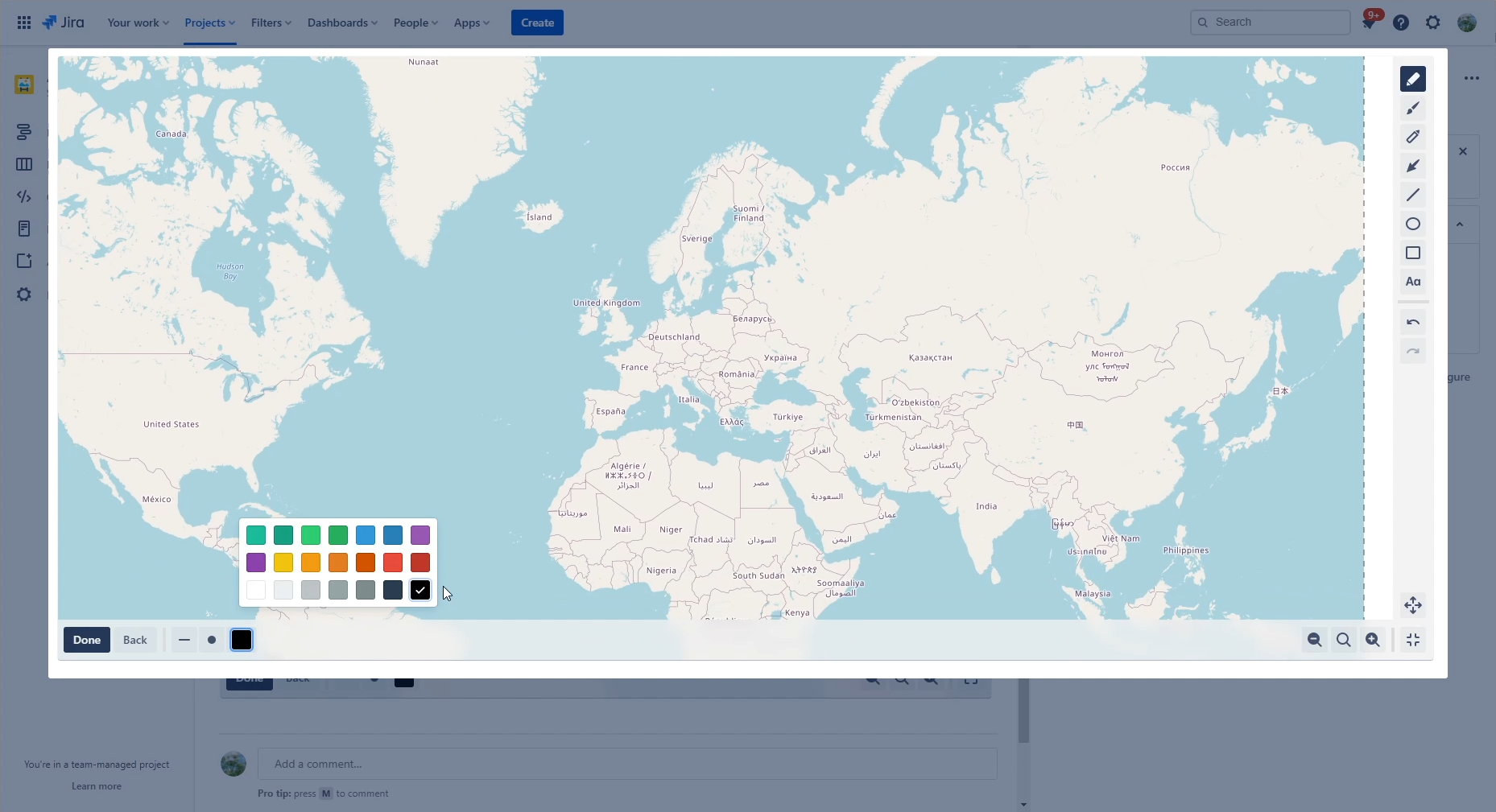
There is also bigscreen mode for bigger images
-
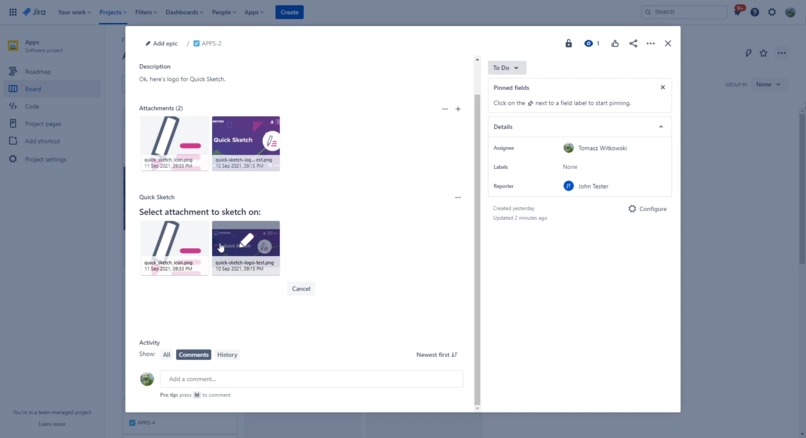
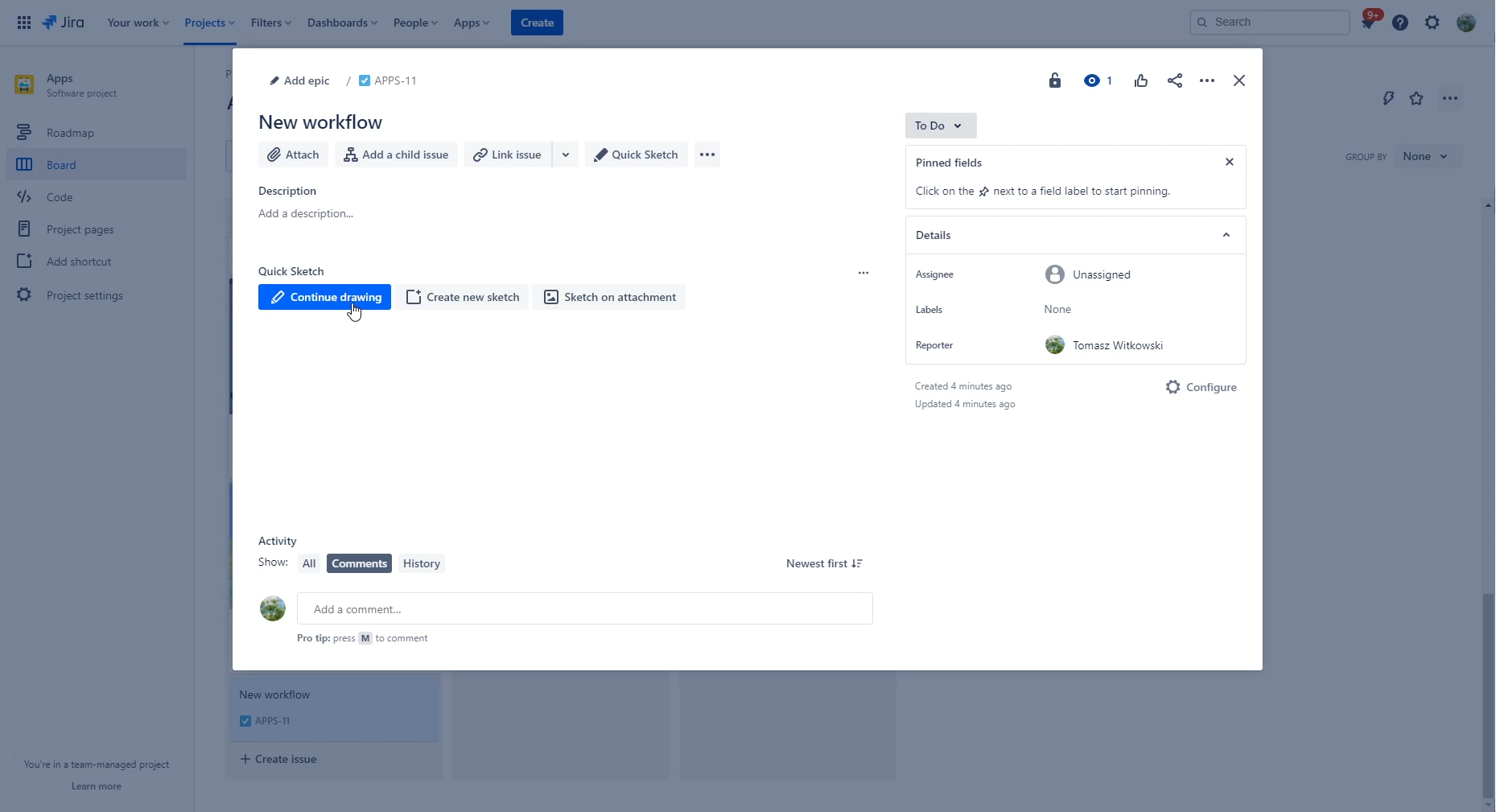
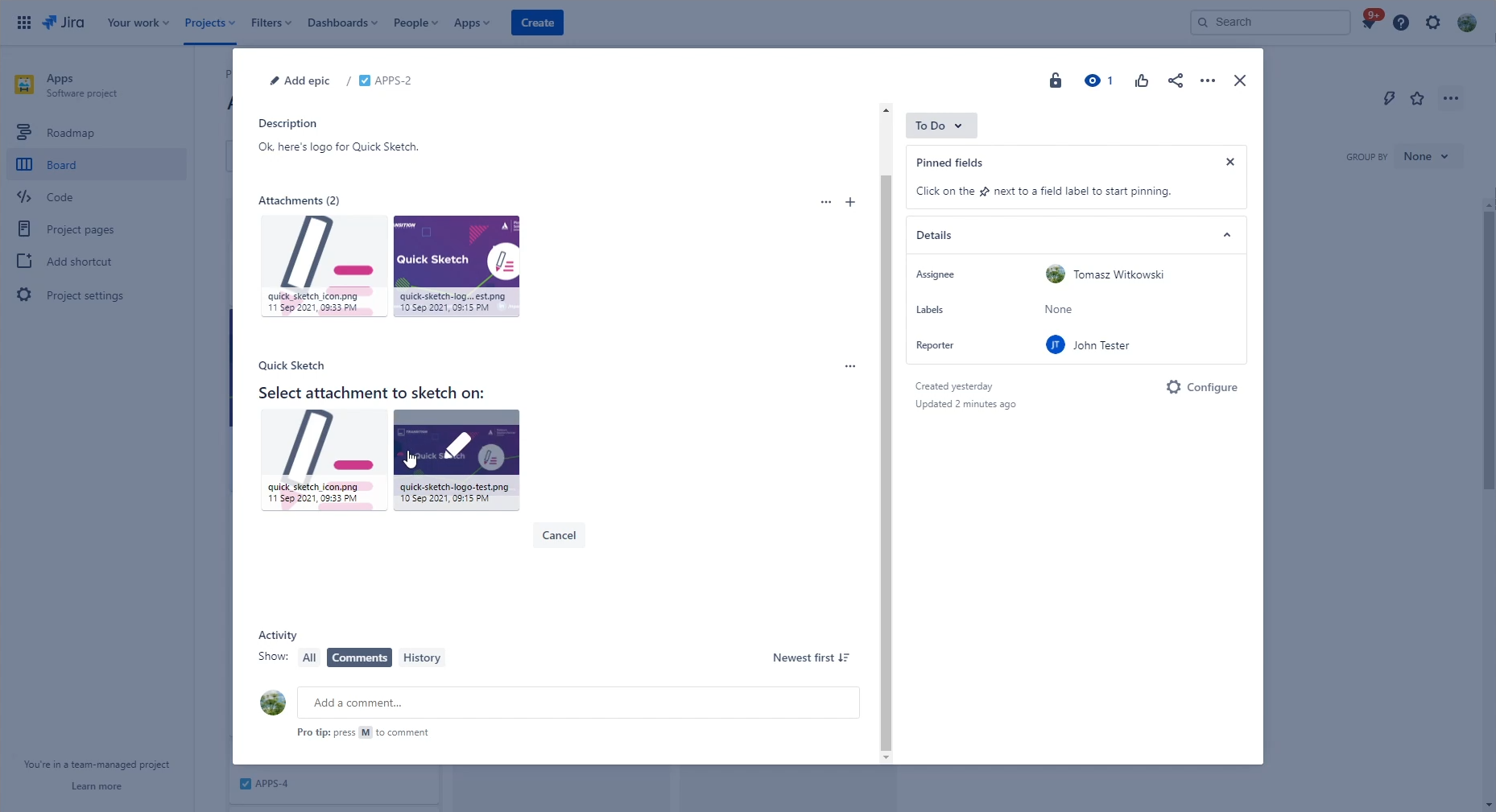
Select attachment to sketch on it
-
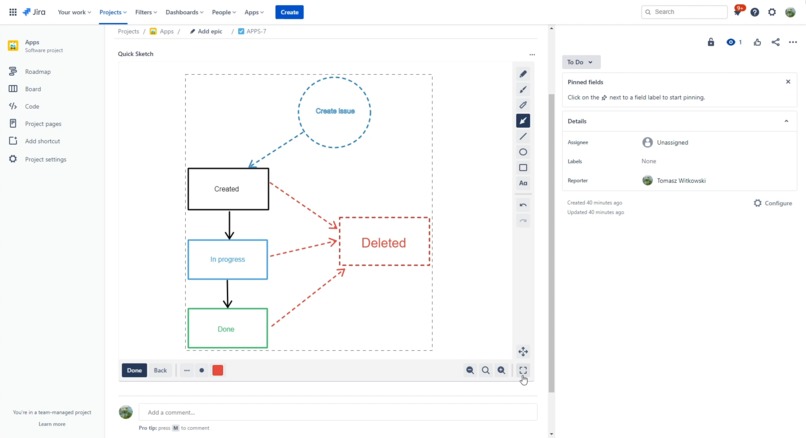
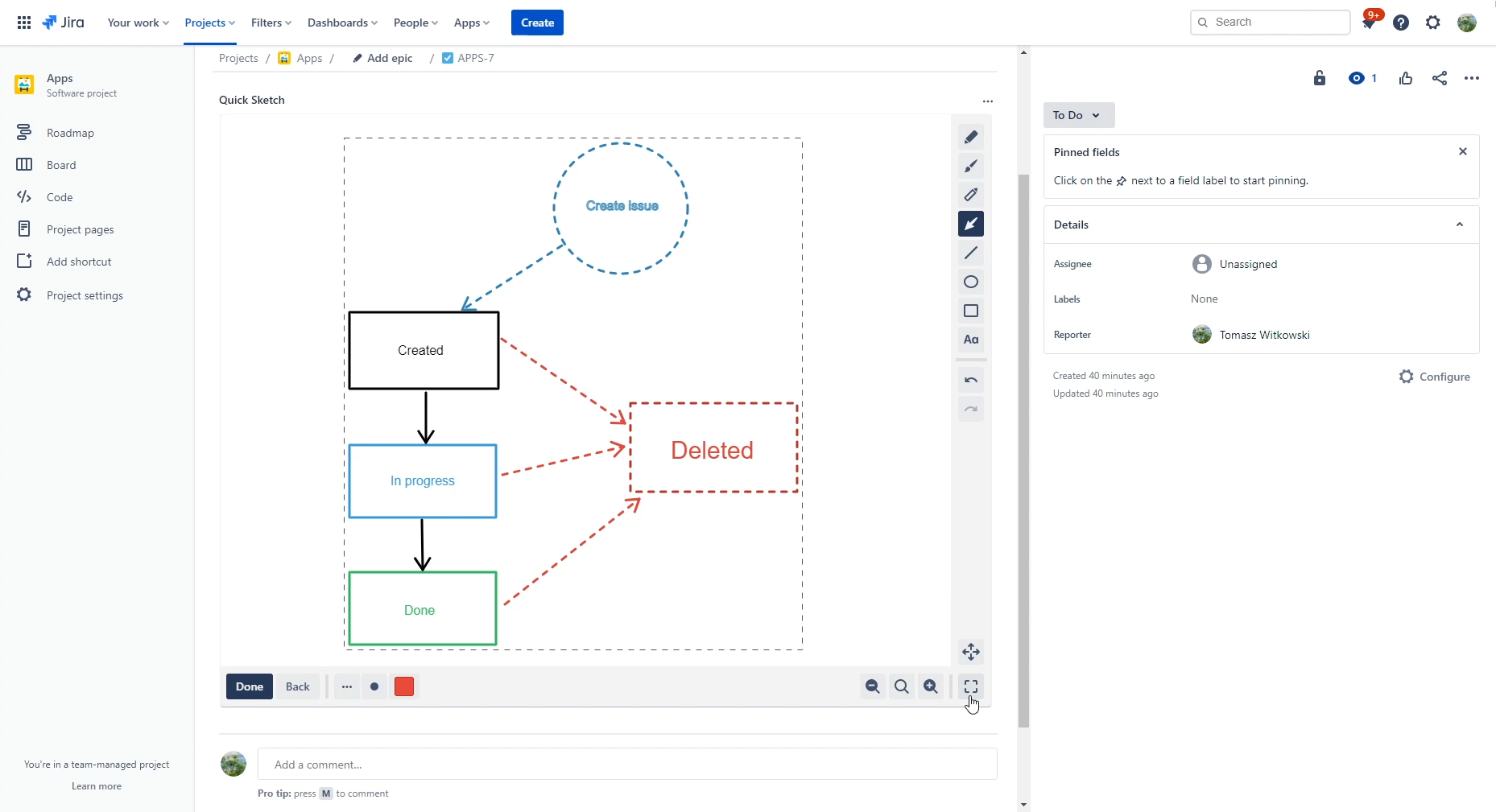
You can also draw diagrams
Inspiration
The main inspiration for Quick Sketch was a situation, where one of my collegues from QA team reported an issue with one of our app. There was also a screenshot attached to it with some more details marked on it - what and where exactly this problem occurred. I wanted to point out something on it... and here we are, after couple of weeks, with app for that. :D I also had some experience with developing simple drawing apps, so why not in Jira this time?
What it does
Quick Sketch allows you to create drawings and diagrams directly on Jira issue. You can also use existing attachment to draw on it, point or highlight something, or even drag/drop image from file or clipboard! After you done drawing you can then upload your sketch as attachment. There's also an option to add comment with your newly created sketch, for your convenience.
And besides standard drawing operations there are some additional tools that could be useful when working in business environment, like arrow for pointing at things on screenshots or highlighter for highlighting important parts.
How we built it
Quick Sketch was built using Forge and React. To help out with things I have also used Typescript. From my previous experience it works with Forge projects really well, so there was no point not to use it, as it really helps with development and with further app maintenance. The main panel of app uses Issue Panel module together with Custom UI. It heavily depends on HTML Canvas element, so Custom UI was only choice to technically do this. I have also implemented my own lightweight graphics editing library on top of the Canvas, so it would fit perfectly with Jira and with what I wanted to do in this project. I have managed to implement all core features that I wanted:
- uses vector graphics
- have dynamically resizable area that can be drawn on
- have infinite undo/redo
- serializes drawings to small objects
- can import images directly from clipboard and from file (using drag and drop)
- dynamically resizing bigger files so they can be uploaded
And also have some other smaller quality of life additions like:
- keyboard shortcuts (for quickly undoing things)
- fullscreen editing (more like a bigscreen, as it's in modal - for technical and practical reasons)
- support for standard mouse buttons (dragging with middle and eraser on right mouse button)
To simplify things a bit I've used only Atlaskit icons for UI elements and I think it looks fine with them!
Challenges we ran into and accomplishments that we're proud of
The main concern was if it technically feasible to do that in Jira and Forge environments. There was a three main steps in attachment editing workflow, and on each step there could be a technical blocker that could cancel whole project.
Displaying attachments thumbnails
So I started with proof of concept that would at least get all attachments and display it. Getting attachments was a piece of cake, as there is a dedicated API endoint for that. But first problems came after that - I needed to display them (obviously). The content link that API returned just didn't work with img HTML tag. So I dig deeper into how thumbnails works in standard Jira issue view and came up with image link that actually worked!
Downloading image attachments data
After that I had other, bigger concerns - if there would be a way to load binary data from attachment and display it on canvas? As I've worked with canvases before I was worried, that there could be security problems that could block me from displaying external data on it. Luckily, after adding some permissions to manifest file I've managed to finally get image data from Jira. There was some problems when converting it to dataUrl when I was using requestJira directly from frontend, so I ended up implementing that functionality on Forge backend and using bridge to execute it.
Uploading sketch
And I was almost done with potential blockers! The last one was at the end of drawing workflow - I just needed to upload image data as attachment. As in previous case I've ended up using bridge to call Jira API function, as there was some problems sending multipart/form-data data using requestJira on frontend (technically speaking - I couldn't find any way to get boundary name for FormData, and sending request without ContentType (and that boundary name) did not automatically set it).
Happy end
And finally! After all that trouble and research I was rewarded with a working proof-of-concept app! At least core workflow for getting and sending images was working fine. Whole attachment editing workflow was implemented using Forge only! Now it was only a case of adding editor with UI, some additional features and Quick Sketch was done!
What's next for Quick Sketch
After Codegeist I want to add some more tools, especially for drawing UML diagrams. And there's always room for other improvements. I could work more on UI/UX side, especially on text tool and entering text for it. There's also an idea to add option for creating/editing animated gifs, so you can eg. show in different animation steps how to reproduce given problem. But it's a bigger feature for future. :) But for now, after whole Codegeist will end, hopefully we will release Quick Sketch publicly on Atlassian Marketplace!
Try it out!
Here's an installation link, so you can install Quick Sketch on your Jira and test it by yourself! Install it now.


Log in or sign up for Devpost to join the conversation.