-
-
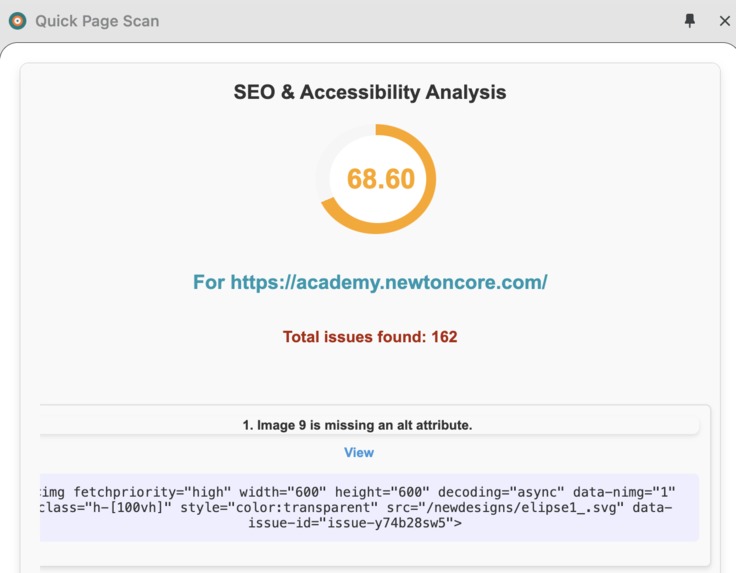
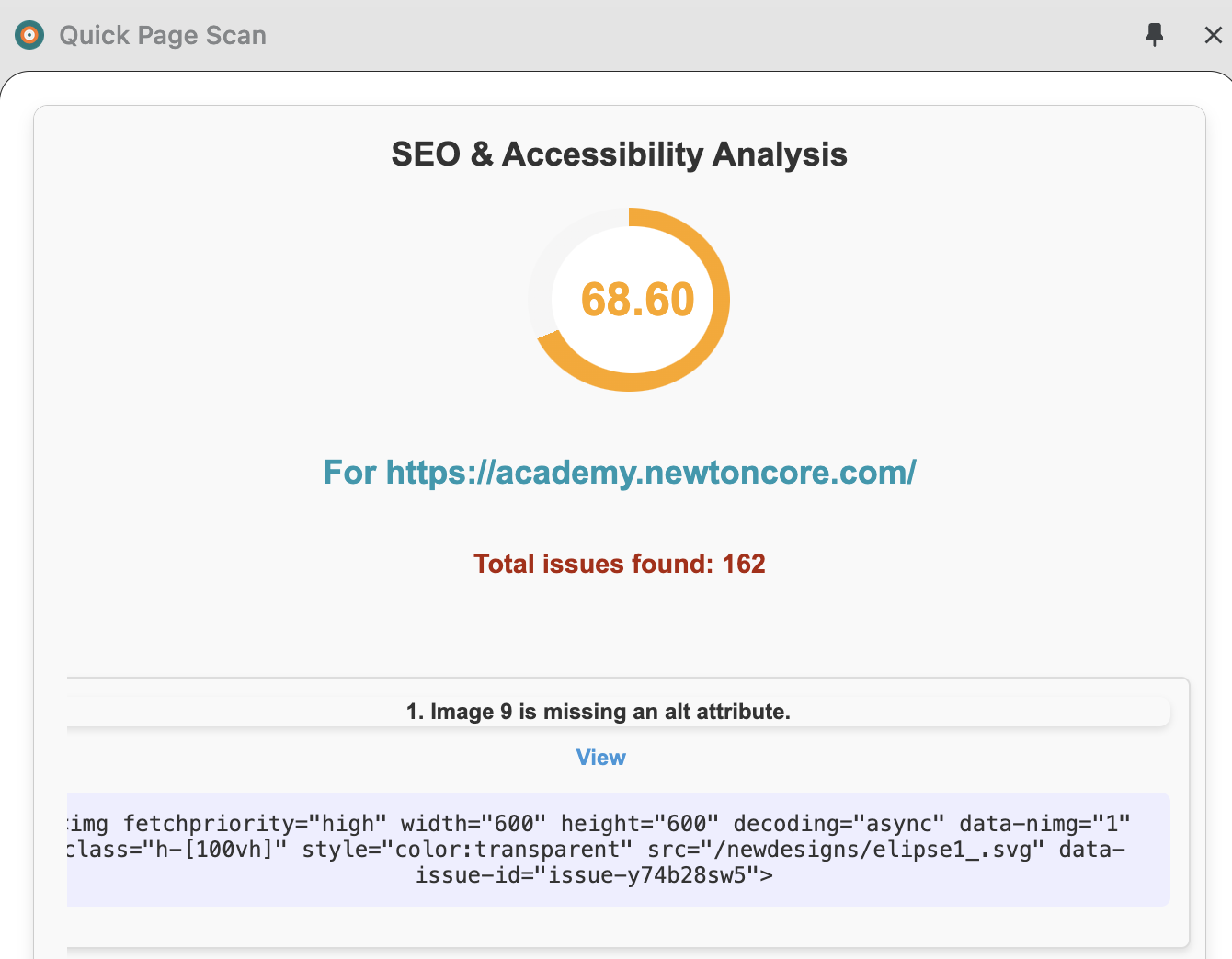
Quick Page Scan - report summary
-
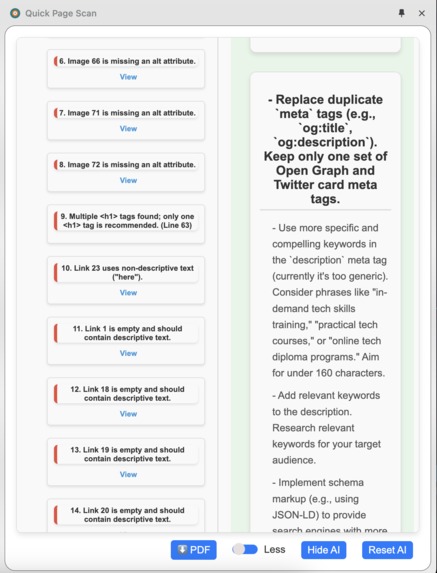
Quick Page Scan - static and AI analysis
-
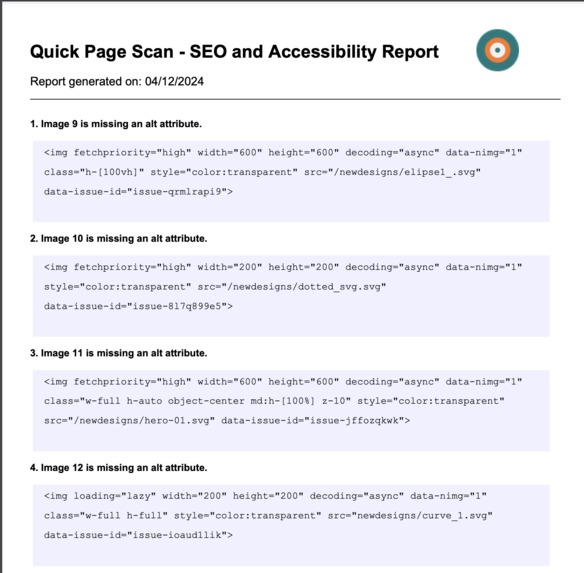
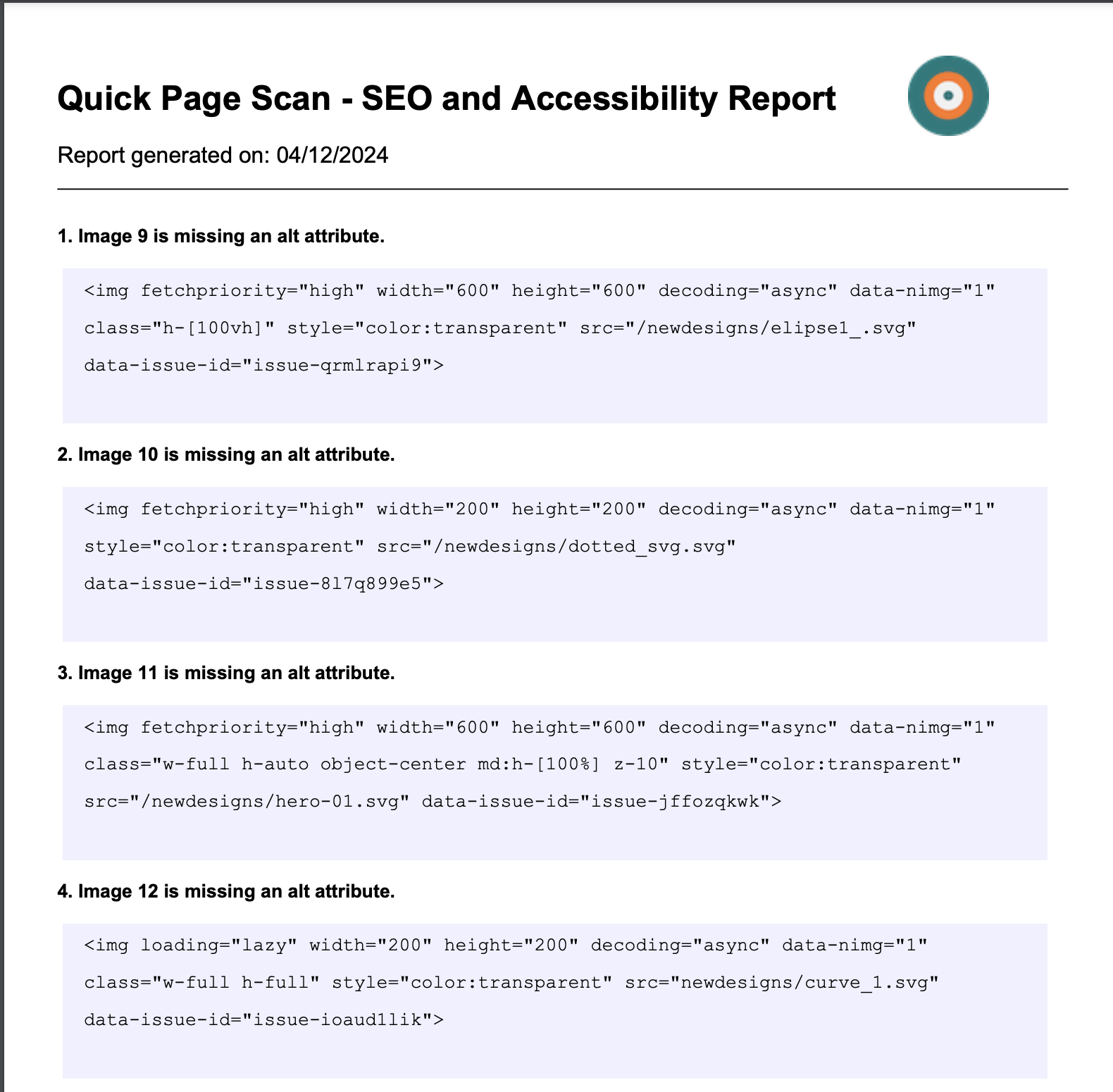
Analysis PDF report
Inspiration
Working on front-end web pages, I have always wanted to gain insight into SEO and accessibility issues and determine whether the work followed best practices before deploying it. Most times, I did not need a robust scan tool for the HTML pages but a simple quick scan that provided insight without distracting me from the work.
What it does
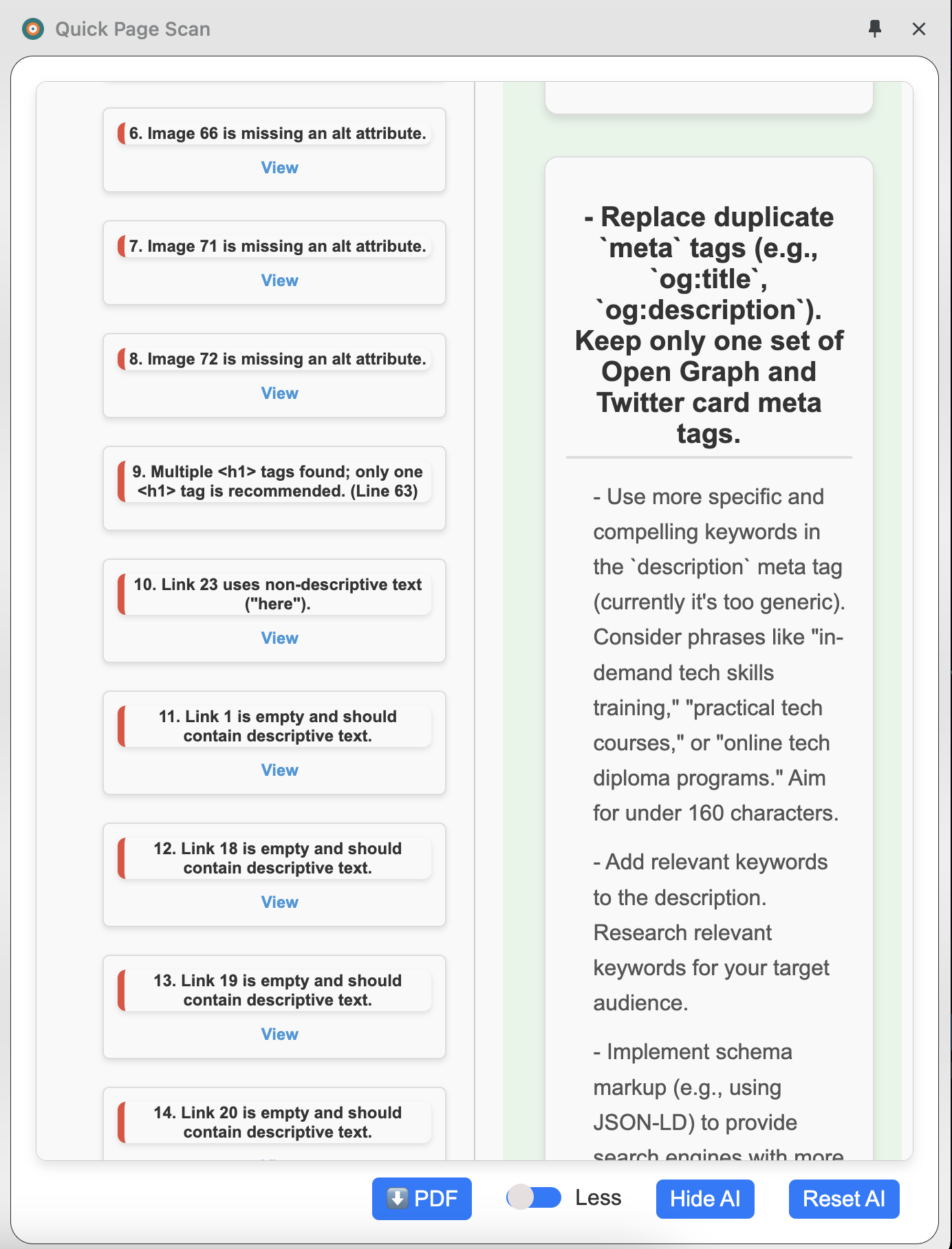
Quick Page Scan is a Google Chrome extension for web developers, or anyone who quickly wants to scan SEO and accessibility issues on a web page without having to open their dev tool. It has a feature for AI suggestions as well as a static analysis of a page from your browser tab. The report can be downloaded as a PDF file.
How we built it
Quick Page Scan was built using Javascript, HTML and CSS on a Google Chrome browser. There are two distinct features.
- A static analyzer: this is a collection of common SEO and accessibility issues.
- An AI suggestion feature: this uses the Google Gemini AI model to scan the provided HTML content from the page and return the insight.
Challenges we ran into
Not much, aside from that I started the project somewhat late.
Accomplishments that we're proud of
This is my first project and interaction with an AI API model. With the insights gained from the project, I can further build amazing AI-powered projects in the future.
What we learned
The project helped me to interact with the Google Chrome API.
What's next for Quick Page Scan
- Addition of robust SEO and accessibility issues and best practices.
- Improvement of the prompt used for the AI suggestions.
- Bug fixes.


Log in or sign up for Devpost to join the conversation.