Inspiration
We've all been there: trying to install software, change a system setting or staring at a cryptic error message. You ask an AI chatbot for help, and it gives you a list of 10 steps. You still have to do them yourself.
We wanted to change that.
We wanted an agent that doesn't just tell you what to do, but does it for you. Inspired by the idea of a true partner - someone who can take the wheel when you're stuck - we built Pixel Pilot. It was born from the desire to bridge the gap between "knowing" and "doing," making computing accessible to everyone, from power users wanting to automate workflows to elderly users struggling with complex interfaces.
What it does
Pixel Pilot is an autonomous Windows agent that turns natural language into real-time action. It's not just a chatbot; it's a hands-on assistant that lives on your desktop.
Sees and Acts: Leveraging Gemini 3.0, it "sees" your screen and interacts with UI elements (clicking, typing, navigating) just like a human would.
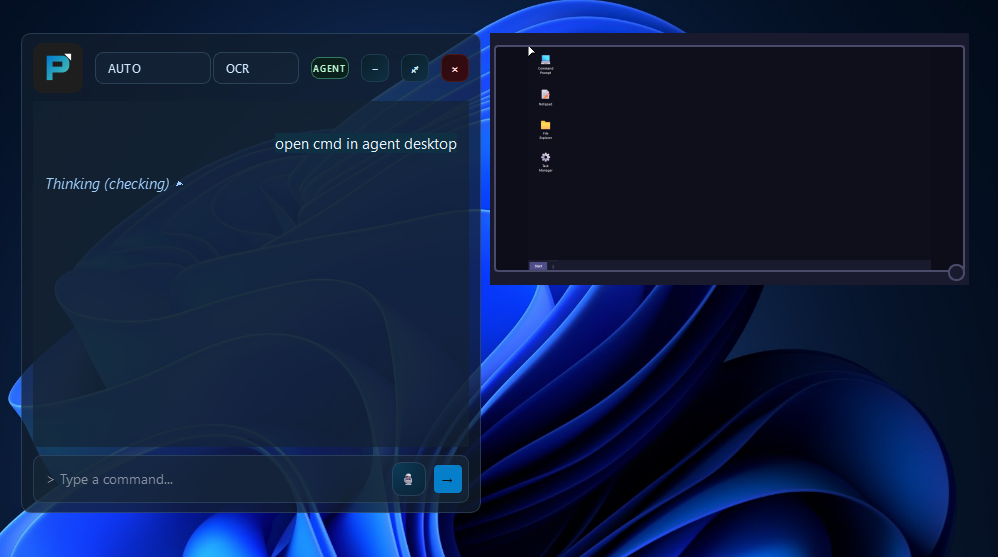
True Multitasking (Agent Desktop): Unlike typical automation scripts that hijack your mouse, Pixel Pilot creates a hidden, isolated "Agent Desktop". It performs tasks (like researching in a browser or installing apps) on this background desktop, leaving your main screen free for you to keep working uninterrupted.
Handles the Tough Stuff (UAC): Most agents fail when they hit an Admin (UAC) prompt. Pixel Pilot includes a novel UAC Orchestrator running as a system service, allowing it to securely negotiate permission prompts to install software or change system settings.
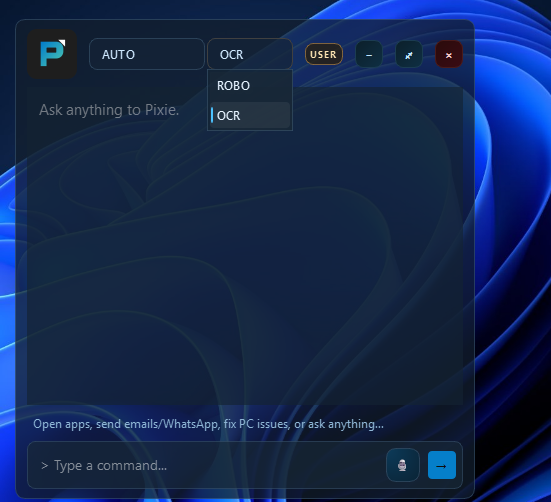
Smart & Adaptive: It uses a hybrid vision system - fast Gemini Robotics-ER for speed and local OCR for deep understanding - to navigate any application, whether it's a modern web app or legacy desktop software.
How we built it
We built Pixel Pilot using a modular architecture powered by Python and Google Gemini.
The Brain (AI): We used the
google-genaiSDK to interface with Gemini 3.0 Flash and Pro. We engineered a multi-modal prompt system that feeds the model annotated screenshots (with coordinate overlays) so it can precisely locate buttons and text fields.The Body (Backend):
Windows API: We used Python's
ctypeslibrary to access low-level Win32 APIs (User32.dll,Kernel32.dll). This was essential for creating the hidden Agent Desktop (CreateDesktop,SwitchDesktop) and capturing screenshots from it.UAC Orchestrator: To handle admin privileges, we built a background service that runs as
SYSTEM. It watches for trigger files and injects a "Solver Agent" into the secure WinLogon desktop when a UAC prompt appears.The Eyes (Vision):
Gemini Robotics-ER: Utilized for its speed in object detection, allowing the agent to quickly scan the screen for interactive elements.
Local OCR: We integrated
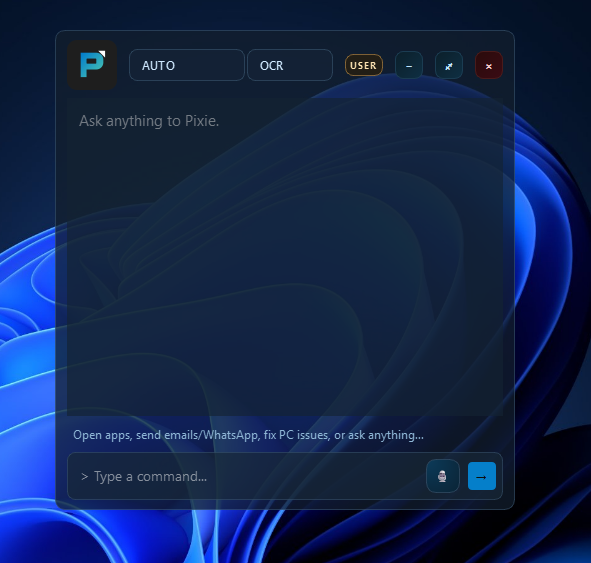
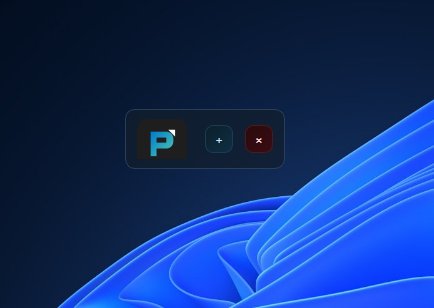
EasyOCRandOpenCVfor deep semantic understanding, ensuring the agent can read and interpret complex text and data controls accurately.The Face (Frontend): We built a native desktop overlay using PySide6 (Qt). It provides a non-intrusive chat interface that floats over your apps and includes a "Sidecar" widget to peephole into what the agent is doing on the hidden desktop.
Challenges we ran into
The "OpenClaw" Moment: Halfway through development, OpenClaw was released and went viral. It was a massive mental hurdle - spending nights building something only to see a similar concept explode in popularity is tough. But we realized that we had a fundamental advantage: Vision. Unlike OpenClaw, Pixel Pilot actually "sees" the screen. This allows us to interact with UI elements intuitively based on visual context, rather than just relying on underlying APIs or text representations. That realization pushed us to double down on our unique features.
The Fortress of UAC: Windows User Account Control is designed to stop exactly what we were trying to do. Bridging the gap between a user-level app and the secure WinLogon desktop required reverse-engineering how Windows handles session switching and creating a secure service processing pipeline.
The "Invisible" Desktop: Creating the Agent Desktop was one thing; making it usable was another. We struggled significantly with
ctypesto correctly route input and capture screens from a desktop that doesn't exist on the physical monitor.Gemini 3.0 Latency: In the final days, we noticed variable latency with the cutting-edge Gemini 3.0 models.
Single-Instance Reality Check: We discovered that many popular Windows apps are hard-coded to run as a single instance. When Pixel Pilot tried to open these apps on the Agent Desktop while they were already running on the user’s desktop, Windows would silently reuse the existing instance, sometimes pulling it into view or collapsing our desktop isolation entirely. This exposed a fundamental limitation of the Windows app model that no amount of automation can fully bypass.
Accomplishments that we're proud of
The First "Agent Desktop": We successfully created a usable, hidden Windows desktop where an AI agent can browse the web and run apps without stealing focus from the user.
System-Service UAC: We built a secure pipeline to handle Administrator prompts, something that usually stops automation dead in its tracks.
It Actually Works: Seeing Pixel Pilot autonomously research a topic on the hidden desktop while we continued coding on the main screen was a magical moment.
What we learned
Windows Internals are Deep: We learned more about
ctypes,User32.dll, and Windows Station/Desktop management than we ever expected. Managing input routing between desktops is an art form.Latency is User Experience: In conversational agents, even a small delay feels like an eternity. Optimizing the vision pipeline (Local vs. Cloud) was crucial for making the agent feel "alive."
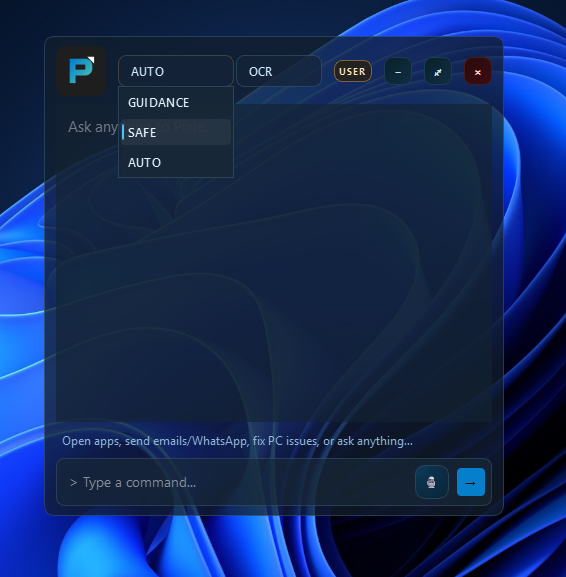
Safety First: Giving an AI control over a mouse and keyboard requires rigorous safety checks. We learned the importance of "human-in-the-loop" design with our Safe Mode.
What's next for Pixel Pilot
Going Cross-Platform: We want to break free from Windows. By leveraging our vision-first approach, we plan to bring Pixel Pilot to Linux and macOS, creating a truly universal desktop agent.
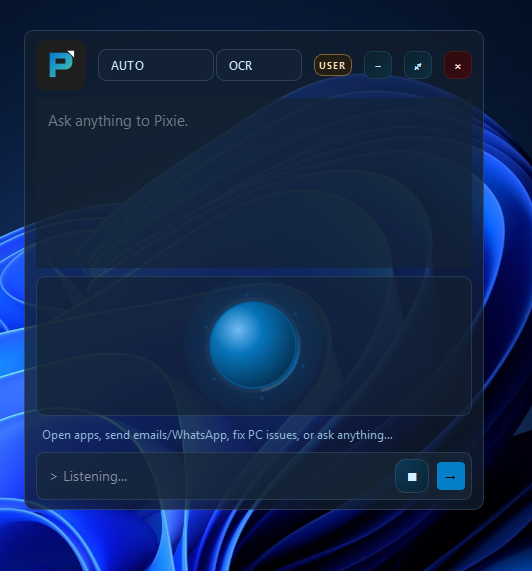
Conversational Hands-Free Operation: We want to evolve Pixel Pilot into a fully vocal entity. While we currently use
voice_visualizer.pyfor input, the next phase is enabling a dynamic, two-way conversation. This involves the agent actively communicating back to the user-asking for clarification, providing real-time status updates, and confirming decisions verbally - all while simultaneously performing tasks on the desktop.


Log in or sign up for Devpost to join the conversation.