Inspiration
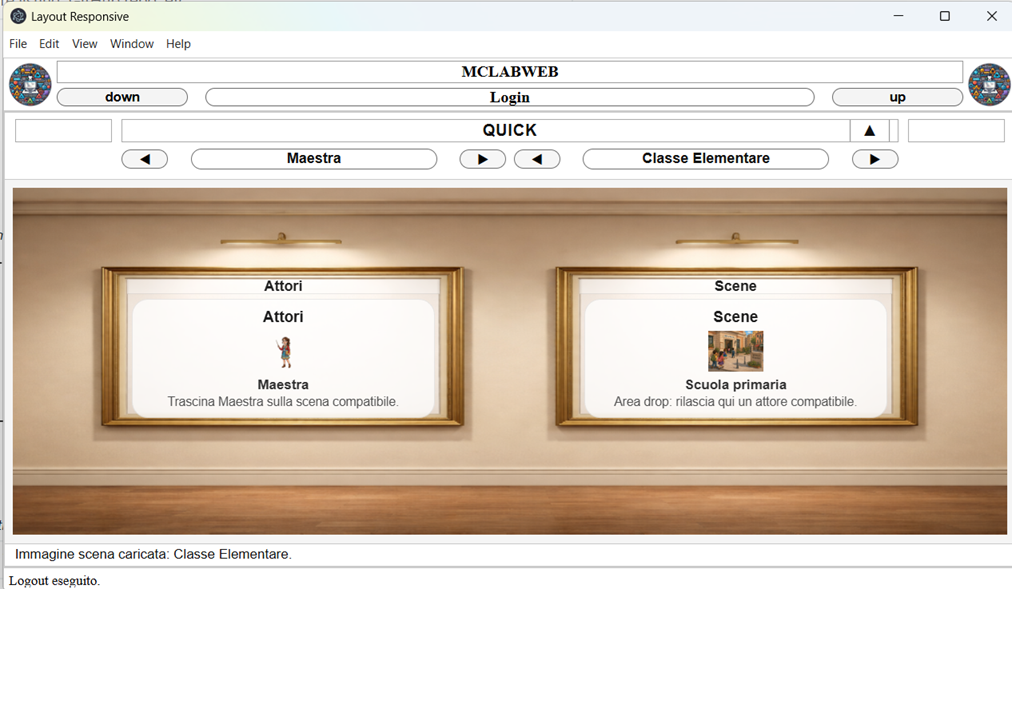
QUICK Primaria was inspired by the need to give primary-school teachers a more intuitive and engaging way to create and deliver digital lessons. Instead of navigating a traditional list of pages, teachers and students interact with visual actors, classrooms, laboratories, and learning scenarios.
What it does
QUICK Primaria is a modular educational platform for creating, organizing, and delivering interactive learning experiences.
Teachers can:
Enter virtual classrooms and laboratories. Run structured lessons. Create and edit learning units. Explore syllable-based activities. Use PDF presentations, audio, multimedia, timed commands, and interactive content. Generate speech through browser-based or local Piper text-to-speech. Build reusable JSON lesson definitions without modifying the application code.
Each user sees only the actors, scenarios, editors, and resources authorized by their permissions.
How we built it
We developed QUICK Primaria using a separated server architecture:
QuickAppServer1 manages authentication, sessions, and server-side authorization. QuickAppServer3 manages the visual gallery and actor-to-scenario navigation. QuickAppServer4 provides classrooms, lesson applications, editors, and laboratories. QuickStart acts as the user-facing shell and controls content injection.
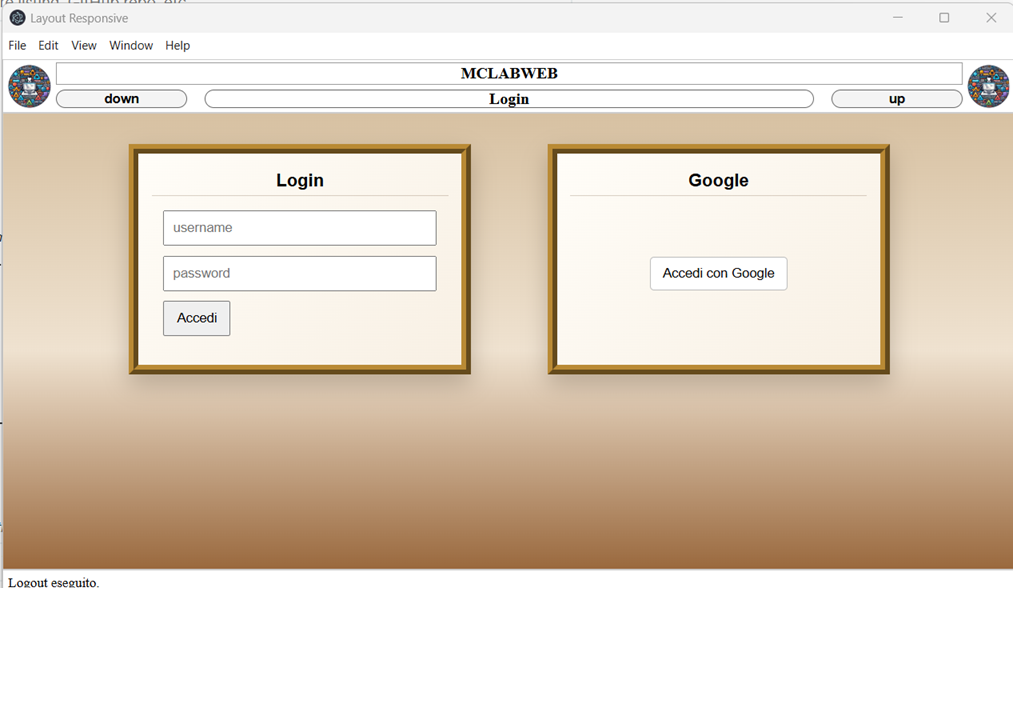
The platform supports both local credentials and Google authentication. Protected resources are delivered through temporary, proxy-controlled downloads, while local services such as Piper allow speech generation to remain on the user’s computer.
Codex supported the development process by inspecting the existing codebase, evaluating possible side effects, implementing incremental changes, generating tests, and documenting technical decisions. Architectural control and final decisions always remained with the human developer.
Challenges we ran into
The main challenges included:
Separating responsibilities across multiple servers. Keeping the visual navigation system consistent with user permissions. Supporting parallel local and Google authentication flows. Protecting private resources without exposing repository credentials. Integrating local and browser-based text-to-speech. Designing reusable lessons that teachers can edit without changing application code. Maintaining compatibility across desktop, browser, and mobile environments. Accomplishments that we're proud of
We created a working prototype that combines visual navigation, secure authorization, lesson delivery, content editing, multimedia resources, and local text-to-speech in one modular platform.
We are especially proud of the JSON-based lesson editor, the actor-and-scenario interface, the separation of server responsibilities, and the ability to deliver protected teaching materials through controlled temporary downloads.
What we learned
We learned that educational software must balance technical flexibility with simplicity for teachers. Modular architecture makes the platform easier to extend, but clear authorization rules and well-defined server responsibilities are essential.
We also learned that local services can improve privacy and reduce dependence on external providers, while reusable structured content allows new lessons to be introduced without rewriting the application.
What’s next for QUICK Primaria
The next development steps include:
Broader validation on mobile devices. Accessibility improvements. Additional classroom and laboratory applications. More teaching materials and interactive activities. Expanded automated testing. Continued security hardening. Further usability testing with primary-school teachers.


Log in or sign up for Devpost to join the conversation.