-
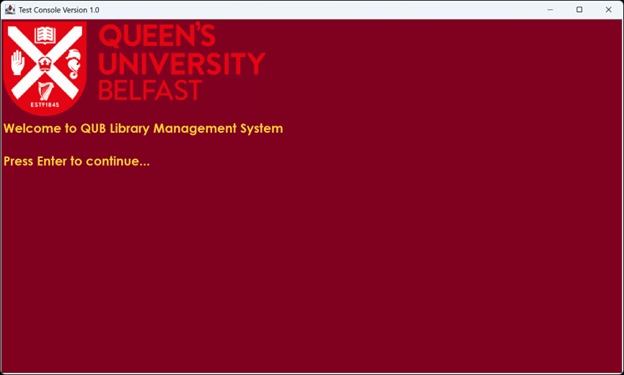
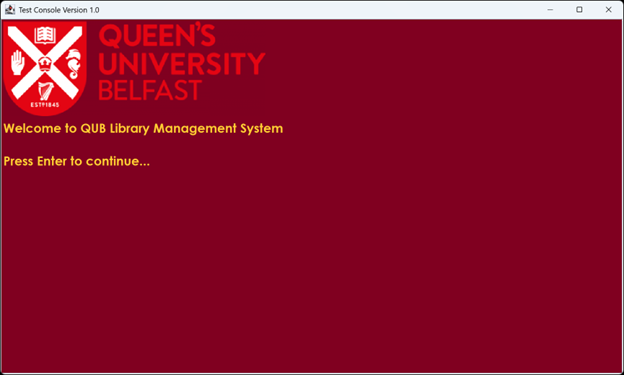
Displays the project title, university branding, and a clean menu interface.
-
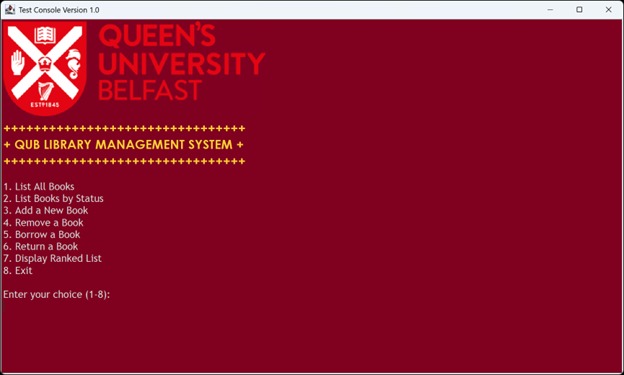
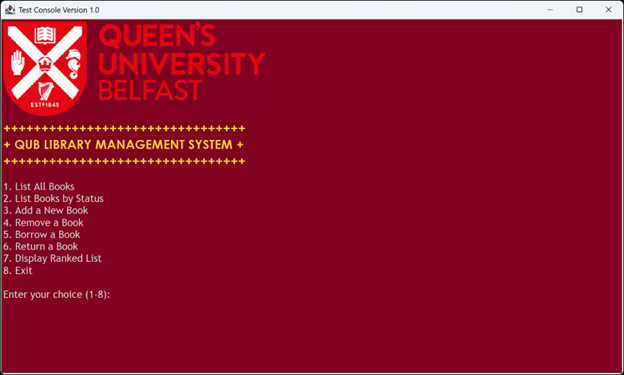
The main interface allows users to choose between book listing, management, borrowing, returning, and ranking features.
-
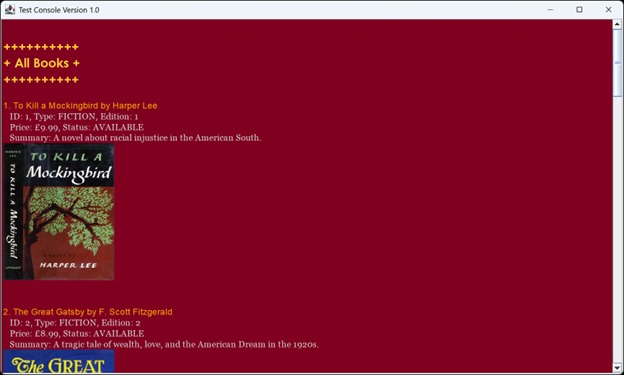
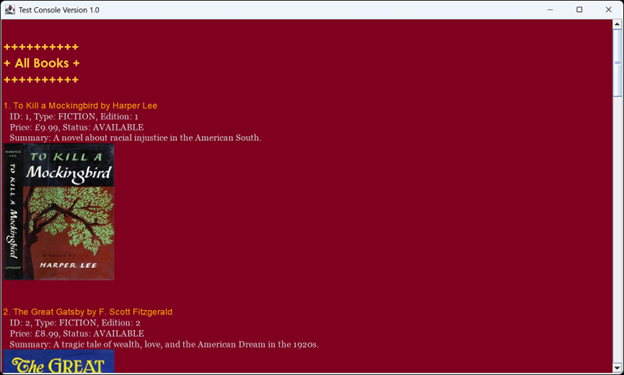
Lists all books currently in the library system, including their titles, authors, availability status, and internal IDs for reference.
-
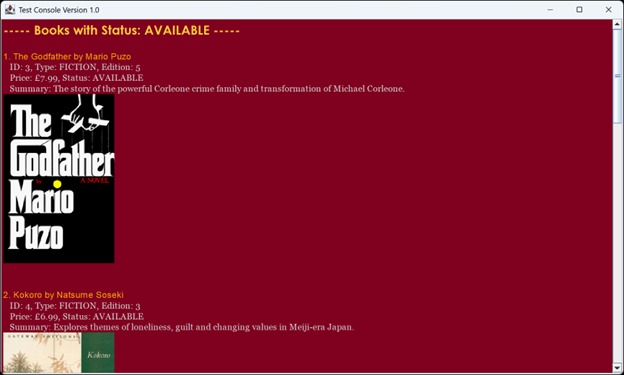
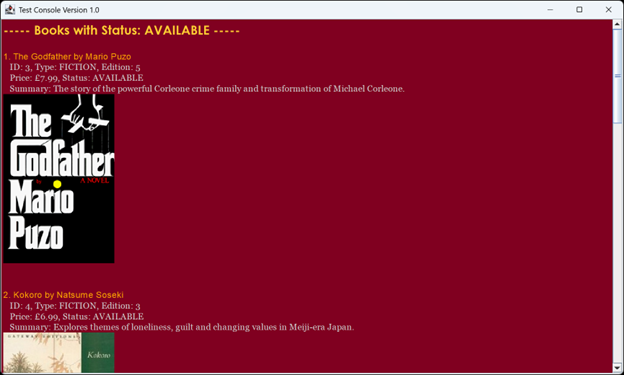
Filters and displays only those books that are currently available, making it easy for users to find borrowable titles.
📚 QUB Library Management System
A Java console-based library management system for Queen's University Belfast.
📚 Project Overview
This project is a Java application designed to manage library books, enabling users to:
✅ View available books
✅ Borrow and return books
✅ Add and remove books
✅ List books by status
✅ Rank books based on popularity
The project consists of two parts:
- Part 1: Core functionality with a standard text-based console menu.
- Part 2: A more interactive console version using
CSC1029Console.jar.
🏢 Project Structure
Assessment2/
│── bin/            # Contains compiled .class files and JAR file
│   ├── csc1029_a2.jar  # JAR file for the project
│── part01/         # Core functionality
│── part02/         # Enhanced console-based version
│── Images/         # Book cover images (max 10)
│── README.md       # This file
🚀 Getting Started
🔧 Prerequisites
- Java 17 or higher
- Eclipse IDE (recommended)
csc1029_a2.jaradded to the build path (for Part 2)- The compiled
.jarfile is located in thebin/directory.
👅 Installation
- Clone the repository:
bash git clone https://github.com/yourusername/Assessment2.git cd Assessment2 - Open the project in Eclipse.
- For Part 2, add
csc1029_a2.jarto the build path:
- Right-click project → Build Path → Configure Build Path → Add External JARs → Select
csc1029_a2.jar
- Right-click project → Build Path → Configure Build Path → Add External JARs → Select
- Run the application by executing
QUBLibrary.java(Part 1) orQUBLibraryUpdated.java(Part 2).
⚠️ Notes
- Ensure you have Java installed (
java -versionto check). - If you encounter any issues, try rebuilding the project or running from the
src/folder.
📌 Features & Functionality
🎯 Core Features (Part 1)
- List all books in the library
- Filter books by availability (Available, On Loan, Withdrawn)
- Add a new book (validating input constraints)
- Remove a book (if not on loan)
- Borrow and return books
- Display the most popular books
🎨 Enhanced Features (Part 2)
- Uses
Consoleclass for improved UI - Colorful and structured output
- Displays book cover images
🛠 Implementation Details
📂 Key Classes
Book→ Represents a book with attributes like title, author, ISBN, edition, and price.LibraryBook→ ExtendsBook, adding borrowing functionality and tracking status.Library→ Manages a collection of books, handling borrow/return operations.Lendable→ Interface for lending functionality.QUBLibrary→ Console-based interface for interacting with the system.QUBLibraryUpdated→ Enhanced version usingConsole.
🏠 Design Constraints
- Uses an ArrayList for book storage
- Implements sorting & searching algorithms manually
- No external databases or file storage
🐝 License
This project was developed as part of the CSC1029 module at Queen’s University Belfast.
🤝 Contributors
- Noel Varghese Koshy (GitHub Profile)

Log in or sign up for Devpost to join the conversation.