Inspiration
During a week-long internship at Sixty, an e-learning company, we (Joel and Aaron) developed session-launching software using the Google Forms API and identified key limitations in existing quiz platforms. Most offer rigid templates with limited customization, restricting question variety and interactivity. Our solution allows users to create fully customizable templates for tailored assessments. We also found current quiz session launch processes inefficient, often lacking flexible settings like deadlines and hints without altering the core template. Additionally, Aaron noted a shift in schools toward iPads and Google Form quizzes, which he found unengaging and simplistic. So we started from scratch and built a project we'd long envisioned to be our perfect quiz creation platform, enabling users to 'ask, unasked questions'.
What it does
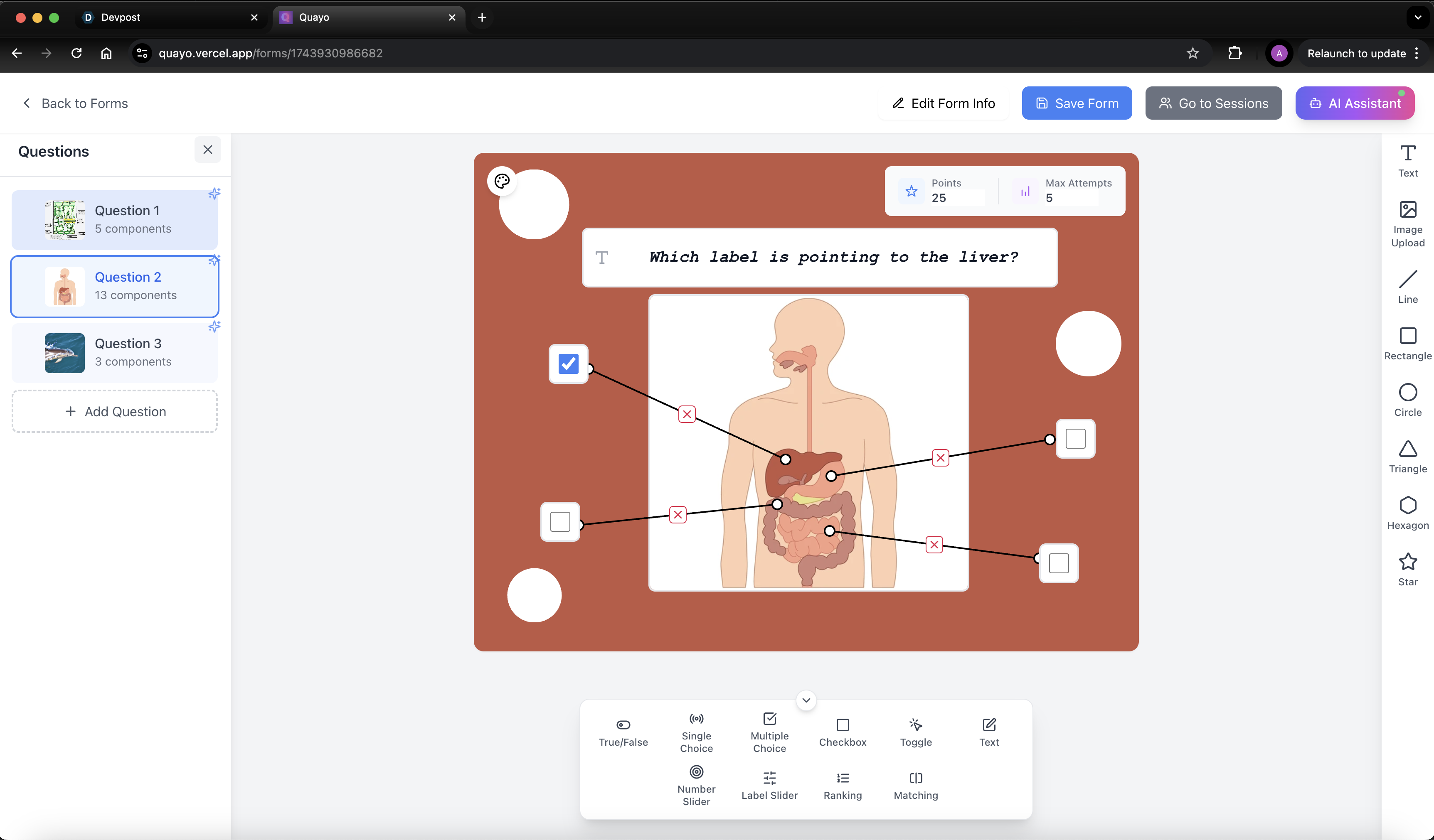
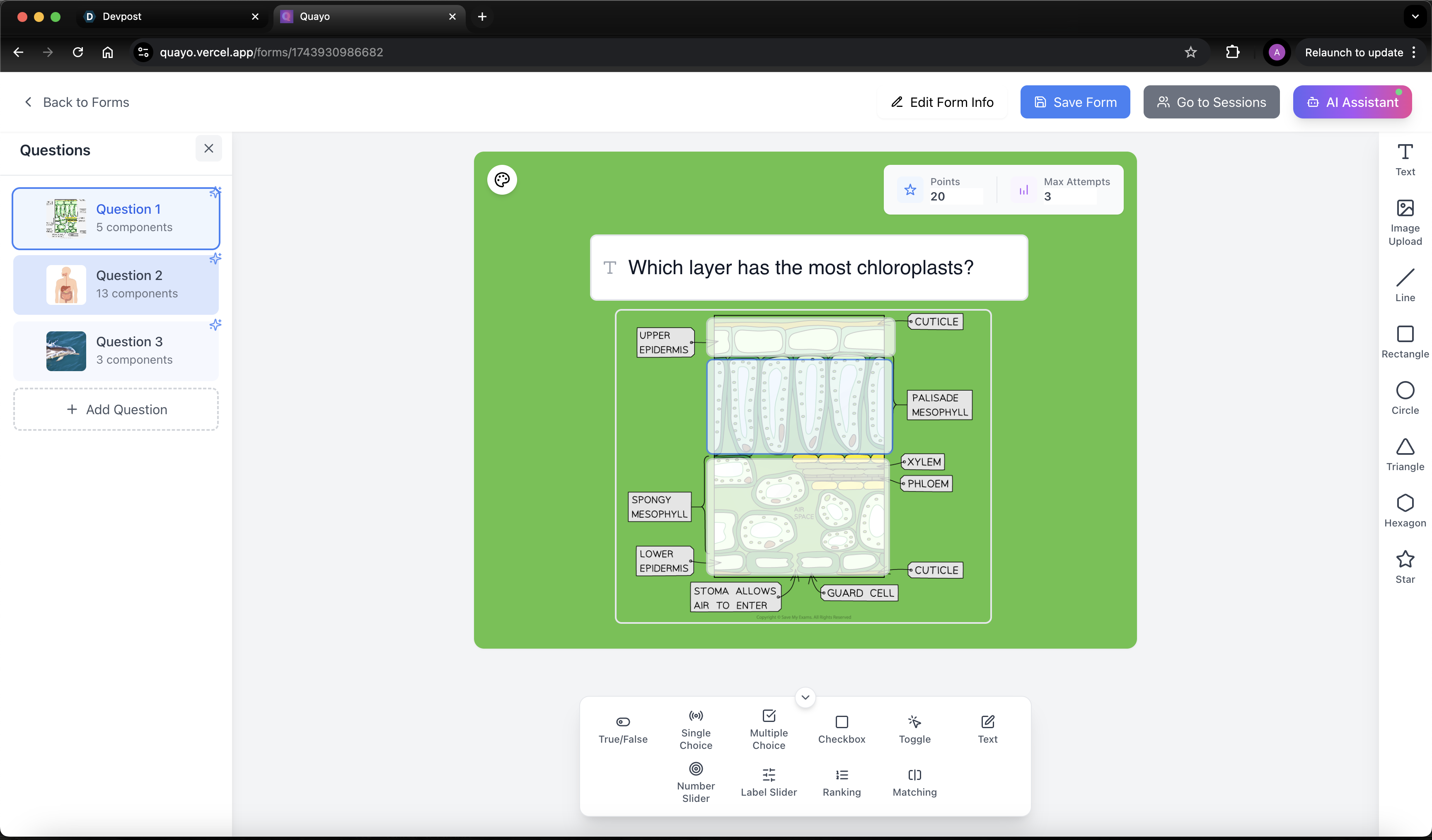
Our platform merges the best features of Google Forms and Canva, offering a fully customisable quiz creation tool that enables users to design intuitive and engaging assessments. Unlike traditional quiz platforms, our software provides a drag-and-drop interface, allowing users to tailor, resize, and customise question components freely, moving away from cookie cutter question templates.
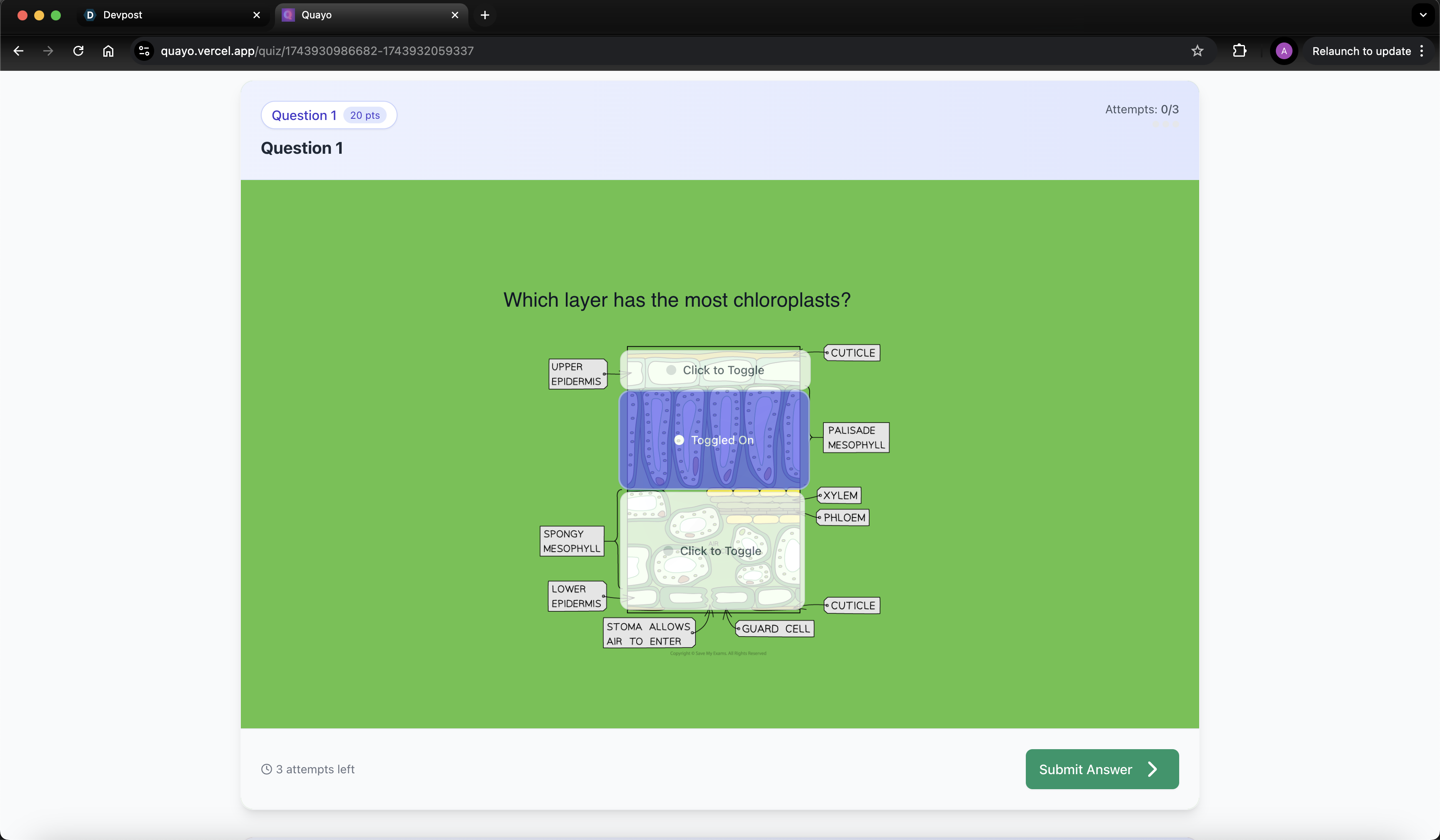
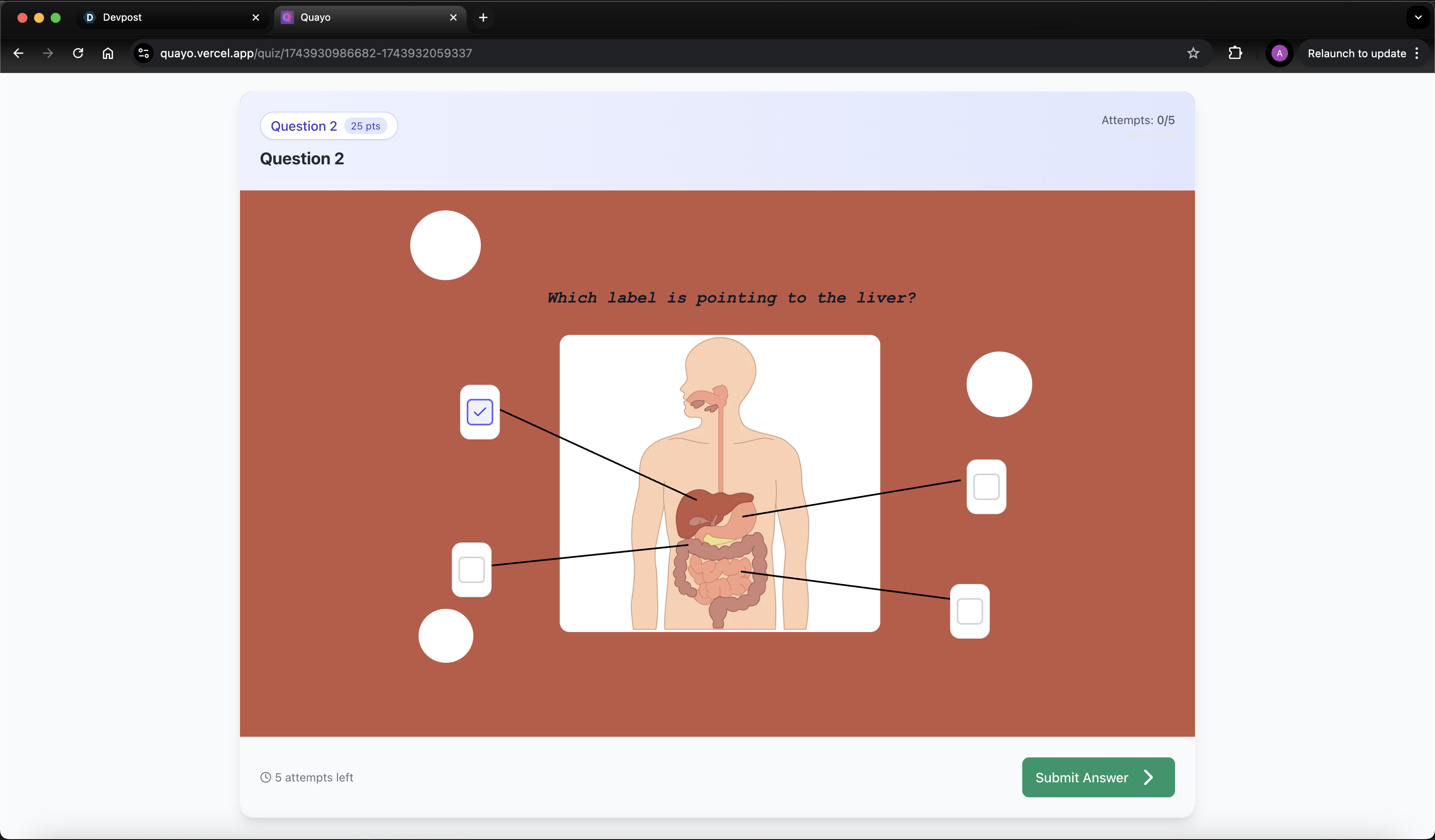
Users can create fully interactive quiz questions by combining multiple question components in a single question. Available components include:
- True/False, Single Choice, Multiple Choice, Checkbox, and Toggle Box
- Text Answer, Number Slider, Label Slider, Ranking, and Matching Components
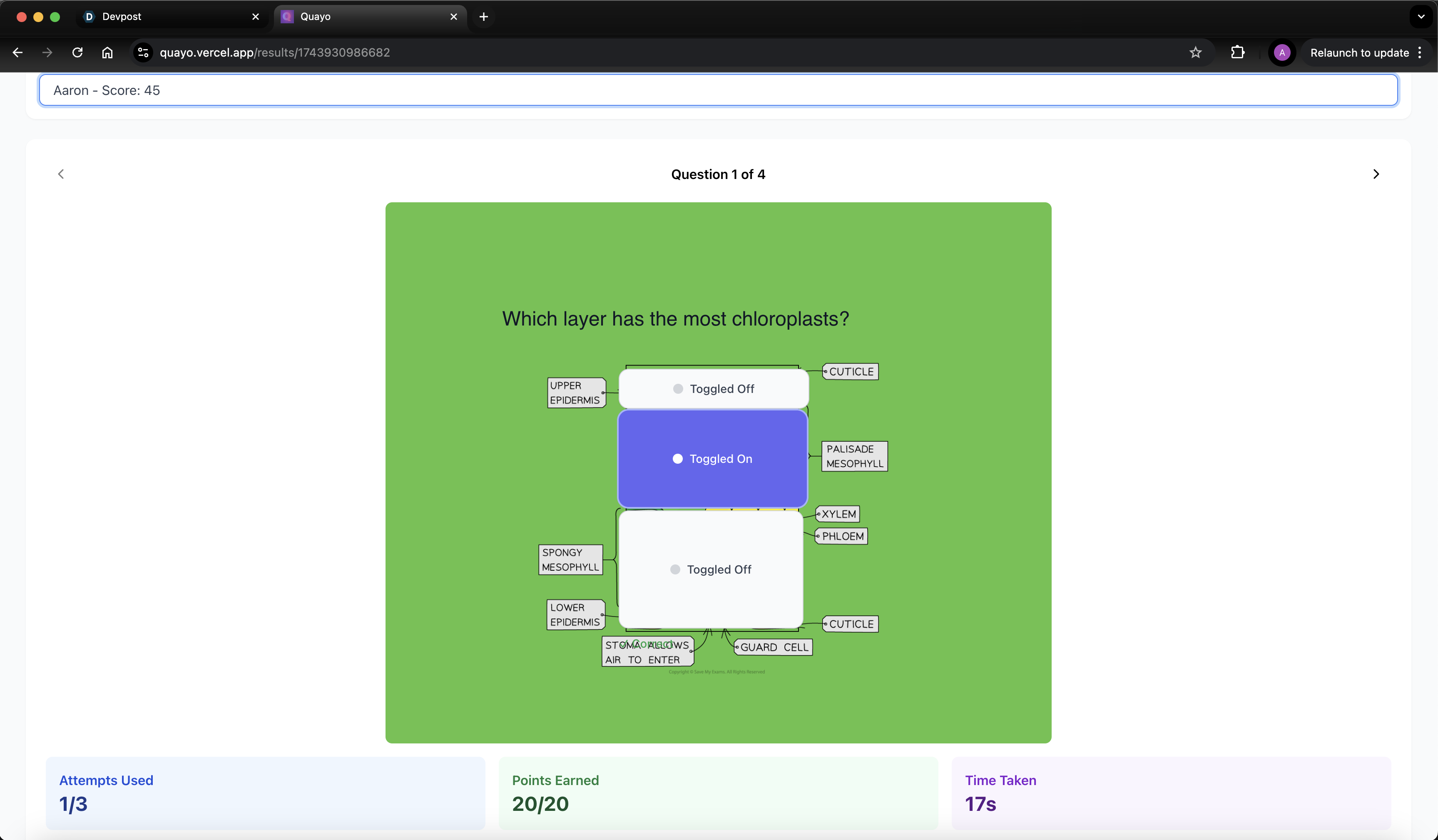
Beyond standard question formats, users can also place text elements, images, and interactive shapes (lines, rectangles, circles, triangles, hexagons, and stars), all of which can be resized, recoloured, and positioned anywhere on the question canvas. This flexibility eliminates the rigid structure of traditional quiz platforms, allowing for dynamic, visually engaging, and highly customisable questions.
Each question can have points assigned and maximum attempt limits, giving creators full control over quiz difficulty and scoring.
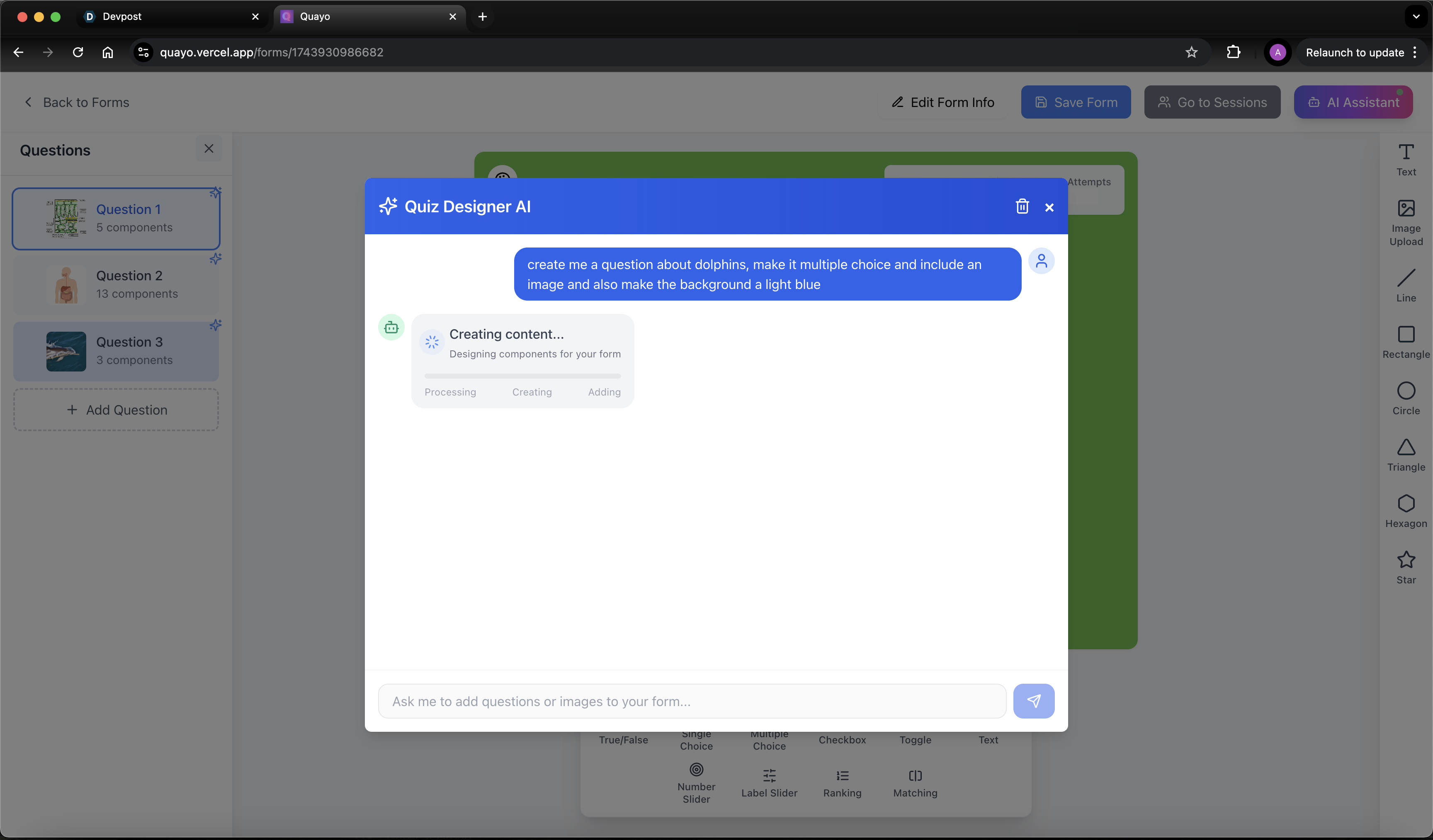
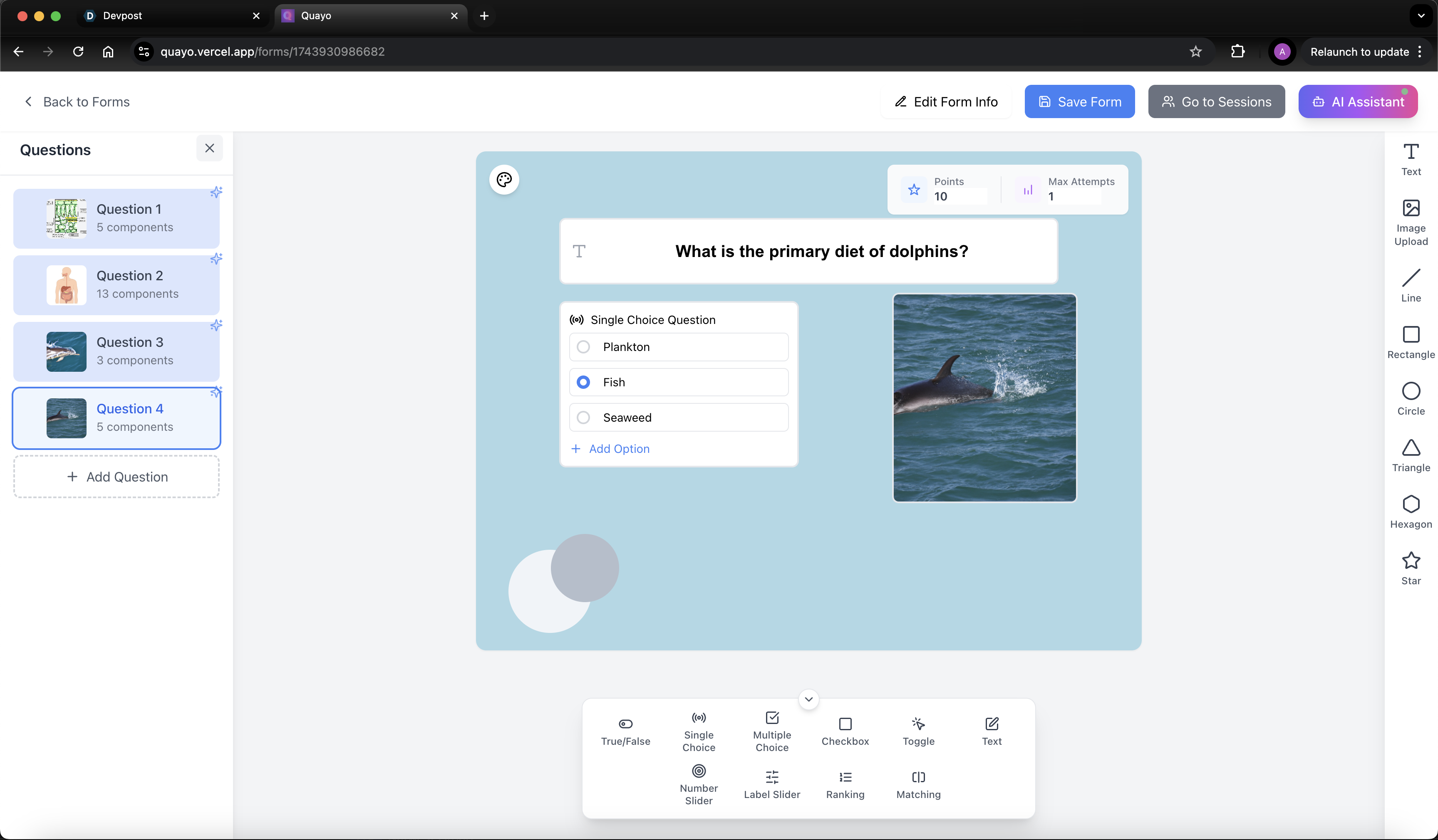
To assist with quiz creation we have leveraged the OpenAI API with a multimodal mode selection, where: gpt-4o-mini uses DALLE for image generation, and gpt-o3-mini is used for physical quiz and content creation, enabling faster loading times and cheaper more efficent token usage.
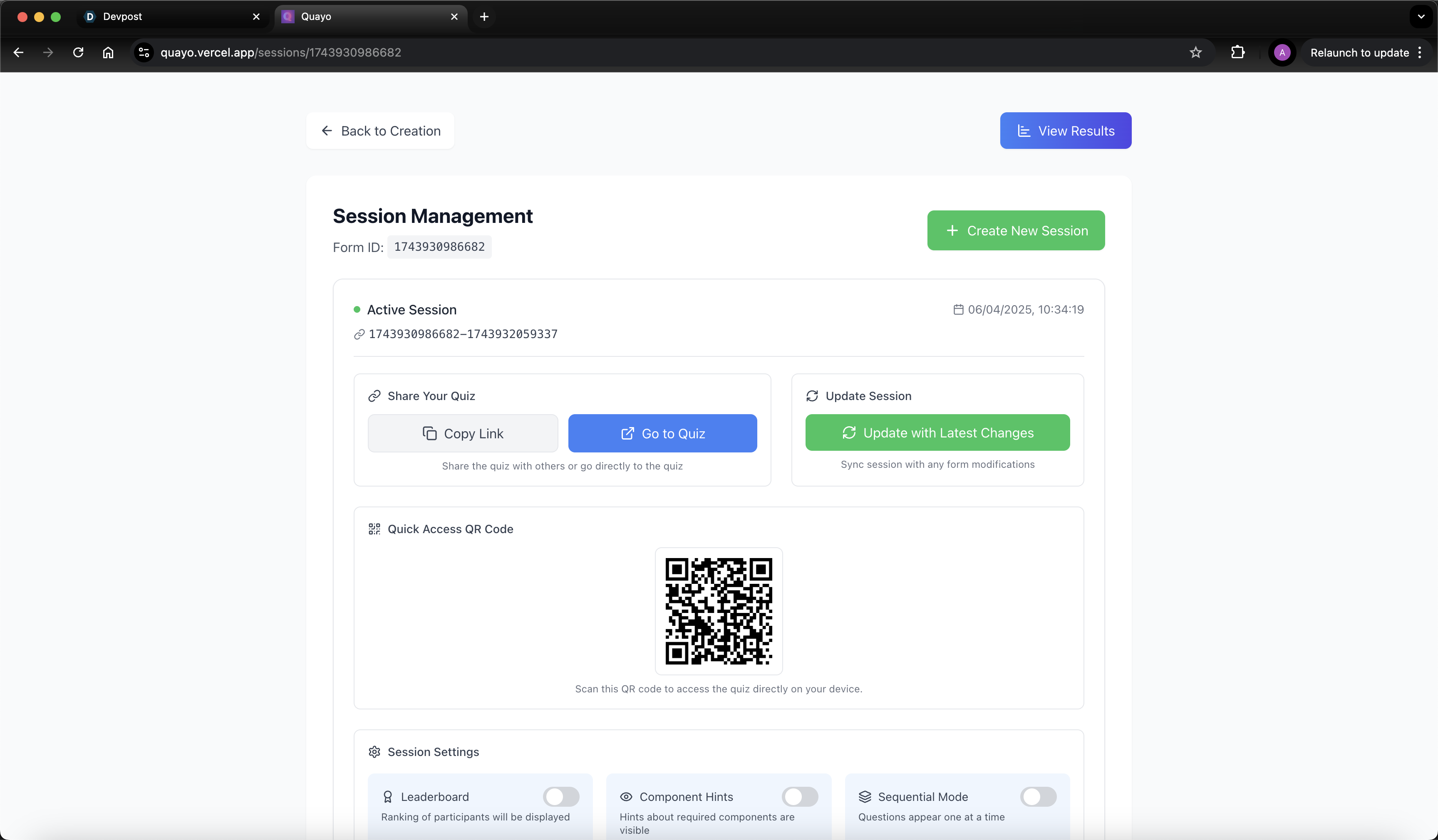
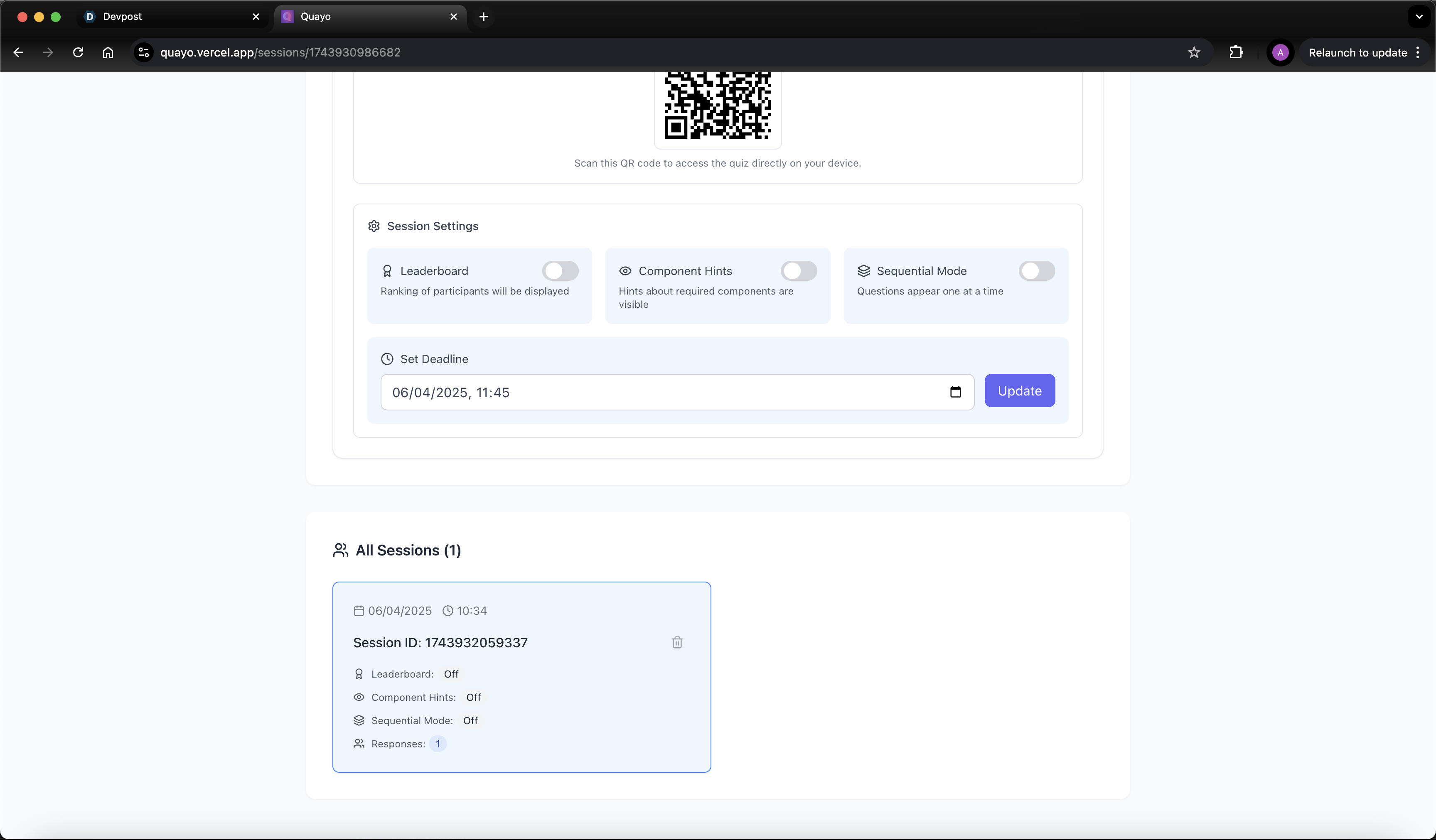
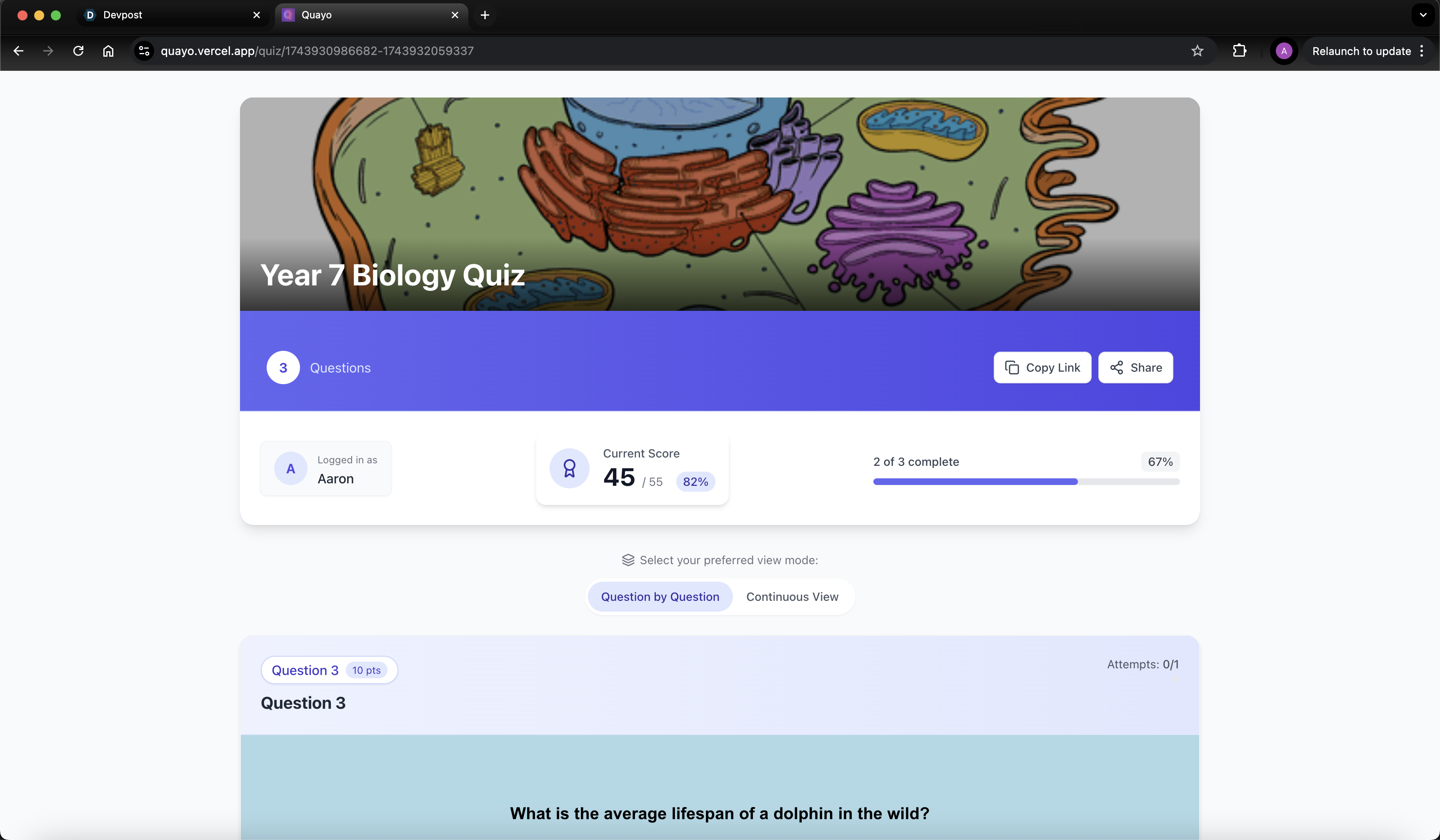
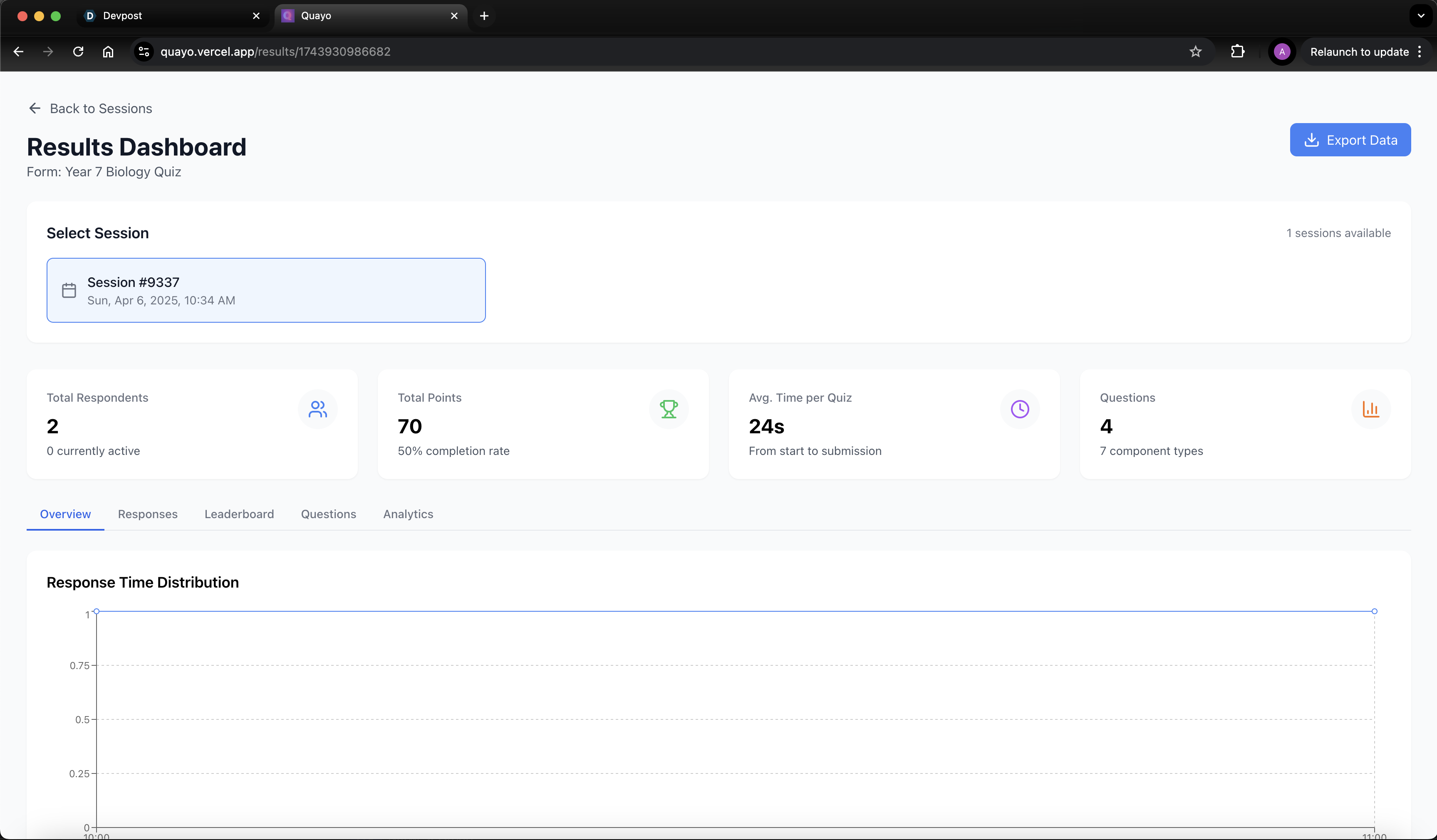
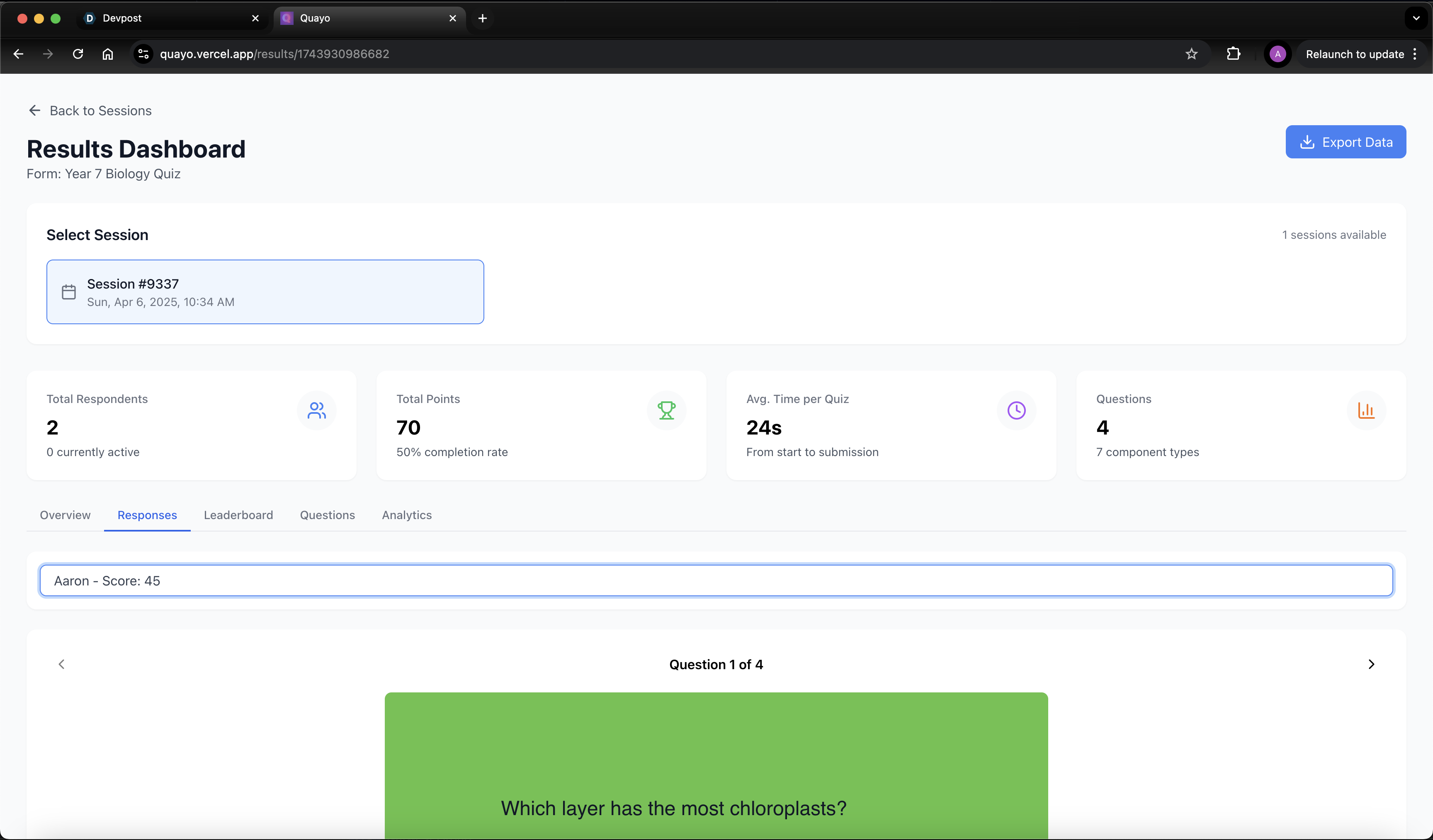
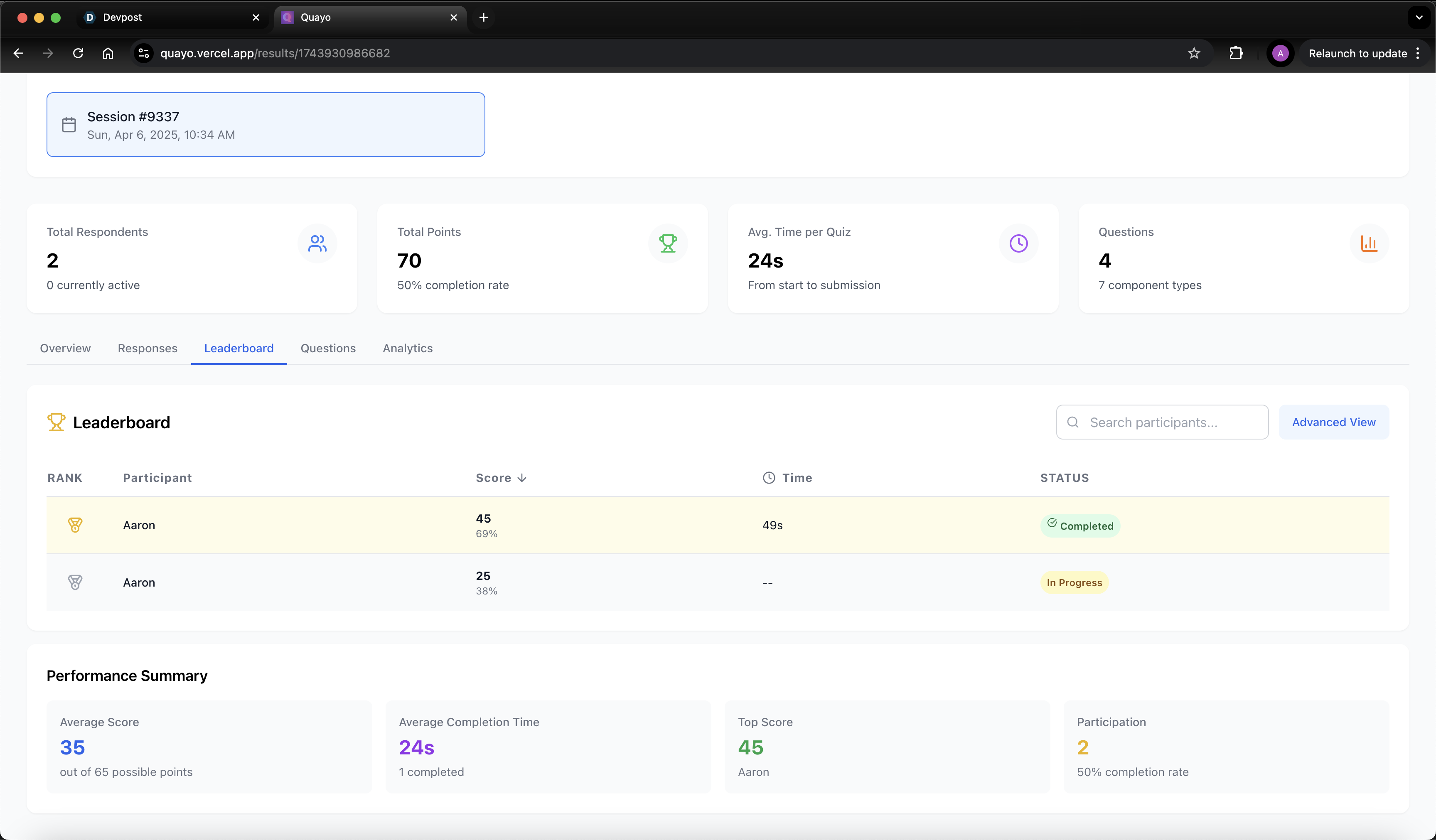
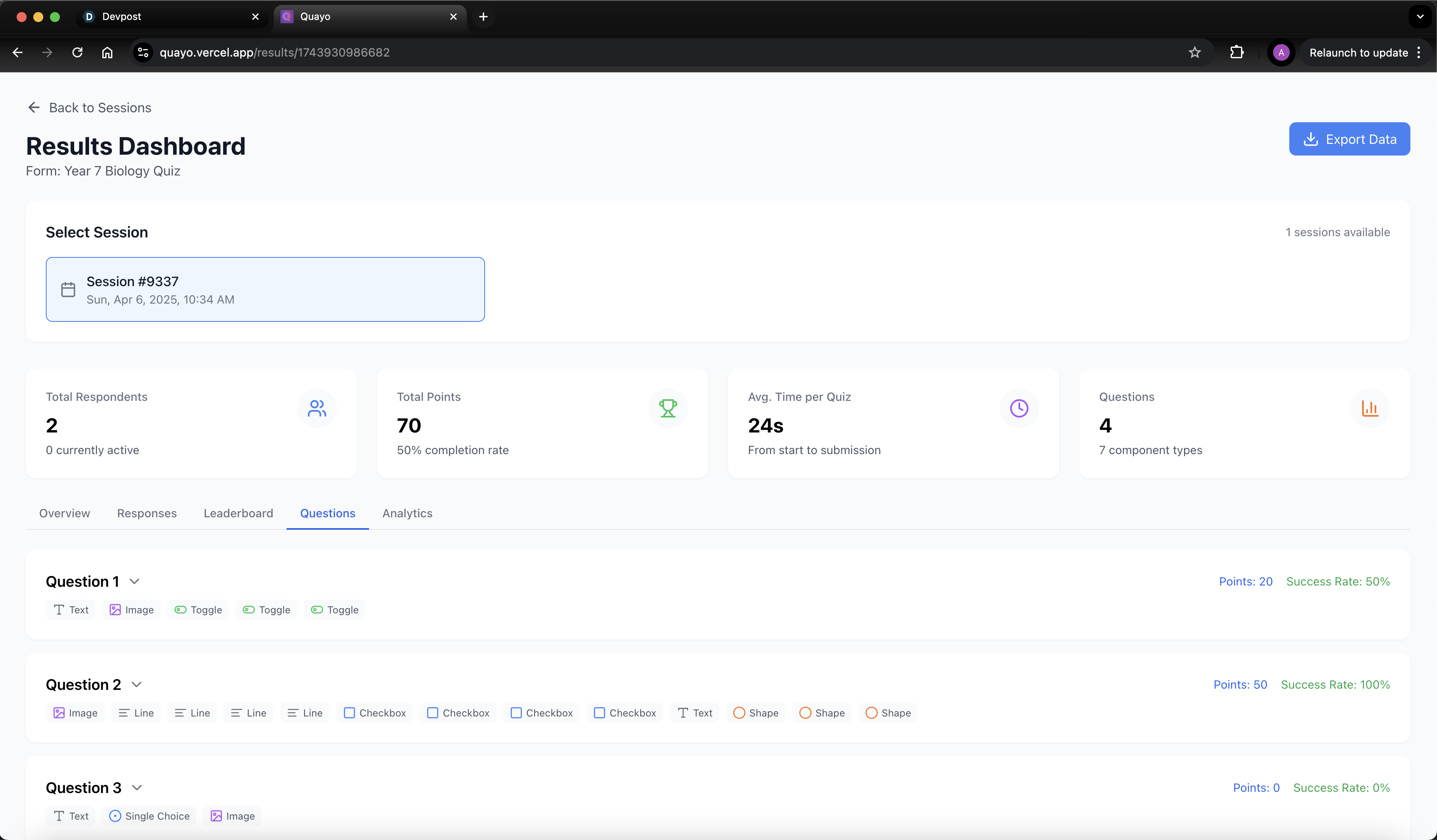
Sessions can then be launched where a sharable link + QR code is generated for users to complete the quiz, the results for each individual sessions can then be viewed on a dashboard where you can see many statistics such as individual responses, questions success rates etc.
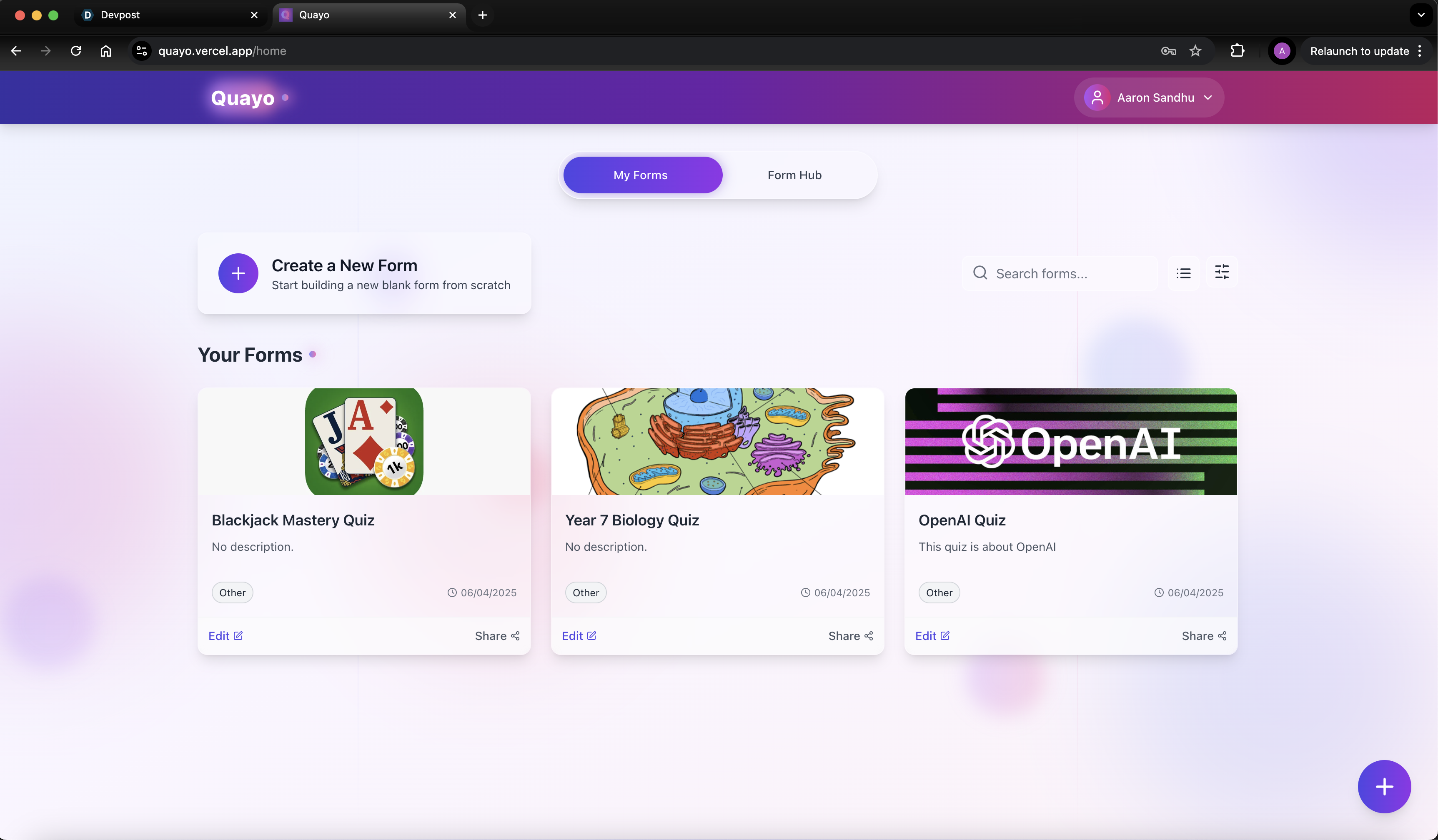
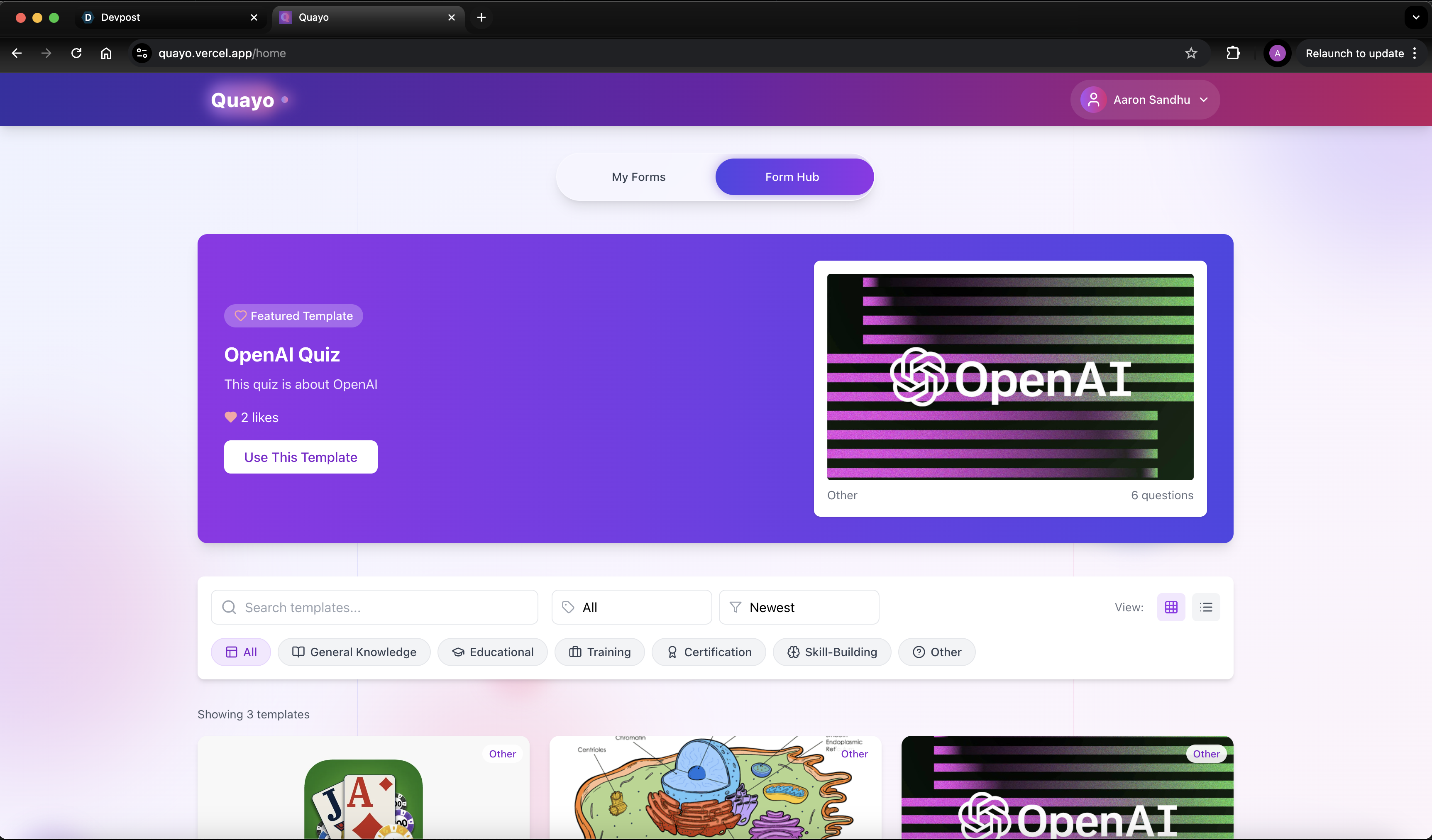
We also have a centralised quiz hub, where every quiz created can be reused by another user and modified to their needs, within this hub users can 'heart' their favourite quizzes causing them to rank higher in their respected categories.
How we built it
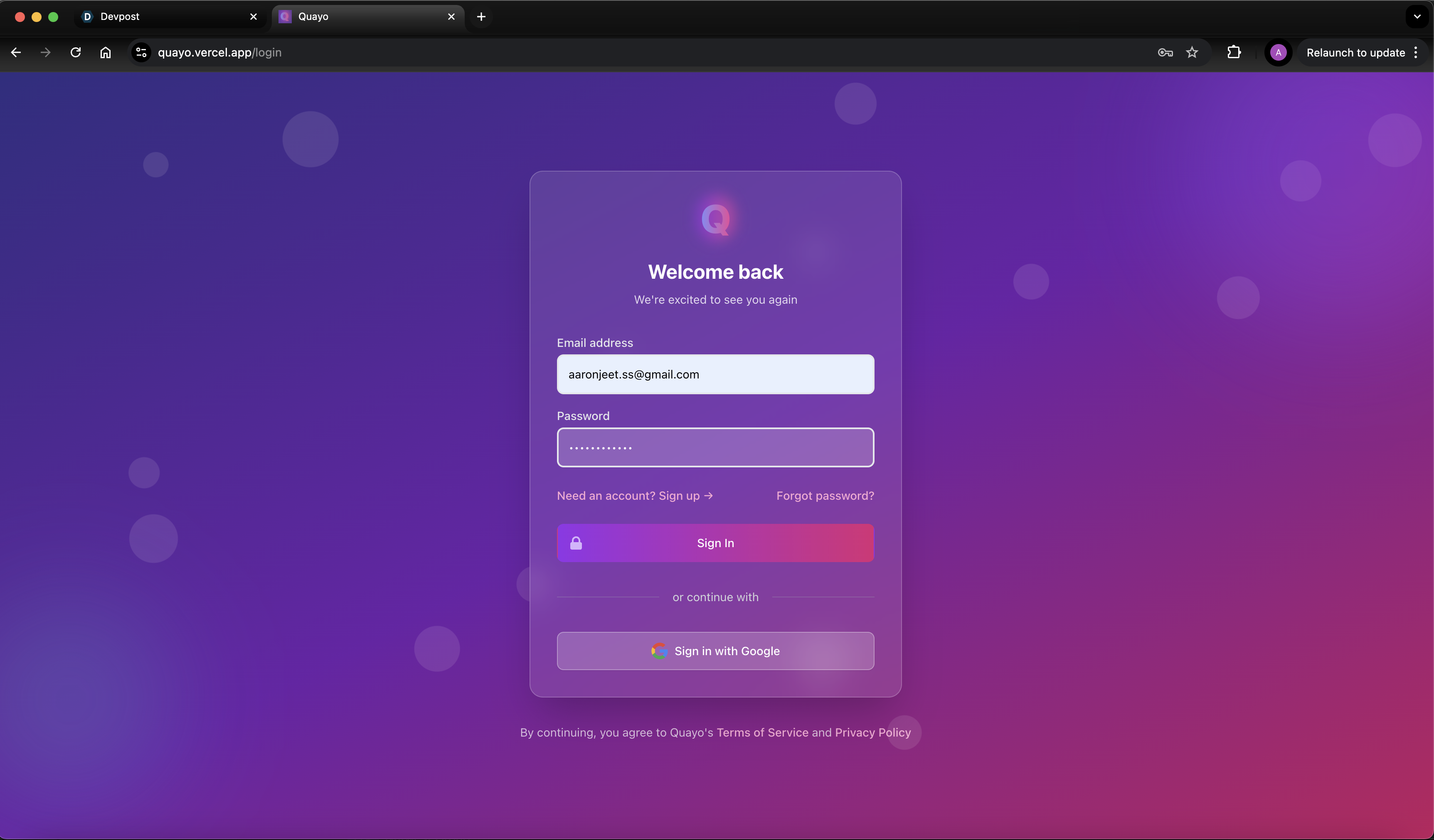
We use Google Sign-In authenticated through Firebase to securely log users into our web app, providing a seamless and trusted login experience. We also leverage the Firestore Database to store information from the web app—such as user profiles, quiz data, and session settings—and retrieve it efficiently using the Firebase API Key. This setup ensures real-time data syncing and reliable storage for our quiz platform.
To enhance quiz creation, we’ve integrated the OpenAI API with a multimodal mode selection for dynamic content generation. Specifically, we use GPT-4o-mini paired with DALL-E to generate custom images for quizzes, enriching visual elements, while GPT-3o-mini powers the creation of physical quiz structures and textual content, such as questions and answer options. This AI-driven approach allows users to quickly generate diverse, engaging quizzes tailored to their needs.
Our web app is built using the React.js framework for a responsive and interactive interface, styled with Tailwind CSS for a modern, customizable design. We’ve incorporated several libraries to boost functionality: react-rnd enables smooth drag-and-drop interactions for building quiz components on a canvas; react-chart displays quiz results in clear, visual formats like graphs; and react-qr generates QR codes for easy quiz access, allowing users to share or join sessions instantly. Additionally, we utilized an open-source GitHub repository from Adapt Learning as a foundation for creating modular quiz components (e.g., true/false, number sliders, multiple-choice), streamlining the development of flexible, reusable building blocks for the canvas.
Challenges we ran into
In the given timeframe, we accomplished a significant amount, though the system still has several unresolved bugs, including navigation issues we couldn’t pinpoint in time. The OpenAI API models GPT-4o-mini and GPT-3o-mini don’t support image retrieval via web search, so, adhering to the track’s constraints, we opted to use DALL-E to generate images natively and upload them to the appropriate Firebase location.
Accomplishments that we're proud of
We successfully implemented the custom AI quiz chatbot, enabling it to load quizzes efficiently from simple or specific prompts using the multimodal API system. Overall, the web app serves its general purpose effectively, making it rewarding to complete a fully functional project within the timeframe, even while battling sleep deprivation.
What we learned
We mastered prompt engineering with the API to efficiently generate a JSON file, which is then saved to Firebase to render a desired quiz from a straightforward prompt. Additionally, we sharpened our debugging and testing skills, using Postman to rapidly identify and resolve issues with precision.
What's next for Quayo - A Custom Quiz Building Webapp
We thoroughly enjoyed working on this project and recognize its immense potential for growth. Post-hackathon, we’re considering gradually commercialising it while refining the concept and addressing the many bugs. For scalability, we’d likely rebuild it using AWS services instead of Firebase, though we chose Firebase for its suitability within the limited timeframe.
Built With
- css3
- gpt-4o-mini
- gpt-o3-mini
- javascript
- openai-api
- react.js


Log in or sign up for Devpost to join the conversation.