-
-
Overview
-
Capabilities
-
Translator
Inspiration
Emergencies are chaotic.
When someone is injured, trapped, lost, frightened, or trying to help another person, the biggest problem isn't always the lack of information. It is being able to understand what to do, communicate clearly, and reach the right help quickly.
I was especially inspired by situations where additional barriers can make emergencies even harder: a person who cannot easily use a touchscreen, someone who does not speak the responder's language, an elderly person with limited mobility, or someone who is simply too overwhelmed to navigate a complicated application.
I asked myself:
What if an emergency assistant could adapt to the person instead of expecting the person to adapt to the technology?
That question became the foundation for Rescue Bridge.
What it does
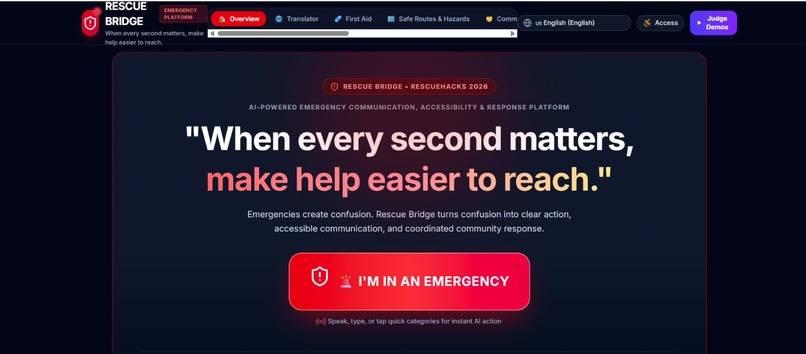
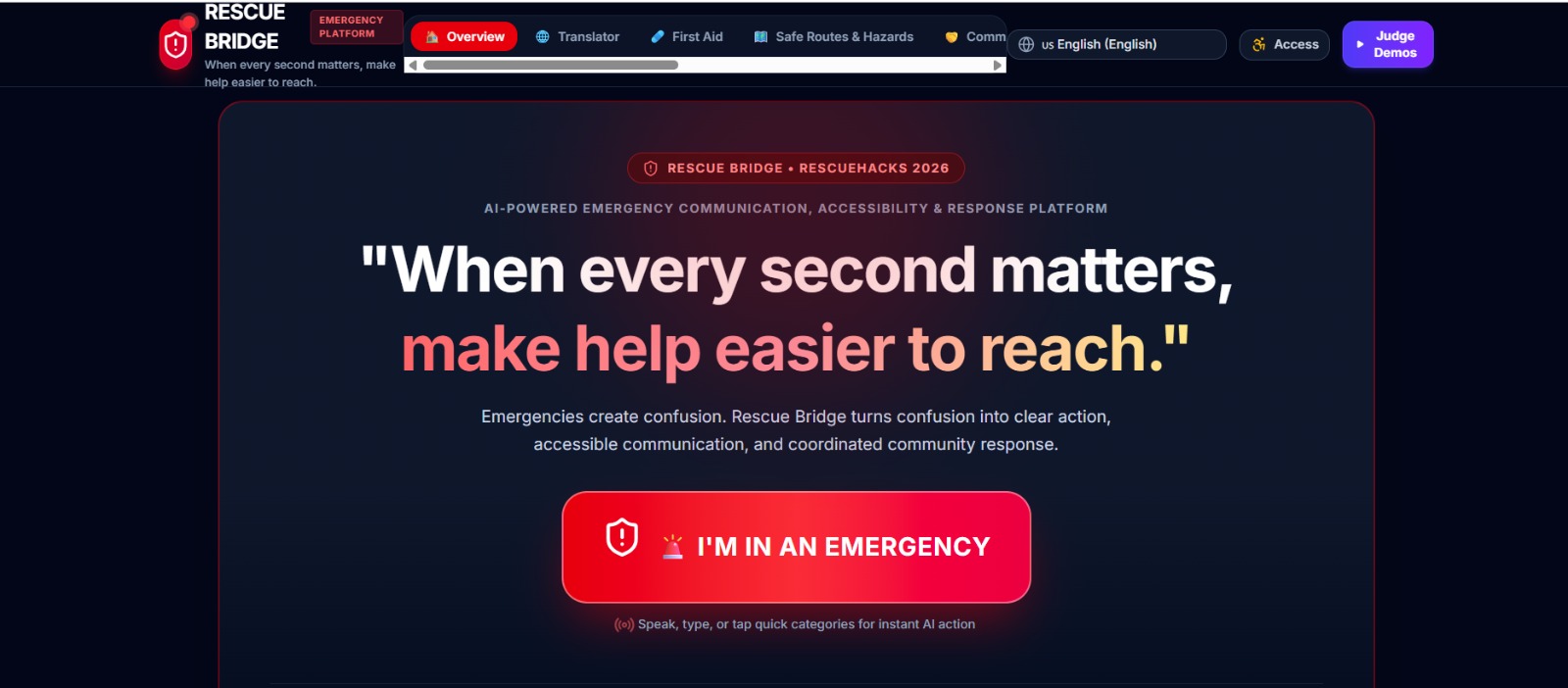
Rescue Bridge is an AI-powered emergency communication and assistance platform designed to help people during stressful and potentially dangerous situations.
Instead of acting like a generic chatbot, Rescue Bridge focuses on a simple emergency journey:
Emergency → Understand → Act → Communicate → Connect → Get Help
A user can describe an emergency naturally through text or voice. The AI organizes the situation into useful information, identifies an approximate urgency level, and provides a short list of prioritized next steps.
The platform also includes:
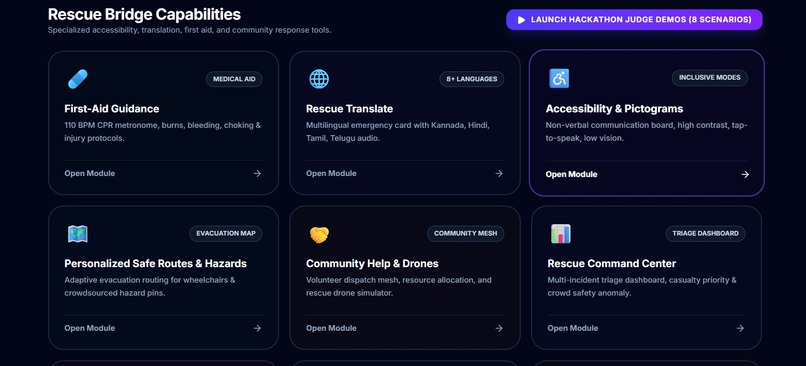
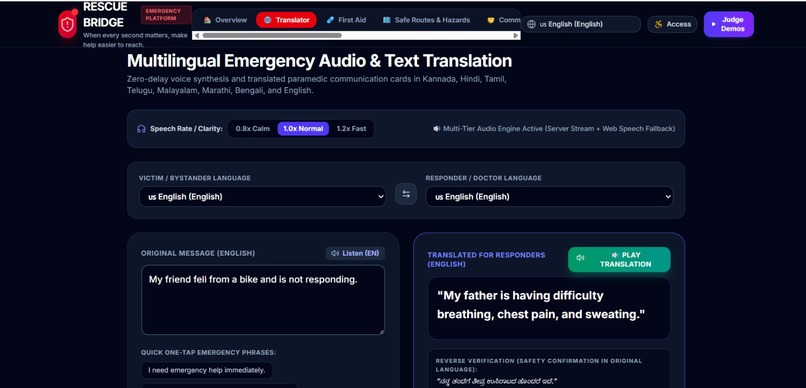
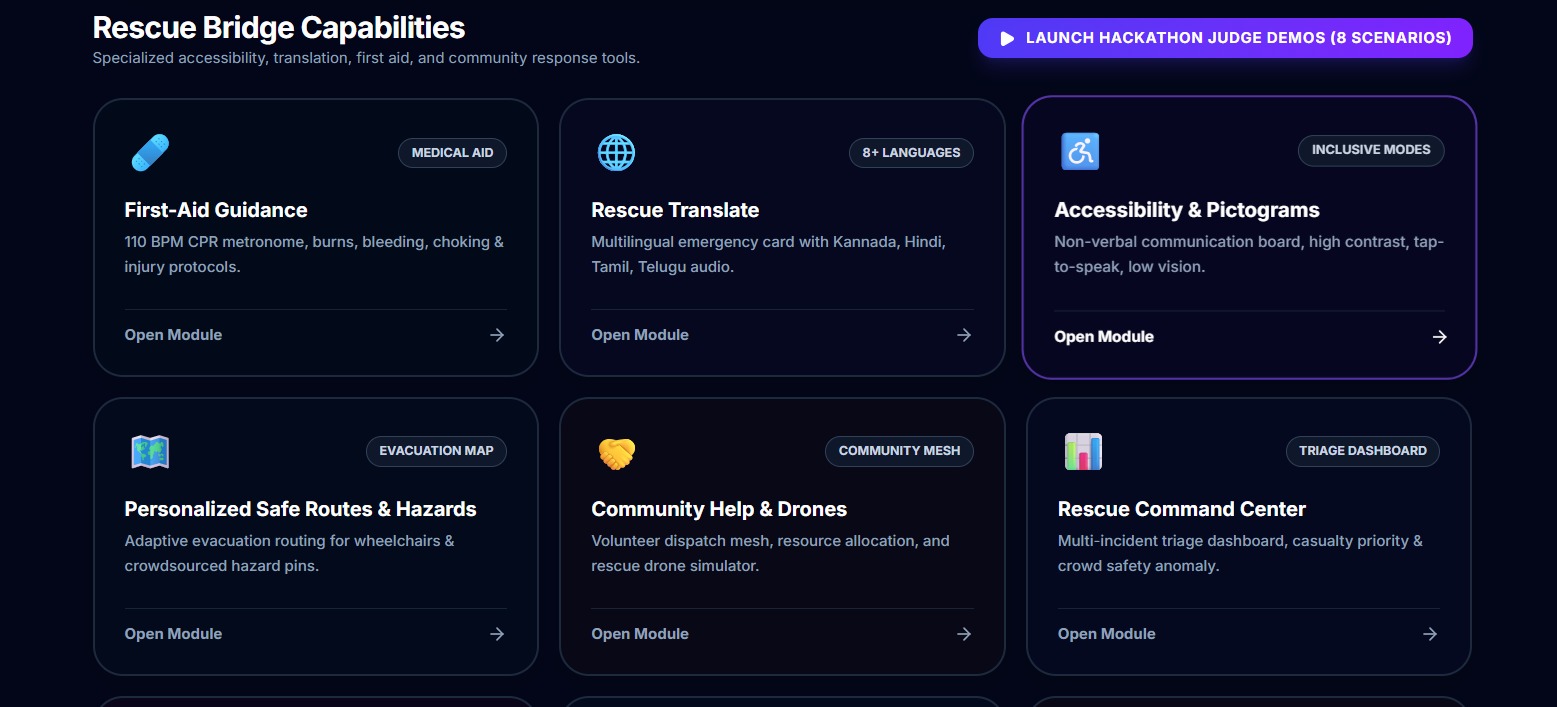
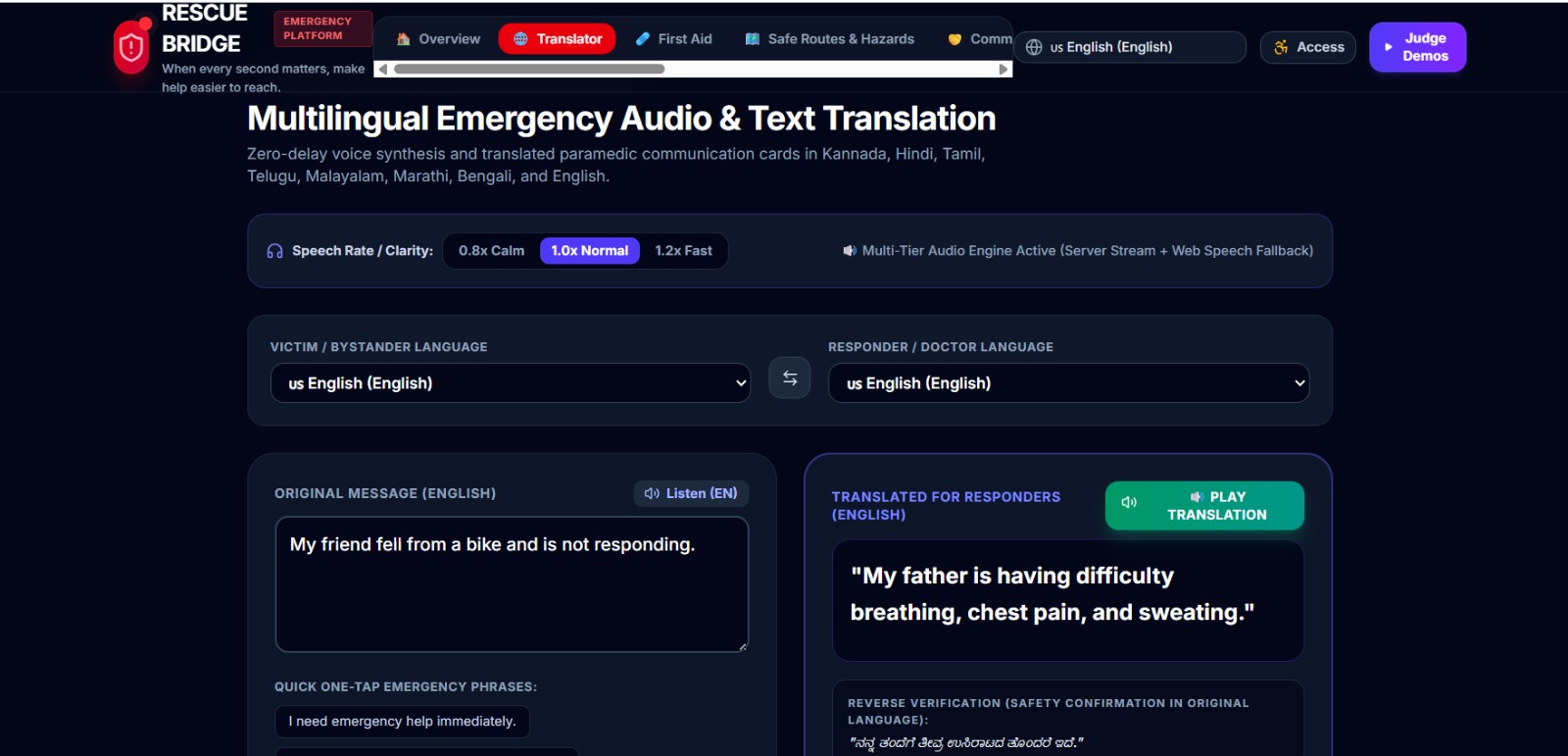
🚨 Emergency Mode — a simplified interface designed for stressful situations 🧠 AI Emergency Understanding — converts natural-language descriptions into structured emergency information ⚡ Immediate Action Guidance — provides concise, prioritized safety steps 🌐 Multilingual Emergency Translation — helps bridge communication between people speaking different languages ♿ Accessibility Mode — supports large controls, simplified interfaces, voice interaction, and different accessibility needs 📋 Emergency Summary — creates a concise responder-friendly summary 📍 Location & Help Interface — provides a pathway toward sharing location and finding appropriate assistance 🤝 Community Rescue Concept — demonstrates how emergency requests could be matched with nearby available help 🗺️ Hazard Mapping Concept — demonstrates crowdsourced reporting of hazards such as floods, blocked roads, and fallen power lines 🌦️ Environmental Safety — converts complex hazard information into understandable safety guidance 🎒 Disaster Preparedness — generates simple preparedness checklists 🩹 First Aid Organizer — organizes general first-aid information into clear sections
Advanced features such as real-time responder networks, live hazard feeds, wearable integration, drones, and AR/VR guidance are presented as future integrations rather than being falsely represented as currently operational.
How we built it
I built Rescue Bridge as a working AI-assisted prototype, focusing first on the most important user experience rather than trying to build an entire emergency-response infrastructure.
I combined:
AI-assisted development conversational AI structured emergency workflows responsive web interfaces accessibility-focused UI design multilingual communication simulated emergency coordination emergency and disaster demo scenarios
A major design decision I made was to avoid making the application feel like a normal chatbot.
During an emergency, users should not have to read huge paragraphs or navigate through complicated menus. I therefore designed a dedicated Panic Mode with large actions, clear status indicators, short instructions, and a simple DO THIS NOW format.
For example, a user might enter:
"My grandmother cannot walk and water is entering our house."
Instead of simply responding with a paragraph, Rescue Bridge can organize the information into:
Situation: Flooding Person: Elderly family member Mobility: Limited Priority: High
It can then provide a small number of immediate actions followed by options to communicate, share information, and seek appropriate help.
Challenges we ran into
- Making AI useful without making dangerous claims
Emergency and medical situations require a much higher level of responsibility than ordinary chatbot interactions.
I had to make sure Rescue Bridge does not pretend to diagnose injuries or replace professionals.
Instead of saying:
"You have a spinal injury."
the system should use safer language such as:
"This situation may involve a serious injury. Seek professional emergency assistance and avoid unnecessary movement."
Designing around this principle influenced the entire AI interaction.
- Designing for people under stress
A normal application can have many menus and options.
An emergency application cannot.
I had to repeatedly ask:
"What would a frightened person need to see in the next five seconds?"
That question led me to create the simplified Panic Mode, large controls, short instructions, and the DO THIS NOW format.
- Supporting different users
There is no single "normal" emergency user.
Someone may be:
unable to speak unable to see small text using a wheelchair unfamiliar with the local language elderly injured panicking helping someone else
Designing an experience that can adapt to these different situations was one of my biggest challenges.
This led me to take an accessibility-first approach.
- Balancing ambition with what can actually be built
Real emergency response involves complex systems such as hospitals, emergency services, verified volunteers, GPS infrastructure, weather feeds, and disaster-response organizations.
I realized that pretending to have all of these systems would make the project less trustworthy.
Instead, I focused on building the core experience as a working prototype and clearly separated:
What works in my MVP
from
What I would integrate in the real-world version.
This allowed me to demonstrate the concept without making unrealistic claims.
Accomplishments that we're proud of
I am proud that Rescue Bridge brings several barriers together in one emergency workflow:
Language barrier + Accessibility barrier + Information overload + Difficulty finding help
Instead of building another general-purpose AI chatbot, I focused on making the AI an emergency communication bridge.
I am particularly proud of the multilingual emergency communication concept and the adaptive interface because these features address situations where conventional emergency applications may not work equally well for everyone.
I am also proud of taking a responsible approach to the project: simulated functionality is clearly identified, medical claims are avoided, and the system encourages professional emergency assistance when appropriate.
What we learned
The biggest lesson I learned was that AI in an emergency is not about giving the most information. It is about giving the right information at the right moment.
I learned to prioritize:
Clarity over complexity.
Action over explanation.
Accessibility over assumptions.
Safety over impressive AI claims.
I also learned that a strong AI product needs more than a model. The surrounding interface, user experience, safety rules, fallback behavior, and communication design are equally important.
Most importantly, I learned that technology designed for emergencies must be built around human behavior under stress, not around what is technically impressive.
What's next for Rescue Bridge
My long-term vision is to evolve Rescue Bridge from a prototype into a connected emergency-support ecosystem.
Future versions could integrate:
verified emergency responders hospitals and emergency services real-time weather and hazard APIs accessible evacuation routing wearable devices offline and low-connectivity communication SMS fallback verified community volunteers disaster-response dashboards real-time crowdsourced hazard maps multilingual voice assistance AR emergency guidance rescue drone coordination
The most important future improvement would be connecting the system to verified real-world emergency infrastructure, while maintaining strong privacy, security, accessibility, and safety standards.
Built With
- google-studio-ai

Log in or sign up for Devpost to join the conversation.