-
-
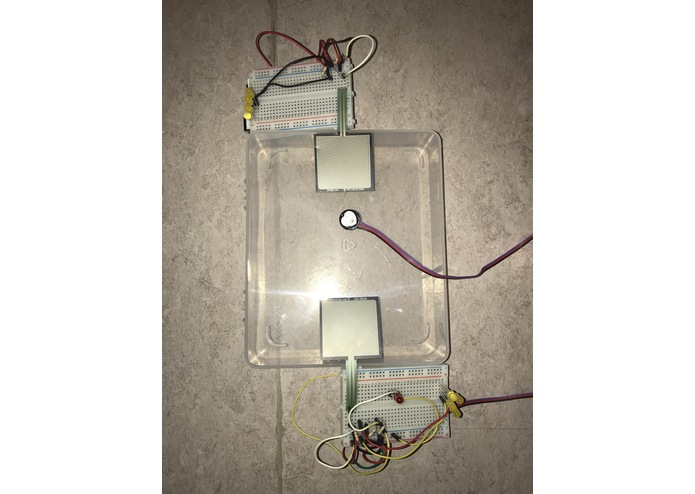
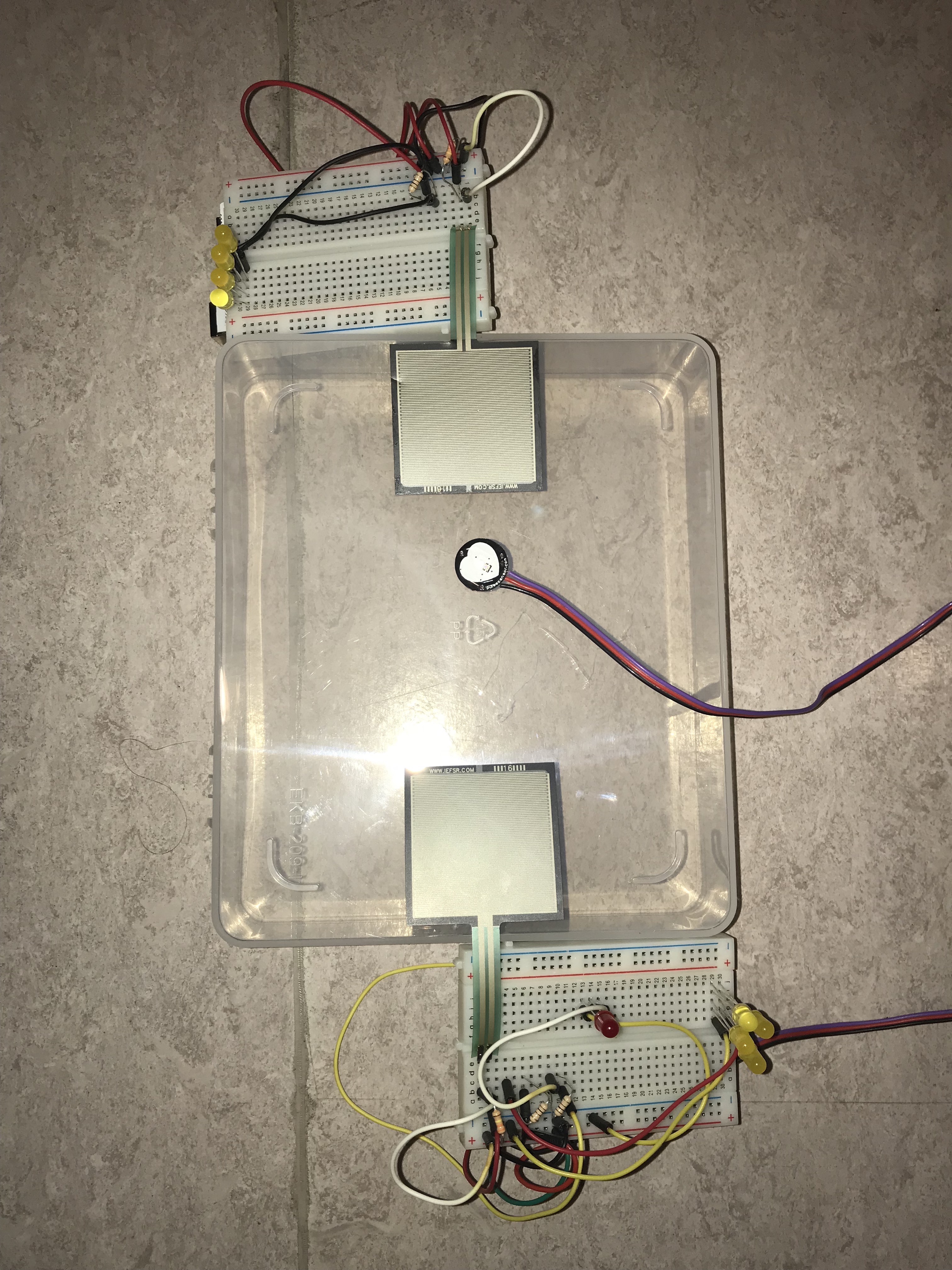
Full Setup
-
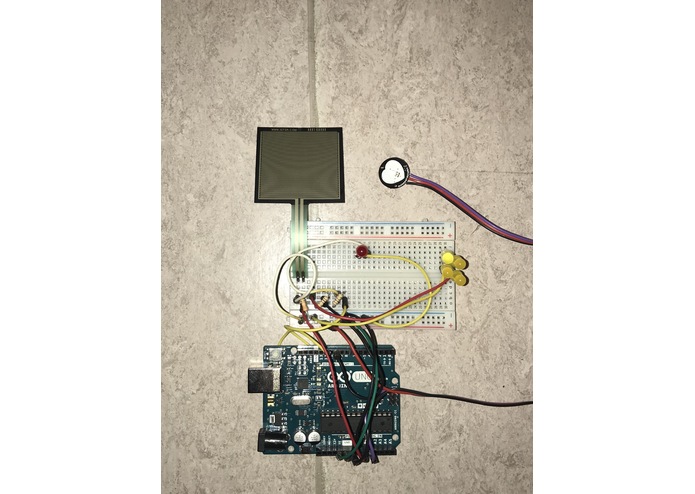
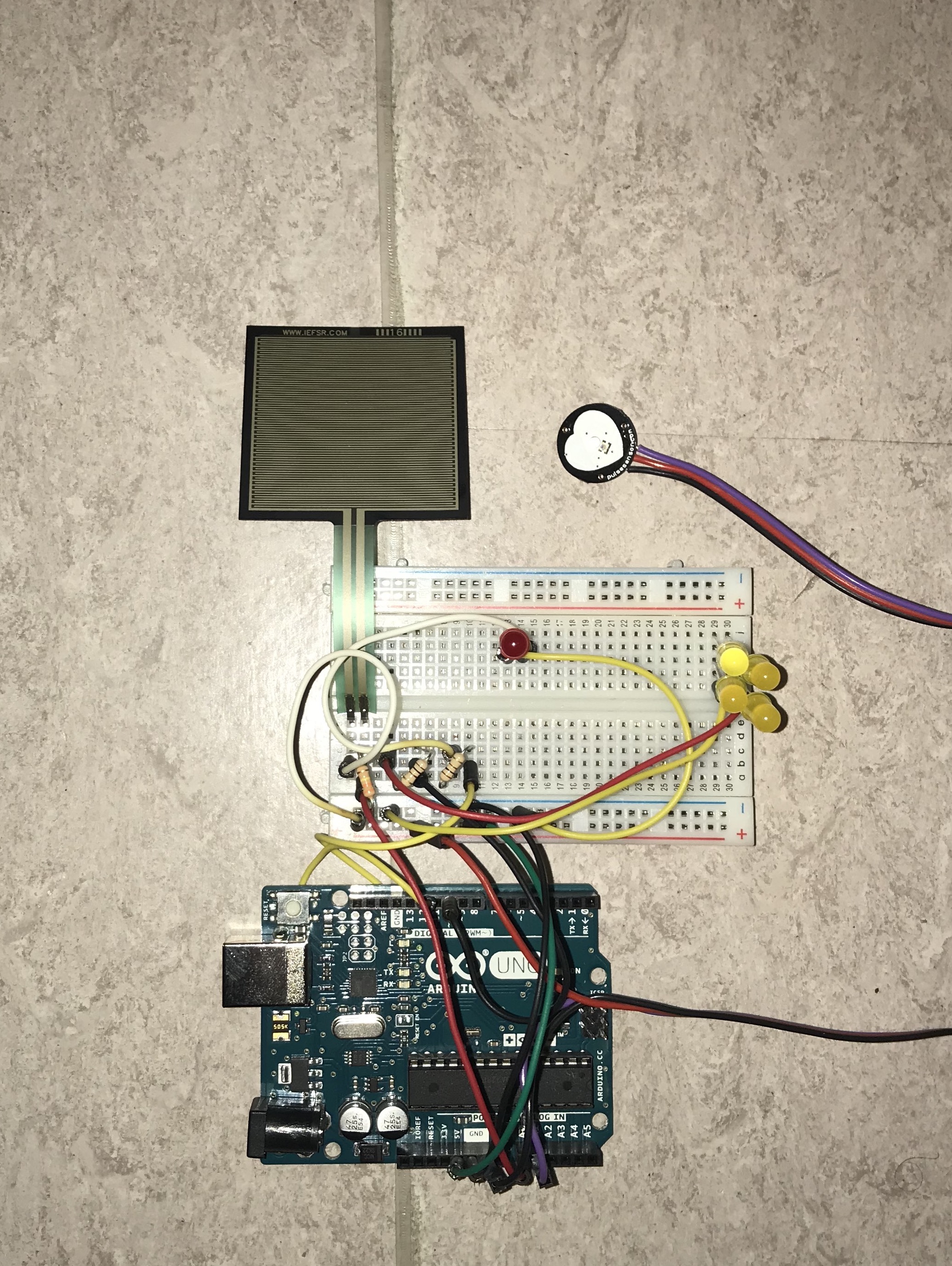
Arduino with force and pulse sensor
-
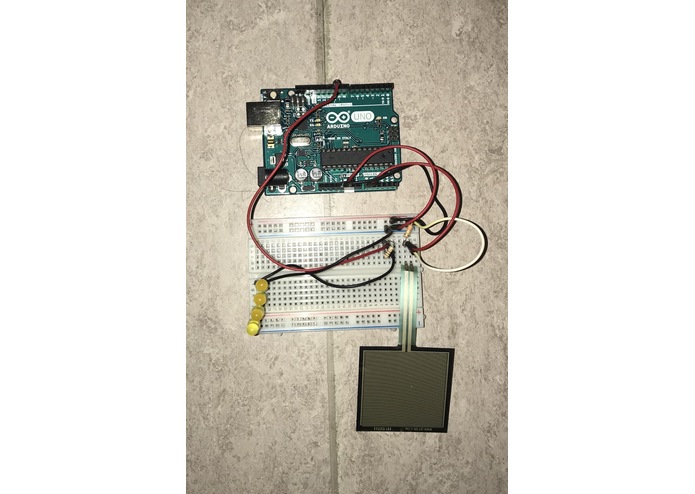
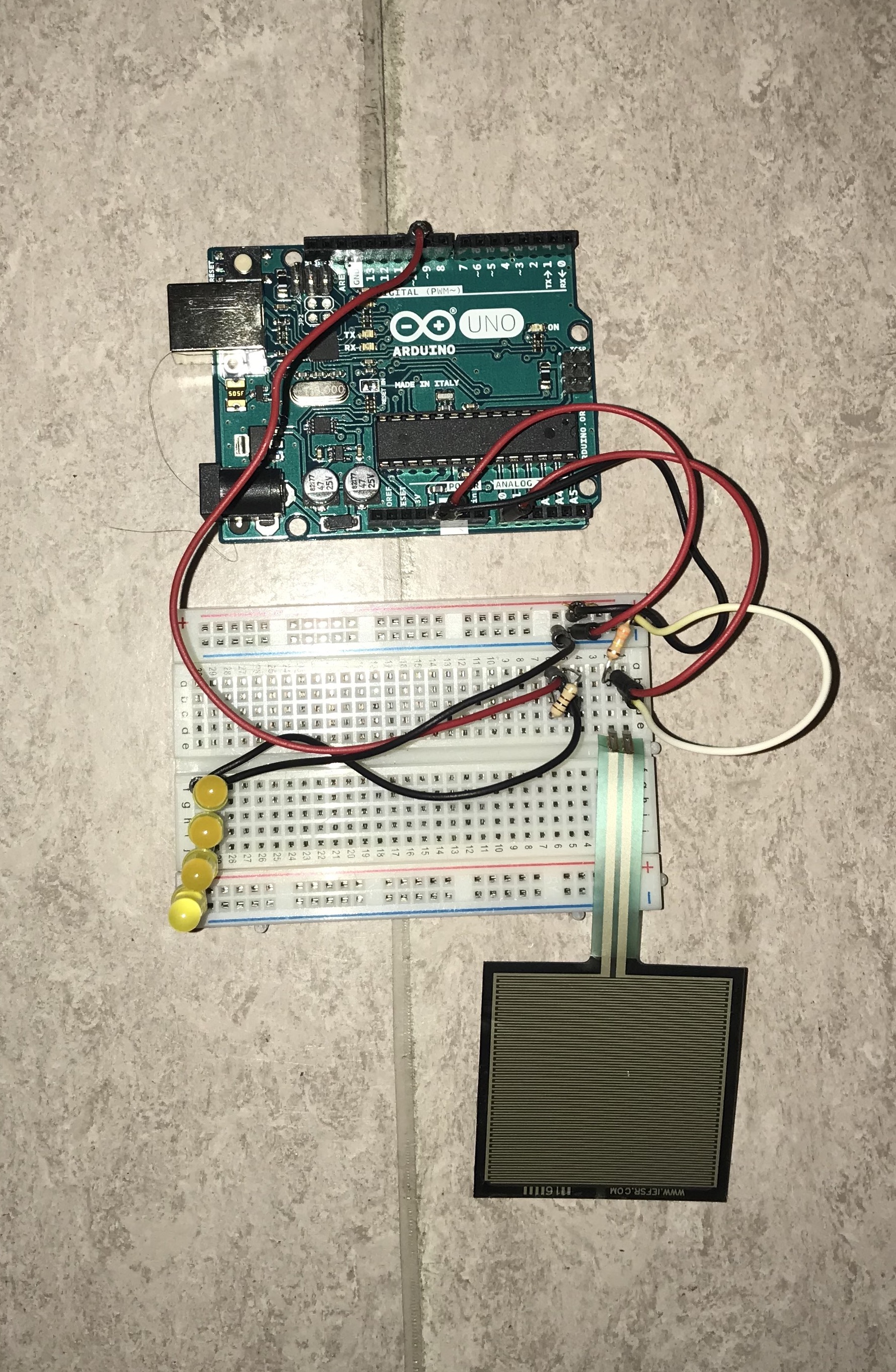
Arduino with force sensor
-
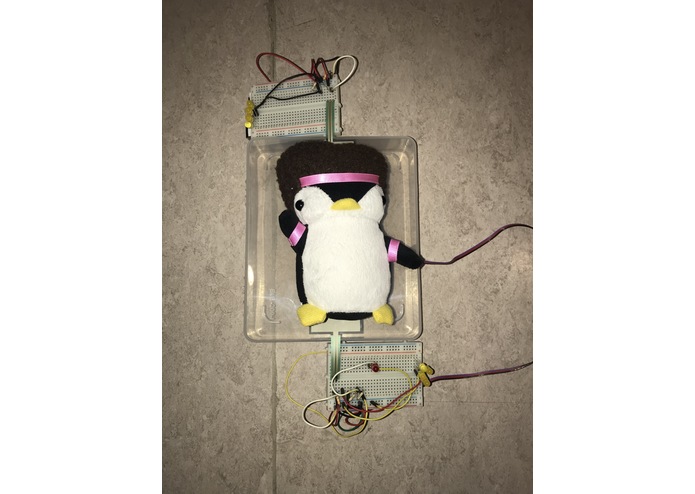
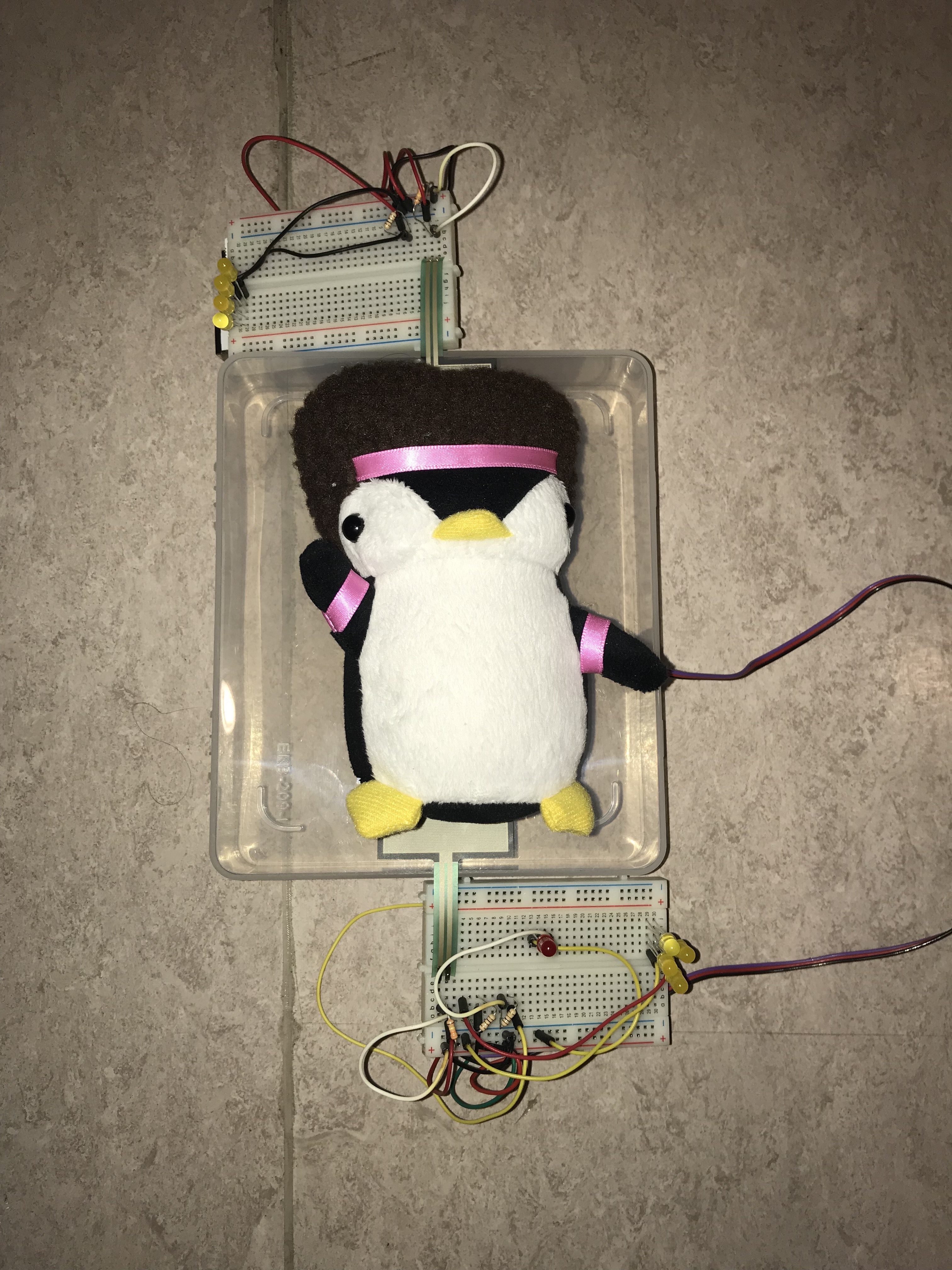
Demo with "person"
Inspiration
We were inspired to do this project after the first night of our first hackathon when we slept on the floor. The second day we were trying to think about what our project should focus on, but we could not concentrate due to our aching backs, and that was when the idea came to mind. We figured that if people had a simple and quiet way of seeing the quality of their sleep during the period where they are still awake while in bed, then maybe they could readjust the way they lay down to distribute their weight evenly on the mattress to ensure better quality of sleep, all while monitoring a person's heart rate to further gauge how well the person is sleeping at night.
What it does
Our project uses force sensors which would ideally lay beneath the upper surface of a mattress to register the amount of force a person exerts over certain areas on their bed. Then, this information is communicated to the individual using yellow LED lights which not only block out blue light (which disturbs sleep cycles) but also indicates where the person is distributing their weight.
Our model uses two force sensors, one near where an average person's upper back would be located and one where an average person's lower back (or upper thighs) would be located. These sensors then light up the LEDs when a certain amount of pressure is applied to them. Furthermore, the yellow LEDs simulate soft ambient light which light up in certain areas which correspond to the force sensors, allowing an individual to see where their body is applying the most force. If the two areas with the LEDs are exact in brightness, then the individual can see that their sleeping posture is optimal as pressure is being applied to each sensor evenly.
Beneath the first force sensor, there is a pulse sensor which also aims to read the individual's heart rate. This is to gather more data on the quality of their sleep, as heart rates tend to drop when an individual is at rest, usually between 50-90 bmp. Hence, if an individual is restless while sleeping, the pulse sensor will gather that data and will also reflect it by lighting up one small, red LED. This light is not meant to wake the individual, but rather to provide them with visual information in case they are awake.
How we built it
Our model used two arduino boards to execute the code. Each arduino board had its own force sensor and each had its own set of yellow LED lights. Each arduino also had breadboard which was used to wire the LEDs and force sensors to the arduino. One of the arduino boards, however, included the code for the pulse sensor as well as the red LED. A rectangular plastic container was used as the "bed", with the force sensors and the pulse sensor placed above it. The entire model is powered using a laptop.
What we learned
Much can be done with a microcontroller and a few LEDs and sensors in 3 days
What's next for Quality Sleep
Although this project was for our hackathon, we still thought about many applications for this project. We envision our project inspiring research in sleeping habits to improve people's health. Not much research is done on sleep habits as for other aspects of human health, therefore we hoped to delve into it as best as possible. We looked into the effects of sleep posture on the quality of sleep since bad posture could lead to a myriad of pain-related symptoms. Sleep posture is not something most people think about before they go to sleep, but it is something that we wanted to help people understand in a subtle way: lights. We also chose colors such as yellow and red because they do not emit blue light, which would otherwise be any wave of visible light with wavelengths between 500-700nm. This also prevents interruptions to an individual's sleep cycle, as blue light reduces the release of melatonin which is necessary to regulate sleep cycles. All this information is what our project hopes to inspire people to delve into, as we think sleep habits are the hardest habits to get the hang of.
Built With
- arduino
- breadboard
- force-sensor
- leds
- pulse-sensor
- resistors

Log in or sign up for Devpost to join the conversation.