-
-
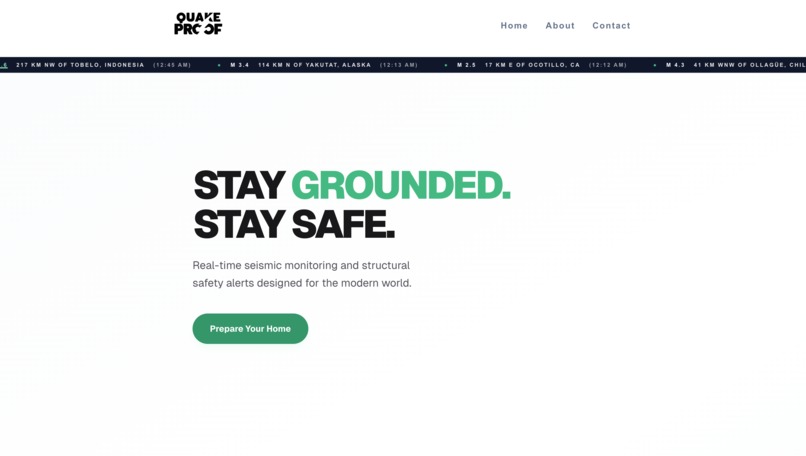
QuakeProof Homepage
-
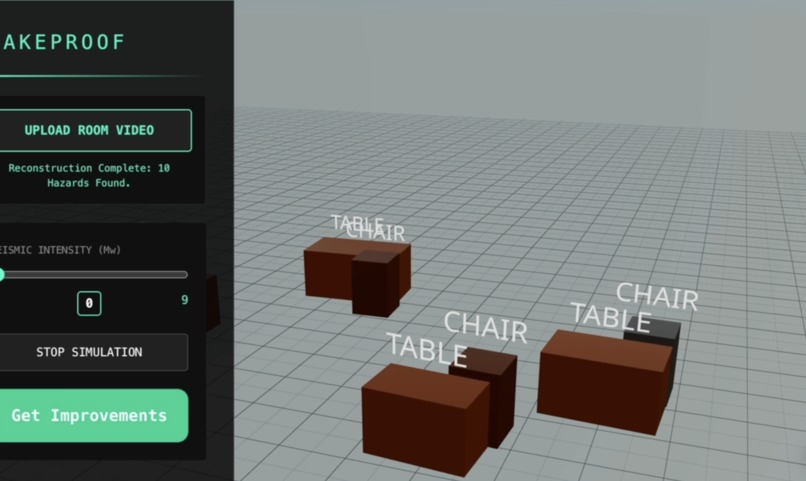
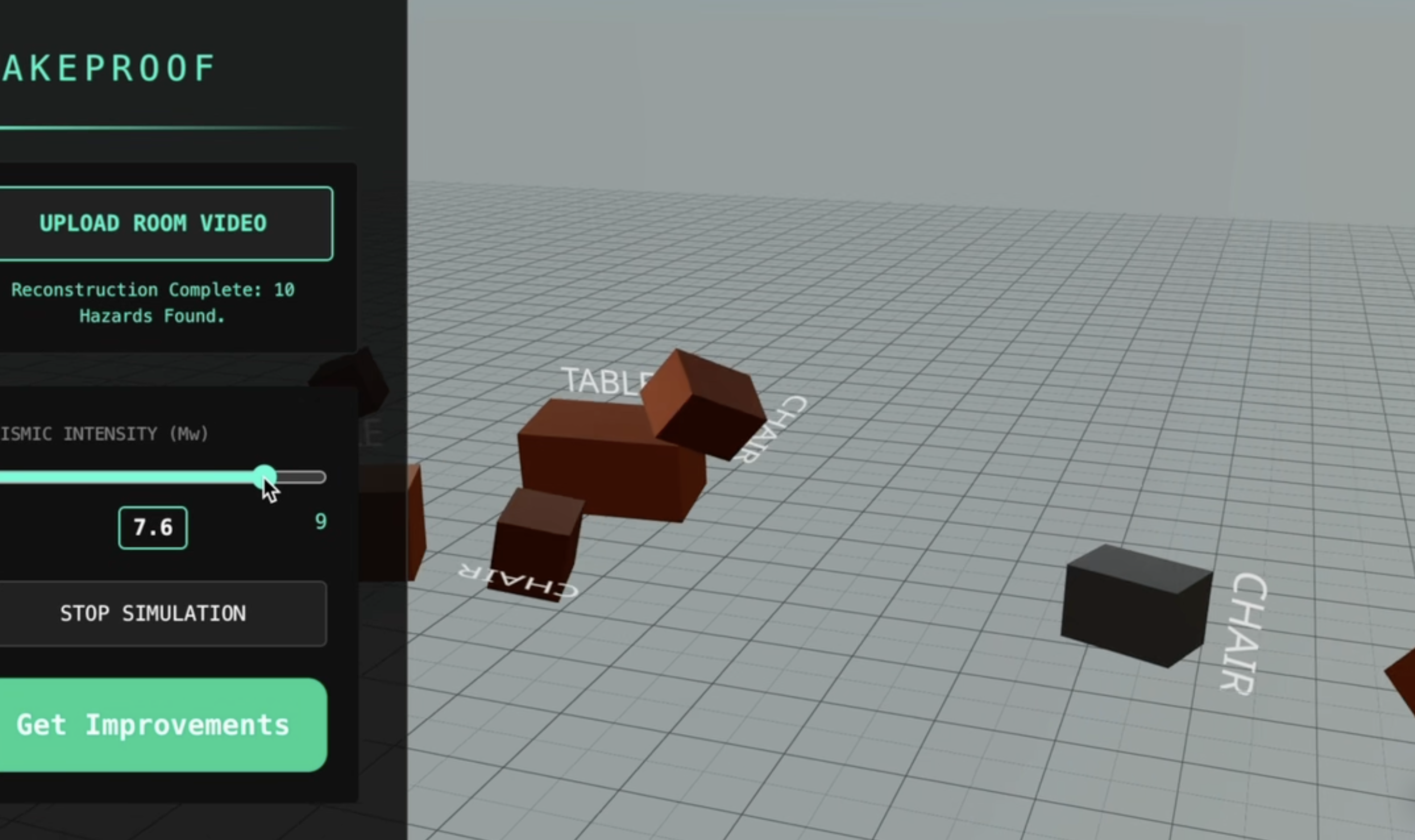
Room Simulation
-
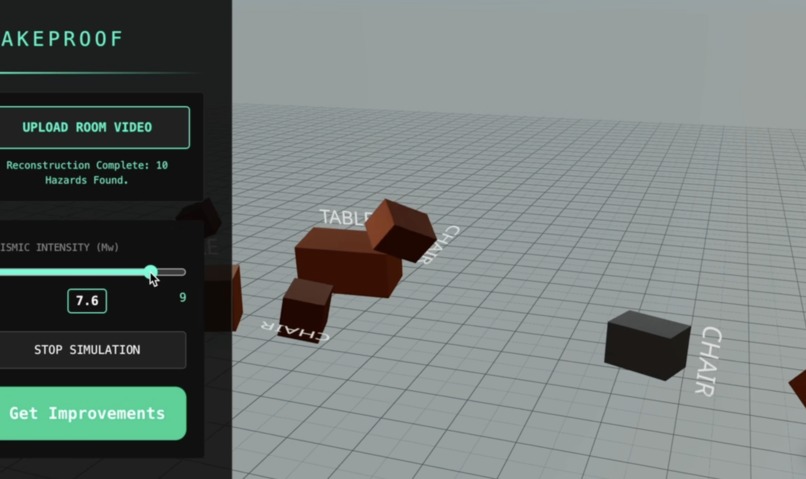
Room Simulation after Earthquake
-
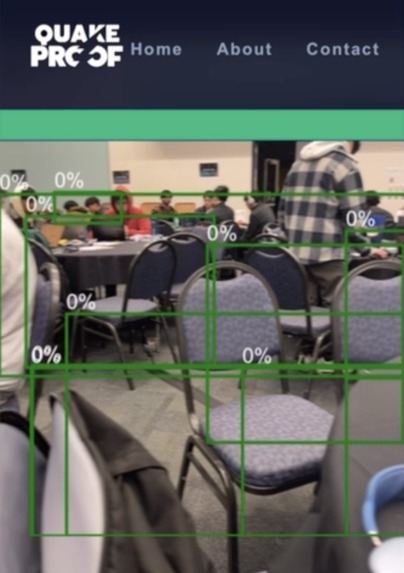
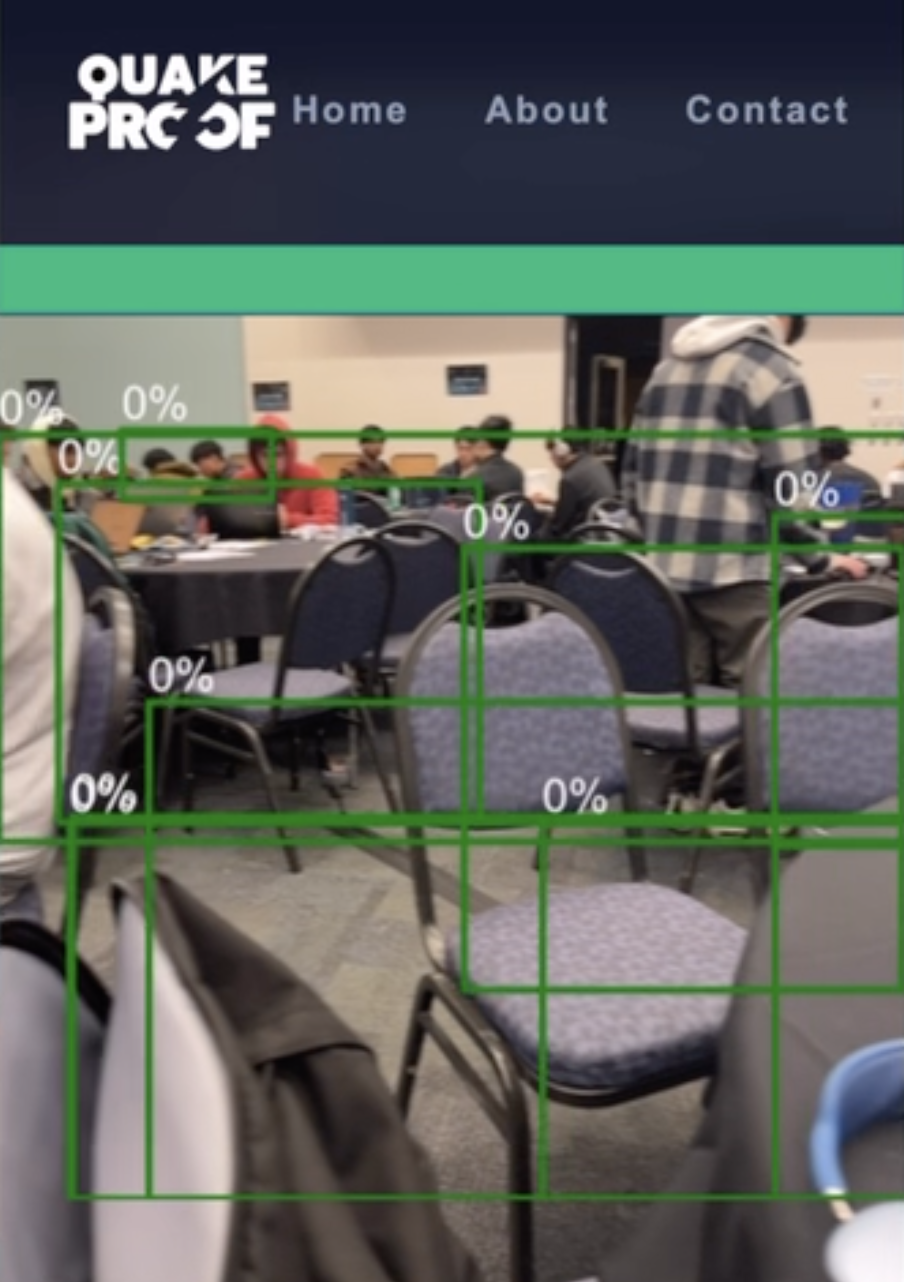
Live Mode Fall Detection 0.0
-
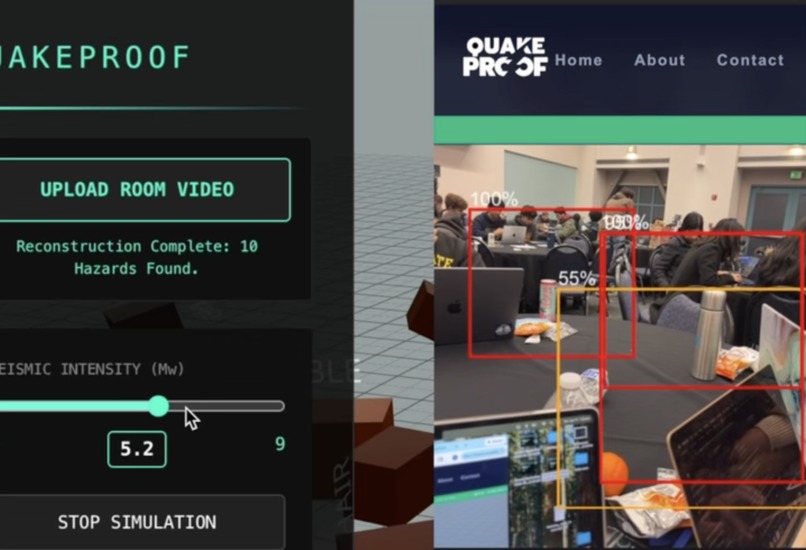
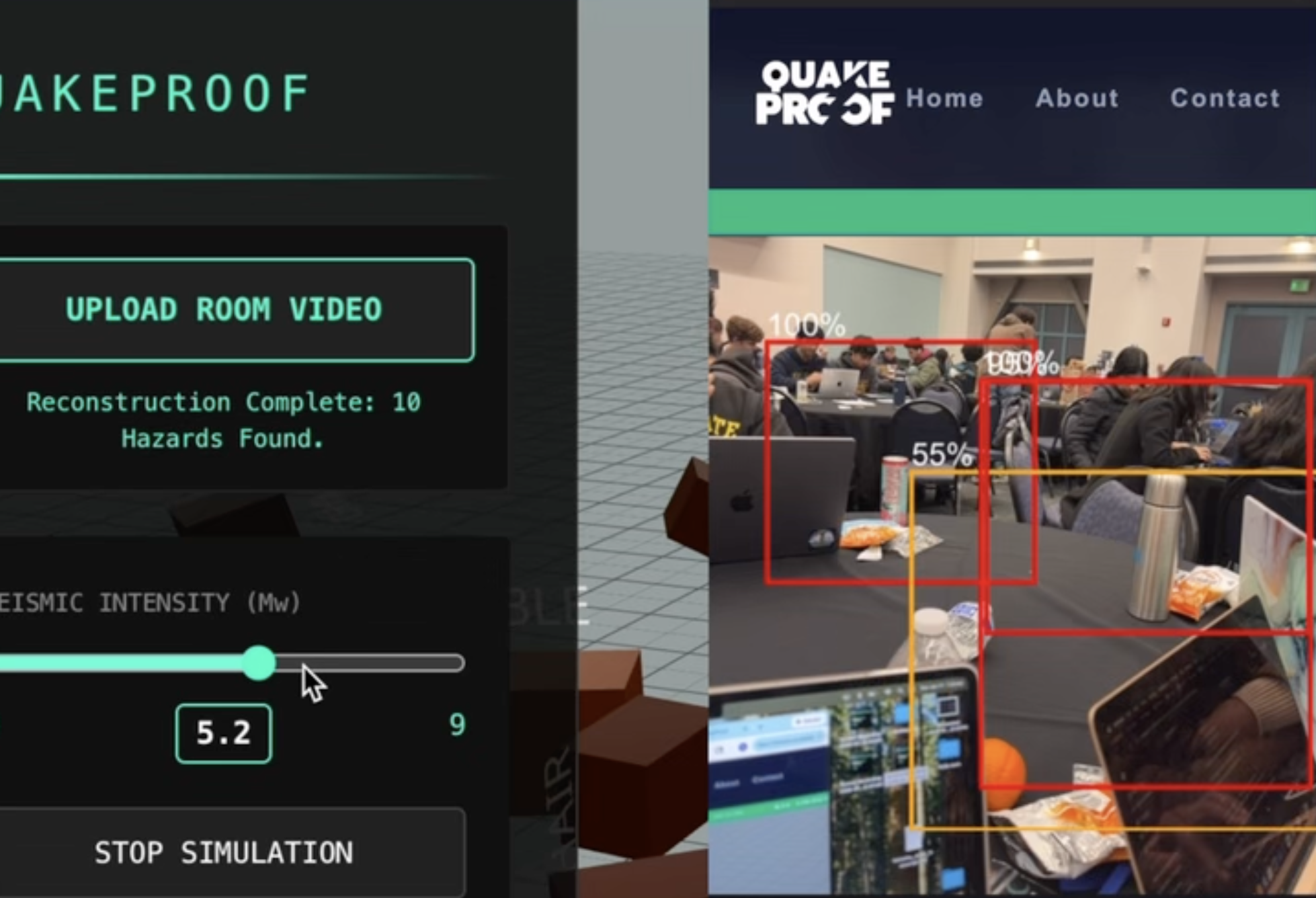
Live Mode Fall Detection 5.2
-
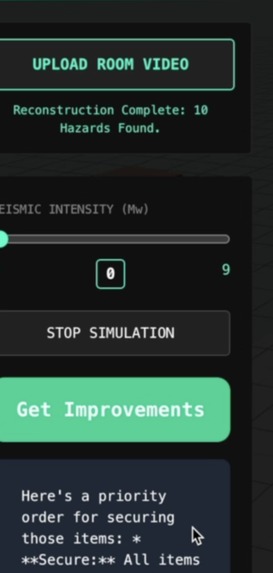
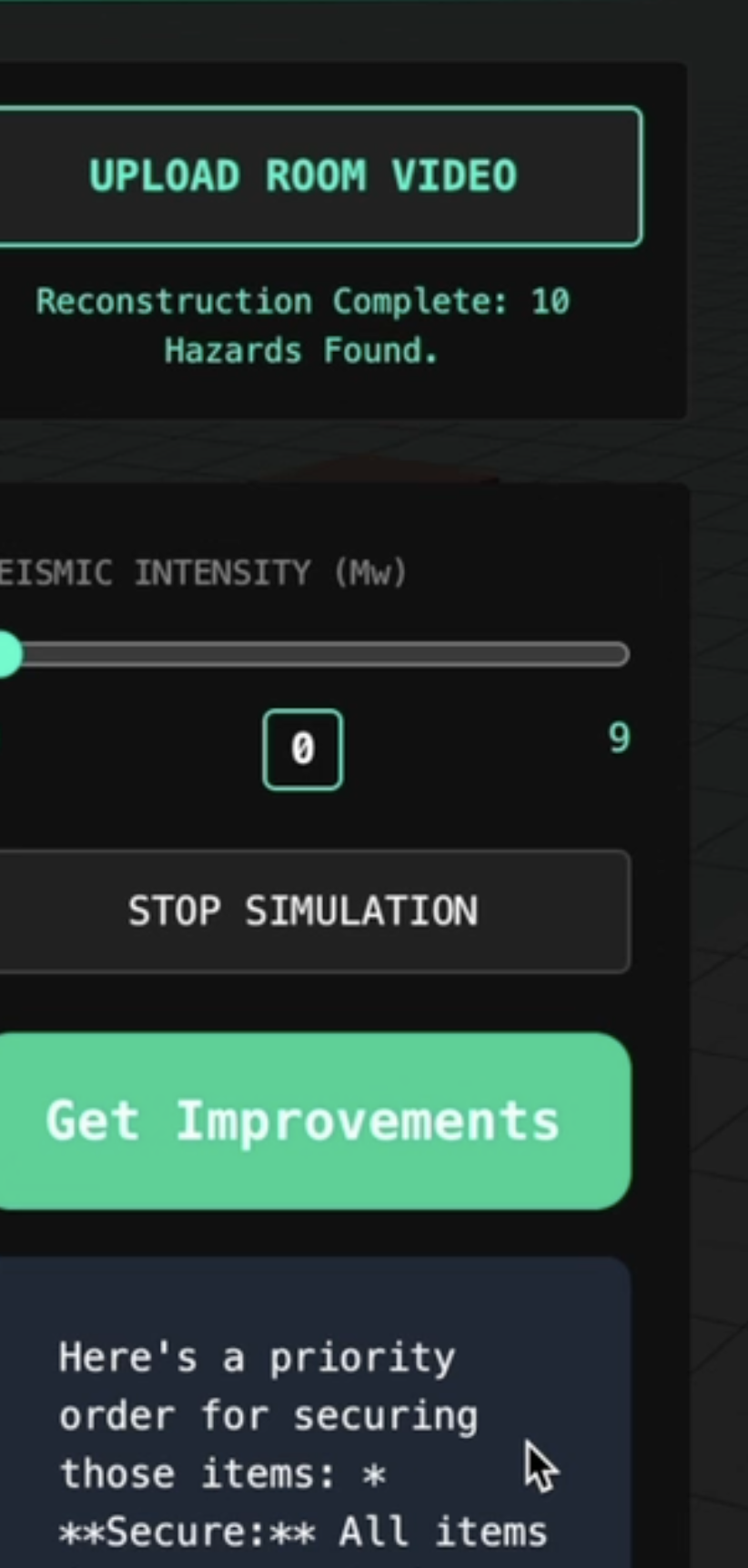
Improvement Suggestions
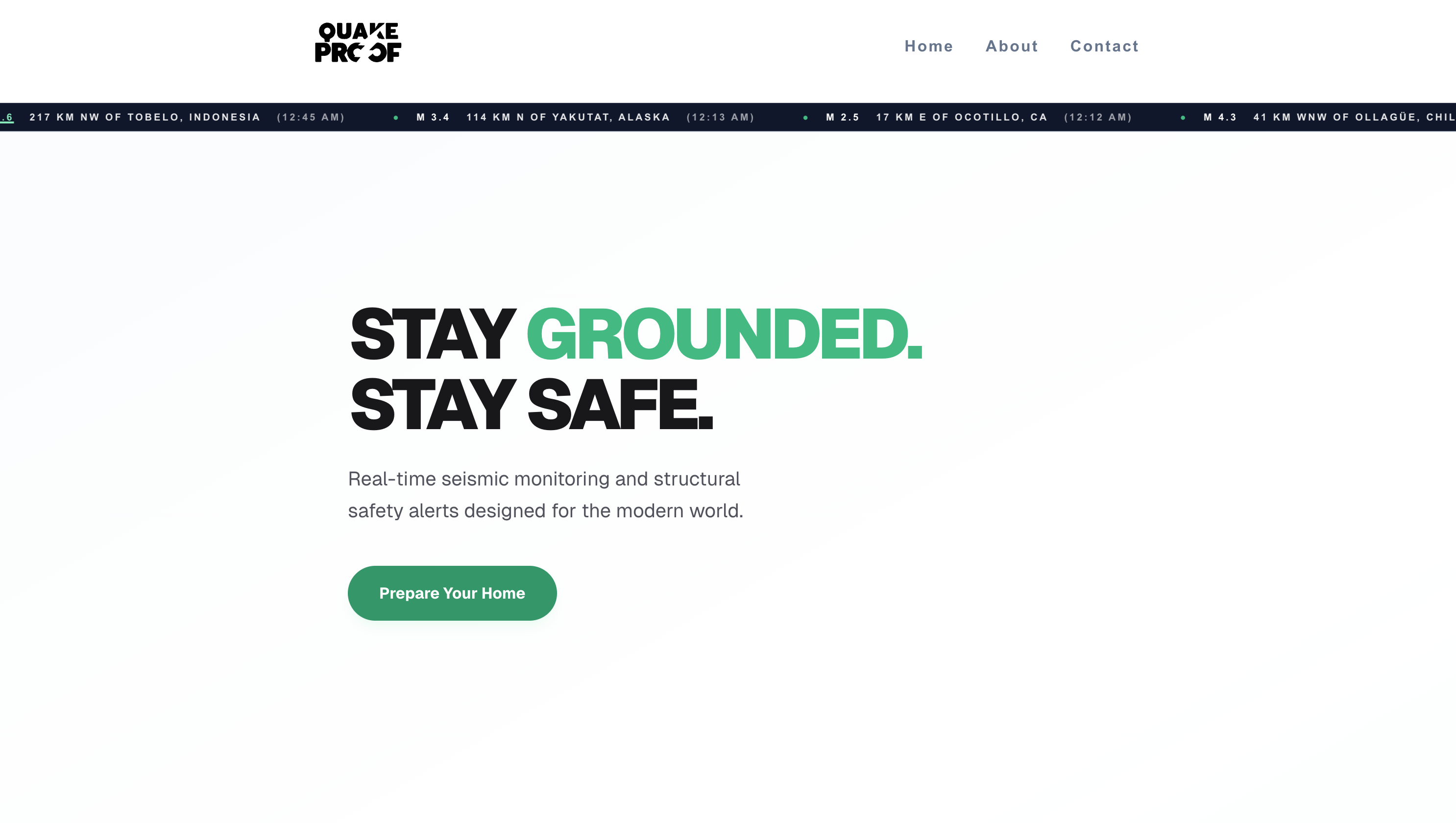
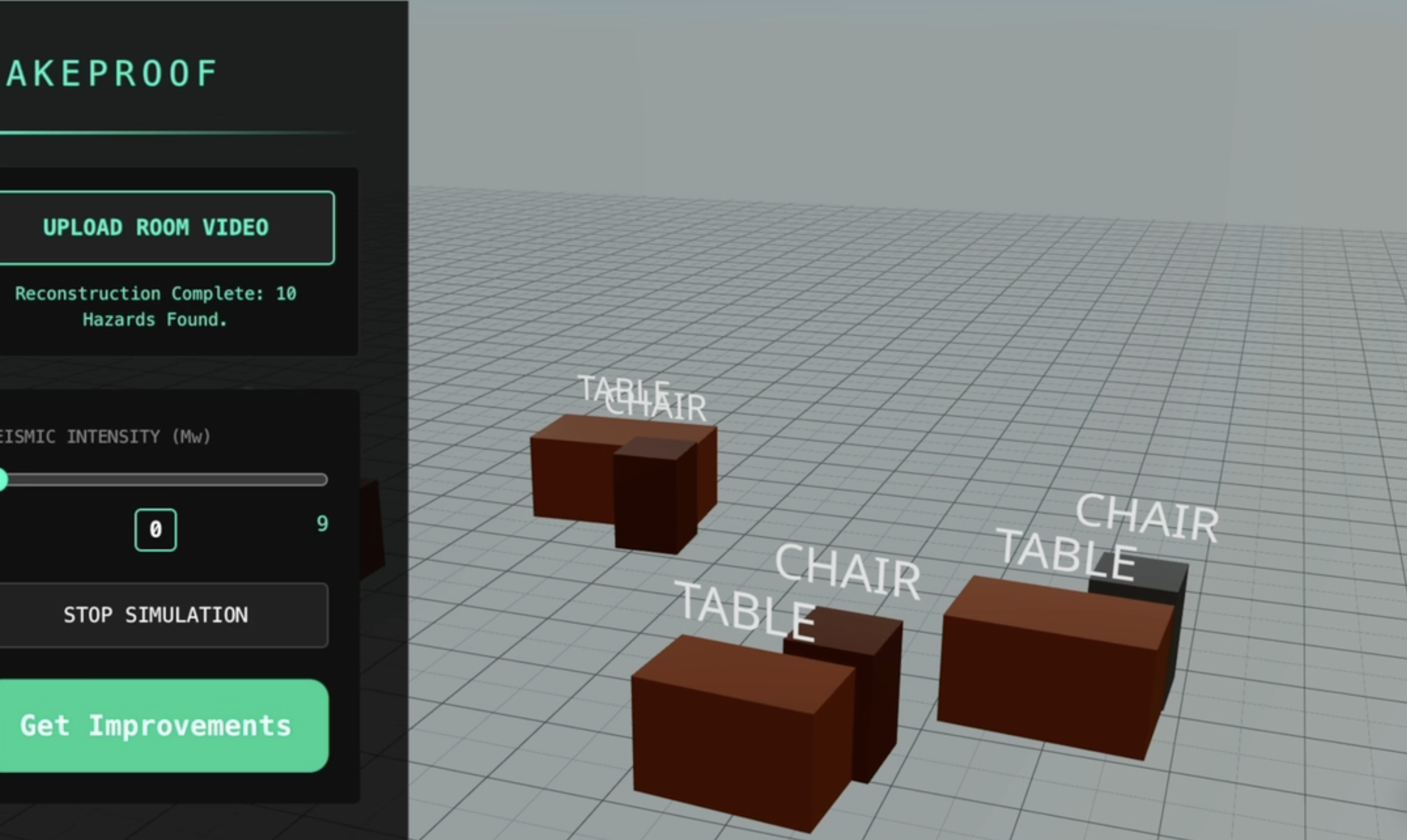
Inspiration
Scientists have confirmed that there is more than a 70% chance that an earthquake of magnitude 6.7 or greater will strike California by 2032. That gives us less than 6 years to prepare, and for most people, that’s not enough time to retrofit their house.
Living along the San Andreas fault, this hits close to home, quite literally. One of our group members' houses is one street away from the epicenter of three 2.0+ earthquakes that all hit today. Not to mention more than 80 earthquakes above 2.0 have hit the Bay Area since November 2025. These warning signs are frightening, and while scientists can’t predict exactly when “the big one” will happen, our app helps people prepare.
What it does
The app runs a simulation of earthquakes of varying magnitudes, displays an interactive 3D rendition of the final result, and suggests fixes. First, the user takes a video of their surroundings and our app renders a 3D version. The user can then see exactly how different magnitudes would affect the room and get personalized suggestions for safety features to add. They can also enter Live Mode, where their phone camera color codes objects on the phone screen as they pan their camera around based on risk while adjusting magnitude.
By adding the safety features our app suggests, and seeing exactly what might happen years before it does, our users are well-prepared against an earthquake, alleviating stress and improving safety.
How we built it
3D rendition: The user inputs a video of their room to the app. Then, we analyze the video and send a prompt to Gemini AI API, asking it to identify the objects in the video based on predefined categories. The objects are then sent to Rapier, which is a physics engine that processes the location and object information from Gemini and renders the 3D block versions of the objects in their appropriate coordinates. Rapier also considers the mass, height, width, and configuration of the objects and simulates how the horizontal acceleration applied during an earthquake will affect them. We also send the furniture data to the Gemini API to suggest fixes based on room data.
Live Mode: We trained a YOLOv8 model on a dataset containing common furniture items and used OpenCV for camera vision and TailScale to allow the phone to detect and classify objects in real time and send the data back to the web app. We then run a Monte Carlo physics simulation, randomizing several parameters and averaging the results to determine the percent likelihood of an object tipping given a certain magnitude.
Challenges we ran into
We had trouble connecting the computer to the phone’s webcam while constantly sending data to and from each device. We first used ngrok to create a virtual https link that a phone could open, but this was extremely slow and would freeze after overlaying simulation results for over 10 seconds. Our solution used Tailscale, which was much faster with no rate limits, so the phone would keep running the simulation to overlay data for the furniture tipping percentage while sending the information to the backend on the computer.
In addition, we worked on three different but related portions and had to combine our code and dependencies while still having all the external connections (phone to computer, Gemini API) work. One component used Vite, the other used React, and the last used Next.js, so we had to update our apps to make them all compatible. This involved a lot of high-impact merging and structural changes.
Accomplishments that we're proud of
Our app converts a video into an interactive 3D model, identifying object type and material and using object density while running the simulation. It also suggests fixes based on the specific room layout. Live Mode runs the simulation in real time and overlays boxes at a rate of 5 fps on a phone camera instead of the laptop for added convenience.
What we learned
We learned how to connect multiple devices to pass data seamlessly and rapidly between each other. The phone uses a YOLO model stored on the computer, sends frames back to the computer to analyze, and overlays the result back on the camera screen.
We learned how to do API calls through both Gemini wrapping and extracting data from an earthquake API. We generated Gemini API keys to call gemini to perform object detection on our videos. Another way we implemented API calling was through extracting GeoJSON data from an earthquake API to display significant earthquakes within the past day.
We also learned how to render 3D object reconstructions from a video, combining the power of the YOLO model, Gemini AI API, and Rapier physics engine. The process of coming up with this pipeline was highly enriching, as we explored ideas that we thought were beyond the limits of what currently available public AI models can do. In this process, in order to ensure our physics simulations were grounded in science, we also learned deeply about the structure and impact of earthquakes.
What's next for QuakeProof
Our next steps are to build a more interactive UI, where the user can click on objects to “secure” them, and rerun the simulation to see how securing heavy furniture items improves safety. We would also like to add an overall “safety score” using room data, steps taken, and location data. Lastly, we would map the exit and create personalized recommendations to ensure the exit path remains clear.
Built With
- geminiapi
- javascript
- opencv
- python
- rapier
- react
- tailscale
- three.js
- yolo

Log in or sign up for Devpost to join the conversation.