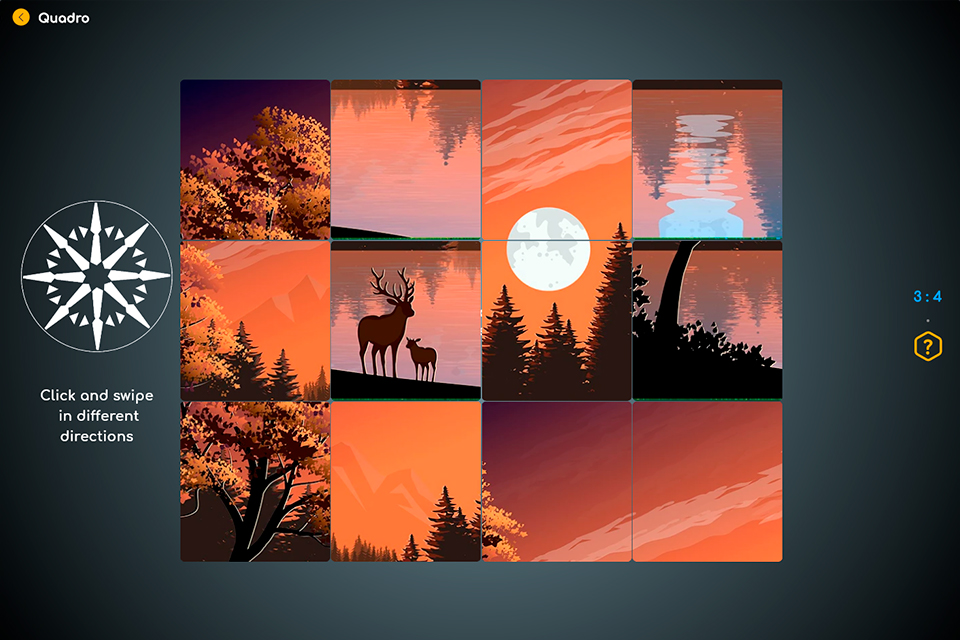
Quadro is a puzzle application that challenges players to assemble a picture using the method of shifting endless rows, columns and diagonals. The application works on Android and Web platforms.
The main inspiration for the development of this puzzle was curiosity. I wondered how it would look like assembling a fragmented image using looped rows, columns, and diagonals, which approach to take, and would it be interesting and difficult?
The biggest challenge in developing the application was to choose a method for implementing the shift. To ensure the best performance, I used the auxiliary fragments method: outside the user-visible area, additional elements of rows, columns, and diagonals are formed that complement the scene grid.
I had concerns about how Flutter would handle a large number of elements if the scene mesh was densified: 3x3 ->10x10->..., and whether the animation of these elements would be smooth. It quickly became clear that this is not a problem for Flutter, but for the player this puzzle becomes too complicated and long. Changing density by 1 step (6x6->7x7) increases assembly time by 30%.
To form the fragments of the image, I first cut it into pieces in Photoshop, but then I decided that it would be better to cache the image and insert it into each fragment of the scene, adding to it an X:Y offset relative to the fragment's row and column ID.
All application images are free and taken from the resource: https://www.pexels.com and https://pixabay.com.
I also chose a simple MVVM architecture for the application, using the Provider and the GetIt library to implement the application logic.
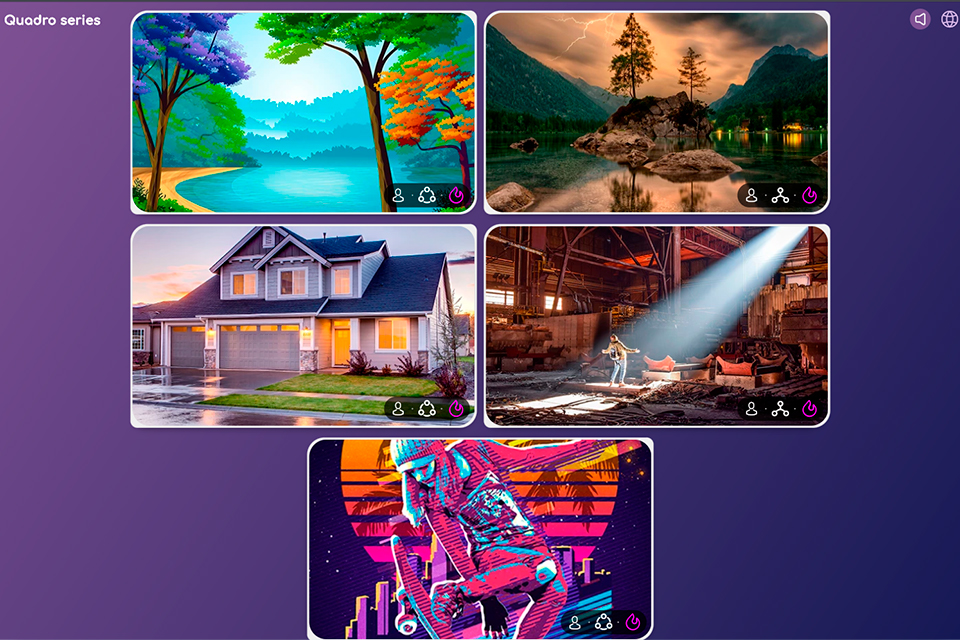
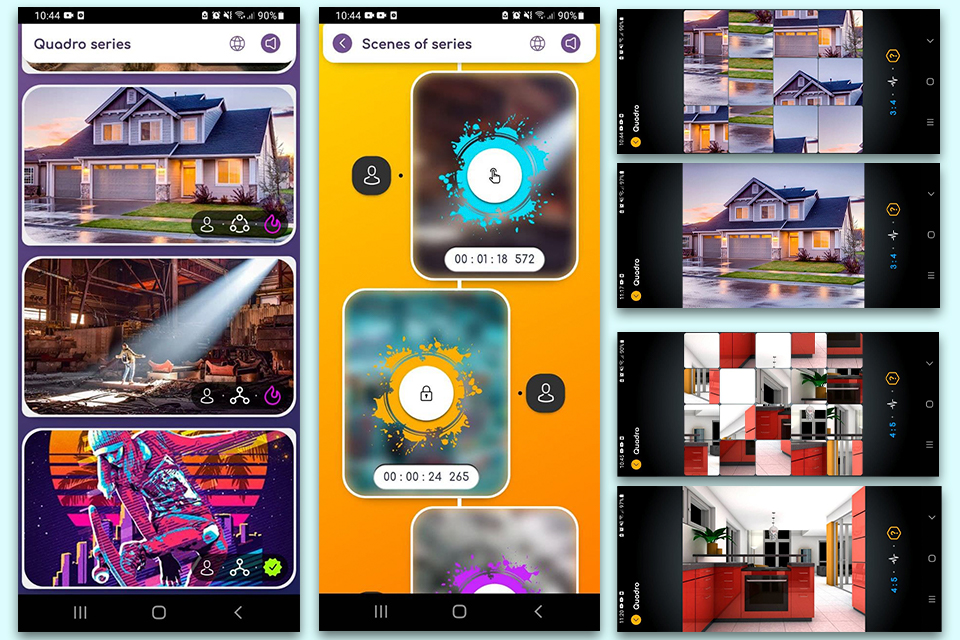
The application has several series, each of which contains scenes that players need to complete in order to solve the puzzle.
The complexity of the puzzle depends on the number of horizontal and vertical fragments of the scene, the detail of the image, as well as the presence of a diagonal shift. Diagonal shift is enabled by default in all series to make it easier to get to know the game.
How to play:
- Each image is divided into many parts.
- Try to imagine the whole image and place each part of it.
- Use endless scrolling of rows, columns and diagonals of image parts to collect and merge them into one whole.


Log in or sign up for Devpost to join the conversation.