-
-
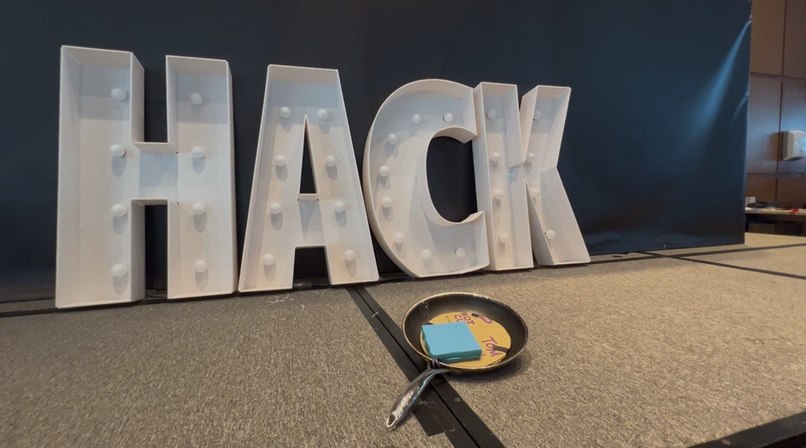
Hack a pan?
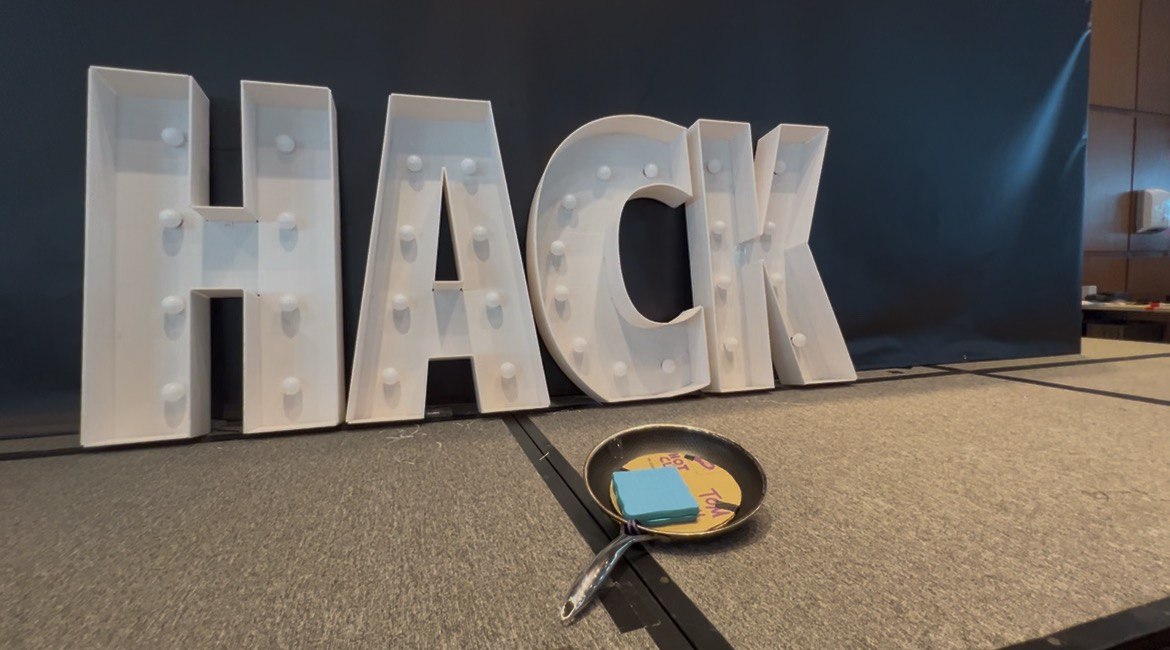
QuackForSizzle 🍳🦆
Cook with real pans. Win virtual glory.
QuackForSizzle is a cooking game where real cooking pans are the controllers. Each pan is retrofitted with custom hardware that tracks your movements in real-time — when you flip a pancake in real life, your character flips one in the game. Built for NUS Hack & Roll 2026 by Team Cook or Be Cooked.
🎮 What It Does
Players use physical pans to navigate cooking challenges and master culinary skills:
- Tilt the pan to move your character and adjust cooking temperature
- Flip to execute cooking actions — flip pancakes, toss vegetables
- Tap NFC-enabled items to the pan to unlock ingredients and power-ups
- Shake to activate special abilities
The game features multiple cooking challenges — from perfecting the golden-brown pancake flip to searing the perfect steak — with progressive difficulty that tests both gaming skill and real cooking technique.
🛠️ Tech Stack
Hardware
- ESP32 microcontroller
- MPU6050 gyroscope/accelerometer (6-axis motion: pitch, roll, yaw)
- RC522 NFC reader for item detection
- Bluetooth Classic for wireless communication to the game
- 3D-printed housing to protect electronics inside the pan handle
Software
- Unity (Universal Render Pipeline) with C#
- Arduino/C++ firmware for the pan controller
- Unity Input System for controller integration
📁 Project Structure
QuackForSizzle/
├── Hardware/
│   └── Hack_n_Roll_2026.ino   # ESP32 firmware (motion tracking, NFC, Bluetooth)
├── Software/                   # Unity project
│   └── ...                     # Game logic, scenes, shaders
└── README.md
🚀 Getting Started
Prerequisites
- Unity (URP) — check
Software/for the project - Arduino IDE or PlatformIO for the hardware firmware
- ESP32 board with MPU6050 and RC522 modules wired up
- Bluetooth-enabled machine to receive controller input
Hardware Setup
- Wire the MPU6050 and RC522 to the ESP32 per the pin config in
Hardware/Hack_n_Roll_2026.ino - Flash the firmware via Arduino IDE
- Power on the pan controller and ensure it's broadcasting over Bluetooth Classic
Software Setup
- Clone the repo:
bash git clone https://github.com/butter9fe/QuackForSizzle.git - Open the
Software/folder as a Unity project - Pair your pan controller via Bluetooth
- Run the calibration step in-game (hold pan level, follow on-screen prompt)
- Hit Play and start cooking!
🙏 Acknowledgements
Thanks to all playtesters who endured enthusiastic pan-flipping in a hackathon room. Built with love, sleep deprivation, and lots of pancakes 🥞.


Log in or sign up for Devpost to join the conversation.