-
-
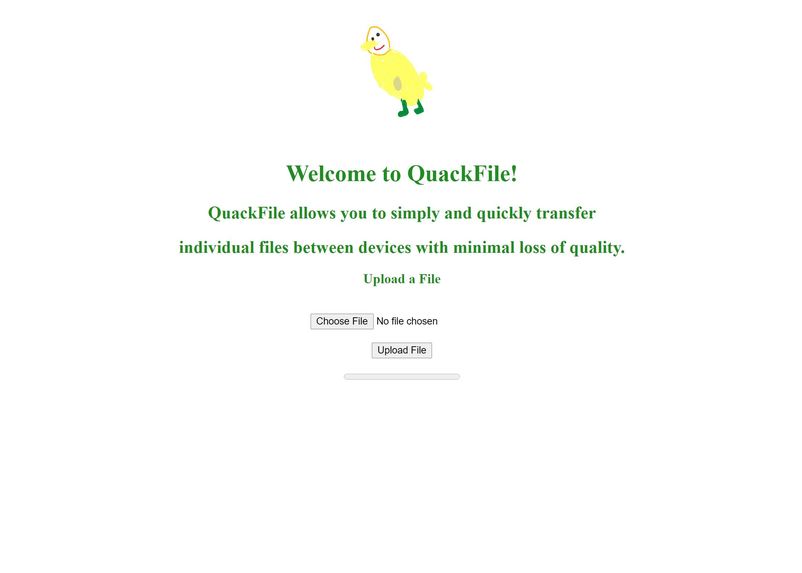
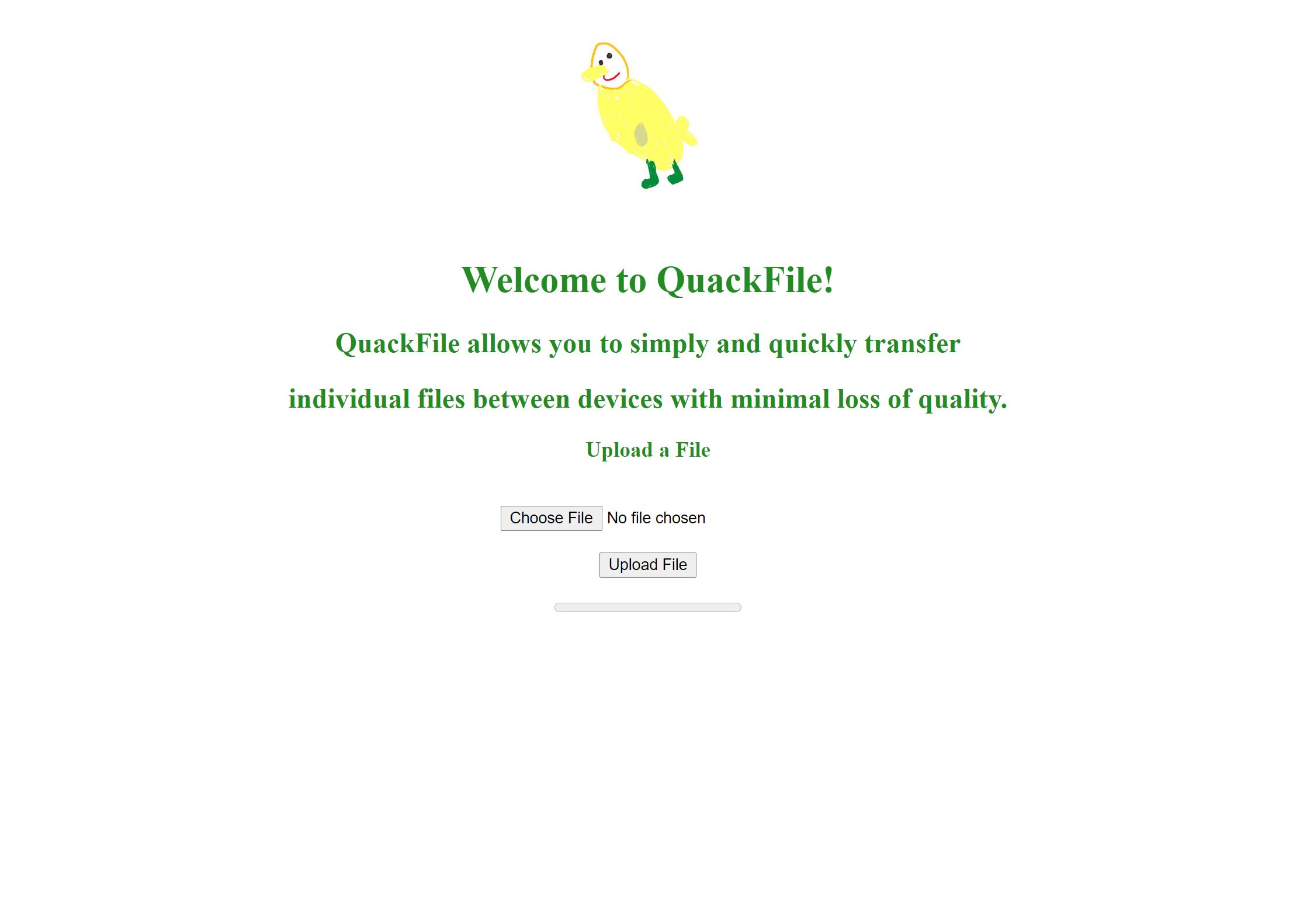
Here is what the user sees when they log onto the site. Obviously we hope to make it more sophisticated as we work on this in the future.
Inspiration -
Emailing pictures of assignments from a phone to a computer is time consuming, and with limited time on assignments, it would be more time-efficient to upload a picture to a website from your phone and have it show up on the computer, with minimal loss of quality.
What it does -
It allows the user to click a button, asking them to choose a file. After the file has been chosen, the user then clicks the "Upload File" button. As the file is being uploaded, there is a progress bar that shows the upload progress.
How we built it -
We built a simple HTML file that has some instructions, a button which allows the user to choose the file they wish to upload, and a progress bar so the user can see the upload progress of said file (and a lovely drawing of an adorable duck :) ). Using Google Cloud Services, we used storage references on the web to allow the site to refer to the specific files, and we also used the services to assist in uploading the files to the server as well.
Challenges we ran into -
Neither of us had ever used Google Cloud Services, nor had either of us completed projects in JavaScript. This resulted in us teaching ourselves on the fly, it also resulted in troubleshooting errors taking quite a bit longer (much longer to solve the security issues with Chrome) as we were programming in a language that neither of us had full confidence in. We also found ourselves to be too ambitious several times throughout the hackathon regarding our resources, so we would have to scrap pieces of what we had to simplify the goal to its current state.
Accomplishments that We're proud of -
Writing functional JavaScript code for the first time, learning how to integrate Google Cloud Services with a web frontend.
What we learned -
We learned that there are some very useful tools to assist in cloud storage (such as Google and AWS) in creating user authentication (which we were ultimately unsuccessful in creating), and file uploading.
What's next for QuackFile -
Would like to create end-to-end cross-platform applications, so access to a web browser is unnecessary (the original idea), while also maintaining the functionality of the web platform, so that the user could simply log into the app and upload the file from the app rather than from a web browser on their chosen device.


Log in or sign up for Devpost to join the conversation.