-
-
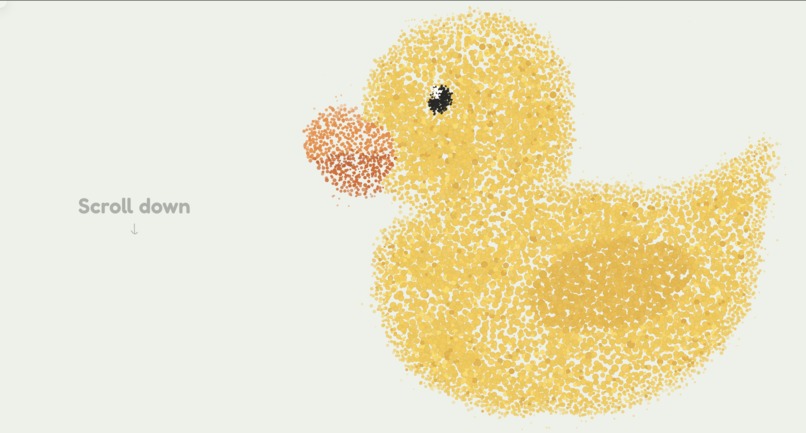
Our Duckie
-
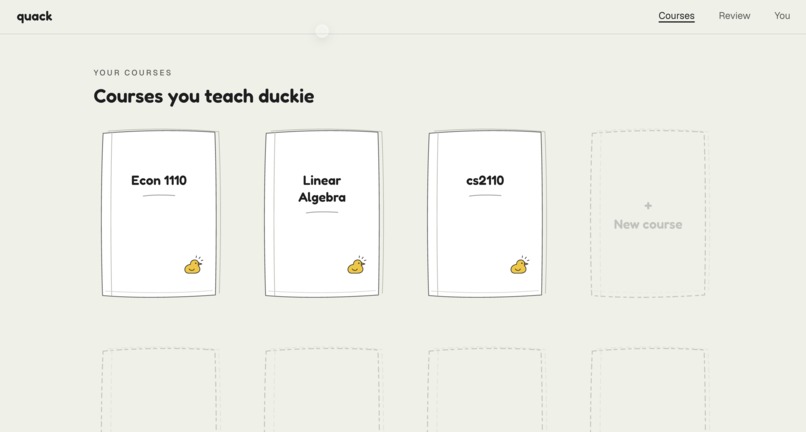
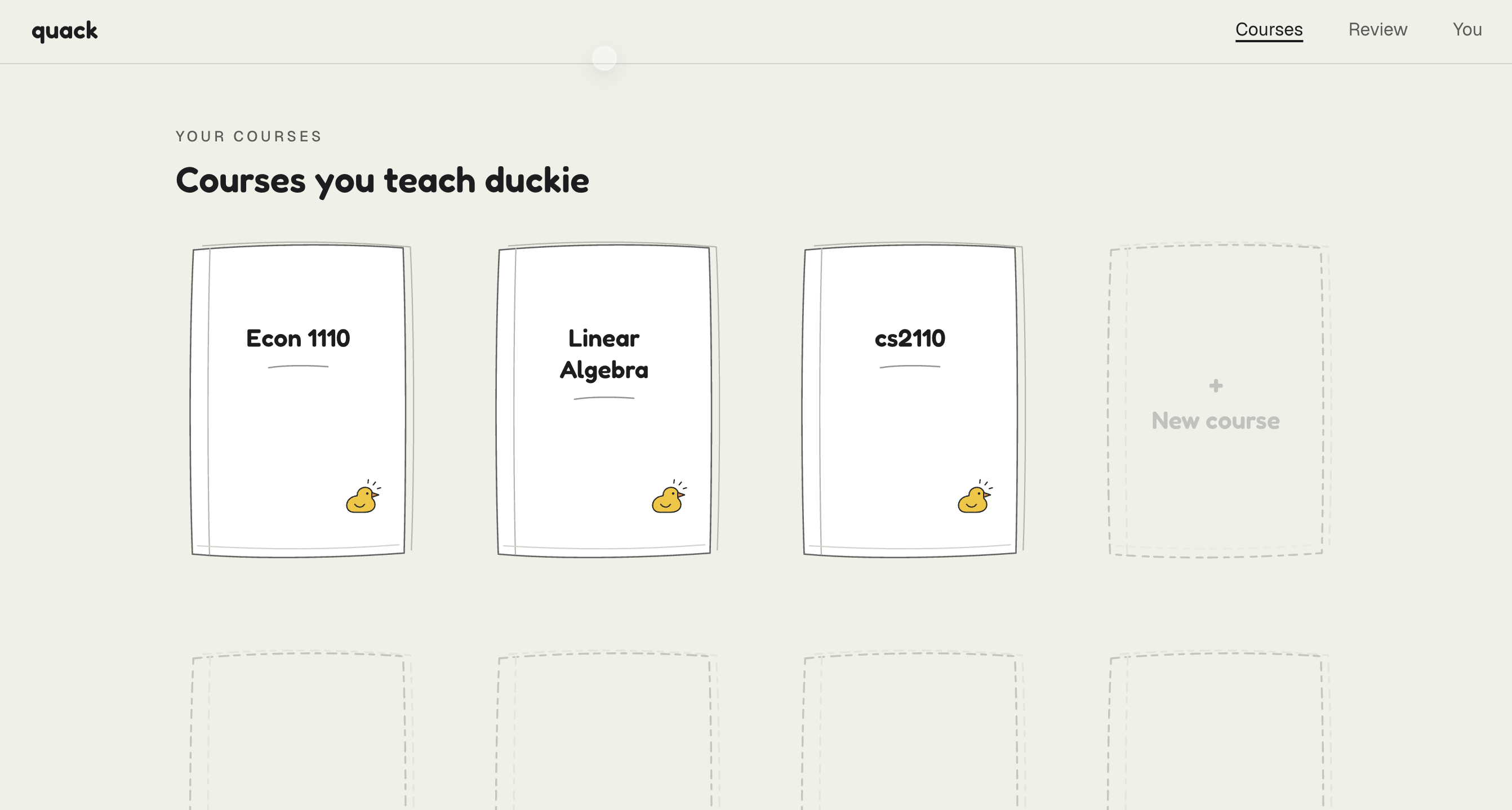
The Courses Tab: To keep track of all of your courses.
-
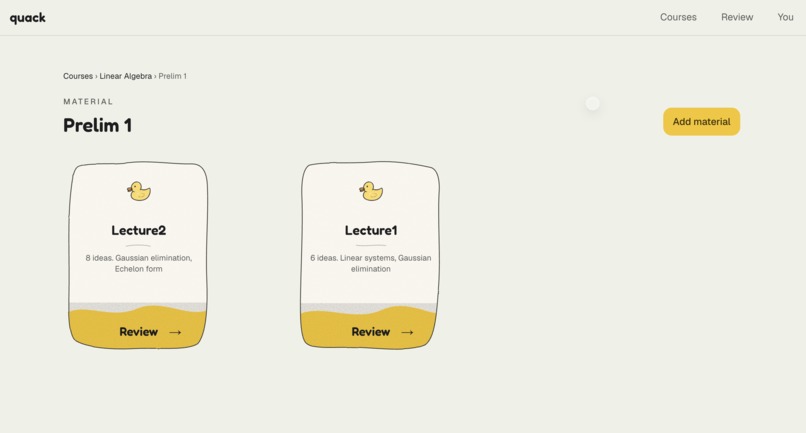
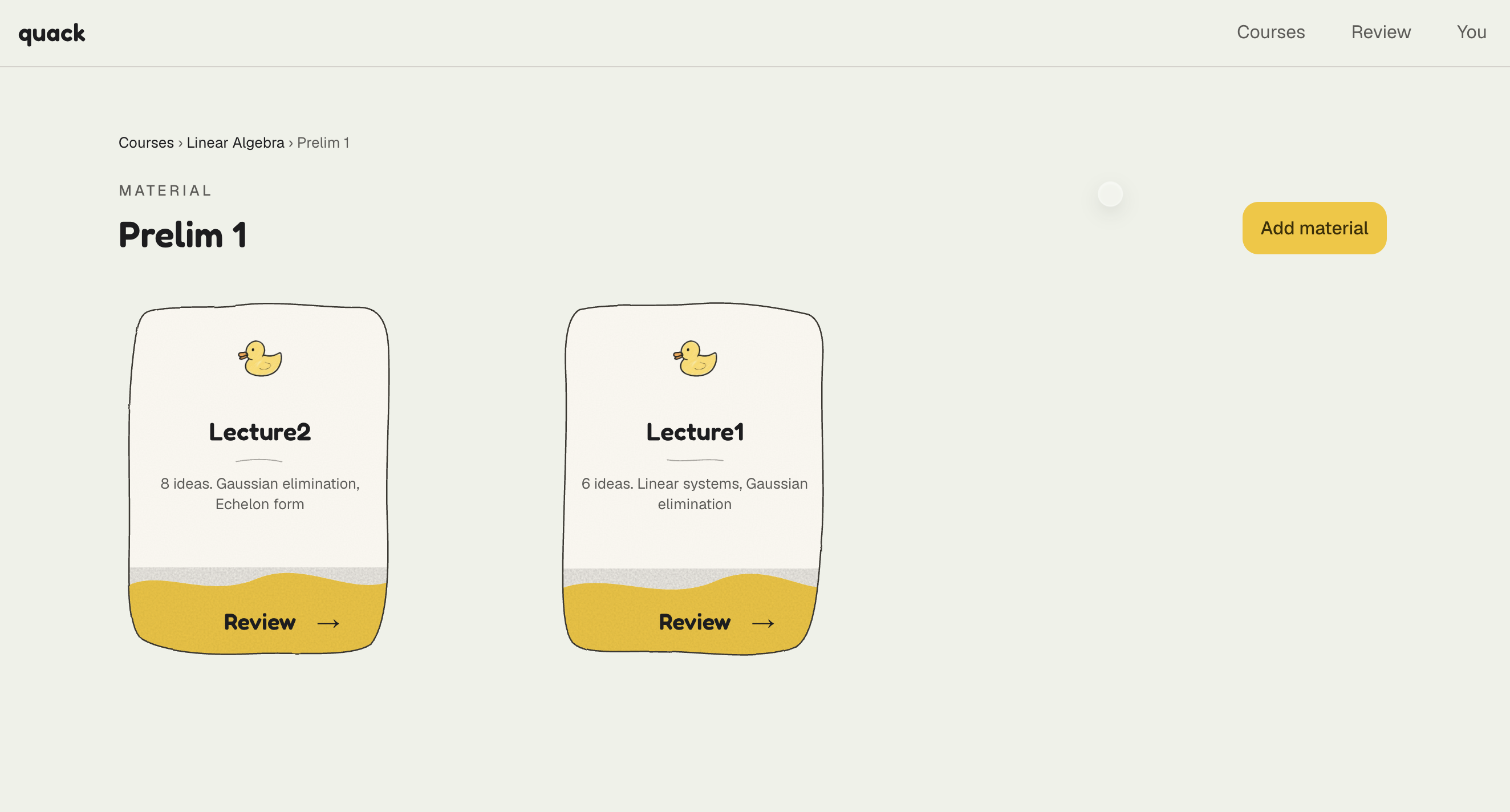
All prelim 1 material! All in one place, under your course.
-
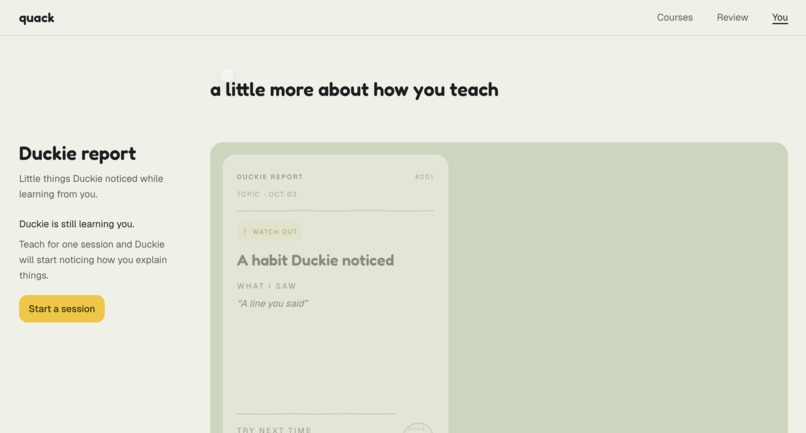
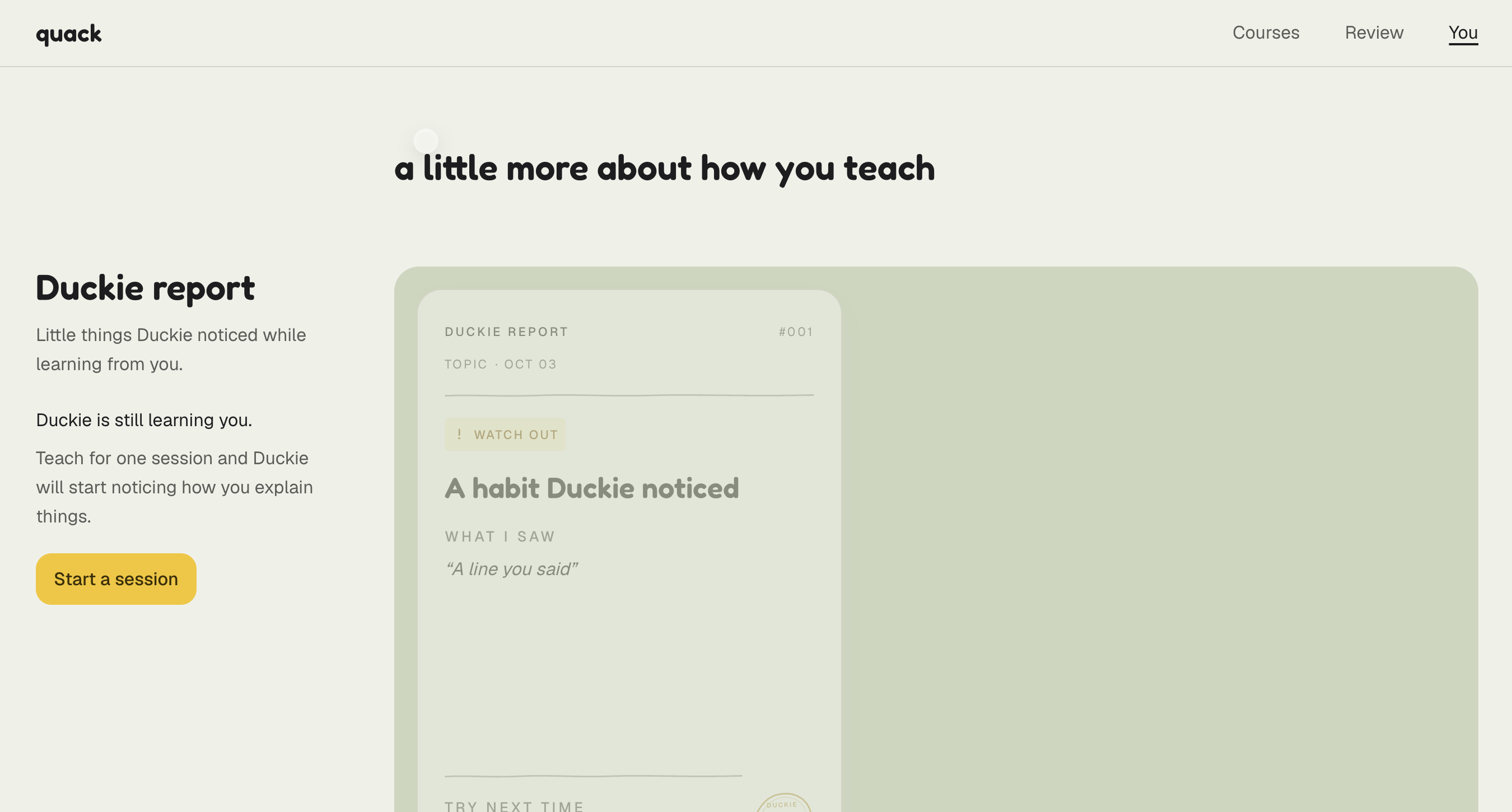
Your personalized profile that shows your learning style, progress and personalized reports.
Inspiration
I'm a TA for CS 2110, an intro programming class at Cornell. At our meeting last week, the professor told us that he has noticed a decline in the coding abilities of students over the past few semesters. Exam scores have dropped, while homeworks and weekly assignments scores have gone up. Students turn in homework that works, probably with the help of AI or notes, they think they understand the material and then many of them can't write or explain the code on paper that tests the same concepts.
The biggest issue is when you are a beginner like most students in an intro class you do not have enough knowledge yet to make AI useful. You need to make mistakes, debug code and feel the frustration that comes with it. But when you know that there is a quicker and easier way, you get tempted and ask AI. It gives you a clean answer, you read it, and it makes sense. You feel productive. You feel like you get it. Then the exam comes, and you can’t write the code for another complicated loop invariant diagram. That's the trap. Understanding by reading an answer is not the same as knowing it. AI is like GPS: you always get there, but you never learn the way. And on exam day, the GPS is off. It isn't just coding. The same thing happens in math, psychology, any class where you can ask AI and read the answer instead of working it out. Programmers found a fix for this a long time ago. When you're stuck, you explain your code, line by line, to a rubber duck. Halfway through, you hear your own mistake as you go through the process out loud while proving to yourself what you know. So we gave the rubber duck a voice. Most AI agents explain things to you. Duckie flips it: you explain to the duck. It asks questions tailored to your lectures and upcoming exams, it notices what you skip, your confidence, and at the end it shows you the gap between how well you thought you knew it and how well you really do.
What it does
Duckie is a duck on your desk that you teach out loud.
- Upload your slides or notes. Duckie extracts the key concepts, common misconceptions and the slide each one lives on.
- Rate yourself. Before starting the conversation, Duckie asks how much you understand the concepts, from 1 to 5.
- Close your laptop and teach. We all need some screen-free time these days. With Duckie, you put your laptop away and explain the topic out loud to a curious duck that knows nothing yet. Duckie waits until you finish your thought, then answers, usually with a simple question that pokes at what you missed.
- Get help without getting the answer. If you're stuck, Duckie climbs a help ladder one step at a time. The first step is a question, designed to nudge you in the right direction. Then a pointer to the location in the uploaded lecture materials, then a smaller example, and only as a last resort a two-sentence explanation that you must restate in your own words.
- See the gap. The debrief after your conversation with Duckie shows your Illusion Score, the distance between where you thought you were and where you actually are:
$$\text{Illusion Score} = 25(c-1) - 100 \cdot \frac{\text{owned} + 0.5 \cdot \text{assisted}}{\text{total concepts}}$$
where $c$ is your 1 to 5 initial confidence, so both sides run from 0 to 100. A positive score means you overestimated yourself. "Binary search: felt 5/5, owned 1 of 5 concepts. Illusion Score: 80."
Every concept shows your own words and the slide to revisit. Shaky concepts come back after 1, 2 or 4 days. Over time Duckie learns how you learn, and shows you what it learned, with a quote from you as evidence.
How we built it
In our core design decision, AI never decides how much help you get, what the right answer is, or what counts as understanding. A rules engine in plain TypeScript, covered by 535 unit tests, makes all of those calls. Eighteen more tests call Grok live and run only with an API key. The AI does two narrow jobs: it pulls quotes out of what you said, and it chooses the words Duckie speaks. Code then throws out any line that is too long, leaks an answer, or says something false.
- Voice (Grok Voice API): finished-turn transcripts, speaking the approved line, and stopping when you talk over it. The duck cuts in after 300 ms of your voice, once the line has been playing for 400 ms, so the speaker doesn't sound like you. A turn ends after 1.8 s of silence, or 4 s if you trailed off on "and," "so," "because," "like," "um," or "uh." If a reply is still going after 8 s, Duckie says "Hmm, let me think." A normal judge-plus-wording call is 2–4 s, so that filler is for a stuck call.
- Judge (Grok): reads each finished turn and returns structure only: concepts covered, missed or misunderstood, each with your exact quote. Anything it can't back with a verbatim quote is discarded. A concept is judged as covered only if you managed to explain it by yourself. Saying "I don't know" prompts the duck to fire back a question but does not cancel a previously stated correct explanation. If you make a mistake, however, the duck nudges you in the right direction by providing an example, even if it was not on the prepared list. A question on its own is a request for help, and Duckie does not answer, but only hints.
- Wording (Grok): The model writes one line of 20 words or fewer, with at most one question. The prompt requires every sentence to be true. It may not repeat a mistake as fact, say "got it" about something false, or join two things you said into a new false sentence. When you are wrong, the hint may only restate the uploaded lesson. Code rejects nonsensical lines, such as lines that praise an idea you did not say, and falls back to prewritten default ones.
- Rules engine: Each concept carries a struggle score from "I don't know," hedging, wrong traces, long silences, and stated misconceptions. Those score ranges map to help levels on the ending report. After three tries, the duck explains, and if you keep asking, it will hint a few more times, then move on so the conversation cannot loop.
- Extraction: pdf-parse plus Grok turn slides into concepts, misconceptions, and slide numbers.
- Memory (Tiger Data): Every turn is logged in Postgres. After each session, Grok summarises the log into a learner profile that nudges a few bounded settings, such as how long Duckie waits for you or how soon it probes, and every profile line is backed by a quote.
- Hardware: We are using a wireless clip-on mic and a speaker inside a rubber duck. There is no screen, on purpose, so you can’t look at the answer in the middle of your thought process.
- Web: Next.js on Vercel, served from our GoDaddy domain, with Recharts for the felt-vs-owned chart.
- Tools: Built entirely in Cursor, with Grok used for planning and splitting tasks across the team
Individual Contributions
Harini built the rules engine, the database, and the API the duck calls after every turn. In plain TypeScript, she wrote the struggle score, the help ladder, the leak check, and a sandboxed runner that grades trace answers, so code decides the help, the right answer, and the Illusion Score. She also turns uploaded slides into concepts and stores every turn, the recall schedule, and a quote-backed learner profile in Tiger Data.
Lucy built the voice pipeline, using Grok Voice API, from finished conversation transcripts to student interruptions, so the duck stops when you talk over it. She also wrote the judging logic and the wording prompts that the Grok AI uses to form a response. She tested conversations with Duckie, making sure it picks up the piece you just said, and does not give away an answer you have not reached yet.
Angela built the frontend in Next.js (App Router) with Tailwind CSS v4 and coded entirely in Cursor. Inspired by Rocky from Project Hail Mary and Grug, she created duckie's visual identity, personality and tone. She wrote the rules spec that defines when duckie speaks, how much help it gives, and every threshold the engine runs on.
Challenges we ran into
Turn-taking. People pause mid-sentence in natural conversation and speech such as using “and…”, “so…”, as well as other filler words, and then keep going. The duck used to treat that as the completion of their speech. We wait 1.8 seconds of silence to end a turn, and 4 seconds if they trailed off on a conjunction, so it listens like a person instead of interrupting.
Creating a conversation The duck is supposed to feel like a confused student, not a chatbot that gives the answer or a quiz that questions after every sentence. However, our early versions did both, where they either spoiled the problem or would not let you finish a thought or the conversation felt too unnatural. In this change, we capped it at 3 questions per idea, created an aspect of skipping, and ended the session at 8 minutes. This took the longest for our team as every wait and every limit choice had to be intentional, or it would stop feeling like a natural conversation.
Accomplishments that we're proud of
- An UI look that adds consistency and personality to our product. Every screen has the same doodly, quiet style, that combined with a tiny pale color palette creates the warmth that we hope Quack will bring in the user’s study habits.
- An entire binary search session replays as an automated test, so the rules are real code, not a prompt.
- Duckie's teaching rules are written in code, not left up to the AI. We replay a full binary search lesson as an automated test. Hundreds more tests check the scoring, when the duck should stay quiet, and a messy real session where it used to get stuck going in circles.
- Duckie never gives off an answer as the best TA. It hints, but doesn’t say a pre-saved answer. Grok only chooses the wording and code checks every line before it is spoken.
- Duckie answers quickly and concisely. The reply is 20 words or less, contains at most one question, and usually responds in 1 to 4 seconds. If the user talks over it, Duckie stops and listens.
What we learned
The hardest part of making the AI agent as a tutor is not to increase its intelligence but rather to hold it back. In the process of making our code we learned to keep every decision in code, when to wait, when to ask, when to stop, and let the AI handle only the words as it allows to create a more natural conversation and enhance the conversation in a way that allows the user to learn the most.
What's next for Quack
- Expand the usage and experimentation to different classes. Let students try Quack with their own lecture notes and see where the Illusion Score holds up and where it doesn’t.
- Make the listening better. Keep refining the speech context and algorithms that process each speech text to improve the conversational experience of the user.
- Focus on CS 2110. As this project came as an inspiration from the story of the TAs, we would love to be able to expand specifically for that class and to be able to create a product that is able to help students learn and have the ability to explain code.
Built With
- cursor
- grok
- tigerdata
- typescript


Log in or sign up for Devpost to join the conversation.