Inspiration
Inspired by the rubber duck debugging method, our platform encourages students to articulate their challenges, whether technical or conceptual, to find clarity and solutions.
What it does
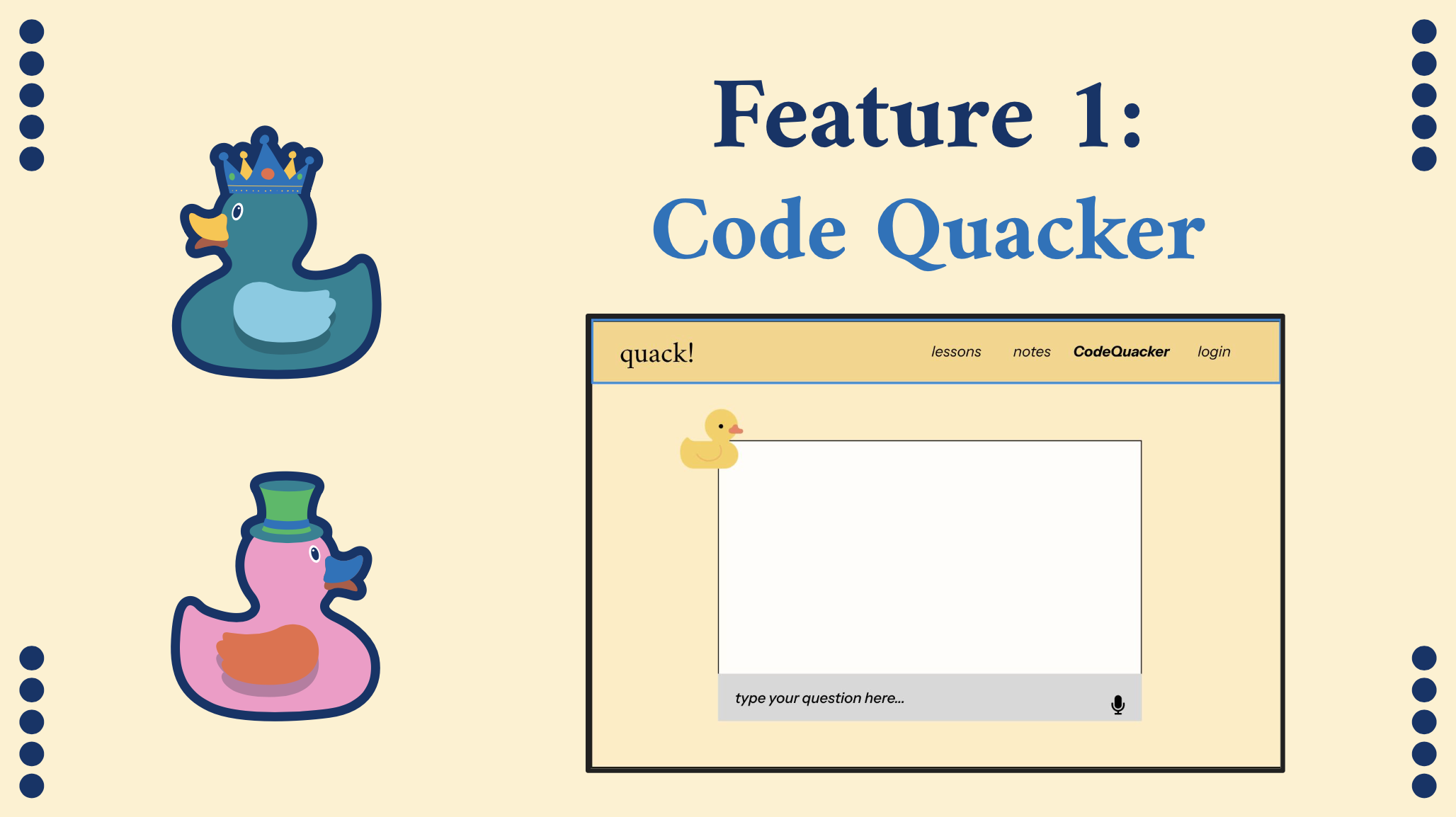
With CodeQuacker by quack!, explaining your coding problems is the key to solving them! CodeQuacker is an AI-assisted tool that takes in your buggy code, either verbally or textually, and outputs the best suggestions to tackle your coding issues. Inspired by the rubber duck debugging method, our platform encourages students to articulate their challenges, whether technical or conceptual, to find clarity and solutions. It will be used in CS classrooms across universities to help students in debugging and provide customized lessons with a point system to get practice fixing their frequently encountered bugs.
How we built it
We built the front end of our site using HTML, CSS Bootstrap, and Jinja. We used both Breadboard API Endpoints and OpenAI public API Endpoints to configure our text and speech features for CodeQuacker. For login functionality, we used MySQL as our backend database, which will also store user's query history, lessons history, and profile information.
Challenges we ran into
One challenge we ran into was getting Google Breadboard to work. Because of how new the software was, we encountered difficulties due to coming across bugs in the interface. One of our members, Rauf, troubleshooted with a developer of the library and was actually able to help the developer fix a bug in the Breadboard software! We also consulted other hackers for help accessing the cloud-based visual editor and were eventually able to get it to work for the text-based CodeQuacker option. We are very close to having it set up for the speech-based option as well.
Accomplishments that we're proud of
We are definitely most proud of figuring out Google Breadboard. Working with fellow hackers and the developer over Slack was very rewards once we got it to work. Additionally, we were able to successfully integrate a speech recognition software that could be used to generate queries for the specialist. On the front end, we are very happy with how the webpage looks aesthetically.
What we learned
We learned how to use Google Breadboard and use a visual editor to specialize the AI persona of the specialist to fit our needs. We were able to use the cloud-based visual and the public API endpoints to integrate it with our Q/A features on CodeQuacker. Additionally, we were able to utilize a javascript element called speech recognition and program a javascript file to start recording on click and stop recording when you toggle it. Also, it's connected to OpenAI API endpoints using personalized API keys. We also learned how to use Bootstrap as a framework to better style the HTML.
What's next for quack!
Our team wants to continue working on this project. In the future, we will incorporate a volume-based sound board for speech recognition and implement BreadBoard to analyze speech transcripts. In addition, we will have a notes page that will use AI to summarize notes saved under different accounts, and the gamification aspect of the Lessons page will be more developed. After completing development, we will pitch this idea to professors to help aid CS students in debugging their code and encourage them to utilize the point system. This will be well received because rather than generating bug-free code, CodeQuacker provides AI-generated suggestions to enhance students' learning, rather than replace it. The gamification aspect will also introduce features such as customizing your duck!


Log in or sign up for Devpost to join the conversation.