-
-
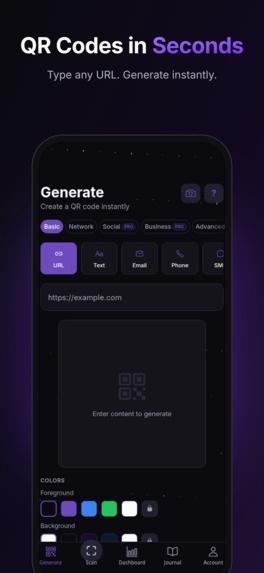
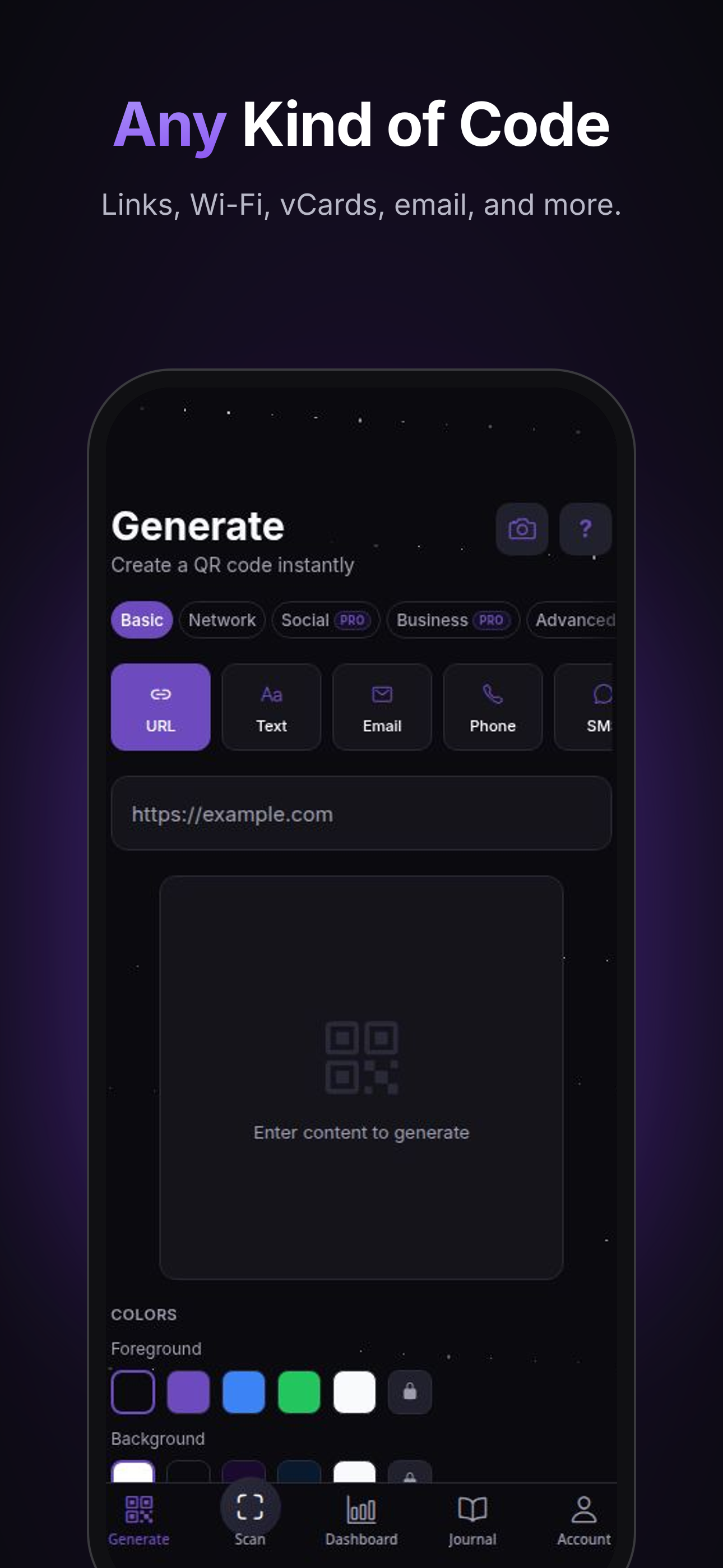
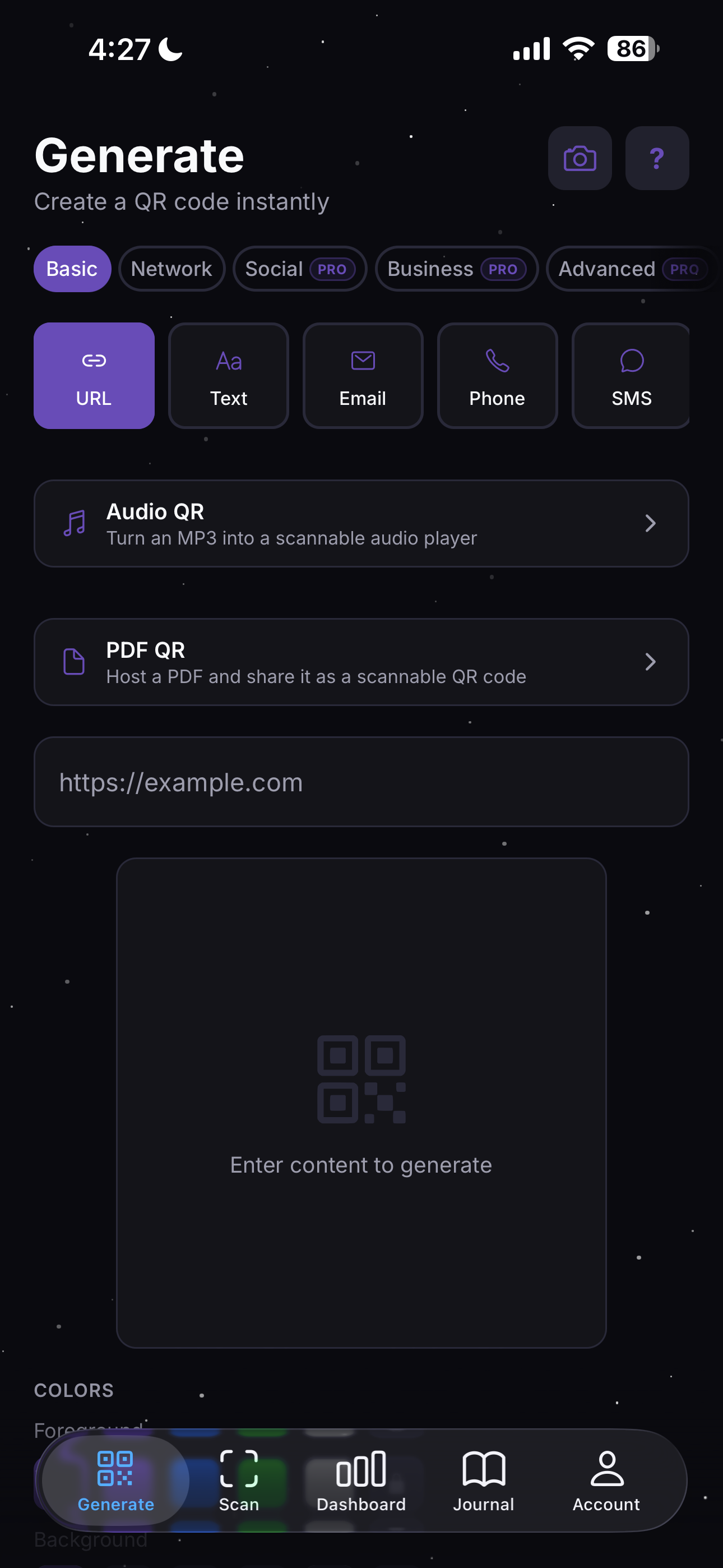
Generate QR codes instantly for URLs, WiFi, contacts, emails, and more.
-
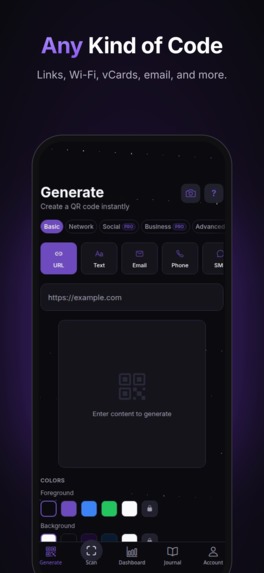
Generate QR codes for URLs, Wi-Fi, vCards, email, phone, SMS, and more with custom colors and styles.
-
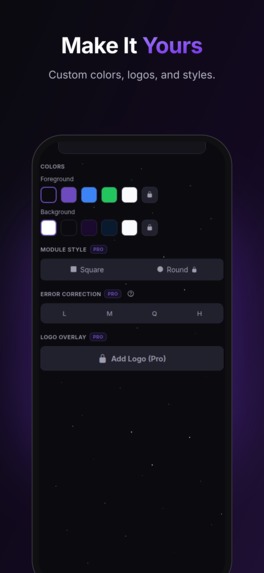
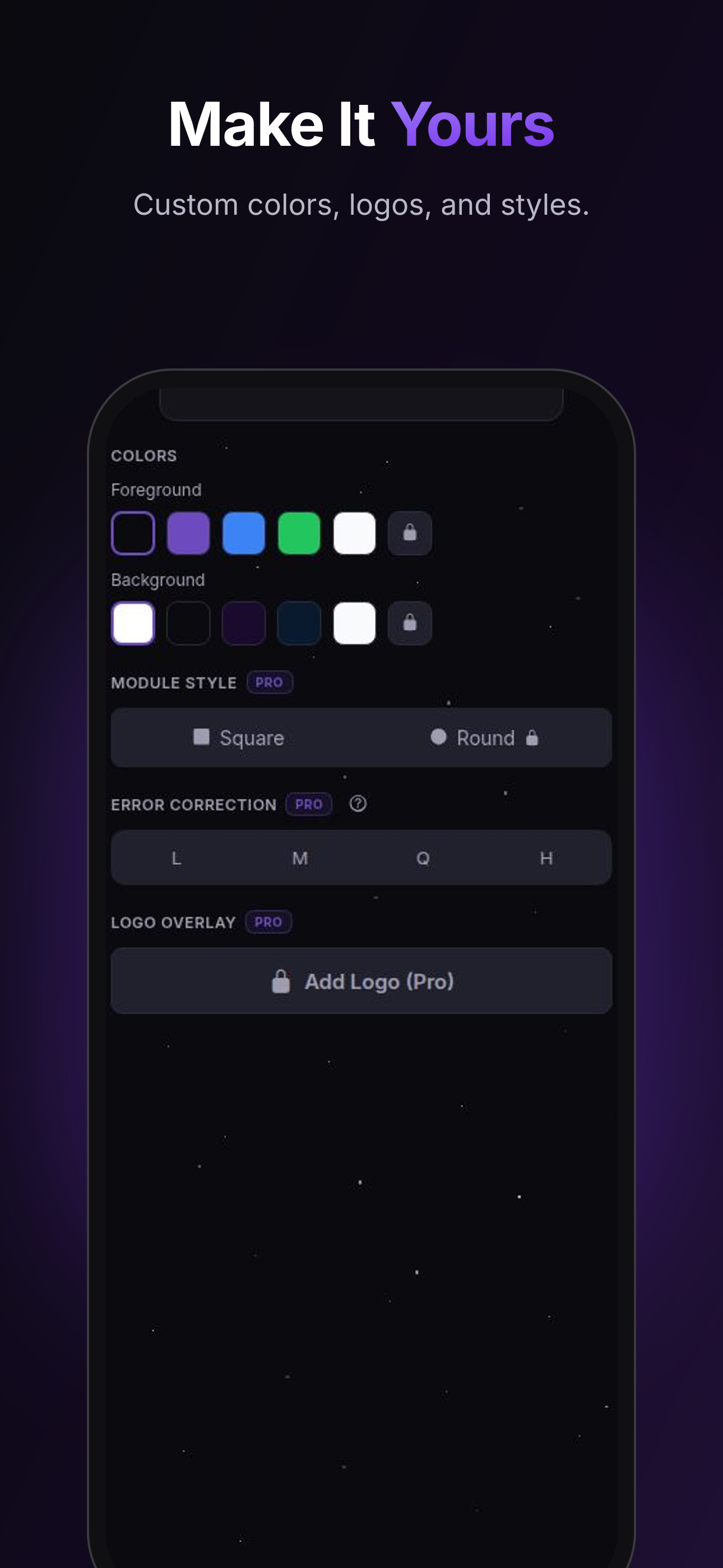
Customize colors, module styles, error correction levels, and add your logo overlay.
-
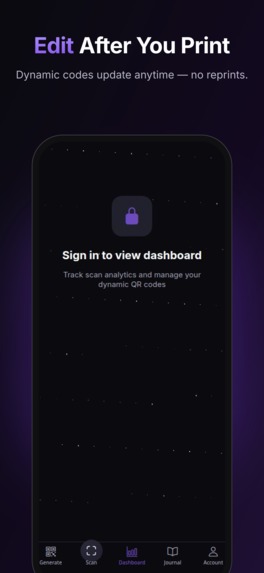
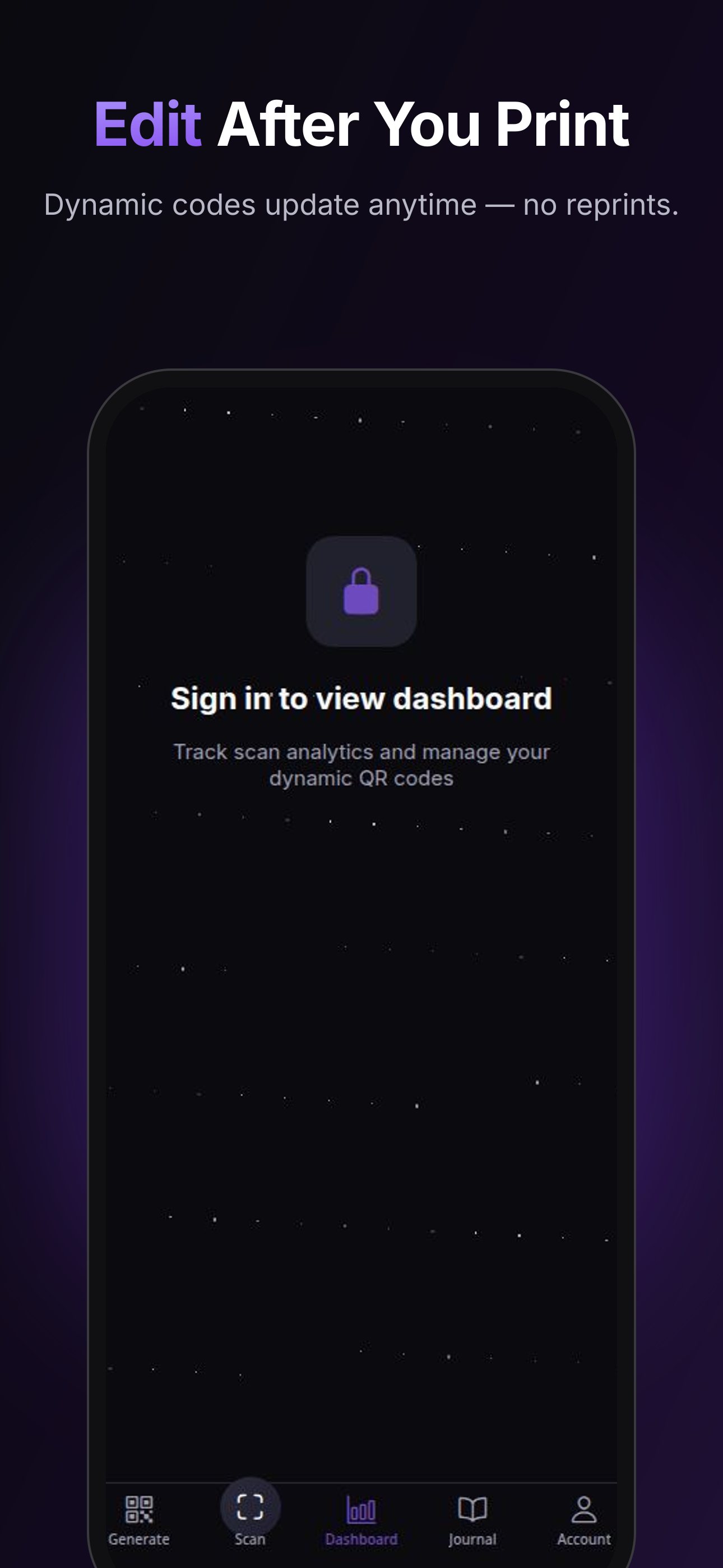
Dynamic QR codes let you edit the destination anytime with no reprints needed. Track scans in the dashboard.
-
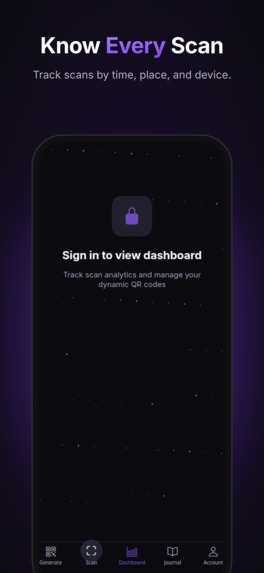
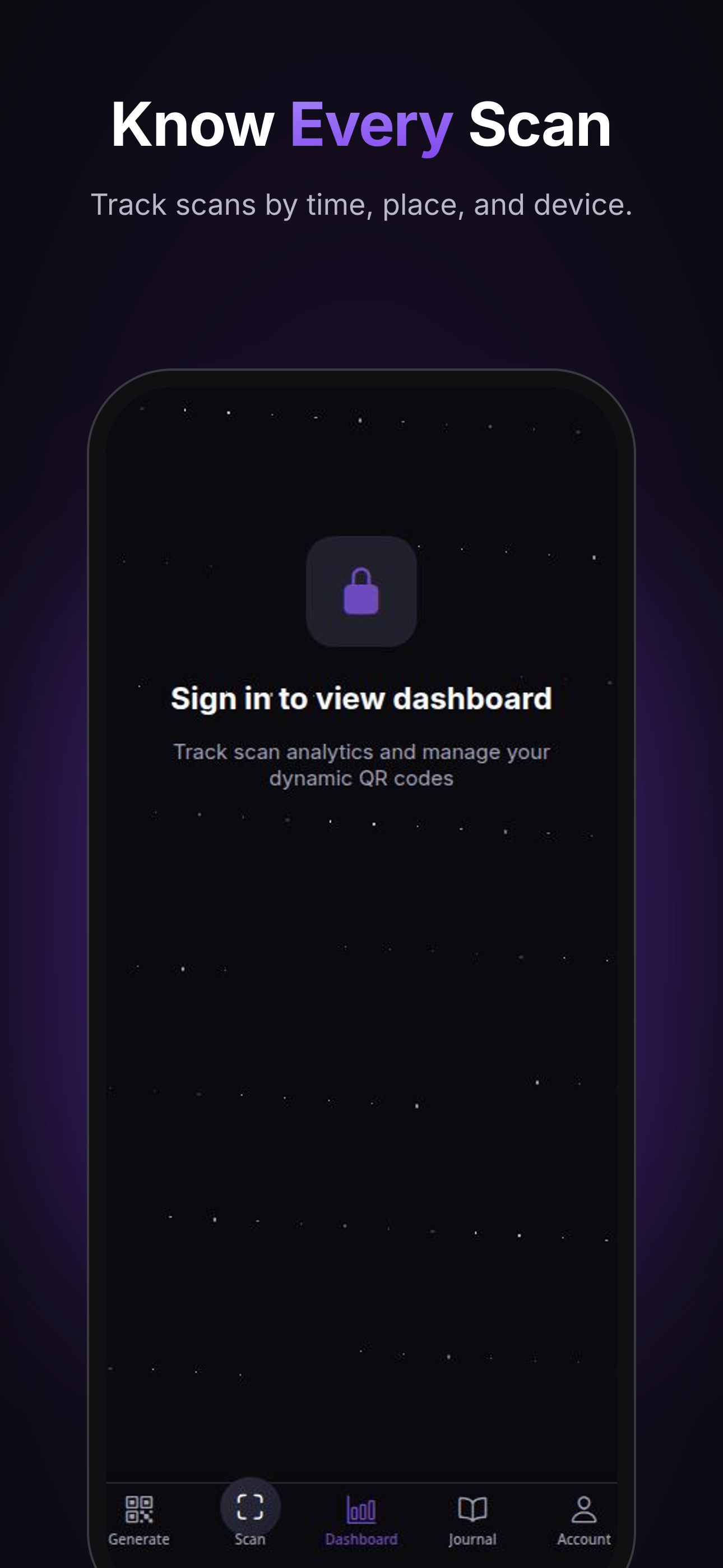
Track every scan with detailed analytics with the time, location, and device data at a glance.
-
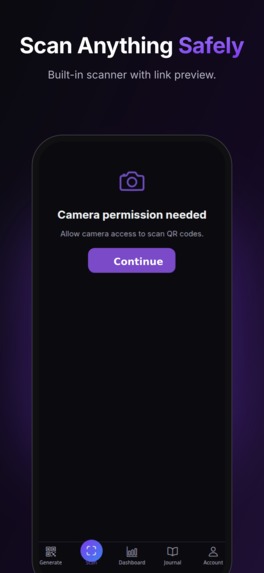
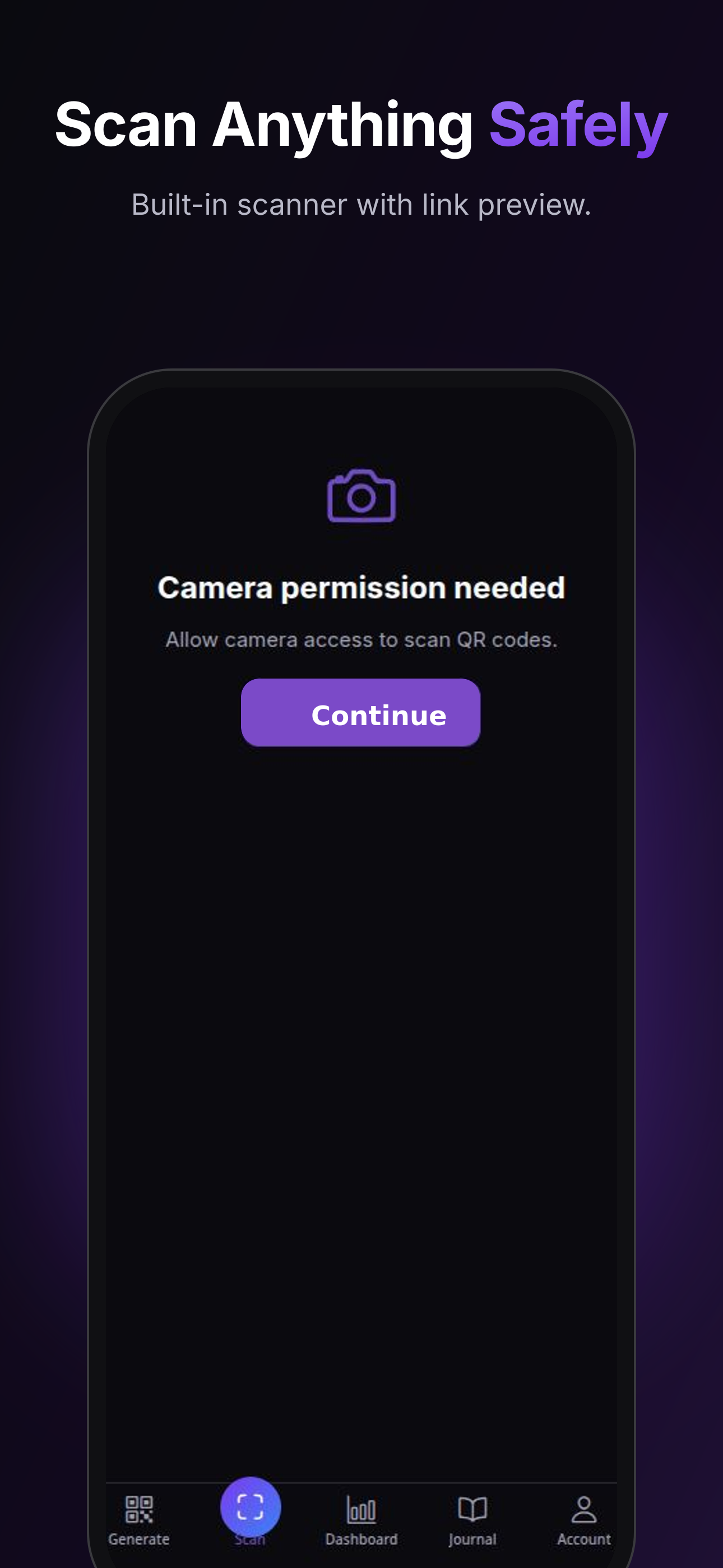
Built-in QR and barcode scanner with privacy-first permission flow and link preview.
-
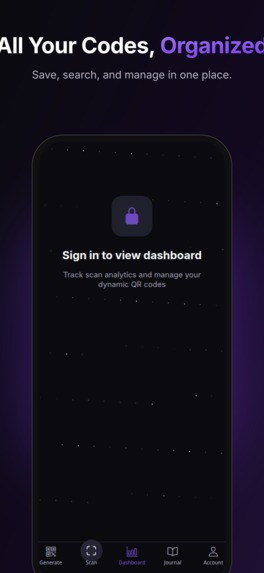
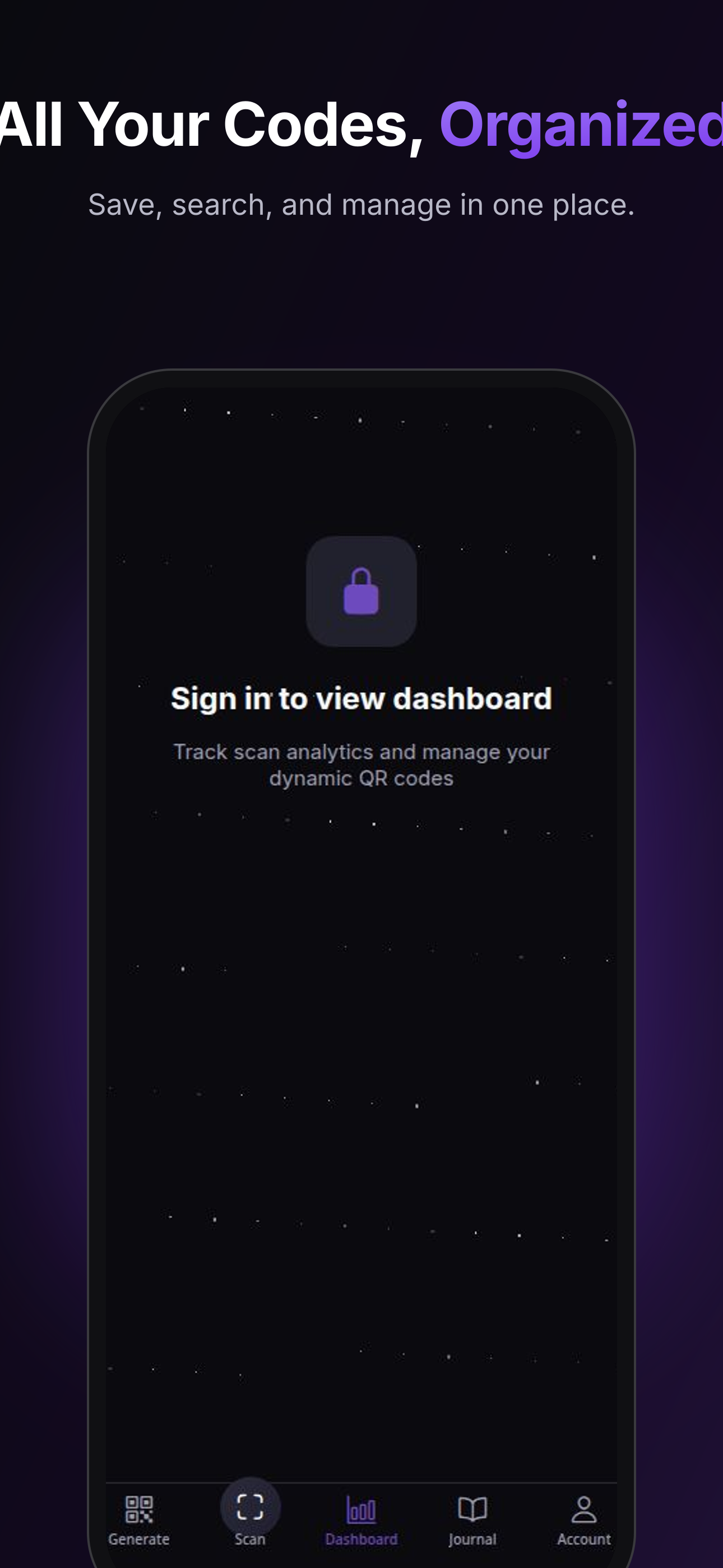
Save, search, and manage all your QR codes in one organized dashboard.
-
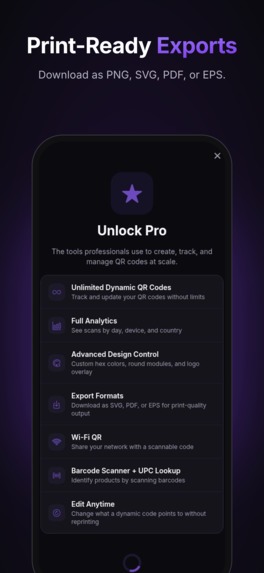
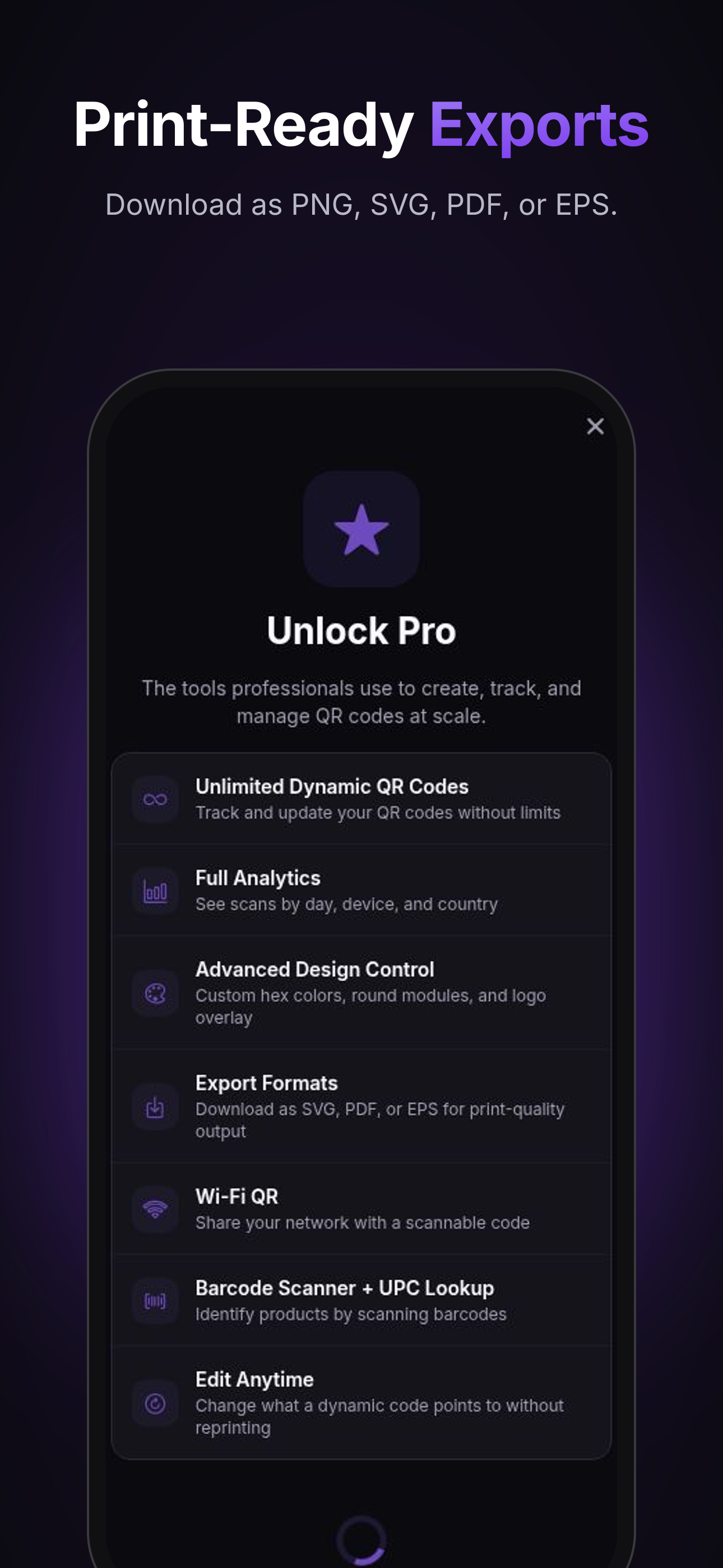
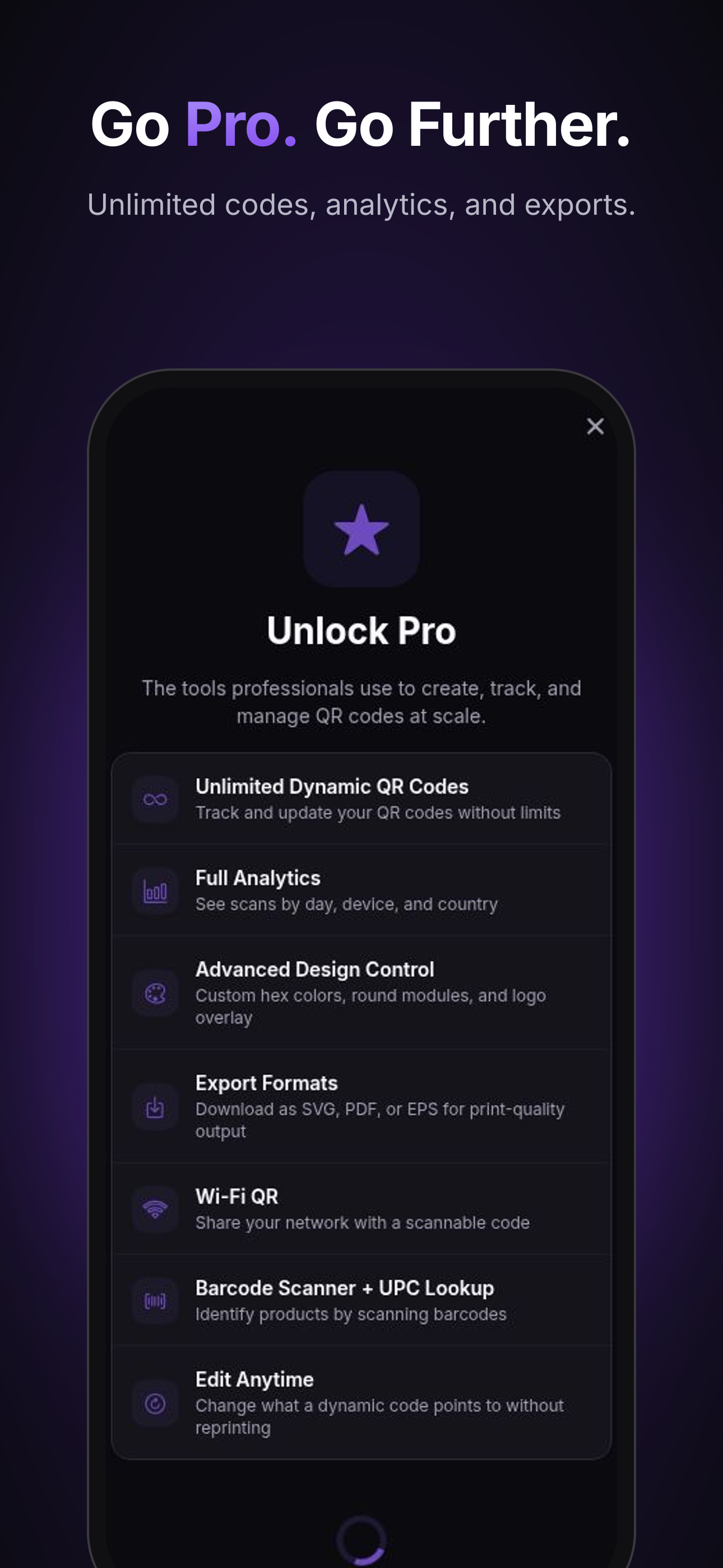
Unlock Pro with RevenueCat: unlimited dynamic codes, full analytics, advanced design control, and print-ready exports.
-
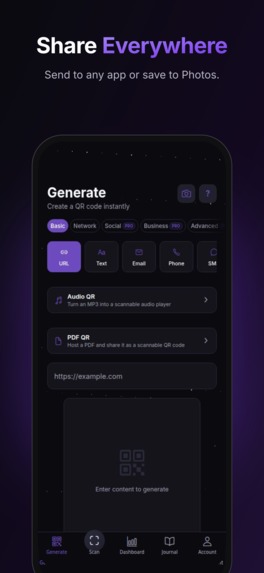
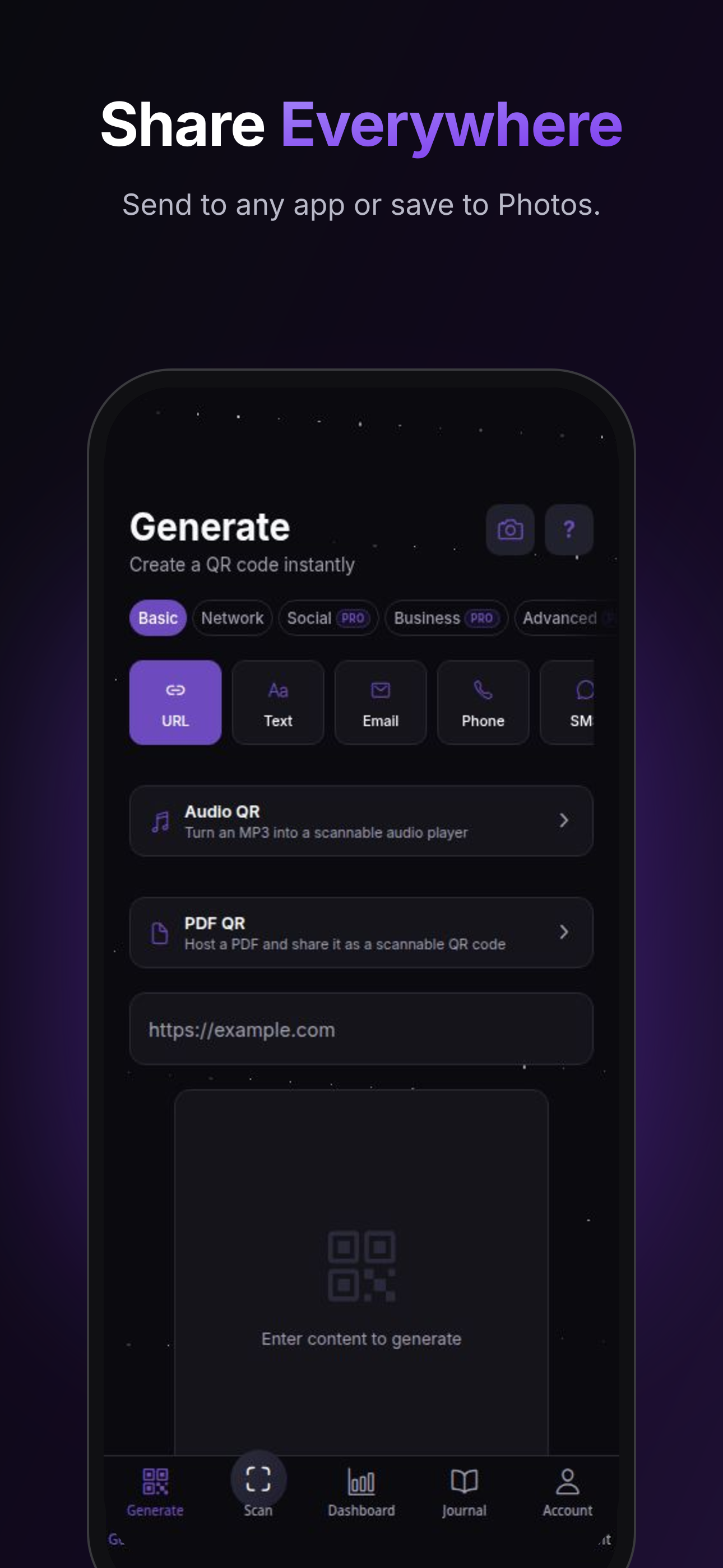
Audio QR and PDF QR: turn MP3s into scannable audio players and host PDFs as shareable codes.
-
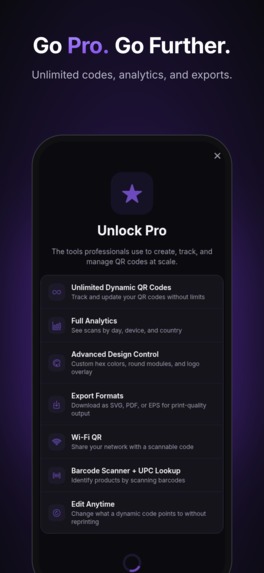
Go Pro with RevenueCat: unlimited dynamic codes, full analytics, advanced design control, and print-ready exports.
-
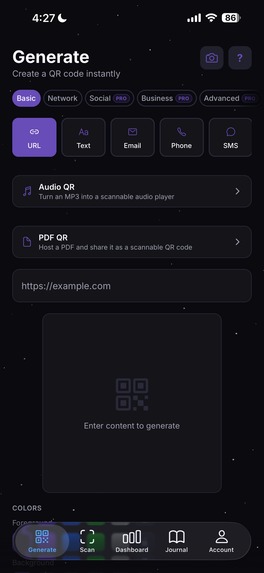
Frameless screenshot of the QRNeb Generate tab showing URL, Text, Email, Phone, SMS, Audio QR, and PDF QR options.
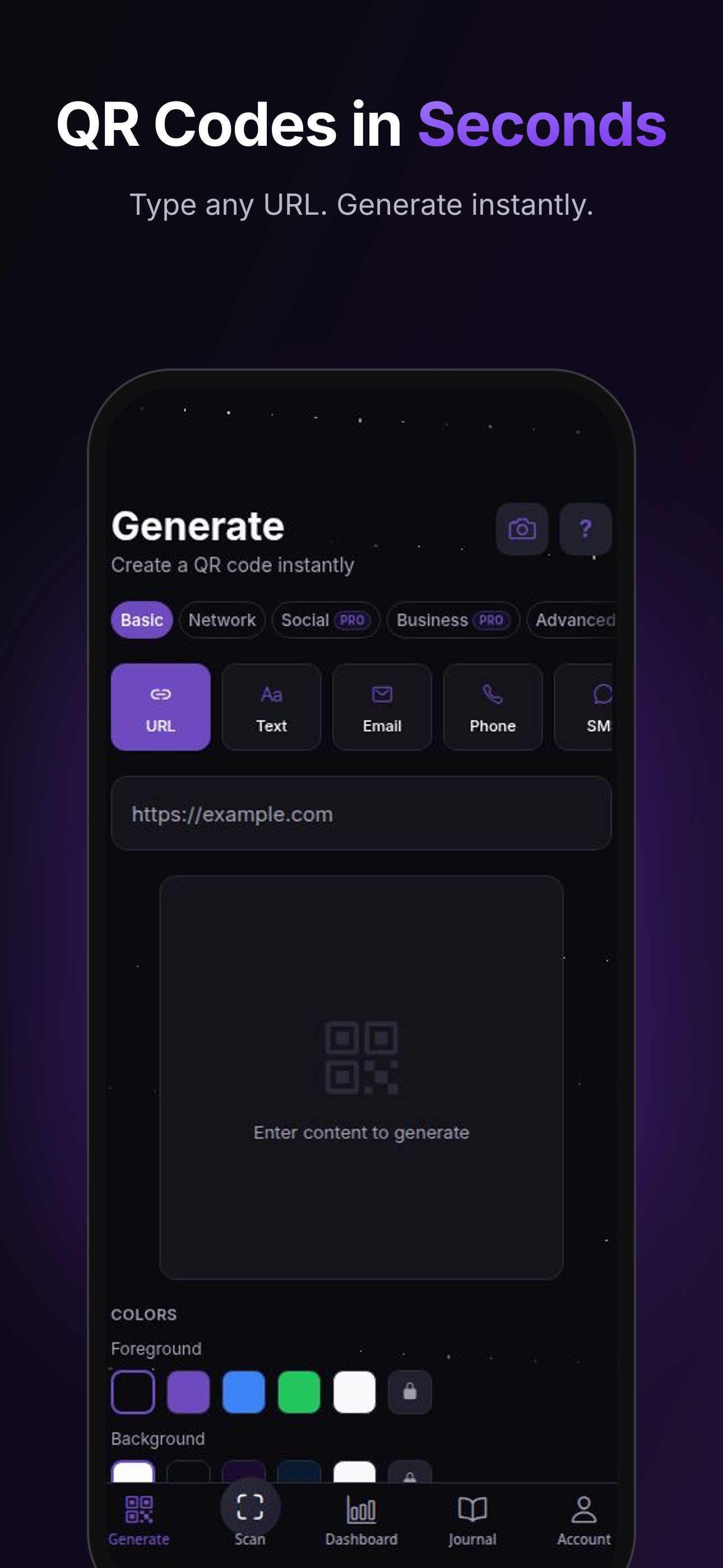
Inspiration
I work as a pharmacist and wanted to build something that could reach millions of people. QR codes are everywhere on products, menus, business cards, and social media, but most tools are either too basic or too expensive. I wanted to create a modern, beautiful QR code generator and scanner that anyone could use, with powerful features like dynamic codes and scan analytics that are usually locked behind enterprise pricing.
What it does
QRNeb is a QR code generator, scanner, and barcode reader with a dark, modern UI. Key features include:
- Generate QR codes for URLs, WiFi, contacts, emails, phone numbers, SMS, and more
- Instant QR & barcode scanner with your camera
- Dynamic QR codes: edit the destination after printing, no reprints needed
- Scan analytics: track scans by time, location, and device
- Custom designs: colors, logos, frames, and styles
- Photo gallery sharing: share image collections via branded
qrquark.comlinks - Export: PNG, SVG, and PDF for print-ready codes
- History & folders: organize and search all your codes
How I built it
- Frontend: React Native with Expo for iOS (and soon Android)
- Backend: Node.js, Express, PostgreSQL
- Payments & subscriptions: RevenueCat with Stripe for web billing
- Authentication: Sign in with Apple, Google, GitHub, and email
- Hosting: qrneb.com for the web app and dashboard, qrquark.com for branded gallery links
- Design: Custom dark UI built from scratch in Figma
Challenges
The biggest challenge was navigating the App Store review process. My first submission was rejected for two UI issues: a camera permission button that said "Allow Camera" (Apple wanted "Continue") and a Sign in with Apple button that was black-on-dark and invisible. I fixed both, resubmitted build 12, and got approved. It was a huge learning experience in App Store compliance, ASO, and shipping polished UX.
What's next
- Port to Google Play
- TikTok and Instagram marketing with UGC content
- Micro-influencer partnerships
- Google Ads at $5/day to test acquisition
- New features: business card templates, batch generation, and AI-powered QR designs
Built With
- app-store
- expo.io
- figma
- ios
- node.js
- postgresql
- react-native
- revenuecat
- stripe
- typescript

Log in or sign up for Devpost to join the conversation.