-
-

QRchive logo
-
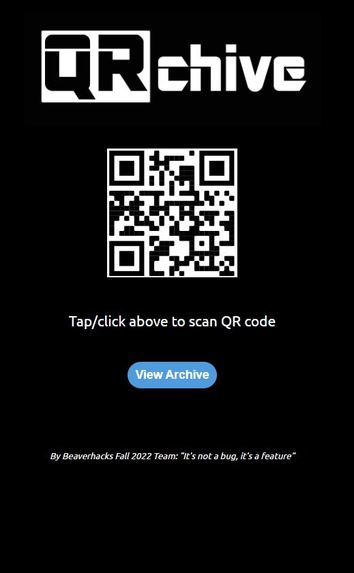
QRchive home screen
-
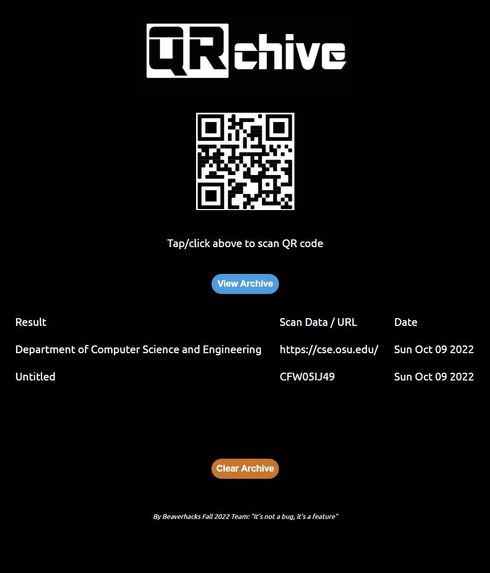
Sample QRchive archive table view

Inspiration
We brainstormed different automation ideas, and ultimately settled on doing something with QR codes. Our biggest inspiration for this project was thinking about how it'd be nice to be able to have some sort of readily-accessible QR scan history that could be easily accessed. Technically, one could do the same by using some other scanner, and meticulously book-marking every loaded page in a special "QR scans" folder, but that would be incredibly tedious and prone to error/record gaps. We wanted to make something that would let you scan something and automatically save it in the same place you scanned it, so you could just use your scanner program as a 1-stop place for anything involving QR scans.
What it does
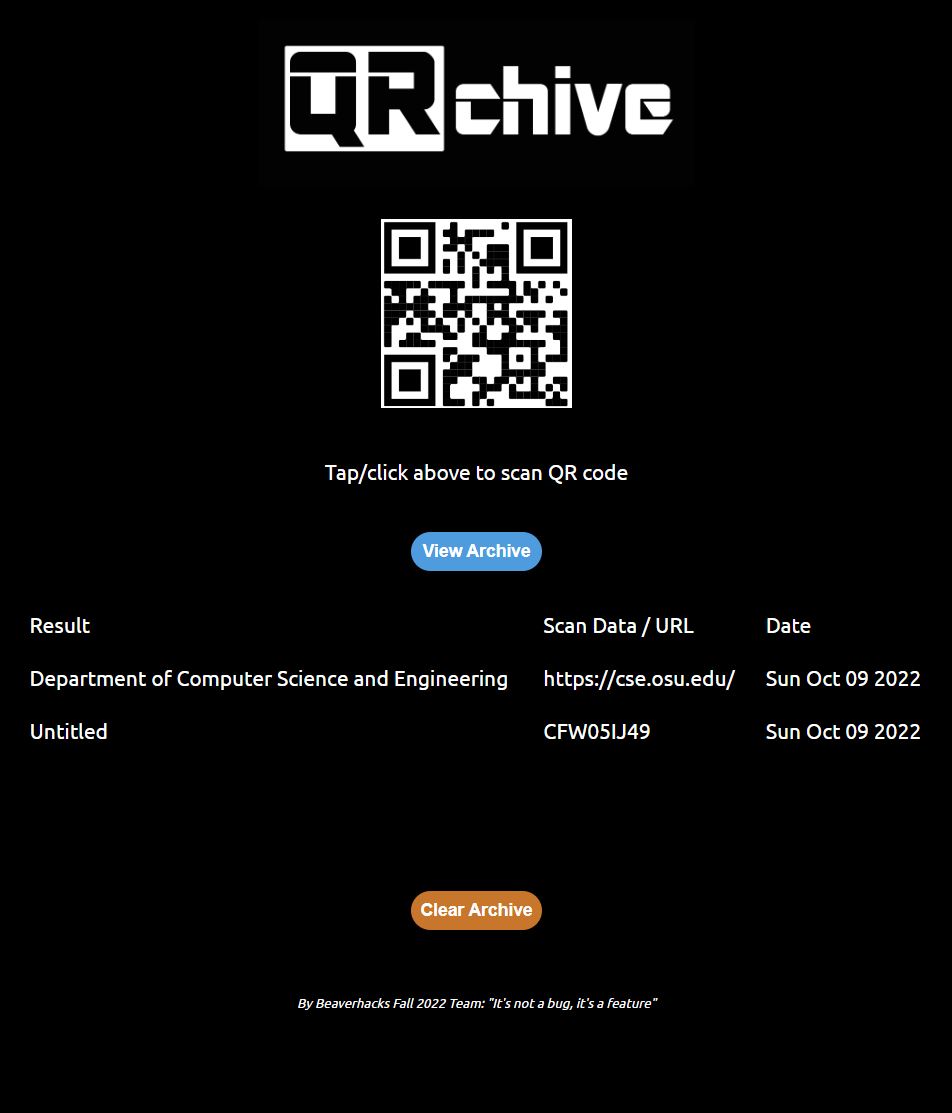
QRchive works with most browsers that support JavaScript and can connect to a camera to scan QR codes. It then lets you save a scanned code to an archive kept in the browser's local storage. From the home page you can scan a code, save it to an archive, and look at the archive of codes you have scanned in a table that includes the fetch data for the title of scanned websites, the actual URL or text decoded, and the date the scan was made. This makes it super easy to tell what you scanned and when at a glance. The archive table displays in reverse chronological order, so your most recent scans are always near the top.
How we built it
We built the app as a web app / website. It uses an HTML index as the launcher for all of its features. Page and table styles are stored in an accompanying CSS file. It uses an open-source minified library for the scanner. All JavaScript functions of the site are stored in a .js file. The table portion is stored in an array in a JSON. We ended up opting to use an array for the archive over a dictionary, in part, due to how it would automatically place elements in chronological order. It made generating a table in chronological order very straightforward. We used Firebase to host it on the web as an official web app.
The whole app lives on the index of the webpage. It hides and unhides the different elements of the program as needed to keep things centralized and retain an app "feel" for the site.
We reasoned that there were probably some decent open-source QR scanner apps out there, and we found one that we could then use as a base to add our archiving features to. As such, the bulk of the project was about manipulating the results of the open-source scanner code. We used code from the scanner script portion of the open-source project tutorial described here: https://www.sitepoint.com/create-qr-code-reader-mobile-website/ (along with their provided minified library file required for scanner functionality).
Challenges we ran into
Some of the more challenging tasks involved trying to get asynchronous functions working together (finding the title of a scanned URL). Passing data to and from the JSON used for storing the archive in local storage proved to be a challenge as well (along with parsing this to populate a dynamic table). We also learned that dynamic JavaScript tables can be a bit more challenging to format than hard-coded HTML tables. We spent a fair bit of time trying to figure out the best way to present the interface and organize it in such a way that it still had a streamlined "app" feel to it, even as a webpage. Some team members had never interacted with JavaScript before either. This made a project that was 100% JavaScript/HTML/CSS a very entertaining learning experience!
Accomplishments that we're proud of
It works! Tested and working on multiple browsers (both mobile and desktop), which is exciting!
What we learned
You can save a lot of time on major features by taking advantage of open source libraries and projects. Making a webapp in JavaScript is also very different from making a console app in python.
What's next for QRchive
We'd love to bring some sort of synchronization feature to the program so that you can maintain the same list of scanned codes across multiple devices. We'd also like to implement more granular control over archive contents so that you can interact with the table to edit displayed titles and delete specific scan objects. Turning titles within the table into hyperlinks was another idea considered, though it has the complication of interacting with some QR codes that are not web addresses (such as codes for discount coupons, etc.). If we wanted to get really ambitious, we could consider looking into re-generating new QR codes from those stored in the archive. That way you could use the app to both store, and re-create scanned codes.


Log in or sign up for Devpost to join the conversation.