-
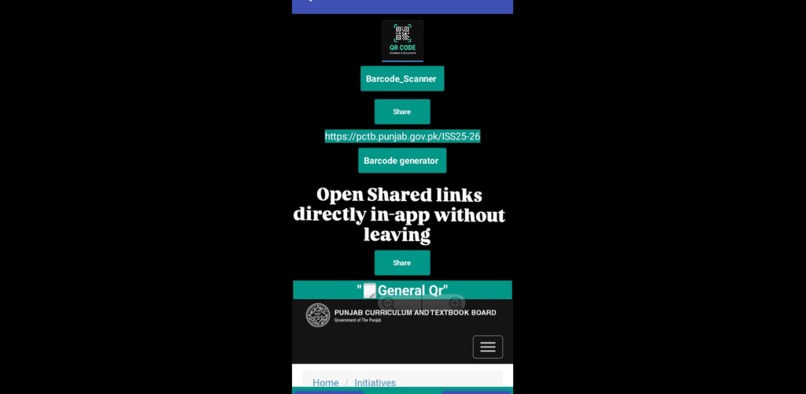
main page
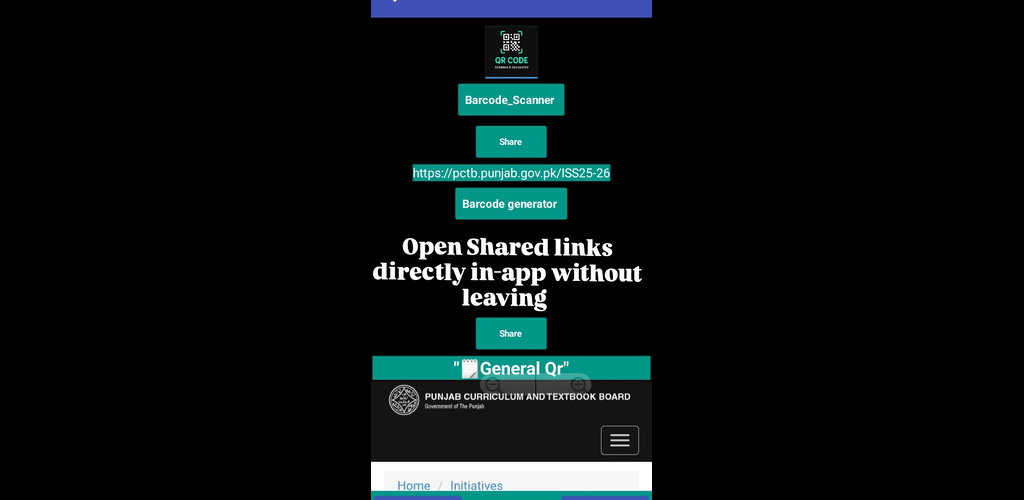
InspirationI created QR ScanGen because I noticed that generating and scanning QR codes can be confusing and time-consuming for students and office users. I wanted to build a simple, fast, and user-friendly tool that anyone can use instantly.
What it does QR ScanGen allows users to:
Generate QR codes from any text or URL
Scan QR codes instantly using the phone camera
Share QR codes easily with friends, colleagues, or classmates
How we built it I built the app using Kodular / no-code app builder:
Designed a clean and intuitive UI
Added QR code generation and scanning components
Tested the app on multiple devices to ensure smooth functionality
Challenges we ran into Making the QR scanner fast and accurate
Designing a layout that works on all screen sizes
Learning how to publish and package the app correctly
Accomplishments that we're proud of Successfully built my first fully functional QR code app
Created an app that is student- and office-friendly
Generated screenshots and short demo video to showcase the app
What we learned How to plan a project from scratch
How to implement QR code generation & scanning
Importance of testing and debugging for a smooth user experience
What's next for QR ScanGen Add history & save feature to keep scanned/generated QR codes
Improve design & animations for better user experience
Publish on Play Store for wider reach


Log in or sign up for Devpost to join the conversation.