-
-
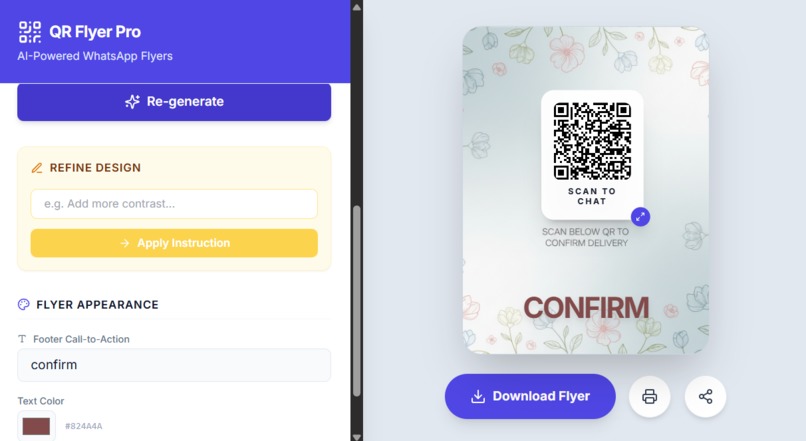
Flyer QR maker
-

Printable Flyer

Inspiration
Physical marketing often feels disconnected from the digital world. We've all seen bland flyers with a printed phone number that requires manual typing—a huge friction point for potential customers. We wanted to bridge this gap by combining high-end AI image generation with functional utility. The inspiration came from small business owners who need professional-grade marketing materials but don't have the budget for a graphic designer.
What it does
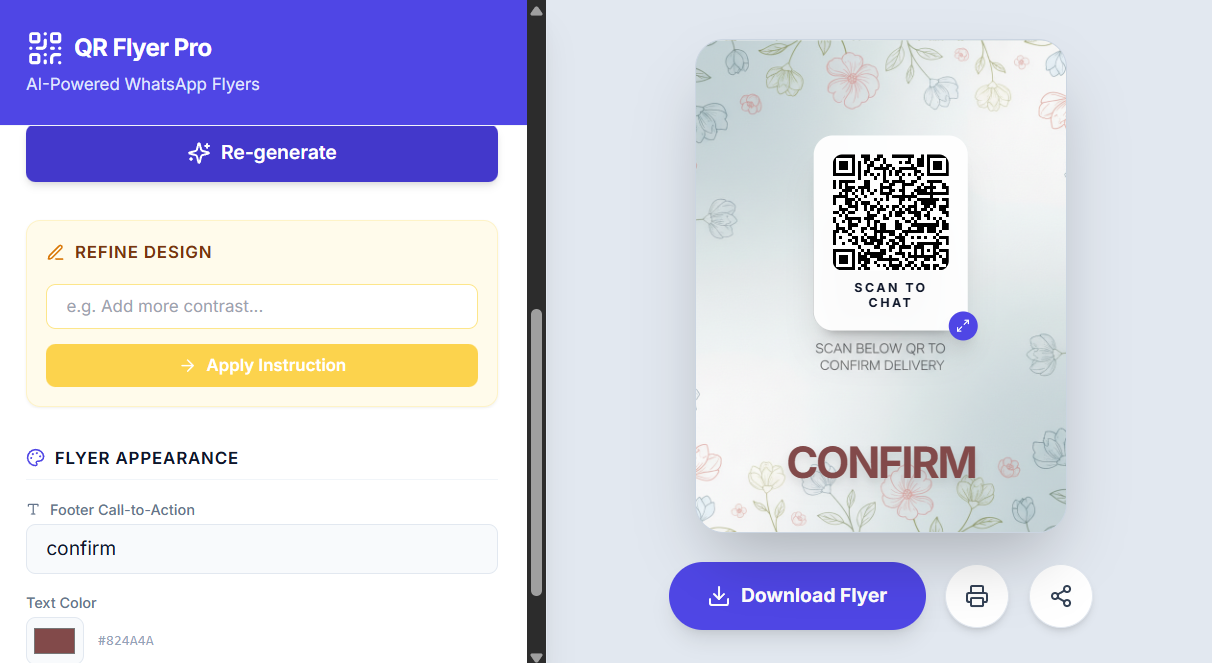
WhatsApp QR Flyer Pro is an all-in-one design tool that generates custom "Scan to Chat" flyers.
-Instant Connectivity: Users input their mobile number and a pre-filled message to generate a functional QR code. -AI Backgrounds: Uses gemini-2.5-flash-image to generate high-quality backgrounds based on simple text prompts. -Interactive Design: A "What You See Is What You Get" editor where users can drag and resize the QR code directly on the flyer. -AI Refinement: Features a unique "Apply Instruction" tool to modify existing designs using natural language instructions. -Professional Export: Produces high-resolution PNGs and print-ready PDFs for high-quality physical distribution.
How we built it
The application is built using React 19 and Tailwind CSS. Gemini API: Powering both the initial creative generation and the subsequent image-to-image editing. Canvas API: A custom high-resolution rendering engine composits the AI background, the QR code, and typography for a 1500x2000px output. QRCode.react: Generates scalable vector QR codes that maintain perfect scannability even when printed.
Challenges we ran into
High-Res Compositing: Browser previews are low-resolution. Mapping user-dragged relative coordinates (0-100%) to a high-resolution canvas required precise coordinate transformation logic. Image Editing Flow: Designing a seamless "edit" flow where the user can talk to the image to refine it (e.g., "make it warmer") required careful handling of base64 data streams and AI prompt engineering.
Accomplishments that we're proud of
Zero Friction UI: The drag-and-drop QR positioning feels native and intuitive. Prompt Refinement: The "Apply Instruction" feature successfully bridges the gap between AI generation and specific user needs.
What we learned
Multimodal Design: We learned how to optimize prompts for gemini-2.5-flash-image to ensure backgrounds are artistic yet clean enough to host text and QR codes. Print Optimization: Gained deep experience in browser-based CSS print media queries and canvas export settings.
What's next for QR Flyer Pro:
Logo Integration: Allowing users to upload their own branding to be blended into the flyer by the AI. Bulk Messaging: Creating QR codes for WhatsApp groups or status updates.


