-
-
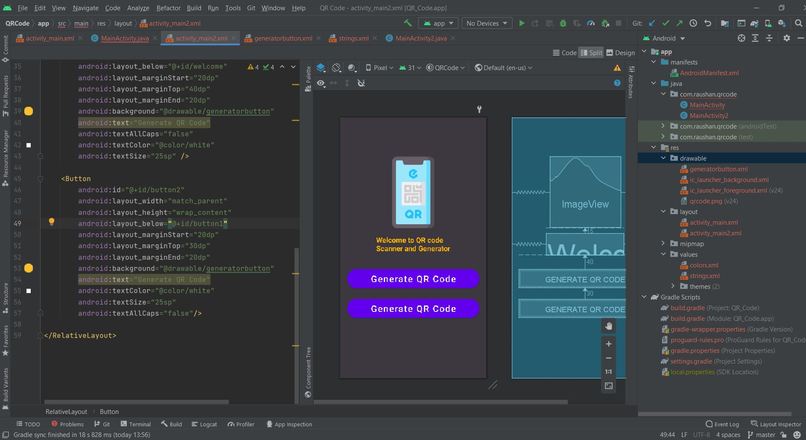
QR code Generator and Scanner
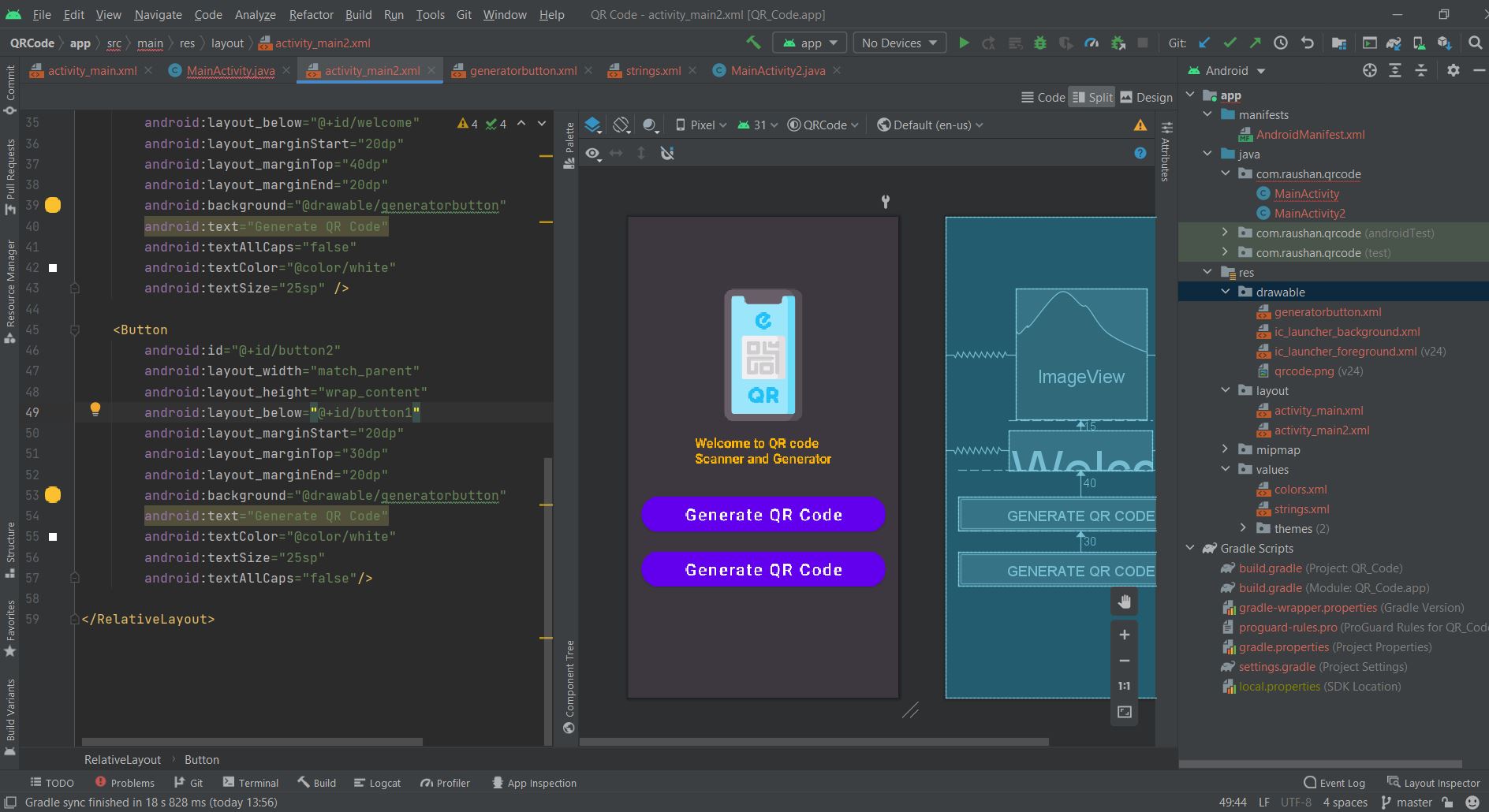
Description about what I learned
As we all know that QR codes are used in many apps for displaying data in machine-readable form. Here, I have also made an app for generating QR-code. Here, I have split this part into 3 steps as in the following. Step 1: Creating a New Project with Empty Activity. Open Android Studio and select "Create New Project". Name the project as per your wish and select your activity template Step 2: Setting up the library and manifest. added two permission:
added two dependencies: implementation 'androidmads.library.qrgenearator:QRGenearator:1.0.3' implementation 'com.budiyev.android:code-scanner:2.1.0' Step 3: Generating a QR Code.
try { // removing the pre-text and adding the qr code image; bitmap=qrgEncoder.encodeAsBitmap(); textOnImage.setVisibility(View.GONE); imageview.setImageBitmap(bitmap); } catch (WriterException e) { e.printStackTrace(); }
Link to watch video on LinkedIn: https://www.linkedin.com/posts/raushan1156_collegefestival-github-android-activity-6867513105820327936-szGk

Log in or sign up for Devpost to join the conversation.