-
-
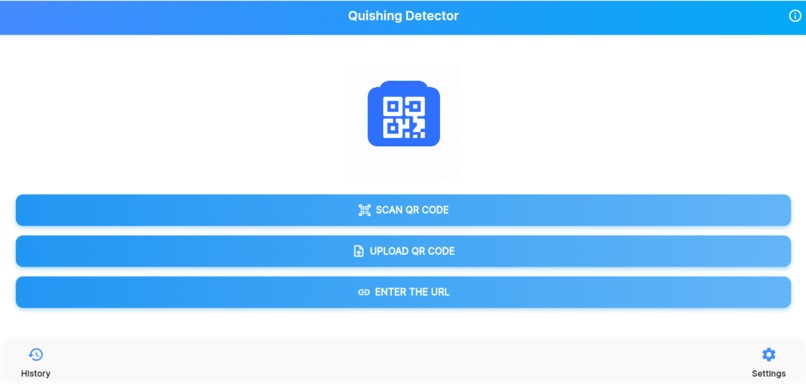
“QR Code Phishing Detector app interface displaying scan and security results.” “ QR Code Phishing Detector with QR scanning functionality.”
Inspiration
With the rapid adoption of QR codes for payments, menus, and authentication, attackers increasingly exploit them to hide malicious URLs. Many users scan QR codes without verifying the destination. This project was inspired by the need to make QR and URL verification simple, fast, and understandable for everyone.
What I Learned,
Through building this project, I learned:
How QR-based phishing attacks work
URL risk analysis using reputation and behavior indicators
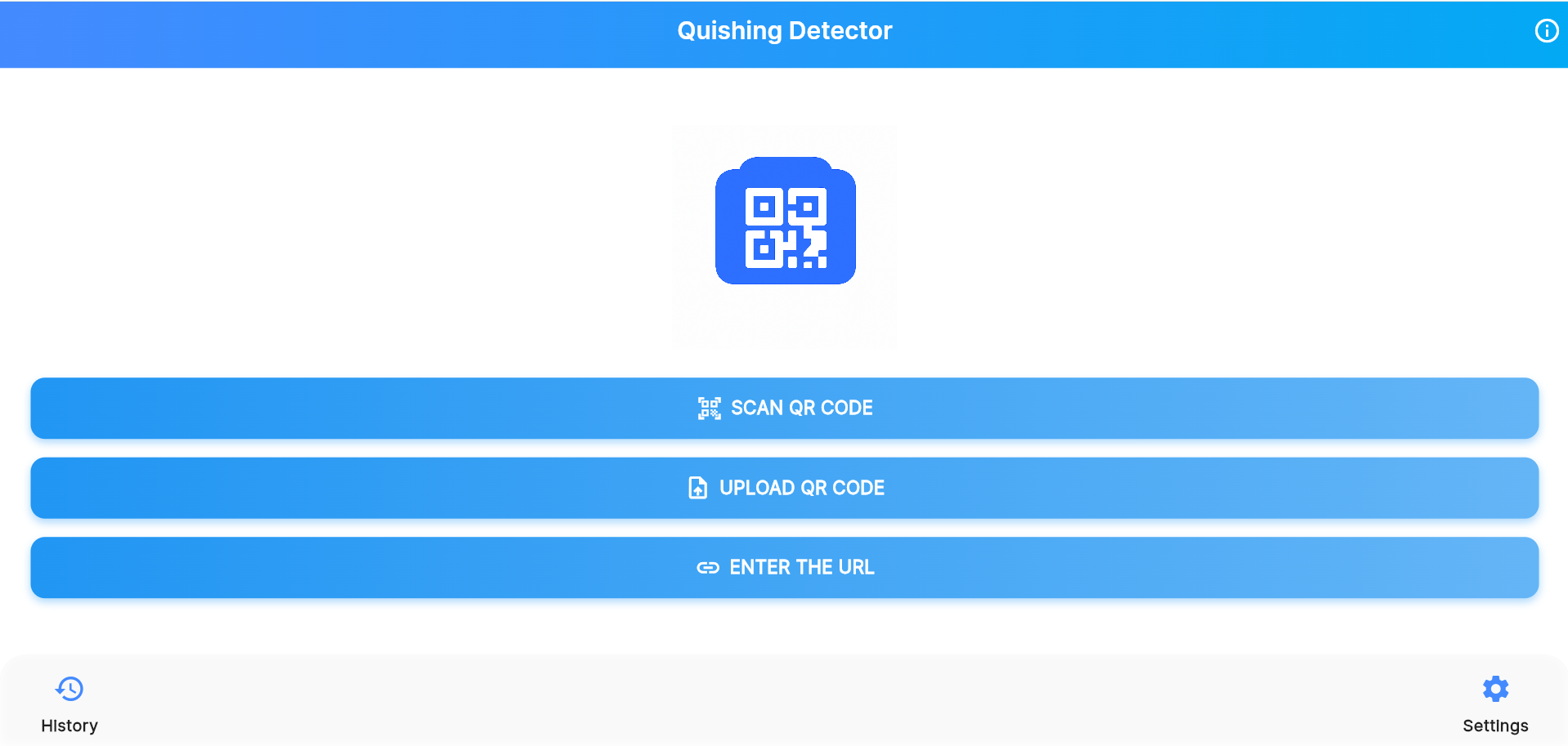
Handling multiple inputs: QR scan, QR image upload, and manual URL entry
Classifying threats into meaningful categories instead of binary results
Building a clean alert-based UI for security feedback
How the Project Works:
The application supports three ways to check a link:
Scan a QR code using the device camera
Upload a QR image from the gallery
Manually enter a URL
Once a URL is obtained, it is analyzed and classified into one of three levels:
🟢 Safe – No known threats detected
🟡 Warning – Suspicious indicators found
🔴 Danger – Malicious or phishing behavior detected
Risk Classification Logic: if (malicious > 0) return "harmful"; if (suspicious > 0) return "warning"; return "safe";
Challenges Faced:
Extracting URLs reliably from uploaded QR images
Reducing false positives while detecting suspicious links
Handling invalid or broken QR codes gracefully
Designing alerts that are clear, not alarming, but informative
Each challenge helped improve both security accuracy and user experience.
Security Insight (LaTeX Example)
Risk evaluation can be viewed as:
Conclusion:
The QR-Code Phishing Detector App encourages users to verify before they visit. By supporting multiple input methods and clear alert levels, the app helps reduce QR-based phishing risks in everyday digital interactions.
Built With
- apis
- built-with-what-languages
- cloud-services
- databases
- frameworks
- or-other-technologies-did-you-use?-*-built-with-languages
- platforms

Log in or sign up for Devpost to join the conversation.