-
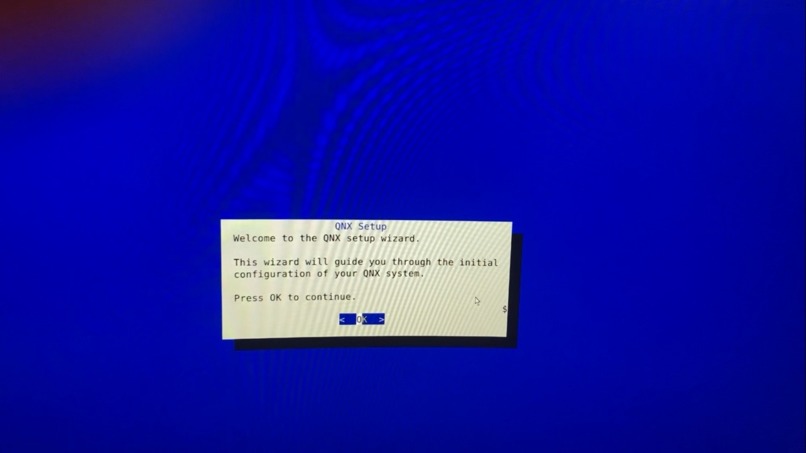
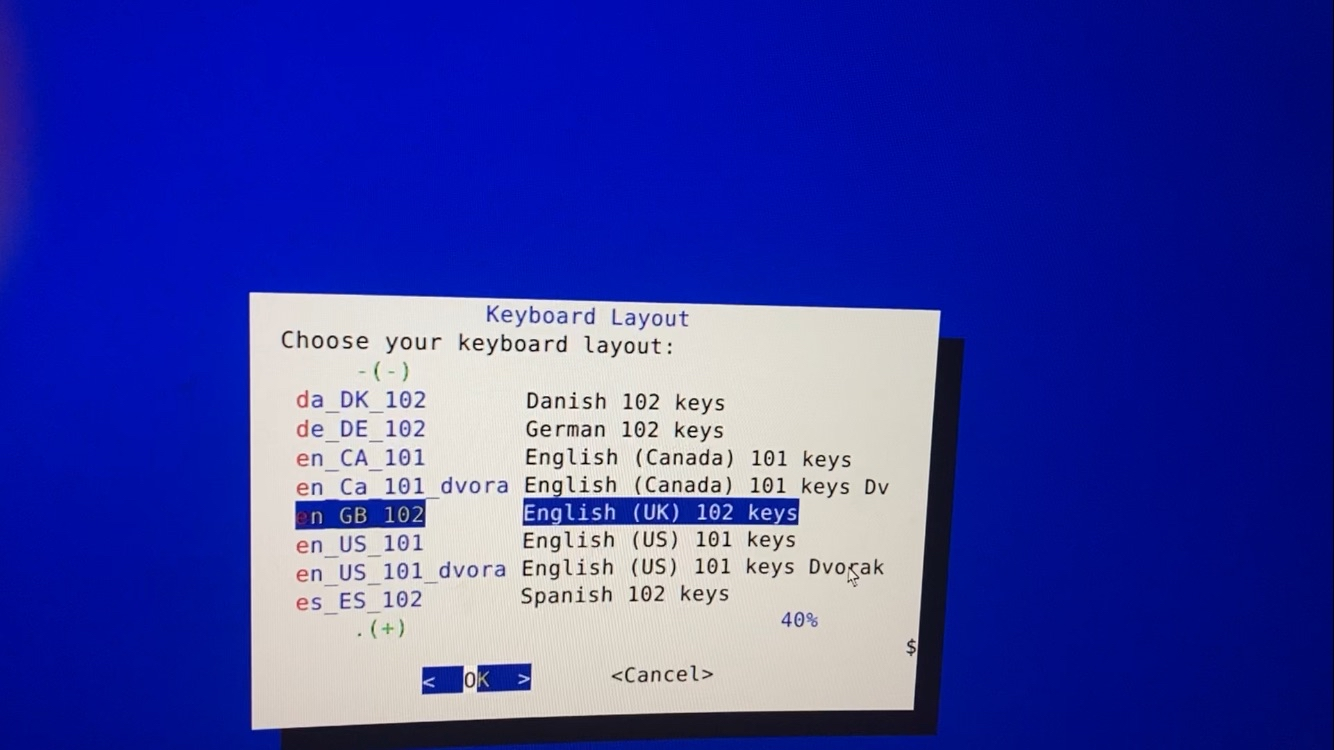
The wizard appears!
-
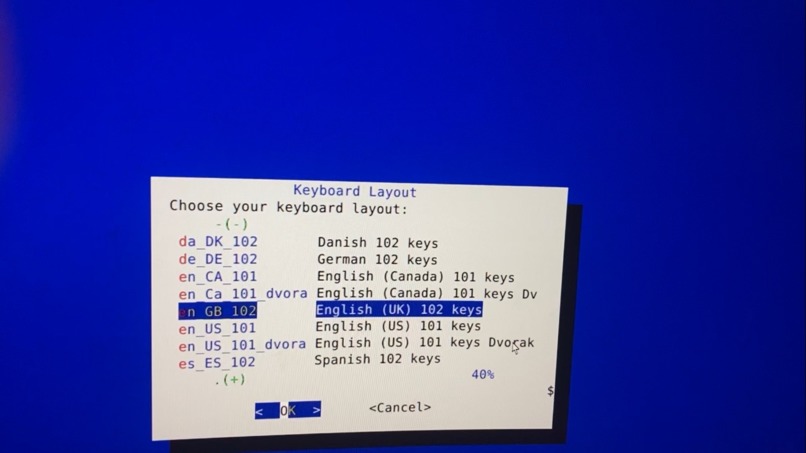
Keyboard locale chooser
-
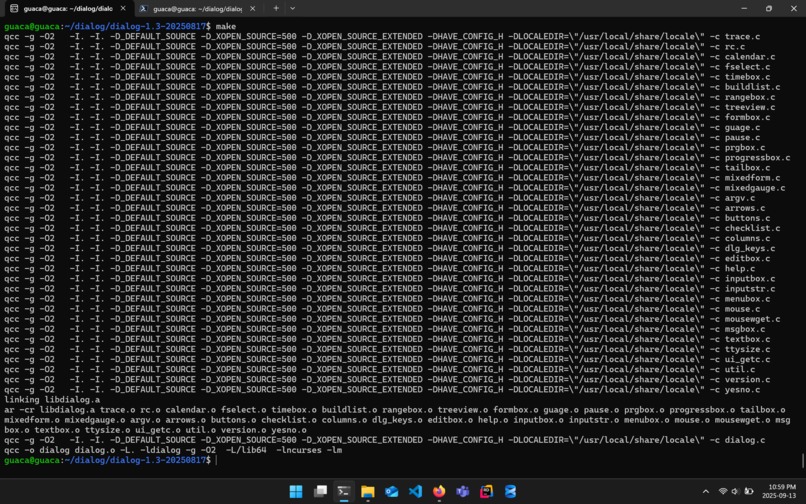
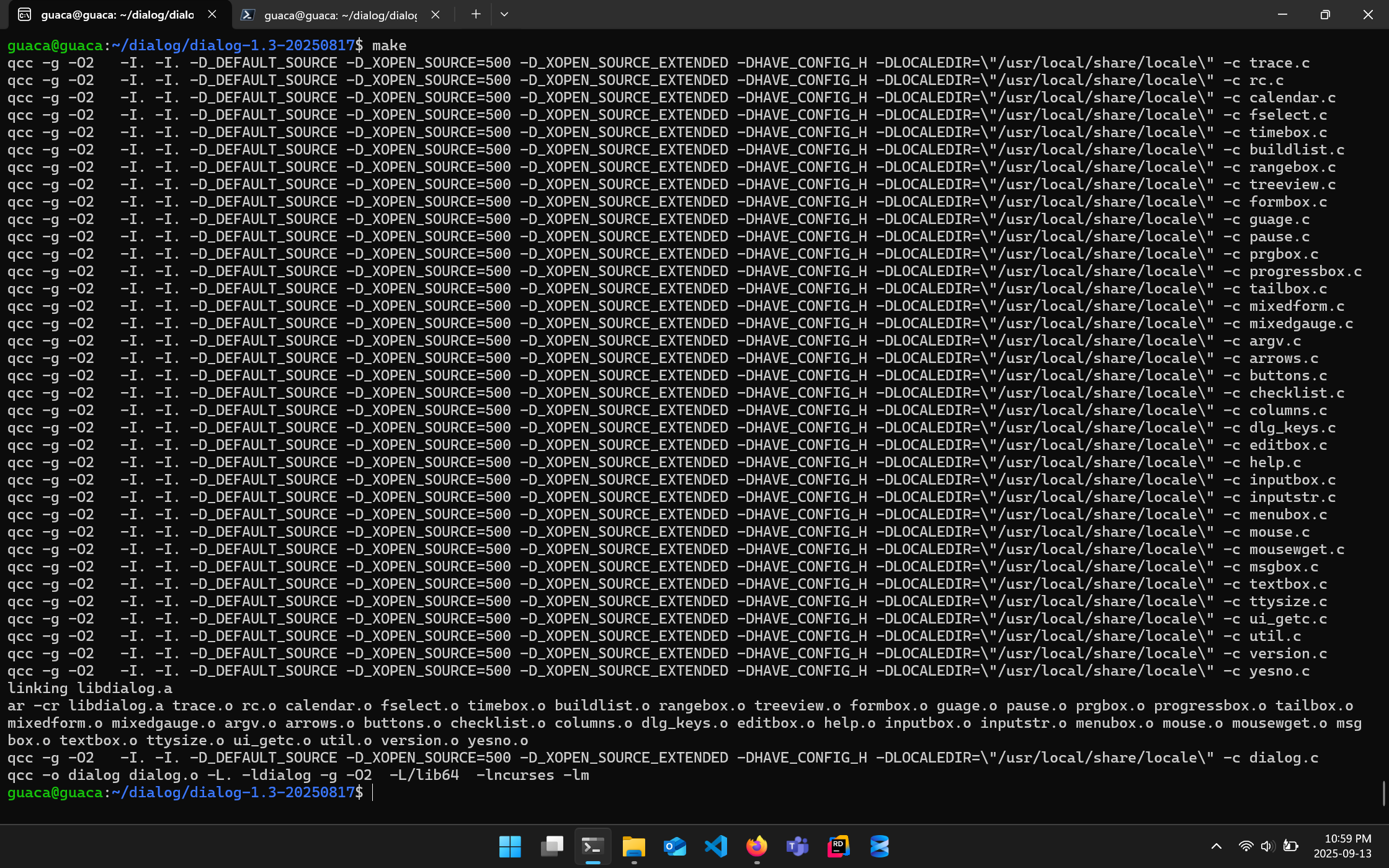
Porting the Dialog library to GNX
Inspiration
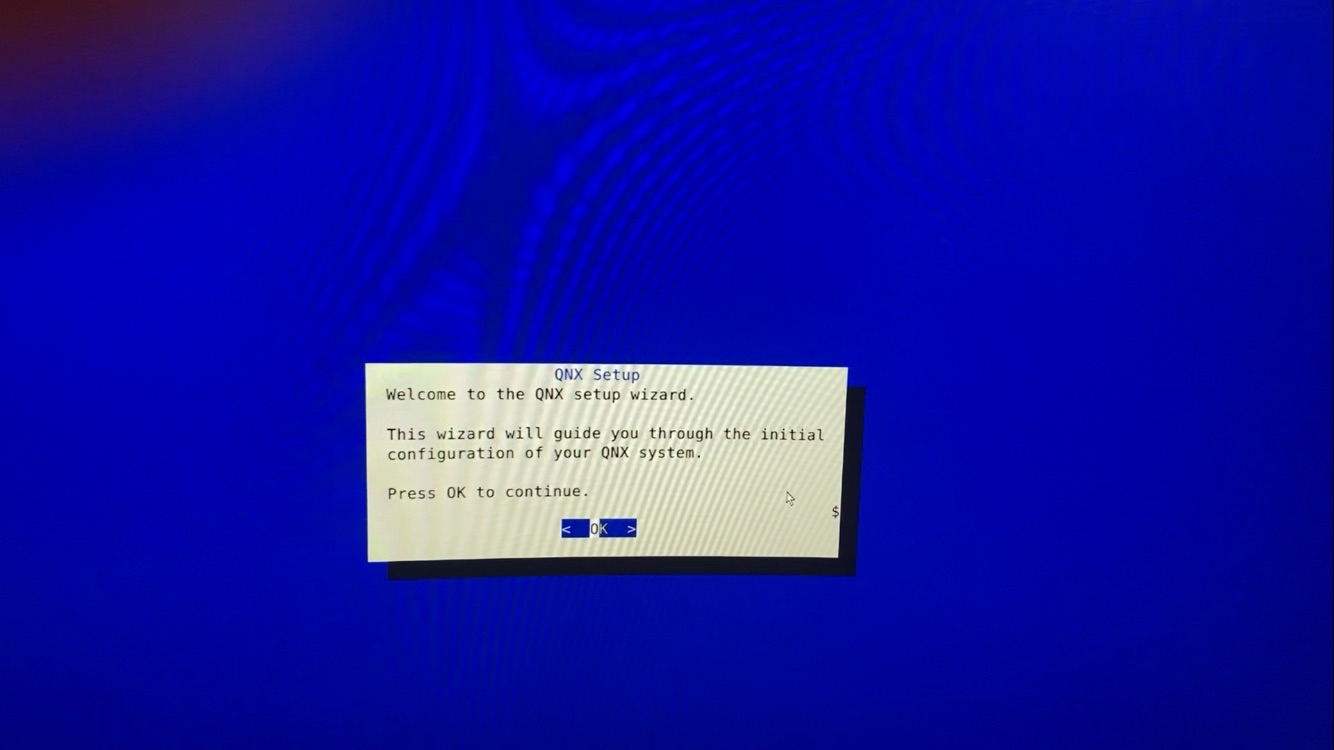
Aesthetics of 90s UI and brutalist architecture.
What it does
Helps you set up QNX through a TUI, saving hundreds of keystrokes.
How I built it
I wrote a simple post-installation wizard for setting up a Raspberry Pi that runs QNX, then I ported the library it relies on to that operating system in question. After a long night of testing, it manages to work correctly and move files to their desired locations. It's almost like I designed it to do that.
What I learned
- Today I found out distrobox breaks pretty badly on NixOS (my main OS), would not recommend. It was easier for me to set up the proprietary and non-declarative QNX devkit on WSL Ubuntu than my (real) linux distro.
- I spent too much time messing with raw ncurses when dialog did the job far more simply.
- Don't mess with school-security wifi, not even ethernet. I have no idea why my Pi can't ping google and I've spent so much time trying to fix it that at this point I don't even want to think about it anymore.
- Most non-posix linux commands have not been ported to QNX, and those that have are the BSD versions which work differently from GNU at times: e.g.
headcannot take negative numbers. - You have to specify that you're compiling to ARM in order to compile to ARM. I kinda forgot that time lol
- Sometimes when bash tells you
cannot execute binary, it might be because the partition you are mounted on bars you from adding execute permissions. - Every time I plug in a keyboard the usb port in question stops accepting keyboards after the next restart (it accepts mice!?). Could be overcurrent condition, but that's a problem for future me. I've just dealt with it by plugging in ports repeatedly ~10 times and flashing the firmware if it doesn't work.
Accomplishments that we're proud of
It works!
What's next for QNX Setup Wizard
Eudaimonia I suppose?


Log in or sign up for Devpost to join the conversation.