-
-
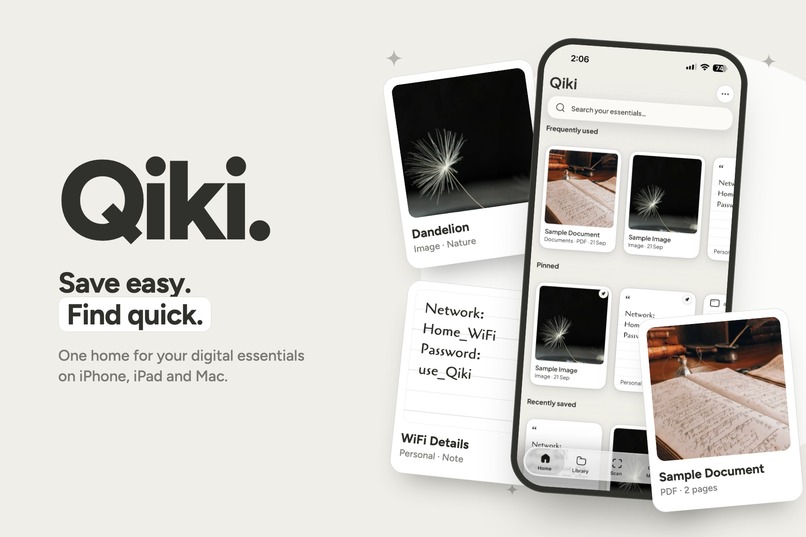
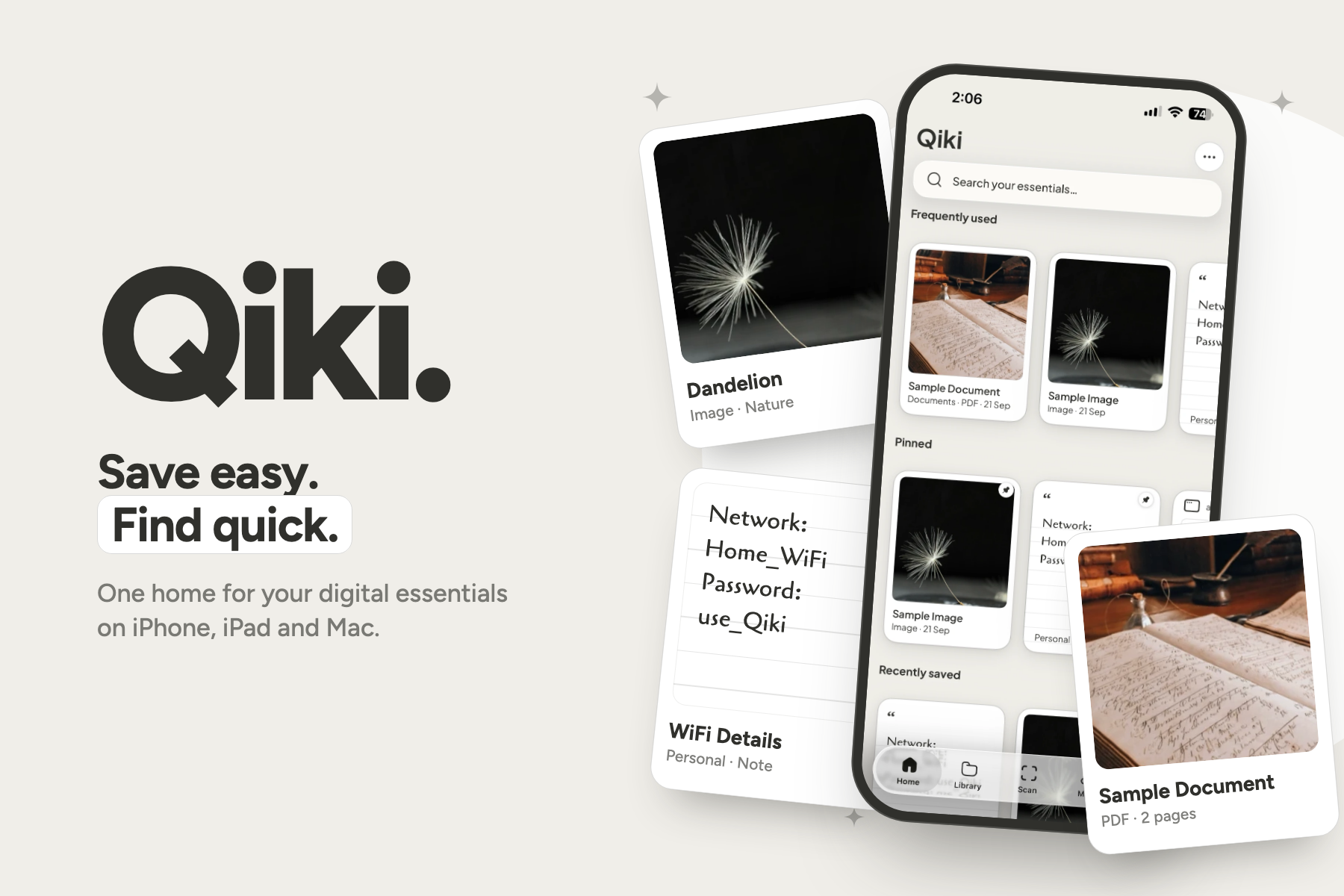
Qiki: save easy, find quick. One home for your digital essentials on iPhone, iPad and Mac.
-
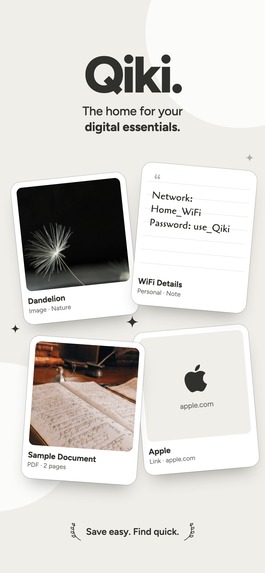
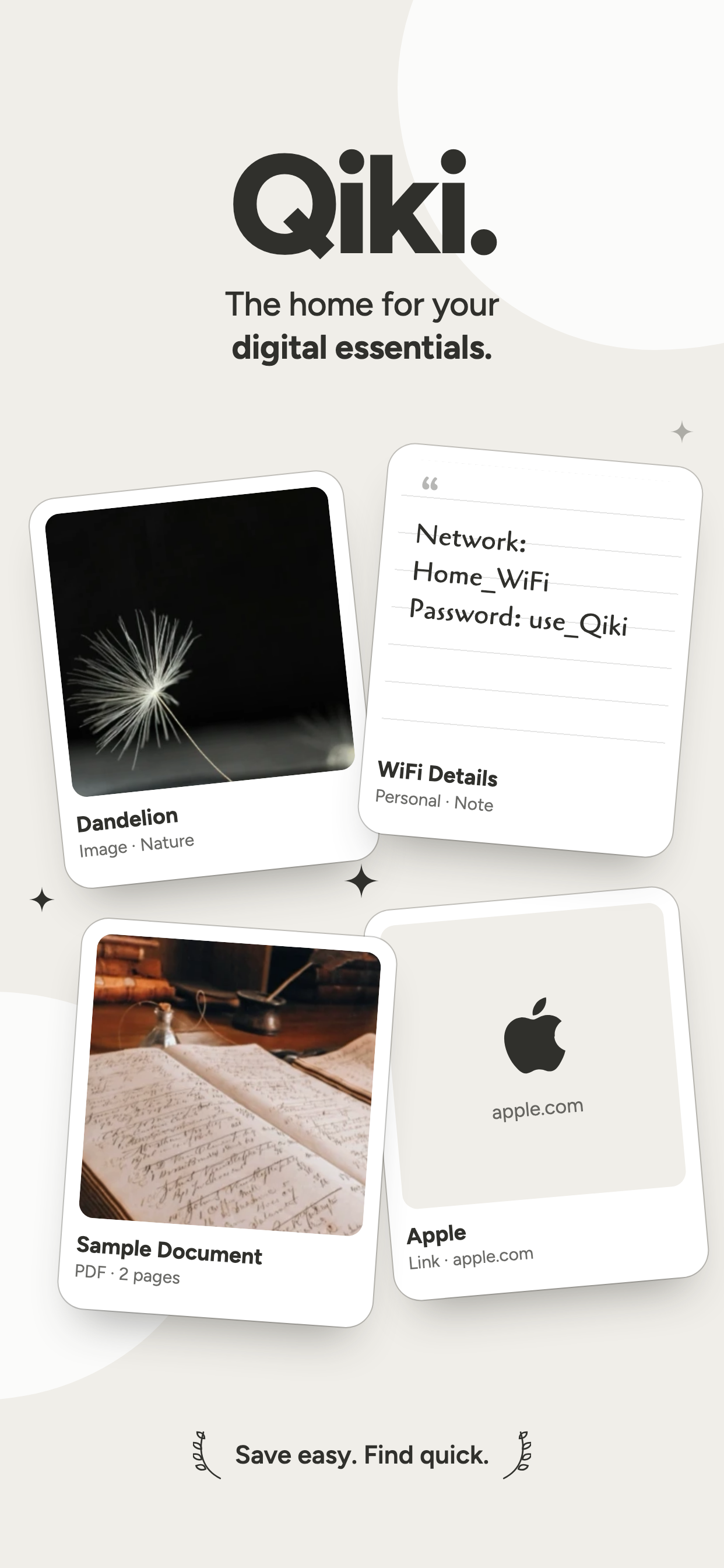
Your digital essentials, kept as a collection of Qiki frames.
-
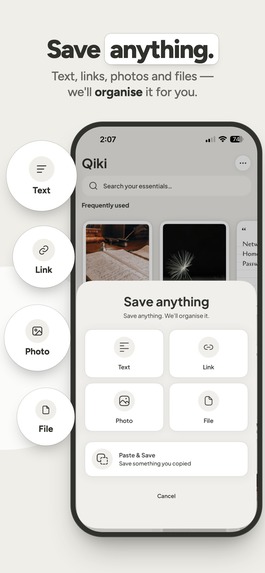
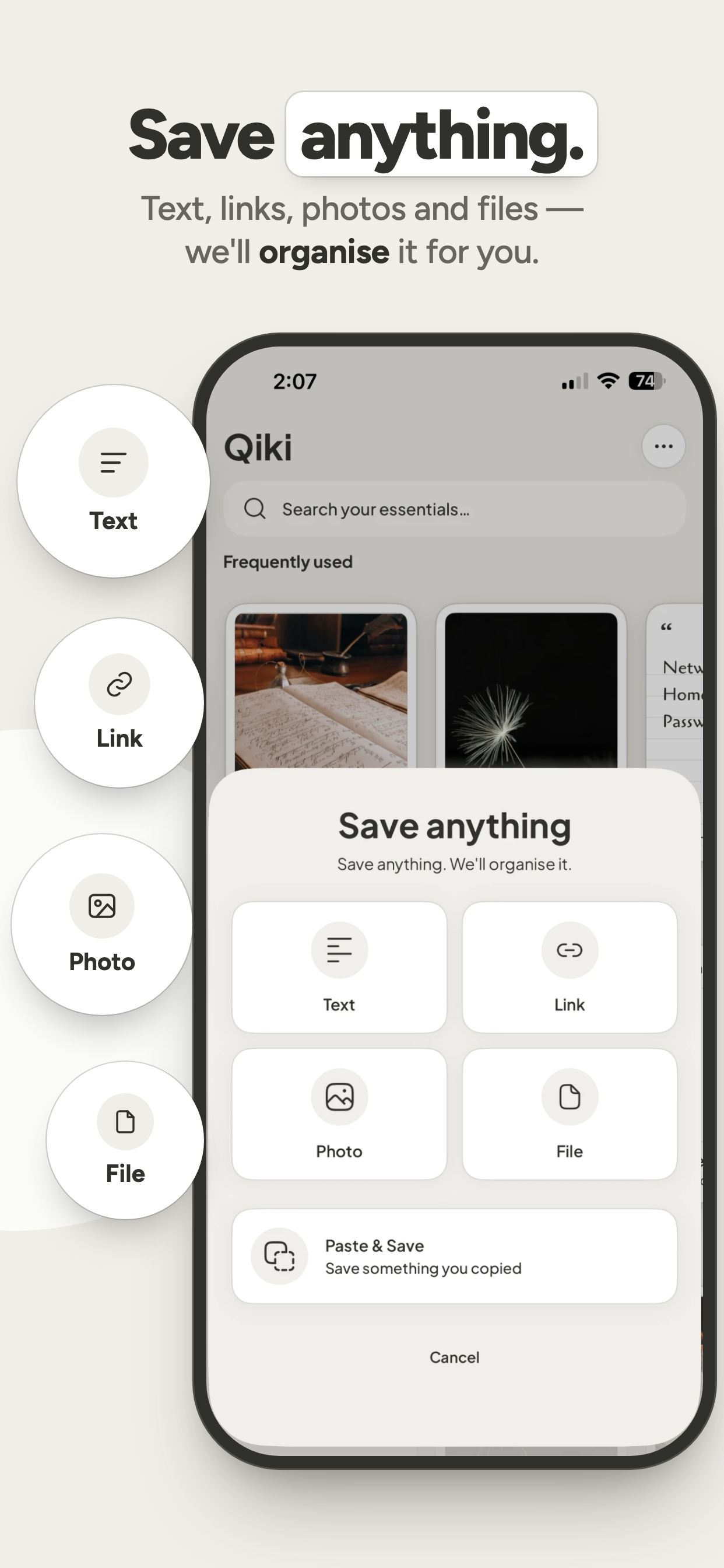
Save anything: text, links, photos and files. Qiki organises it for you.
-
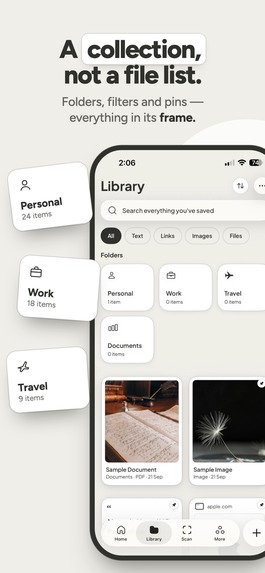
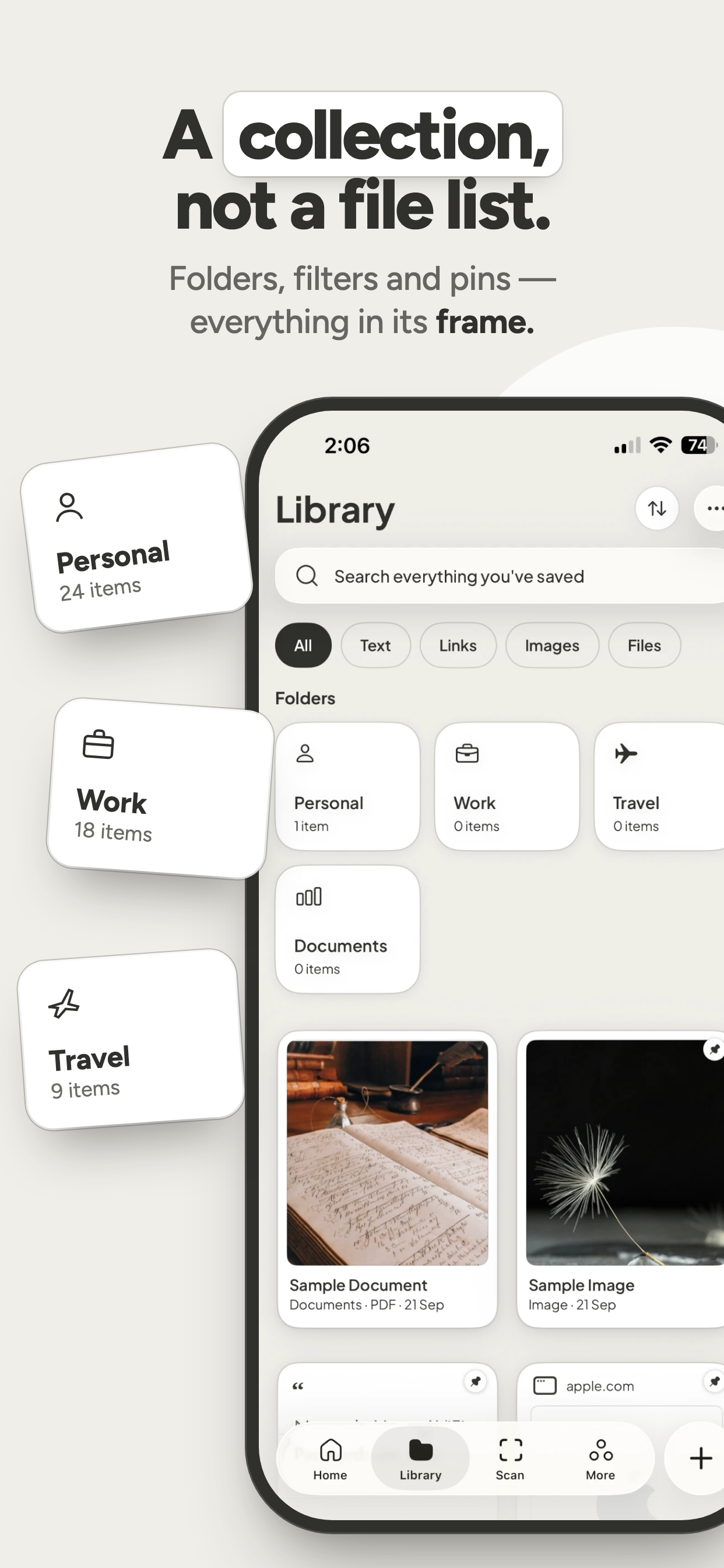
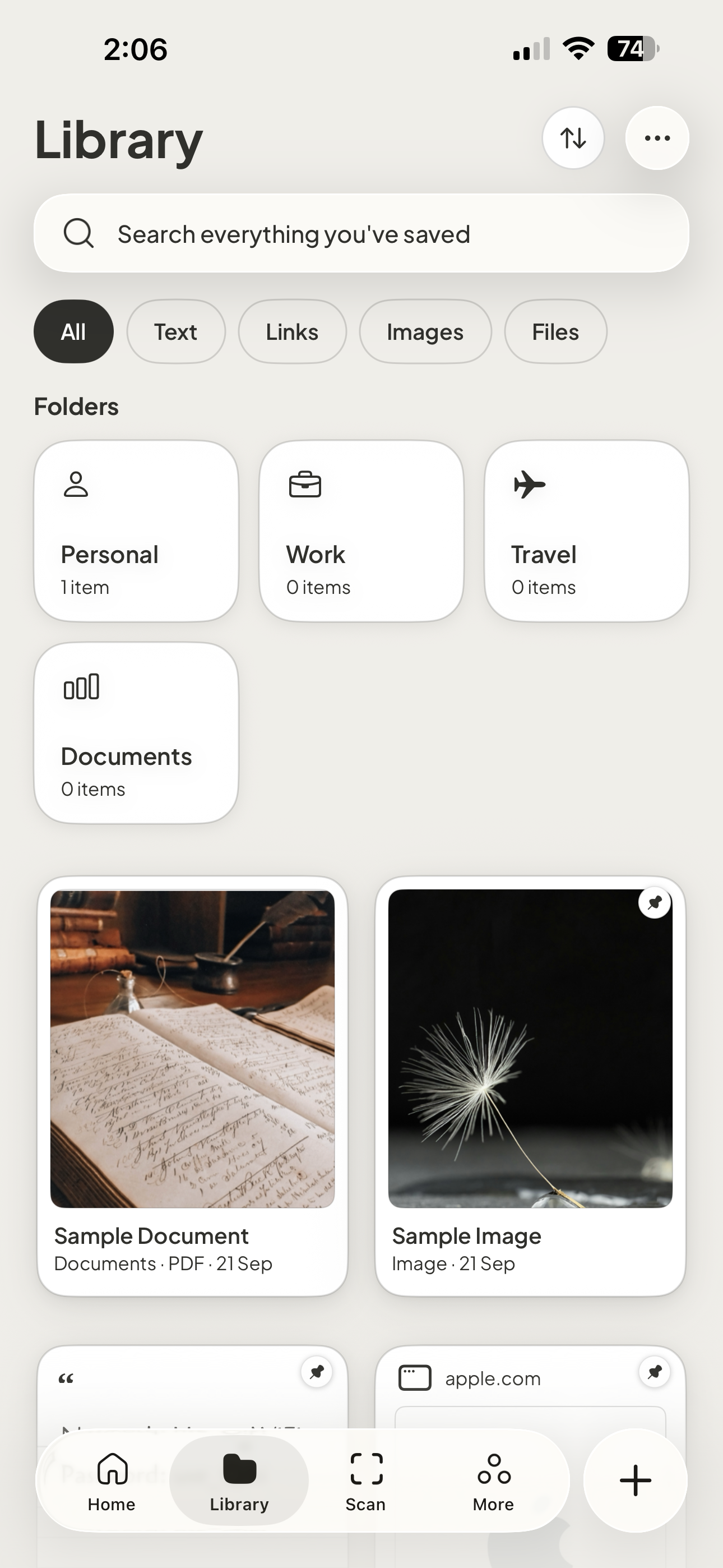
A collection, not a file list: folders, filters and pins.
-
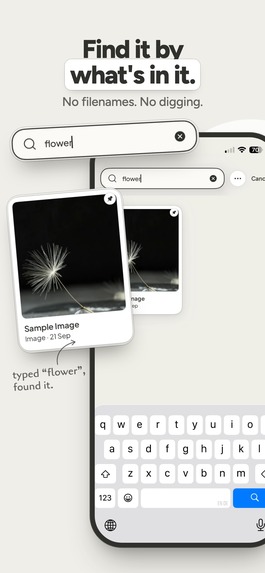
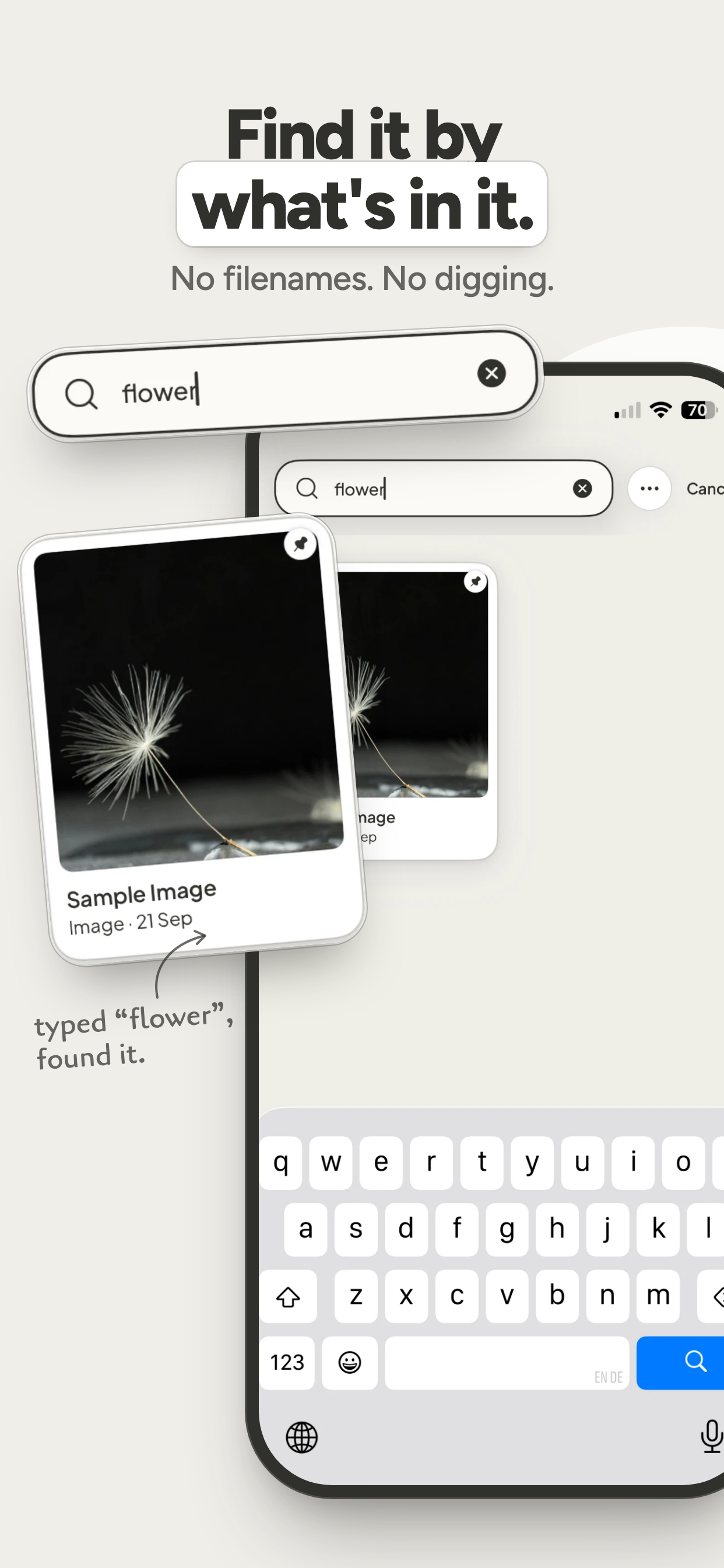
Find it by what's in it. Search reads photos, PDFs and the words inside them.
-
-
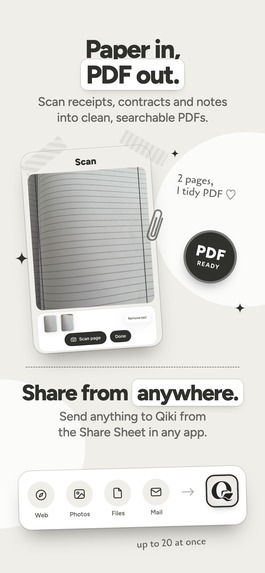
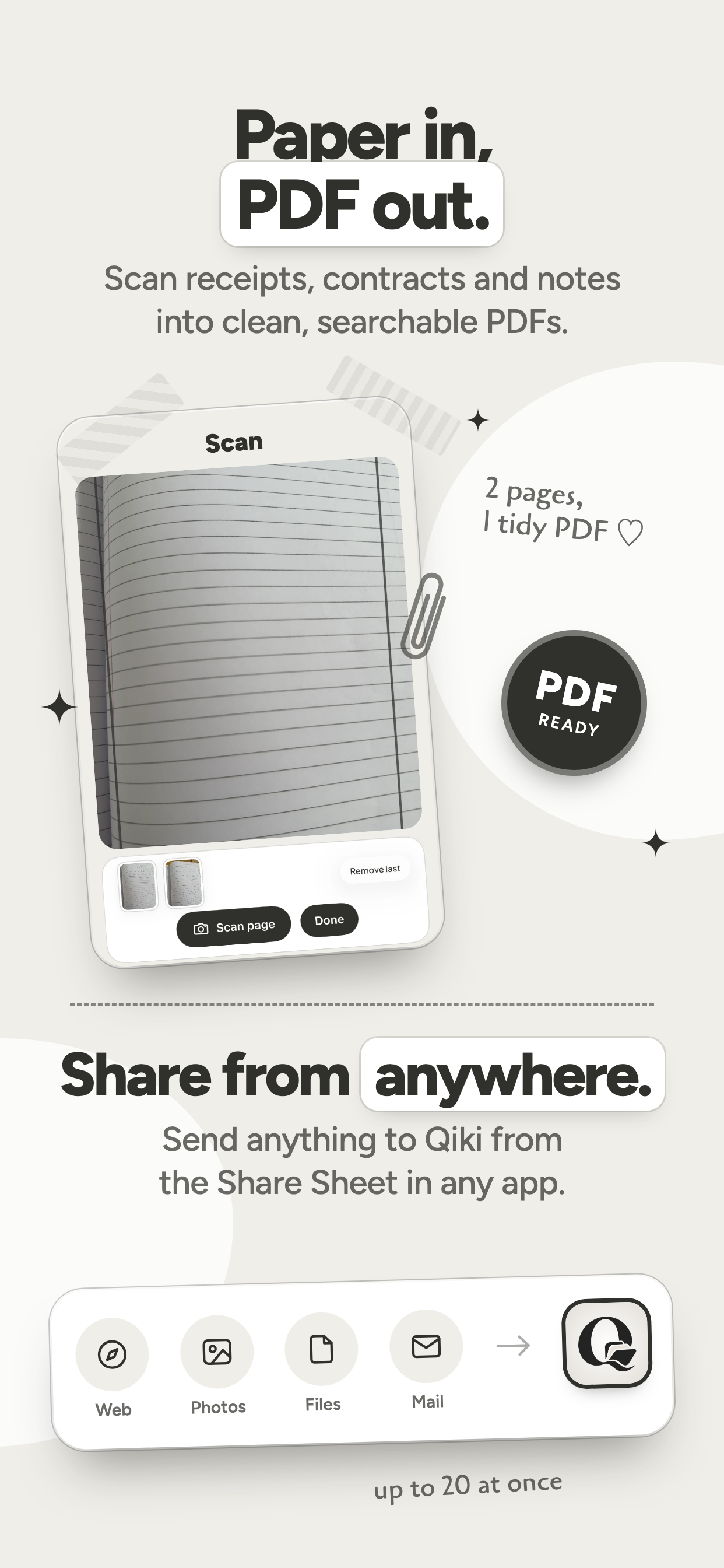
Scan paper into clean PDFs, or share to Qiki from any app.
-
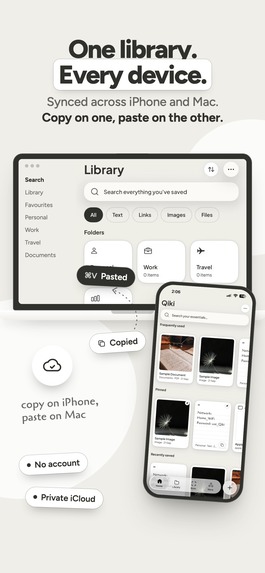
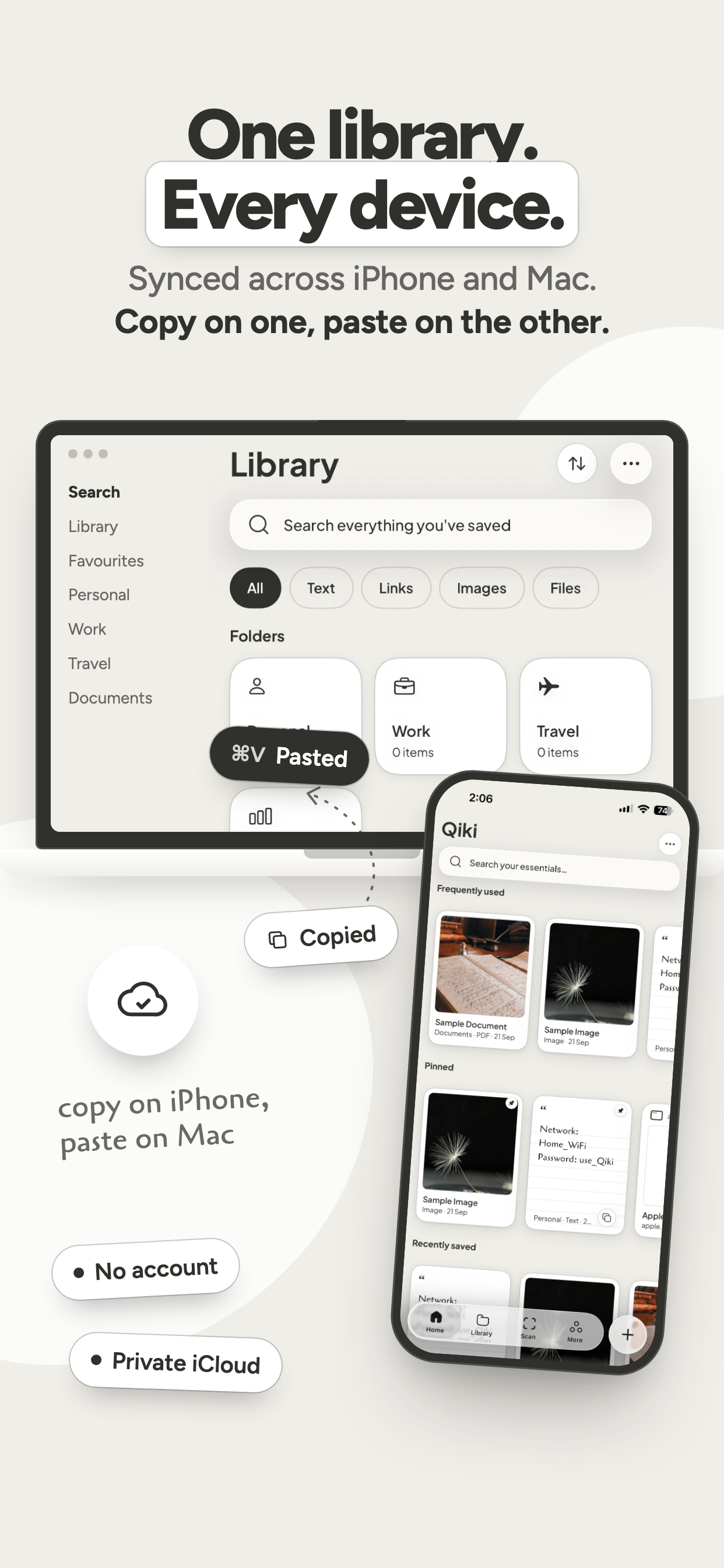
One library on every device. Copy on iPhone, paste on Mac.
-
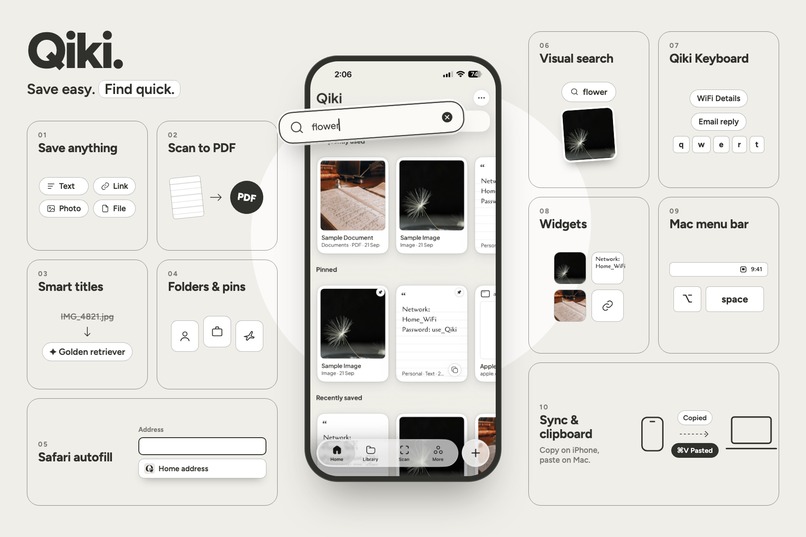
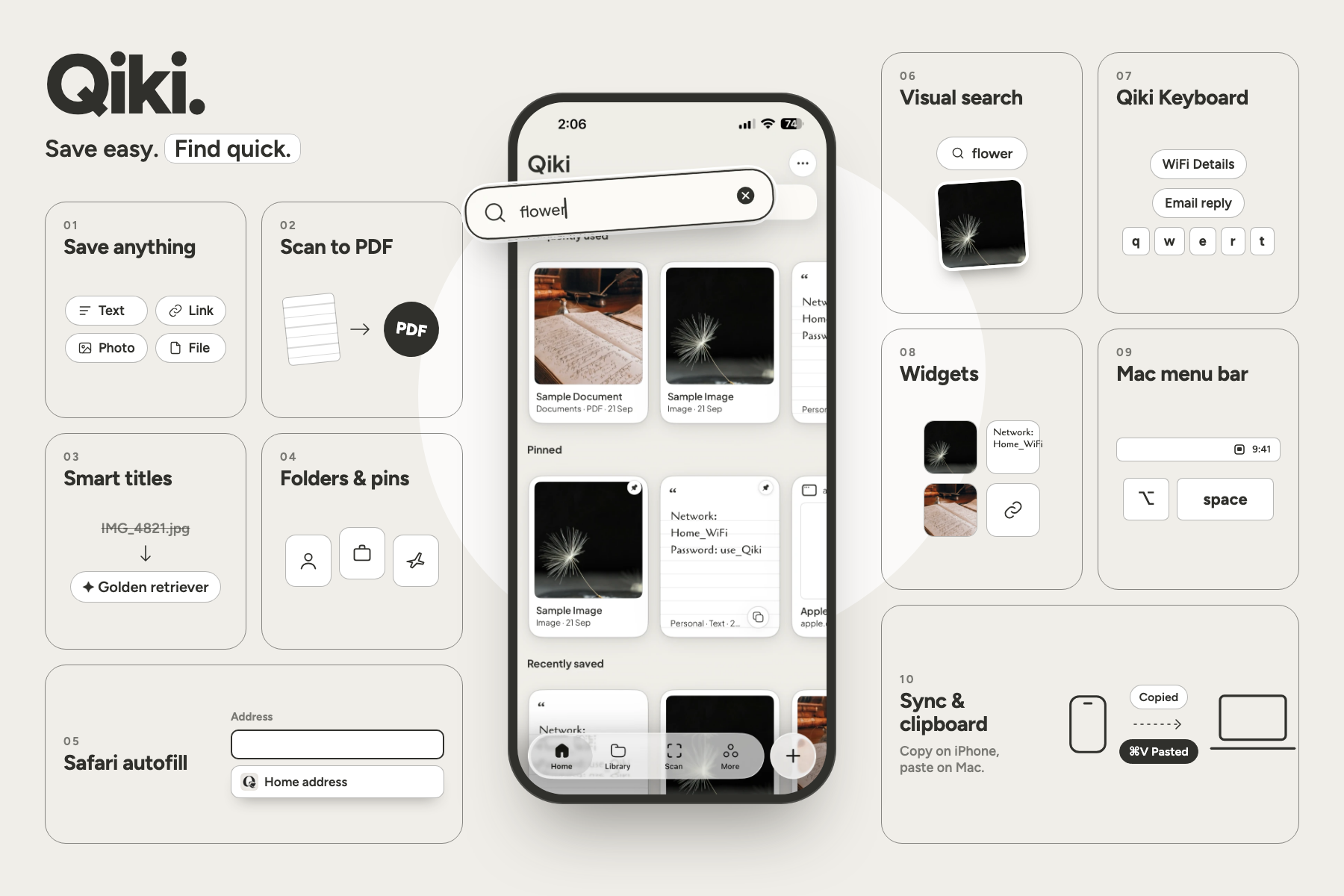
Everything Qiki does: save, scan, smart titles, visual search, keyboard, widgets, Safari autofill, the Mac menu bar and sync.
-

App Icon
-
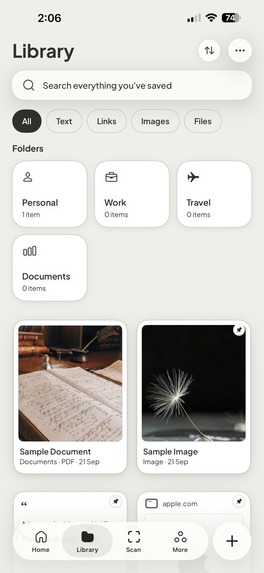
Qiki Library screen

Inspiration
Every day, we retype and re-find the same things: a home address in a checkout form, the same polite email reply, bank details, a passport scan a client keeps asking for, a lease PDF.
That information lives everywhere at once: Notes, Photos, Files, screenshots, chats, old emails. Finding it often takes longer than the task it was needed for.
Notes apps are built for writing. File managers are built for storage. Neither is built for the one thing we actually do: save something once, then reach for it again and again.
So we built Qiki: one calm, fast home for the text, links, photos and documents you reuse.
Save easy. Find quick.
Save it once, forget where it went, and still have it in seconds when you need it.
What it does
Qiki is a native productivity app for iPhone, iPad and Mac, built for the things you reuse: text, links, photos and documents. Save it once, then find it by whatever you remember.
Find it by what's in it
- One search field, no modes. It matches titles, the text inside photos and PDFs, and what a picture shows: search "flower" and Qiki finds a photo called
IMG_4821.jpg. - When one result clearly wins, it's shown first as a large hero result. Tested on 49 queries, it appears on 21 and is right every time.
It organises itself
- Smart titles:
IMG_4821.jpgbecomes "Golden retriever", andscan0001.pdfbecomes "Residential tenancy agreement". - Automatic categories (Receipts, Travel…), plus folders, pins and favourites when you want them.
- If Qiki isn't sure, it uses an honest generic name instead of guessing.
Save in one tap
- Share Sheet from any app (up to 20 items at once), or the + button for Text, Link, Photo or File.
- Scan paper into a clean, searchable PDF.
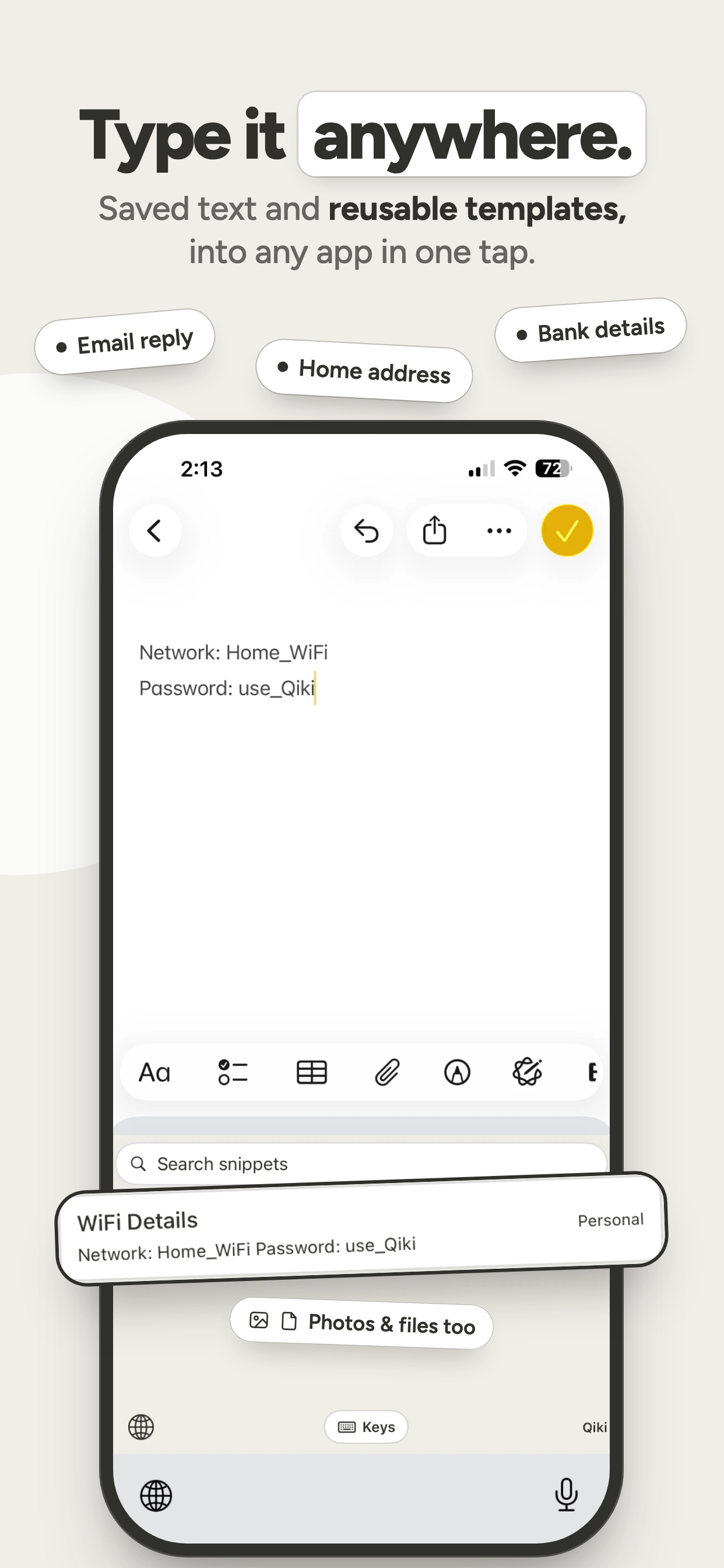
- Templates with blanks you fill in when you use them.
Use it anywhere
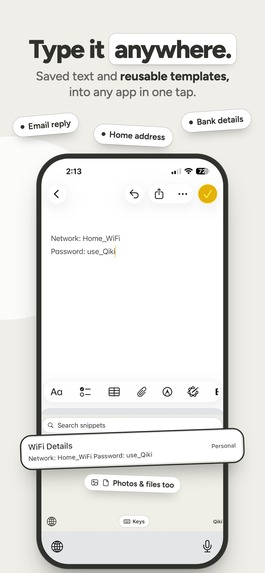
- Qiki Keyboard: type saved text and templates straight into any app. Photos and files are one paste away if you turn on Full Access, and text works without it.
- Mac menu bar: press ⌥Space from any app, then copy or drag an item out.
- Widgets, Spotlight, Siri & Shortcuts.
- Safari autofill: fill forms from what you've saved. Passwords and card numbers are never touched.
Private by design
Everything (titles, OCR, search) runs on-device. It syncs through your own private iCloud across iPhone, iPad and Mac. No account, no backend, no analytics.
How we built it
Qiki is one native SwiftUI codebase for iPhone, iPad and Mac.
- SwiftUI + SwiftData for the app and its data, with CloudKit for private iCloud sync
- RevenueCat powers Qiki Pro: the paywall, entitlements and restore purchases, with the Pro state shared to the app's extensions
- Vision for on-device text recognition and image understanding (
VNRecognizeTextRequest,VNClassifyImageRequest) - Core ML embeddings for search by meaning, not just keywords
- PDFKit and ImageIO for reading documents and fast, memory-safe thumbnails
- A built-in scanner that turns paper into multi-page, searchable PDFs
- App Intents, Core Spotlight and WidgetKit for Siri, Shortcuts, system search and widgets
- A custom keyboard extension for typing saved text and templates, and copying photos and files, into any app
- MenuBarExtra and a global ⌥Space shortcut on Mac, plus a Safari Web Extension for autofill
- App Groups so the app, Share Extension, keyboard and widgets all read one library
The intelligence stays invisible. Saving is instant. Afterwards, Qiki quietly reads the text, names the item, categorises it, indexes it for search and Spotlight, and fetches link titles in the background. Each step remembers what it has already done (using content fingerprints), so nothing is processed twice.
Tested, not guessed. Hundreds of Swift Testing tests run on both iOS and macOS, including a 49-query evaluation set that the search ranking is tuned against.
Designed as a collection. Qiki's own design language, the Qiki Frame, uses fixed-size frames, handwritten-style notes and a quiet, neutral palette, so your saved things feel like a curated collection rather than a file manager.
Challenges we ran into
The iOS clipboard
We first built a widget that copied a snippet with one tap. On a real iPhone, it silently did nothing: no error, just an empty clipboard. After measuring it on the device, we found the rule: only the app in the foreground can write to the system clipboard, so a widget never could.
Instead of fighting the platform, we redesigned around it. The Qiki Keyboard became the real answer: it types your saved text straight into whatever field you're in, without going through the clipboard at all. What started as a dead end became one of Qiki's most useful features.
Accomplishments that we're proud of
We turned a simple everyday frustration, "I know I saved this somewhere", into a product built around finding it again.
Search finds a photo by what's in it, a PDF by the words on its pages, and a screenshot by its text, all privately on-device. When one answer clearly wins, Qiki shows it first, and across our 49-query test set that answer has never been wrong.
And we shipped it everywhere you'd reach for it: the app on iPhone, iPad and Mac, plus a keyboard, Share extension, widgets, Siri, Spotlight and a Mac menu bar, all reading one private library.
You don't need to remember where you saved something or what it was called. Just search for what you remember.
What we learned
Reducing friction means removing steps, not adding features.
Our first instinct was to give people more control: search modes, settings to tune, folders you had to set up before anything worked. But every choice we added was one more thing to think about before finding what you needed.
So we took those away. One search field with no modes. Titles and categories that set themselves. Folders and filters are there if you want them, but nothing depends on them. A save that's instant, with everything else happening quietly in the background.
Qiki got better by asking less of the person using it.
What's next for Qiki
We'll keep building around the same principle: save once, find it when you need it.
- Shared libraries for teams: canned replies and client documents everyone can reach
- Smarter suggestions: the right item offered for the app or form you're in, before you search
- Files app integration, so saved documents appear in any document picker
- Apple Watch and Control Center quick access, plus Chrome autofill alongside Safari
Qiki's long-term goal is simple:
Make your digital essentials easy to save, easy to find, and ready when you need them.


Log in or sign up for Devpost to join the conversation.