-
-

logo
-
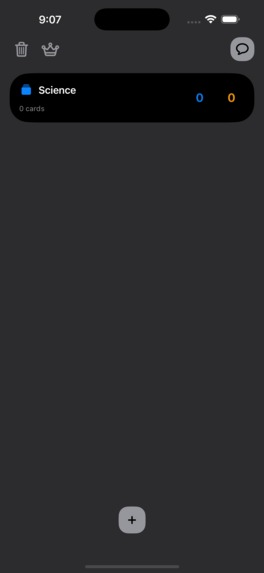
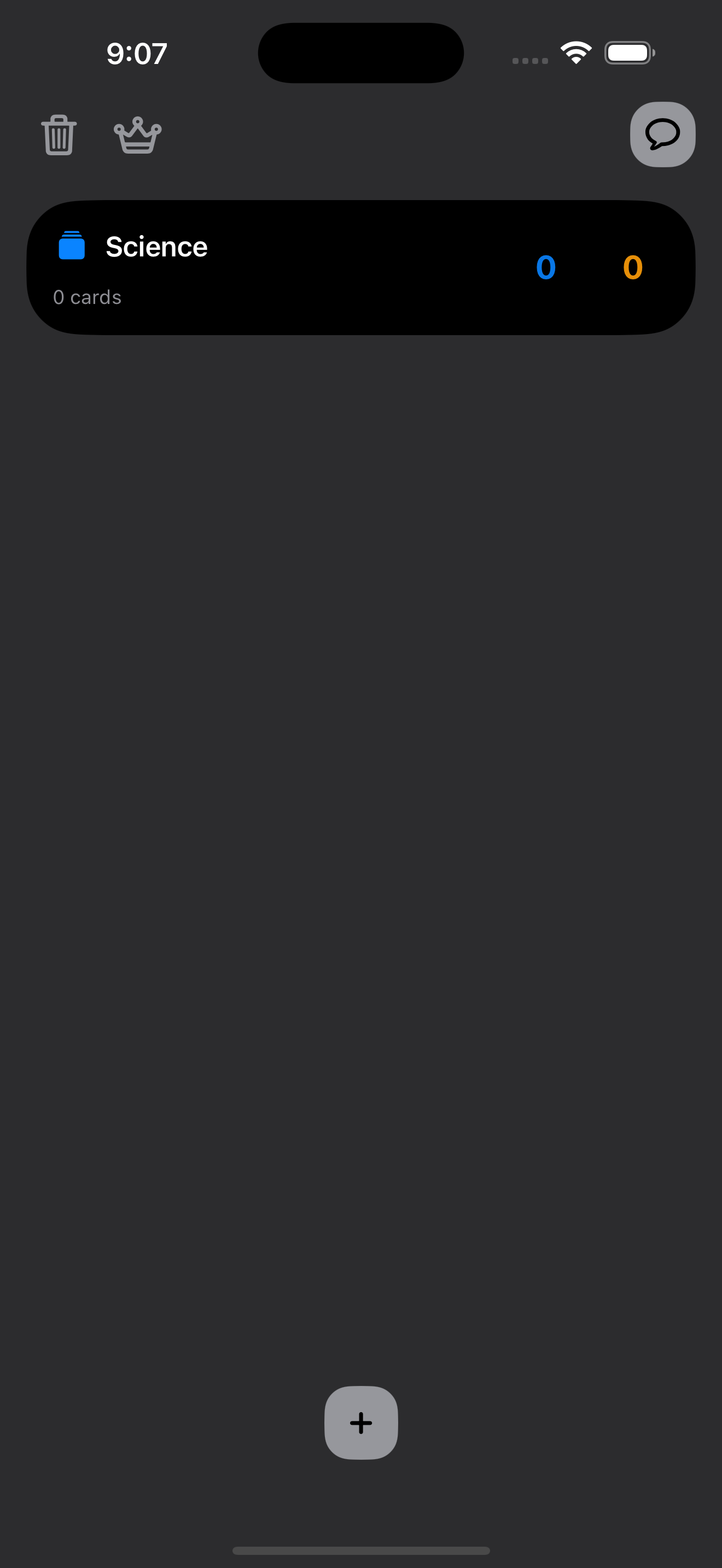
deck screen
-
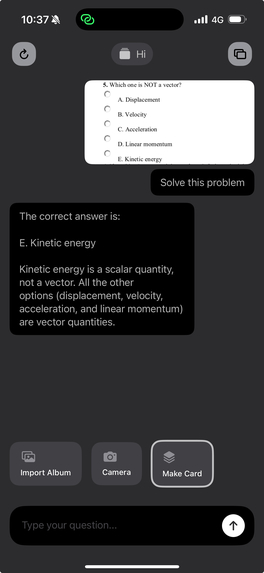
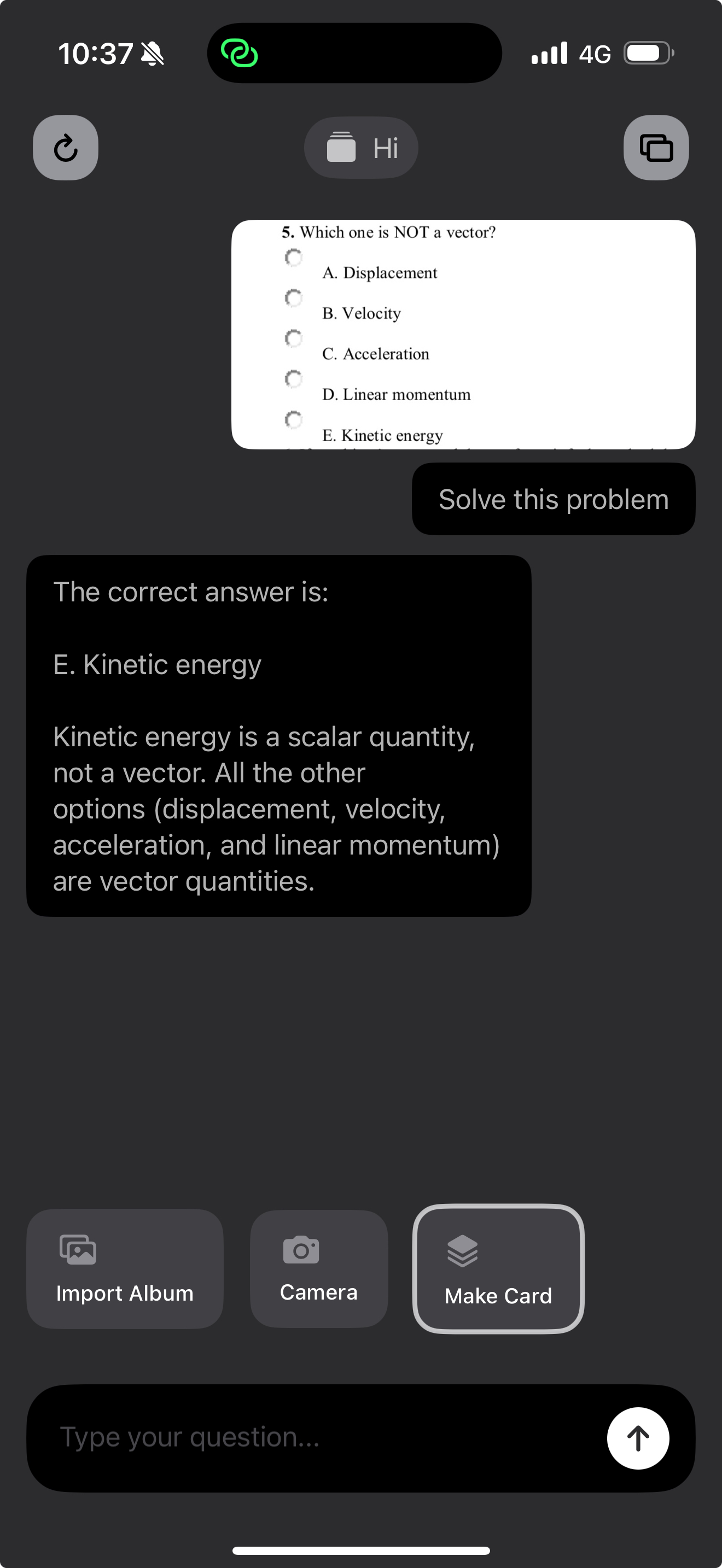
chat screen
-
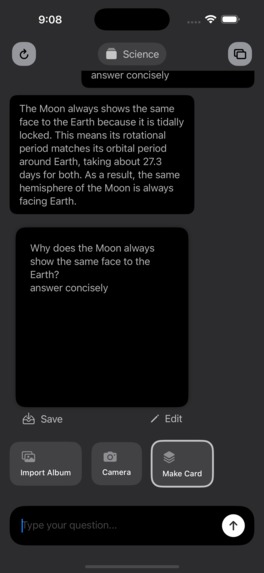
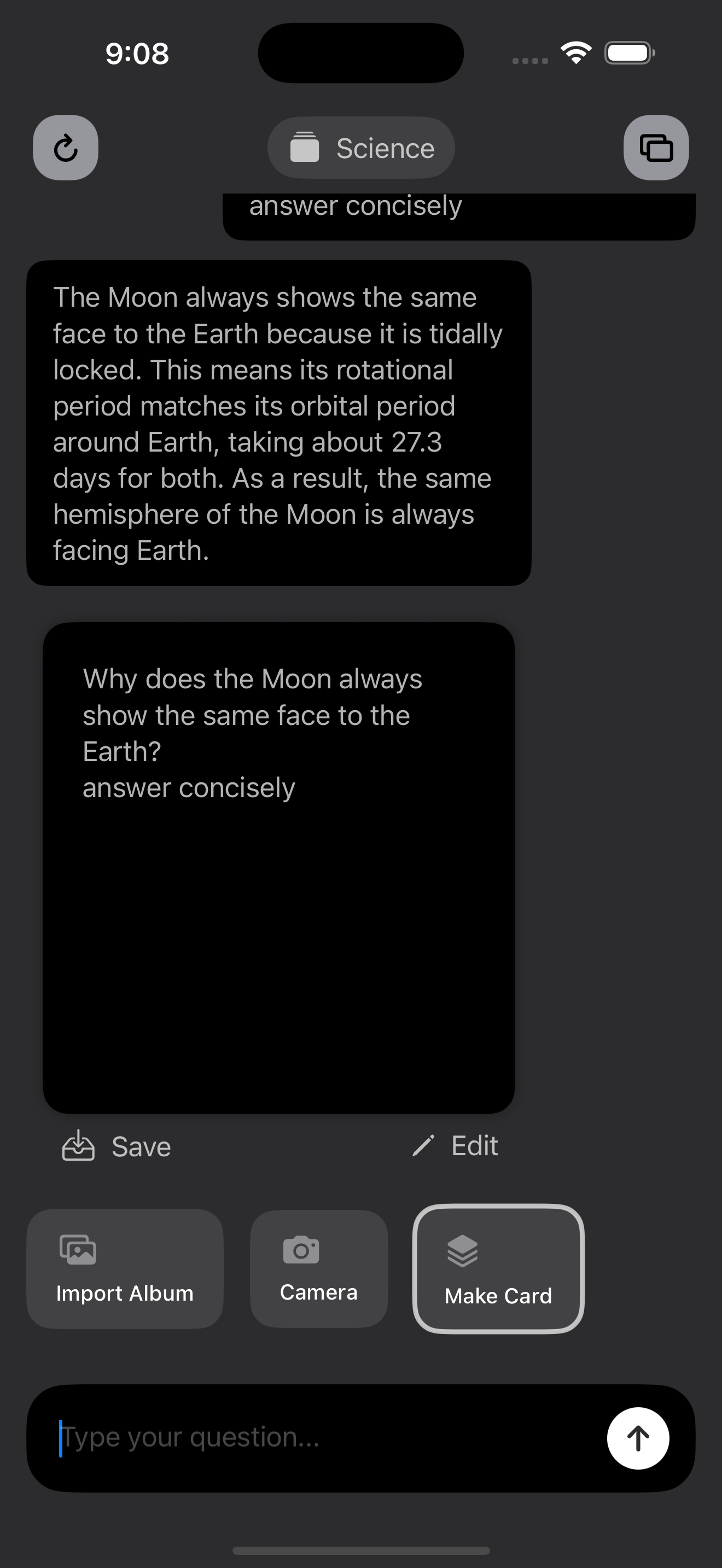
make card screen
-
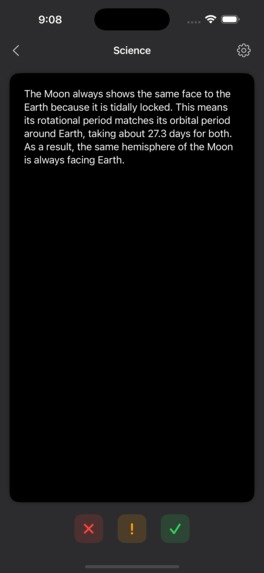
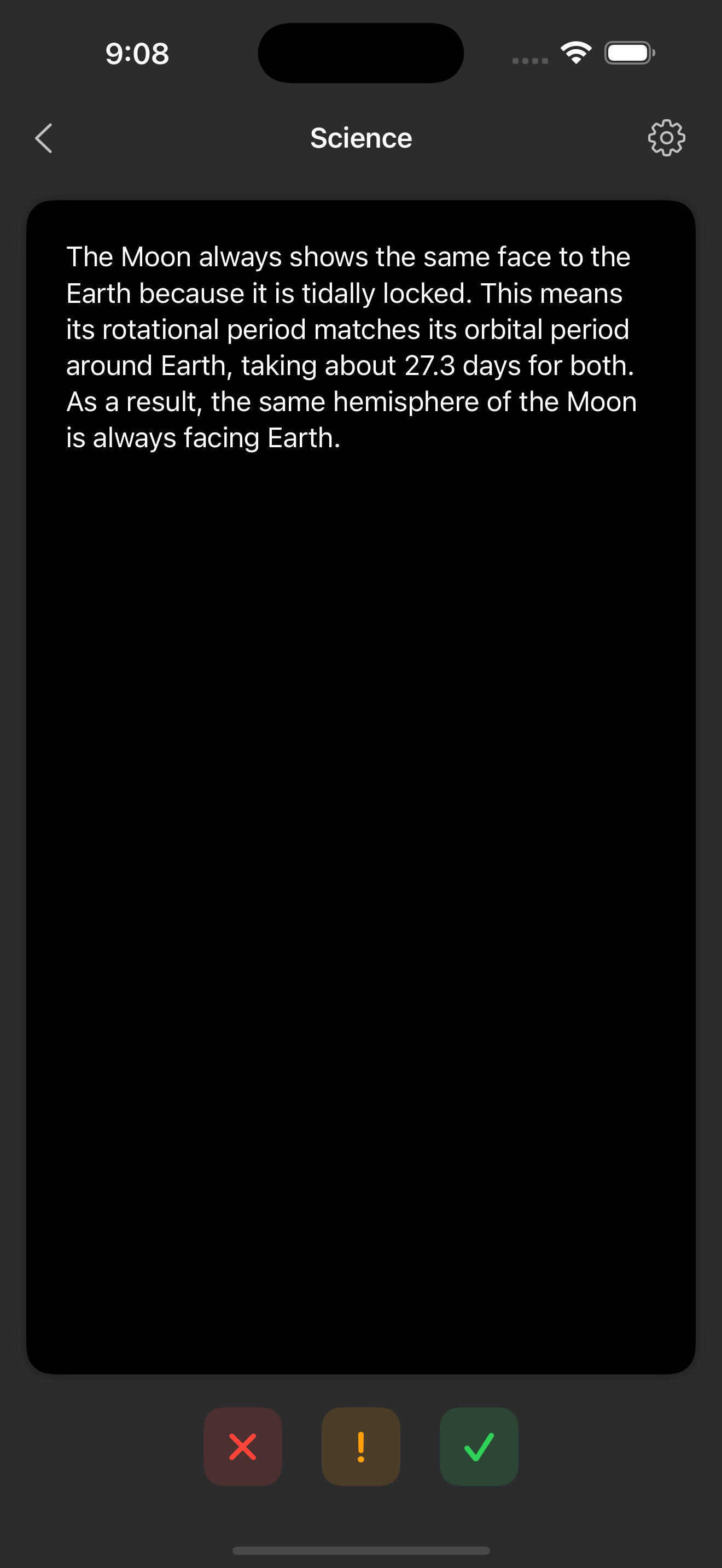
study screen

Inspiration
- Wanted a faster, more joyful way to memorize complex topics on mobile.
- Frustrated by rigid flashcard apps; inspired to blend AI-assisted authoring with proven SM‑2 spaced repetition.
- Aimed for a delightful SwiftUI experience with smooth animations and on-device feel.
What it does
- Create/manage decks with icons/colors; add text or image-backed cards.
- AI chat to generate cards from your prompts or conversation.
- Study with SM‑2: automatic scheduling, difficulty tracking, due queues.
- Image tools: generate/crop images, upload to Supabase Storage, serve via signed URLs.
- Share/import decks via deep links with short URLs.
- Fast, offline-first UX with lightweight persistence.
How we built it
- Stack: SwiftUI + MVVM, Supabase Edge Functions (Deno/TypeScript), Supabase Storage.
- Architecture: Models hold business logic; ViewModels manage UI state and
Bindings [[memory:4607492]].
Challenges we ran into
- Reliable token streaming and UI synchronization on iOS.
- Designing prompts that yield concise, high‑quality cards.
- Image pipeline: client resize/crop → upload → signed URL caching.
- Balancing animation polish with list/grid performance.
- Handling edge cases in SM‑2 (resets, lapses, clamped EF).
Accomplishments that we're proud of
- Cohesive study flow with smooth SwiftUI transitions.
- One‑tap “turn chat into cards” workflow that actually saves time.
- Robust, minimal Supabase integration (Edge Functions + Storage) without heavy SDK overhead.
- Clear separation of concerns that made testing and iteration fast.
What we learned
- Small UX details (typing/streaming indicators, safe array bindings) massively improve perceived speed.
- Prompt engineering for structured outputs is as important as model choice.
- Supabase Edge Functions are great for secure, server‑side AI calls and media tasks.
- SM‑2 tuning benefits from real usage data; defaults are just a starting point.
What’s next for QFlash
- Adaptive SM‑2 tuning from user performance data.
- Camera OCR to turn photos into cards; speech playback for hands‑free review.
- Collaborative/shared decks and public gallery.
- Widgets and Live Activities for bite‑size reviews.
- Optional cloud sync and richer analytics with privacy controls.
Built With
- deno
- ios
- ios-file-system-(documents)
- mvvm
- sm-2-spaced-repetition
- supabase
- supabase-cli
- supabase-edge-functions
- supabase-storage
- swift
- swiftui
- typescript

Log in or sign up for Devpost to join the conversation.