-

Logo
-
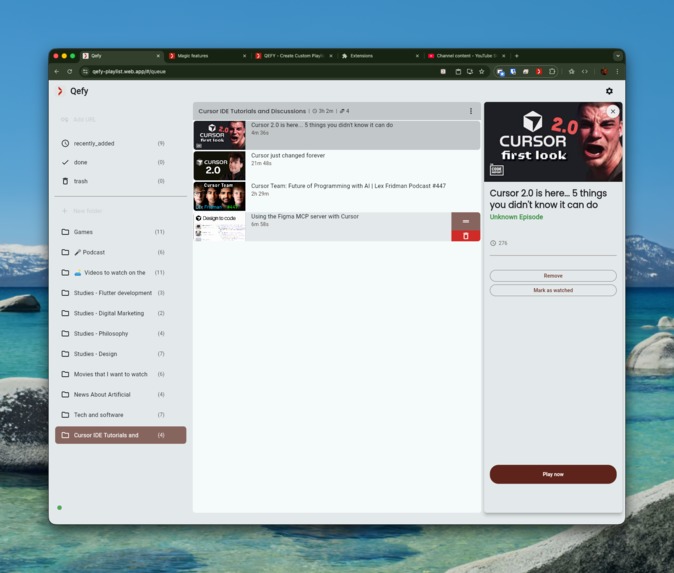
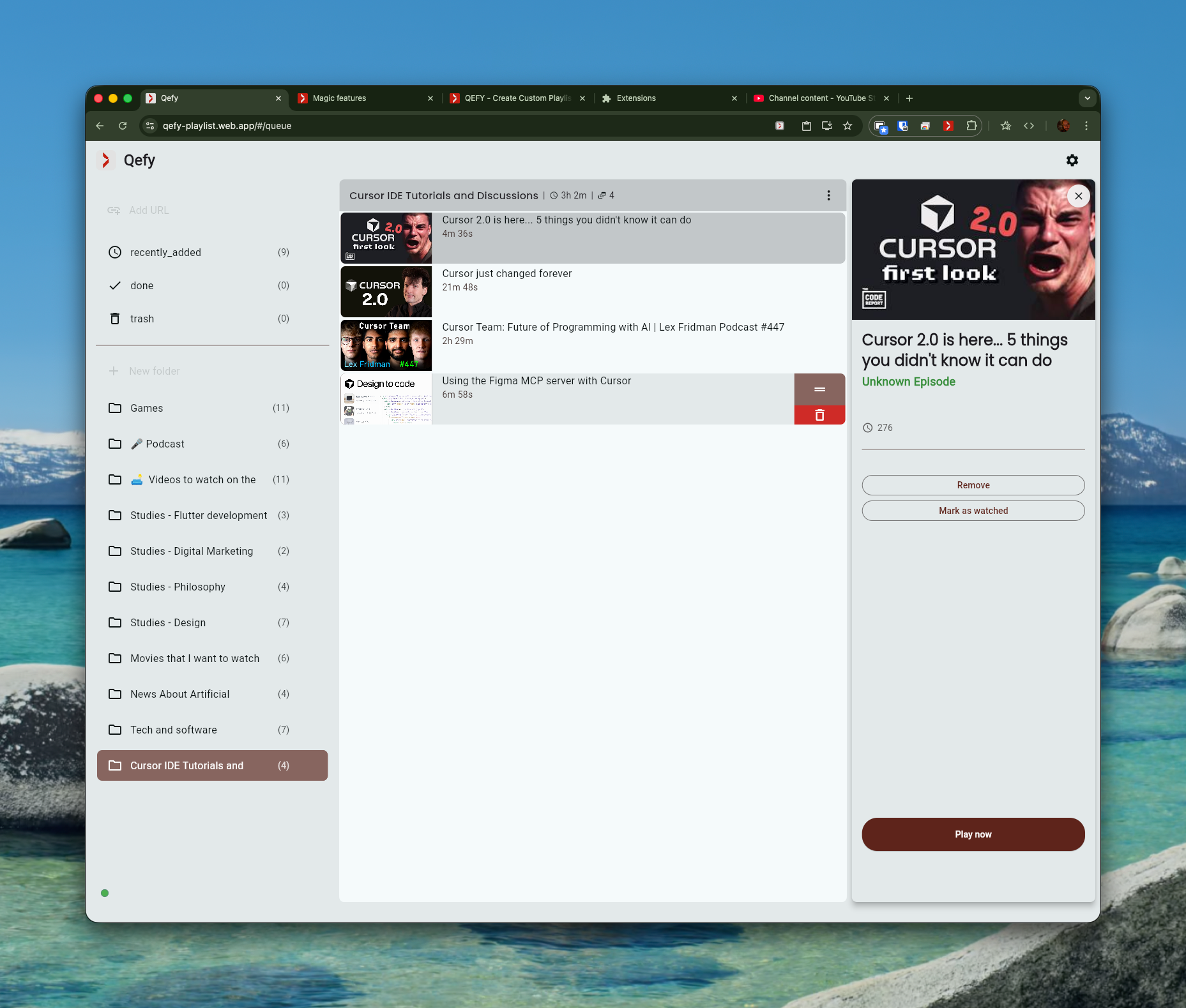
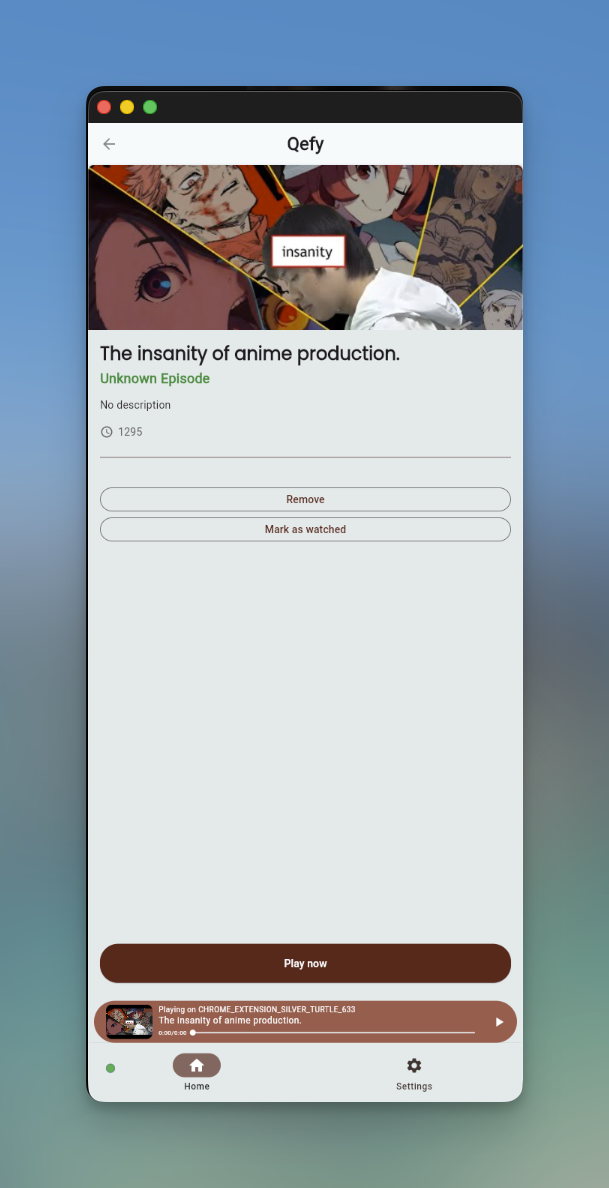
This is the web app where the user can organize
-
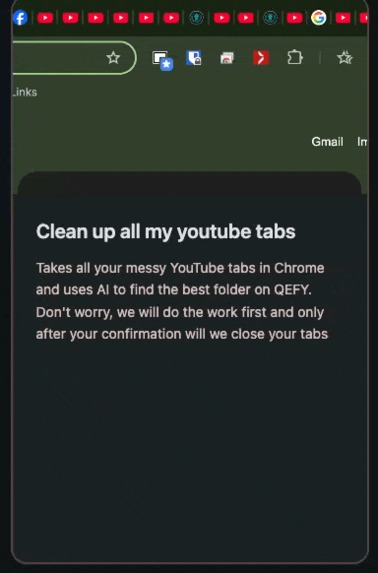 GIF
GIF
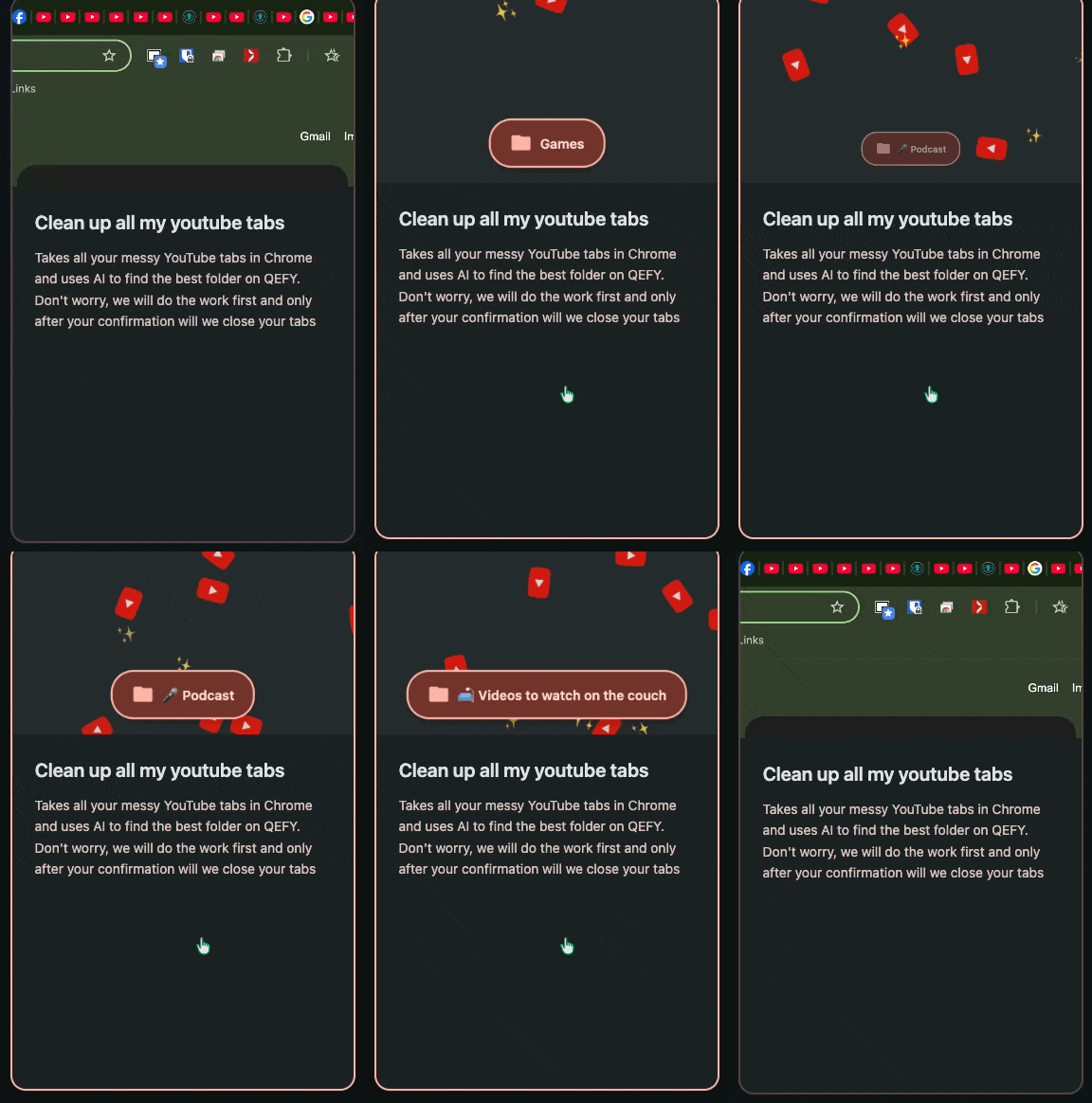
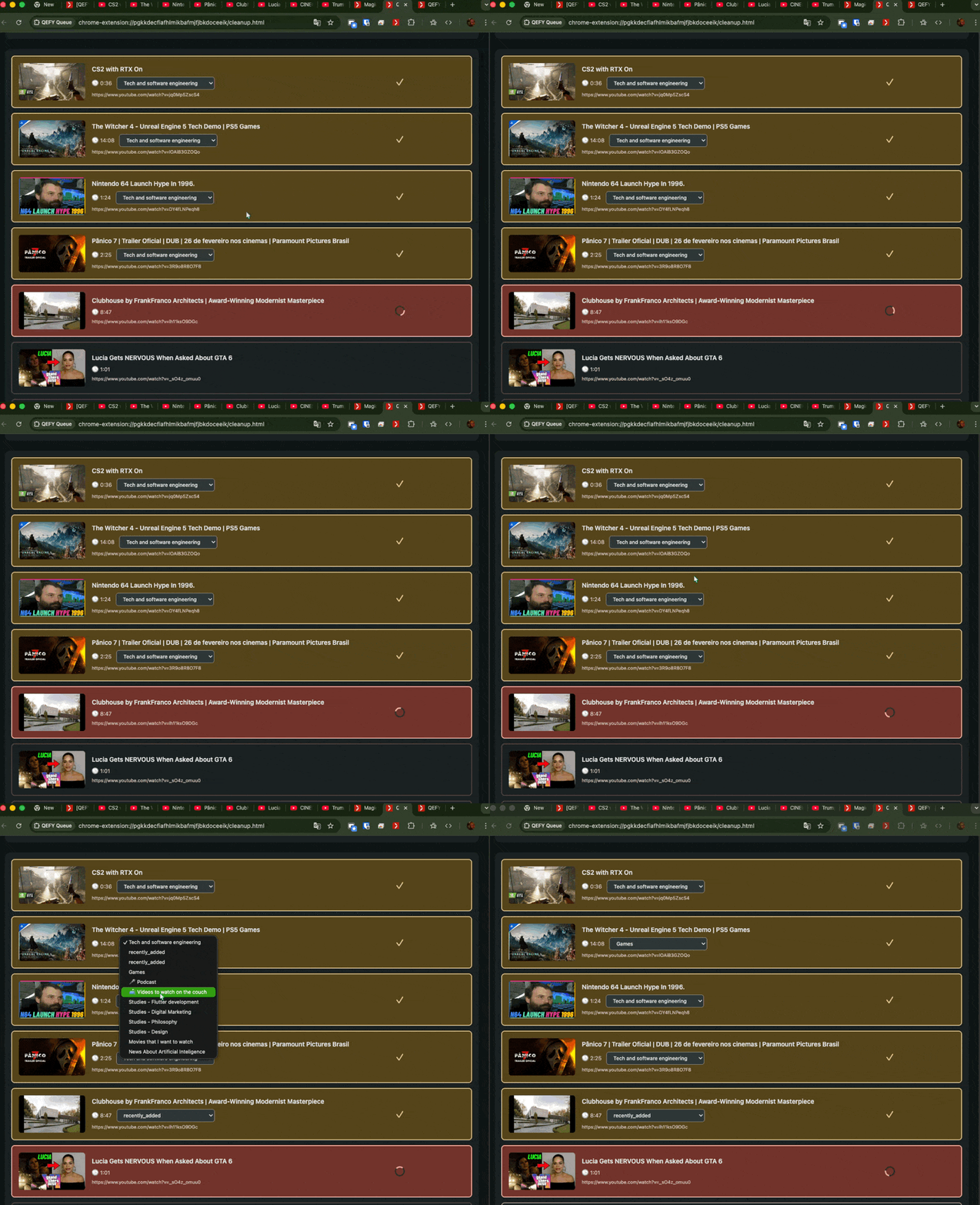
The Clean my tabs button
-
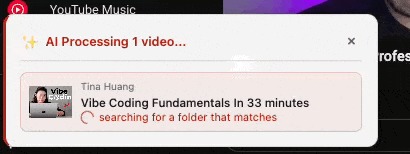 GIF
GIF
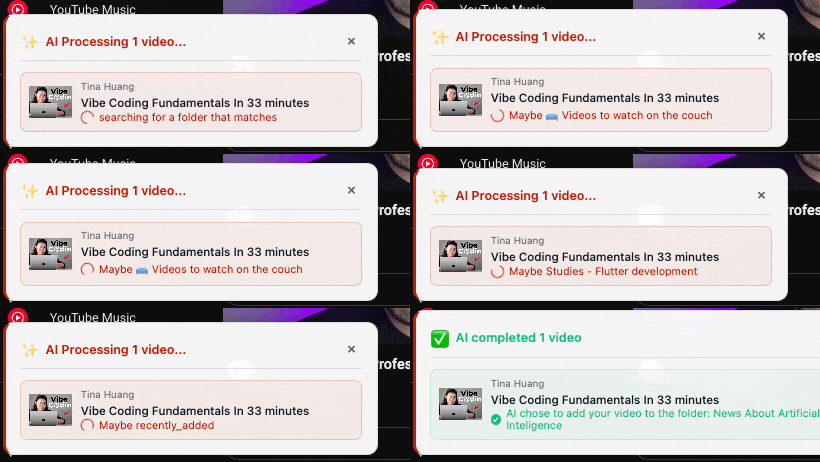
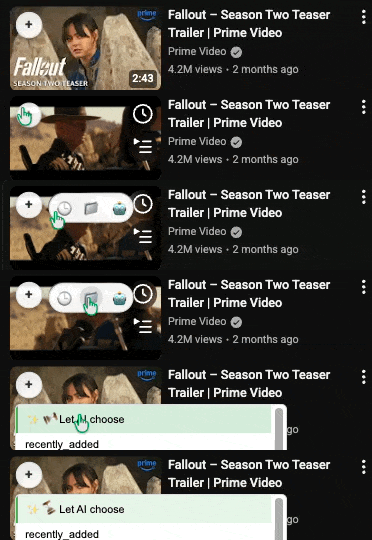
Quick action button on youtube | AI thinking
-
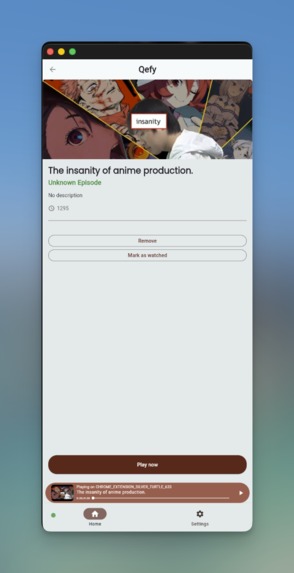
App
-
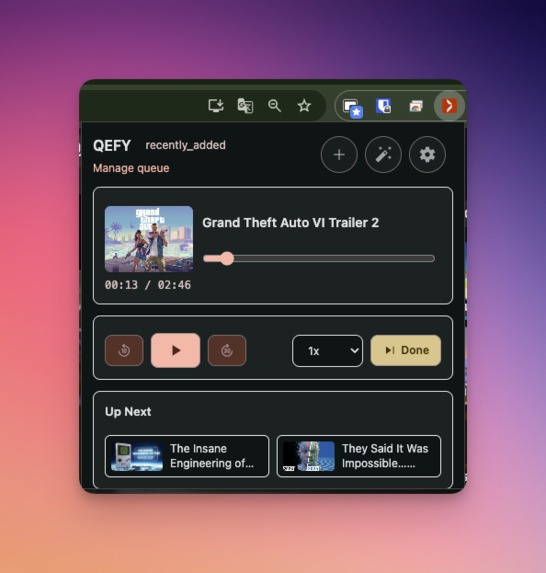
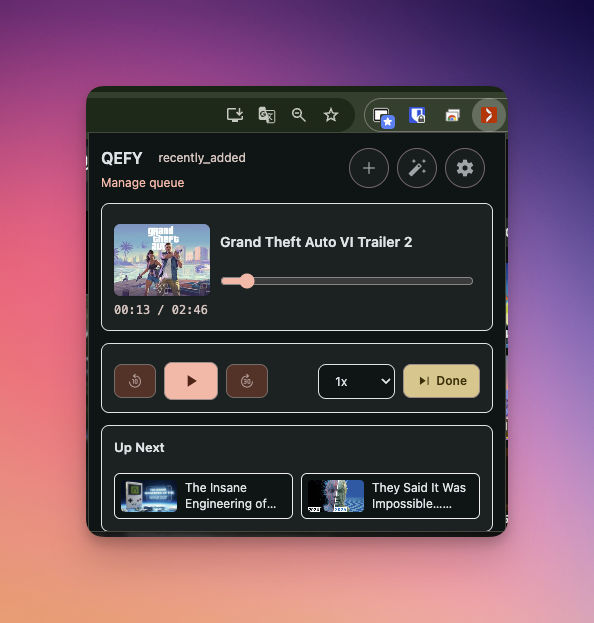
QEFY - popup extension
-
 GIF
GIF
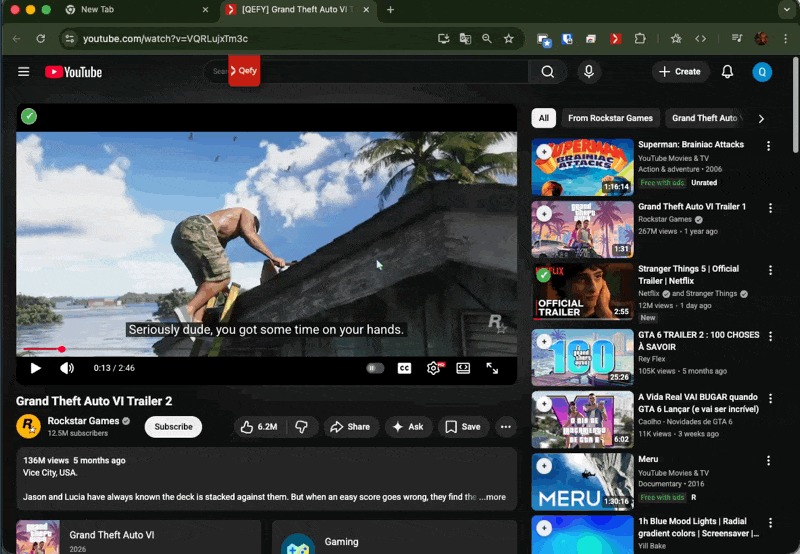
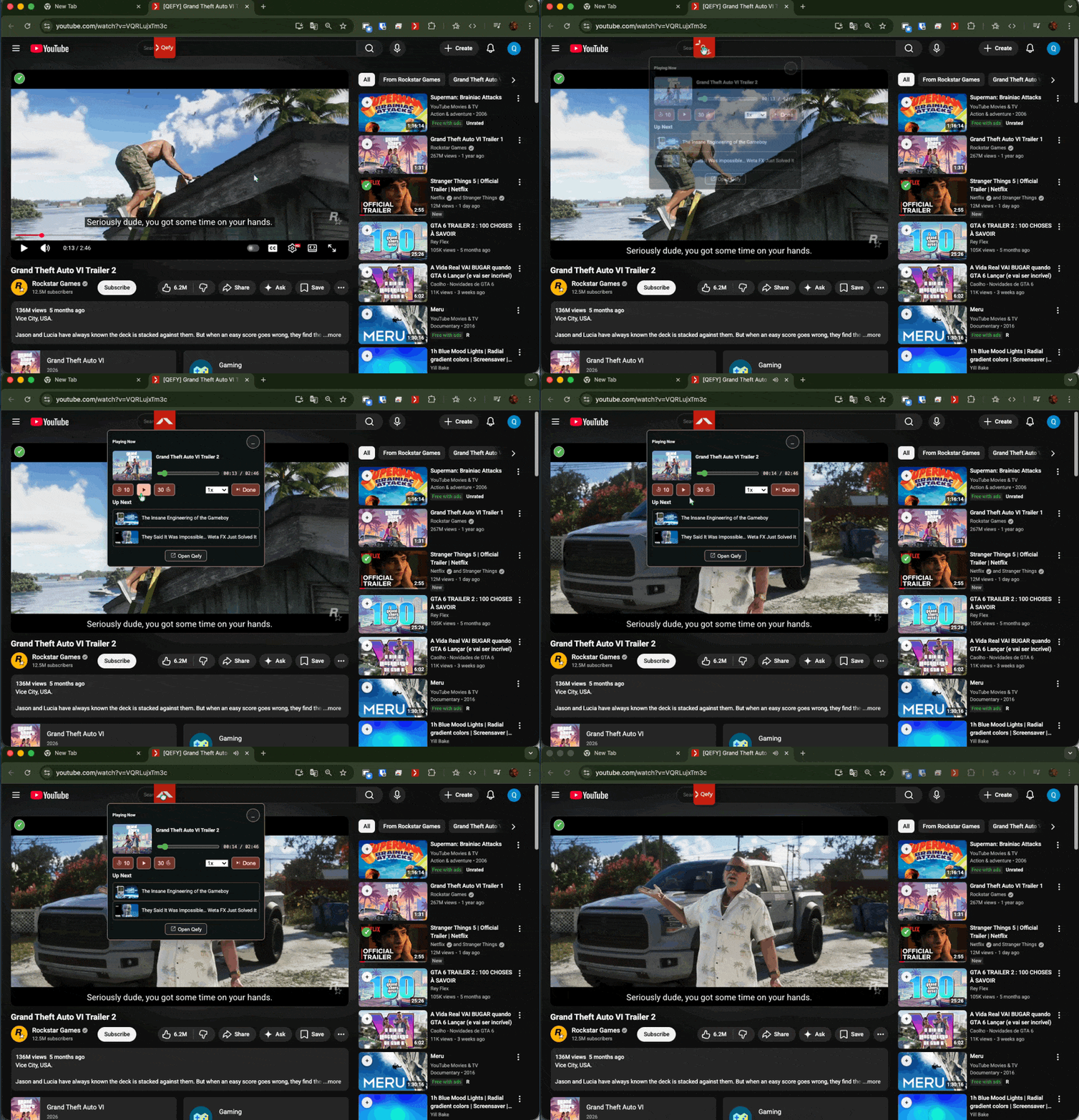
Floating QEFY window on youtube
-
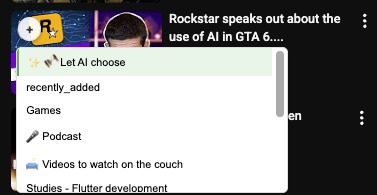
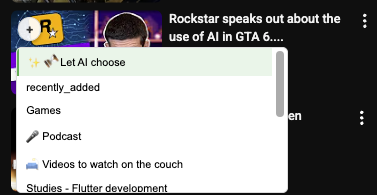
Magic AI button on quick action
-
 GIF
GIF
Alternative ai button
-
 GIF
GIF
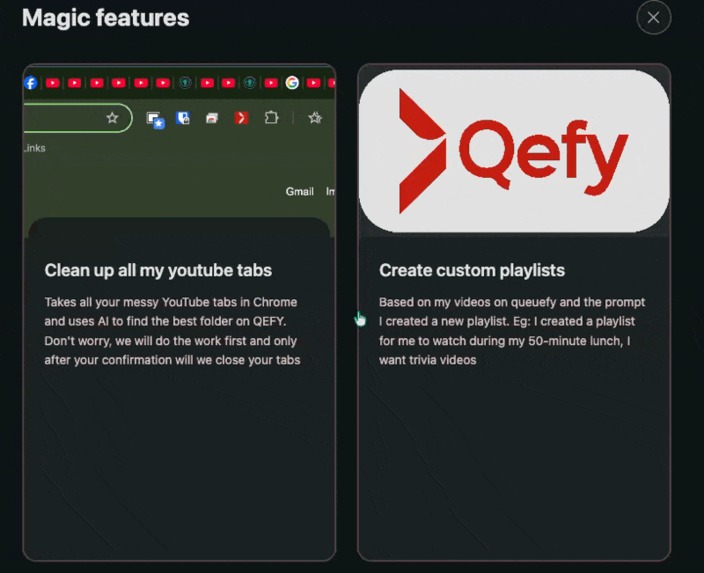
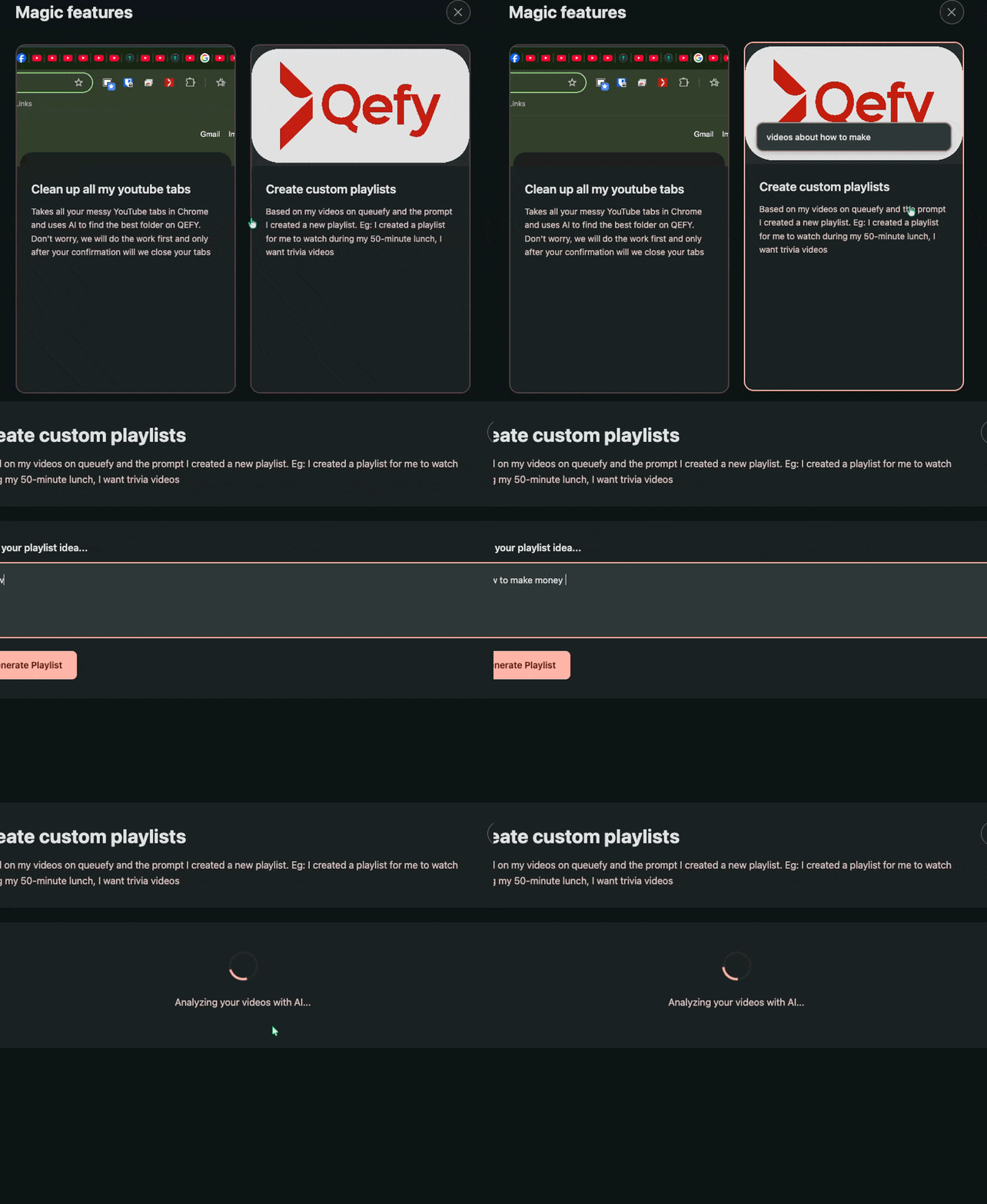
Custom playlist with ai
-
 GIF
GIF
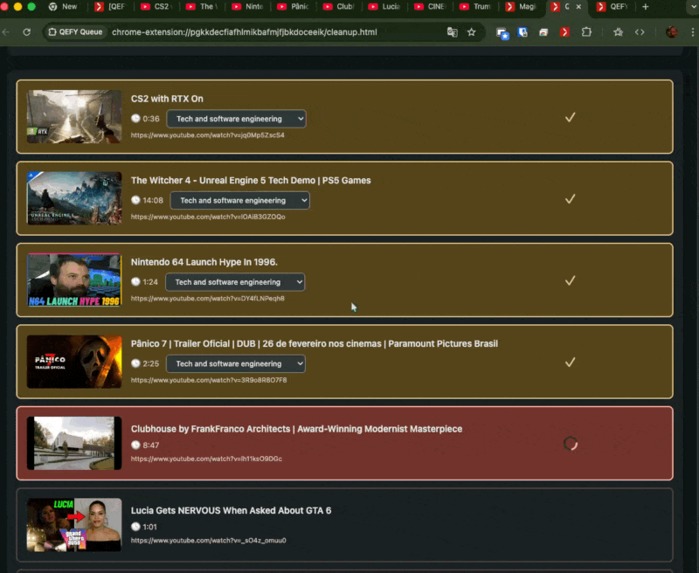
Clean my tabs feature running with AI

Inspiration
I'm working on my first project as an indie developer for publication. I was almost finished, but I discovered the challenge of Chrome's built-in and decided to add AI features to my project.
What it does
qefy allows you to save and organize media links from various platforms, and with the help of the extension, it features platform-agnostic autoplay - although it's only well-tested on YouTube so far - and now with the help of AI and some action buttons I added from the YouTube homepage, you have much more ease in sorting a video according to its folders. The AI reads and interprets the thumbnail, title, duration, etc., and finds the best place to add the new video.
So I have 3 AI features on the app:
- Let AI decide for me (button on youtube, AI will choose one playlist for you)
- Clean my tabs (get all your youtube tabs and suggest one folder, save on qefy and clean your tabs)
- Custom playlist (the user can request to create a new playlist with the videos saved on qefy)
How we built it
The web app was built with flutter The extension - open source - built with js
Challenges we ran into
Running a local model presents some challenges due to it being a mini model, but with some prompt optimization techniques I achieved a good result.
Accomplishments that we're proud of
I have AI integrated into my app, for free, I wasn't expecting that haha.
What we learned
How to develop a Chrome extension and how to use Chrome's built-in AI APIs.
What's next for QEFY
Publish my project and build it in public. Keep adding more feature.


Log in or sign up for Devpost to join the conversation.