-
-

-
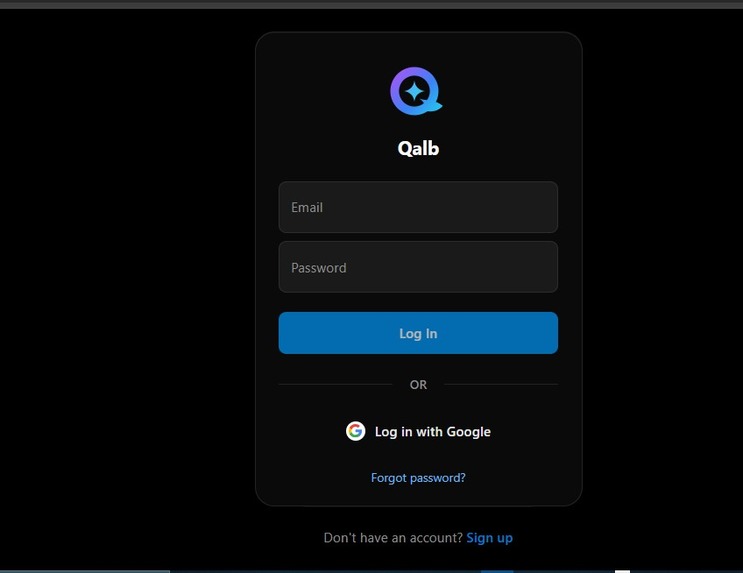
Login
-
-
-
-
-
-
-
-
-
-
-
-

Inspiration
I built Qalb to fix problems I ran into myself as a student.
During exams, I used to upload my notes to ChatGPT and ask questions about them, but on the free plan, the chat and file-upload quota would run out after just 2-3 messages, right when I needed it most. I loved the tool, but I couldn't rely on it during the exact moments that mattered.
I also remember, back when ChatGPT couldn't generate real documents yet, constantly wishing I could just get a proper PDF or DOCX out of a conversation instead of copy pasting plain text.
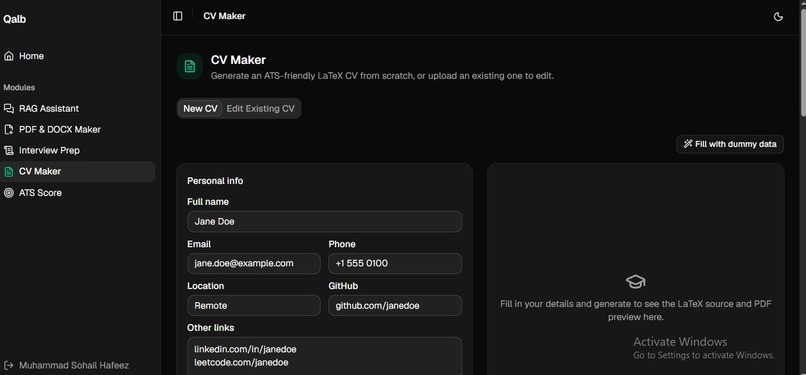
Then there was my CV. In my first year of college, I had no idea how LaTeX worked, so I'd ask friends to make my CV for me, or scrape together random templates and CV "photos" from the internet, the result always looked unprofessional, and I never actually understood what made a CV good.
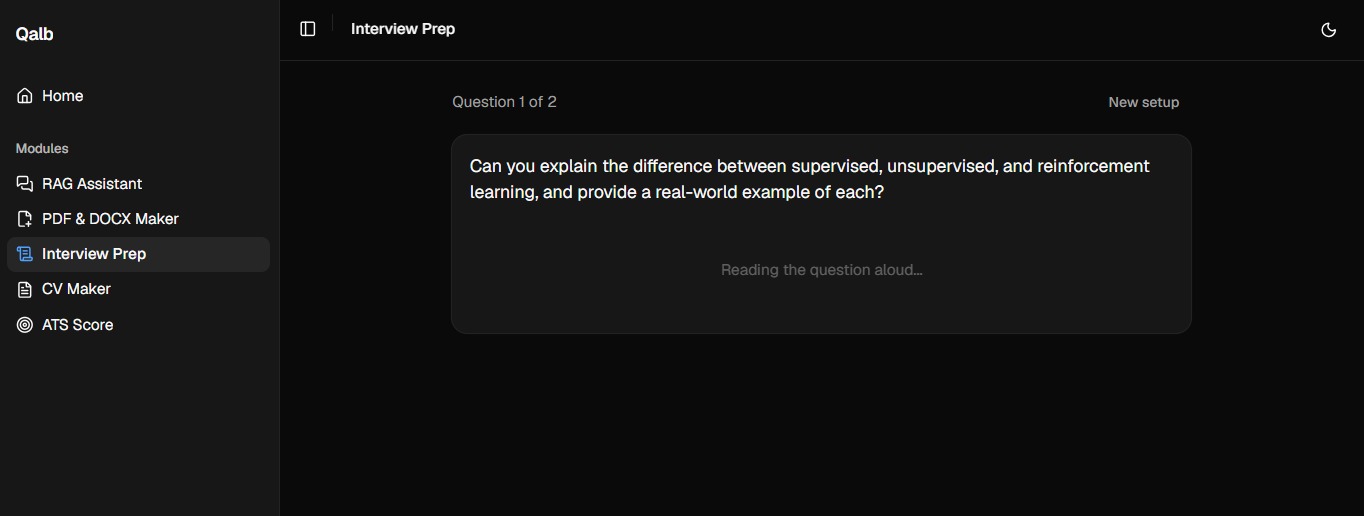
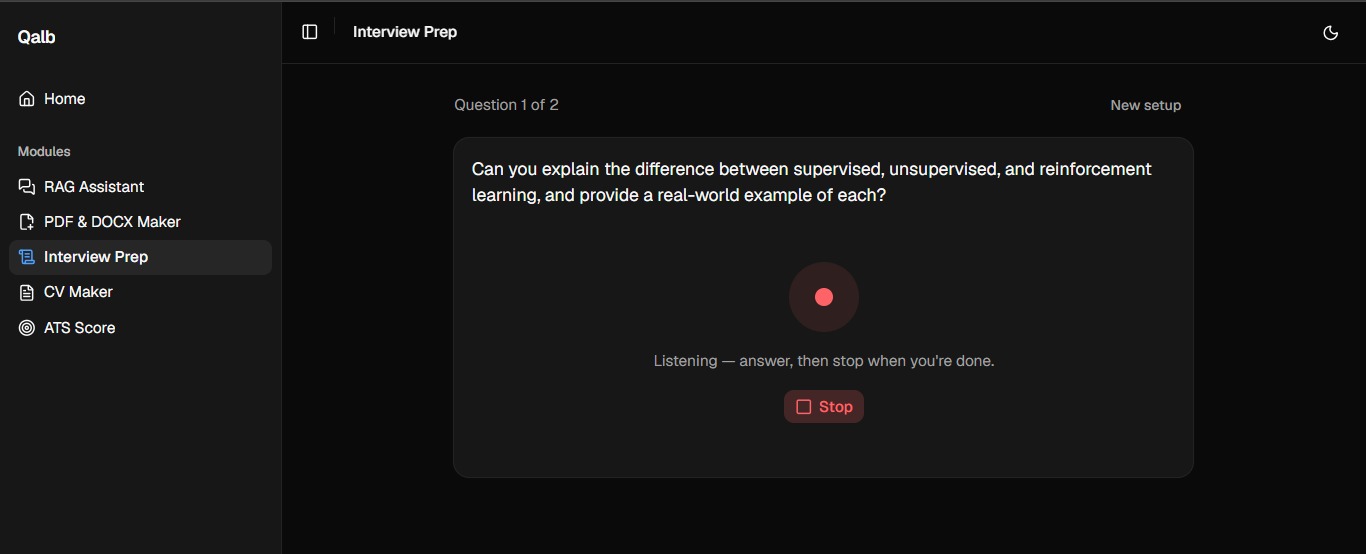
Finally, I noticed a lot of my classmates struggled to speak confidently in interviews and presentations. I wanted a space where someone could turn on their camera, answer real interview questions, and watch/hear themselves back, the kind of low stakes practice that actually builds confidence.
Qalb is my attempt to solve all four of these problems in one place.
What it does
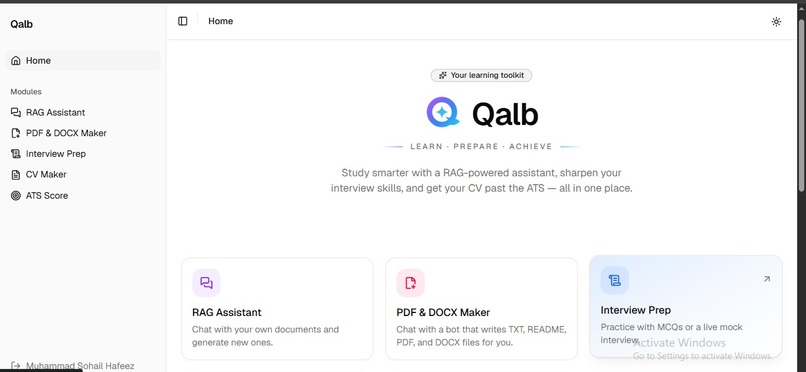
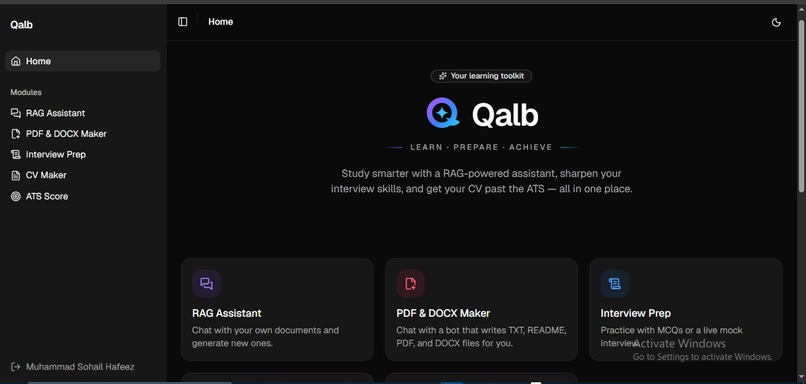
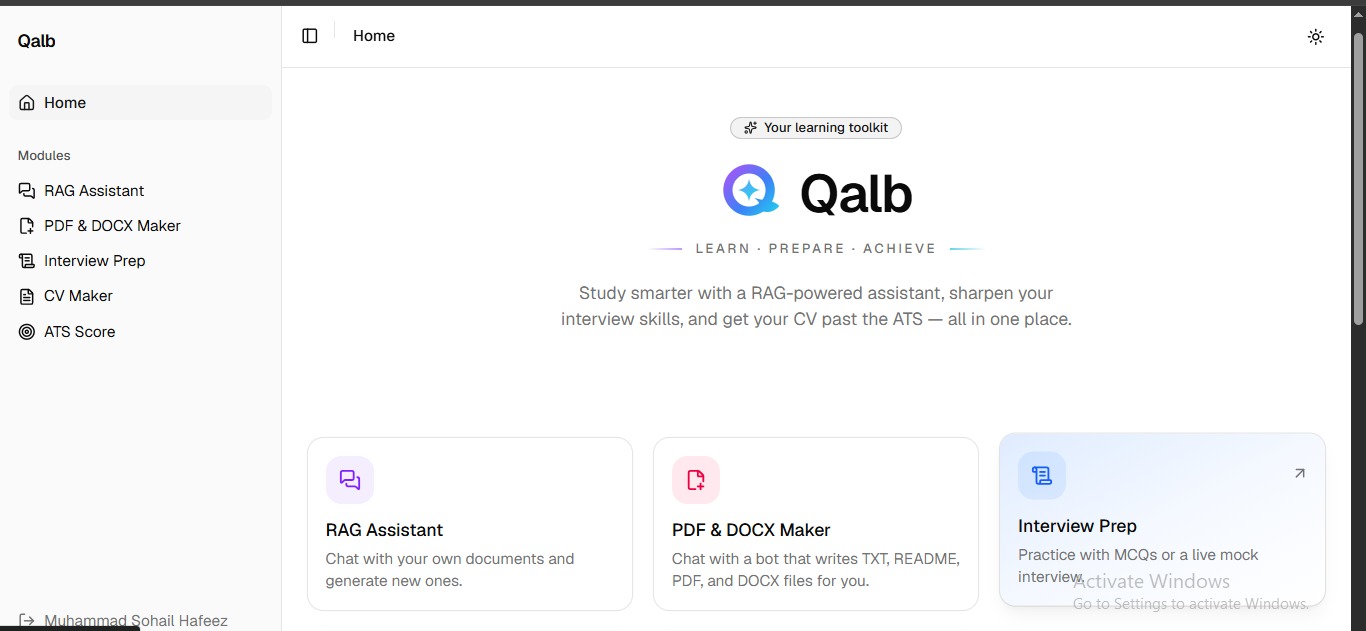
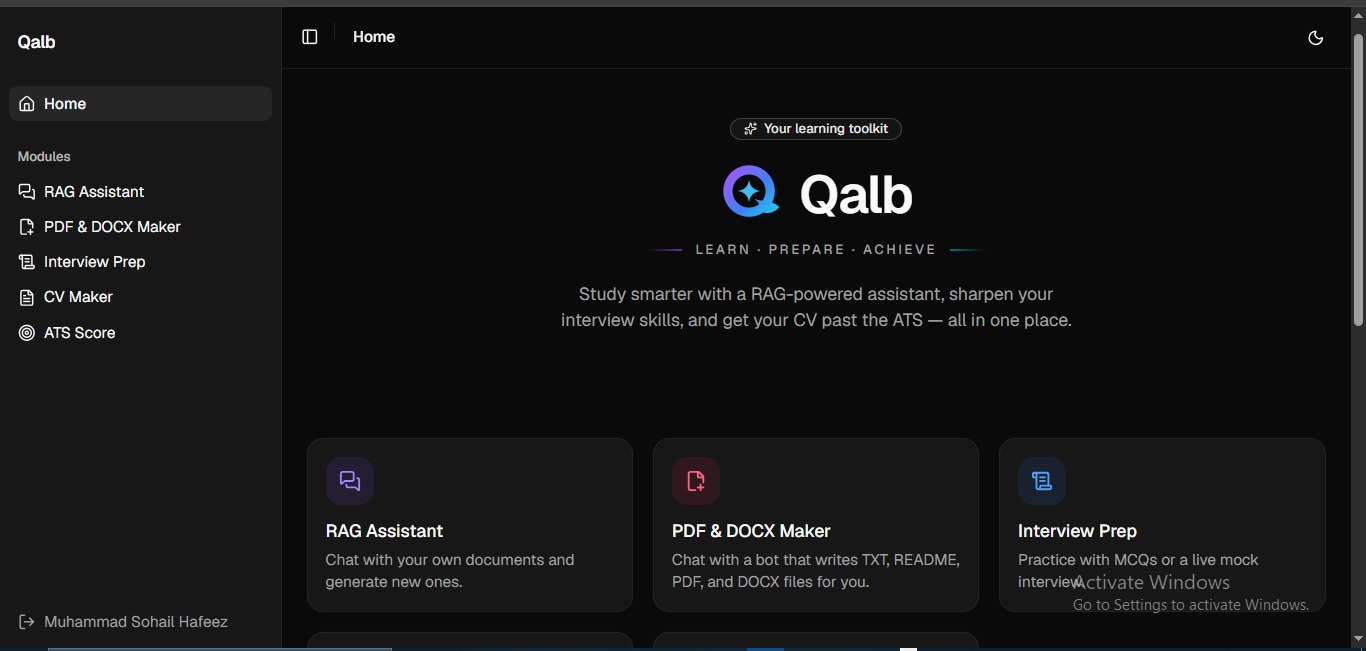
Qalb is an AI-powered study and career platform with five tools:
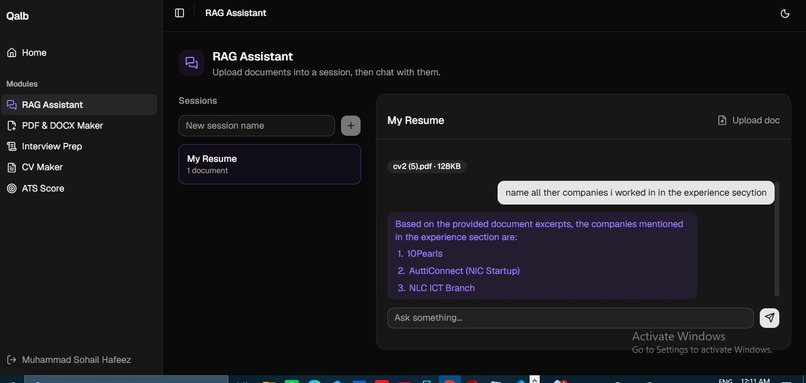
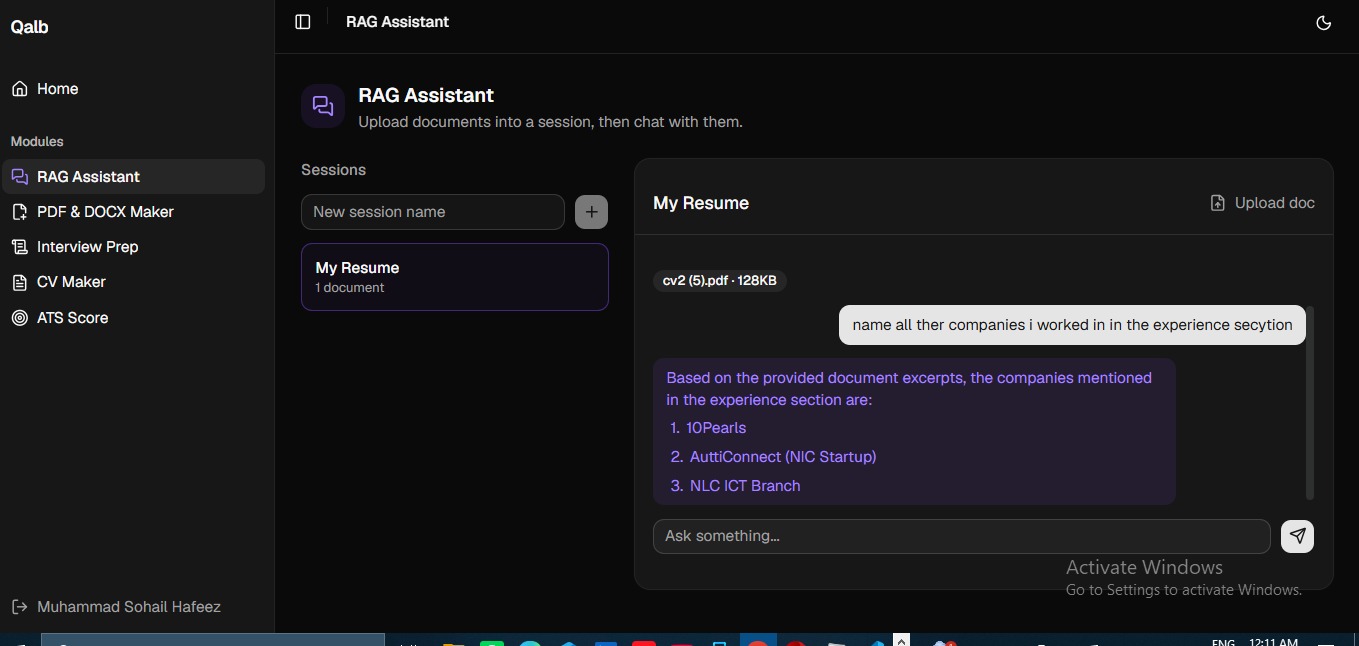
- RAG Assistant — upload PDFs, DOCX, or text notes and ask questions answered only from what's actually in your documents, with retrieved source context, not generic internet knowledge.
- PDF & DOCX Maker — chat with an AI to draft reports, assignments, or letters, then export the result as a real, formatted PDF or Word file.
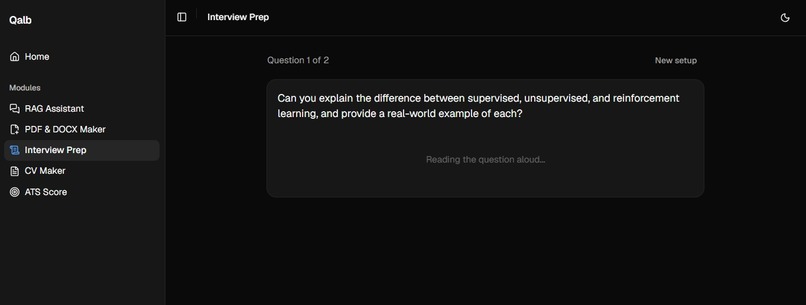
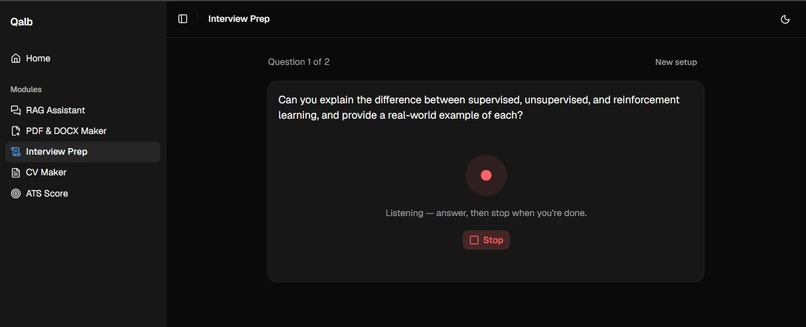
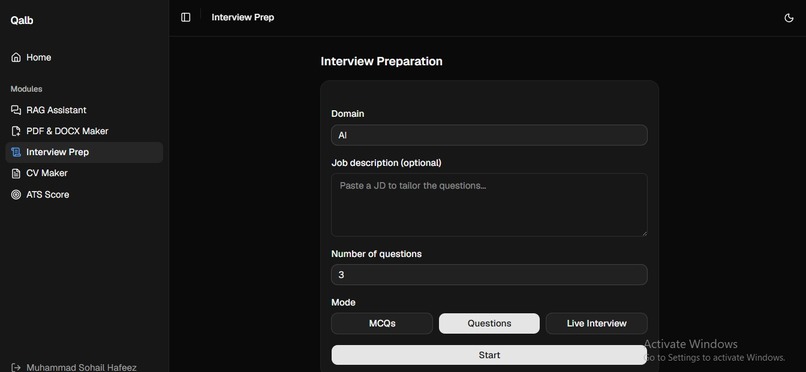
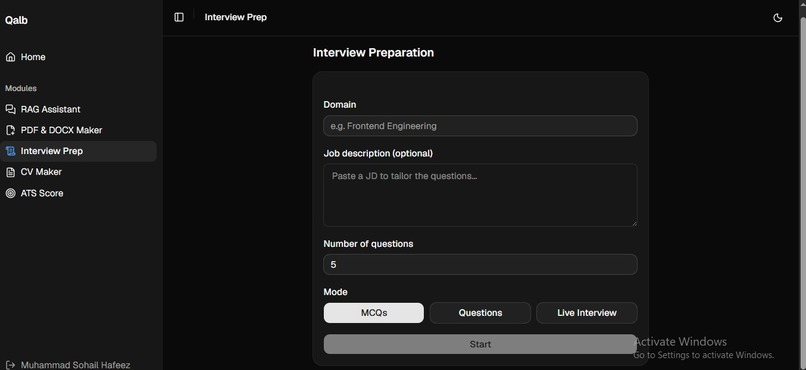
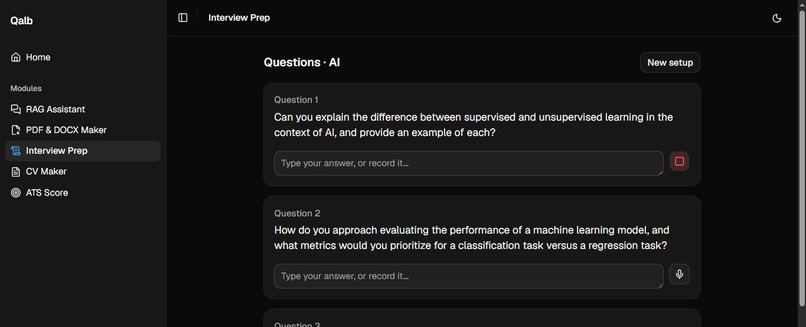
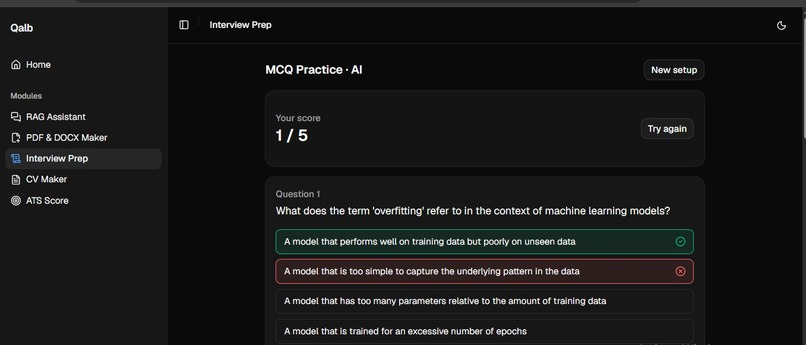
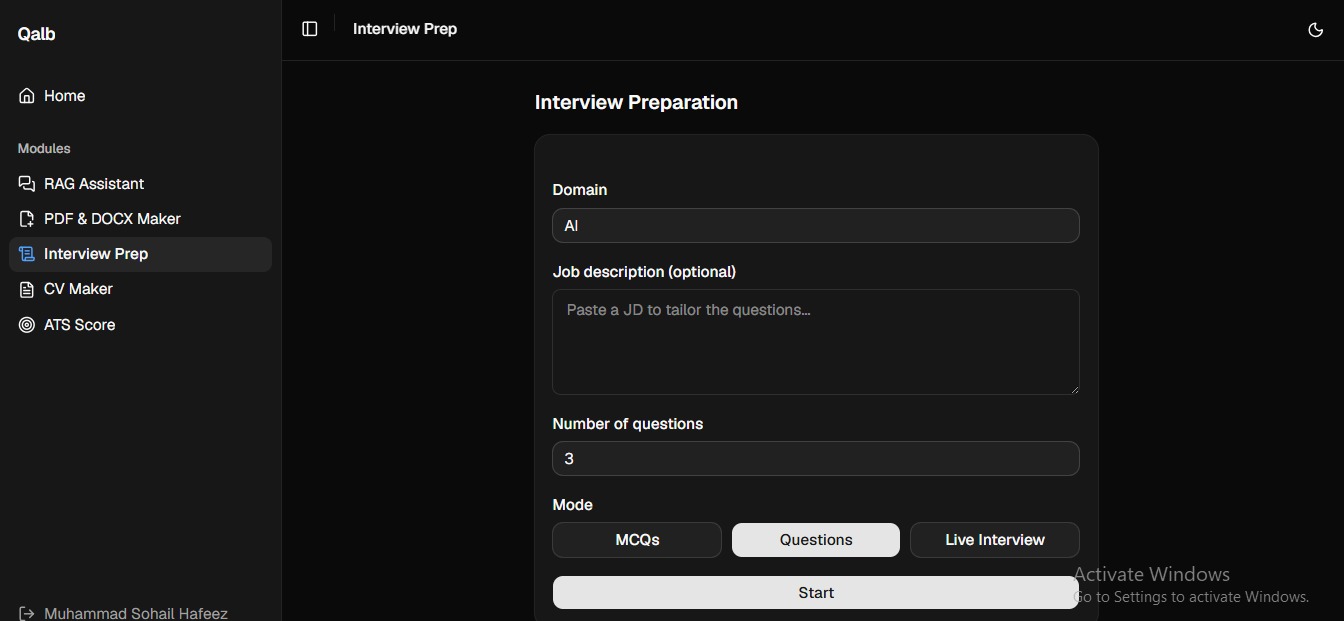
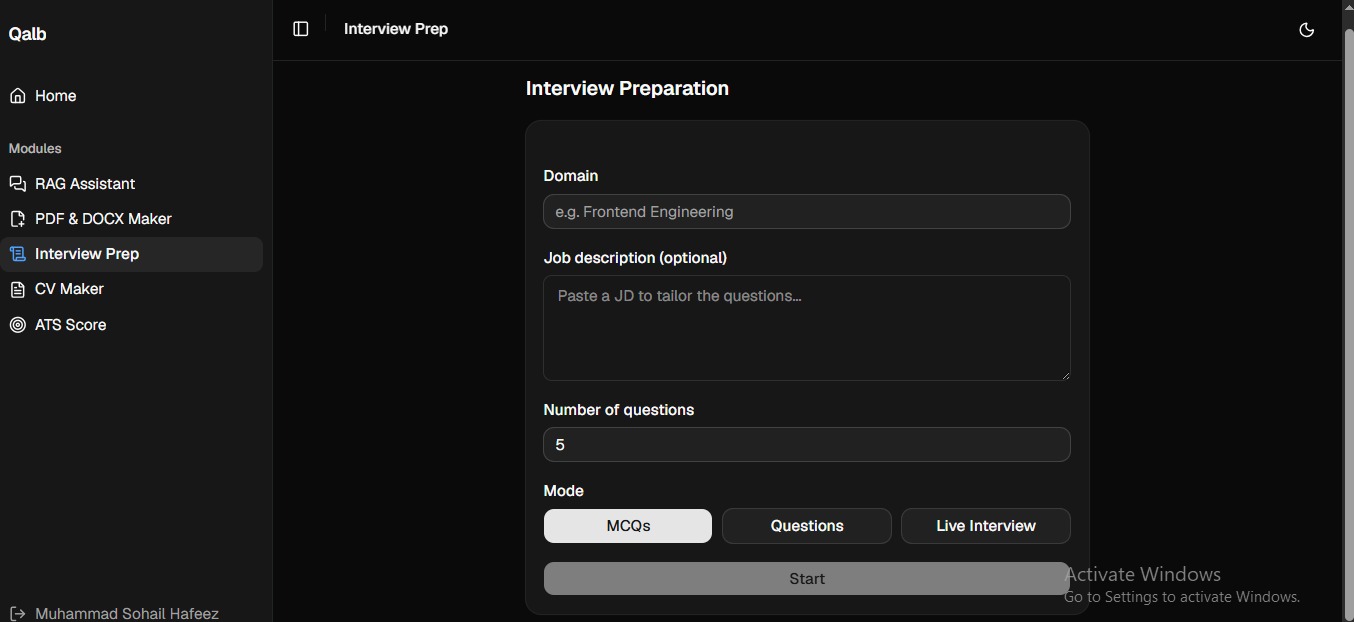
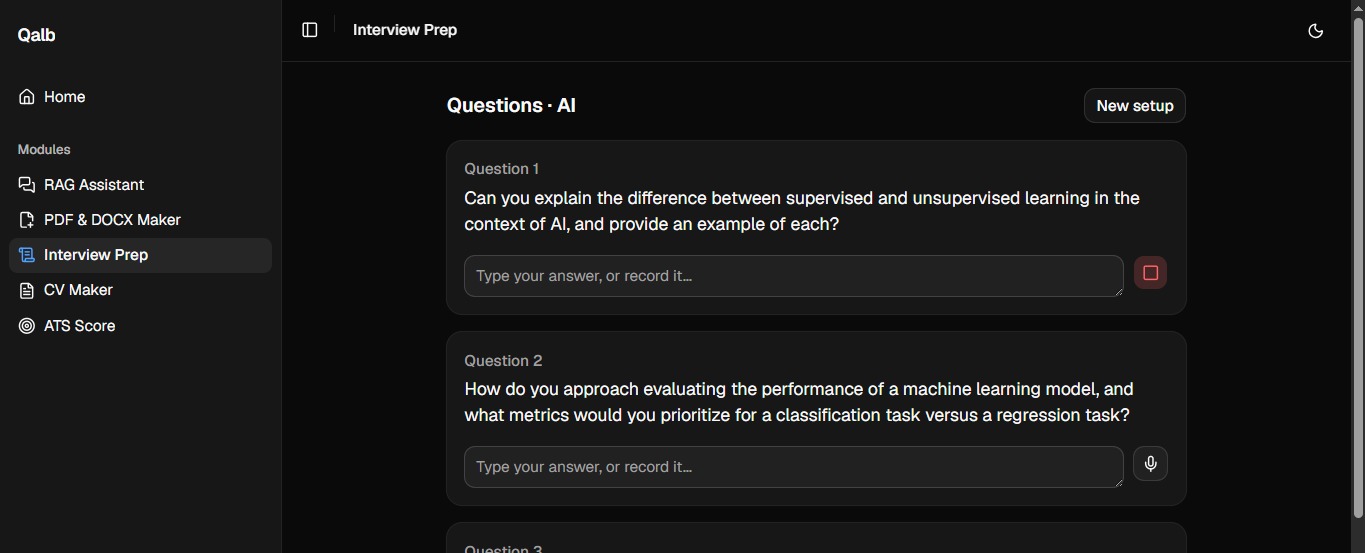
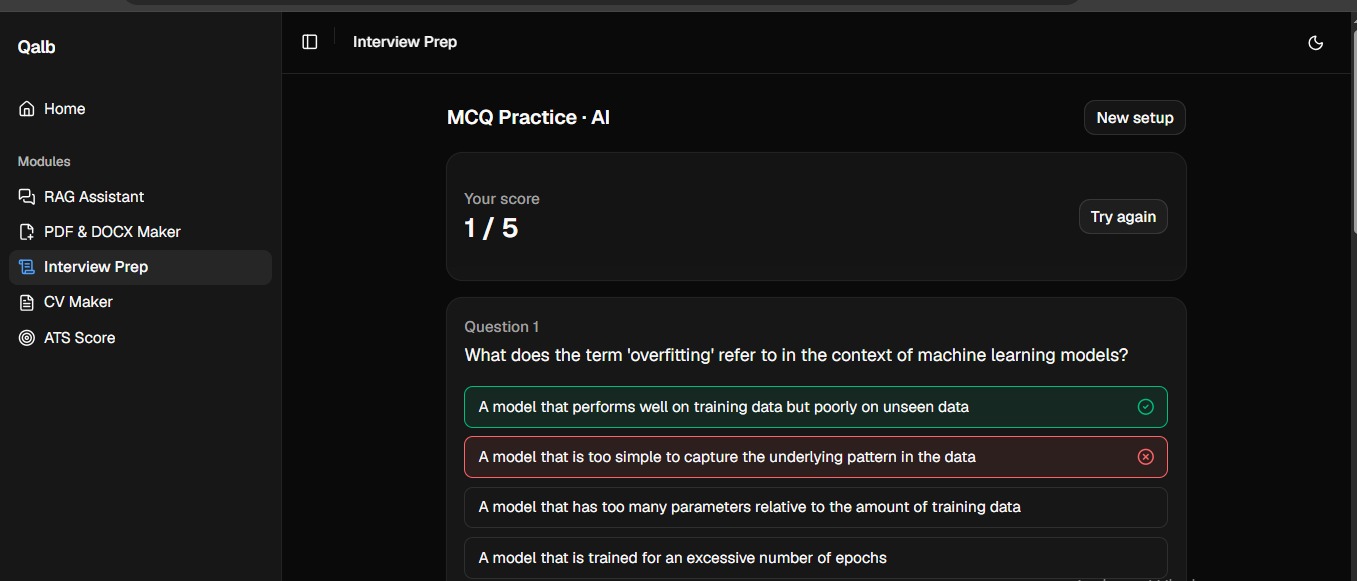
- Interview Prep — practice with MCQs, written answers, or a live mock interview using your camera and mic, with AI scoring and feedback.
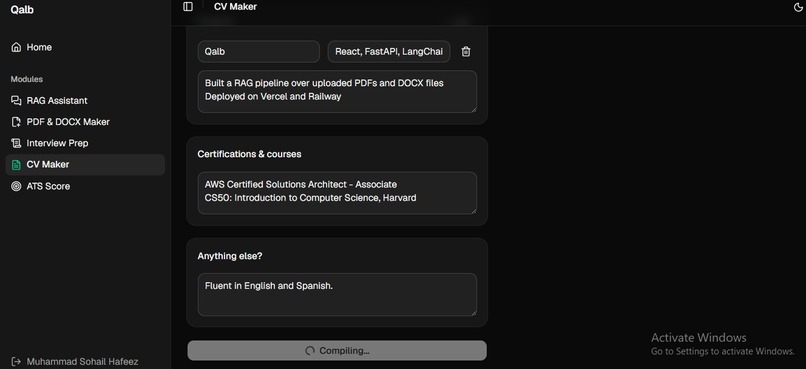
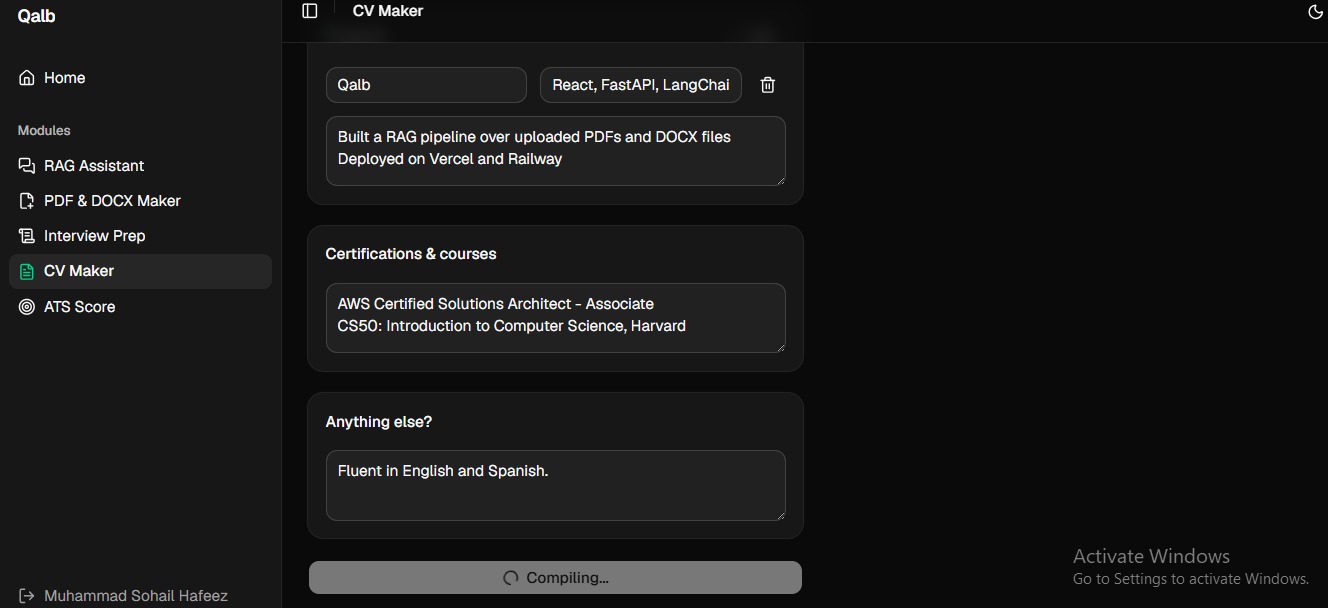
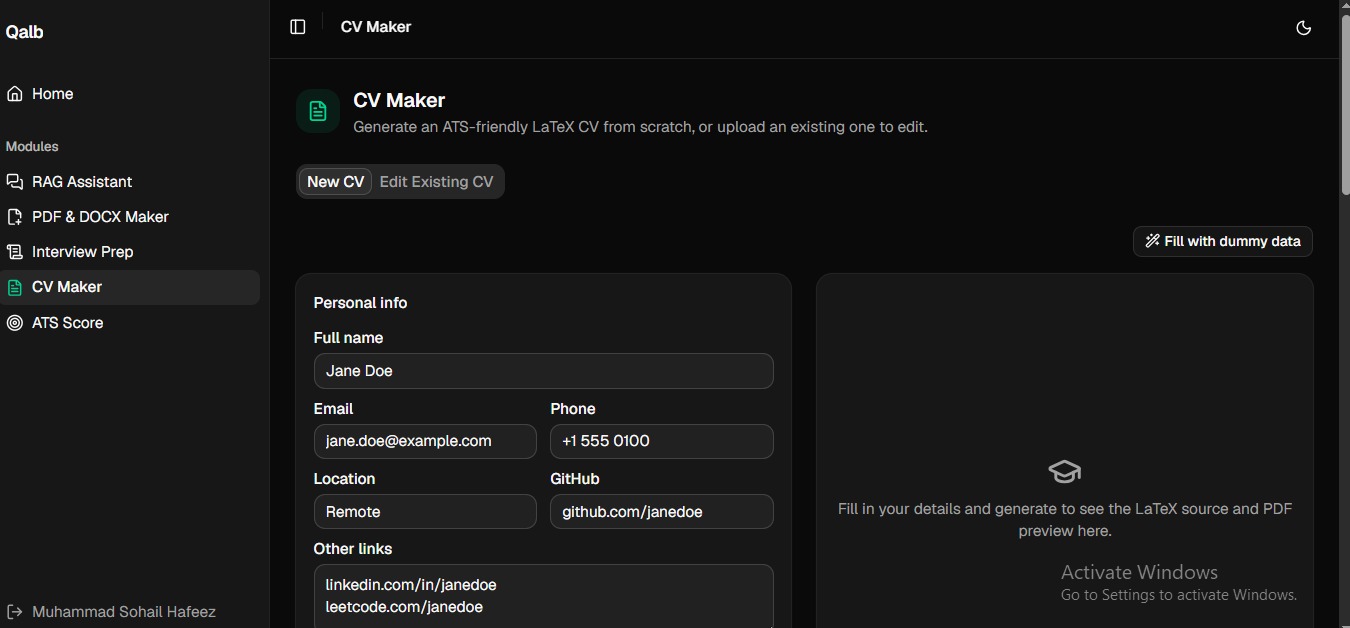
- CV Maker — build a CV from a structured form, or upload an existing one and edit it conversationally. Either way, it's typeset with a real LaTeX compiler, not an approximation, so the output is genuinely professional-grade — not just "text that looks like a resume."
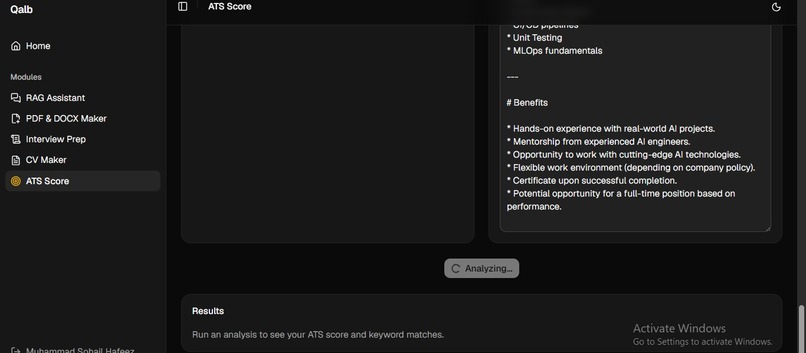
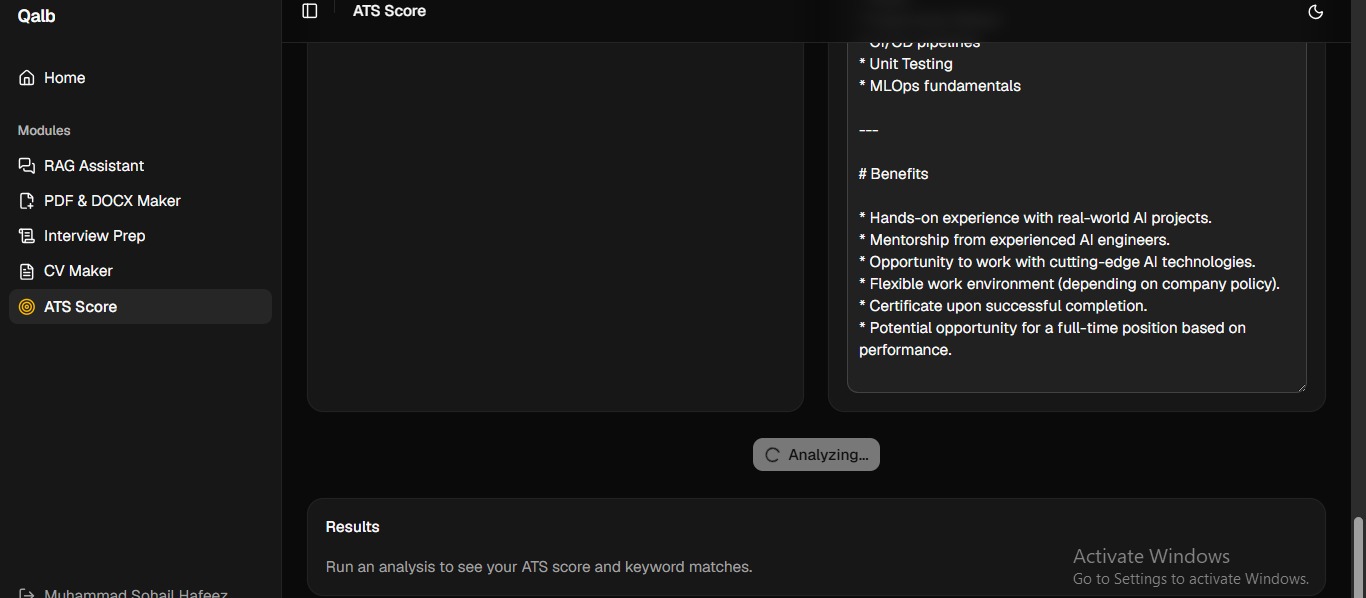
- ATS Score — checks your CV against a job description and scores it the way an Applicant Tracking System would, so you know if it clears that first automated screen before a human ever sees it.
How we built it
Qalb is a React + TypeScript frontend (Vite, Tailwind CSS) talking to a FastAPI (Python) backend over a JSON REST API.
- Mistral AI powers all the language understanding and generation: answering RAG questions, drafting documents, scoring interview answers, editing CVs, and computing ATS scores.
- Groq handles speech-to-text and text-to-speech for the live mock interview flow.
- Firebase Authentication handles login/sign-up, with the backend verifying ID tokens on every request and scoping all data (sessions, documents, chat history) per user.
- Tectonic, a self-contained LaTeX engine, runs as a backend subprocess to compile CVs into real PDFs — the same underlying process Overleaf uses, just self-hosted, so no CV content ever leaves our own infrastructure.
- Document parsing (
pypdf,python-docx) and a sliding-window chunking + embedding-based retrieval pipeline power the RAG Assistant.
The frontend is deployed on Vercel; the backend on Railway.
Challenges we ran into
- Making the CV Maker actually "real." Early on, CV generation was a
client-side approximation — LaTeX-looking text was shown for display, but
the actual PDF was hand-drawn with a PDF library, not compiled. We
rebuilt this properly: a real LaTeX template ported to the backend, a
real
tectoniccompile step, and a Mistral-driven pipeline that maps an uploaded CV's raw extracted text into that same LaTeX structure, so editing a CV means editing real.texsource, not rewriting plain text. - Multi-tenancy. Early versions of the RAG Assistant stored sessions without scoping them to a specific signed-in user. We fixed this by keying every session/document/message by the Firebase user ID, and verified it with real cross-user access tests (two separate accounts, confirming neither could see the other's data).
- RAG retrieval quality. A CV's name/header is short and info-dense, so for identity-style questions ("whose CV is this?"), it often scored lower in semantic similarity than longer narrative chunks and got left out of the retrieved context entirely — even though the answer was right there. We fixed this by always including each document's first chunk alongside the top-k semantic matches.
- Environment quirks. A Windows PATH update for the LaTeX engine didn't propagate to already-running terminals, which taught us to make the backend reference the compiler by an explicit configurable path instead of relying on PATH resolution at all — more robust for local dev and for deployment.
Accomplishments that we're proud of
Turning "looks like AI output" into "is actually correct": real LaTeX compilation instead of a visual approximation, real per-user data isolation instead of a shared store, and a RAG pipeline that was tested against its actual failure modes rather than just the happy path.
What we learned
That the gap between "looks right" and "is right" is where most of the real engineering work lives — especially with LLM-generated output, where a result can look plausible and still be silently wrong (an empty resume section, a missed name, a broken LaTeX macro) unless you deliberately test for it.
What's next for Qalb
- A persistent database, so sessions and chat history survive a backend restart (currently in-memory only).
- Broader LaTeX template choices for the CV Maker.
- Deeper interview feedback (tone, pacing, filler-word detection) from the recorded mock interviews.
Built With
- firebase-authentication-cv/latex-pipeline:-latex
- groq-auth:-firebase
- javascript-frontend:-react
- languages:-python
- mammoth.js
- pdf-lib
- pdf.js
- pydantic
- python-docx
- reliability:
- rest-api-ai/llm:-mistral-ai
- tailwind-css
- tanstack-query-backend:-fastapi
- tectonic-file-processing:-pypdf
- typescript
- vite


Log in or sign up for Devpost to join the conversation.