-
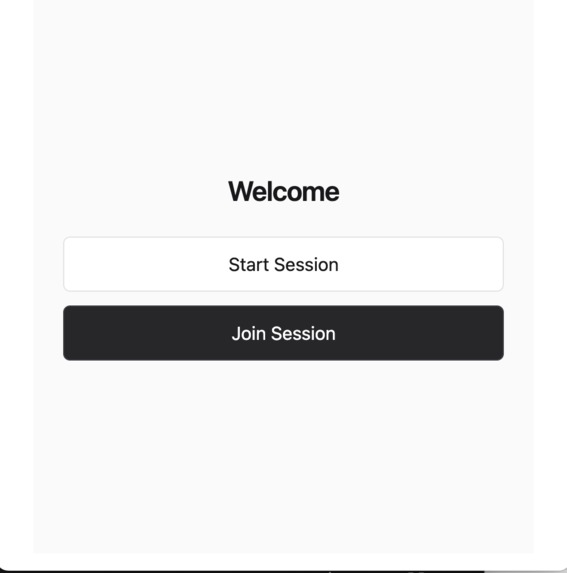
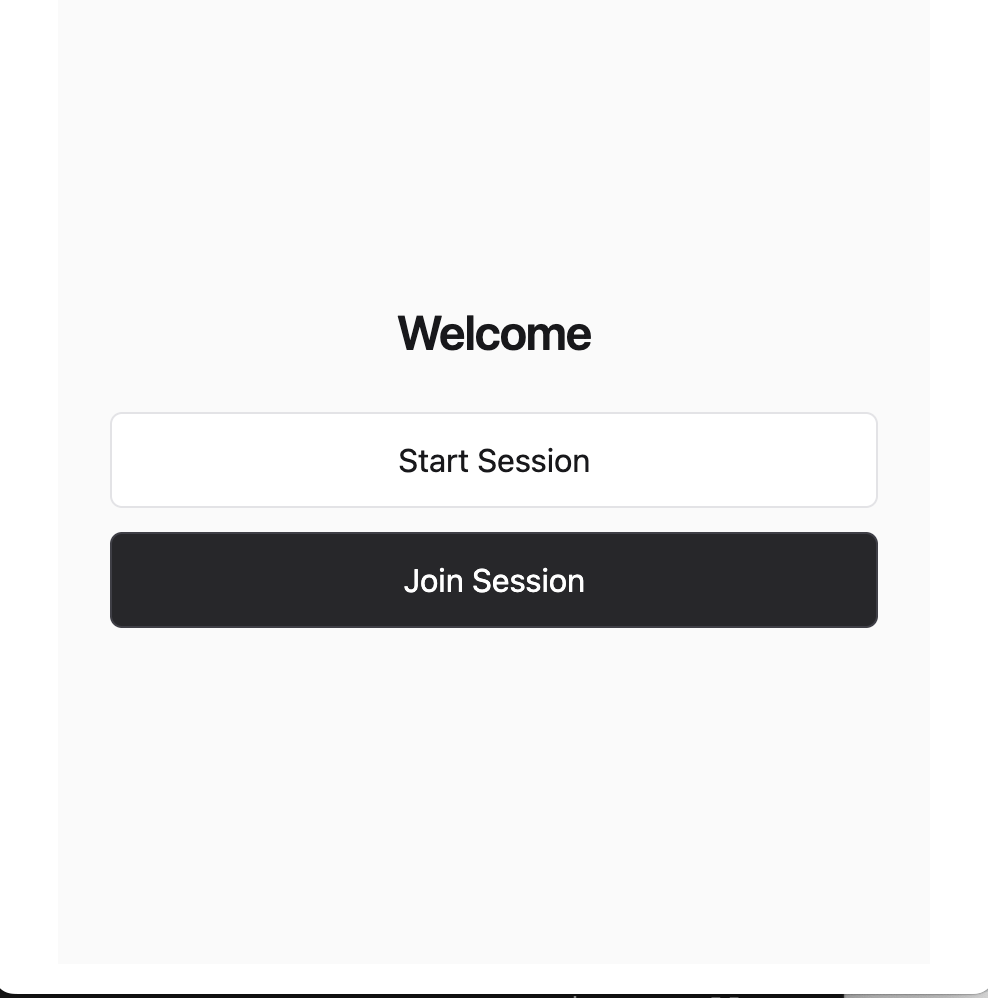
Home page to join a session (for students) or start a session (for professors)
-
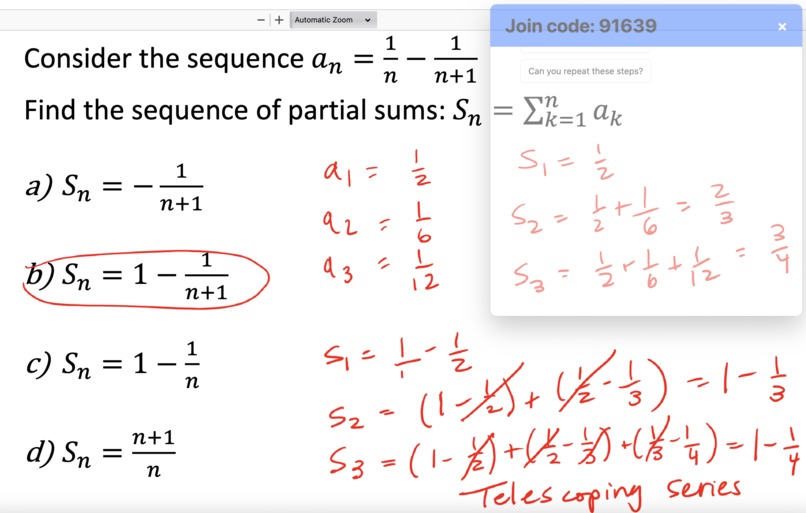
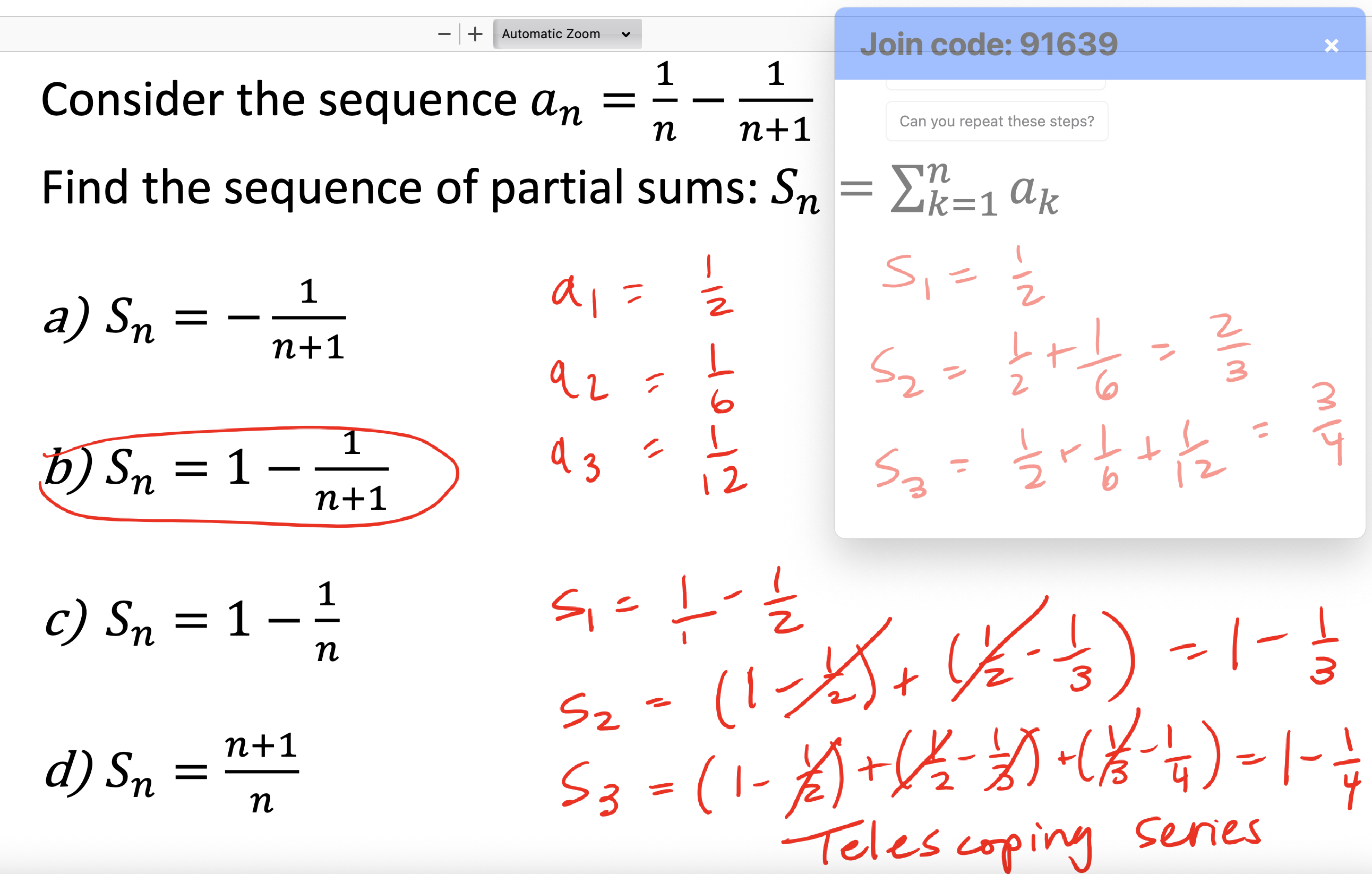
A professor's slideshow with the overlay displaying a student's question.
-
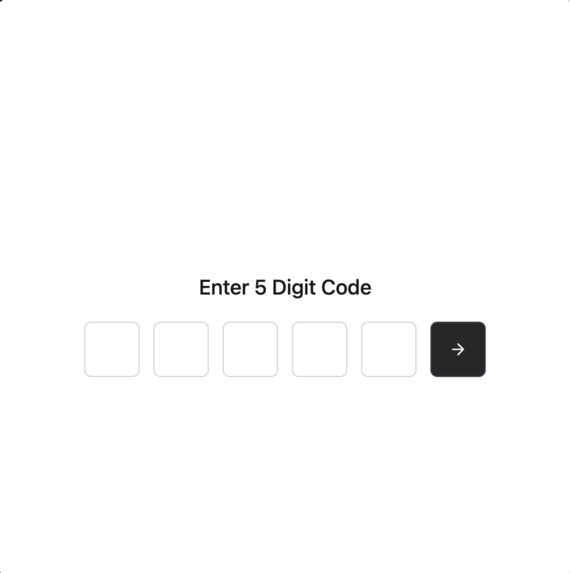
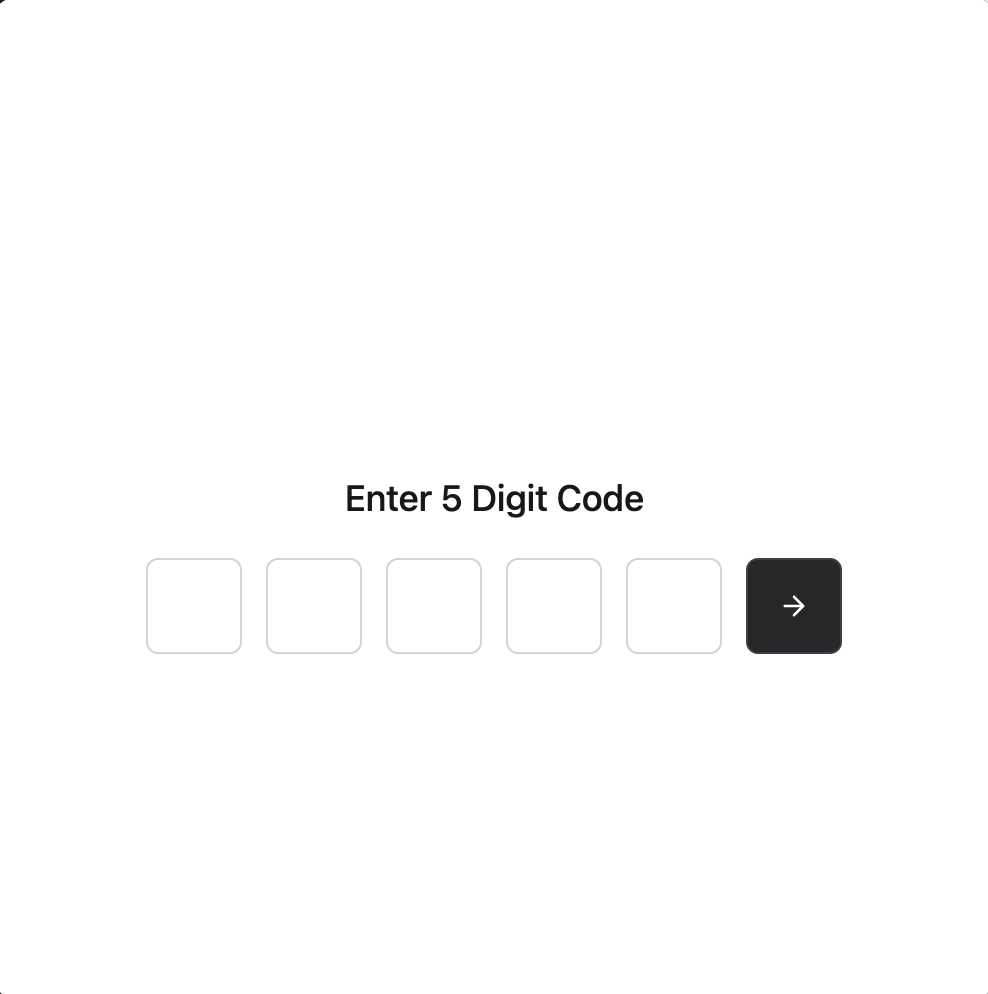
Student's perspective to join a session.
-
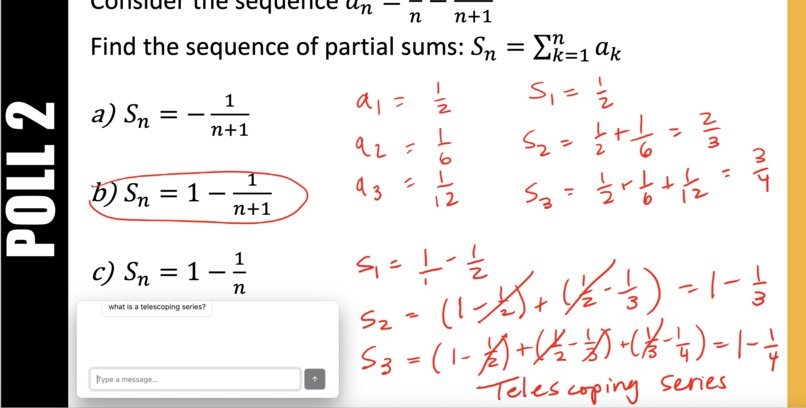
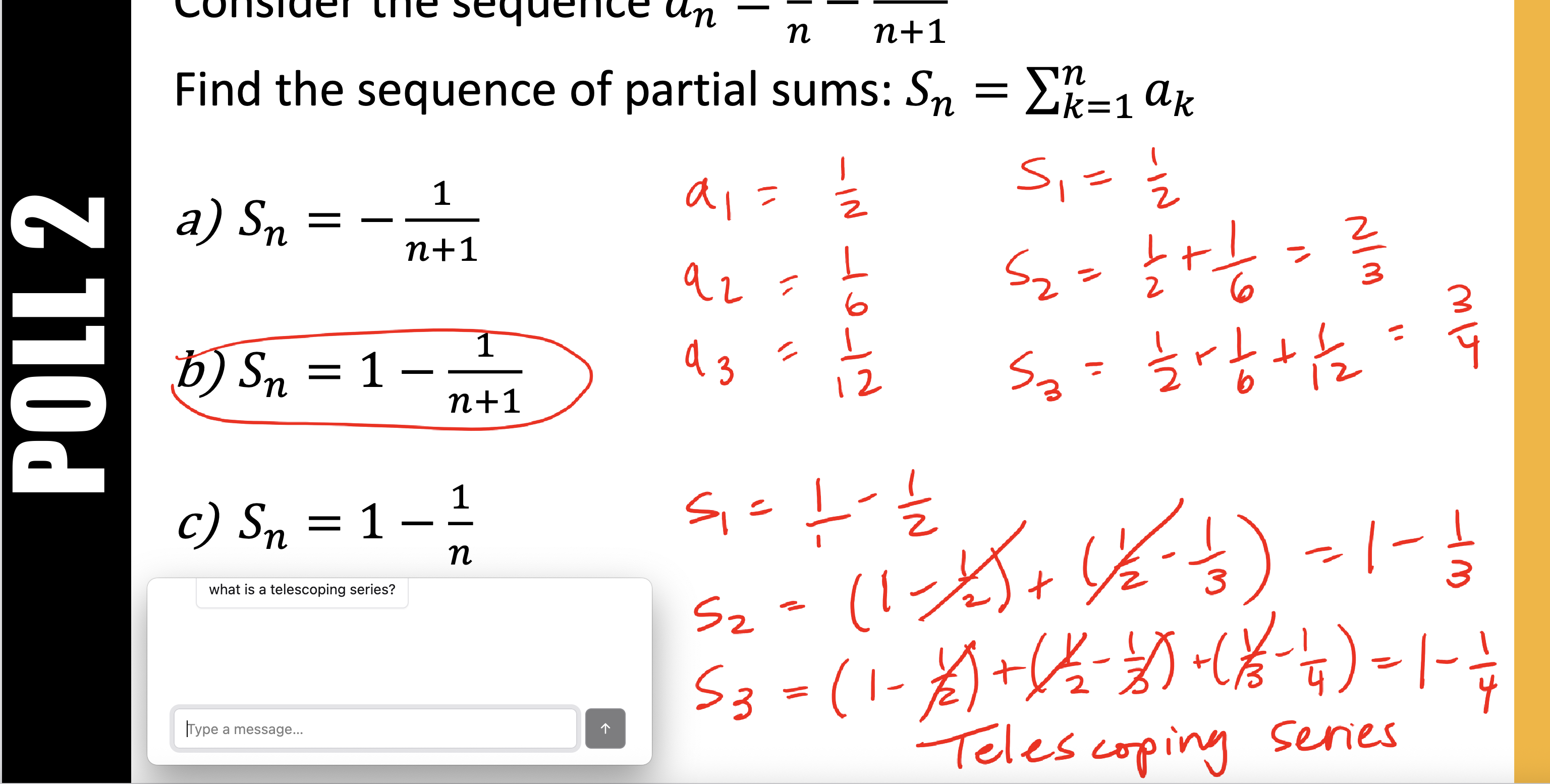
Student's perspective in-class asking questions in real time!
Inspiration
Asking questions in large lectures can be nerve-racking. Other students whisper, scroll on TikTok, and spam ChatGPT. The professor might not see your hand in the mass of students, or be able to hear your question clearly. Q.Query makes sure your question is heard and answered, despite the buzz of classmates and other distractions.
What it does
At the start of class, the professor logs into Q.Query. This desktop app provides a permanent overlay on the professor's screen. They create a new session, and the join code is displayed for students. As students join the session they can submit questions that will appear on the professors overlay, keeping them up-to-date.
How we built it
The app itself is built on React with the Vite build tool. Essentially, the app functions as a blend of Kahoot and iClicker, where students can log into a lecture "session" with a join code, and can then ask questions which will be displayed on the lecturer's overlay. We split up the application into 3 parts.
Frontend: the user interface and pages. This involves writing JSX, Tailwind, and JS code in order to build an interactive user interface. The interface is split up into several pages, each of which require their own logic to move from one page to the next, and dynamic structure and styling to account for real time message lists. Backend: the supabase postgresql database which stores our data. The data is split up into two separate data tables called 'sessions' and 'questions'. The sessions table contains information about each unique lecture session (including join code), and the questions table contains each question submitted to the platform, with vote counts and session_id links. We also implemented Row Level Security policies and custom RPC functions for atomic operations like vote counting. Integration Layer: the layer that connects the frontend and backend, making robust API calls to our database to query information, update data, and create sessions. Handles data synchronization, resilience, and complex error handling.
Challenges we ran into
We faced challenges with race conditions when multiple users vote simultaneously, so we implemented atomic vote updates using custom RPC functions in Supabase (although the vote feature isn't available through the UI during the demo). Additionally, handling asynchronous React state updates, particularly ensuring join codes were properly passed between components before API calls, was a challenge to figure out. Finally, handling complex styling with Tailwind and interactive components (like in the Join page) were a big obstacle.
Accomplishments that we're proud of
We're overjoyed that we were able to connect our user interface to some sort of persistence service to create a working demo and an excellent minimum viable product.
What we learned
We've all learned quite a bit about creating static and dynamic React sites, as well as making API requests and storing information in databases.
What's next for Q.Query
We do really like the idea of taking this project further in the future. We hope to add WebSocket integration for true real-time updates, question moderation tools, anonymous vs. identified questioning modes, database indexing optimization, caching strategies, and load balancing for large lecture halls. Additionally, we can use AI for question sentiment analysis, participation metrics, and automated lecture insights.
Built With
- electron
- html5
- javascript
- postgresql
- react
- supabase
- tailwind
- vite


Log in or sign up for Devpost to join the conversation.