Q-Pot: Your Personal Financial Advisor
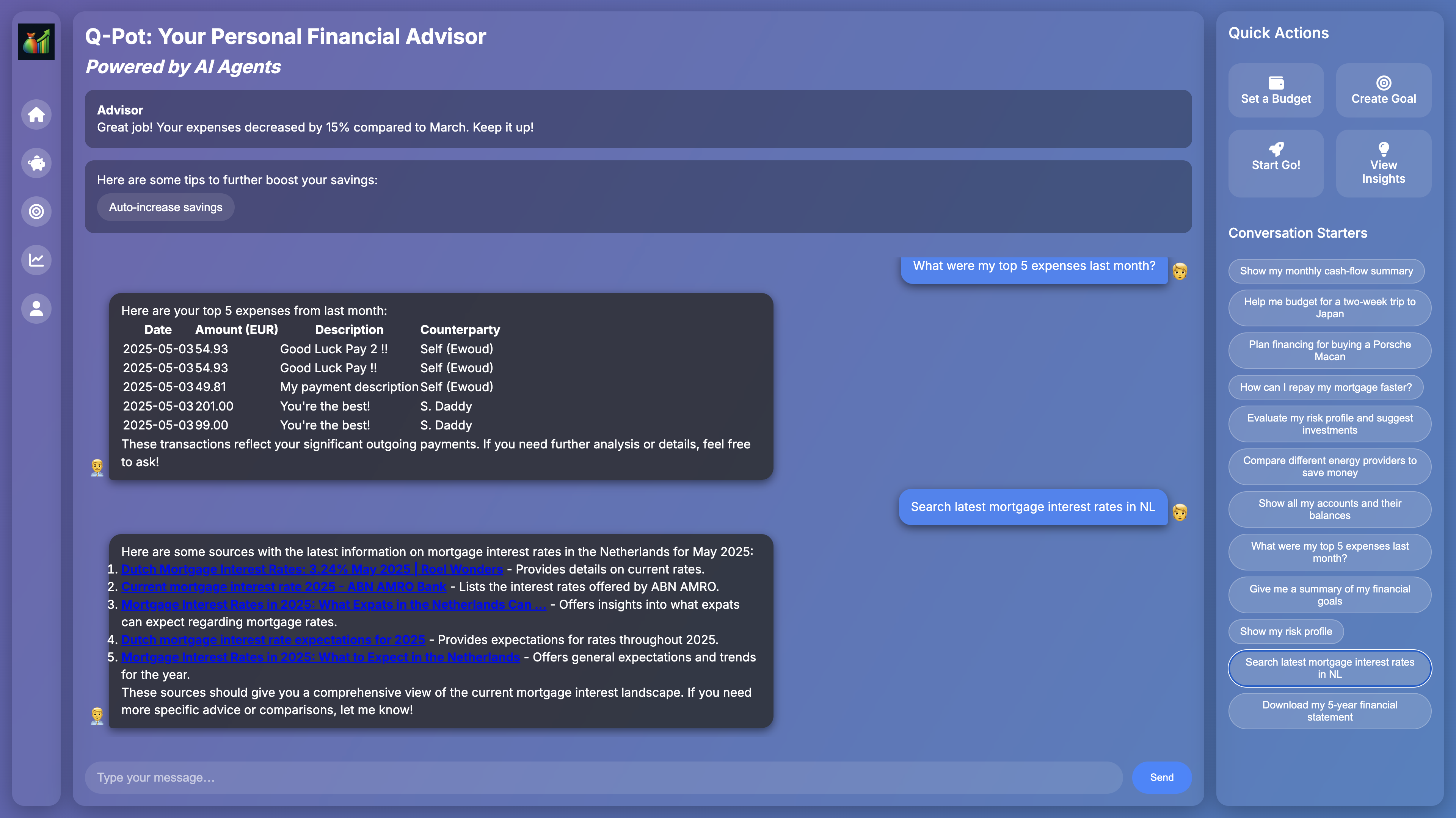
Q-Pot is a lightweight web chat application that connects you to a “FinCoach” agent.
Behind the scenes Q-Pot can securely access your Bunq banking data, call custom tools (mortgage, investments, web search, etc.) and guide you toward better financial decisions.
Inspiration
- Making personal finance conversational. Too many banking apps offer raw data dumps—Q-Pot aims to let you ask questions in natural language and get actionable advice.
- MCP (“Model-Context Protocol”) demos: showing how easy it is to plug domain-specific “tools” (e.g. fetching account balances) into an LLM chat flow.
- Fintech meets AI agents: combining real‐time Bunq data with external web lookups and mock portfolio insights to create a richer advisory experience.
What it does
Secure Bunq access
- Connects to your Bunq account via MCP (stdio) with your API credentials.
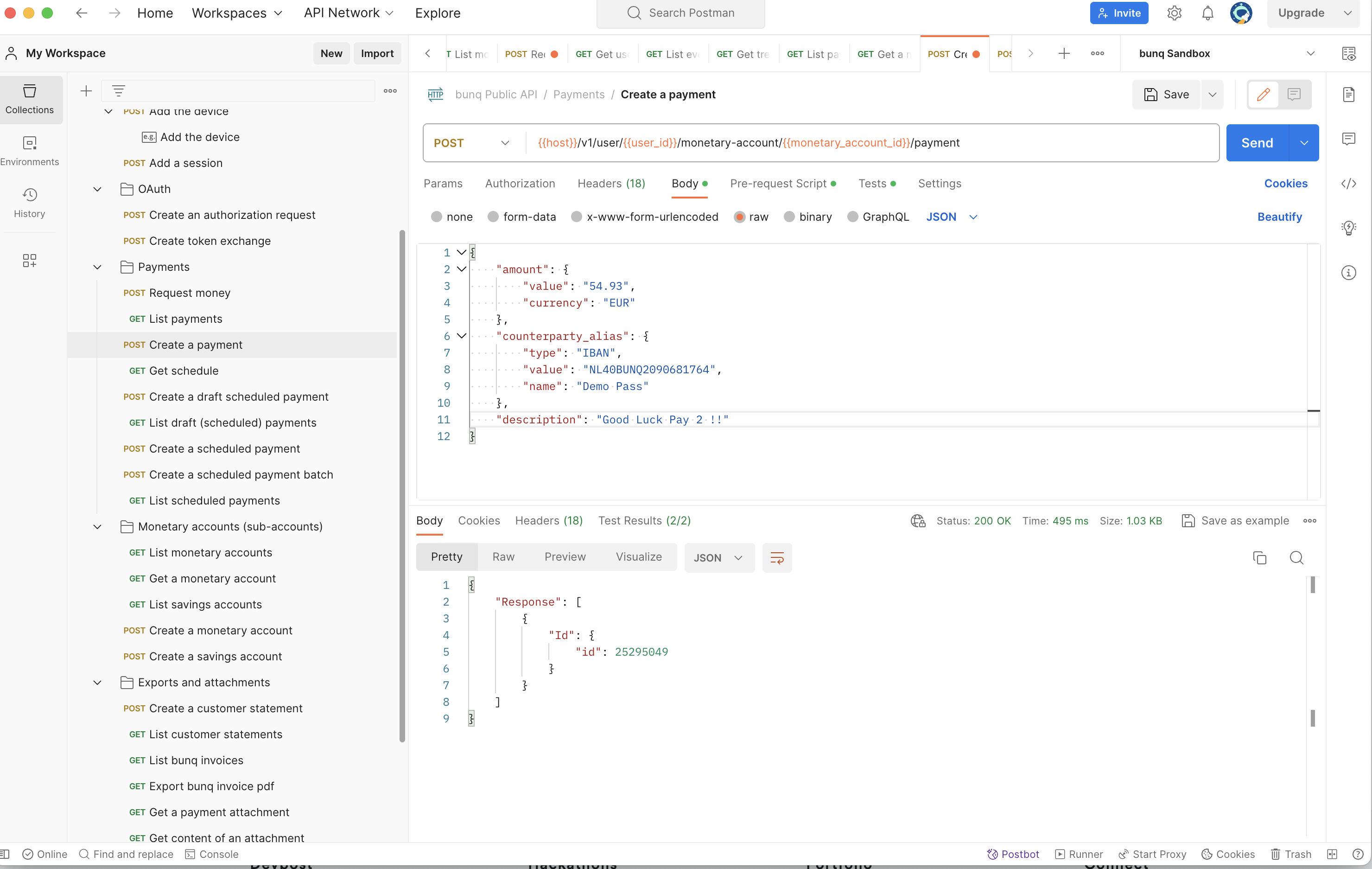
- Exposes tools like
get_accounts,get_transactions,make_payment, etc.
Web‐search tool
- Uses DuckDuckGo or Google (via
duckduckgo-search+ JSON fallback) to fetch facts, prices and citations.
- Uses DuckDuckGo or Google (via
Mock financial tools
mortgage_account_transactions: returns your last 5 mortgage payments with principal & interest.investment_portfolio: snapshot of your holdings, current values & performance.
Interactive chat UI
- Real‐time messages rendered in a scrollable “bubble” interface.
- Quick-action buttons & conversation-starter chips for common queries.
- Font-Awesome icons and custom branding.
How we built it
Backend
- Python 3.11+ with FastAPI & Uvicorn for the REST+static file server.
- MCP server (
bunq_mcp_server.py) powered bymcp.server.fastmcpto host Bunq & custom tools. - MCP client (
bunq_mcp_client.py) usingopenaiAsync SDK andmcp.client.stdioto orchestrate tool calls. - duckduckgo‐search 8.x with both class‐based
DDGS(verify=False)and JSON CLI fallback for robust web lookups.
Frontend
- Vanilla HTML/CSS/JS in chat_web/index.html.
- Font Awesome 6 for all icons.
- Marked.js + highlight.js for Markdown support & code highlighting.
- Simple grid layout: Sidebar • Main chat • Quick-actions panel.
Configuration
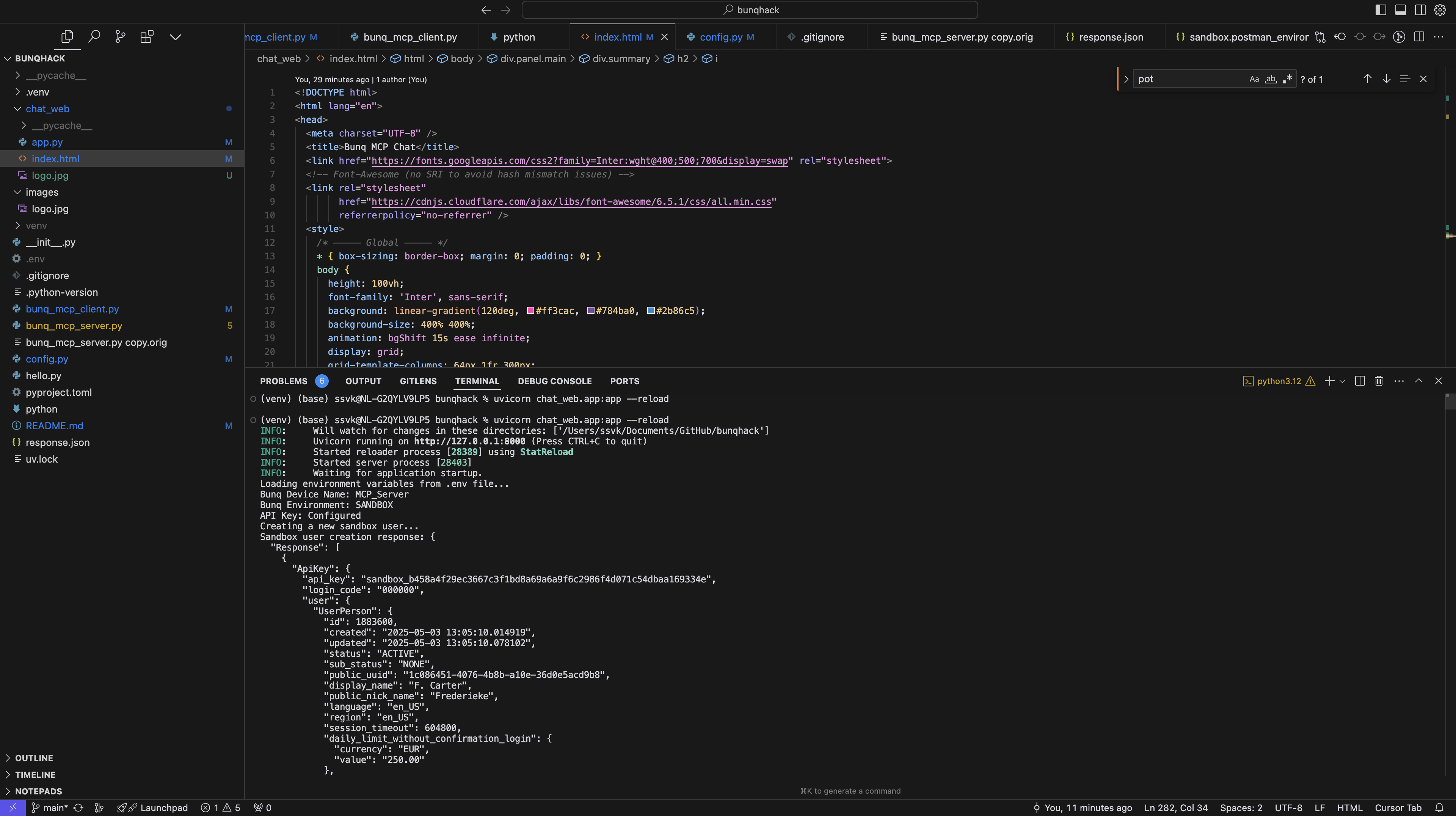
.envfor Bunq API key / device name / environment.config.pyto wire MCP server commands into the client.
Challenges we ran into
- TLS validation issues behind corporate proxies (DuckDuckGo endpoints). → Had to disable certificate checks (
verify=False) and implement a separate JSON “instant answer” fallback. - duckduckgo-search 8.x API changes: removed
ddg()helper in favor of class‐basedDDGS. → Adapted viaasyncio.to_threadwrappers. - SRI hash mismatches for Font Awesome CDN. → Dropped strict integrity to avoid 404/blocking.
- Flexbox scroll quirks: chat window refused to shrink/scroll inside a flex column. → Added
overflow:hiddenon parent +min-height:0on.chat-window. - OpenAI tool_call schema: missing
contentfield caused 500 errors when LLM chose a tool. → Inserted placeholder{"role":"assistant","content":null,…}.
Accomplishments that we're proud of
- Seamless integration of banking API, AI chat and external search within one conversational UI.
- Custom, domain-specific tools (mortgage/investment summaries) auto-registered via MCP.
- Responsive, scrollable chat interface with zero framework dependencies (no React/Vue).
- Robust error handling & detailed logging for both search and chat endpoints.
- Modular design: new tools can be dropped into
bunq_mcp_server.pyand instantly available.
What we learned
- How to mount static files in FastAPI and serve a single‐page app alongside our API.
- Best practices for async tool-wrapping (
asyncio.to_thread) to avoid blocking the event loop. - The importance of placeholder messaging (
content:null) for tool‐calling with OpenAI. - Real-world error handling for certificate issues, third-party API quirks and UI layout oddities.
- Designing intention-based conversation starters to guide users toward high-value queries.
What's next for Q-Pot: Your Personal Financial Advisor
🔒 User authentication & multi-tenant support
Let multiple users sign in and keep separate Bunq sessions.💬 Streaming responses from OpenAI
Provide token-by-token AI feedback, display “…typing” indicators.🔧 Additional tools
- Real mortgage amortization schedules.
- Tax calculator (NL).
- Savings goal tracker & alerts.
- Real mortgage amortization schedules.
📱 Improved UI/UX
- Dark/light theme toggle.
- Mobile‐optimized layout.
- Message editing & deletion.
- Dark/light theme toggle.
📊 Persistent chat history
Store past conversations in a database, let users review old advice.🤖 Agent orchestration
Chain multiple AI agents (e.g. a compliance checker) before finalizing advice.
Q-Pot is an educational/demo app—never substitute it for professional financial advice. Always consult a licensed advisor for decisions that impact your personal circumstances.
Built With
- antropic
- fastapi
- openai
- python


Log in or sign up for Devpost to join the conversation.